How it works
1
Upload one sharp photo
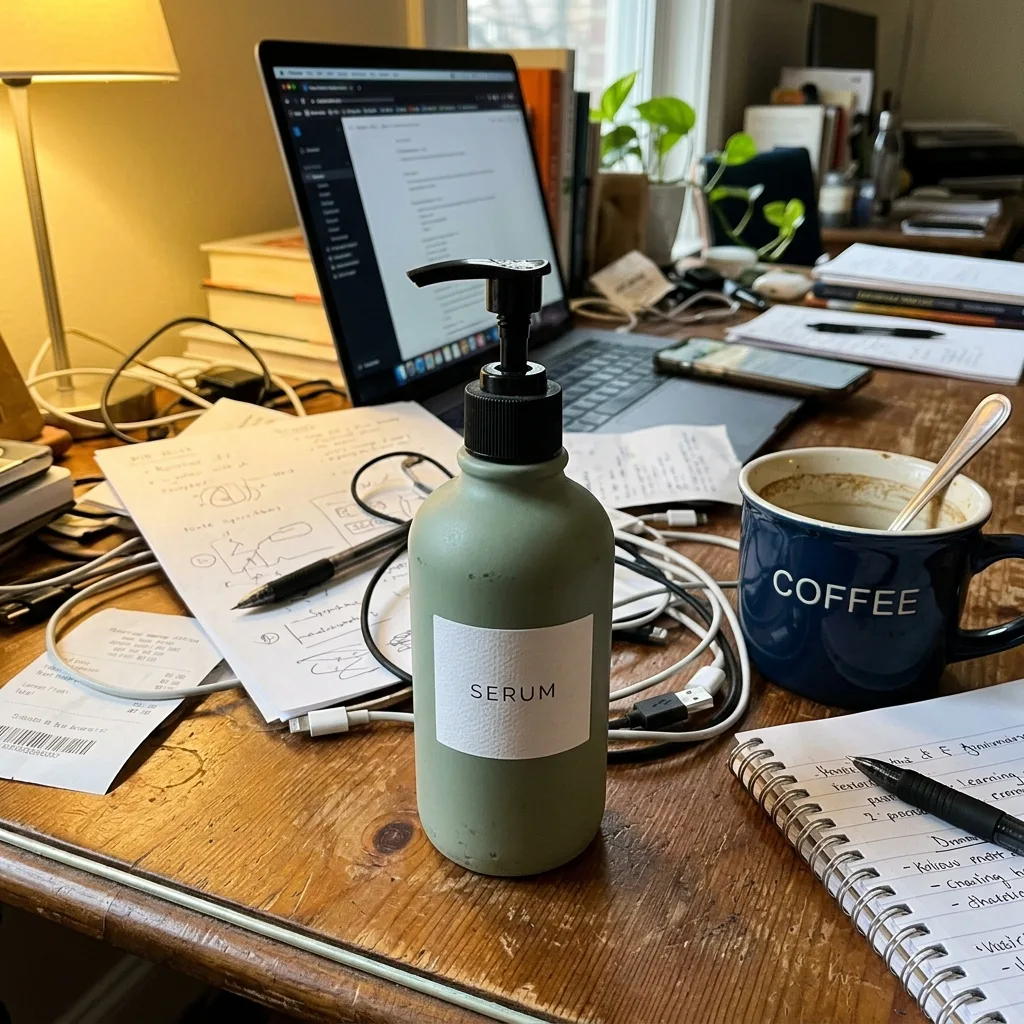
Any background works, including a cluttered desk or a shelf. What matters is that the product is in focus and fully in the frame.
2
Generate
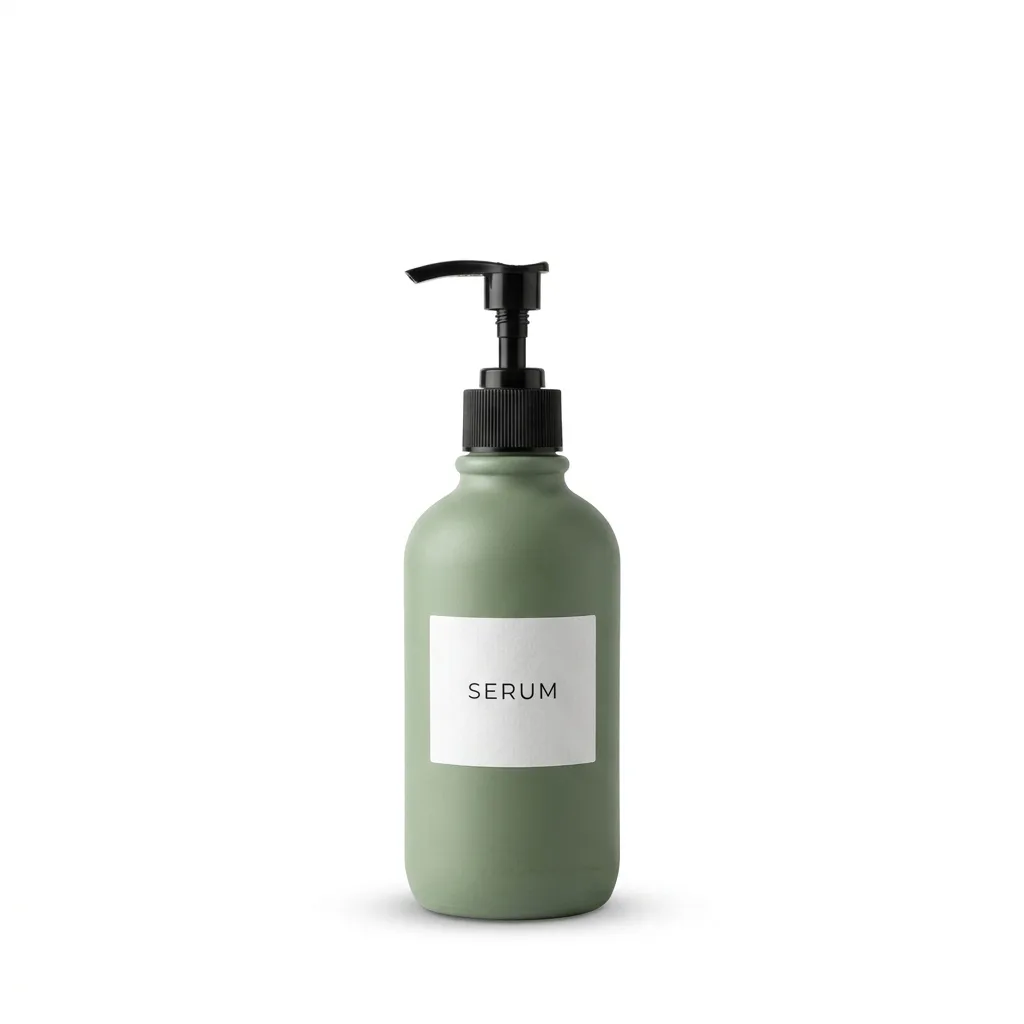
The prompt locks the product's shape, label, colors and proportions, replaces everything else with pure white (#FFFFFF), centers the product and adds a soft contact shadow. With Nano Banana 2.1 a 1K edit costs 6 credits.
3
Check, then download
Zoom in on small text on the packaging and compare it with the real product before you publish. Downloads have no watermark.
Real results
Each example was generated on YepShot with Nano Banana 2.1 at 1K, using the prompt shown on its card. The source photos are AI-generated snapshots and the brands are fictional. The first card is the prompt preloaded in the editor above.
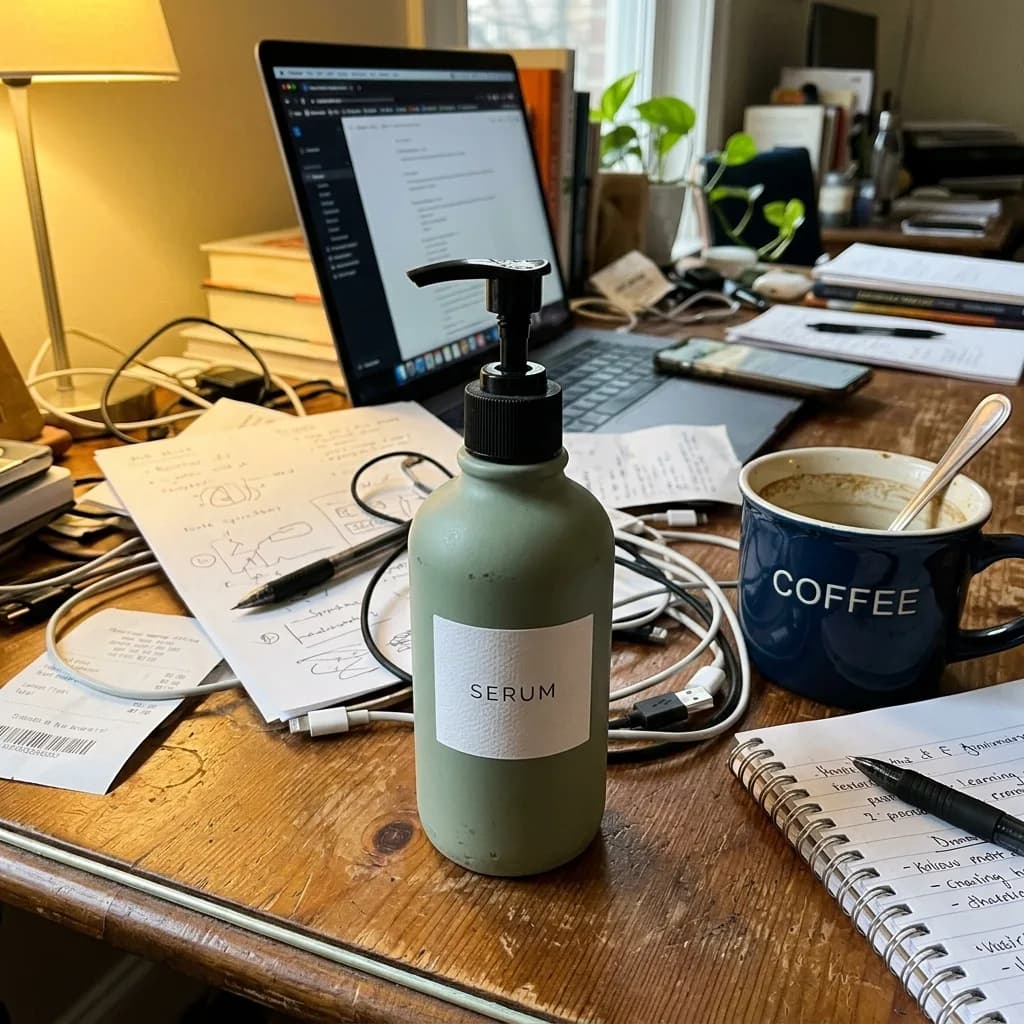
Before 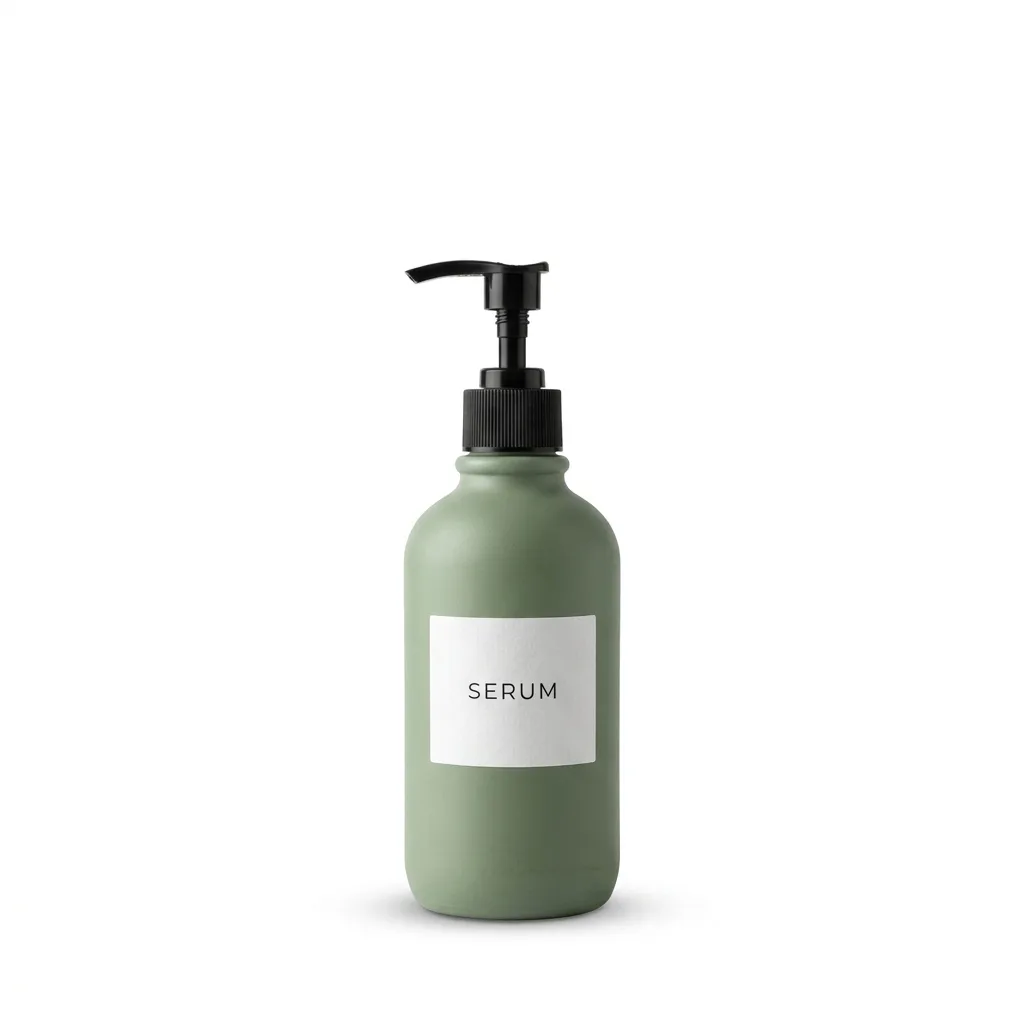
Nano Banana 2.1 Pure White Marketplace Packshot
Keep the product exactly as it is, including its shape, label, colors and proportions. Replace the background with pure white (#FFFFFF) and center the product. Light it with soft, even studio light from both sides and add a subtle natural contact shadow under its base. Crisp edges, no color spill, clean e-commerce packshot.
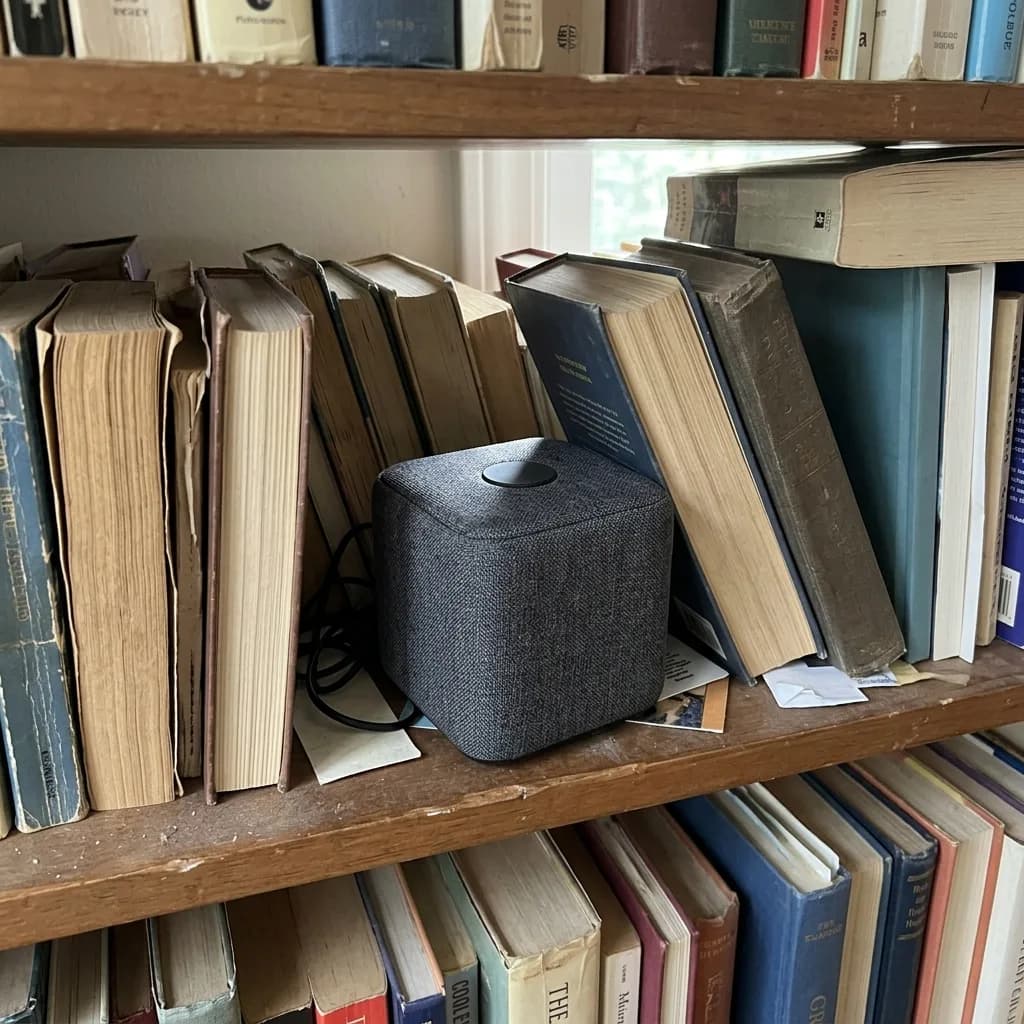
Before 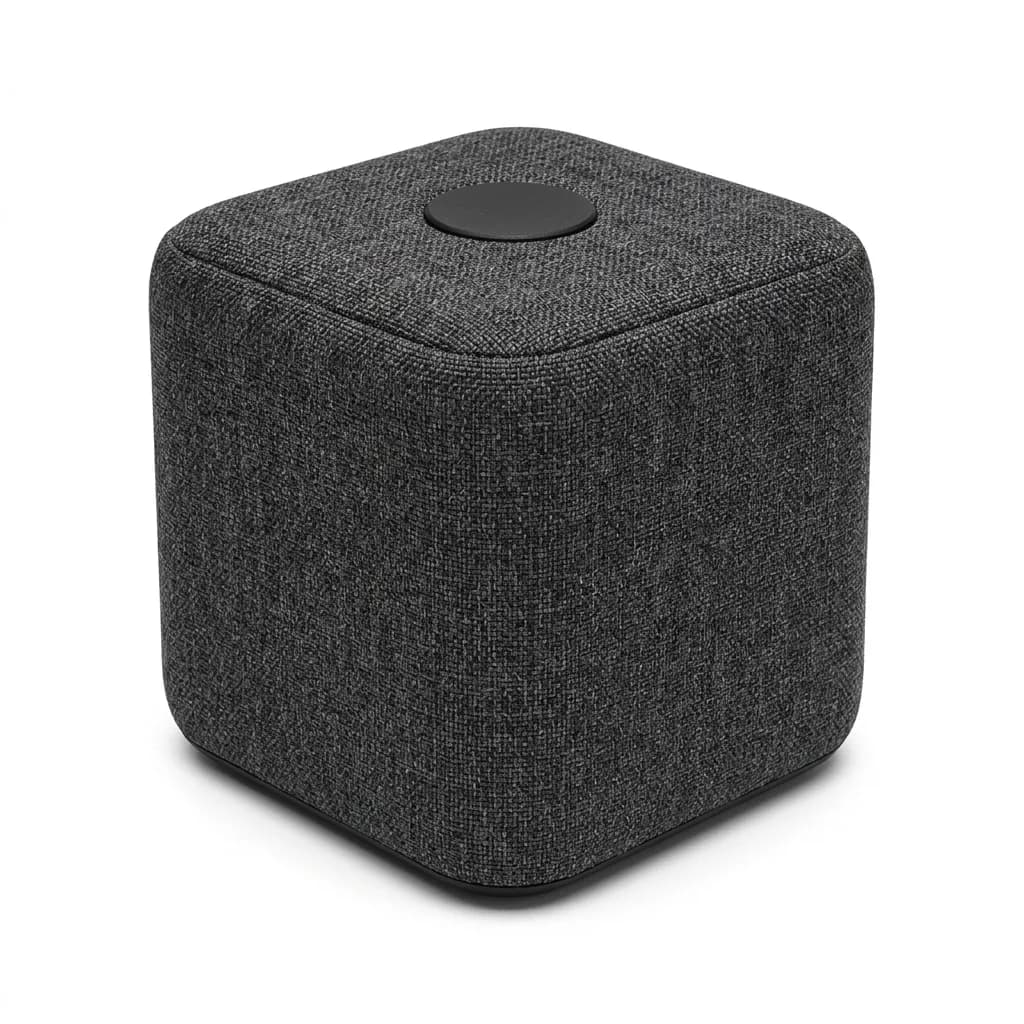
Nano Banana 2.1 Three-Quarter Catalog Angle
Keep the product's design, colors, materials and logo exactly as they are. Show it at a three-quarter angle, turned about 45 degrees to the left, on a pure white background with a soft contact shadow. Even studio lighting, consistent e-commerce catalog style.
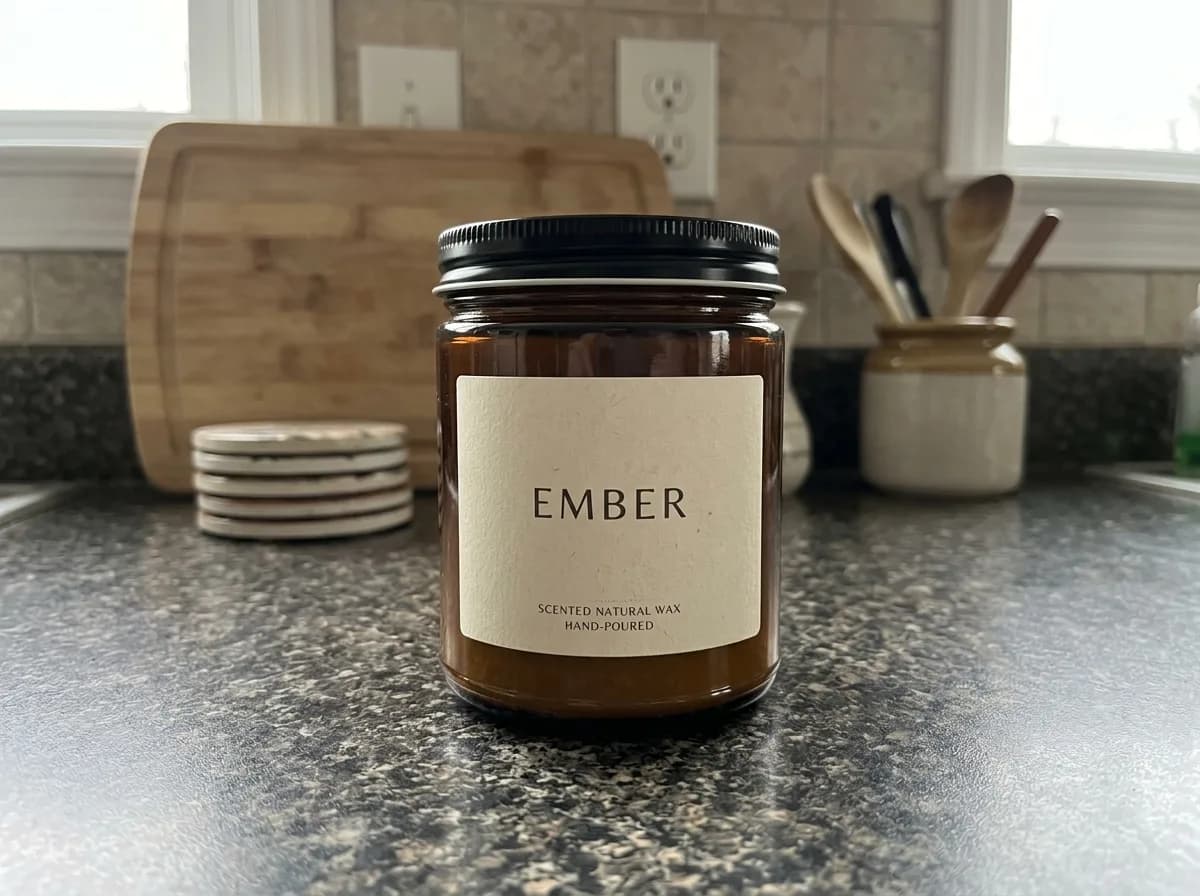
IMG_1 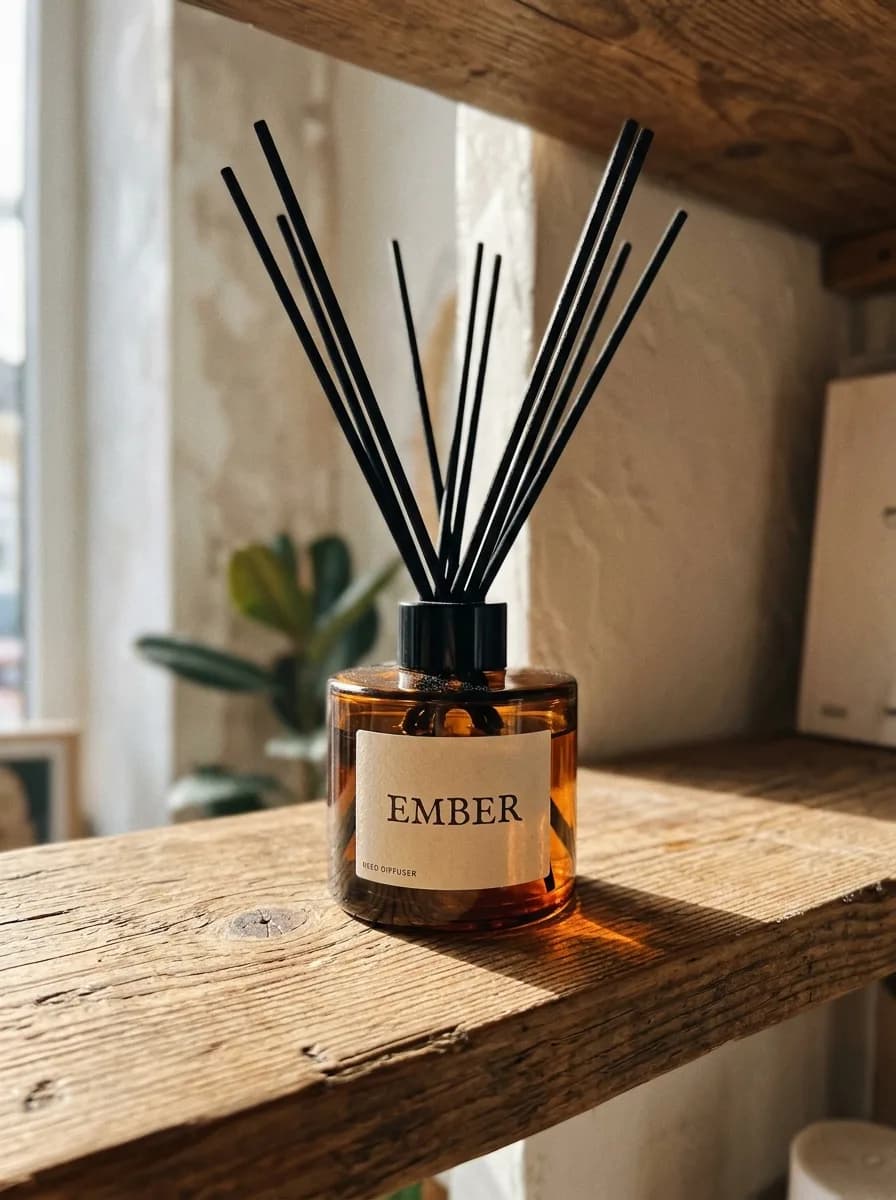
IMG_2 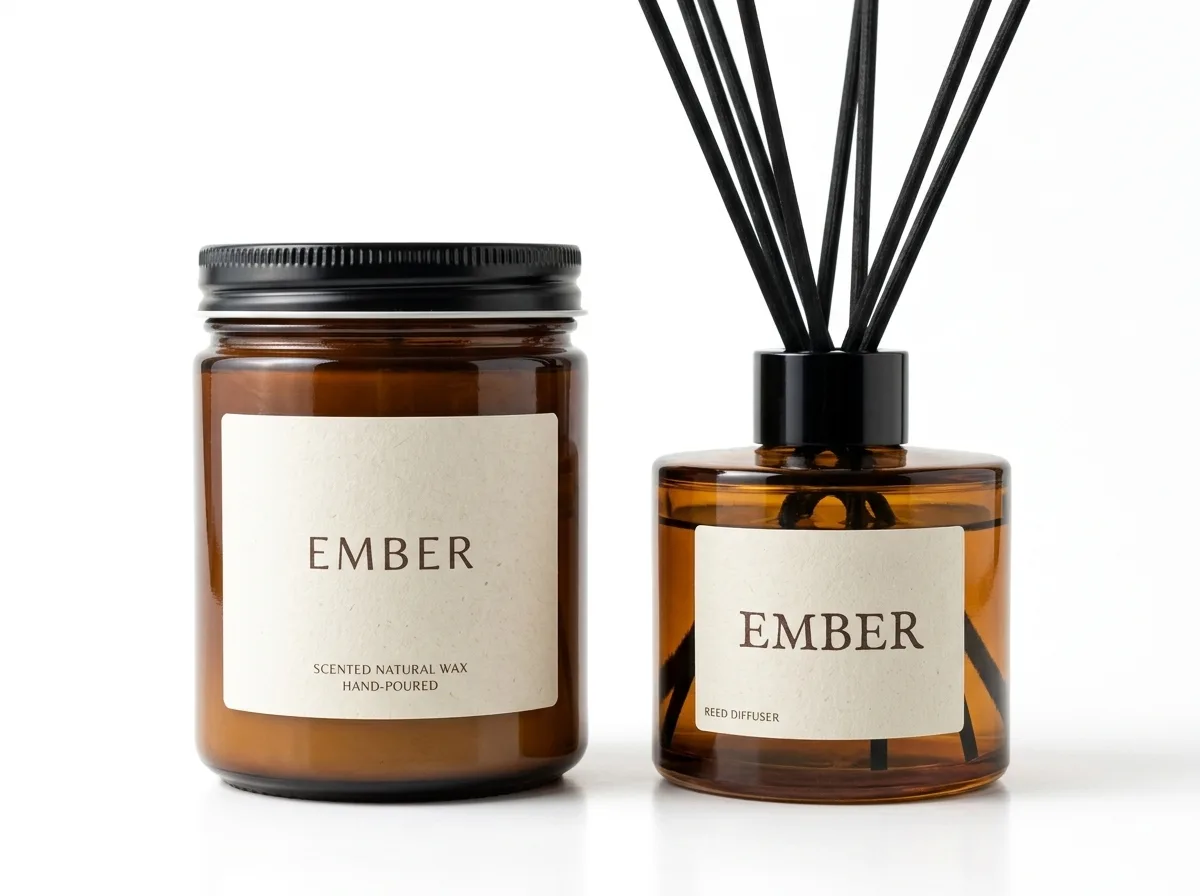
Nano Banana 2.1 Bundle Two Products into One Shot
Needs two photos, uploaded in order
Combine the product in IMG_1 and the product in IMG_2 into one bundle photo. Keep both products exactly as they are, including their shapes, labels and colors. Arrange them side by side on a pure white background with the same soft studio light and natural contact shadows. Clean gift-set listing image.
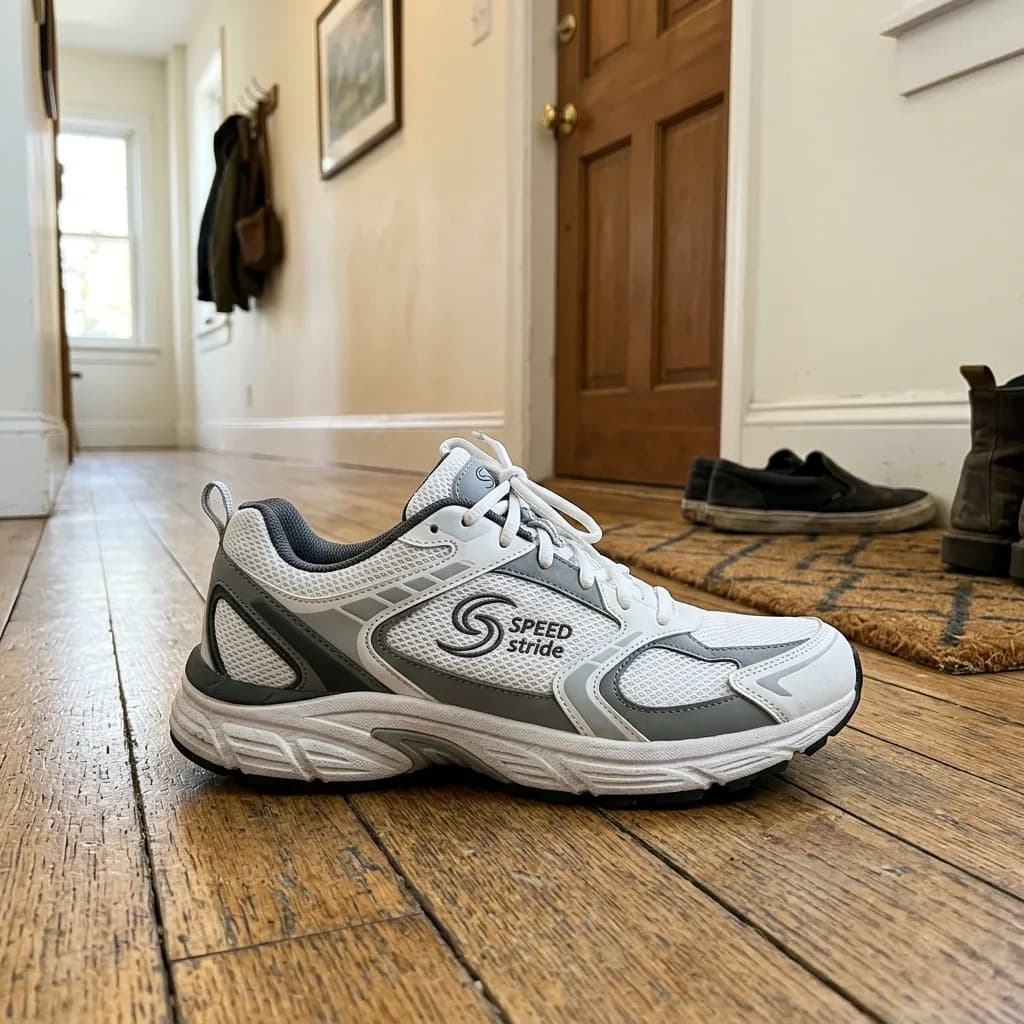
Before 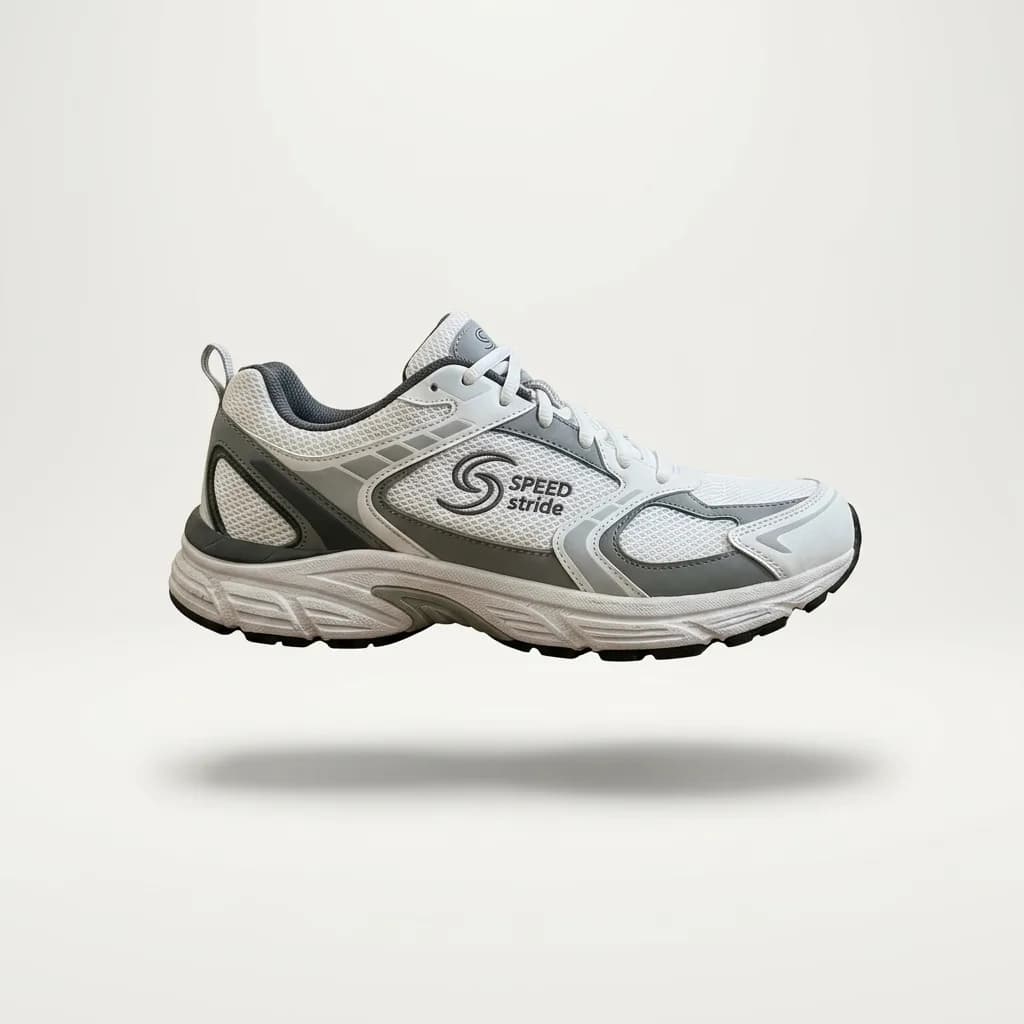
Nano Banana 2.1 Floating Hero Shot
Keep the product unchanged. Make it float about 2 cm above a seamless off-white studio backdrop, with a soft, diffused shadow on the floor directly beneath it. Soft overhead lighting, clean and minimal catalog style.
Before you upload it as a main image
Amazon has the strictest main-image rules of the big marketplaces, so they make a good checklist. Amazon changes them from time to time; the image guide in Seller Central has the current version.
- Background
- Amazon asks for pure white, RGB 255, 255, 255, and checks it automatically. The 1K packshot above measured 255 in all four corners, but a 2K run of the same prompt averaged 239 to 250: white to the eye, not to a color picker. Check the corners before you upload.
- Frame fill
- Amazon wants the product to fill at least 85% of the frame. The model usually leaves generous margins, so crop the result before you upload it.
- Size
- Zoom on Amazon needs at least 1,000 px on the longest side. A 1K result is 1,024 px and drops below that once cropped, so generate at 2K if you plan to crop.
- Nothing but the product
- Main images should show only the product: no added text, logos, badges or props. The prompt adds none. A bundle shows several products, which the main image may include when they are sold together.
- Shadow
- The prompt adds a subtle contact shadow under the product. If your store's style has no shadow, delete that sentence from the prompt before you generate.
Frequently asked questions
Is the background exactly #FFFFFF?
Often, but not every time. We measured the corners of our results: the 1K packshot on this page is 255, 255, 255 in all four corners, while a 2K run of the same prompt came out at 239 to 250. If a marketplace checks the color, test the corners with a color picker and run the edit again if they are off.
Will it change my product or its label?
The prompt tells the model to keep the shape, label, colors and proportions exactly as they are, and in our examples the labels came through intact. Small print can still drift, so compare the result with the real product and run it again if a detail changed.
Can I get a transparent background?
No. YepShot returns a photo with a white background, not a transparent cutout.
Can I do several photos at once?
Not yet: each edit takes one photo. To put two products in one white-background shot, switch to Multi Fusion and use the bundle prompt shown above.
How much does it cost?
With Nano Banana 2.1 an edit costs 6 credits at 1K, 7 at 2K and 15 at 4K, and 4K needs a paid plan. New accounts get 18 free credits, enough for three 1K edits.
Which model should I use?
Nano Banana 2.1 is preselected, and every example on this page was made with it. GPT Image 2.5 is also in the editor if you want to compare the two on your own photo.
Can I use the results commercially?
Yes. You own what you generate and can use it in listings and ads. You are responsible for holding the rights to the photos you upload.