ProductCombine
Bundle Two Products into One Shot
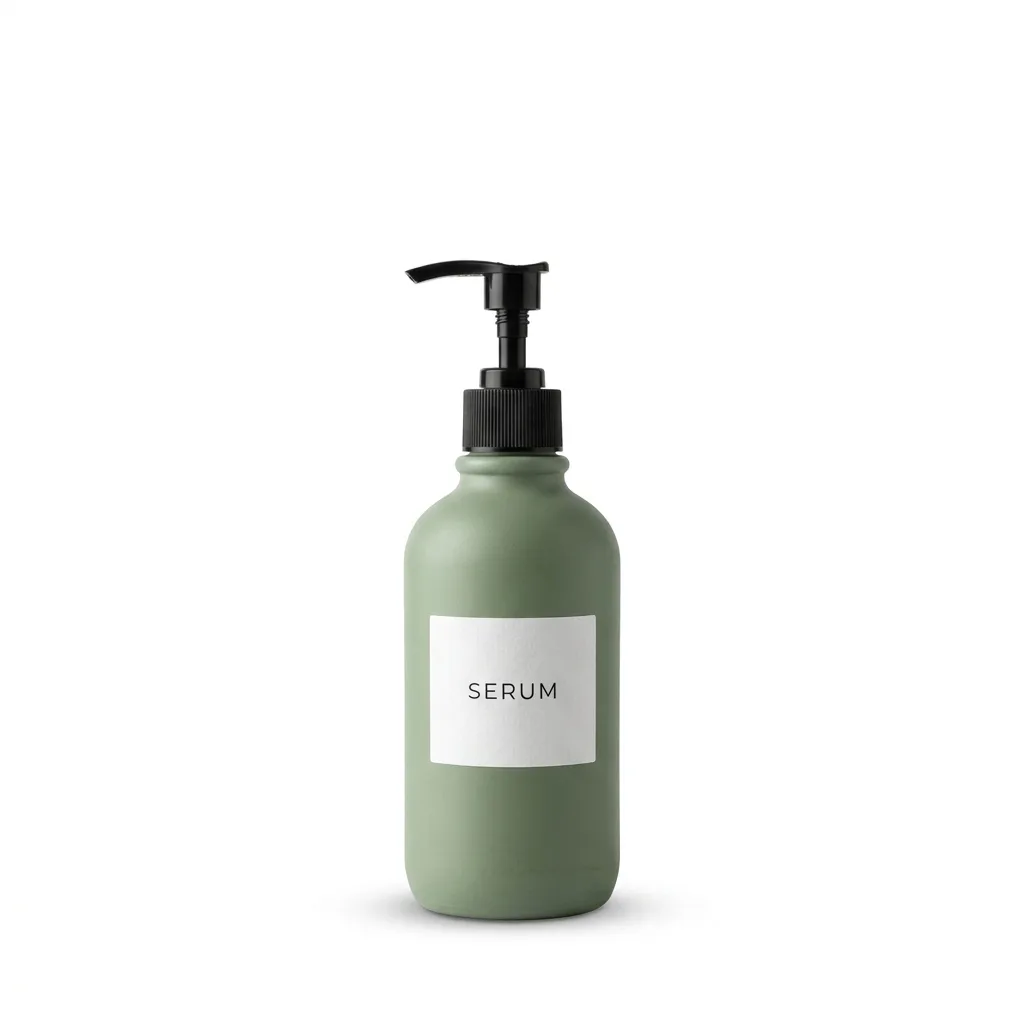
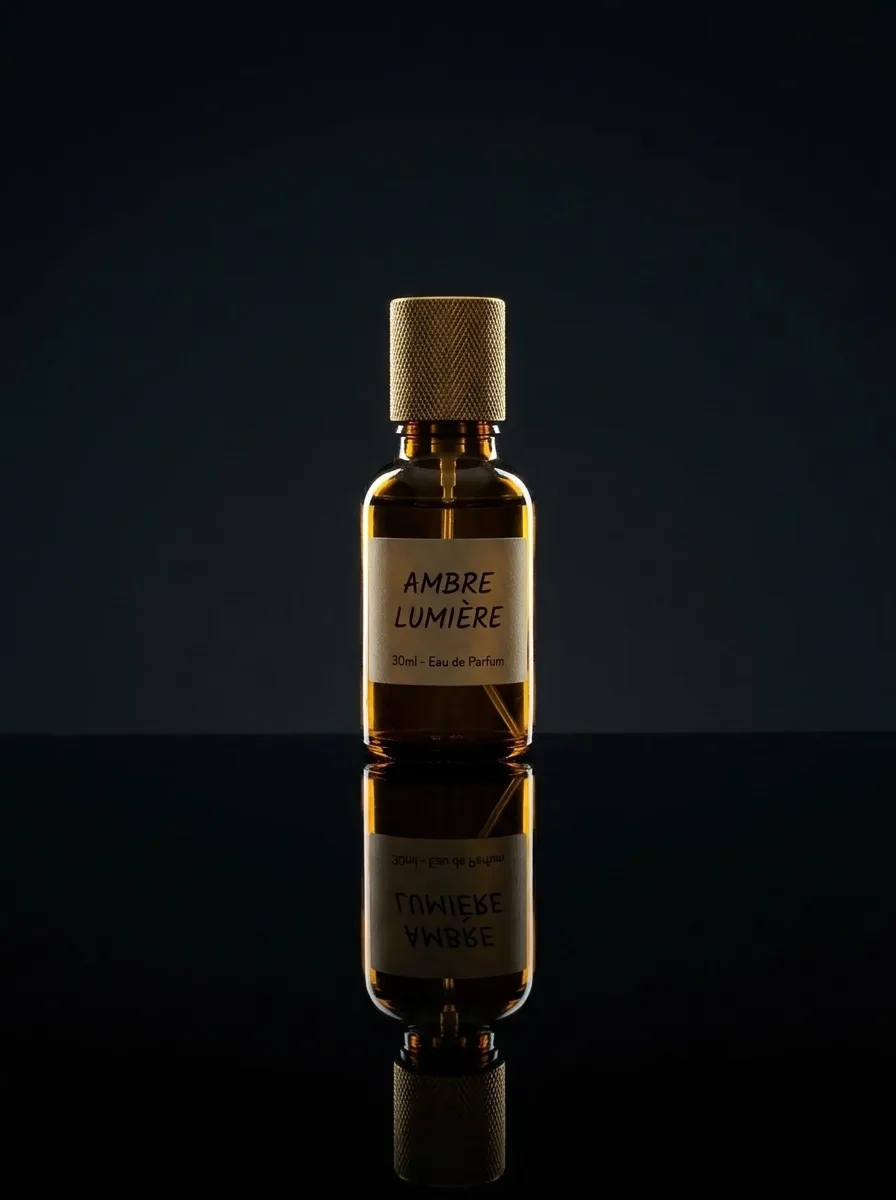
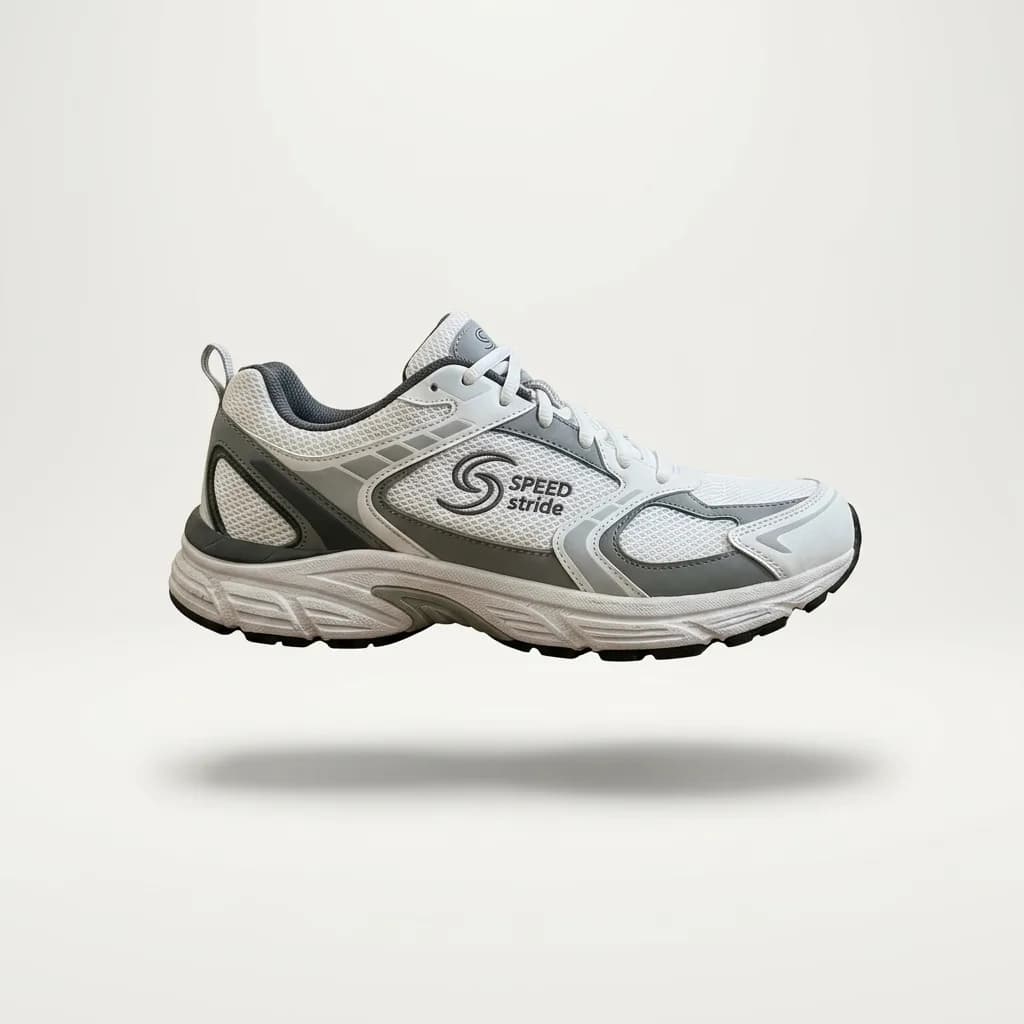
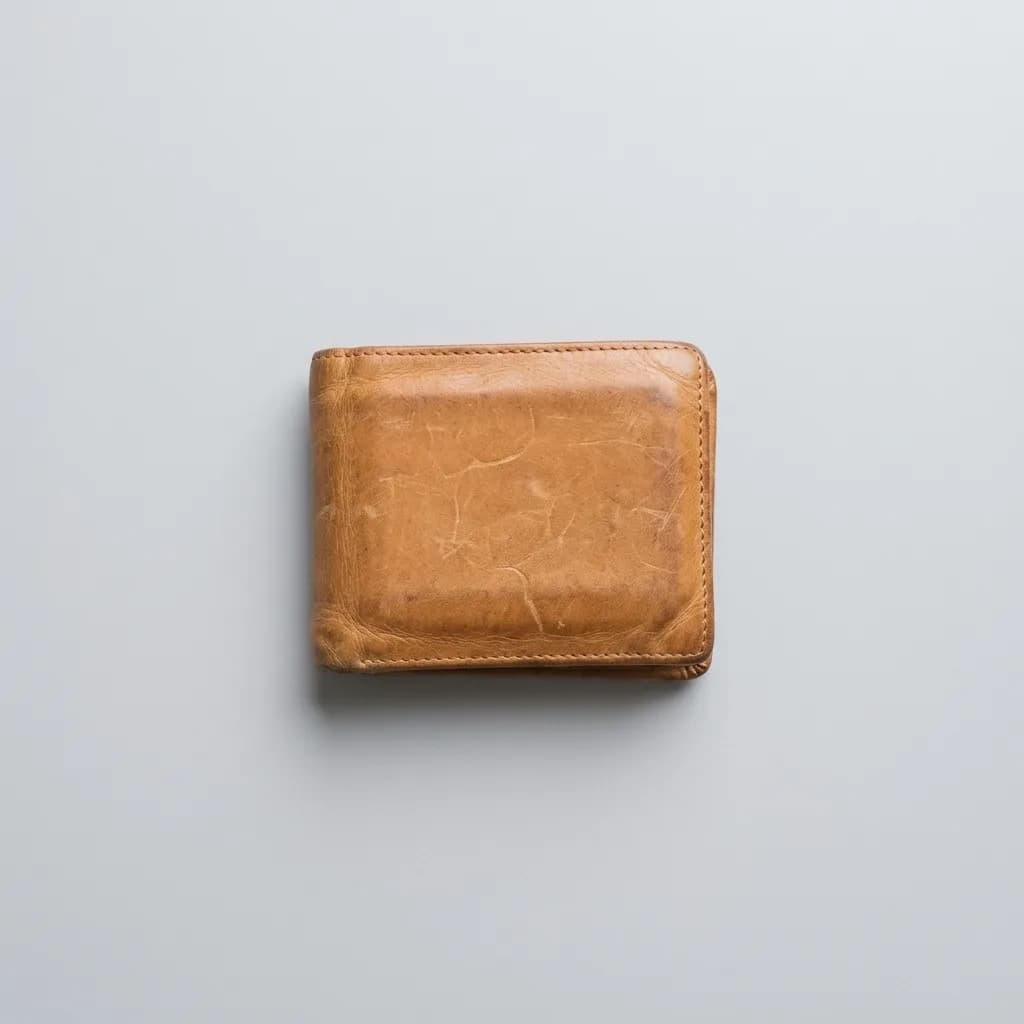
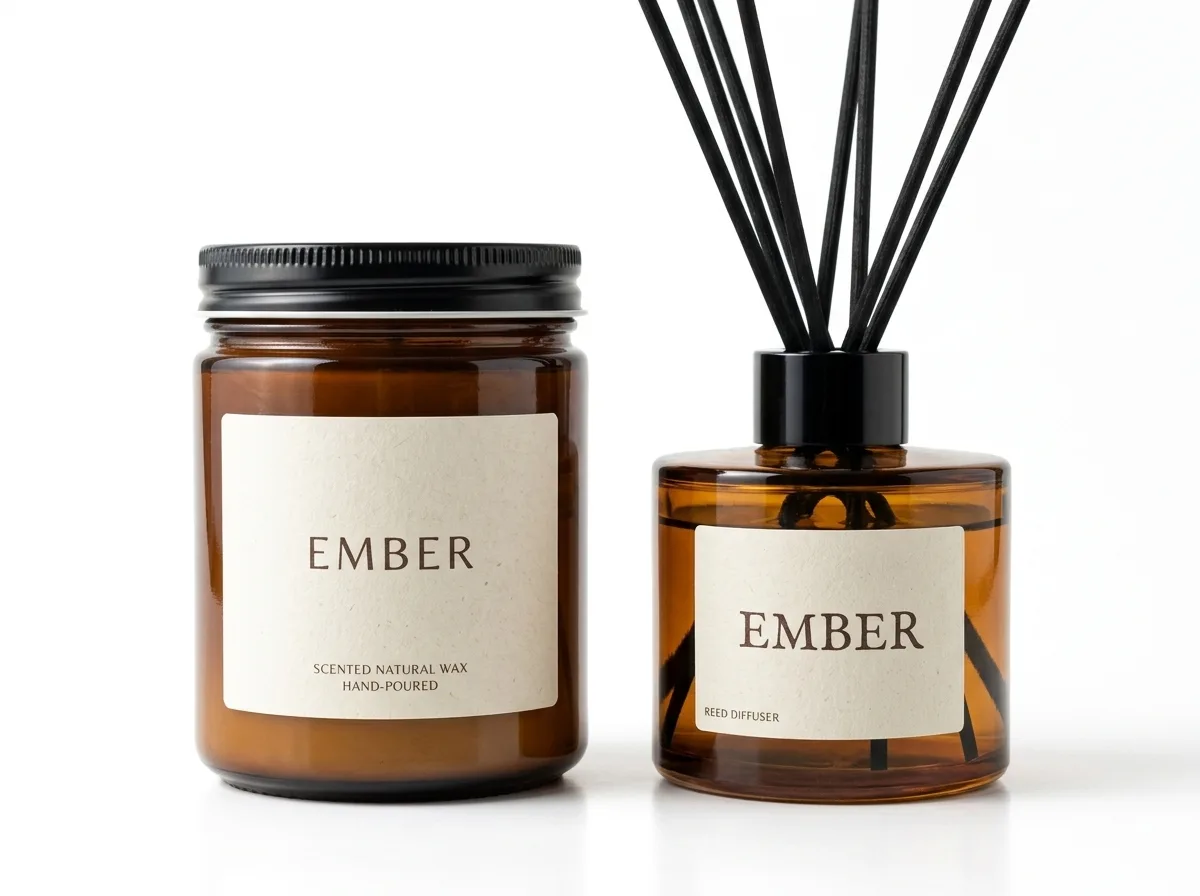
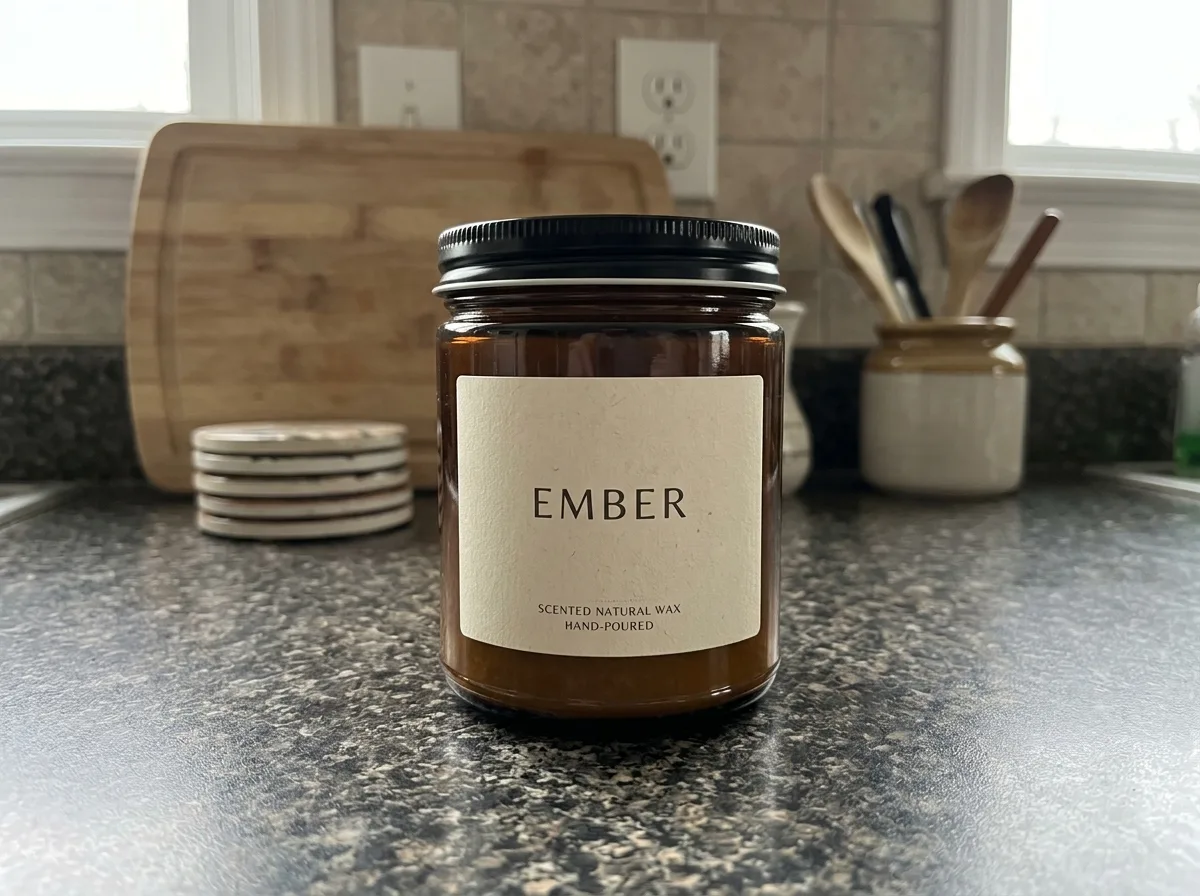
Uses two images: IMG_1 and IMG_2 are separate product photos. The result places both products side by side on pure white with matching light and shadows, a quick way to make a gift-set or bundle image without shooting them together. The model cannot know the products' real sizes, so if one is much larger, say so in the prompt, for example "the bottle is twice as tall as the jar".
IMG_2 · Reference
IMG_1 is the main photo, IMG_2 is the reference.
Prompt
Combine the product in IMG_1 and the product in IMG_2 into one bundle photo. Keep both products exactly as they are, including their shapes, labels and colors. Arrange them side by side on a pure white background with the same soft studio light and natural contact shadows. Clean gift-set listing image.
- Bundle
- Gift Set
- Composite
- White Background