How to make a custom emoji from a photo
Upload a photo
One person or one pet, with the face clearly visible. Any background works; the model removes it.
Pick a style and a motion
Photo keeps the real face; Cartoon redraws it with bold outlines. Then choose one of 5 motions. Each emoji costs 7 credits and takes about 30 seconds.
Download and upload
Take the animated GIF or a still PNG, both 128 × 128, and add it to your Discord server or Slack workspace. Steps for both are below.
Six photos made into emoji
Four photos made with AI (none of the people are real), each run through the tool above with one style and one motion. Every emoji is the first run except the last one, explained in its note. Each GIF is the exact 128 × 128 file the tool gives you, free to download.
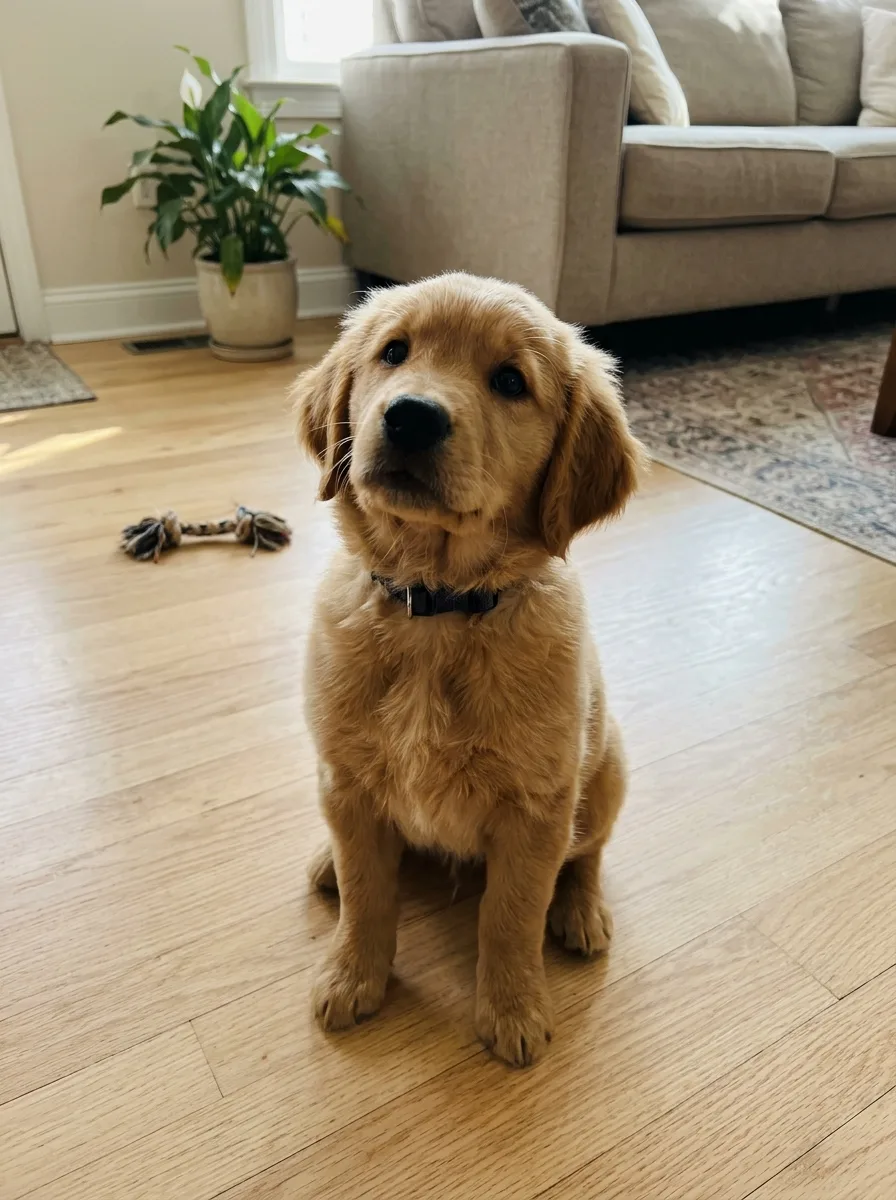
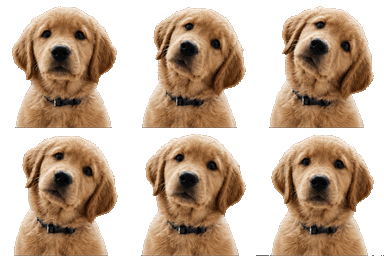
Photo · Head tilt
The photo shows the whole puppy on the floor; the emoji keeps only its head and chest, cut out cleanly in all nine frames. It tilts its head, blinks and tilts back.
Download this emoji (GIF, 87 KB)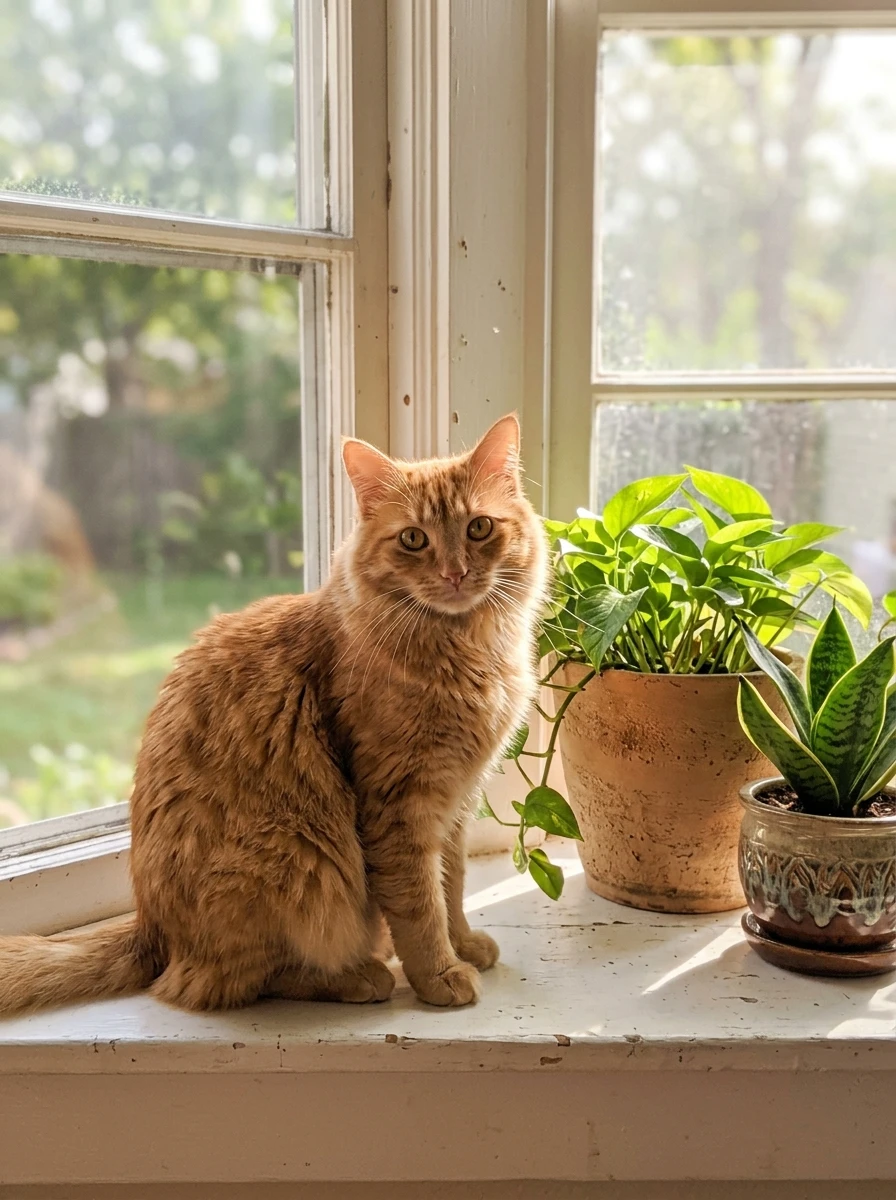
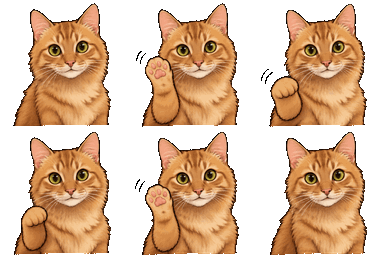
Cartoon · Wave
Redrawn as a cartoon with its stripes and green eyes, the cat raises a paw and waves. The bold outline makes this the easiest of the six to read at small sizes.
Download this emoji (GIF, 70 KB)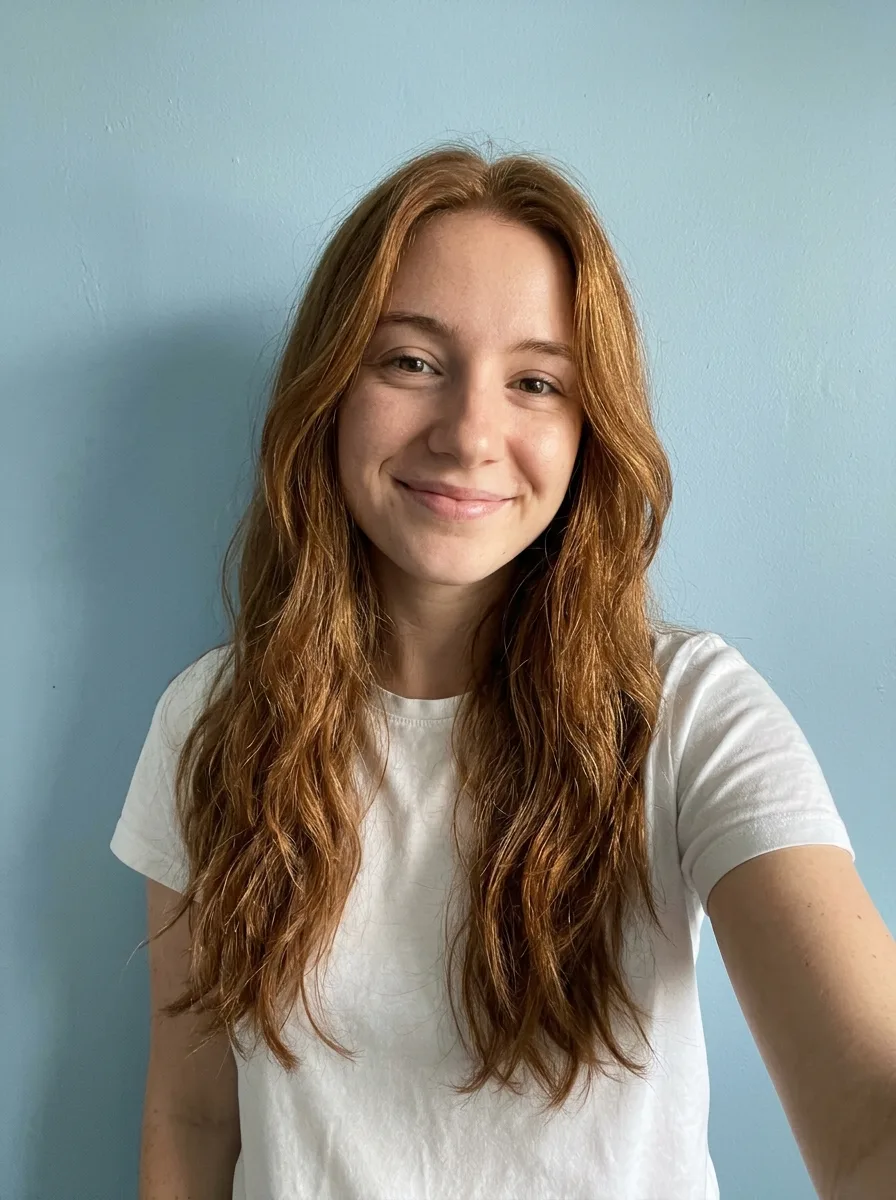

Photo · Sunglasses
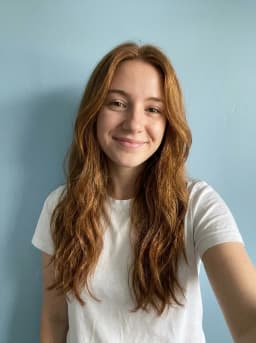
She slips on black sunglasses, smirks and takes them off. Her face and hair match the selfie in every frame, and the blue wall is gone.
Download this emoji (GIF, 87 KB)
Cartoon · Laugh
Same red hair and white T-shirt, now as a cartoon. She laughs with her eyes shut, and the model added small motion lines on its own.
Download this emoji (GIF, 86 KB)

Cartoon · Thumbs up
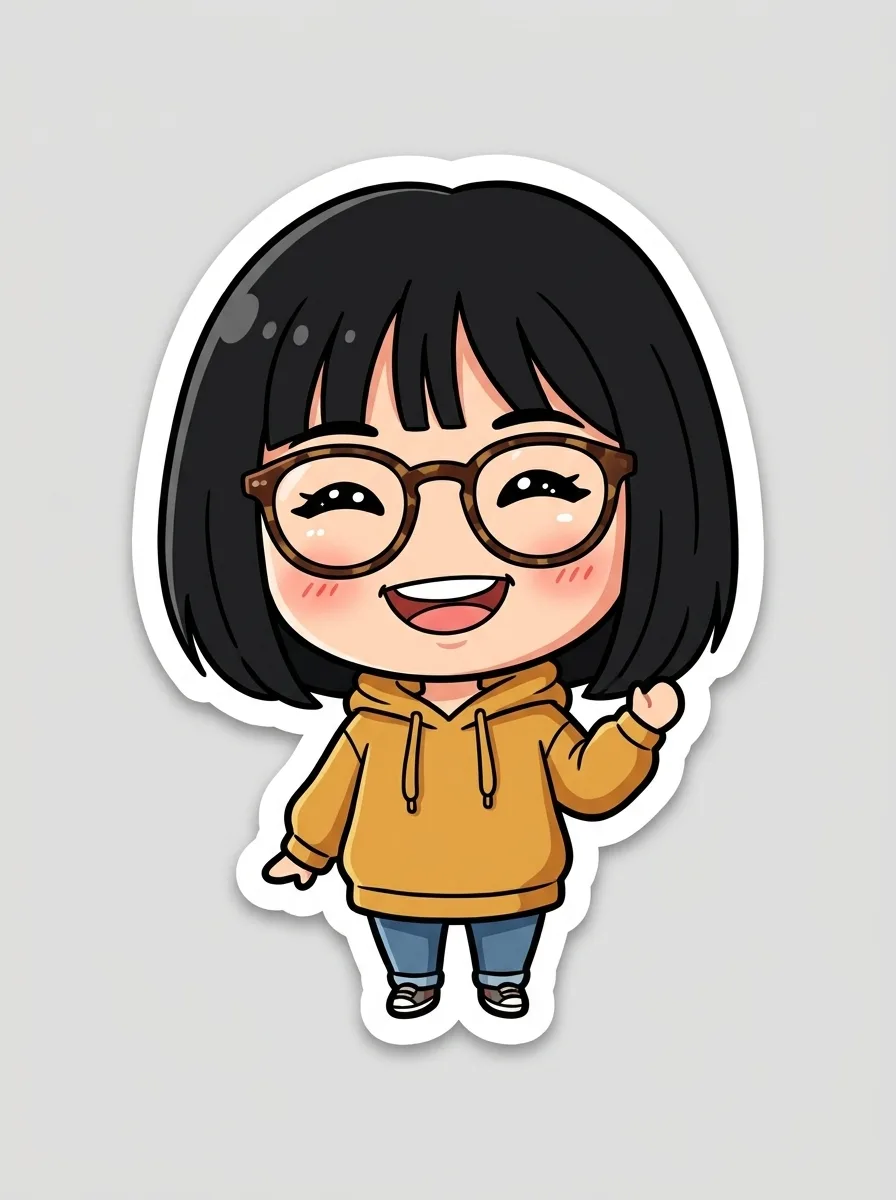
The glasses, curly hair and green sweater carry over. The thumbs up comes in from the bottom of the frame and goes back down.
Download this emoji (GIF, 59 KB)
Photo · Wave
This is the second try. The first run of this café photo left patches of the bright window around him (shown further down); the second came out clean.
Download this emoji (GIF, 66 KB)What we saw in ten runs
10 of 10
runs came back with a truly transparent background
1 in 10
left bits of the old background; running it again fixed it
59–87 KB
per emoji at 128 × 128, under Slack's 128 KB limit
24–31 s
per emoji: 9 frames, a 1.8-second loop
- The background is really transparent
- We asked for a transparent background in ten runs (three early tests and the seven for this page). Every GIF came back with real transparency, not a white or checkered background. GIF transparency is on or off for each pixel, so edges are crisp, and we saw no white fringe on dark or light chat themes.
- One run in ten left bits of background
- The first run of the café photo kept patches of the bright window and wall around the man (the frame below). Running it again gave a clean result. Busy, bright backgrounds seem the most likely to do this; if it happens, make the emoji again.
- File sizes
- Shrunk to 128 × 128, the six emoji are 59 to 87 KB, under Slack's 128 KB limit and Discord's suggested 256 KB. The 512 × 512 GIFs the model returns are 0.6 to 1.1 MB, too big for Slack, which is why the download is shrunk. If a GIF ever comes out over 128 KB, we cut its colors until it fits.
- Cartoon reads better when small
- Inline in a message an emoji is about 22 pixels tall. At that size the cartoon versions, with outlines and flat colors, are easier to make out than the photo versions.
- Length and speed
- Every emoji is 9 frames of 0.2 seconds, a 1.8-second loop, and ends in the pose it started in. Slack allows up to 50 frames. The seven runs for this page took 24 to 31 seconds each.

Discord and Slack emoji sizes and limits
From Discord's guide to custom emoji and Slack's help page, checked on November 19, 2026. The 128 × 128 GIF and PNG from this page fit both.
| Discord | Slack | |
|---|---|---|
| Size | 128 × 128 recommended; bigger or smaller also works | Square works best |
| File size | 256 KB recommended; larger files are compressed | Under 128 KB |
| Formats | JPEG, PNG, GIF, WEBP, AVIF | JPG, PNG, GIF (up to 50 frames) |
| Animated emoji | Anyone with permission can upload them; using them needs Nitro | GIFs work; everyone in the workspace can use them |
| How many | 50 static and 50 animated per server, up to 250 each with Server Boost Level 3 | Not stated |
| Who can add | Members whose role can manage the server's emoji | Workspace owners can limit who adds emoji |
How to add the emoji
Discord
- Open your server's menu, then Server Settings > Emoji. You need a role that can manage emoji.
- Click Upload Emoji and pick the GIF or the PNG.
- Give it a name of at least two characters, then type :name: in any channel of that server.
Slack
- Click the smiley face in the message field, then Add emoji.
- Click Upload image and pick the GIF or the PNG.
- Give it a name and click Save. It shows up as :name: for everyone in the workspace.
Frequently asked questions
Is it free?
New accounts get 18 free credits and each emoji costs 7, so the free credits cover two. The six example emoji on this page are free to download, no account needed.
Does the emoji have a transparent background?
Yes. The background is removed in every frame, so the emoji sits on whatever theme the chat uses. In one of our ten runs bits of a bright background were left around the edges; making it again fixed it.
Why doesn't my animated emoji move on Discord?
Discord says you need Nitro to use animated emoji, even ones uploaded to your own server. Without Nitro, upload the still PNG instead; it's the first frame of the same emoji.
Will it look like me or my pet?
The Photo style keeps the face, hair or fur and clothes from your photo. The Cartoon style redraws them but kept hairstyle, glasses, fur color and outfit colors in all our tests.
Can ChatGPT make an animated emoji?
ChatGPT can make animated GIFs since Images 2.6 came out on November 4, 2026, and this page runs the same model, GPT Image 2.6. What it adds is the emoji part: the transparent background is set in the request, and the download is cut to 128 × 128 and under 128 KB so Slack and Discord take it as it is.
What photo works best?
One person or one pet, facing the camera, face not covered. The model keeps only the head and shoulders, so a full-body photo is fine. Very busy or bright backgrounds are the most likely to leave bits behind.
Can I get a bigger file?
The original 512 × 512 GIF is in My projects after you make an emoji. In our tests it was 0.6 to 1.1 MB, too big for a Slack emoji.
More you can make from a photo




Make an emoji from your own photo
7 credits per emoji, ready in about 30 seconds. New accounts get 18 free credits, enough for two.
Make my emoji