Updated November 10, 2026
How to make a GIF in ChatGPT
Quick answer
Since Images 2.6 came out on November 4, 2026, ChatGPT can make animated GIFs. Upload a photo or describe a scene, ask for a looping animated GIF and say what should move. Then ask for it faster or slower, or for changes to single frames, and save it. OpenAI says Images 2.6 is on every ChatGPT plan, on web, desktop and mobile. Developers can make GIFs through the API too, with 2 to 64 frames each.
Make a GIF in three steps
Start from a photo or an idea
Attach a photo, such as a pet, a character, a sketch or a product, or describe the subject in words. If you use the same face or character often, save it as a reference image, also new in Images 2.6, so you don't upload it every time.
Ask for a GIF and name the motion
Write “animated GIF” and say what moves: “make my cat wave one paw, as a looping animated GIF.” A GIF is short (in the API the default is 9 frames of 200 ms, 1.8 seconds), so plan one simple action.
Adjust it, then save it
Ask for it twice as fast or slower, or for a change to one frame; OpenAI says you can change the speed and edit individual frames. Then save the GIF and send it like any other.
ChatGPT GIF prompts
Each prompt names the subject, one action, that it loops and what must stay the same. The 7 below come with the photo we started from and the GIF we got. We made these GIFs on YepShot with GPT Image 2.6, the model behind ChatGPT's GIFs, not inside ChatGPT, so your result there can differ. In ChatGPT, attach your photo and paste the prompt.
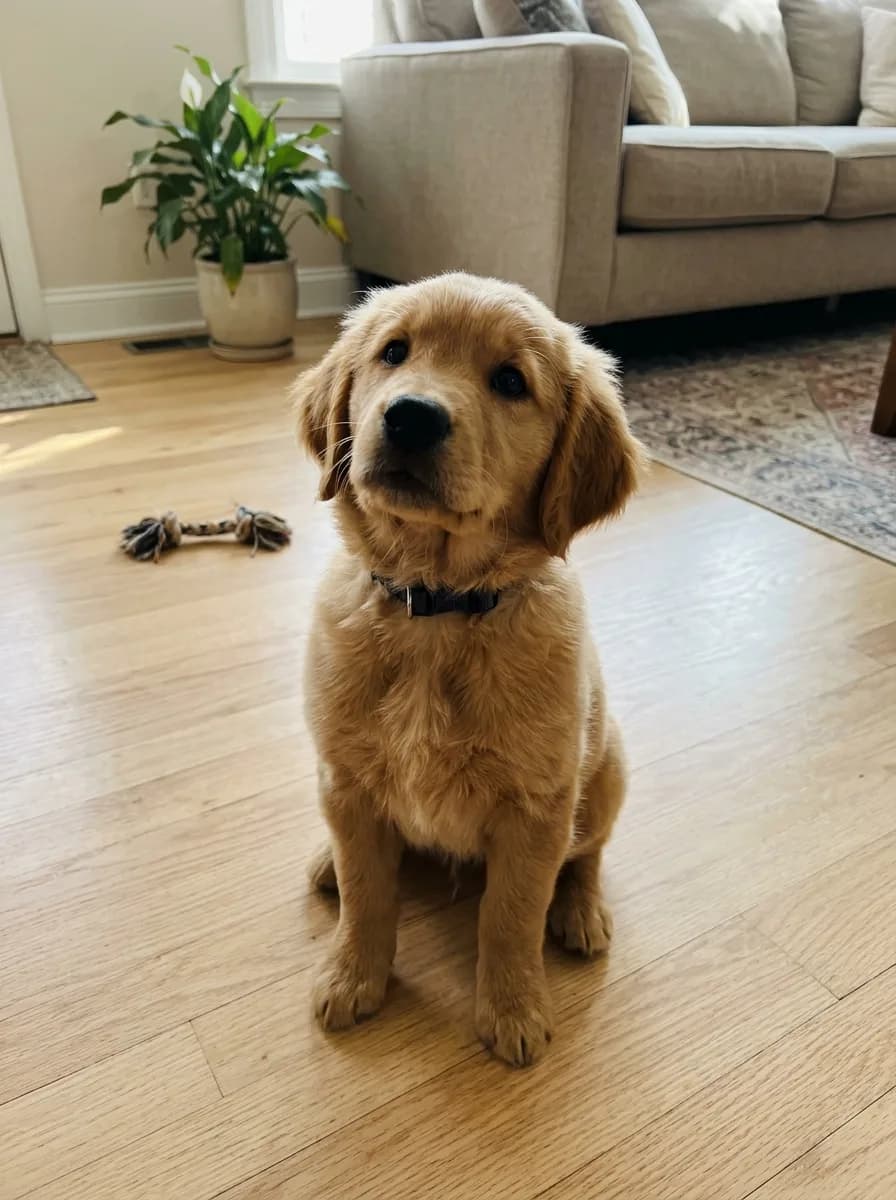
Before 
GPT Image 2.6 GIF Pet Photo to Head-Tilt GIF
Turn this photo into a looping animated GIF: the pet tilts its head to one side, blinks once, then tilts back to where it started. Keep its fur, collar, pose and the background exactly as in the photo, and keep the camera still.
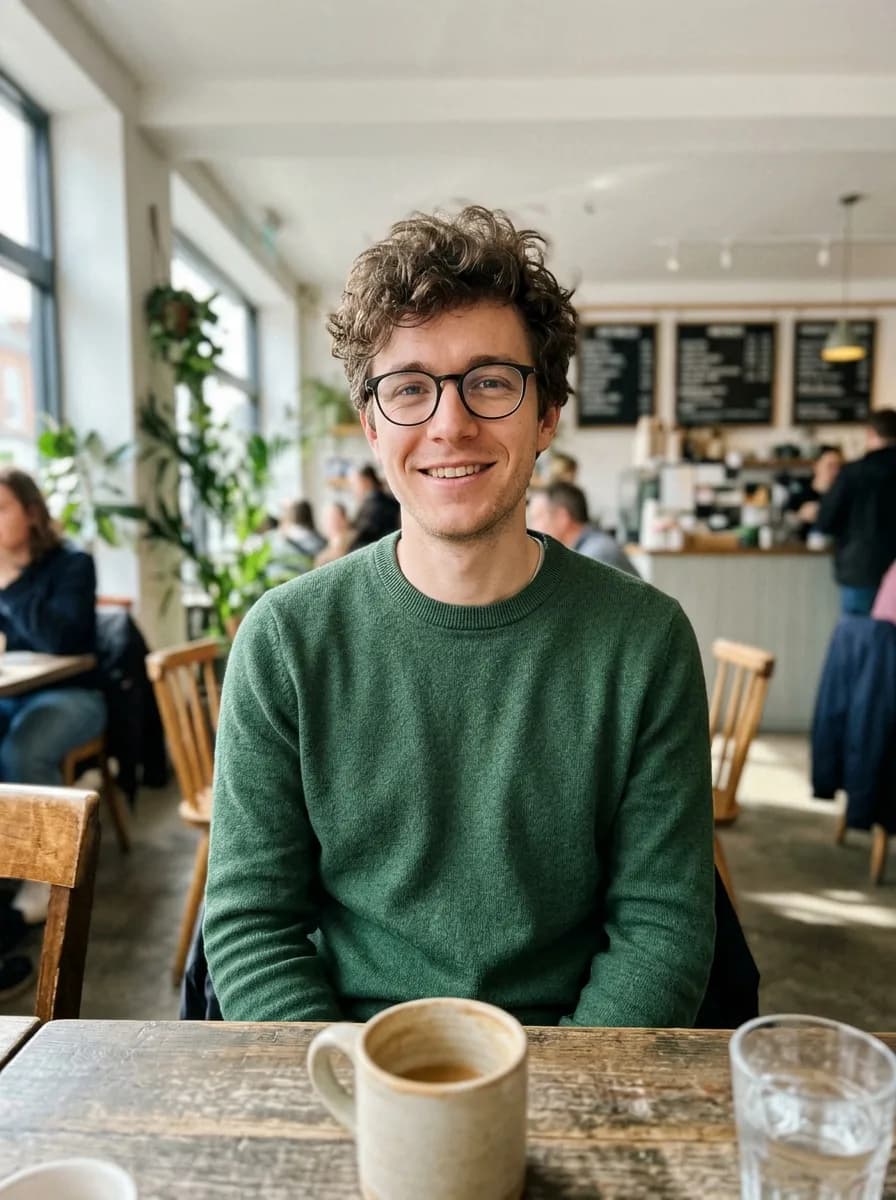
Before 
GPT Image 2.6 GIF Photo to Waving Chibi Sticker GIF
Turn the person in this photo into a cute chibi cartoon sticker with a thick white die-cut border on a plain light grey background, and animate it as a looping GIF: the character waves hello, gives a thumbs up, then returns to the first pose. Keep their hairstyle, glasses and outfit colors recognizable in every frame.
Before 
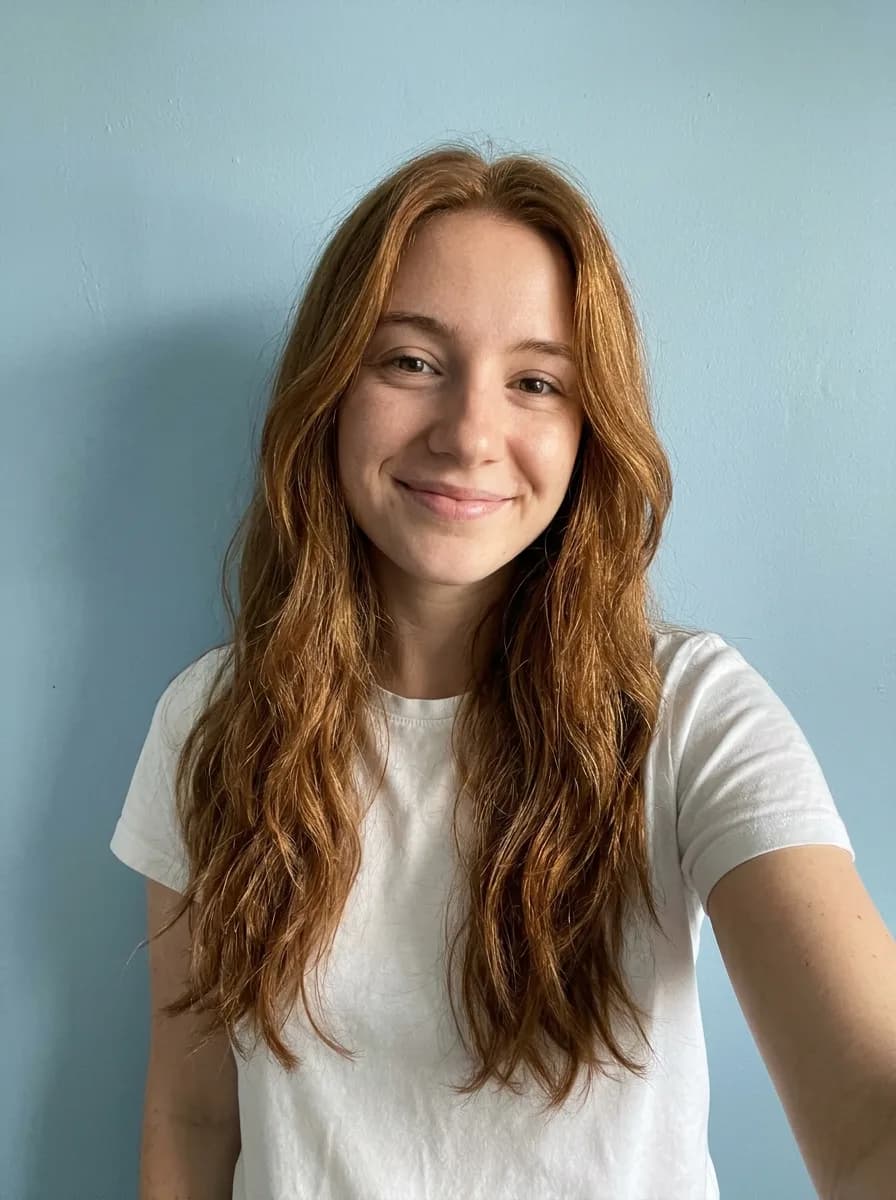
GPT Image 2.6 GIF Selfie to Sunglasses Reaction GIF
Turn this photo into a looping reaction GIF: the person puts on a pair of black sunglasses, nods once with a confident smirk, then takes them off again. Keep the face, hair, clothes and background exactly as in the photo, and keep the camera still.
Before 
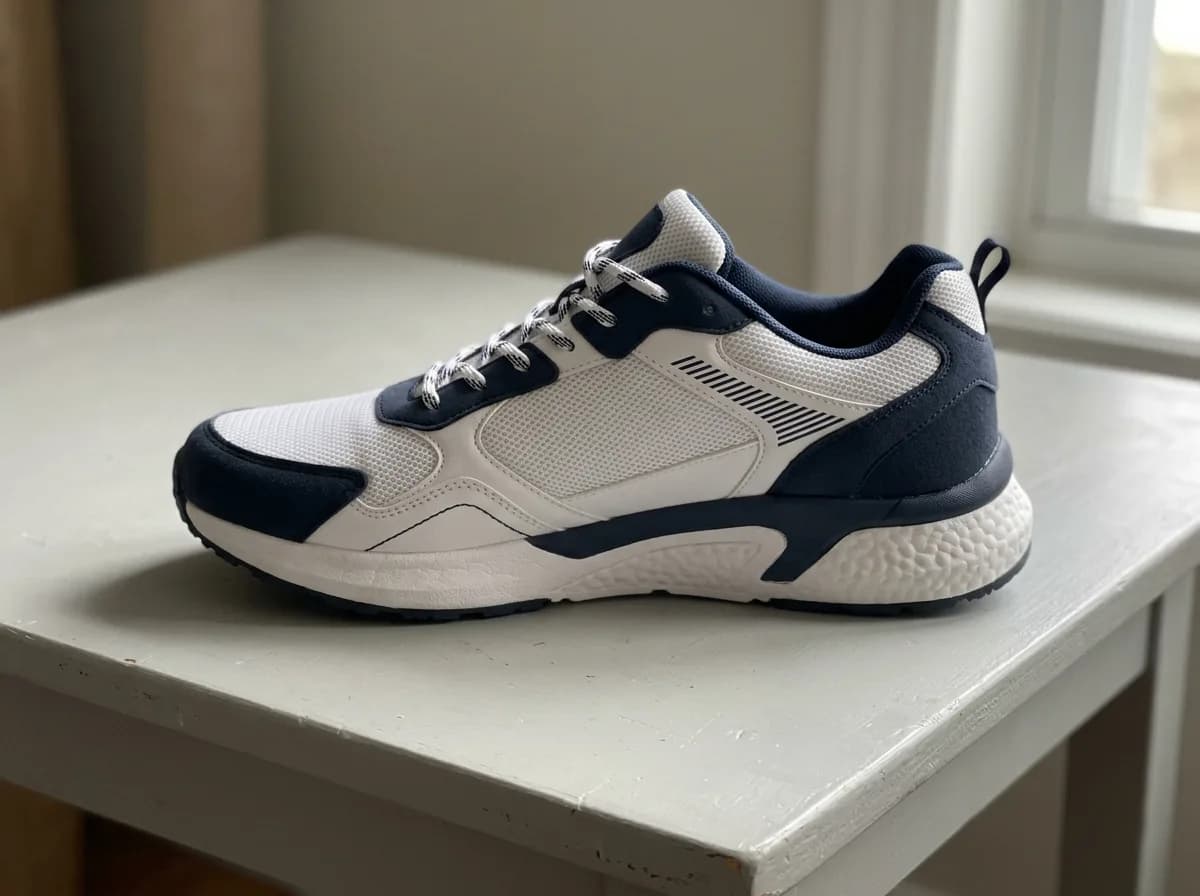
GPT Image 2.6 GIF Product Photo to 360° Spin GIF
Turn this product photo into a looping animated GIF of the product on a turntable against a plain light grey background, turning one full circle in the same direction: each frame turns it about 40 degrees further than the frame before, so the frames play as one smooth spin. Keep its shape, colors, materials and any text the same, and keep the lighting and camera still.
Before 
GPT Image 2.6 GIF Product Shine and Sparkle GIF
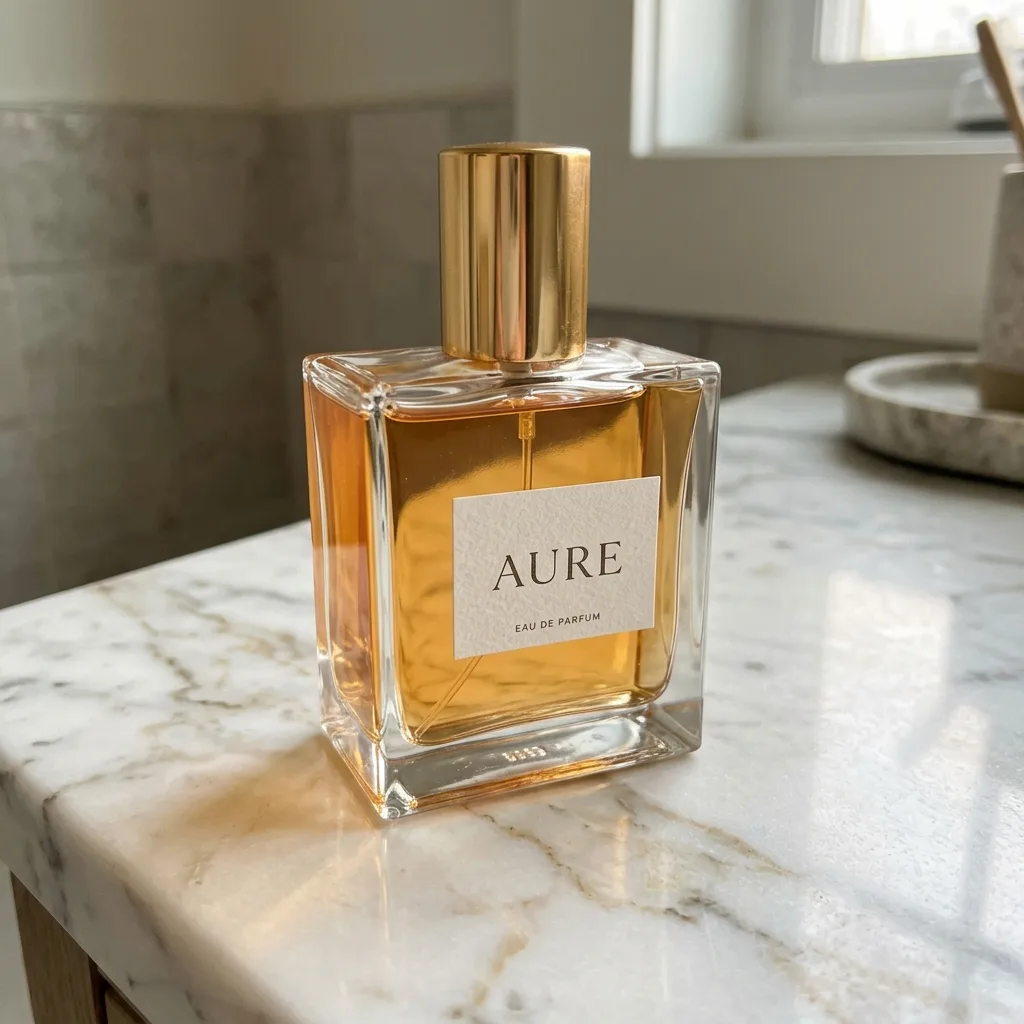
Turn this product photo into a looping animated GIF: a soft band of light sweeps across the product from left to right and a few small sparkles twinkle around it. The product, its label and the background stay perfectly still and unchanged.
Before 
GPT Image 2.6 GIF Drawing Comes to Life GIF
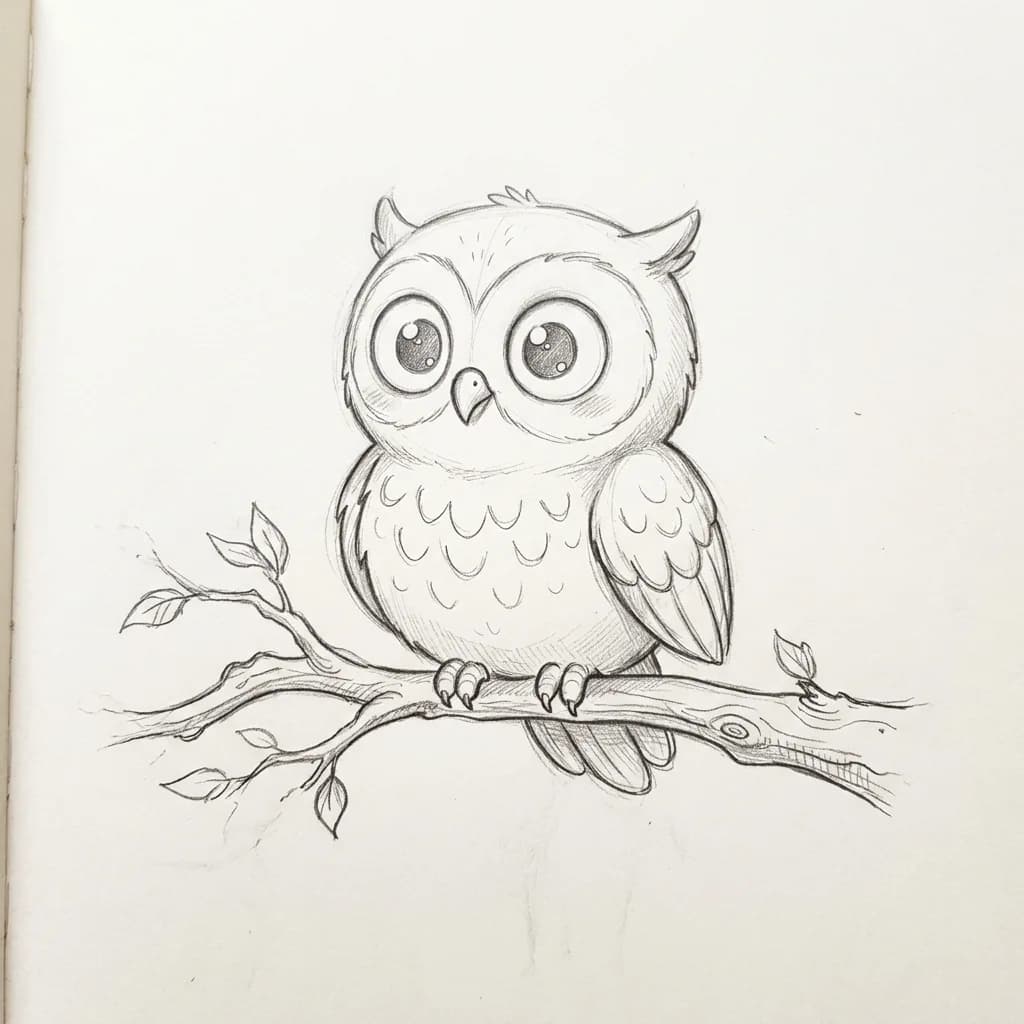
Bring this drawing to life as a looping animated GIF: the character blinks, makes one small friendly move such as a wave or a flap, and settles back into its starting pose. Keep the drawing style, line weight and paper texture exactly as they are, and don't add color.
Before 
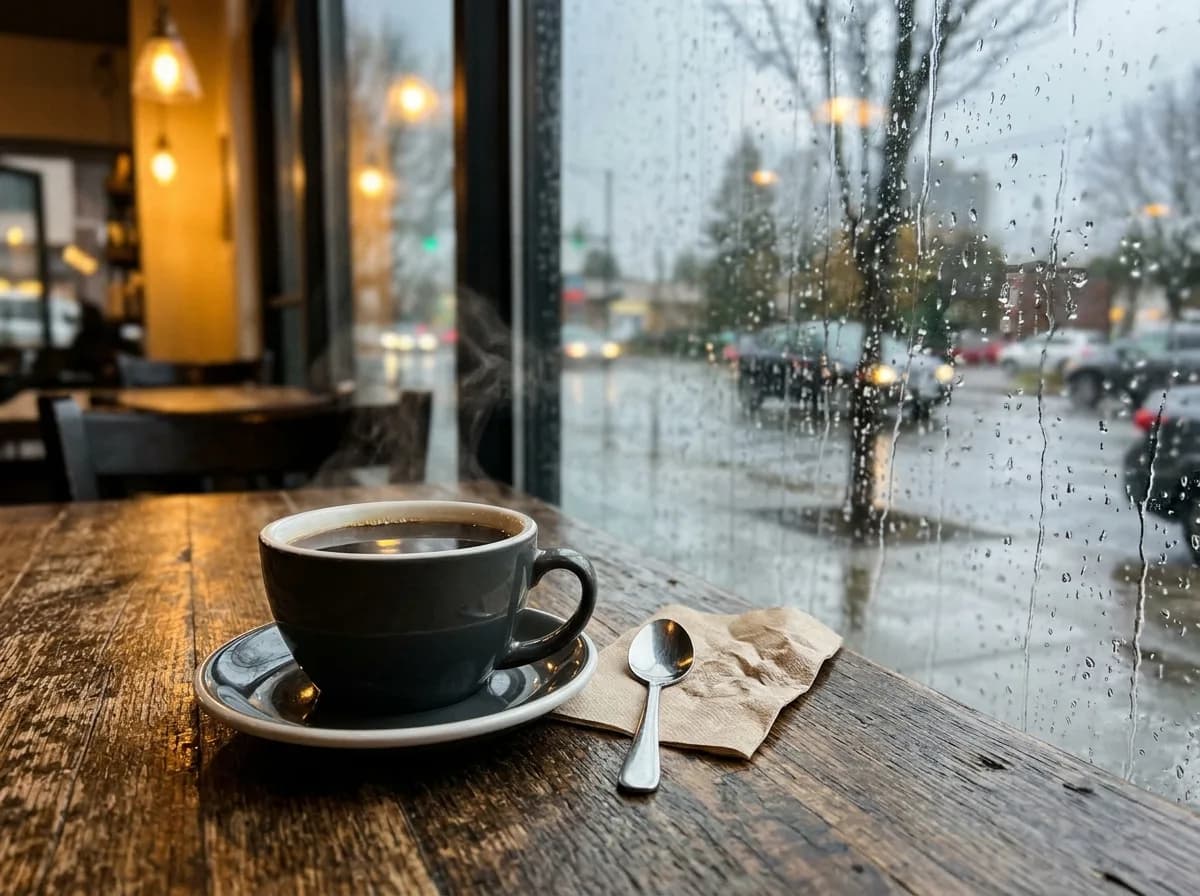
GPT Image 2.6 GIF Photo to Cinemagraph GIF
Turn this photo into a cinemagraph-style looping GIF: only small natural things move, such as rising steam, flowing water, falling rain or leaves swaying in the wind. Everything else stays perfectly still, and the last frame flows smoothly back into the first.
Two more to adapt
We haven't run these two. Treat them as starting points and swap in your own details.
- Reaction meme
- “Make a looping animated GIF of a cartoon cat at a laptop: it reads the screen, freezes, then slowly slides off the chair. Add the caption ‘me reading the email’ in bold white letters with a black outline at the bottom, identical in every frame.”
- Mascot or logo
- “Animate this mascot waving hello in a seamless loop, with the last frame leading straight back into the first. Plain white background, same colors and proportions in every frame.”
What makes a GIF prompt work
- One action
- A loop of a second or two has room for one movement. Two or three actions squeezed into it look rushed.
- Say it loops
- Ask for the last frame to lead back into the first, or the GIF jumps every time it restarts. OpenAI's own example animation returns to its starting pose at the end of the loop.
- Name what must not change
- Faces, fur patterns, logos and captions can drift from frame to frame. List the ones that matter, or use a saved reference image for a person or pet.
- Short captions
- Keep meme text to a few words at the top or bottom, and say it is identical in every frame.
- Speed
- In ChatGPT, ask in words: twice as fast, a bit slower. In the API, set frame_duration_ms; 100 ms per frame plays twice as fast as the default 200 ms.
ChatGPT GIF not working?
- You got a still image
- Ask again and write “animated GIF” in the request. GIFs arrived with Images 2.6 on November 4, 2026, so update the ChatGPT app if you are on a phone. If it still comes back still, YepShot runs the same model and makes a GIF from a photo.
- You hit a limit
- Image requests count toward your plan's usage limits. On the free plan you may have to wait until they reset.
- The character changes between frames
- Save the photo as a reference image, list what must stay the same and keep the motion small.
- The loop jumps
- Ask ChatGPT to edit the last frame so it leads back into the first one.
- API: the edit endpoint won't return a GIF
- On OpenAI's own API, GIF output is only on the generation endpoint; its edit endpoint does not return GIFs. GIF requests also don't support streaming, partial images, output_compression or prompt_rewriter. fal.ai's GPT Image 2.6 edit endpoint does return a GIF from a photo.
- API: the request is too large
- Frame count, frame size and the number of images share one pixel budget. Lower frame_count, the size or n.
GIF settings in the API
Both GPT Image 2.6 models, Flare and Sunburst, return GIFs from the image generation endpoint (POST /v1/images/generations). The response holds the GIF as base64; save it with a .gif extension.
| Field | Values | Default |
|---|---|---|
| output_format | gif (generation endpoint only) | png |
| frame_count | 2–64 frames | 9 |
| frame_duration_ms | 20–2,000 ms per frame, rounded to 10 ms | 200 |
| size | auto, or WIDTHxHEIGHT in multiples of 16 | auto |
Stickers for WhatsApp and iMessage
ChatGPT also has a sticker maker, separate from GIFs. As Engadget described it in September: in the mobile app, open the sidebar, choose Images, then Stickers under Trending; pick a style, one or more reference photos and a set of emoji, and ChatGPT makes nine stickers. Add to chat apps sends them to iMessage or WhatsApp (iMessage only on iPhone). We found nothing saying these stickers can be animated.
For a still sticker from your own photo, YepShot has tested sticker prompts with real results: a chibi version of you or a sheet of six expressions for your pet.
Make a GIF on YepShot instead
YepShot runs the same model, GPT Image 2.6, without a ChatGPT plan: upload a photo, say what should move and get a 9-frame looping GIF (1.8 seconds) for 7 credits. New accounts get free credits to try it. The GIF prompts in our library come with the photo and the GIF they produced, so you can see the result before you spend anything.
Frequently asked questions
Can ChatGPT make GIFs?
Yes. Since Images 2.6, released November 4, 2026, ChatGPT turns a prompt or an image into an animated GIF. Before that it made only still images.
Is ChatGPT's GIF maker free?
OpenAI says Images 2.6 is available on every ChatGPT plan. Image requests count toward your plan's usage limits.
Can I turn my own photo into a GIF?
Yes. Upload the photo in ChatGPT and ask for an animated GIF, saying what should move and what should stay the same. On OpenAI's own API it takes more than one step, because its edit endpoint does not return GIFs; fal.ai's GPT Image 2.6 edit endpoint does, and YepShot's GIF model uses it.
How long can a ChatGPT GIF be?
OpenAI hasn't published limits for GIFs made in ChatGPT. In the API a GIF has 2 to 64 frames of 20 to 2,000 ms each, within the request's pixel budget; the default, 9 frames of 200 ms, plays for 1.8 seconds.
Can I edit one frame of the GIF?
Yes. OpenAI says you can edit individual frames and change the speed after the GIF is made.
How much does a GIF cost through the API?
OpenAI lists no separate price for GIFs. They are billed as image output tokens, $30 per million on GPT Image 2.6.
Does YepShot make GIFs?
Yes. Pick GPT Image 2.6 GIF in the editor, upload a photo and say what should move: you get a 9-frame looping GIF for 7 credits. The GIF prompts on this page were run there, each shown with its real result.