Explore
AI Photo Editing Prompts
61 tested prompts, each with a real before-and-after made on this site. Copy one, or open it straight in the editor.
- 61prompts
- 7GIF prompts
- 48compared across 3 models
Last added 2026-11-05
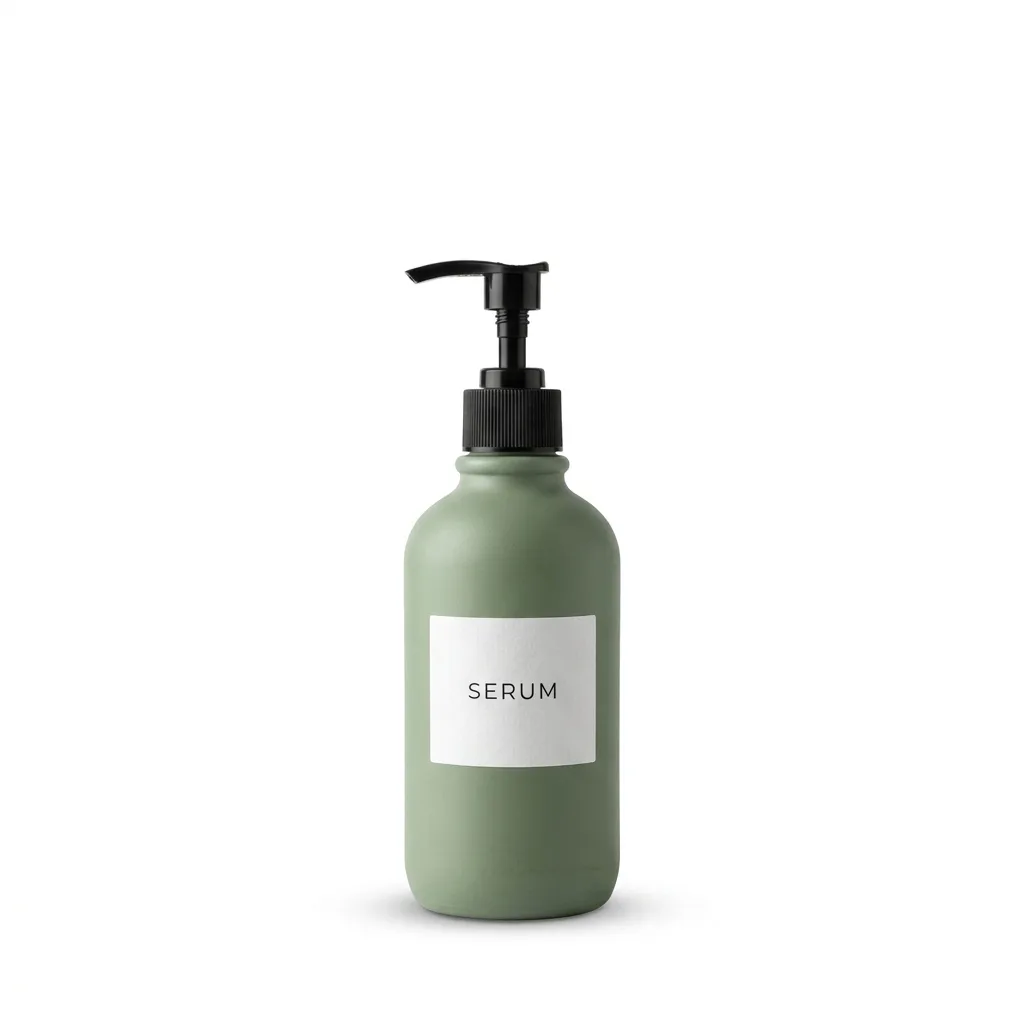
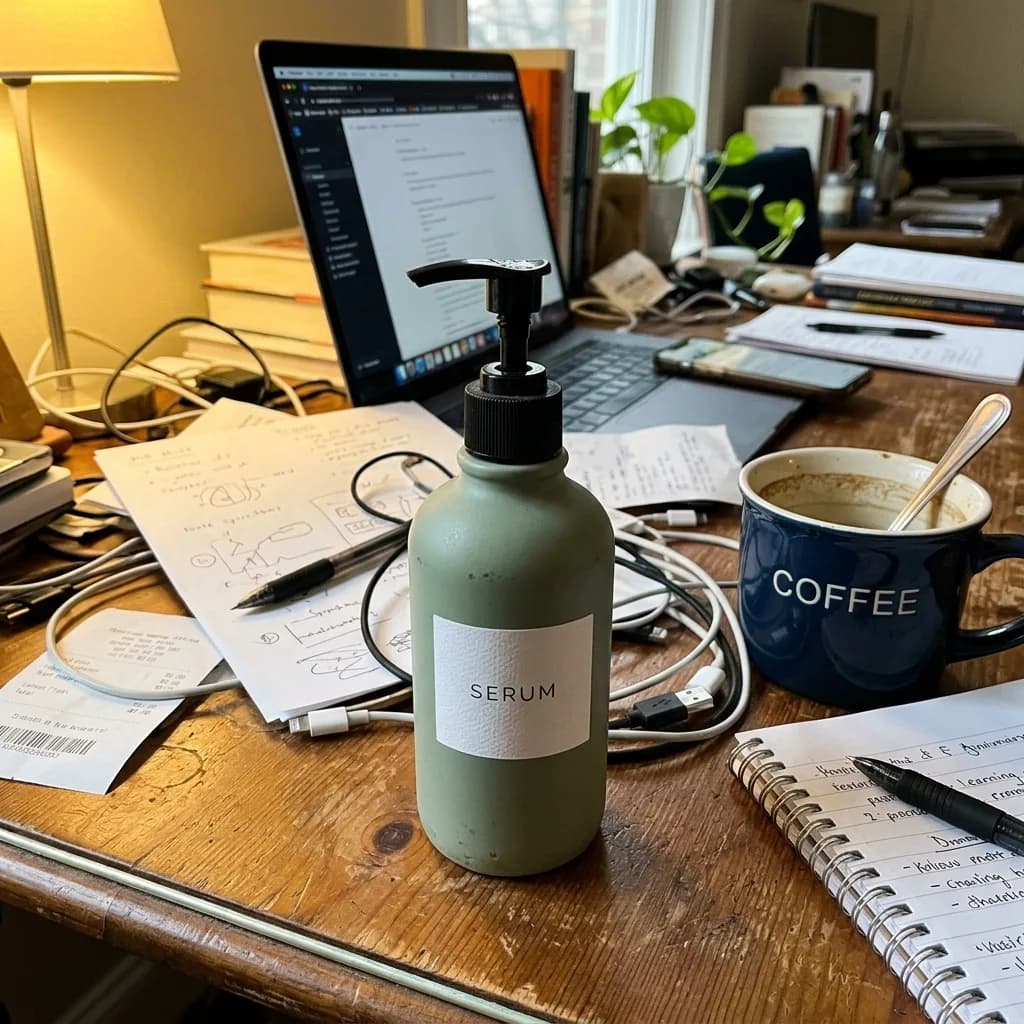 Before
Pure White Marketplace Packshot
Background
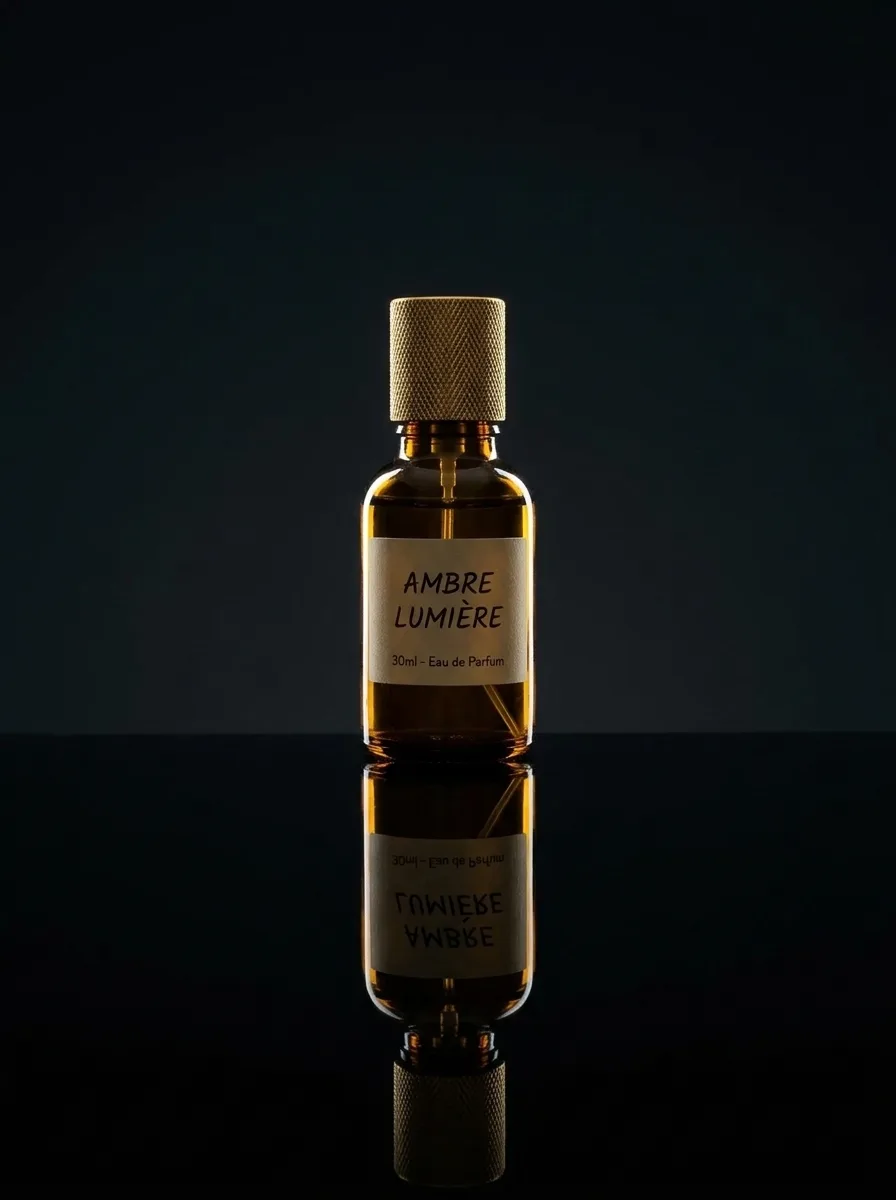
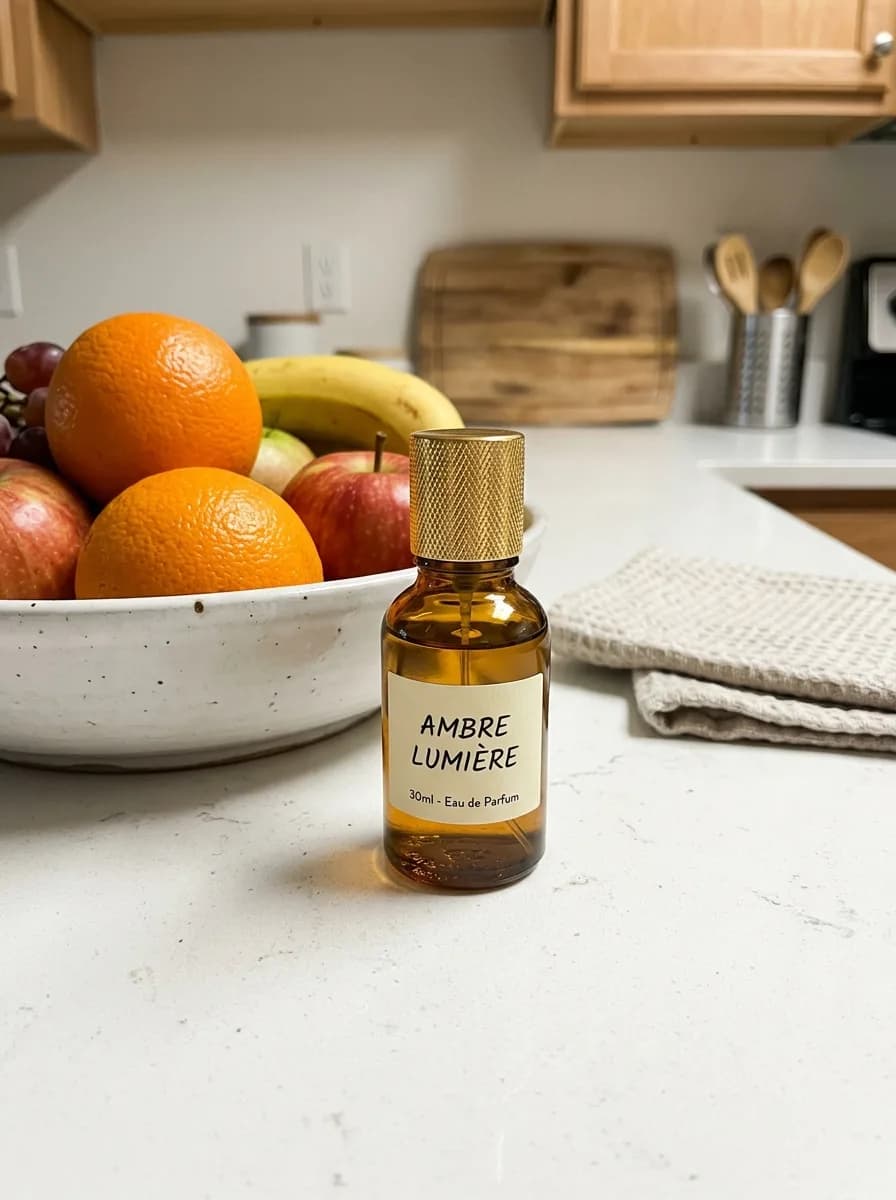 Before
Black Acrylic Mirror Reflection
Background
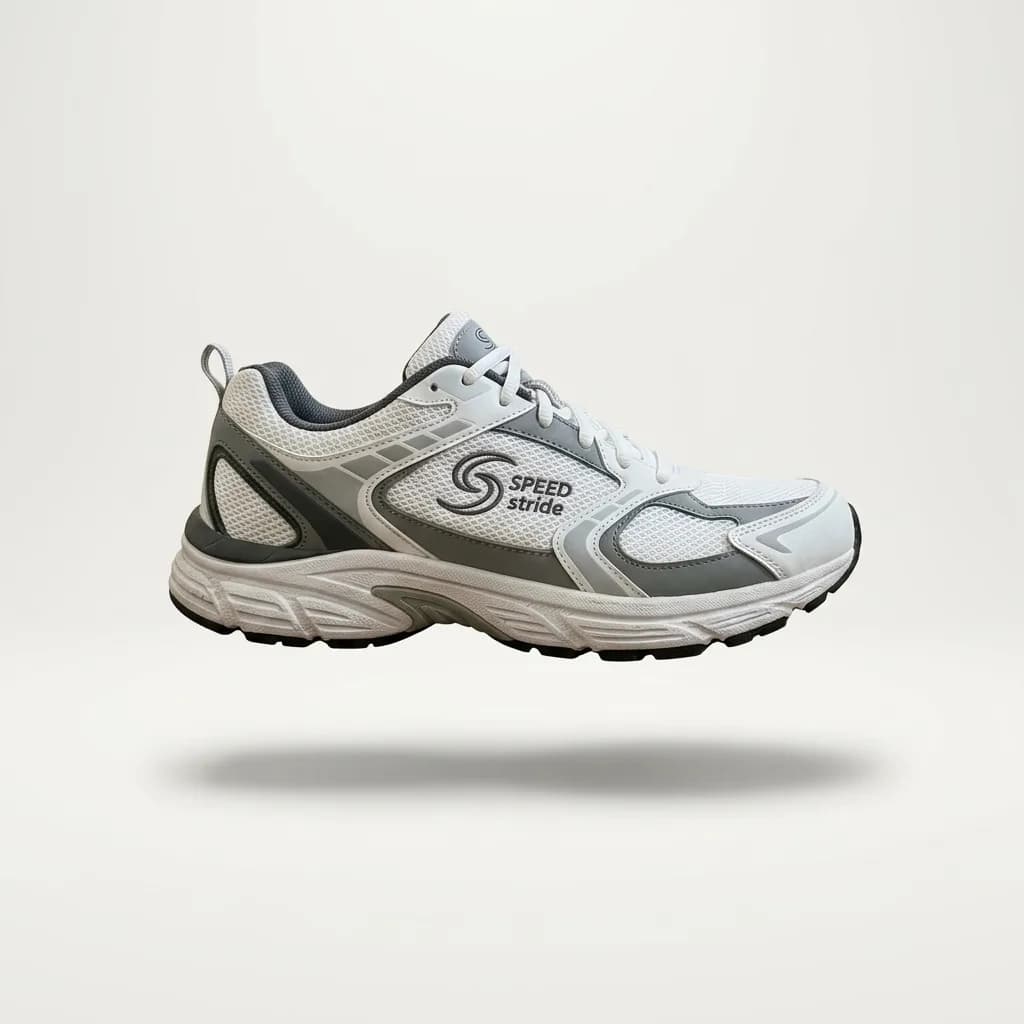
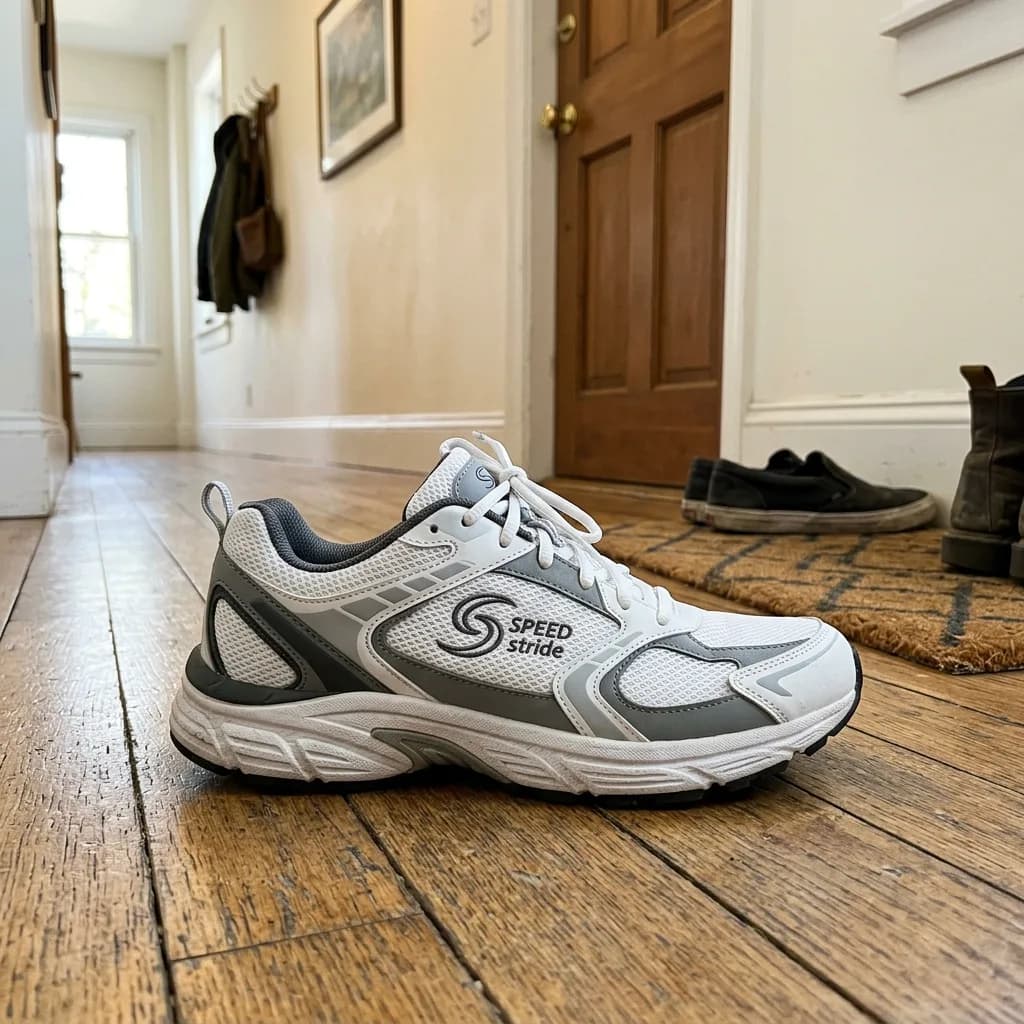 Before
Floating Hero Shot
Background
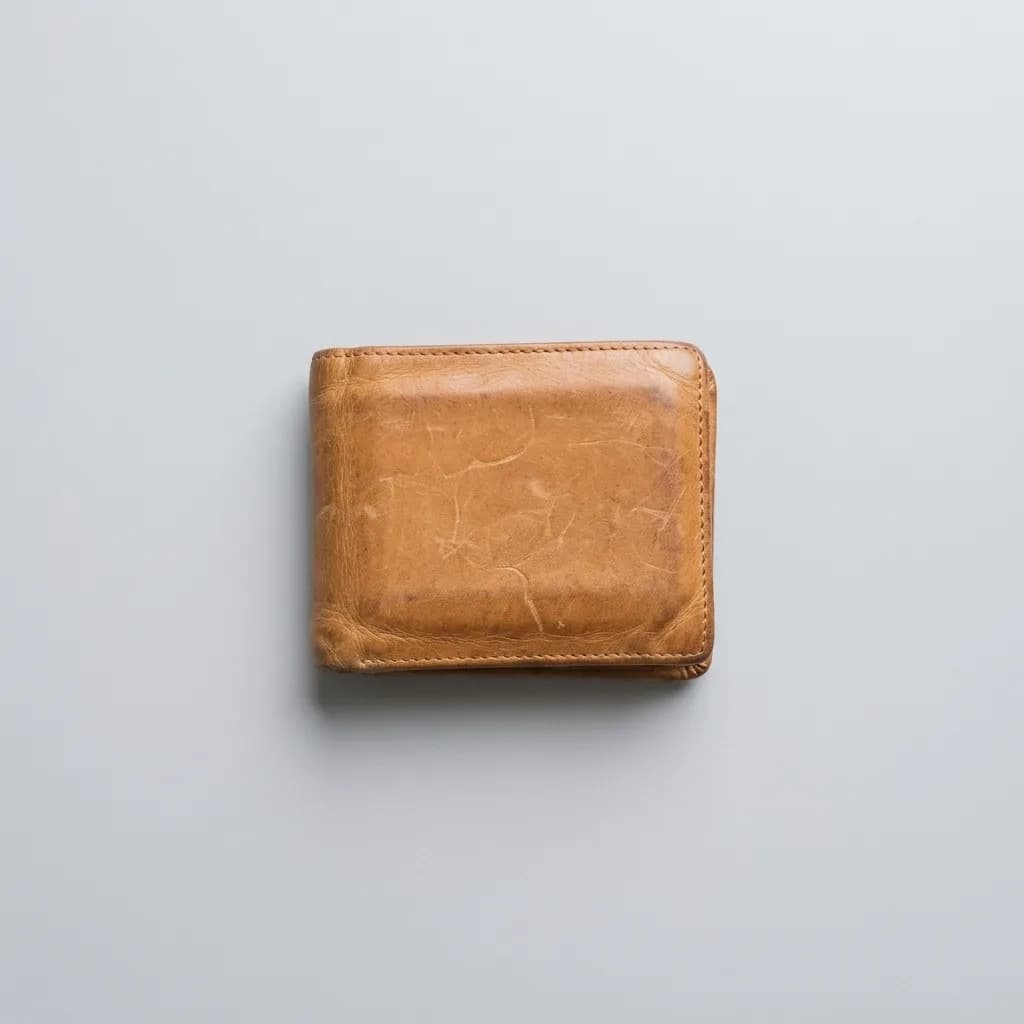
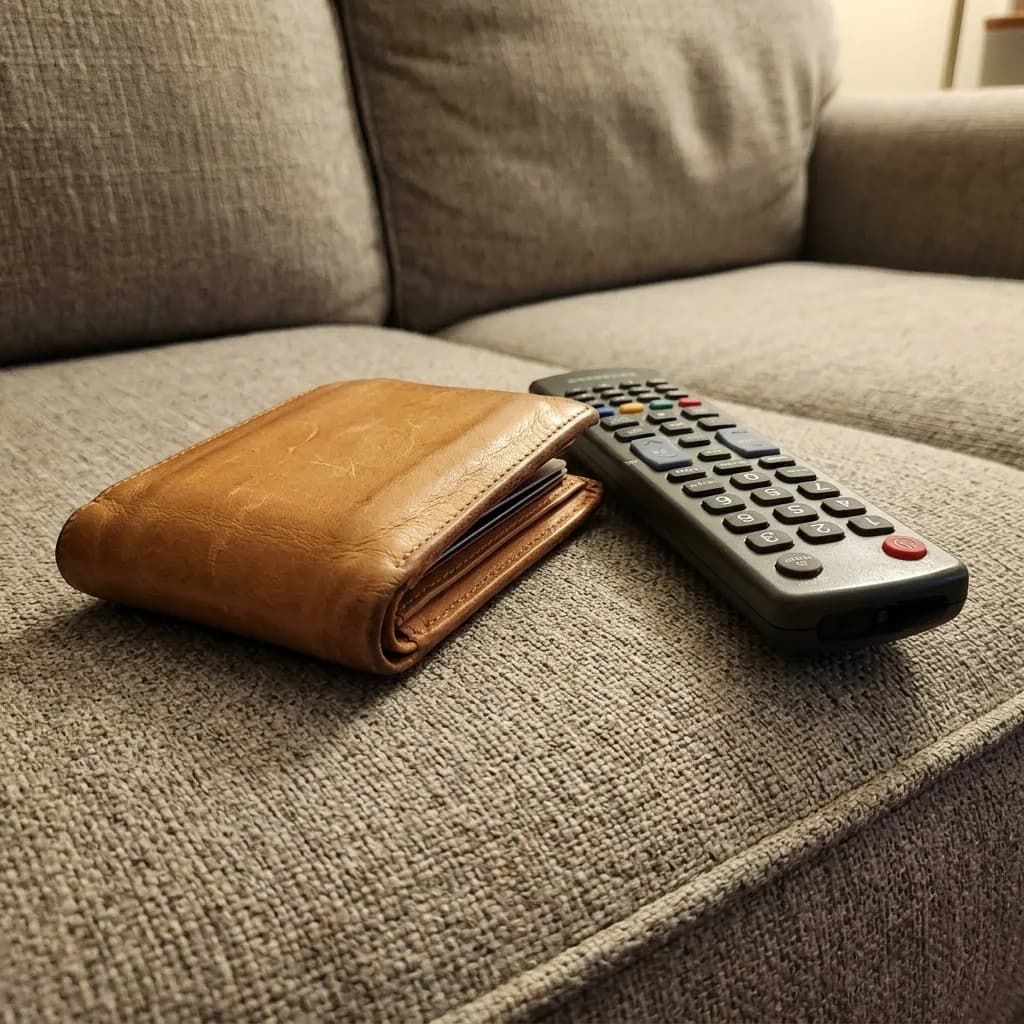 Before
Overhead Flat Lay on Light Gray
Modify
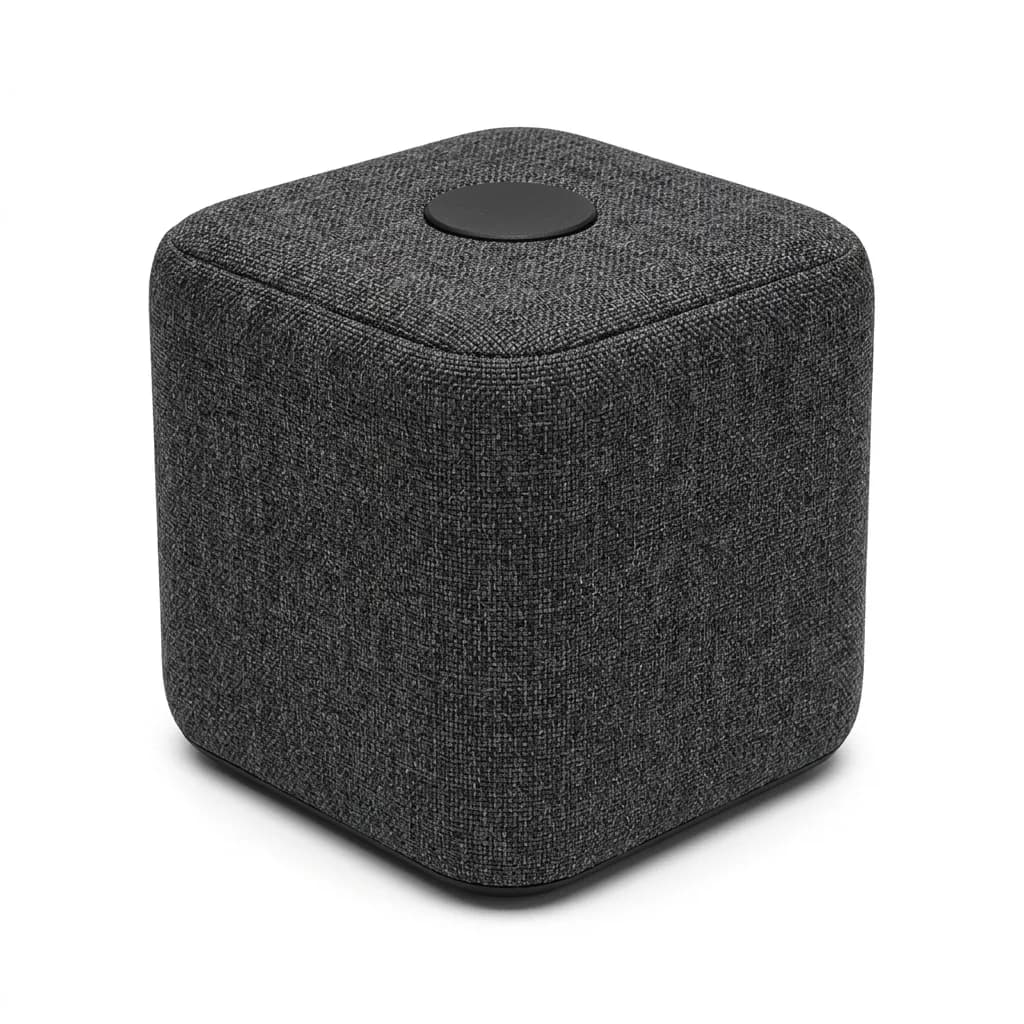
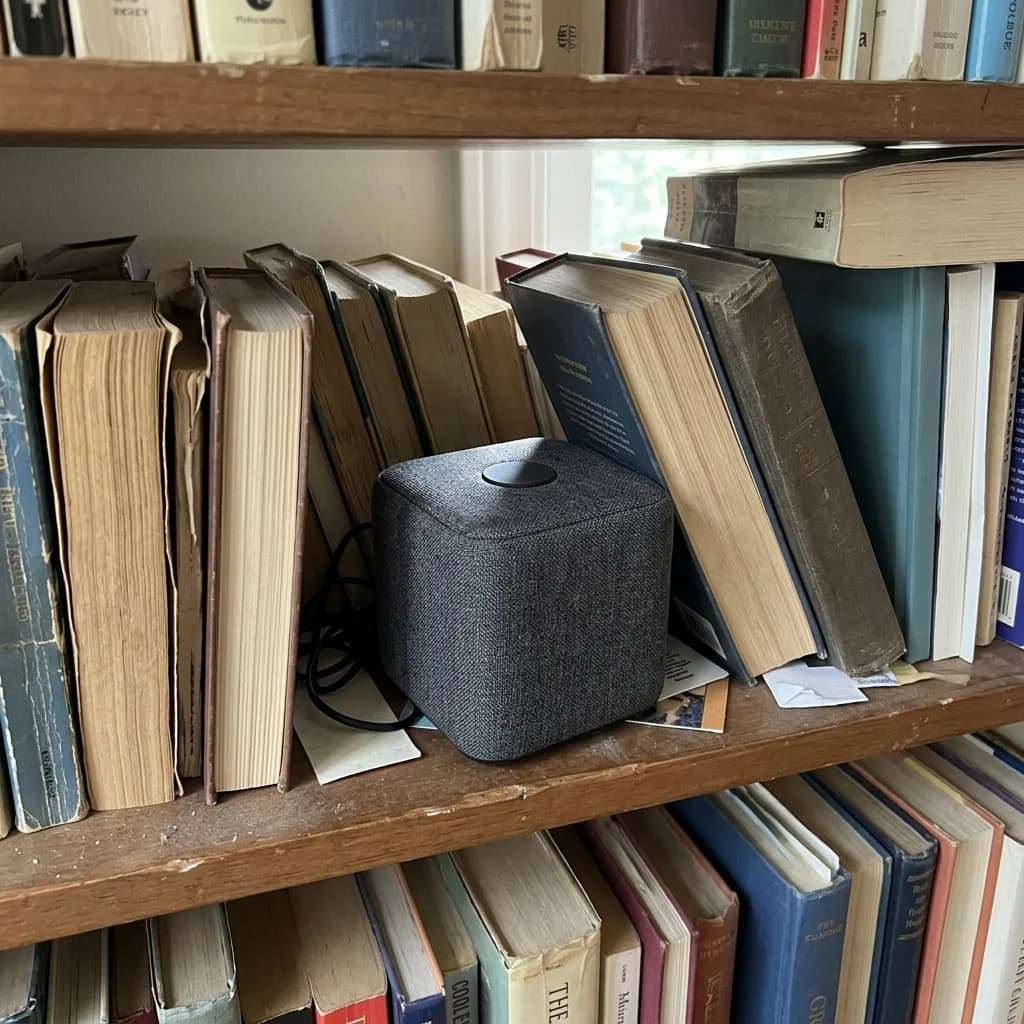 Before
Three-Quarter Catalog Angle
Modify
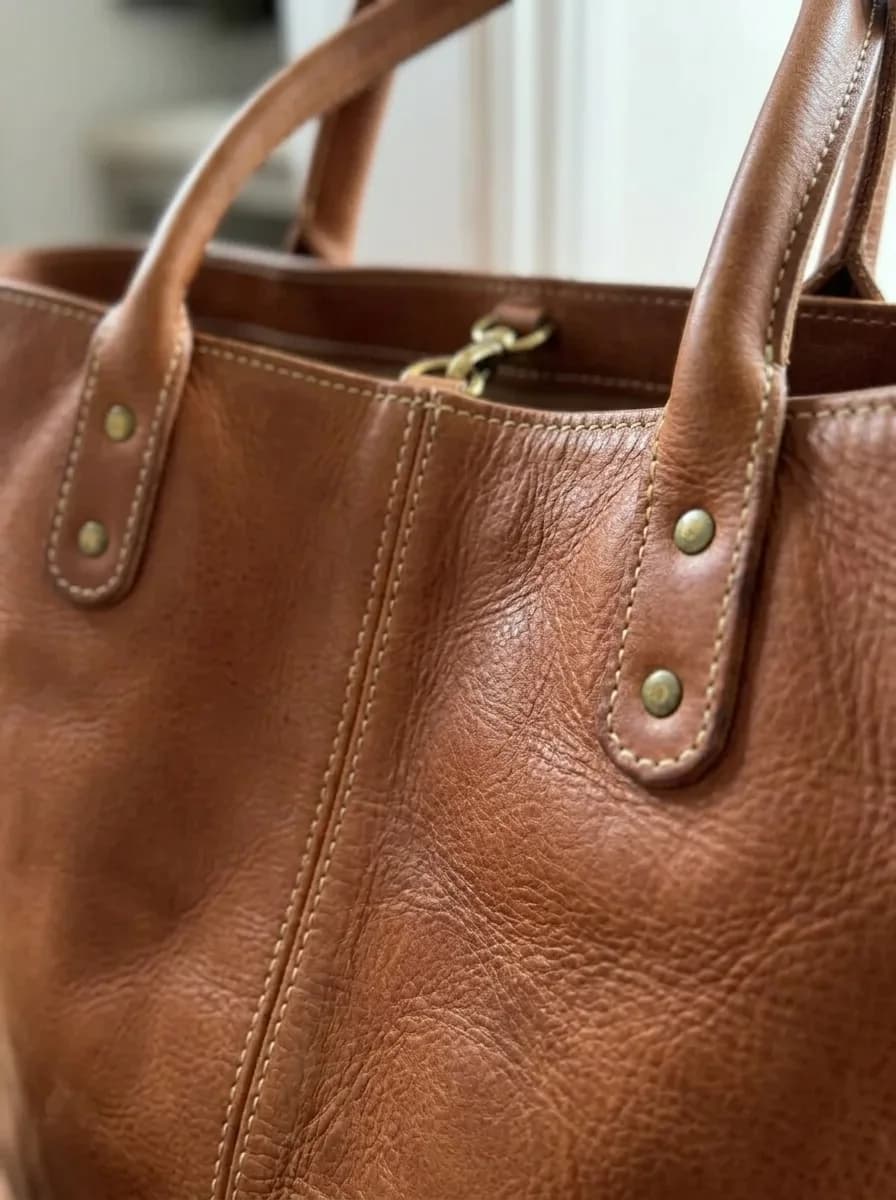
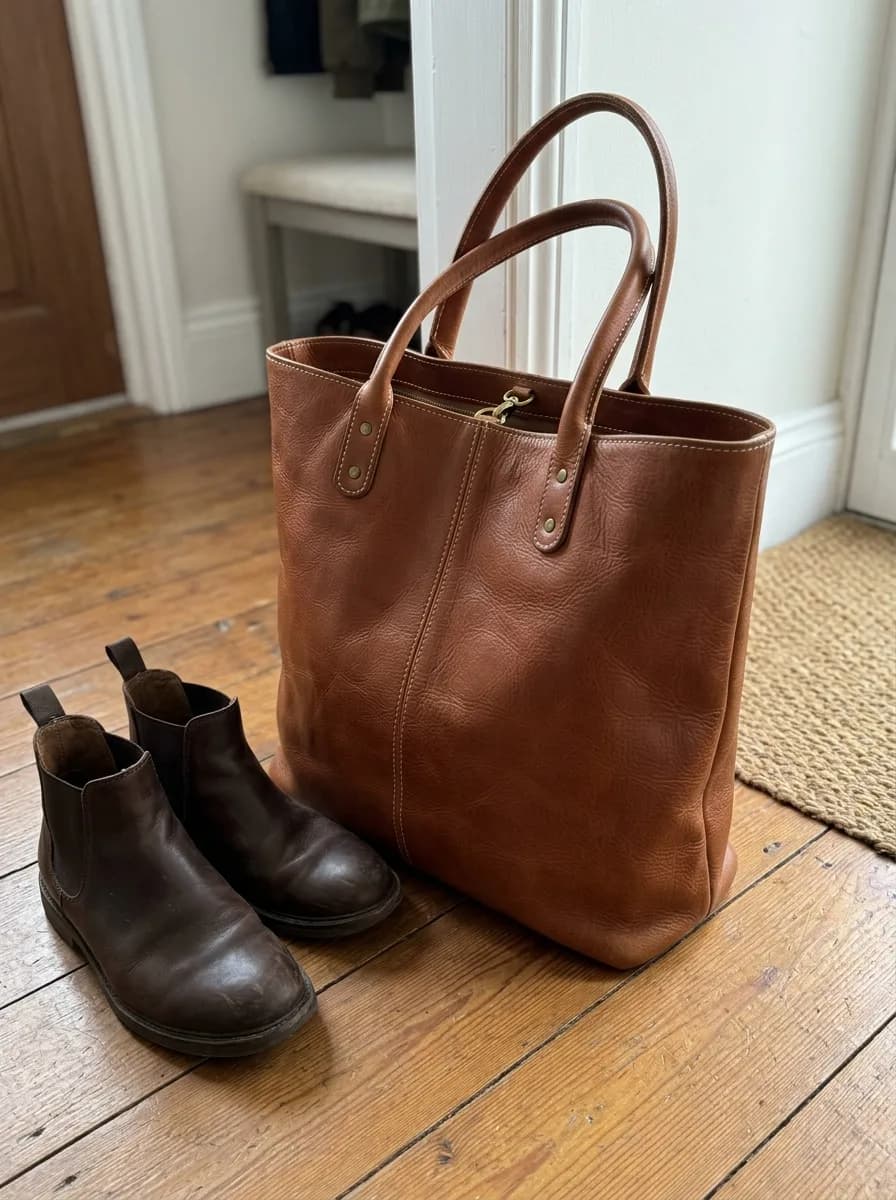 Before
Material Close-Up for Detail Images
Modify
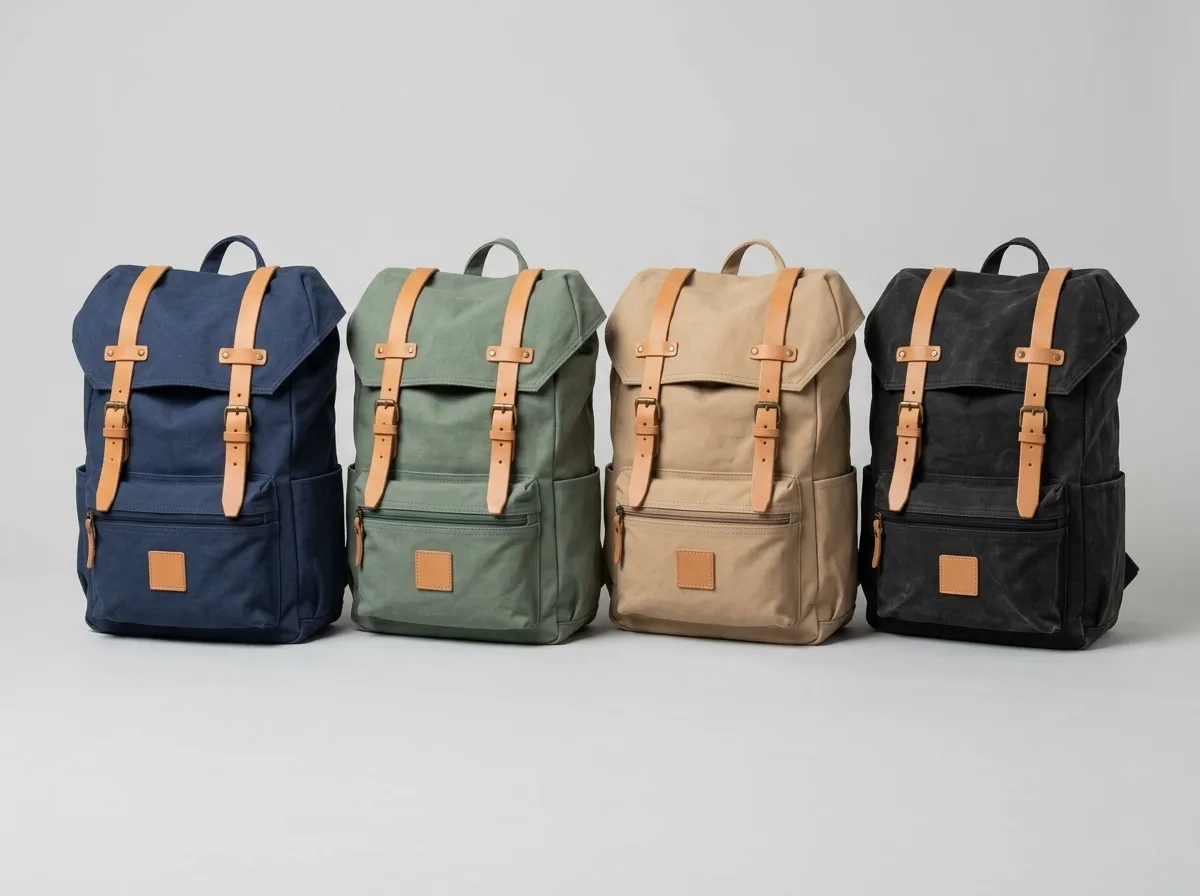
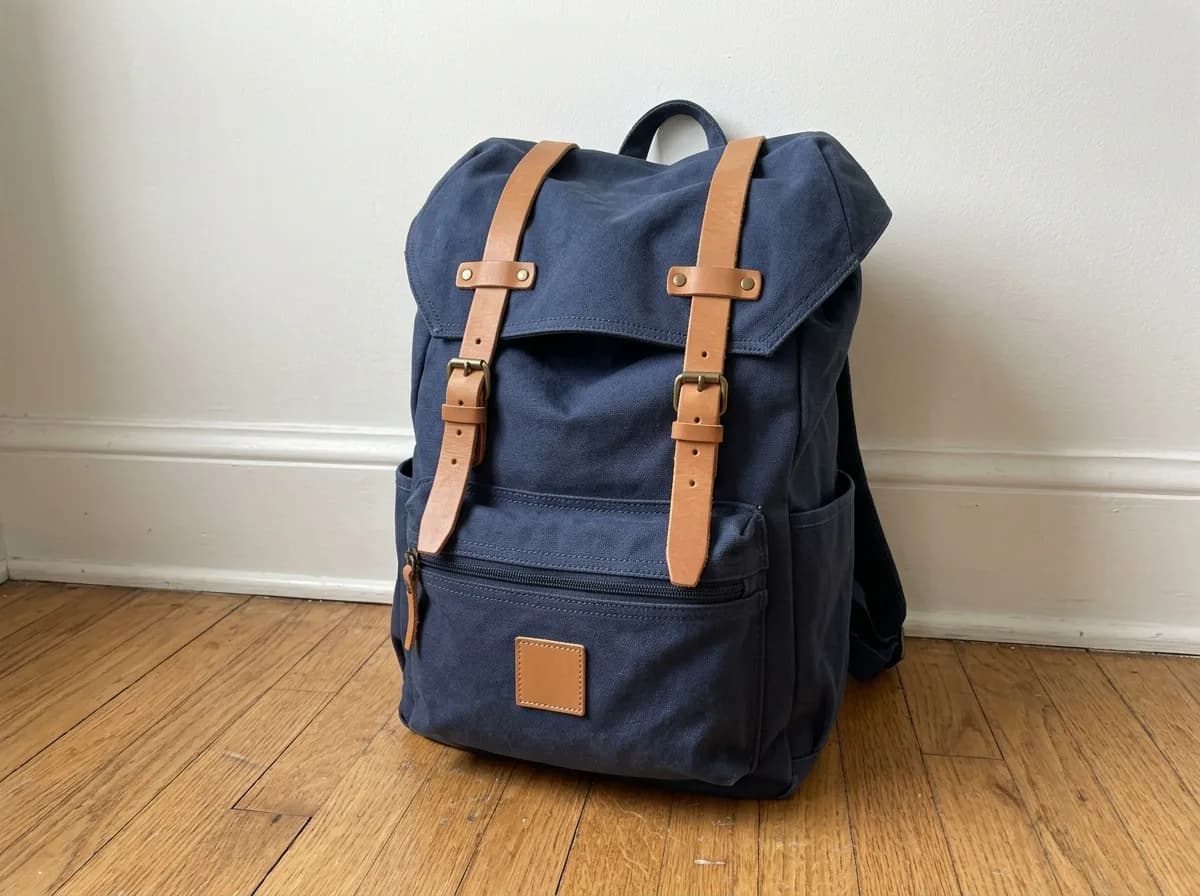 Before
Preview Colorways Side by Side
Modify
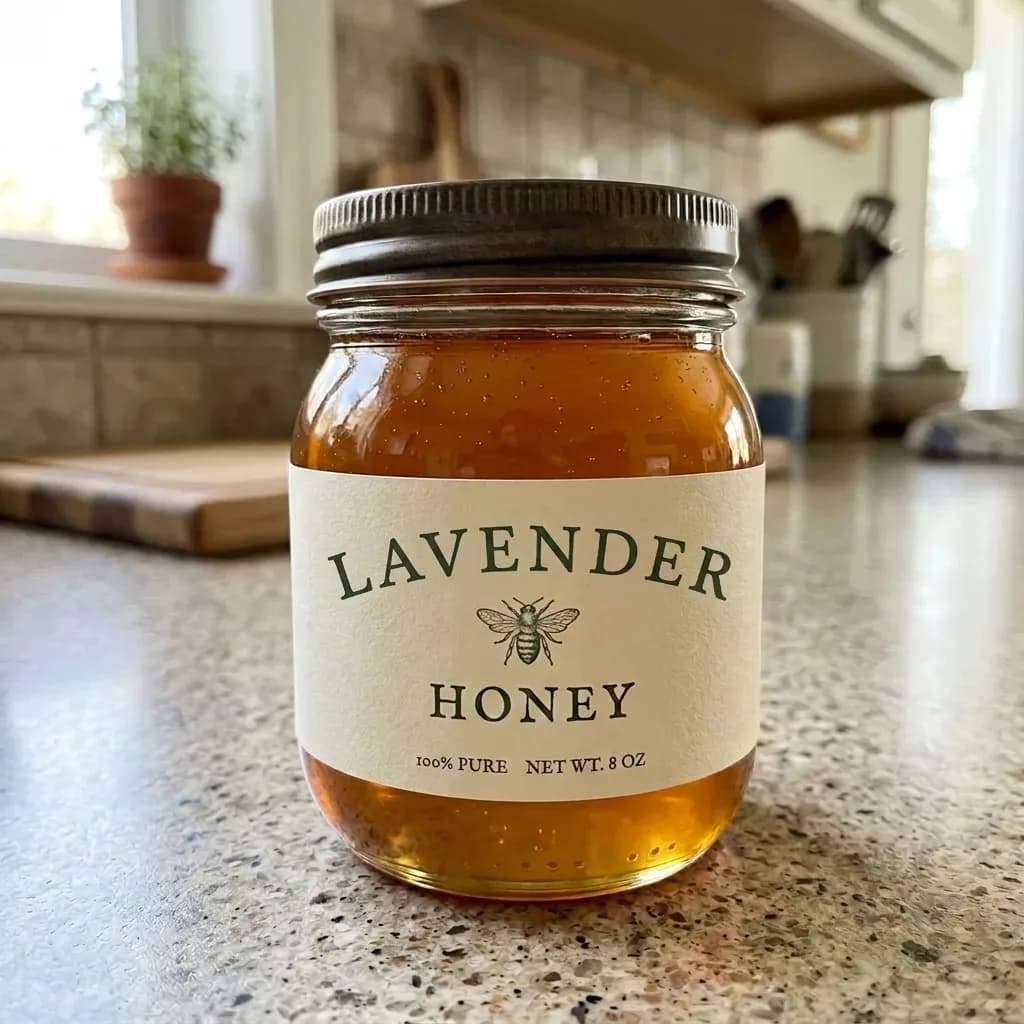
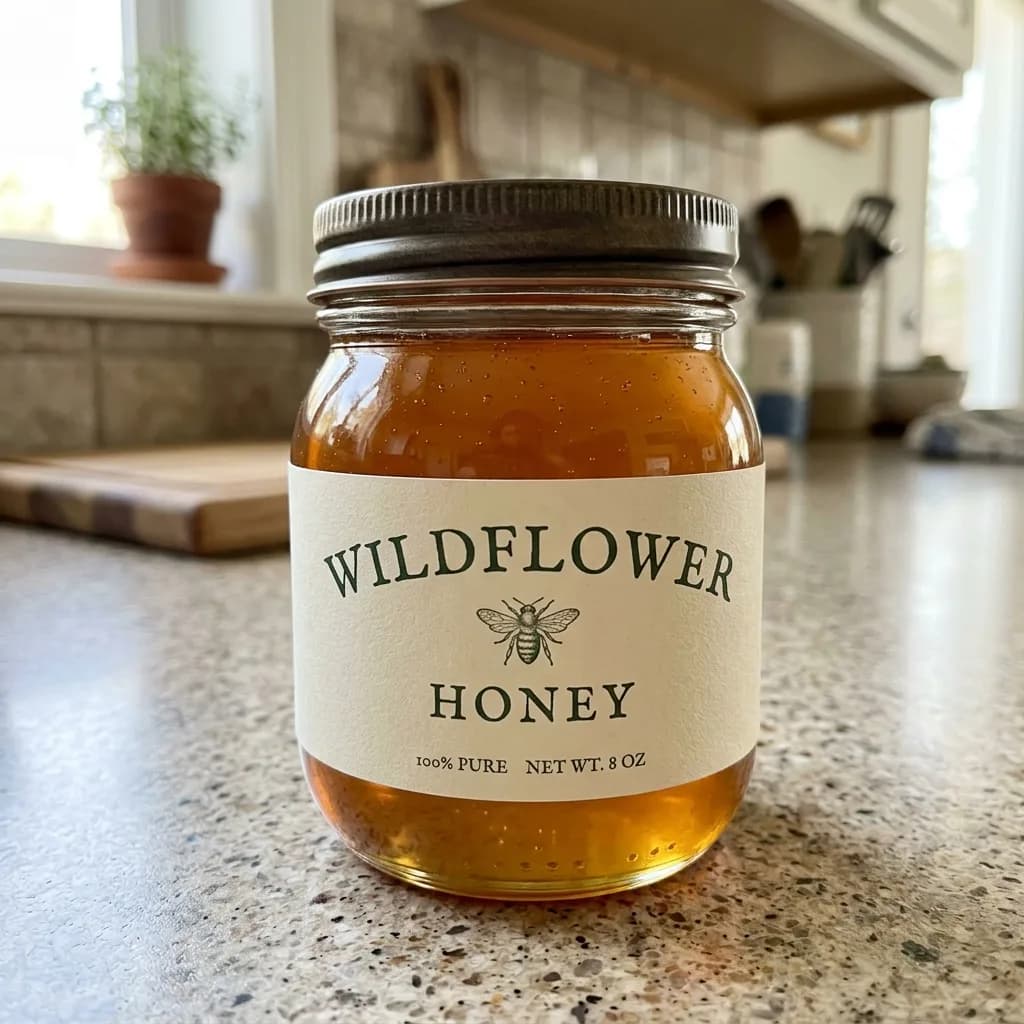 Before
Change the Name on a Product Label
Modify
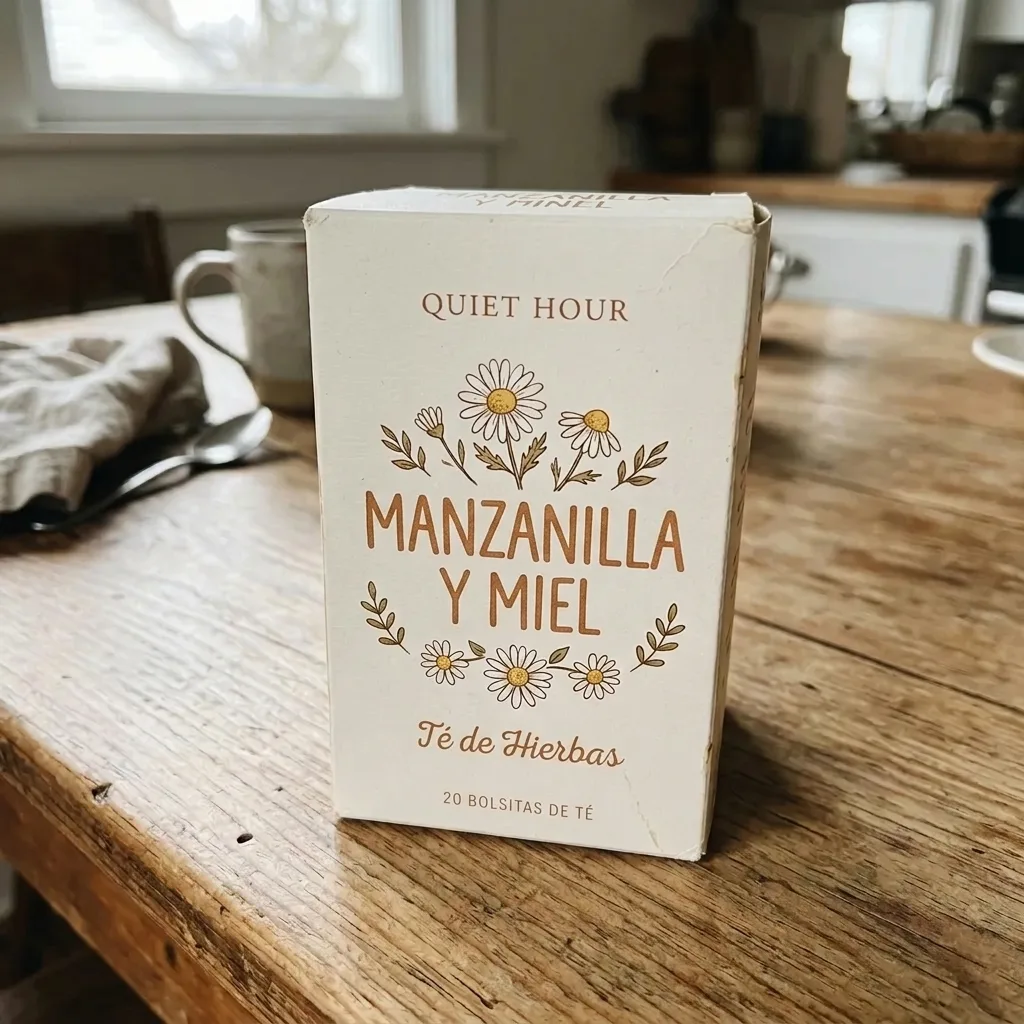
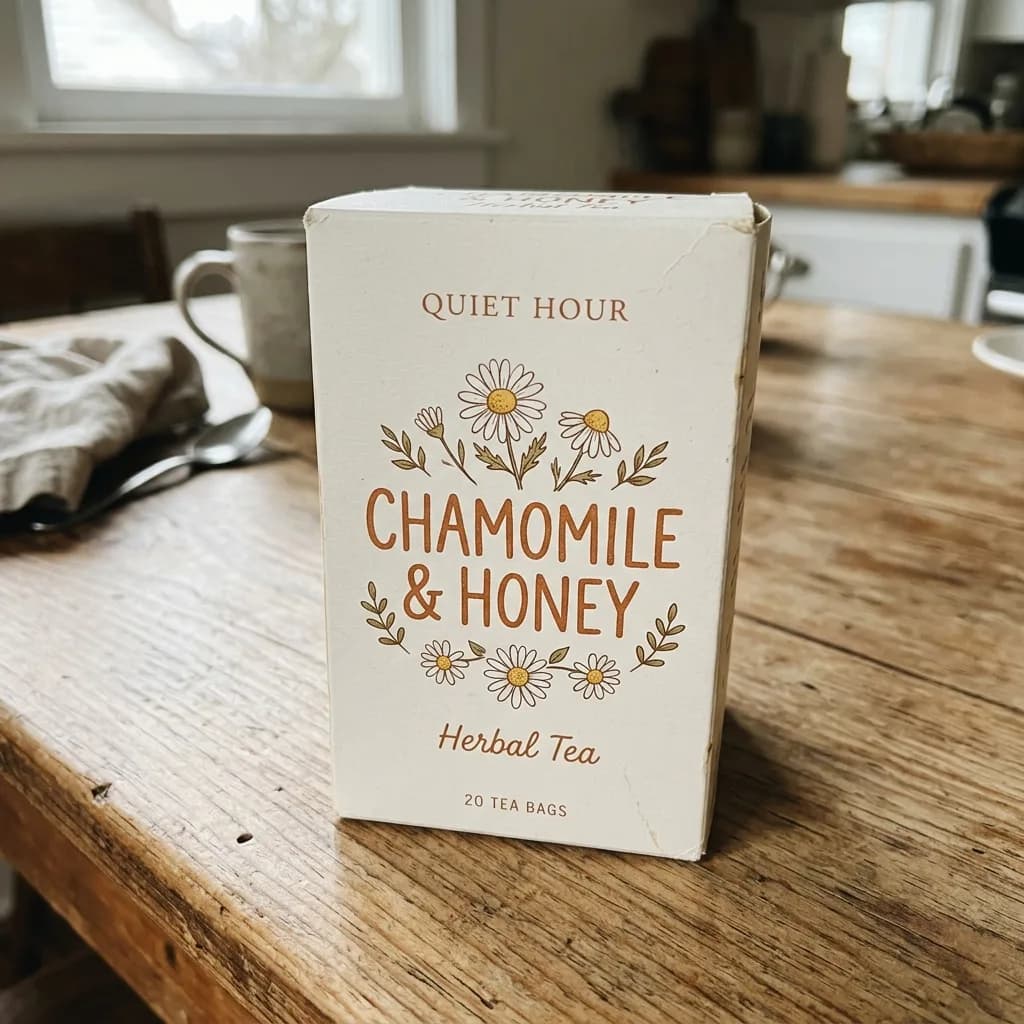 Before
Translate the Text on Packaging
Modify
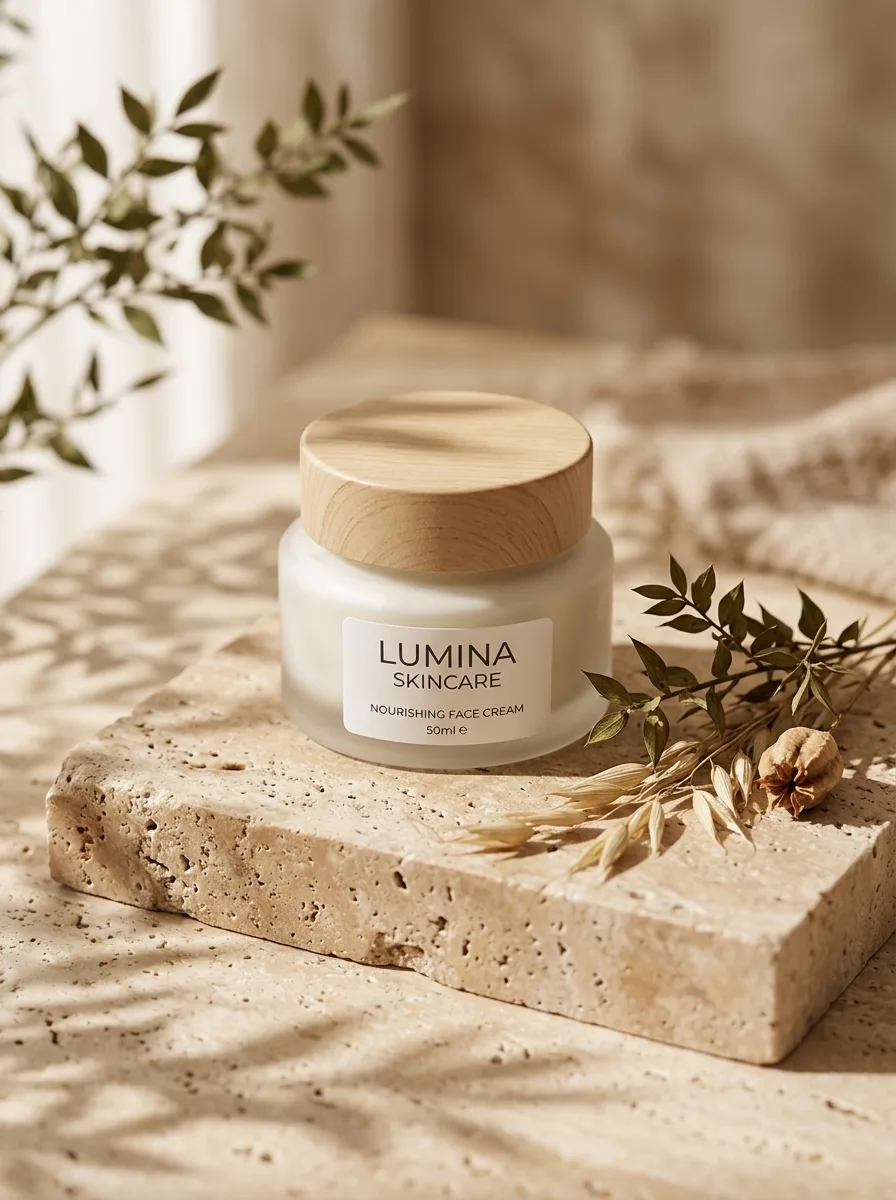
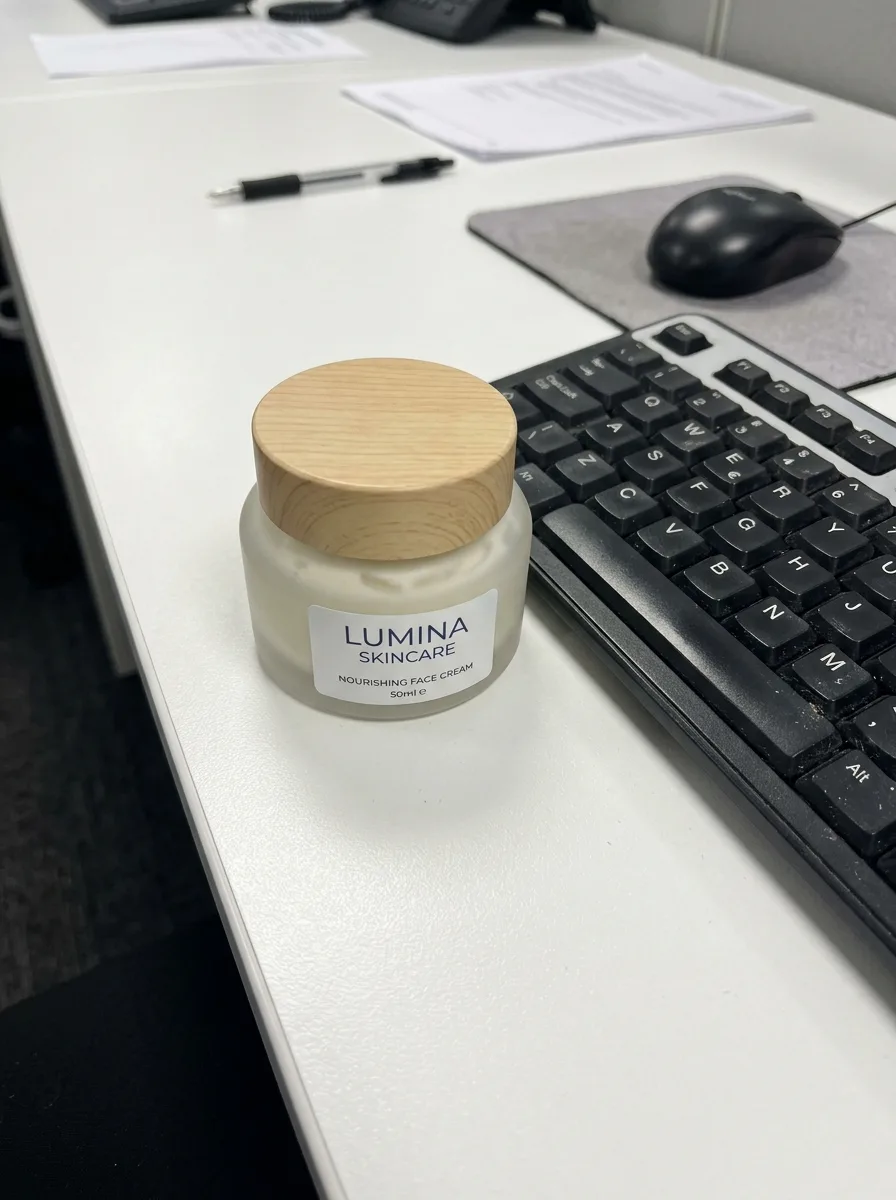 Before
Travertine Block in Morning Light
Background
 Before
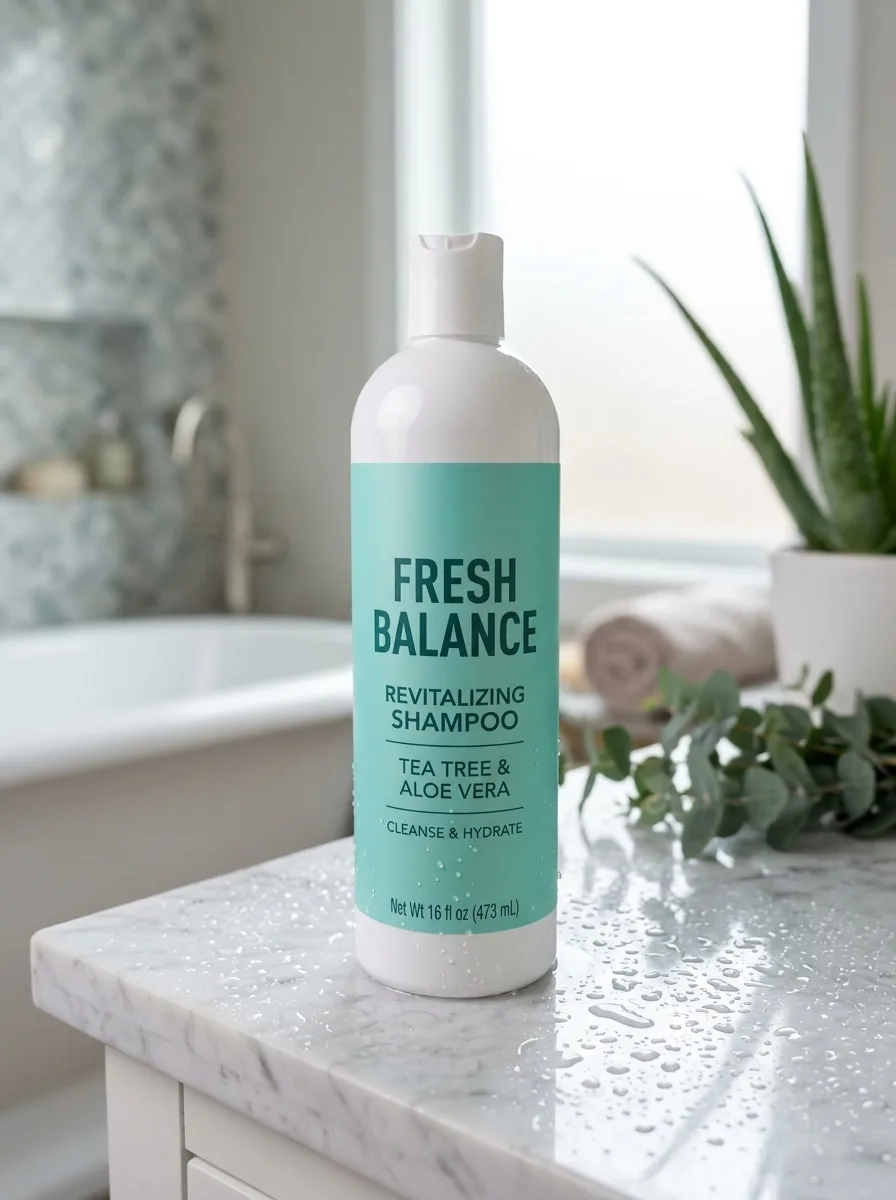
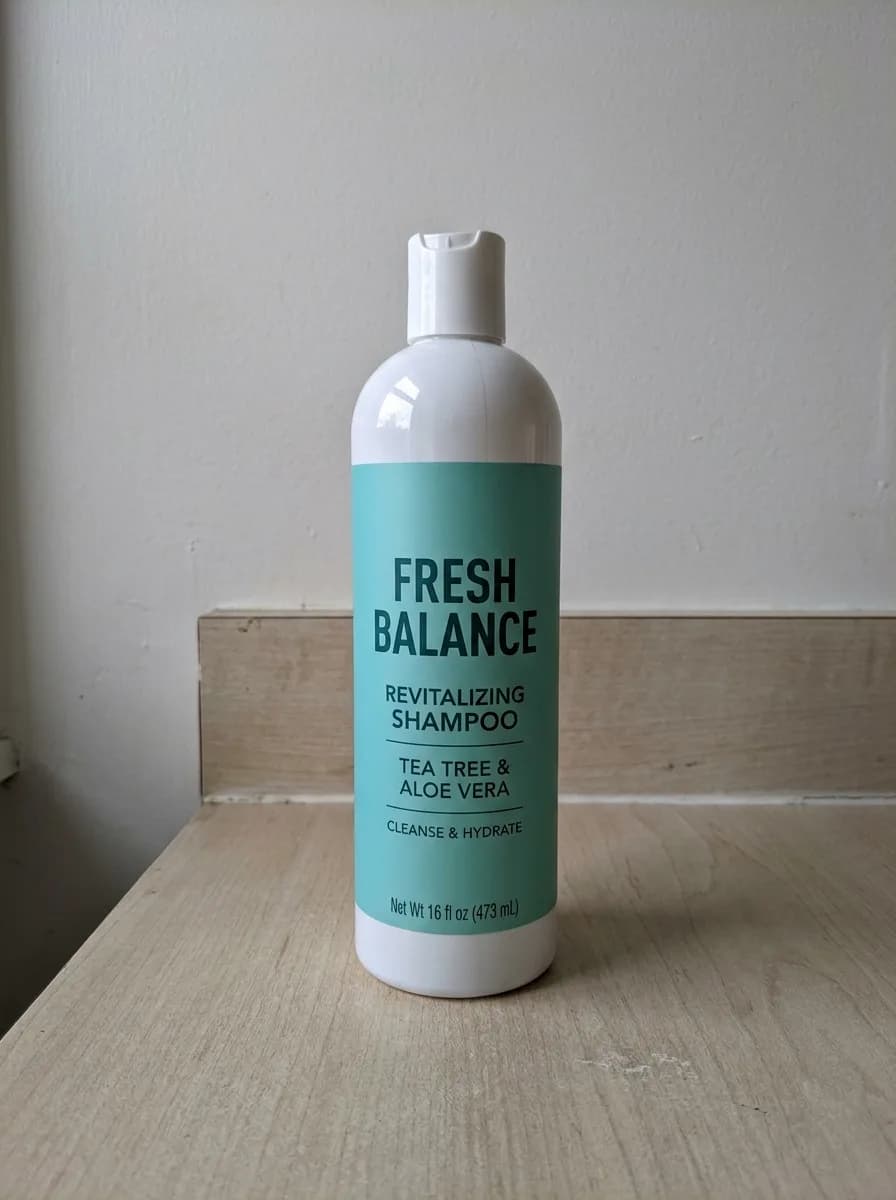
Marble Vanity with Water Droplets
Background
 Before
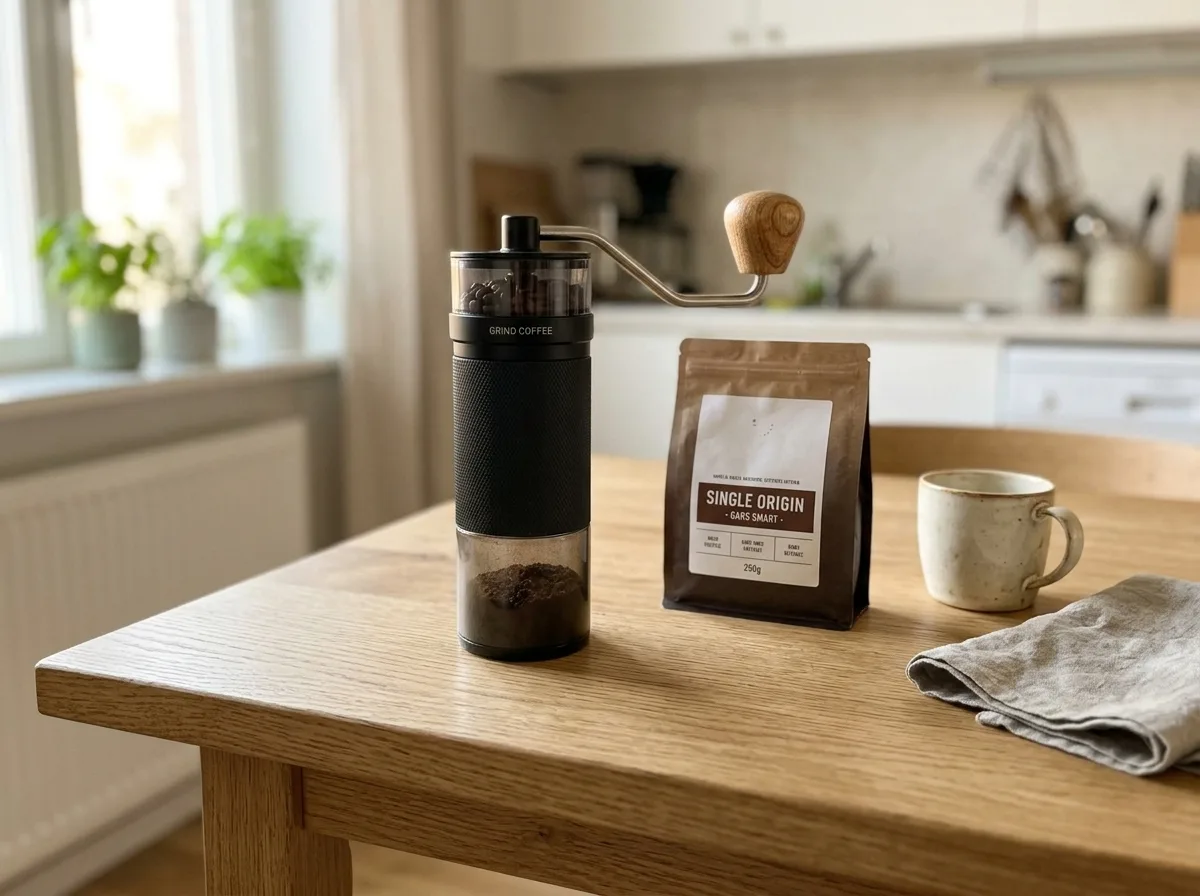
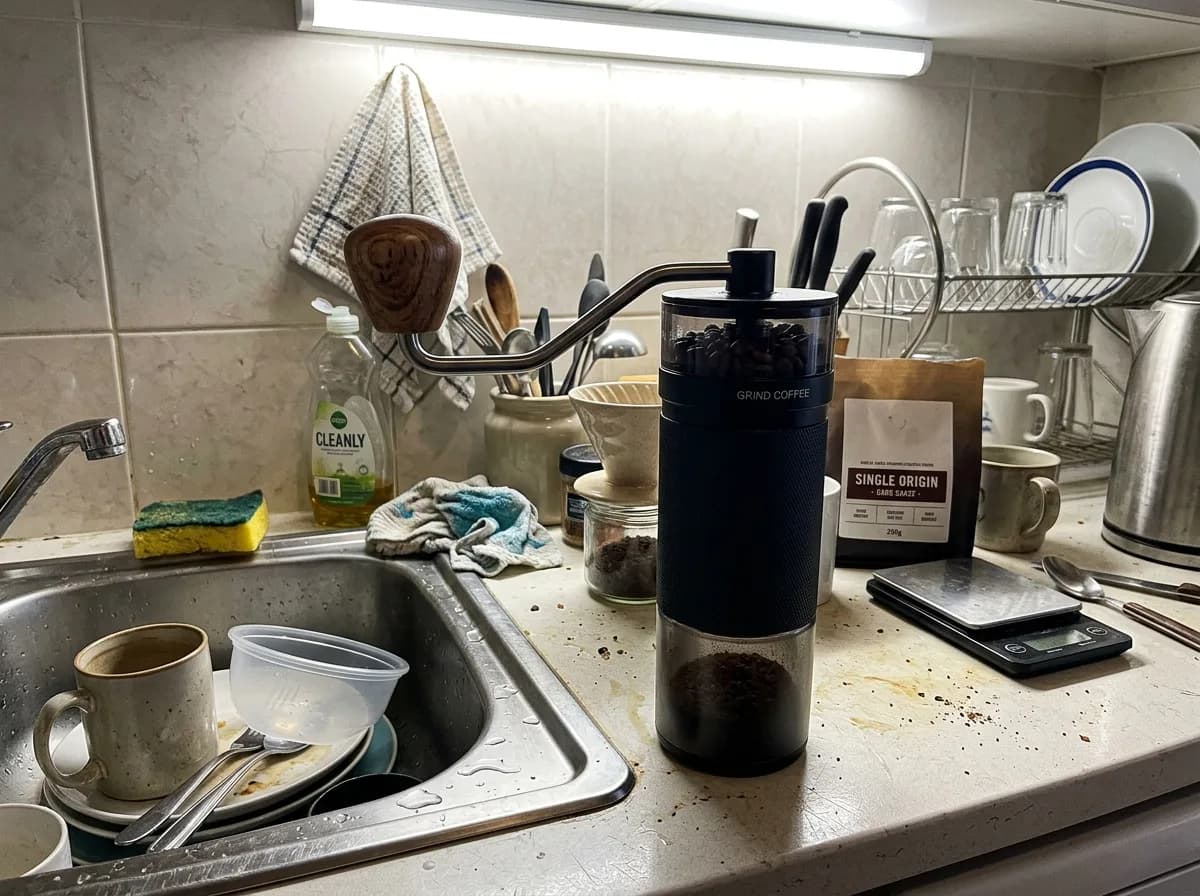
Oak Table with Kitchen Props
Background
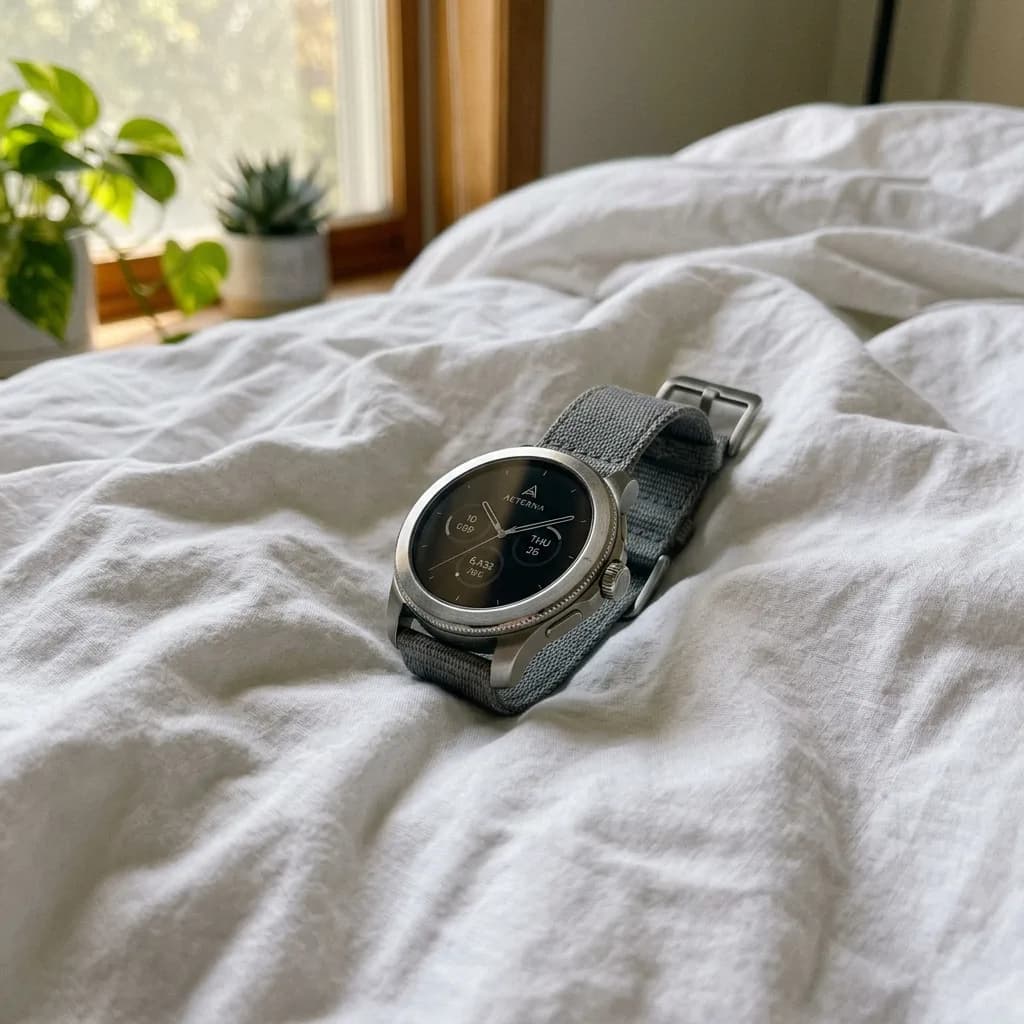 Before
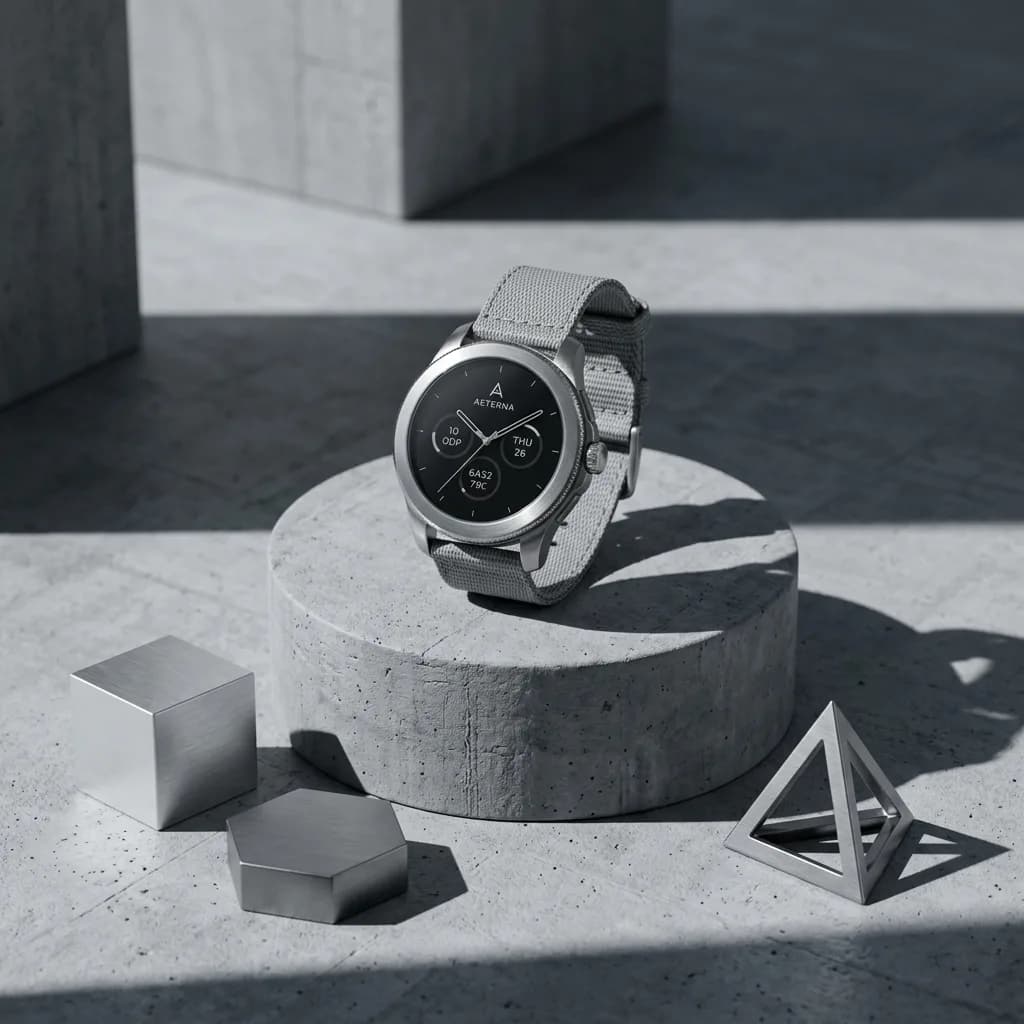
Concrete Podium, Tech Style
Background
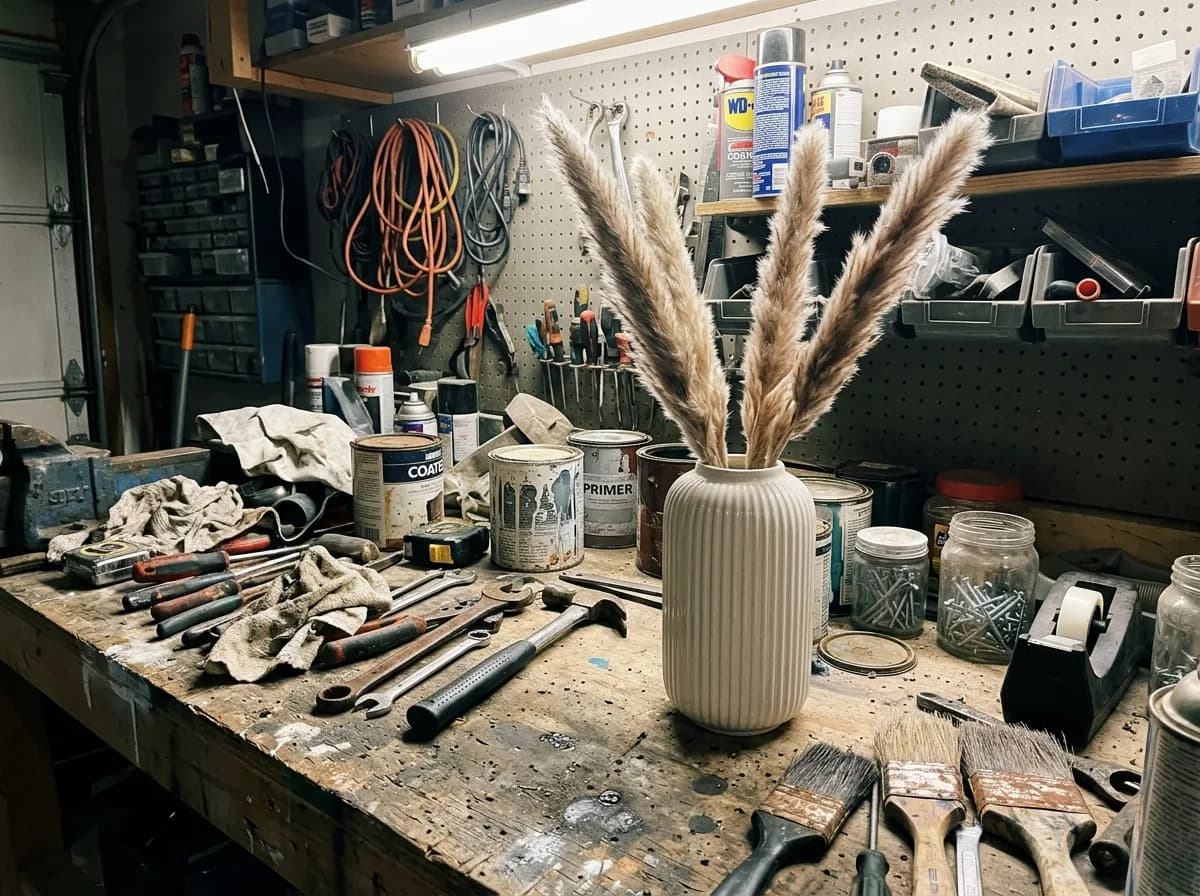 Before
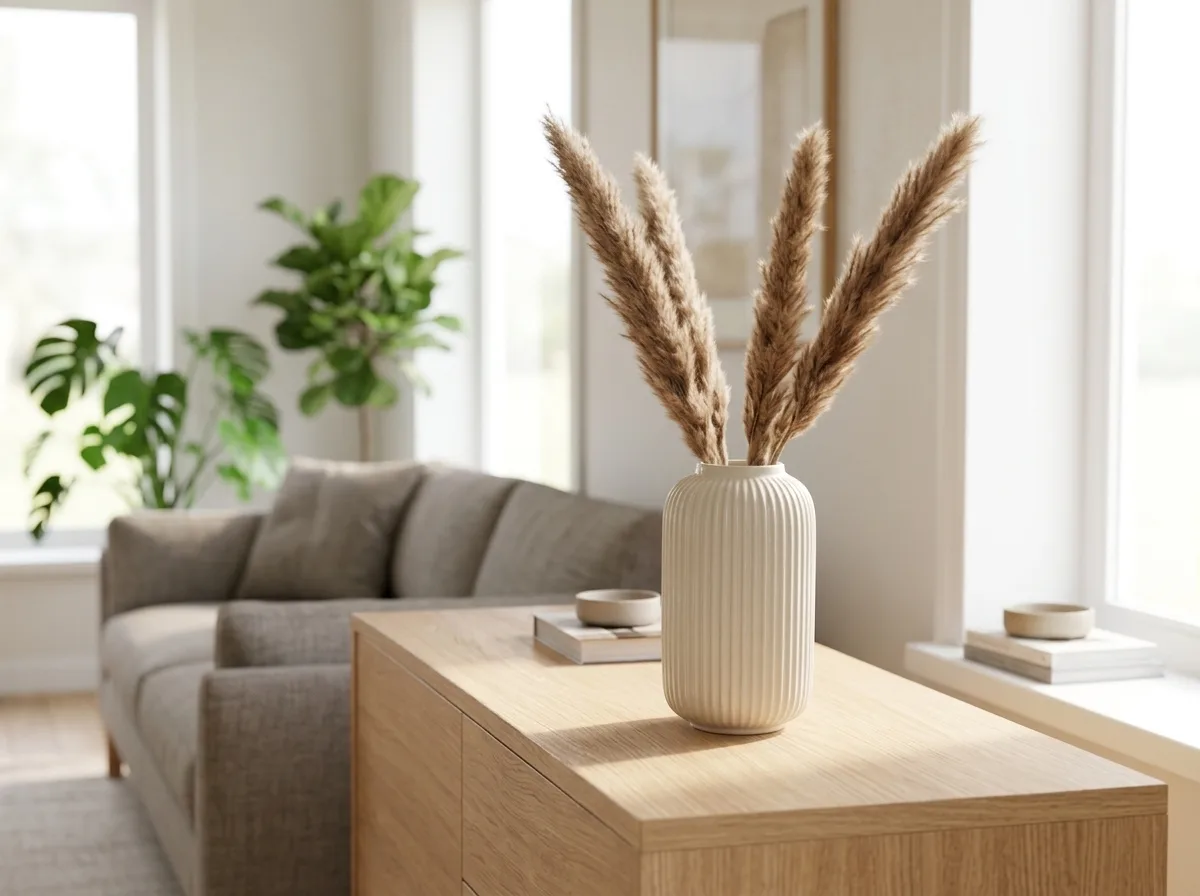
Bright Modern Living Room
Background
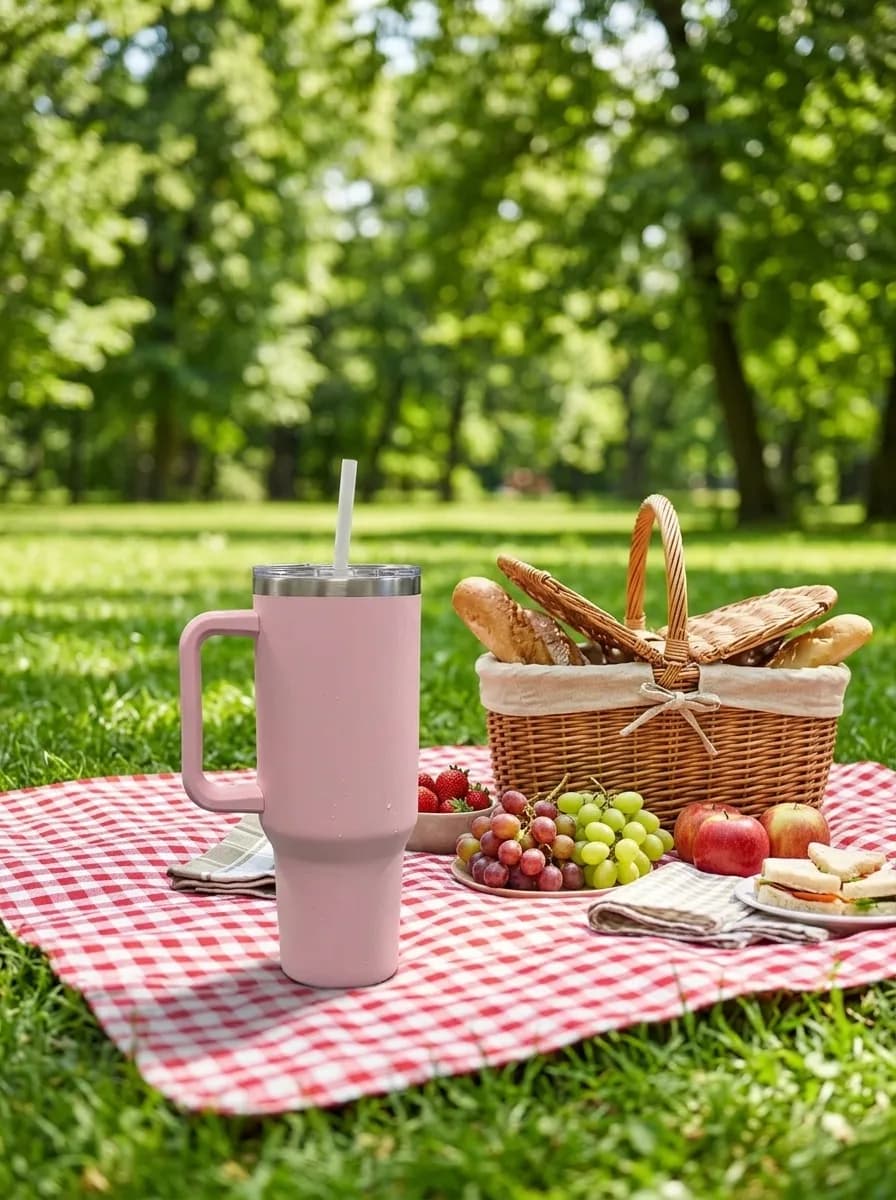
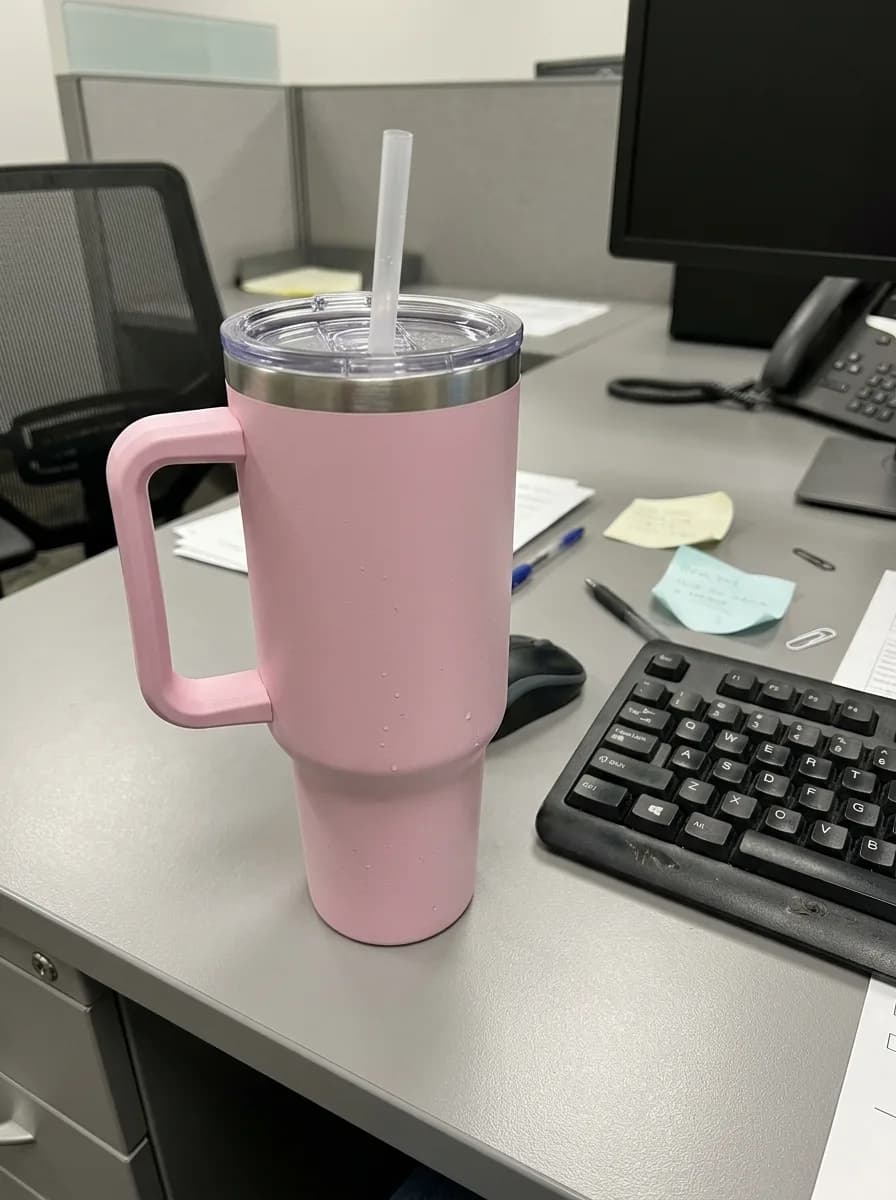 Before
Sunny Picnic Blanket
Background
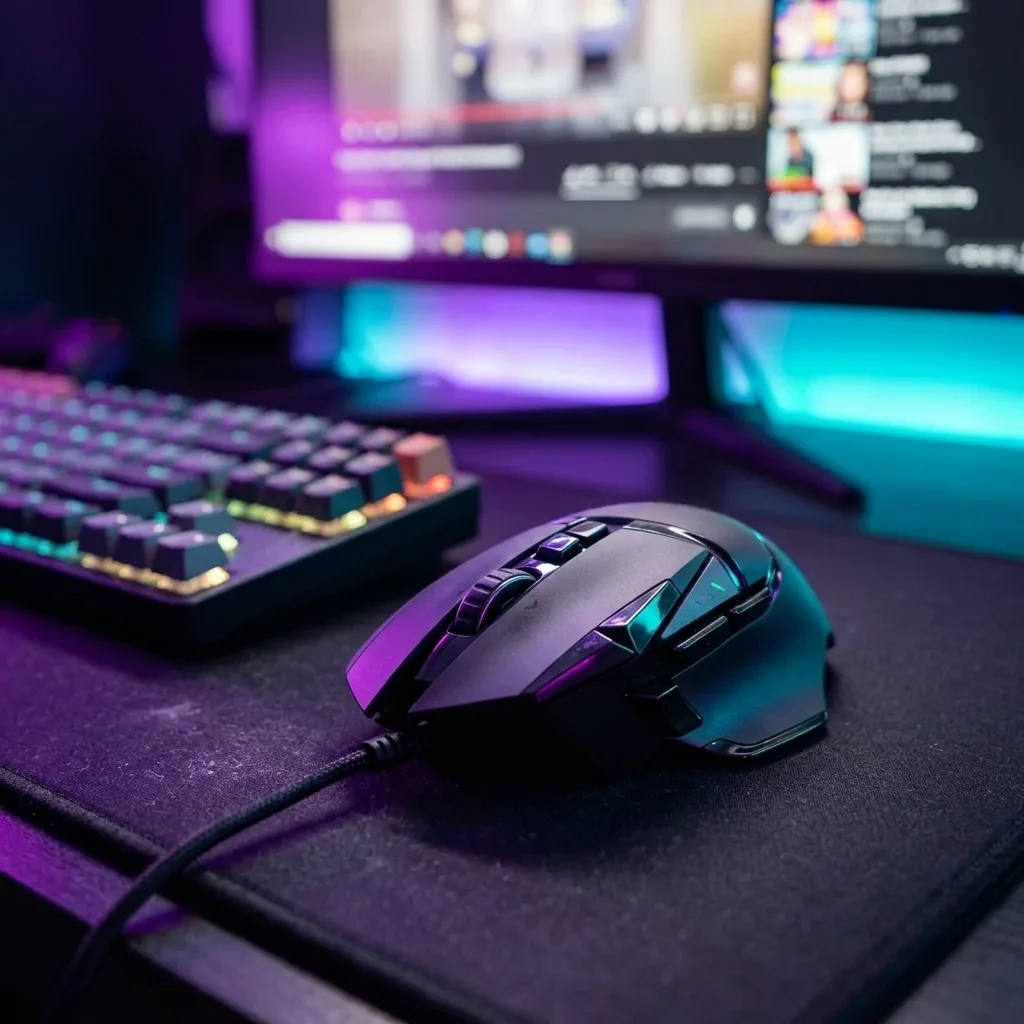
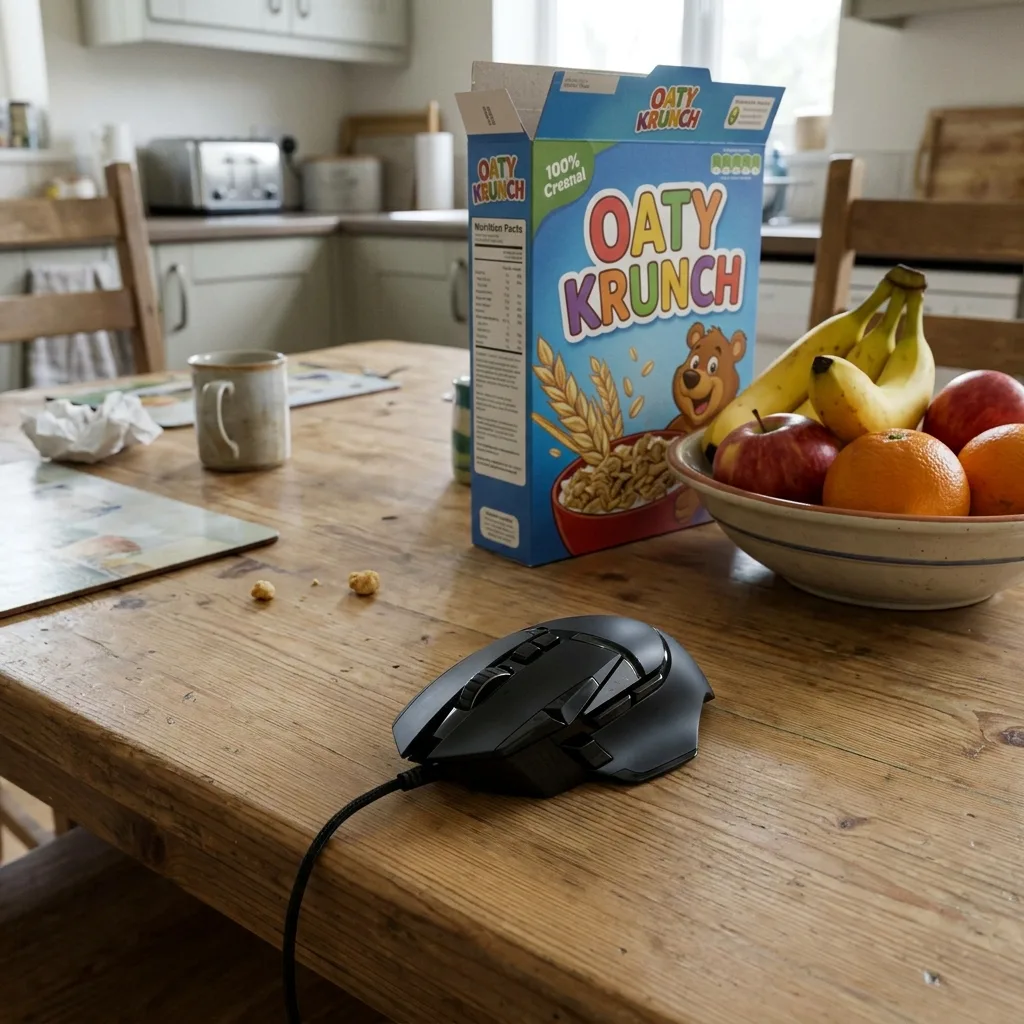 Before
Neon Gaming Desk
Background
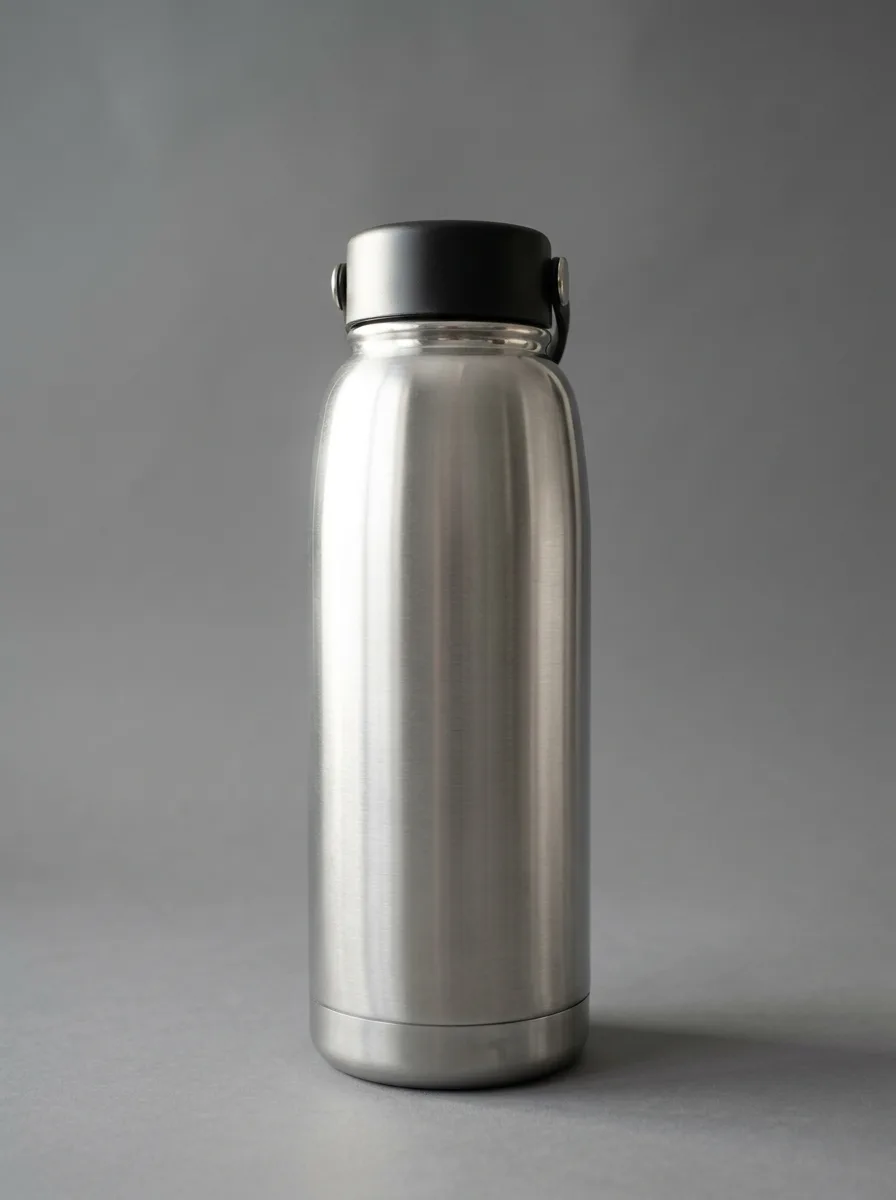
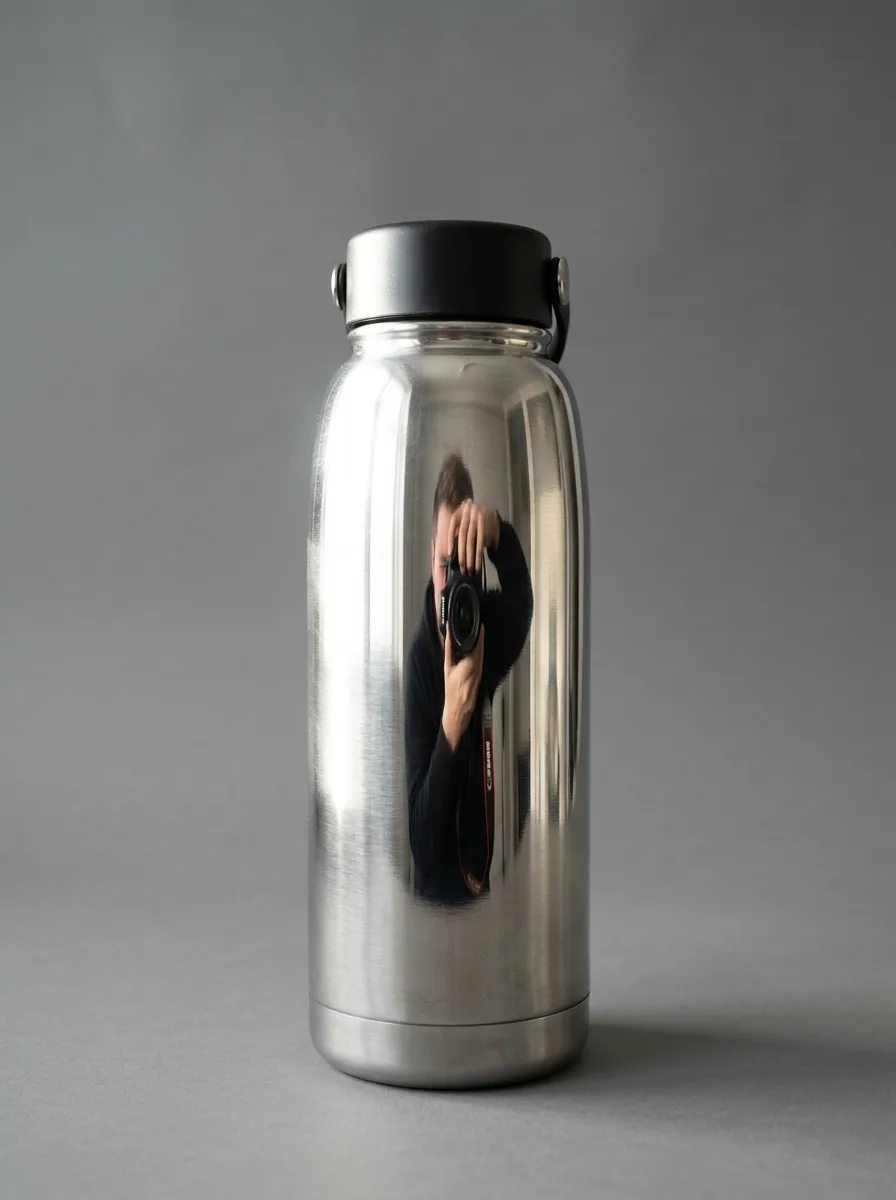 Before
Remove Glare on Shiny Surfaces
Remove
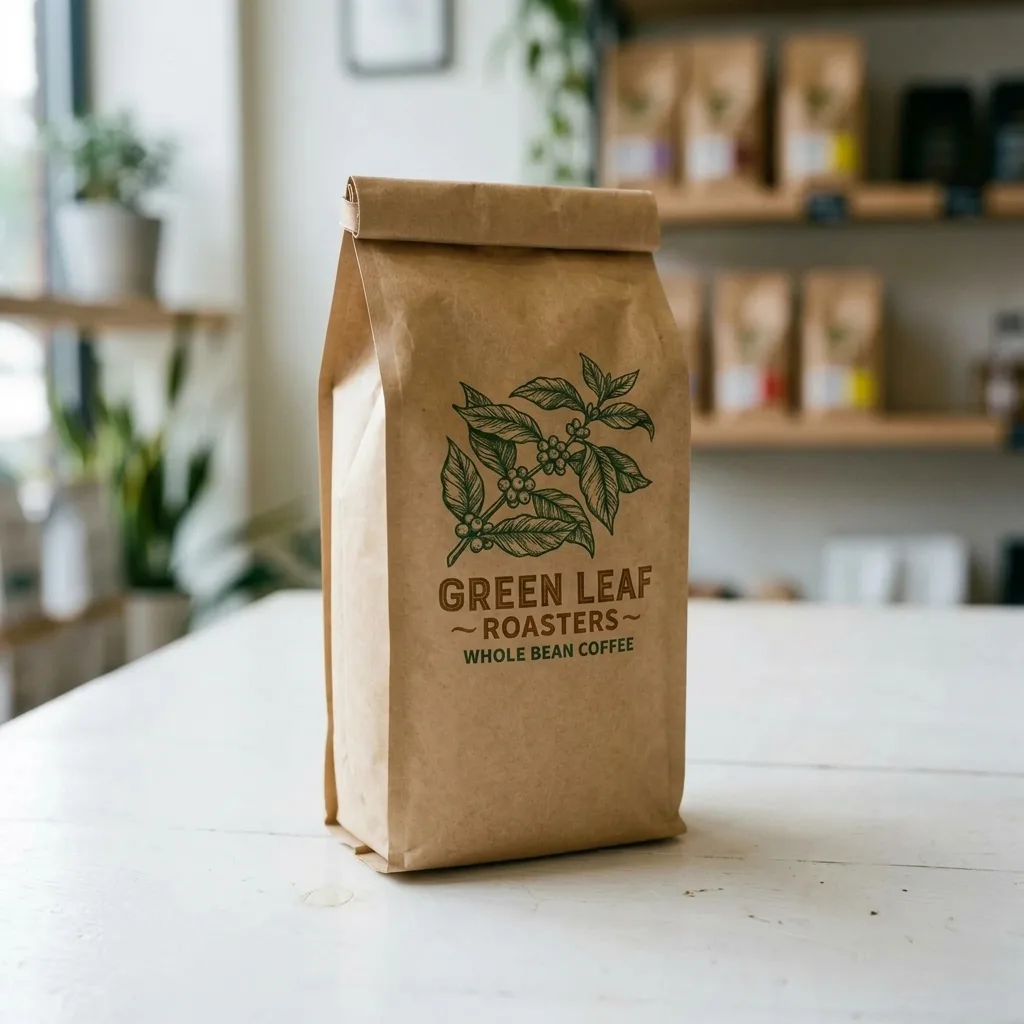
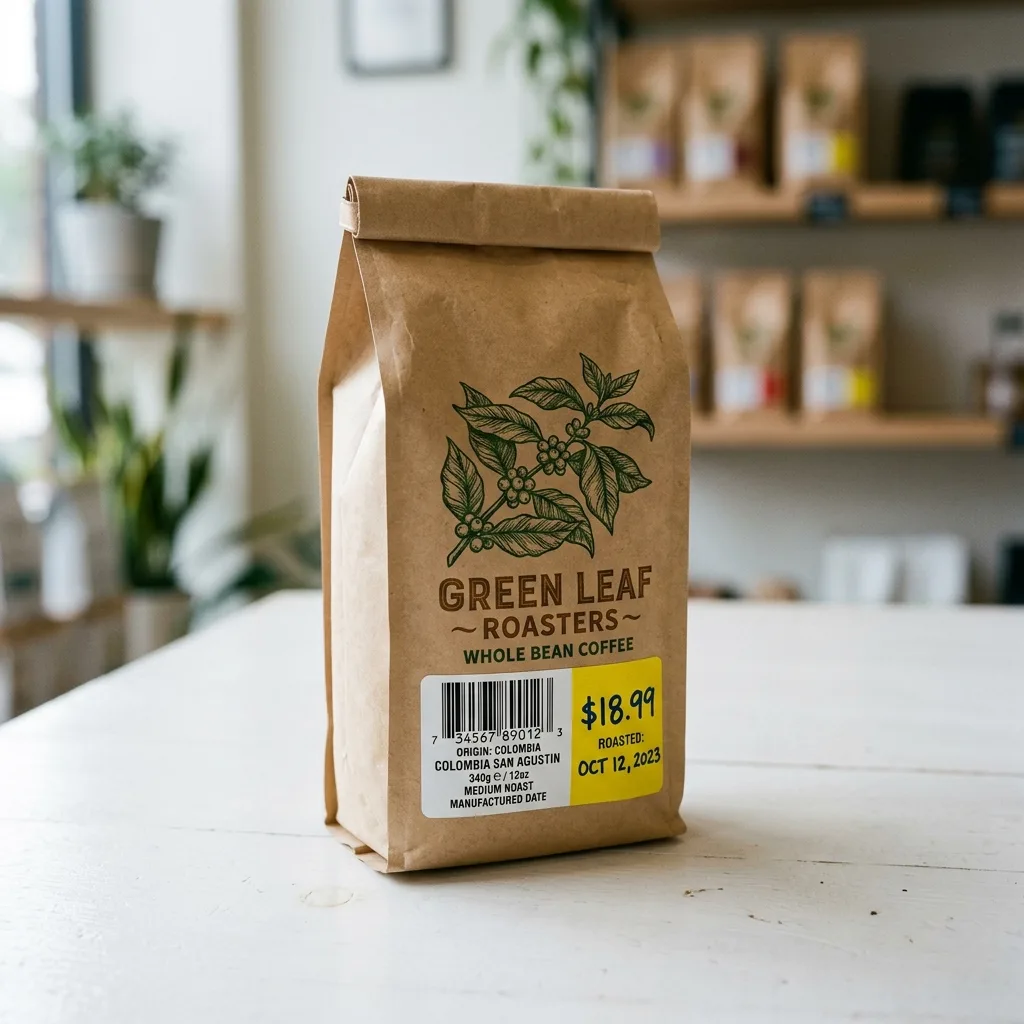 Before
Erase Barcode and Price Sticker
Remove
 Before
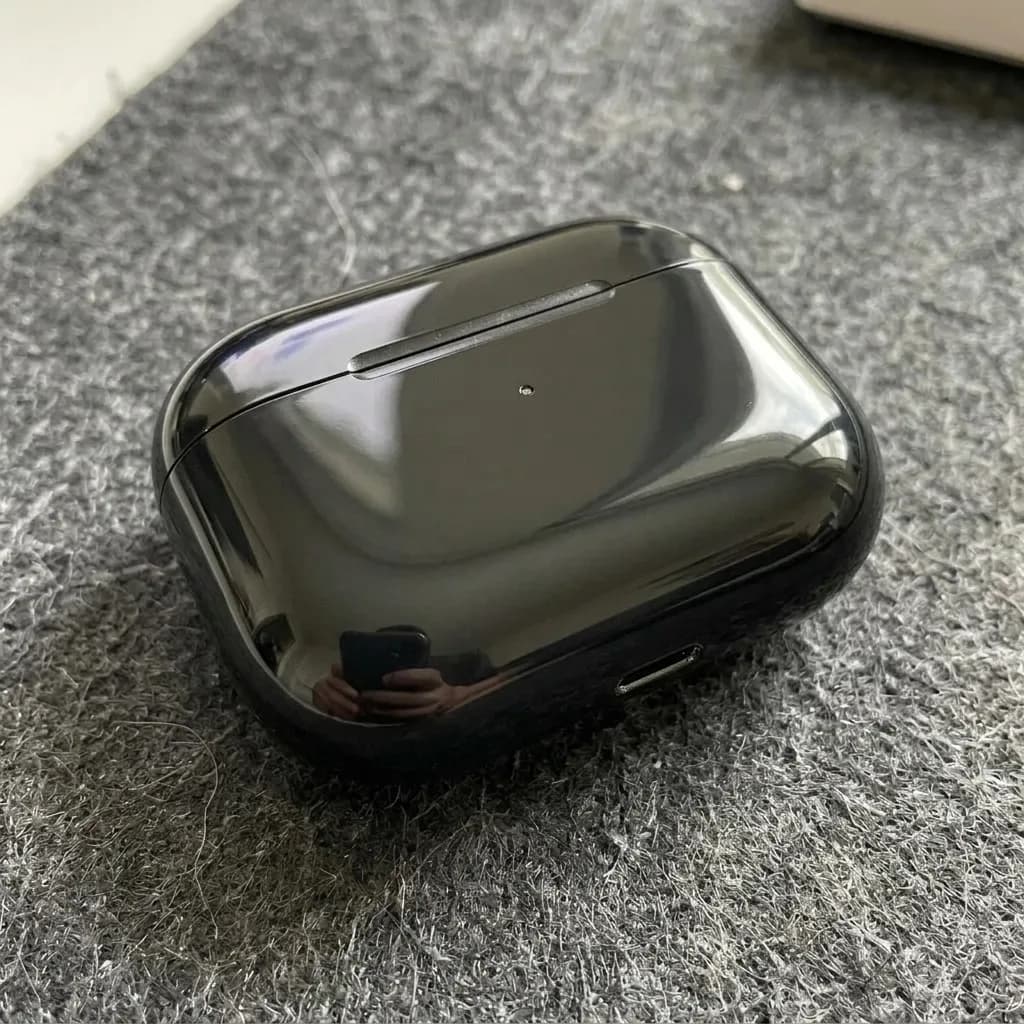
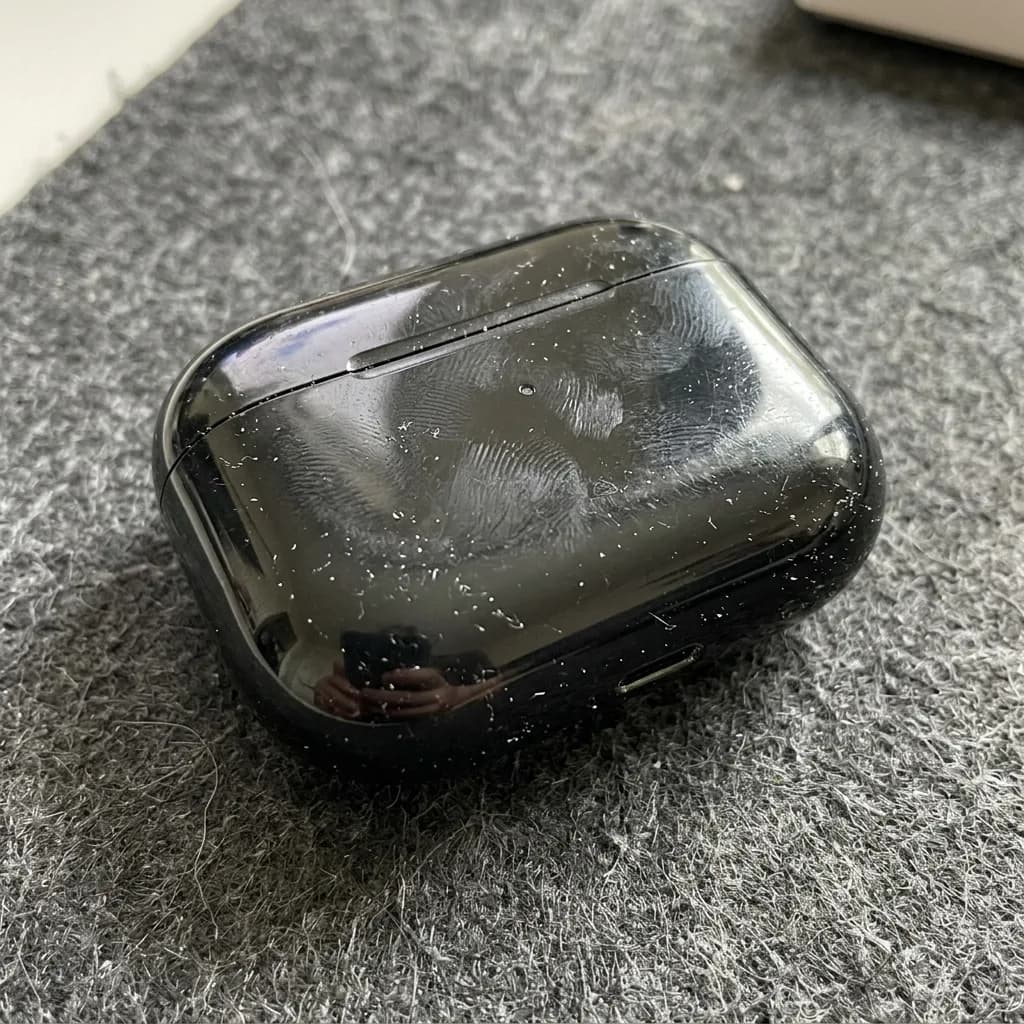
Remove Dust and Fingerprints
Remove
 Before
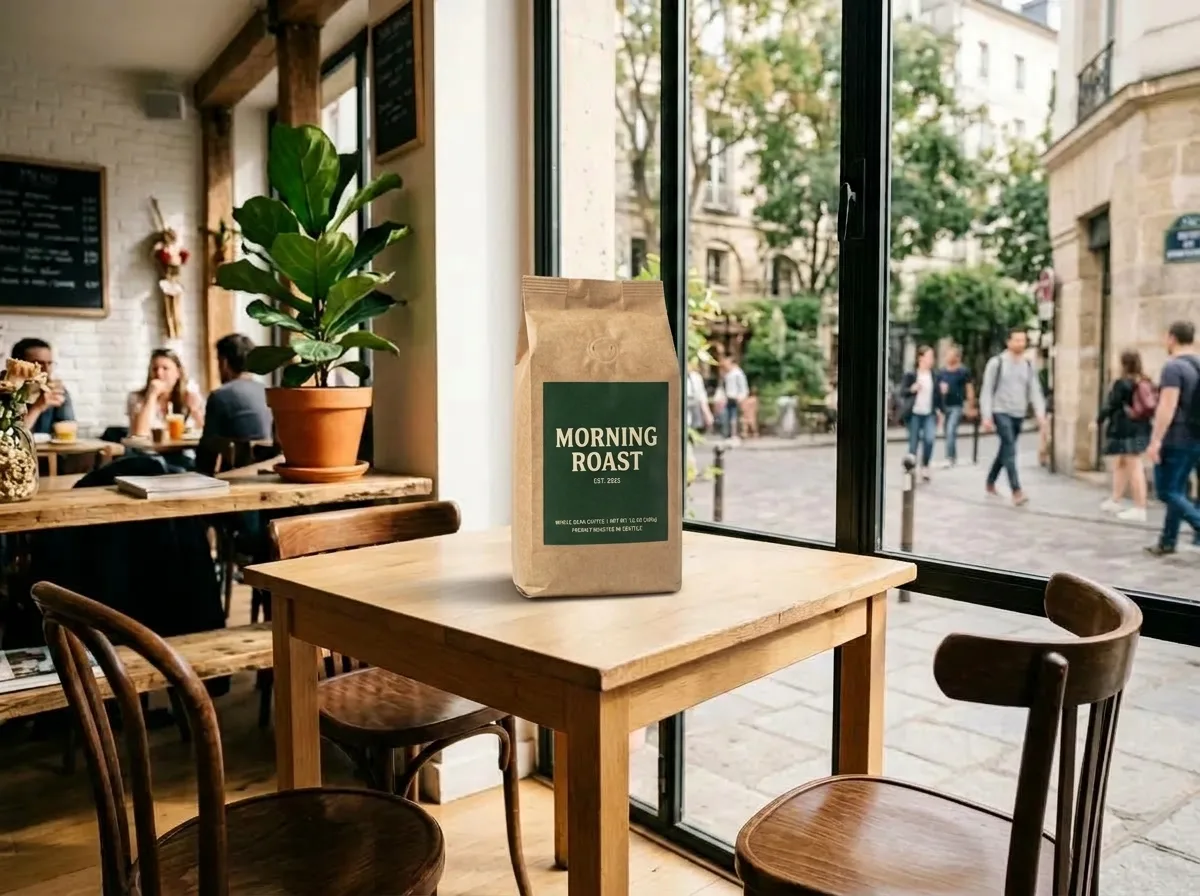
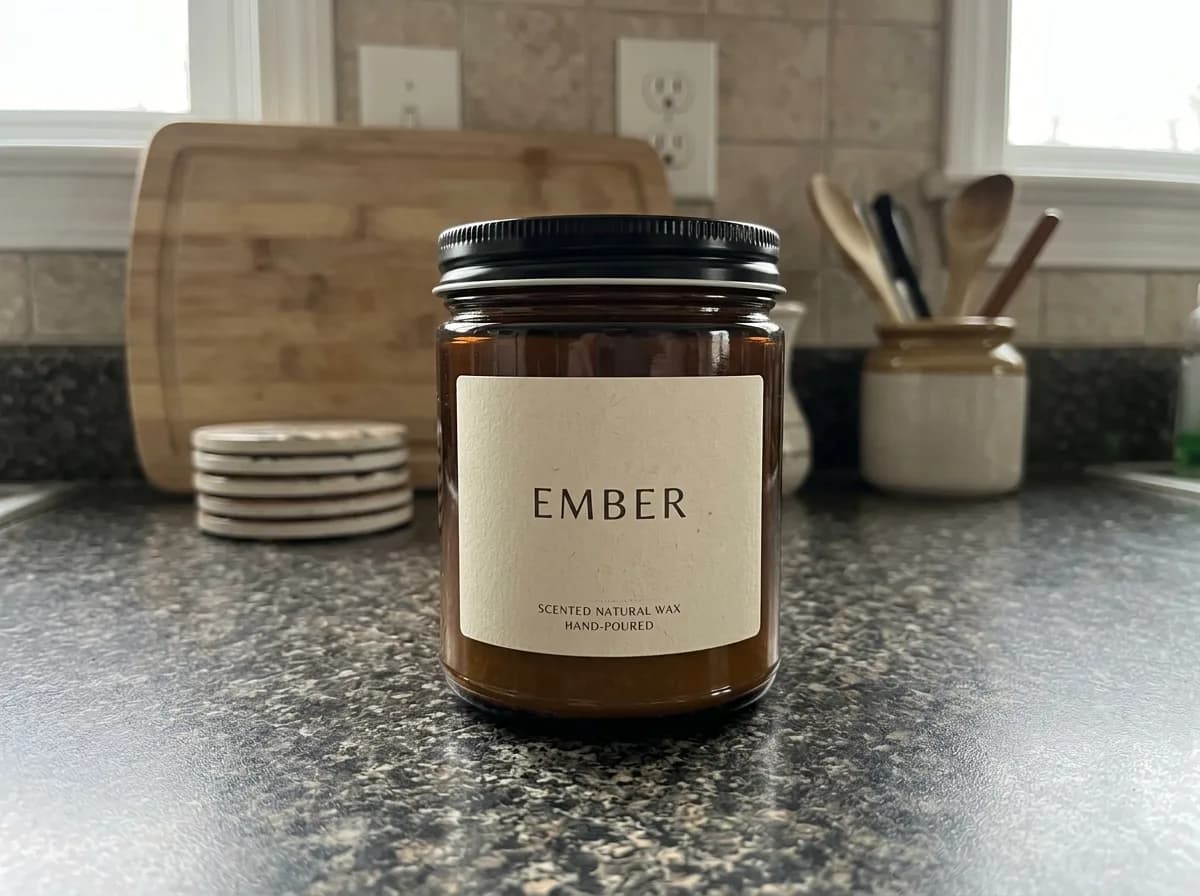
Place a Product into Your Scene
Combine
 Before
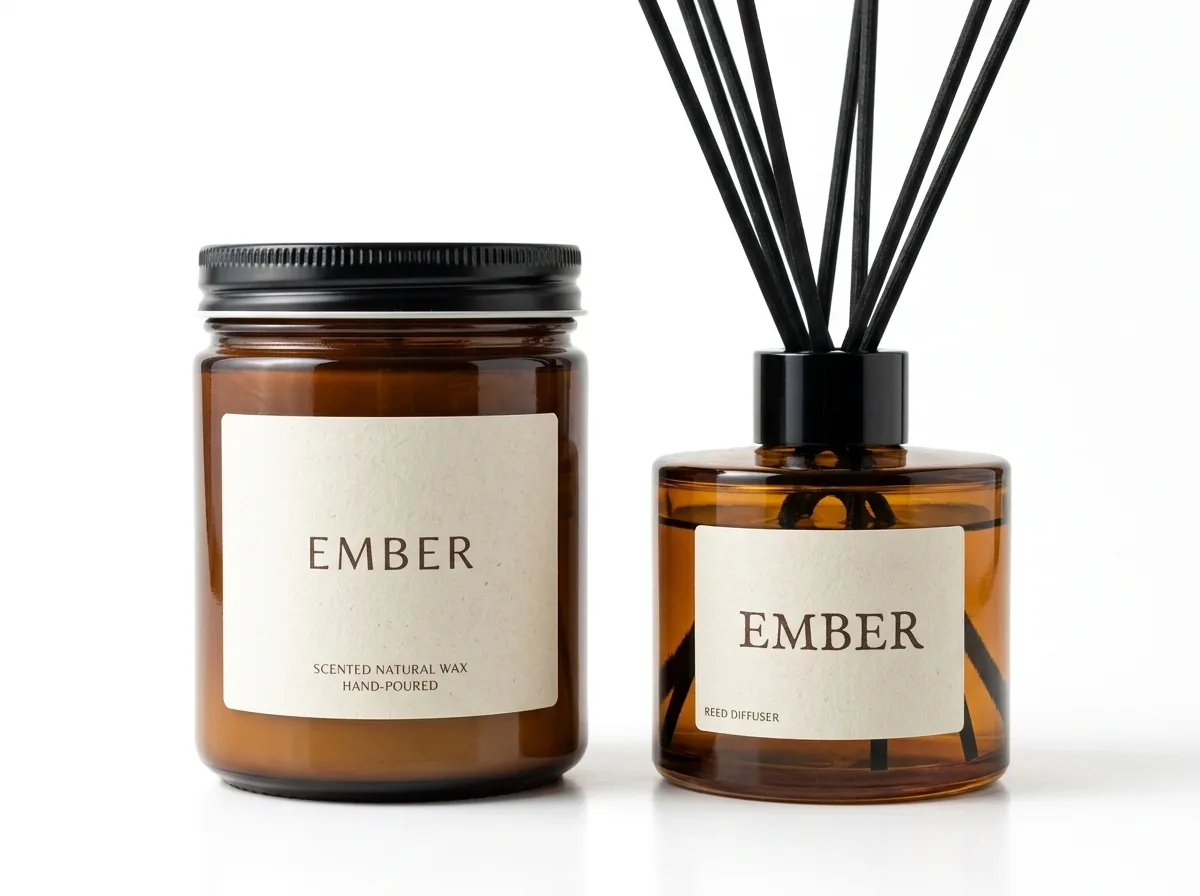
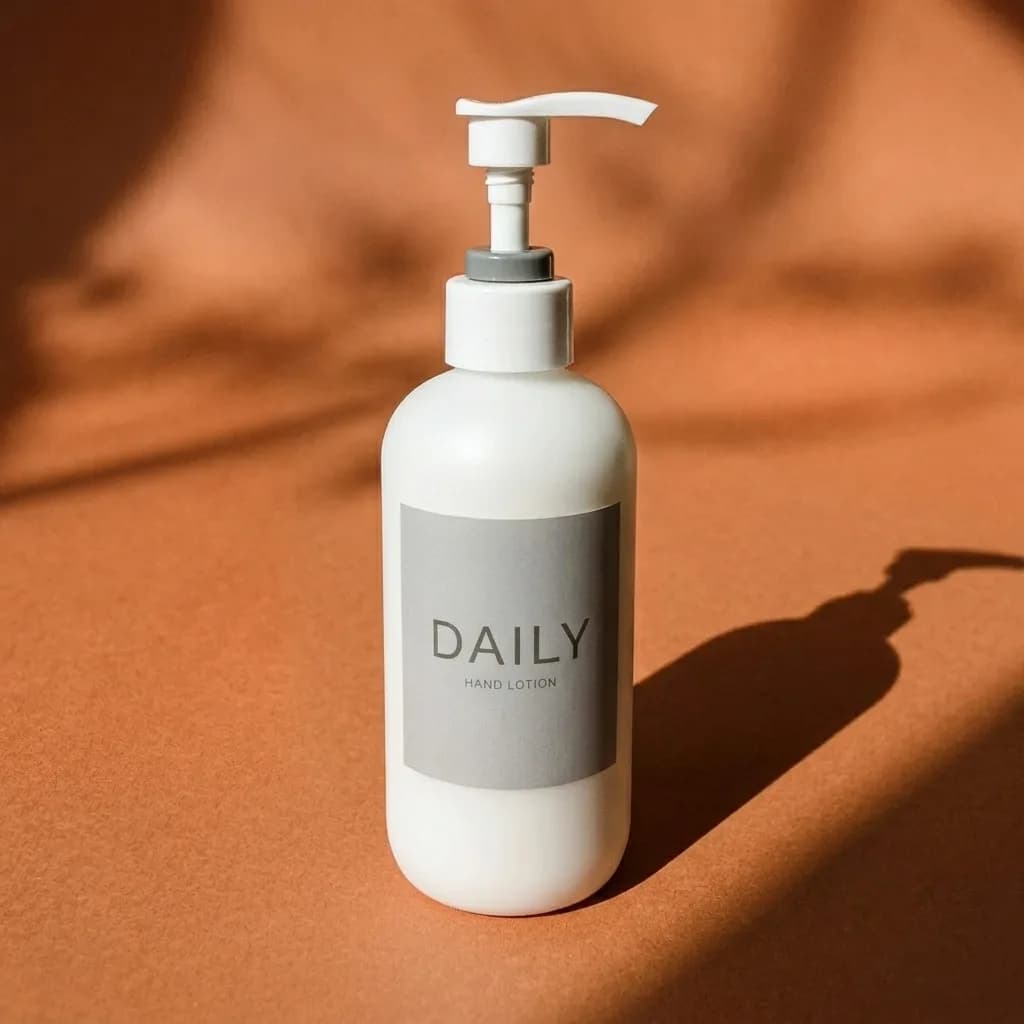
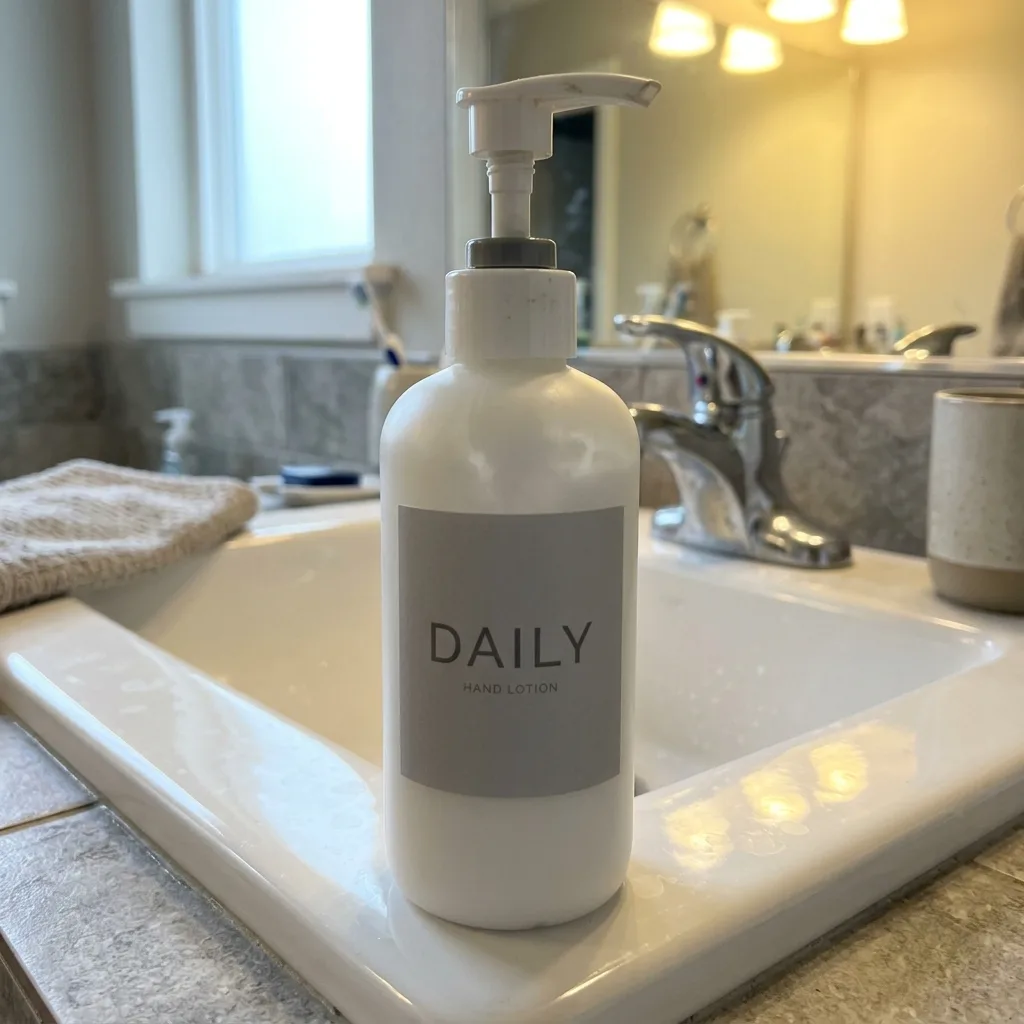
Bundle Two Products into One Shot
Combine
 Before
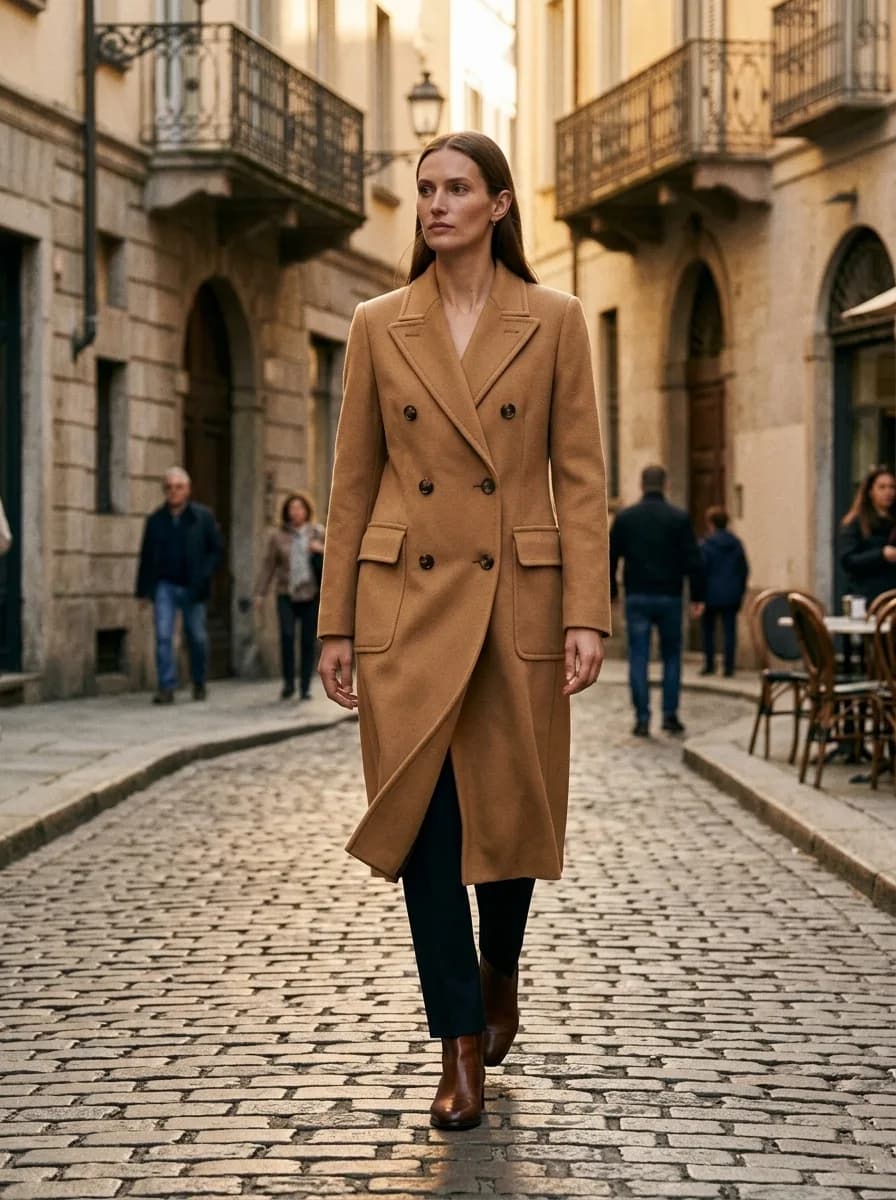
Match Your Existing Catalog Look
Combine
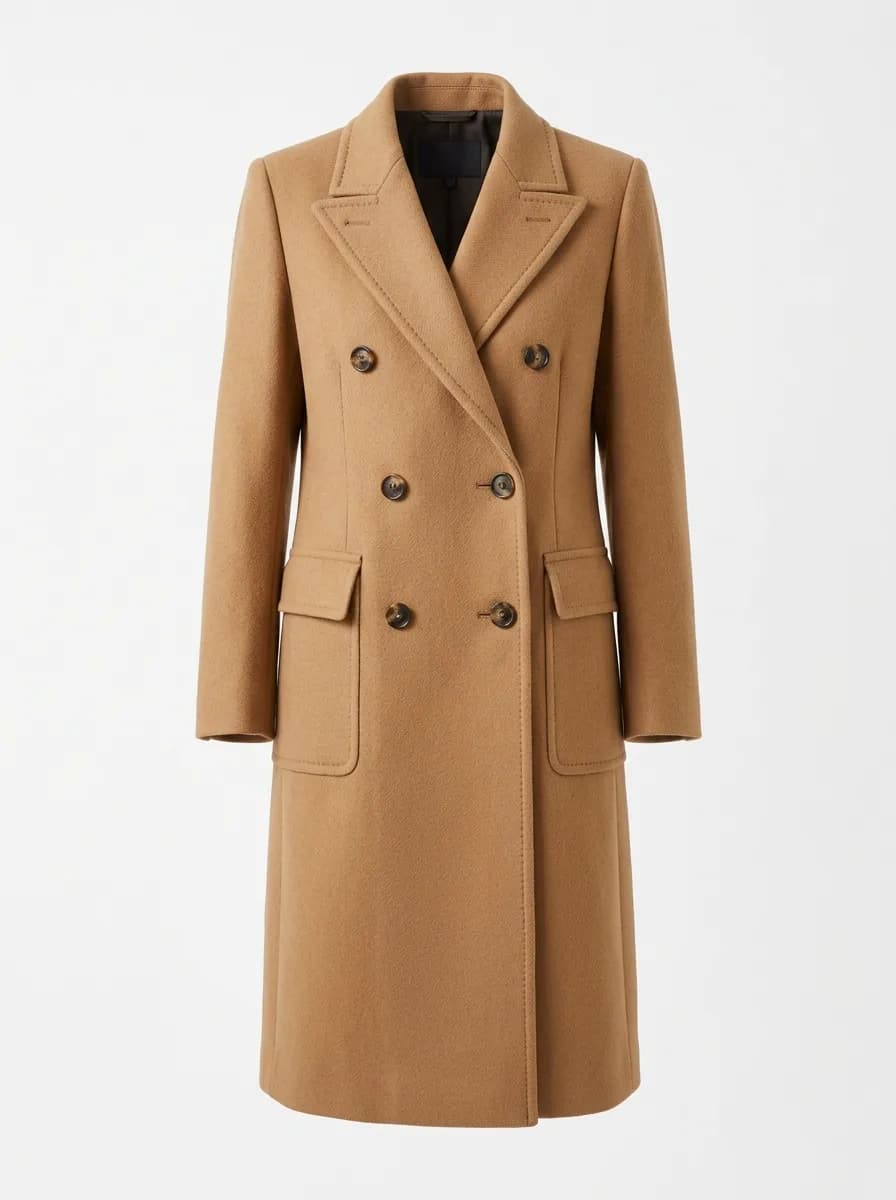 Before
Ghost Mannequin to Street Model
Modify
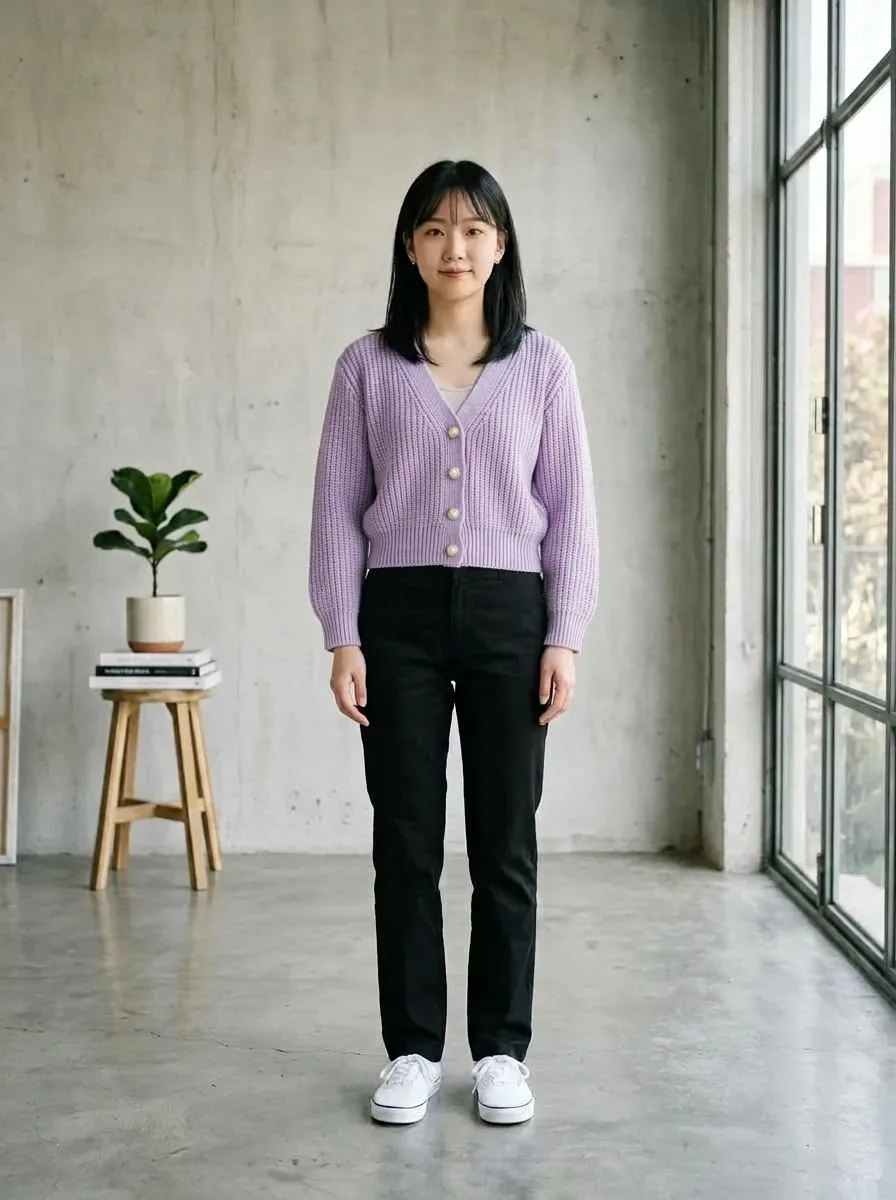
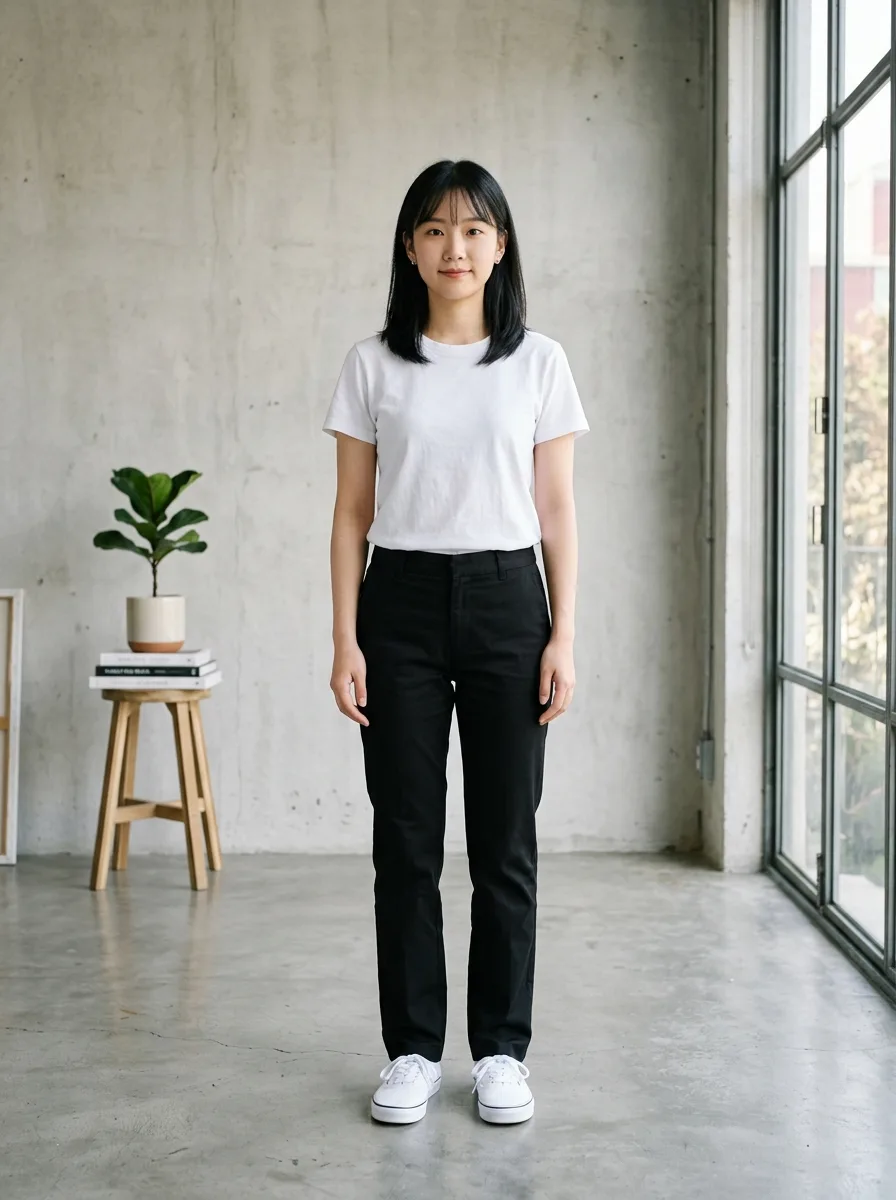 Before
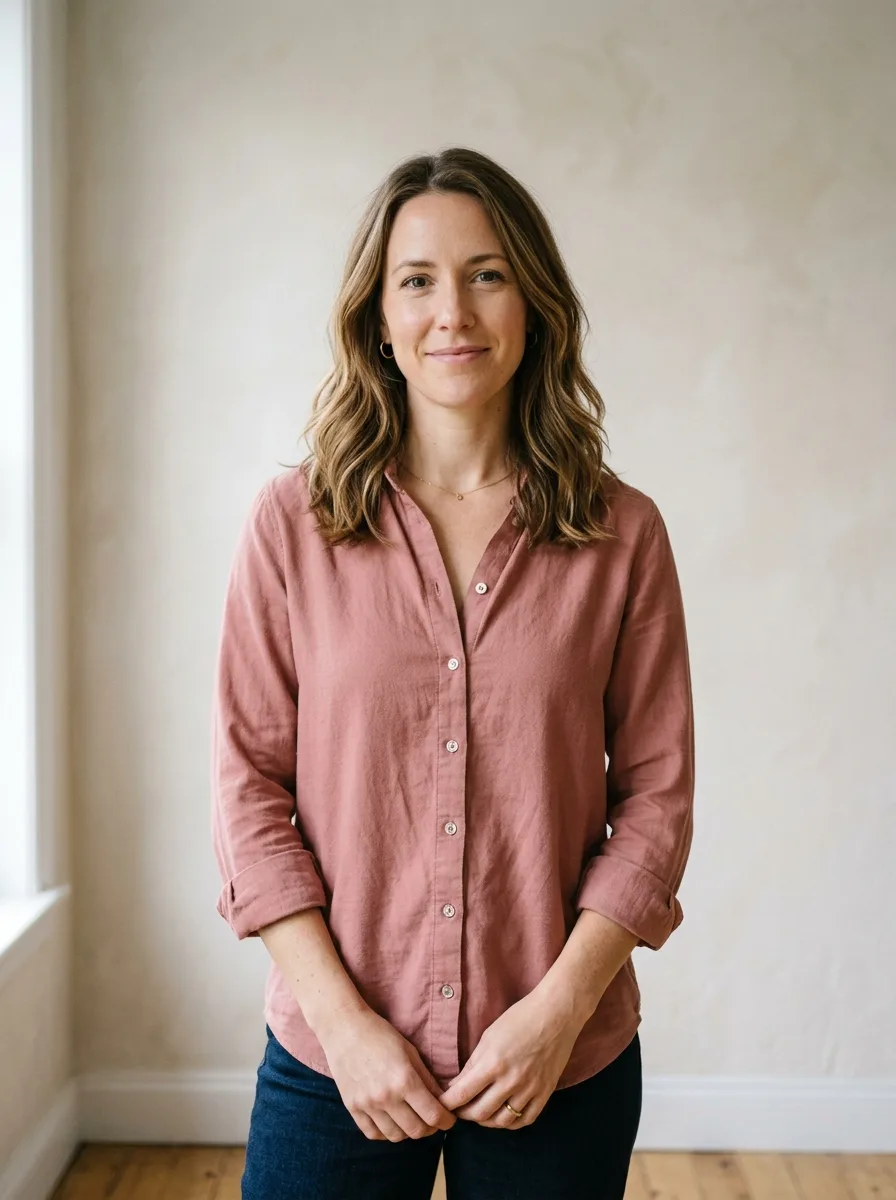
Virtual Try-On
Combine
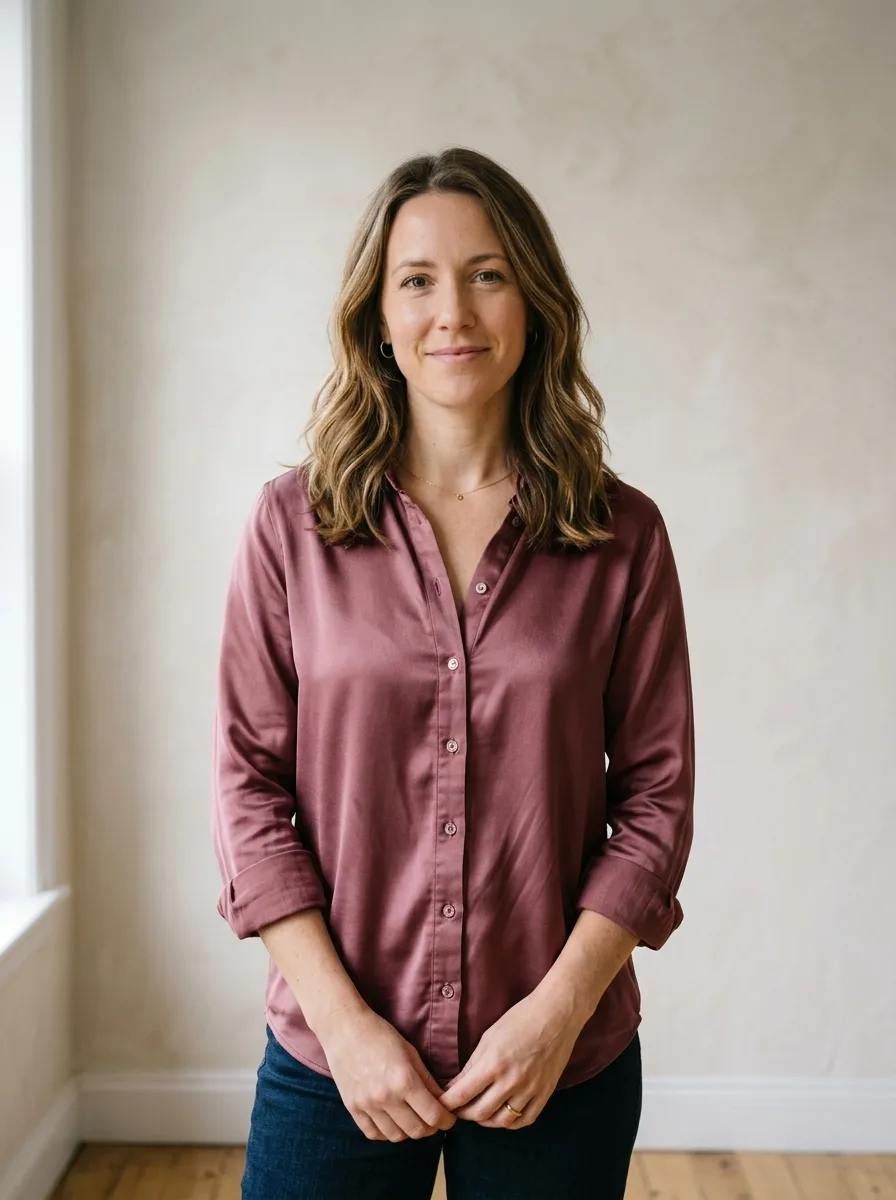
 Before
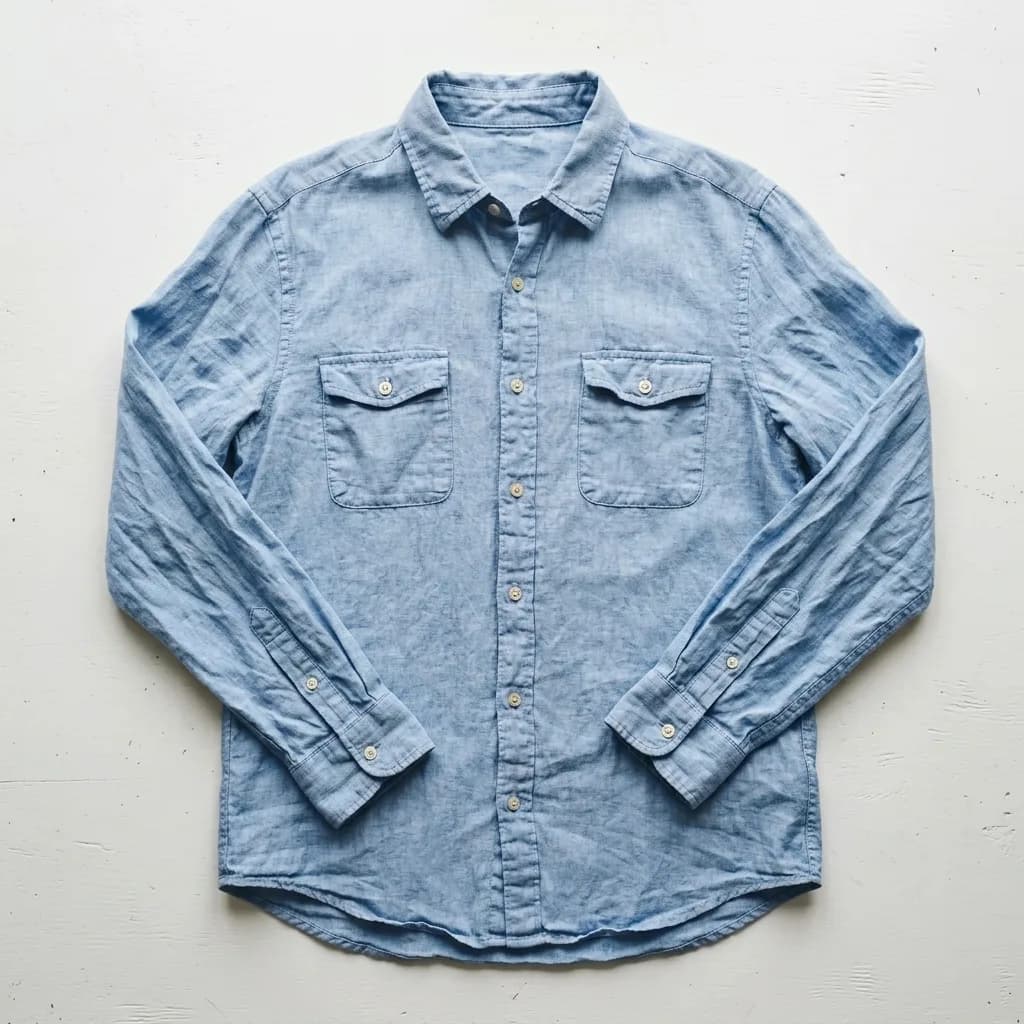
Upgrade Fabric to Silk
Modify
 Before
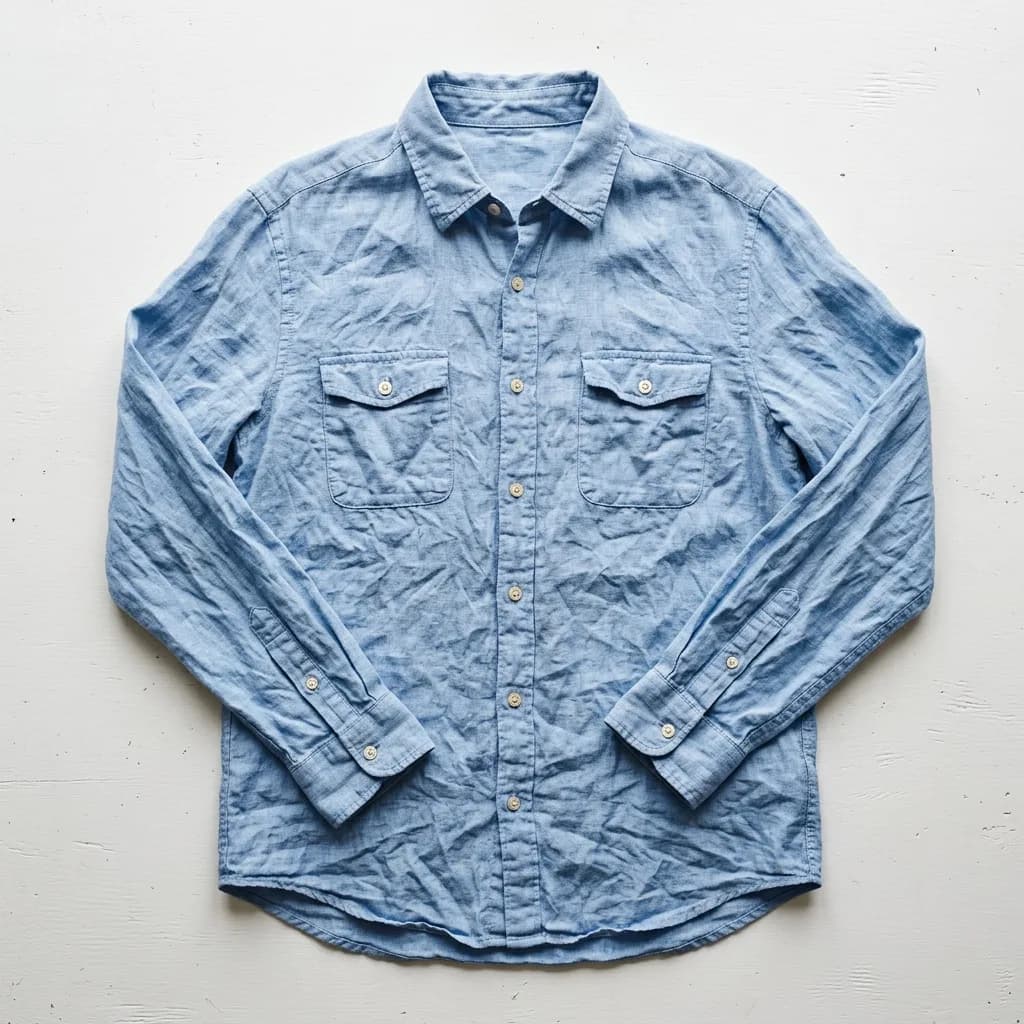
Smooth Out Fabric Wrinkles
Remove

 Before
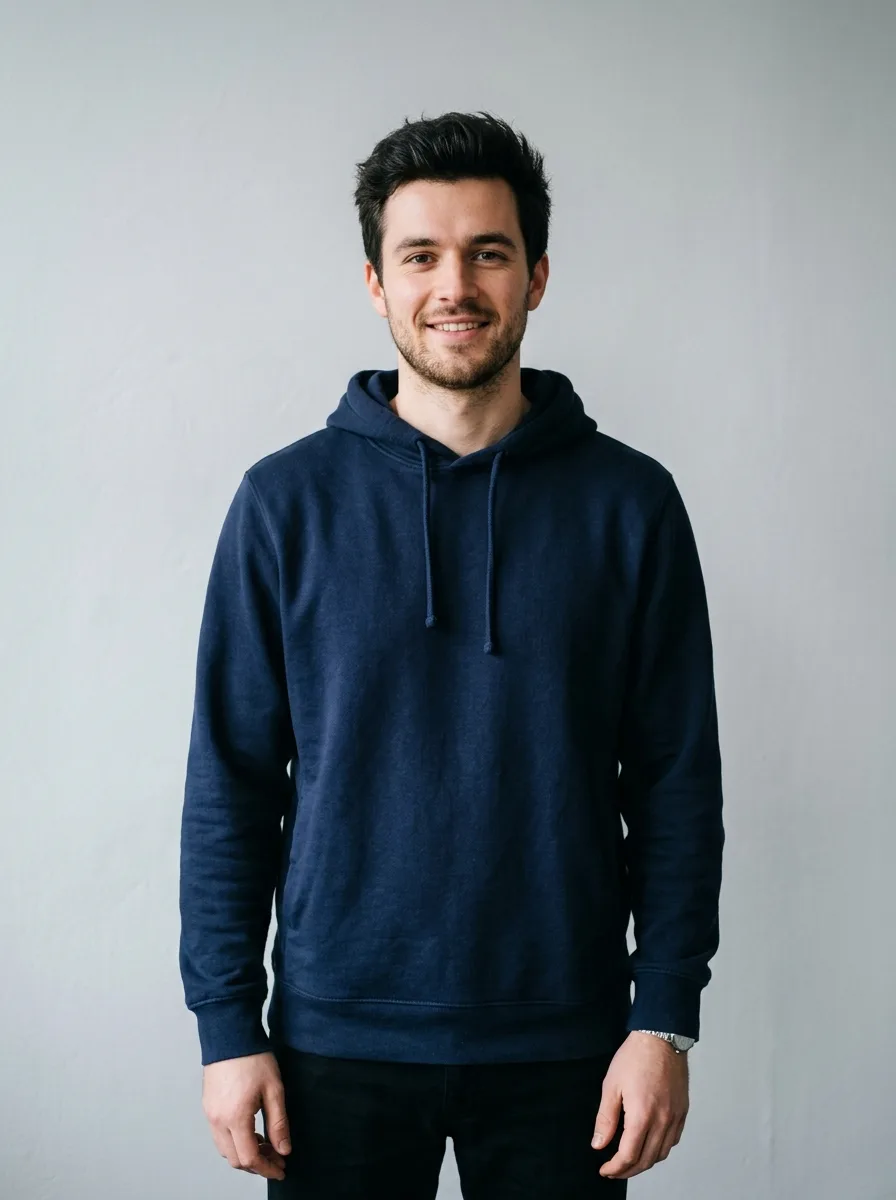
Recolor a Garment
Modify
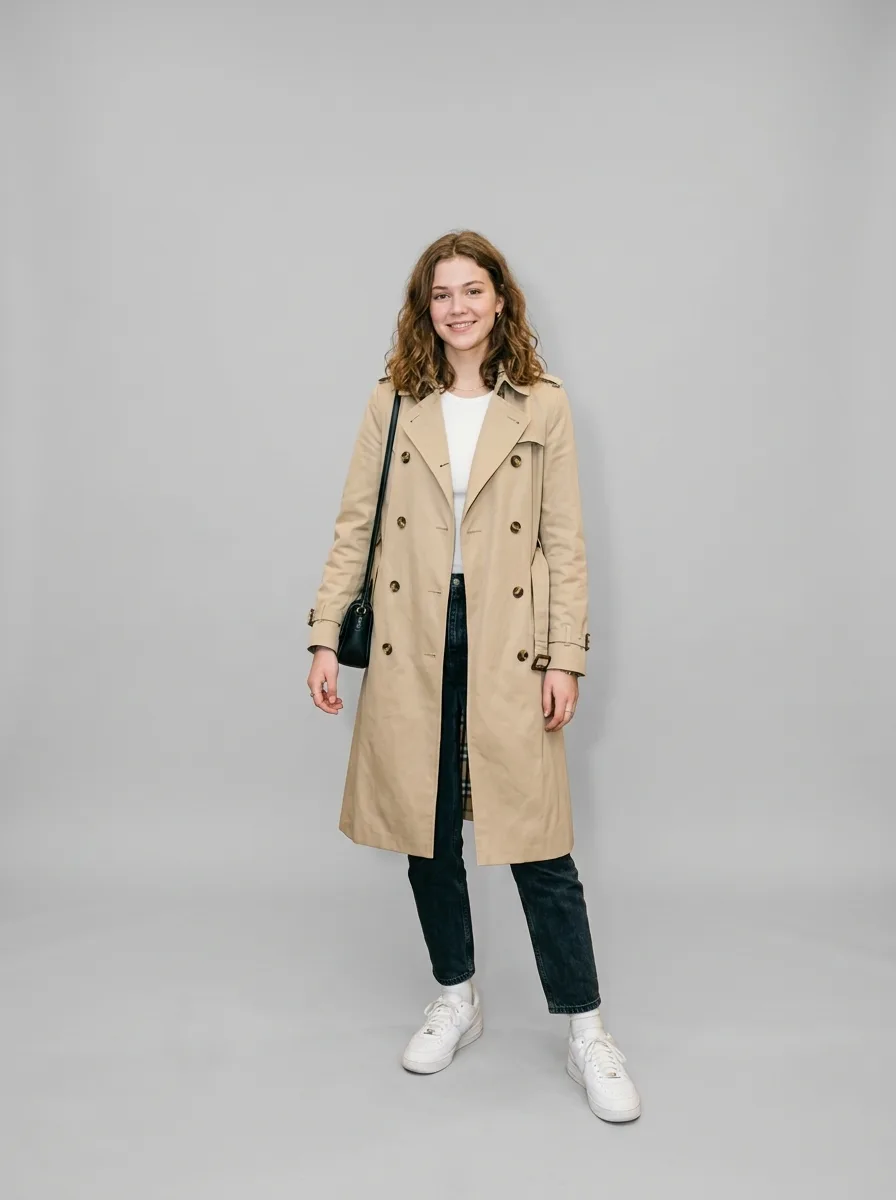
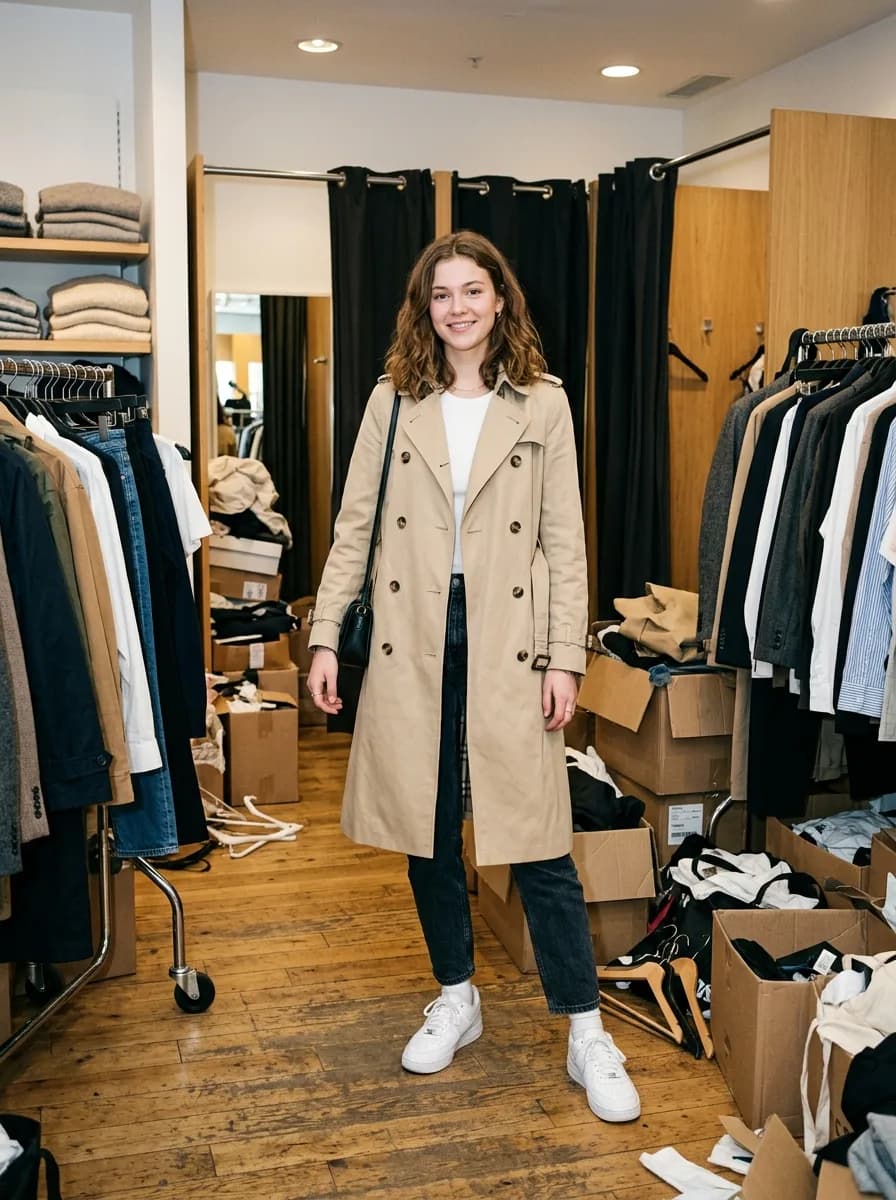 Before
Clean Studio Backdrop for Model Shots
Background
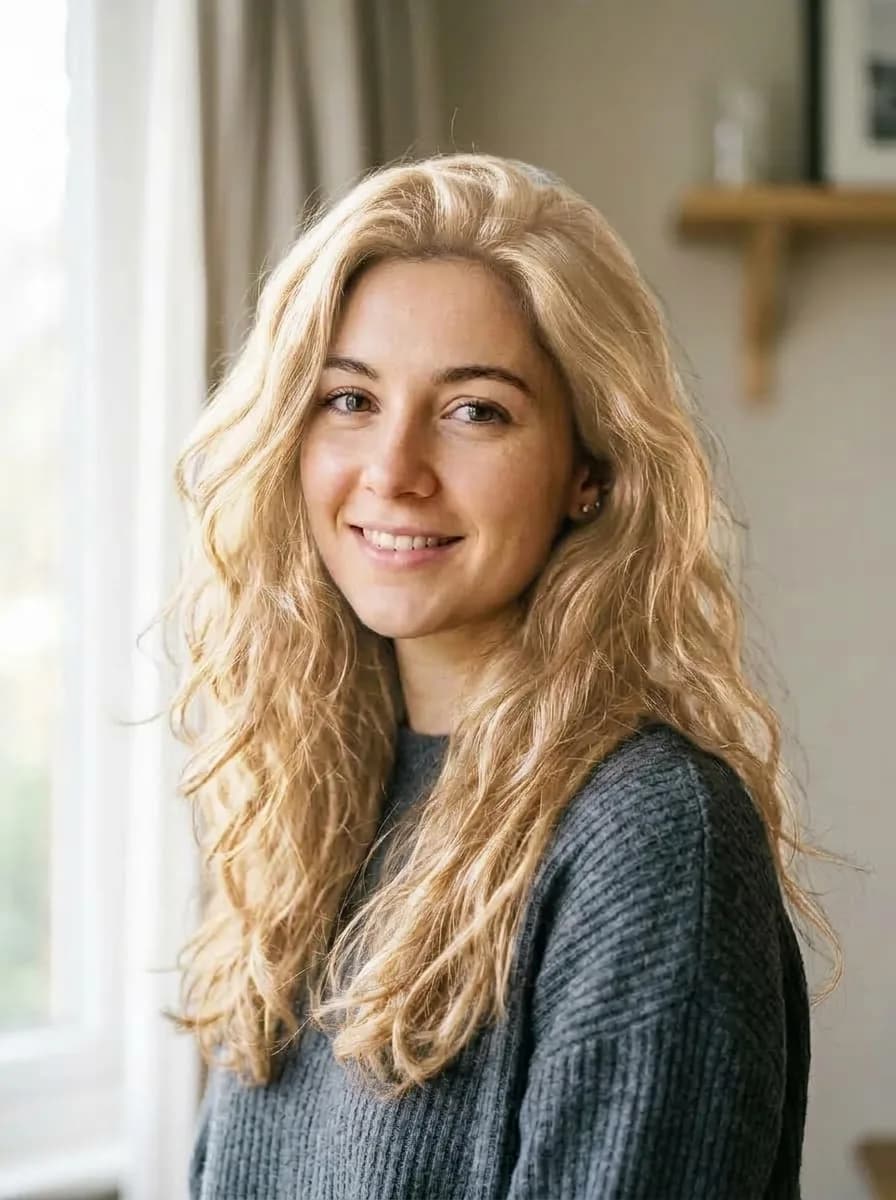
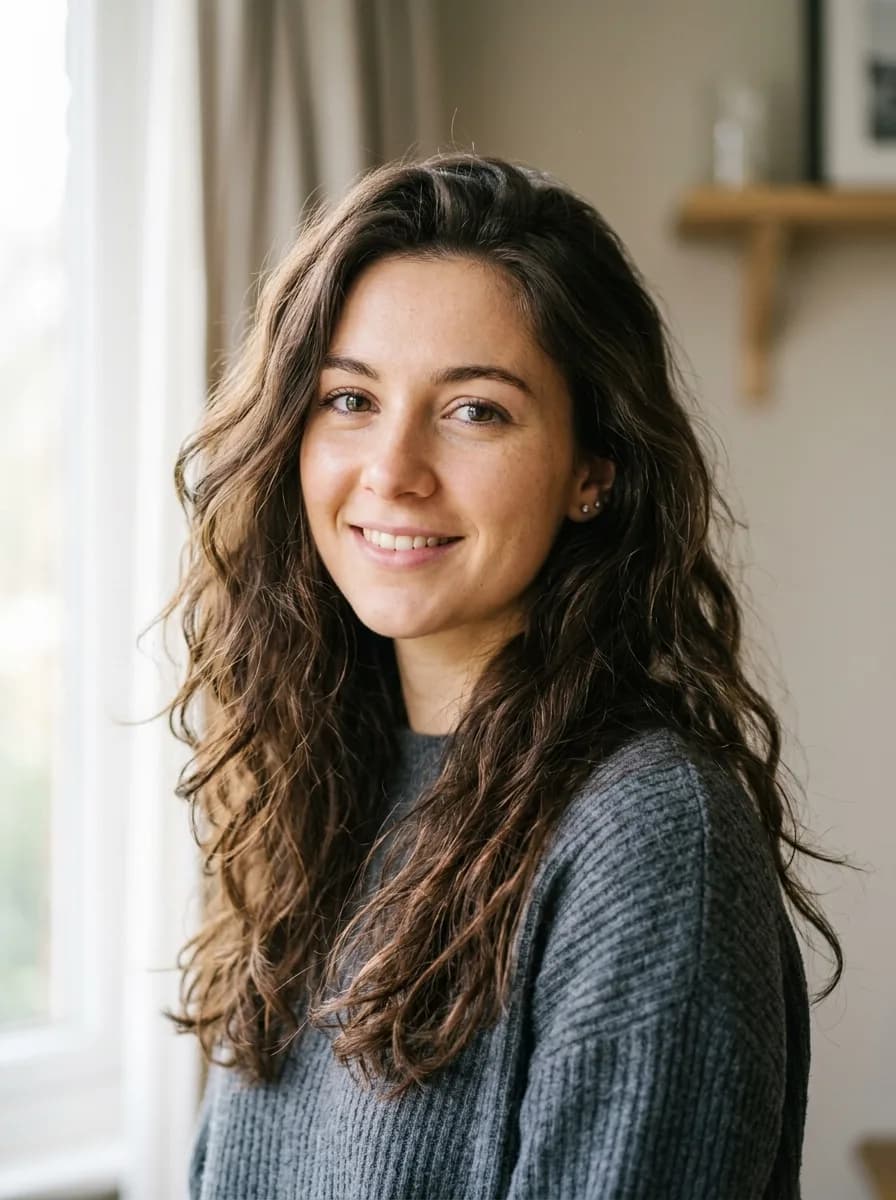 Before
Change Hair to Platinum Blonde
Modify
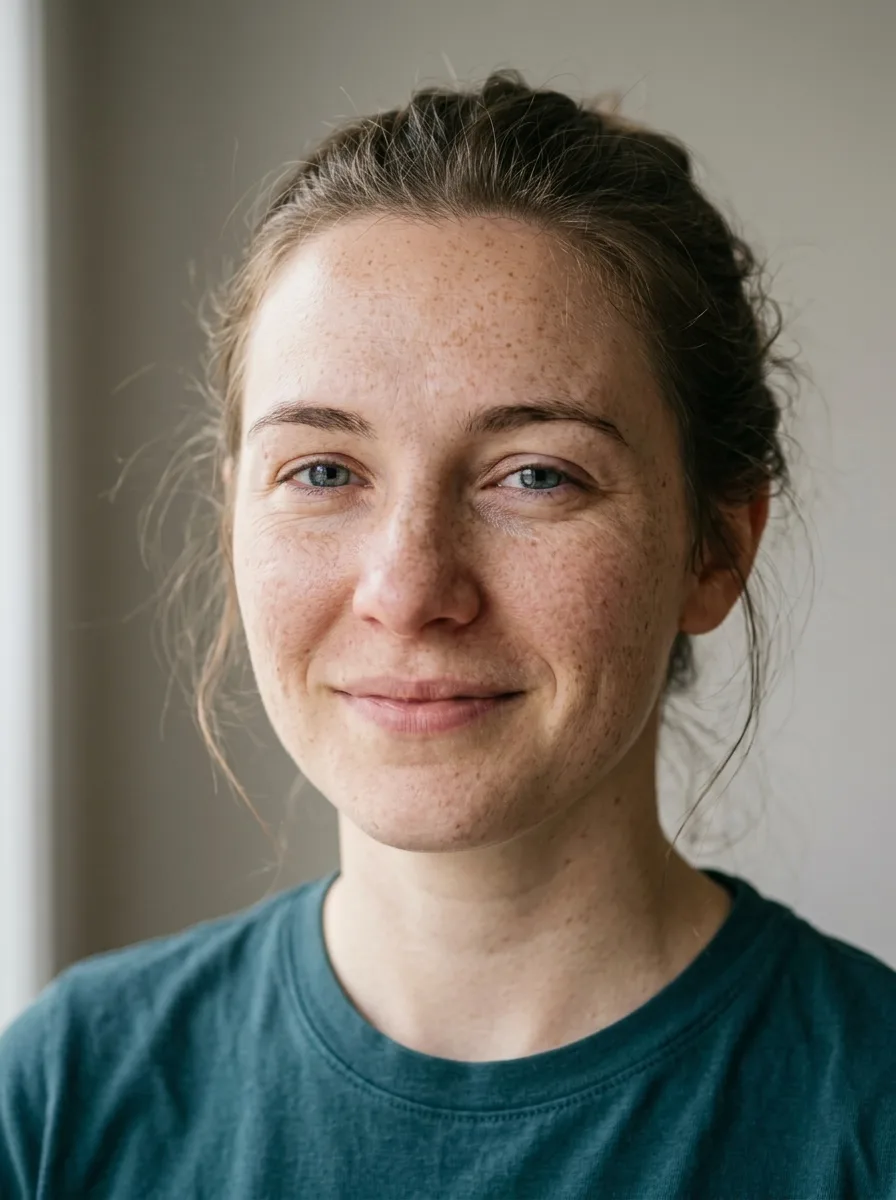
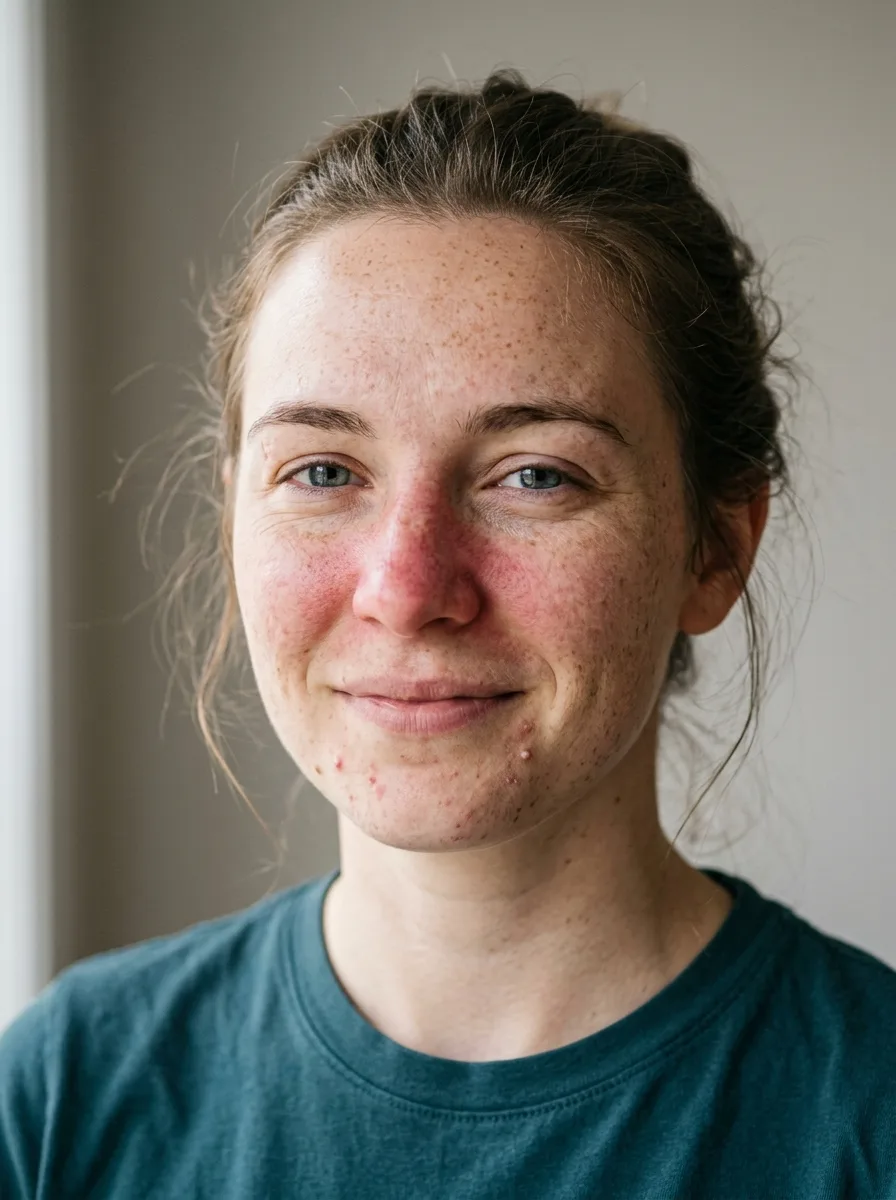 Before
Natural Skin Retouch
Retouch
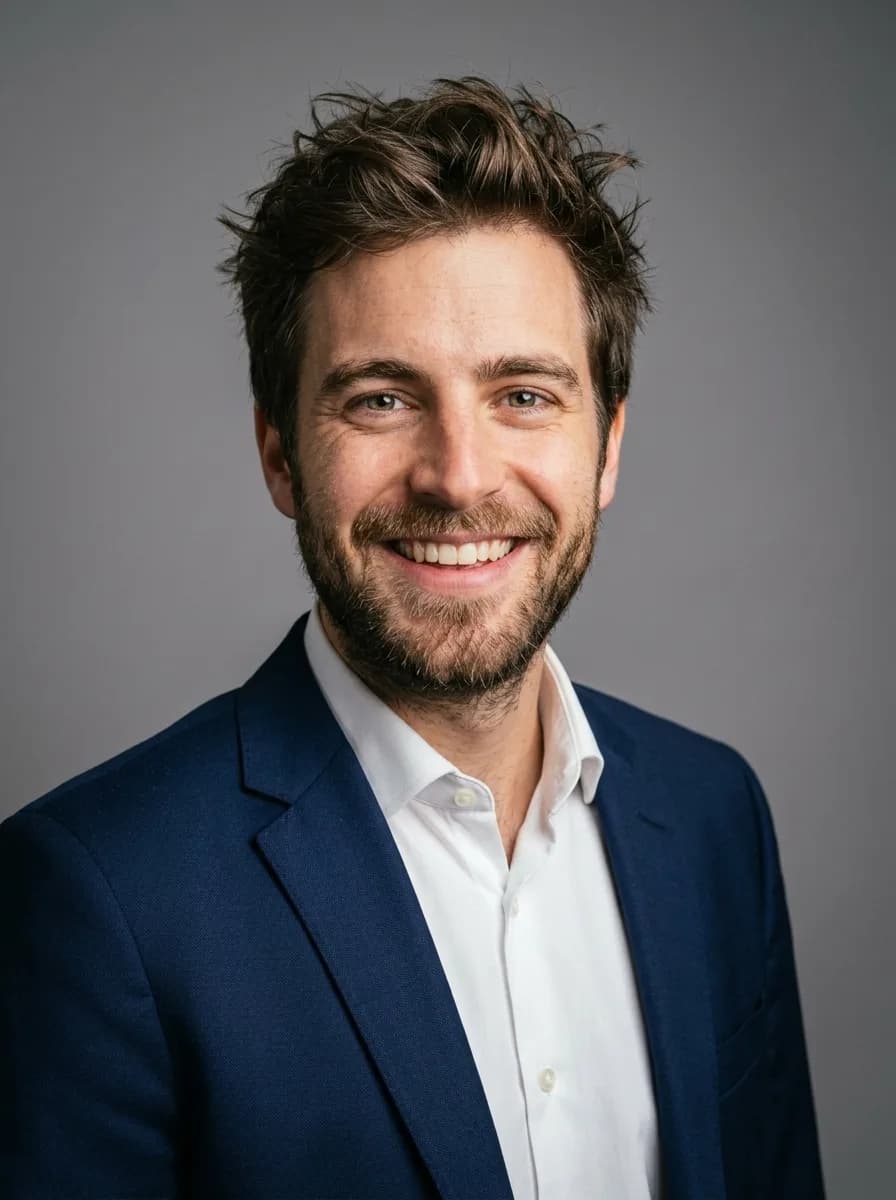
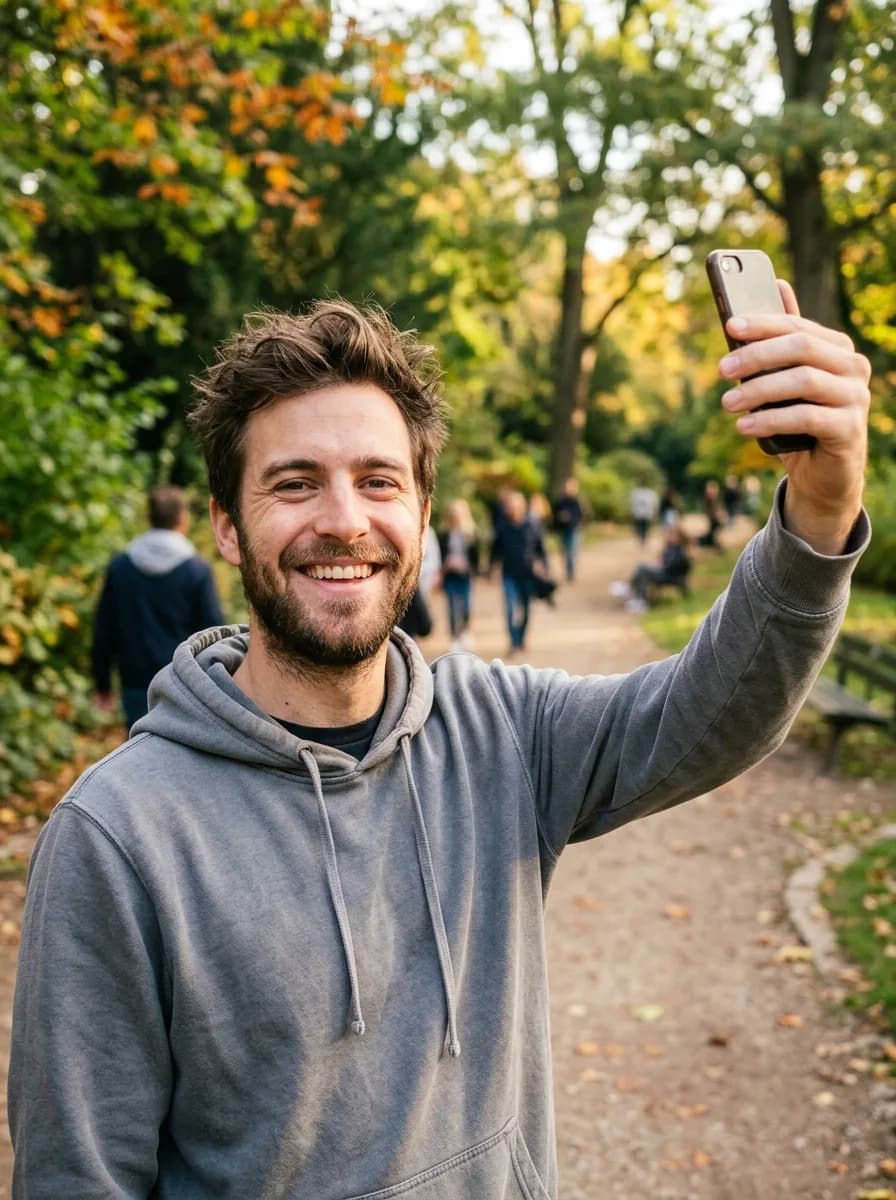 Before
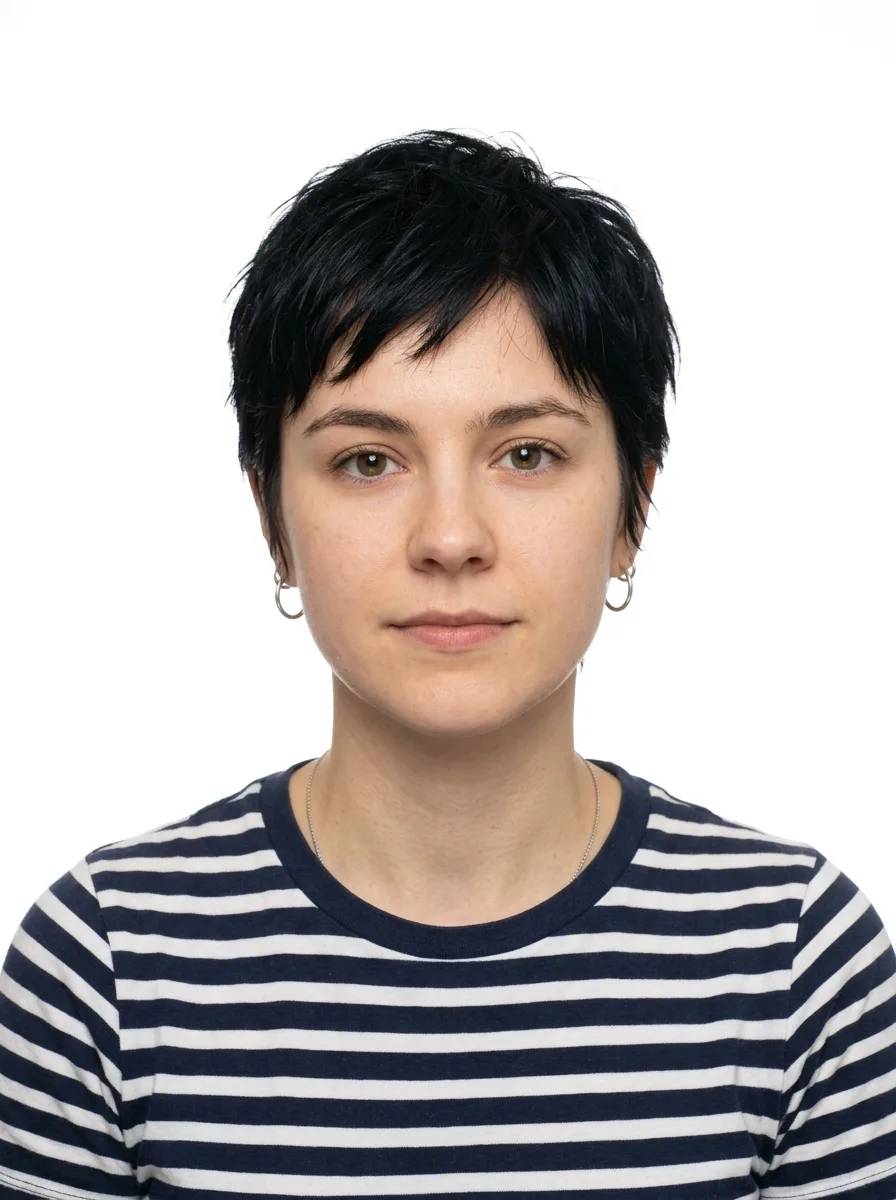
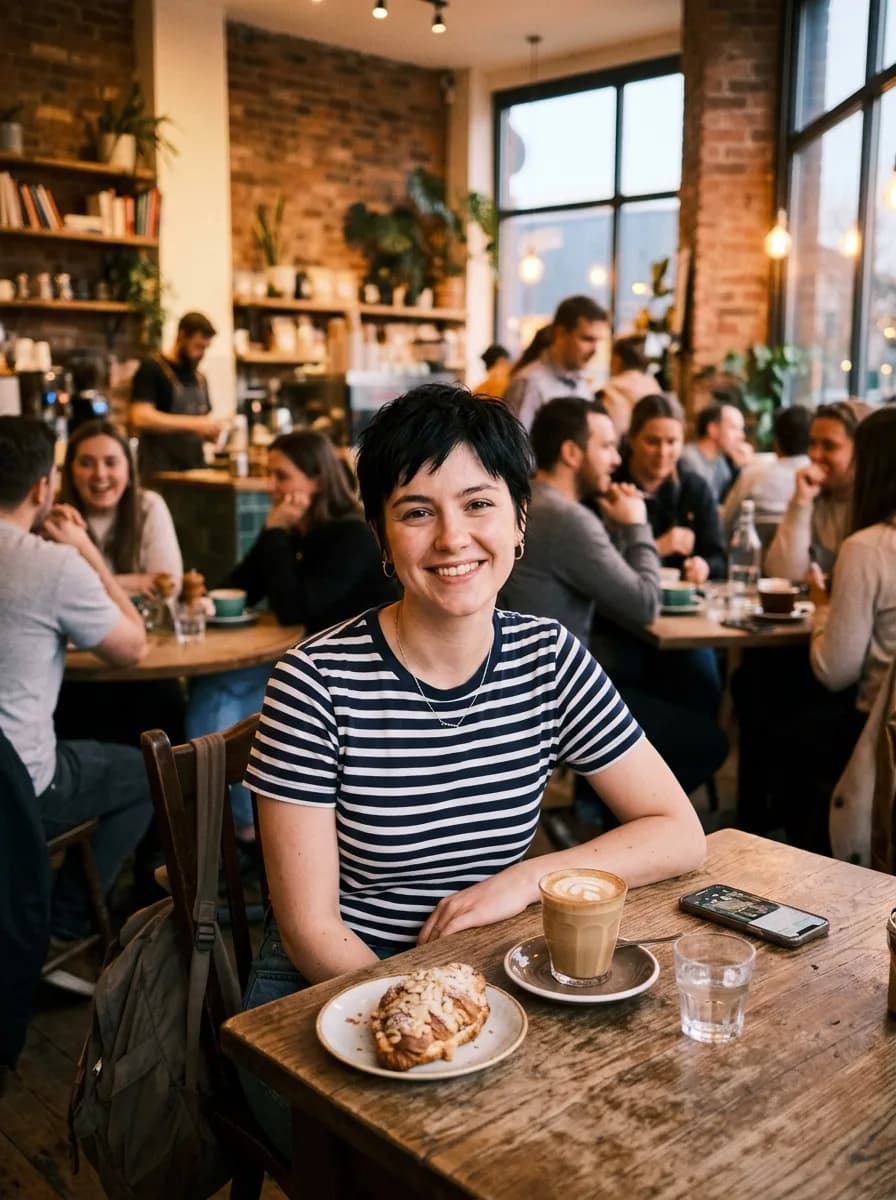
Casual Photo to Business Headshot
Background
 Before
ID Photo with White Background
Background
 Before
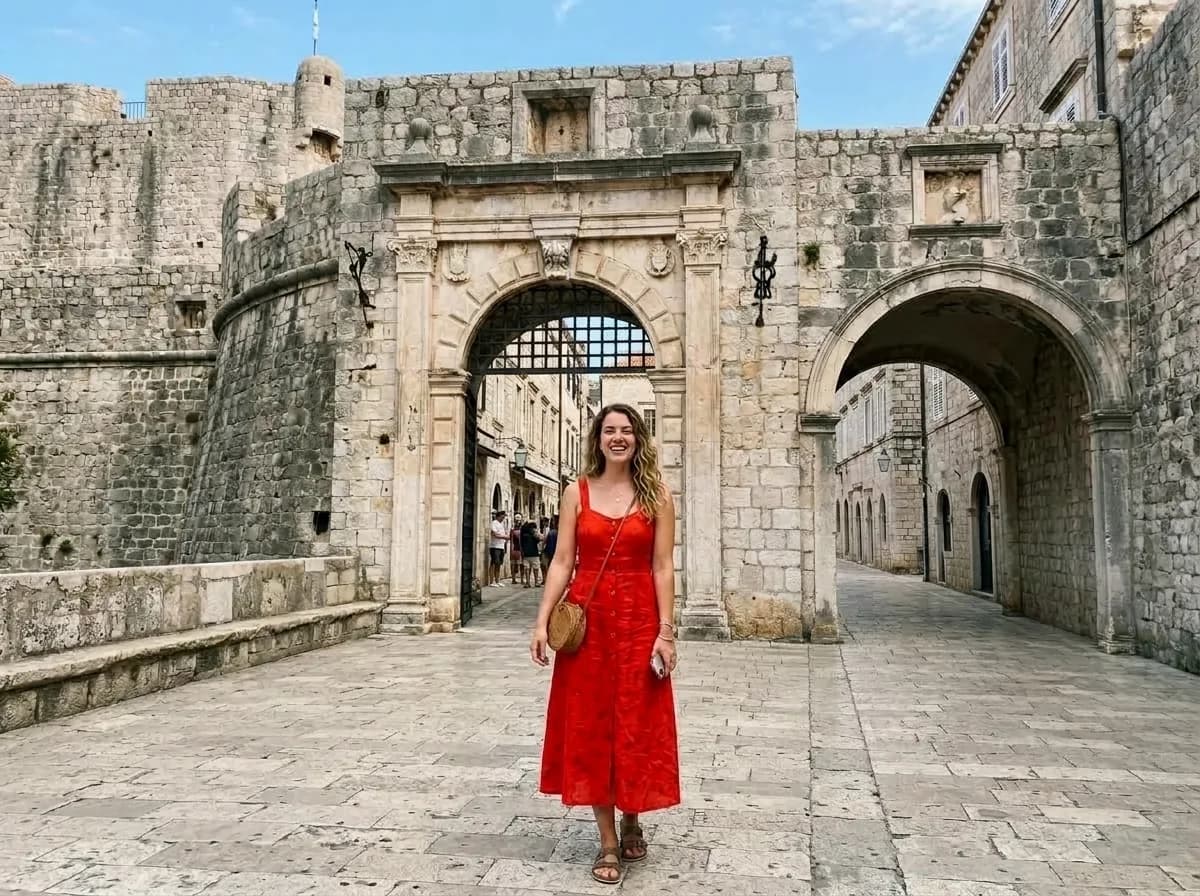
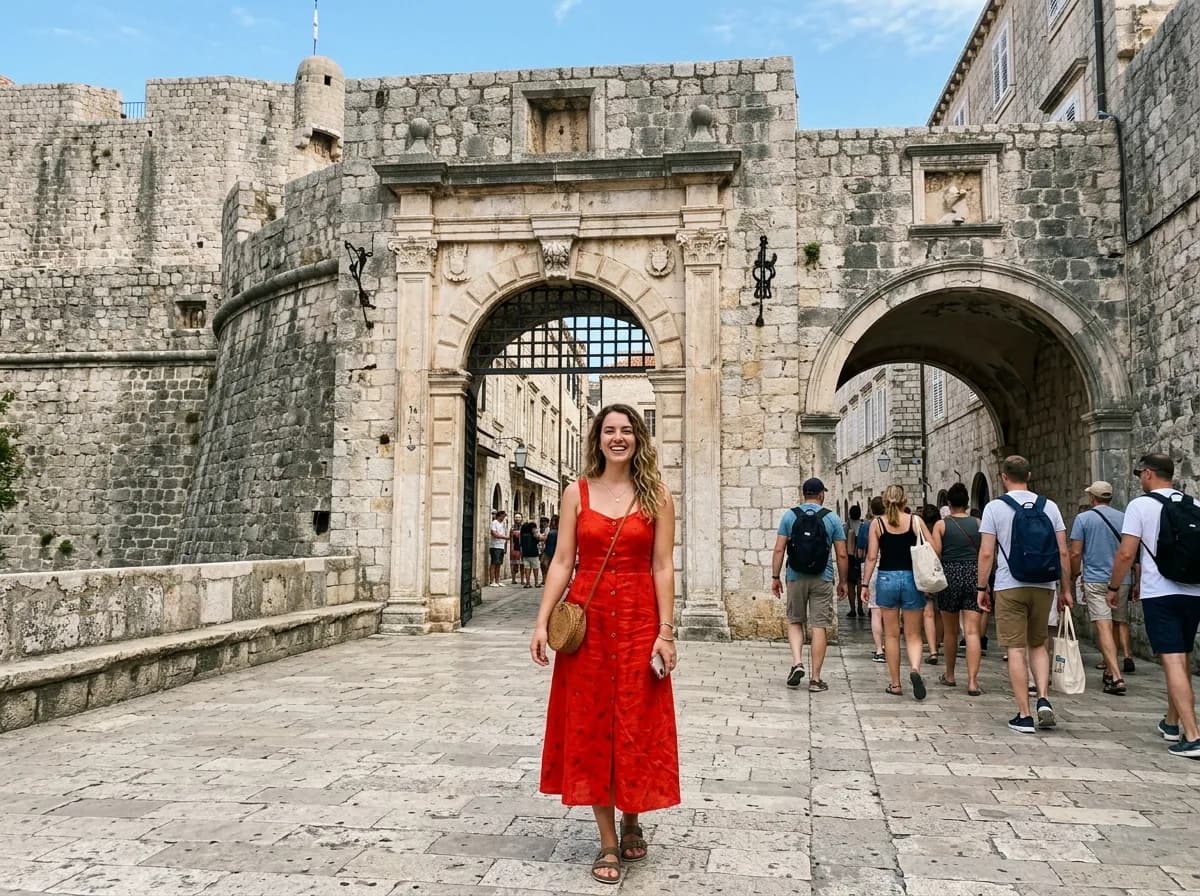
Remove People from the Background
Remove
 Before
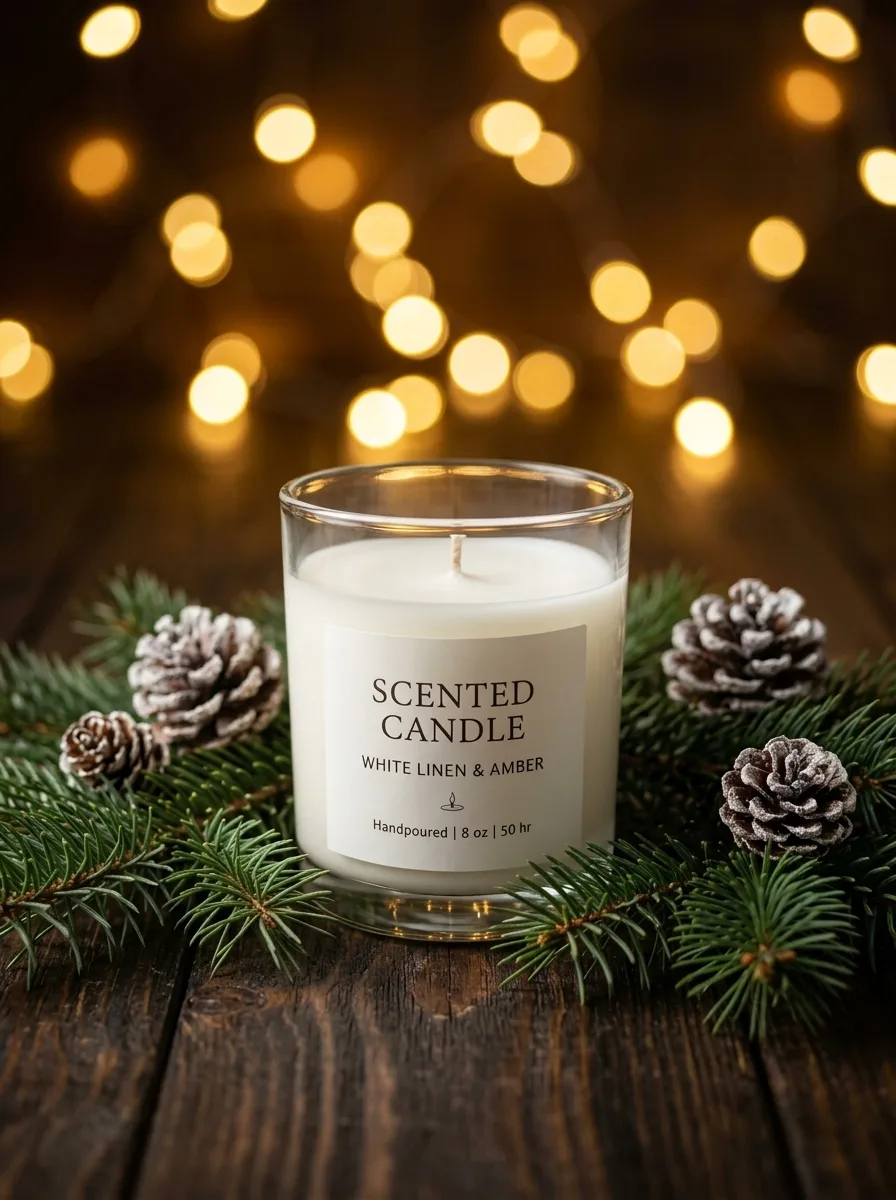
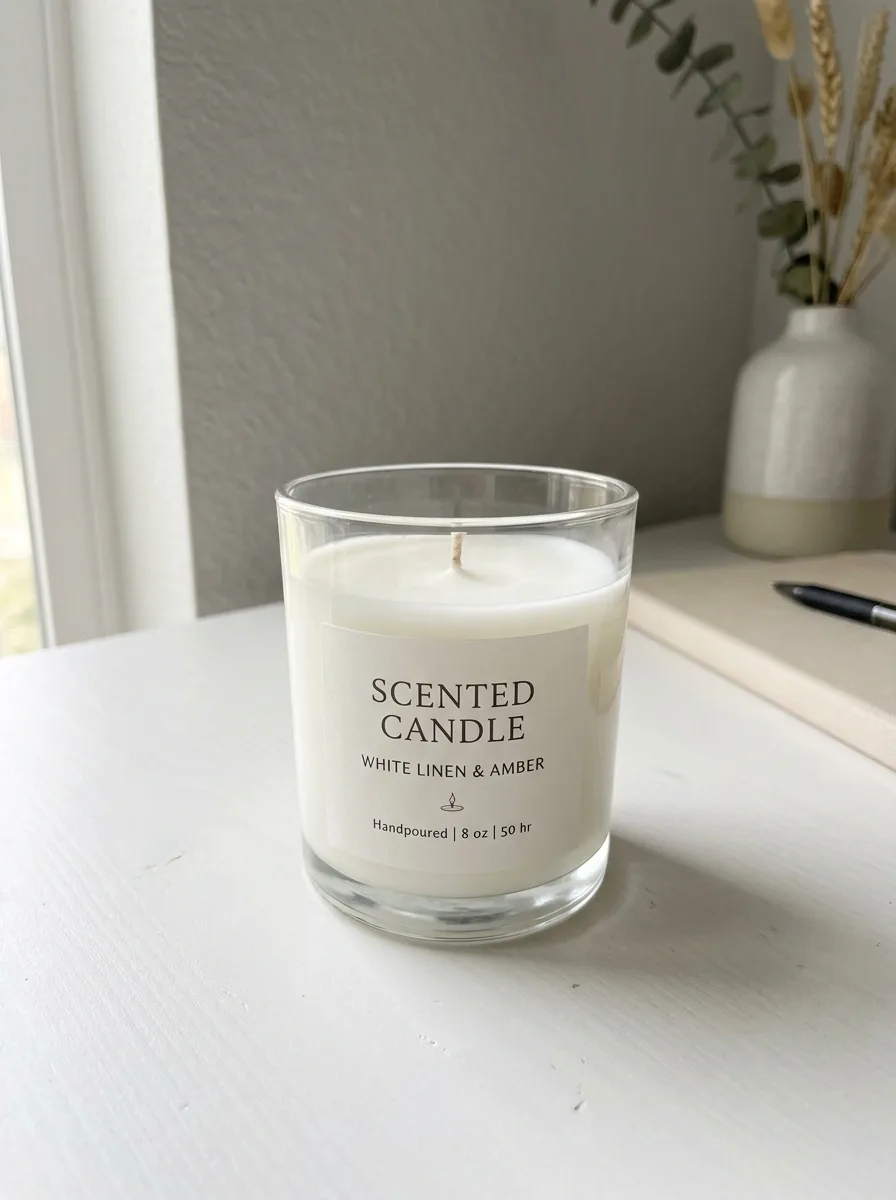
Christmas Pine and Warm Bokeh
Background
 Before
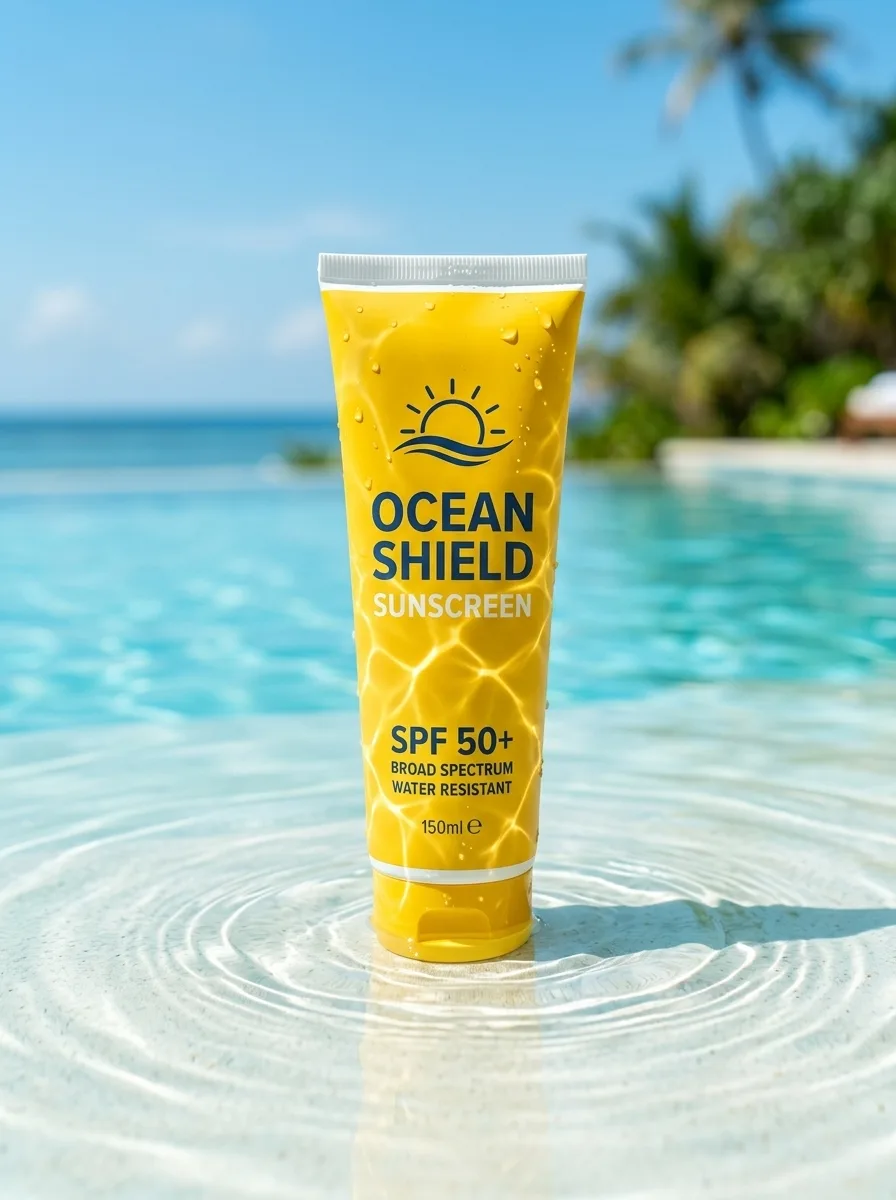
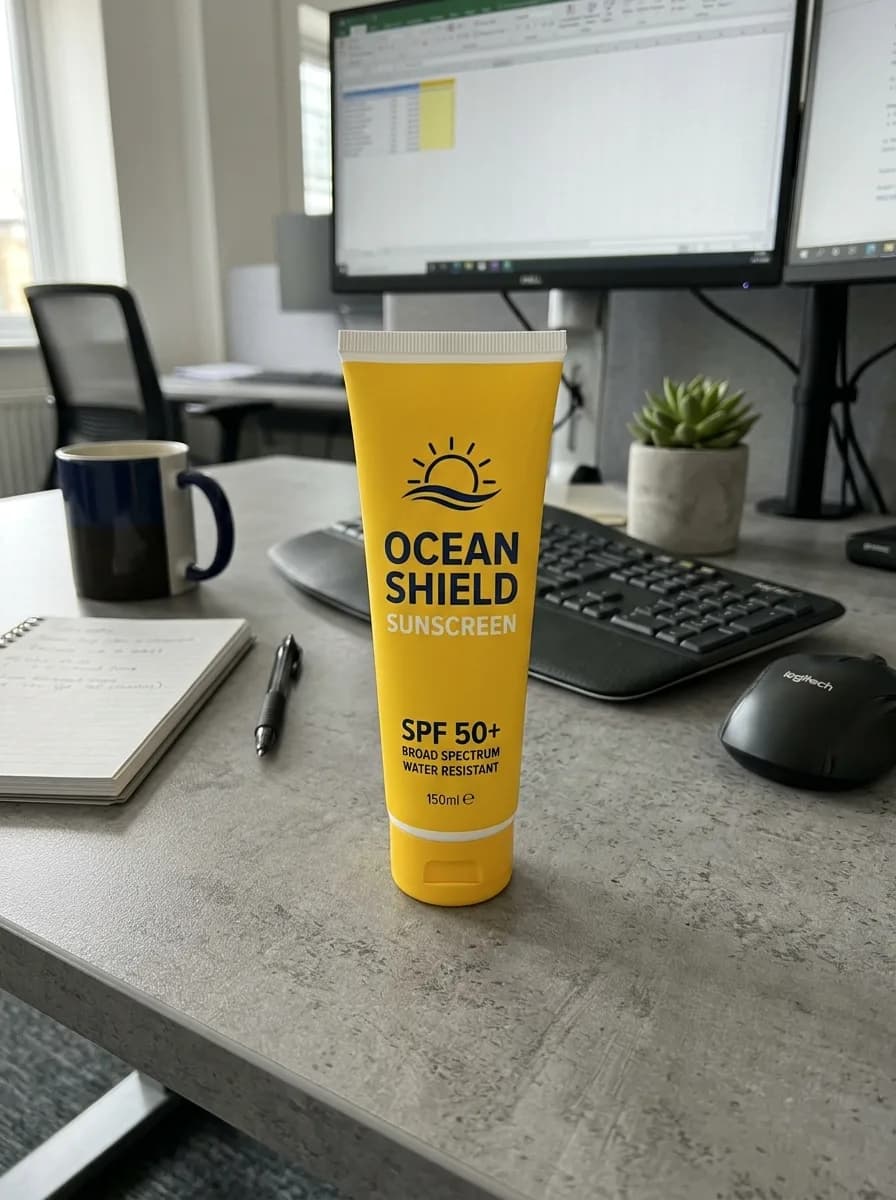
Summer Pool Water and Caustics
Background
 Before
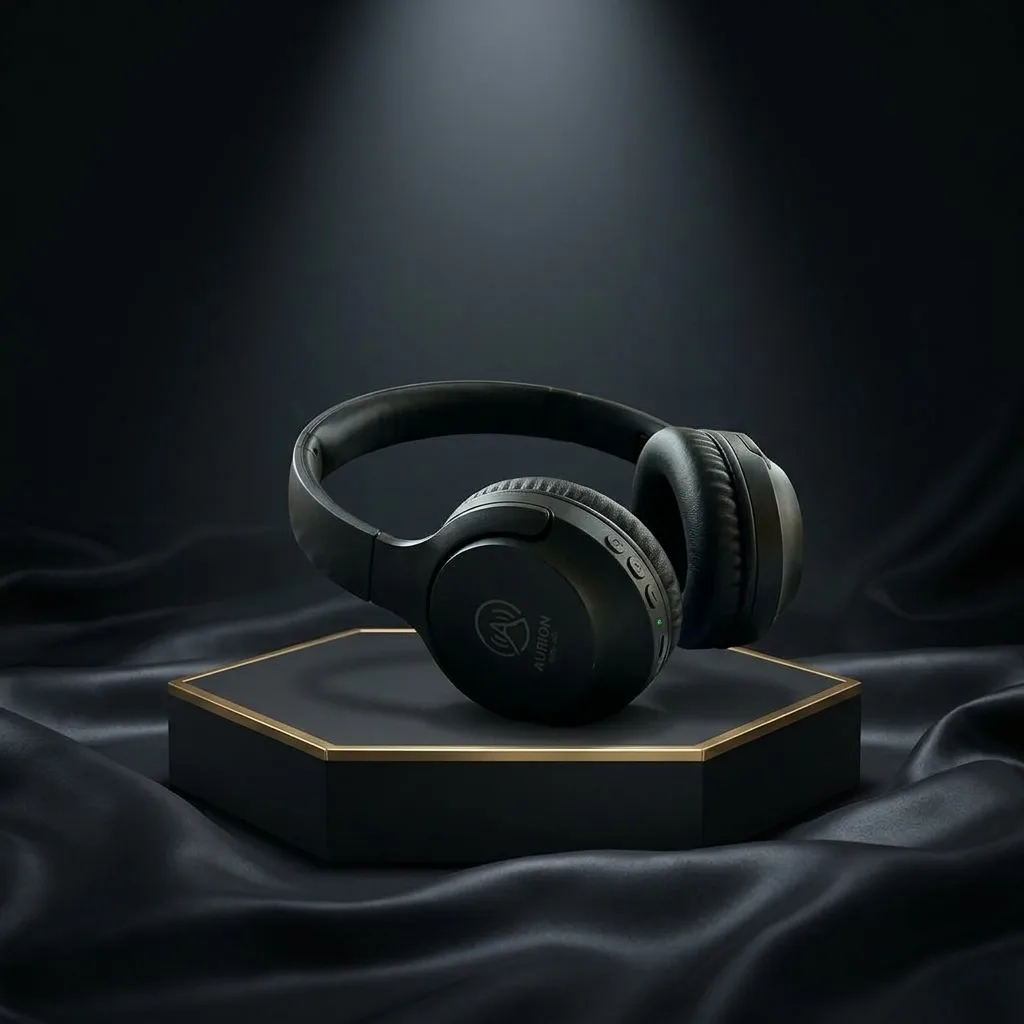
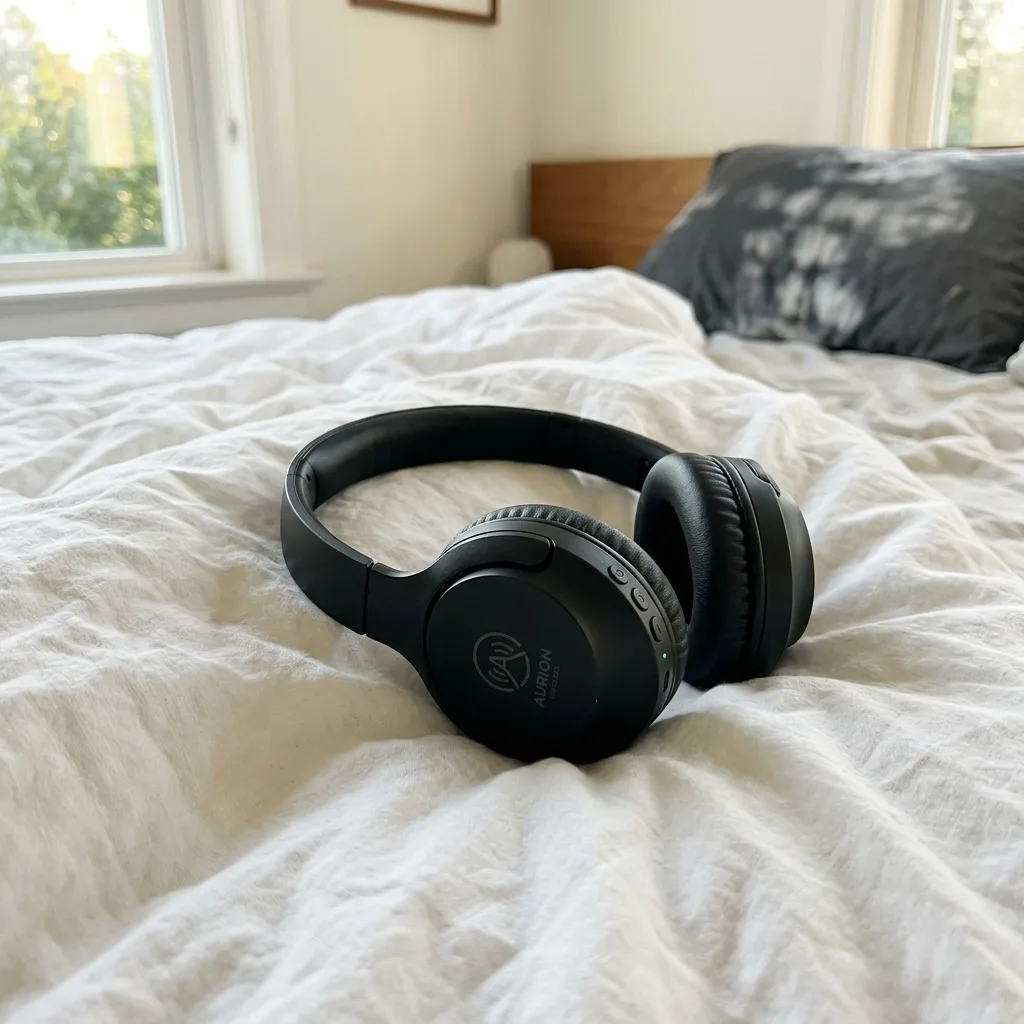
Black Friday Black-and-Gold Pedestal
Background
 Before
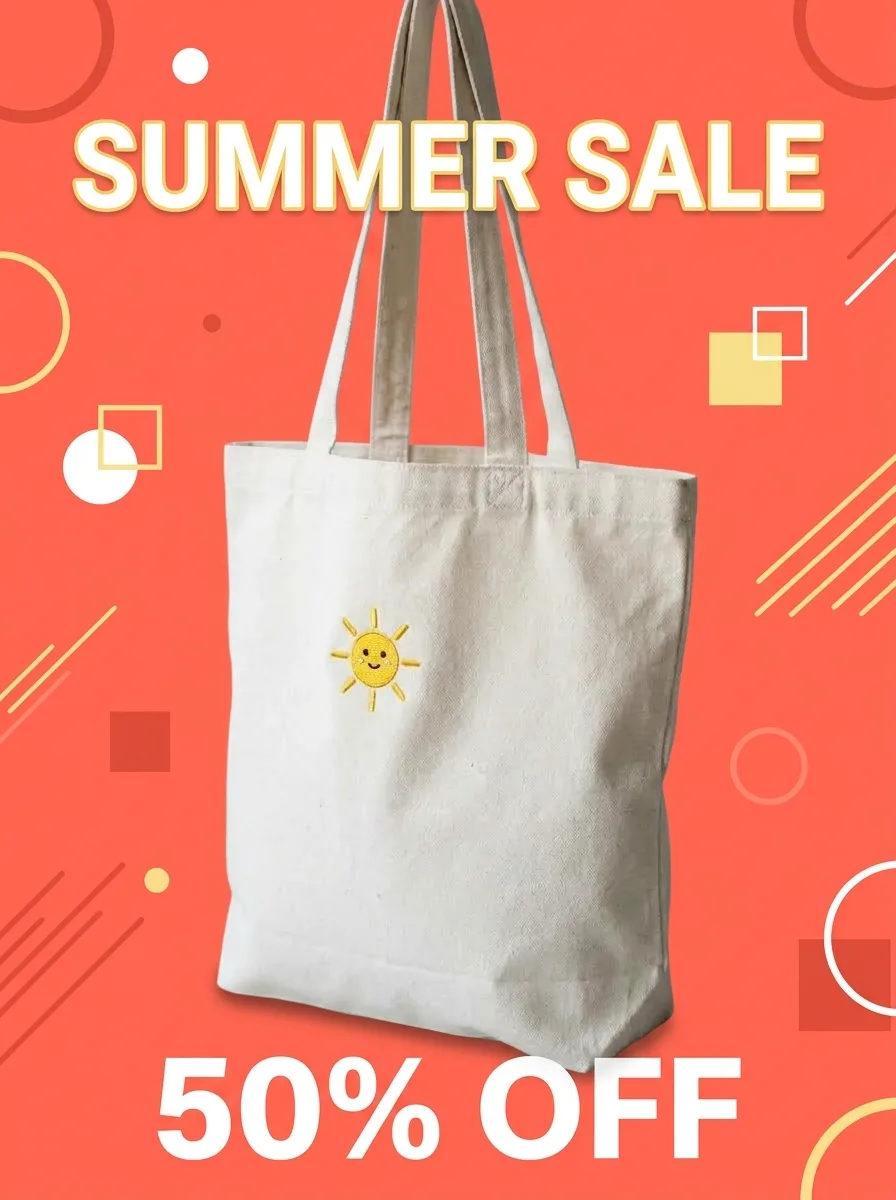
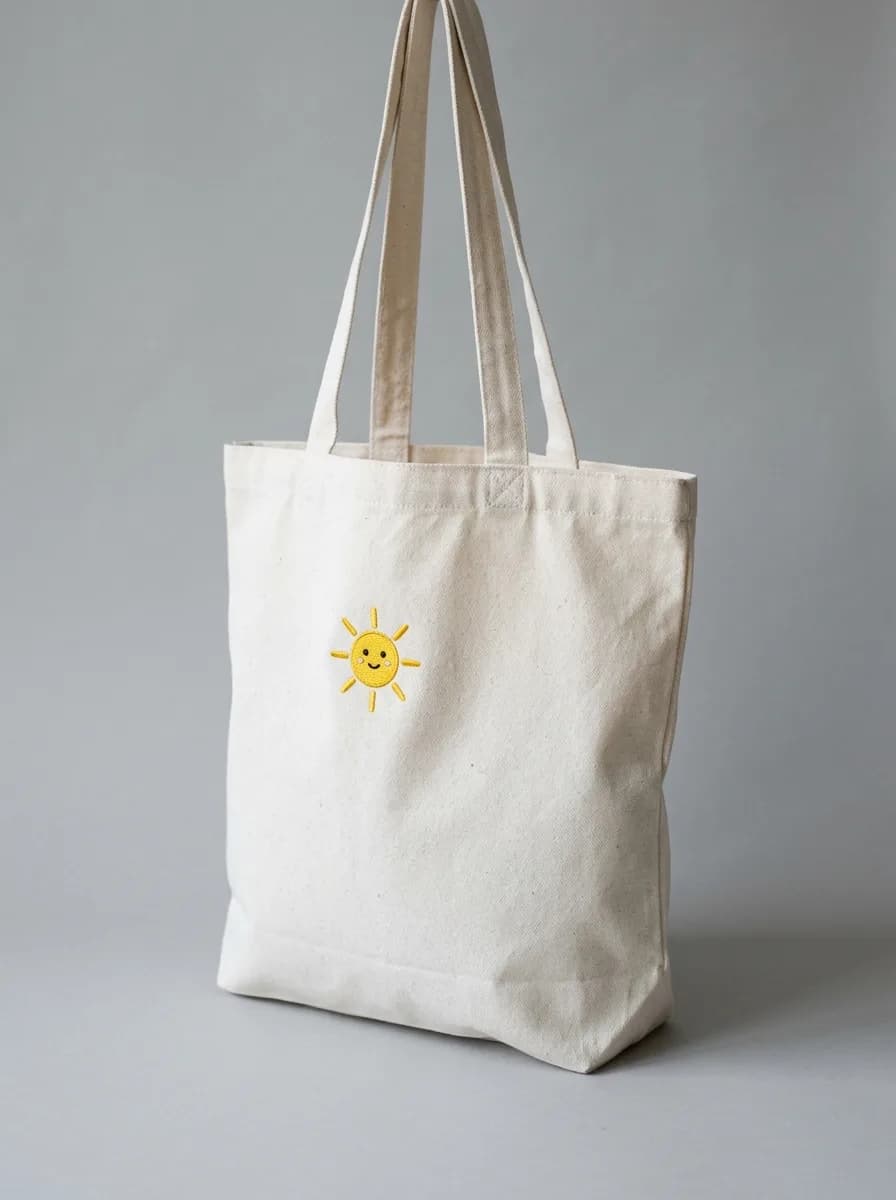
Turn a Product Photo into a Sale Poster
Modify
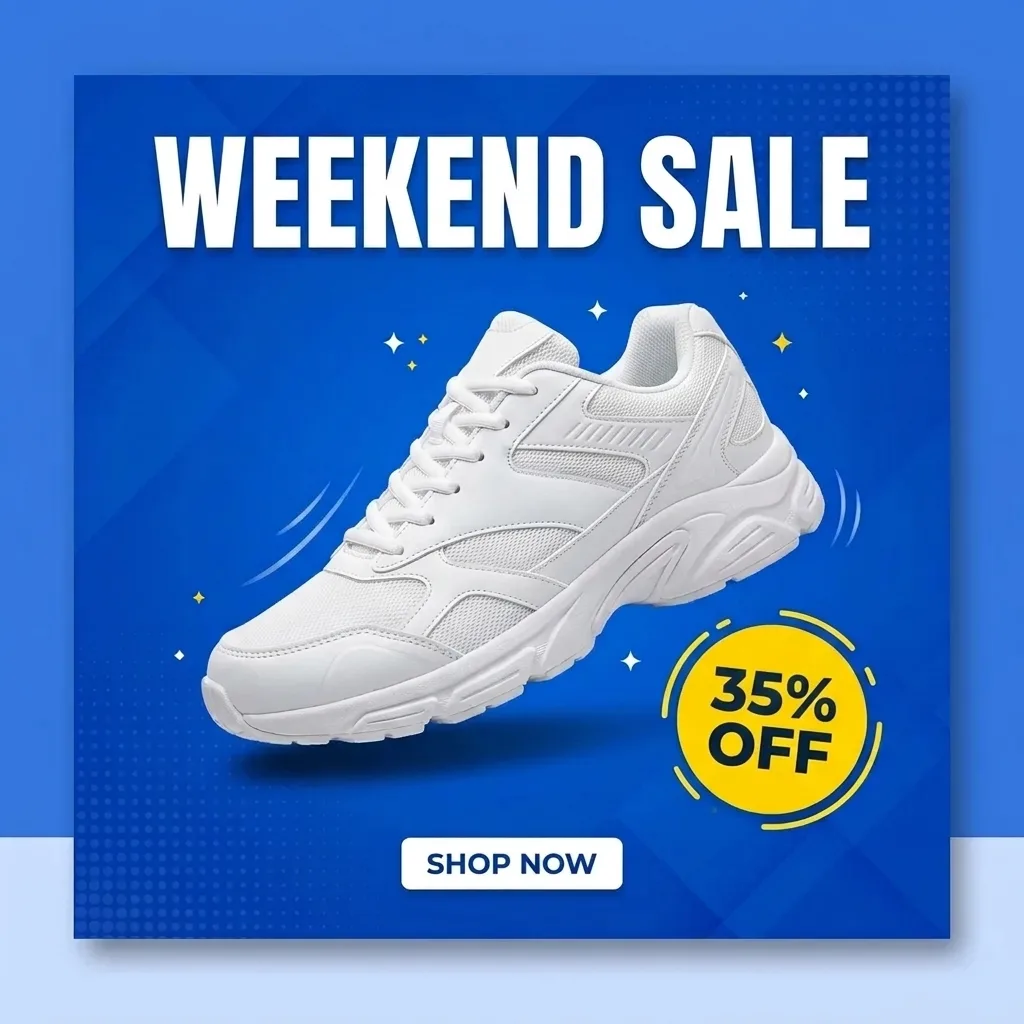
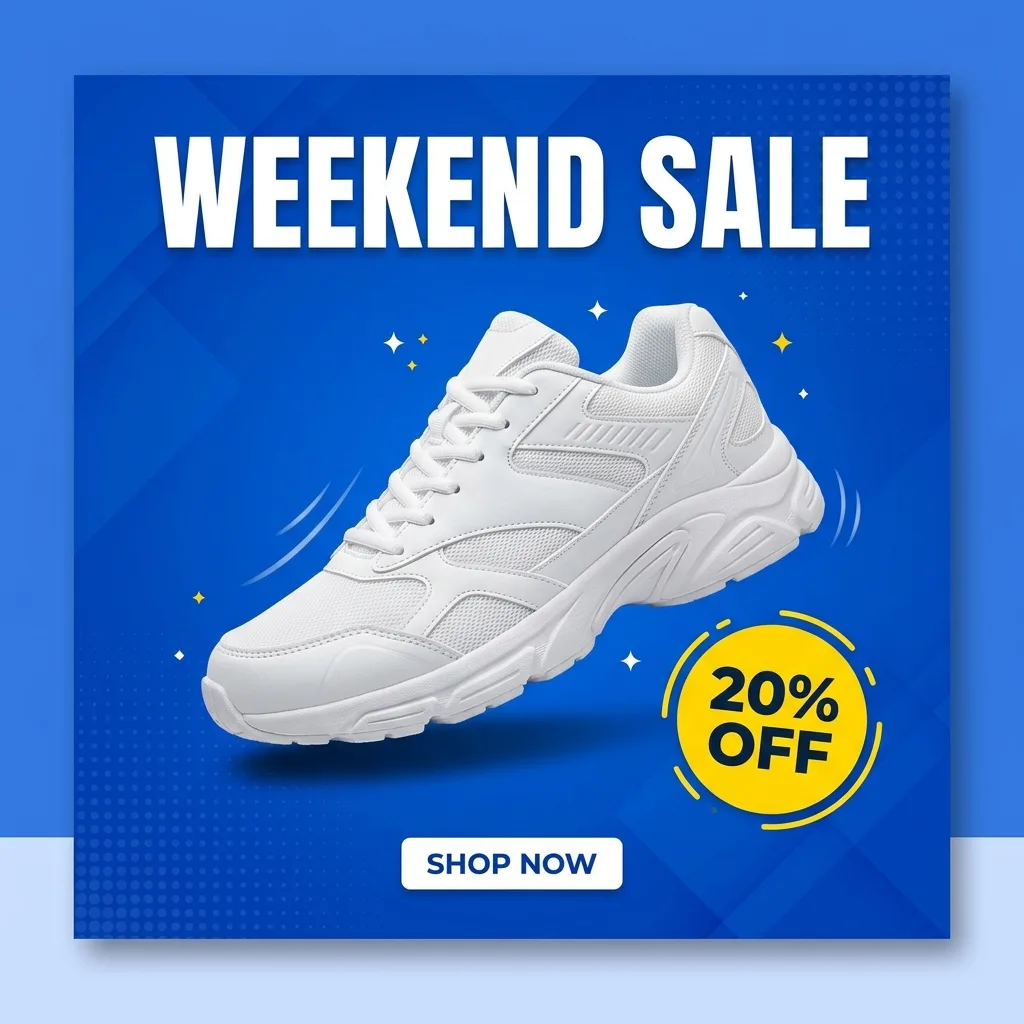 Before
Update the Discount on a Promo Graphic
Modify
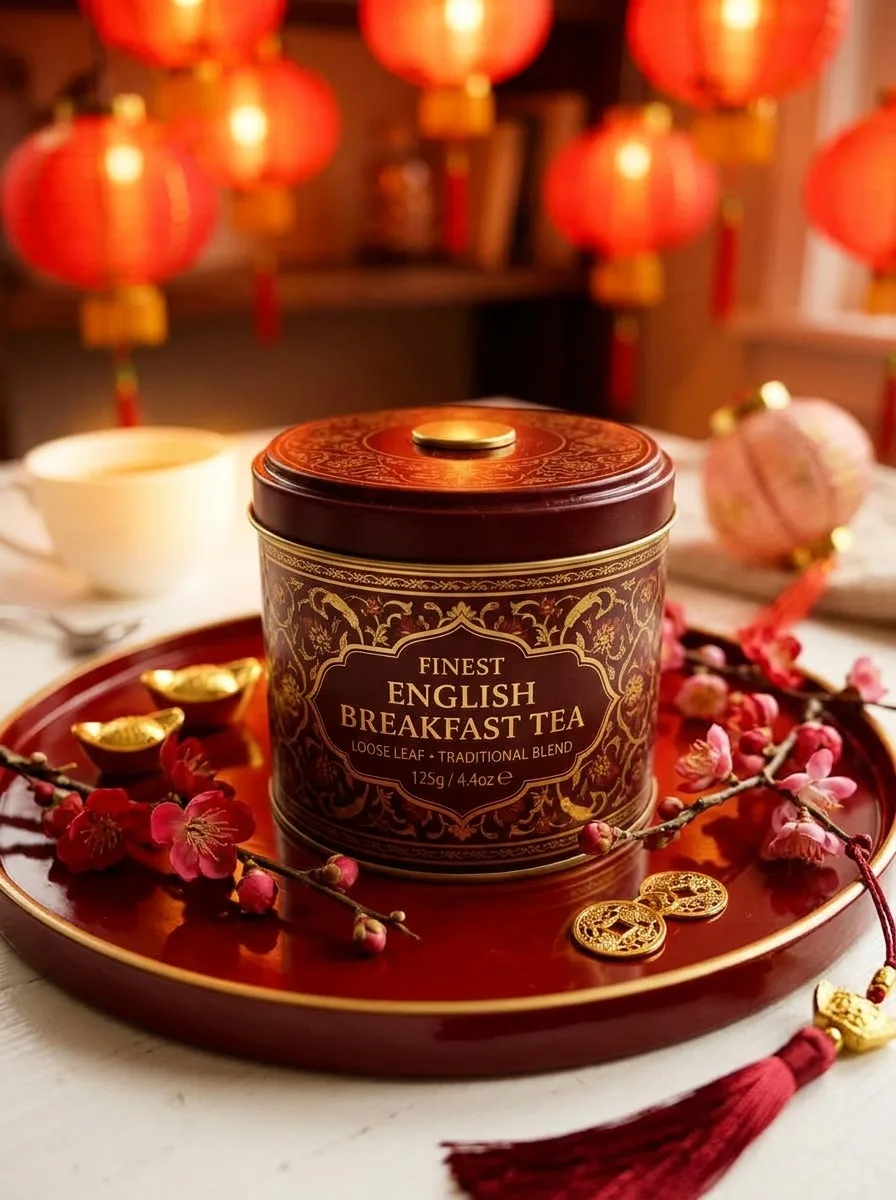
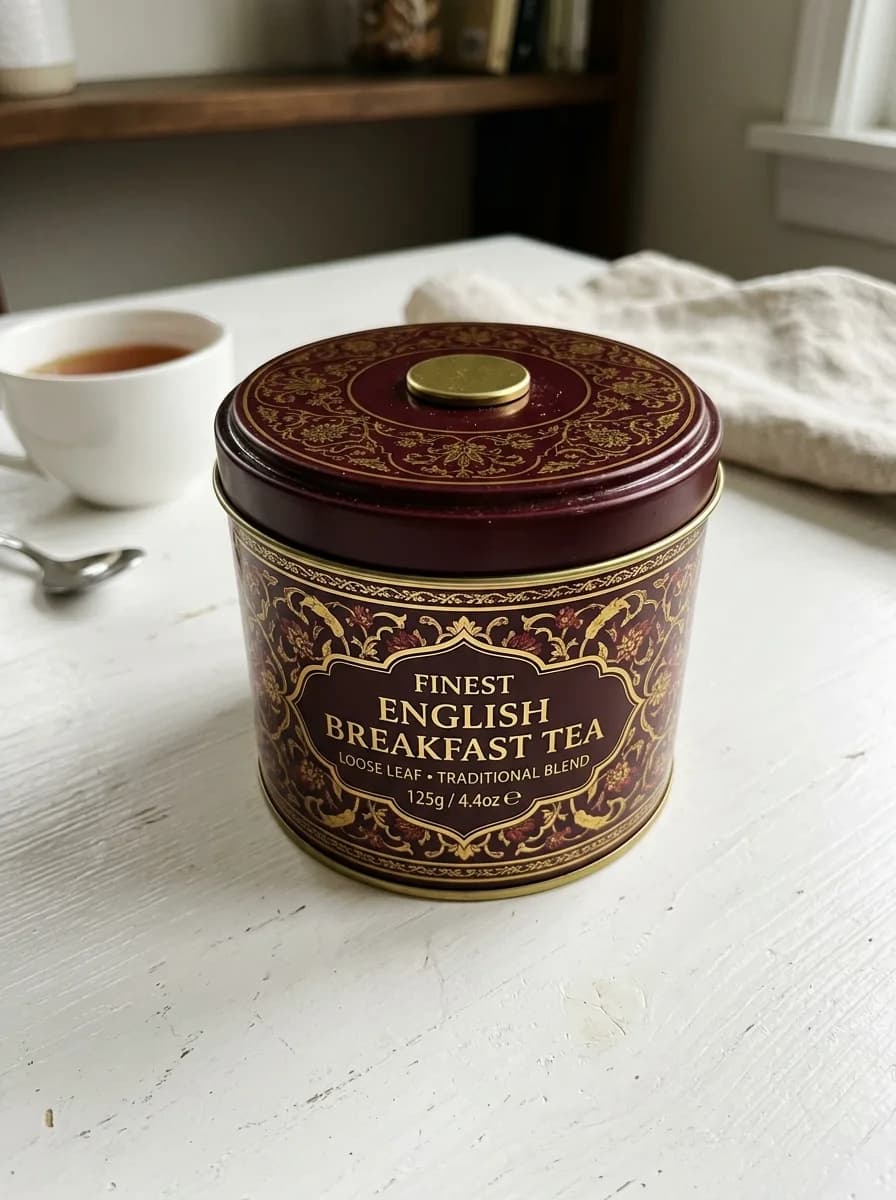 Before
Lunar New Year Red and Gold
Background
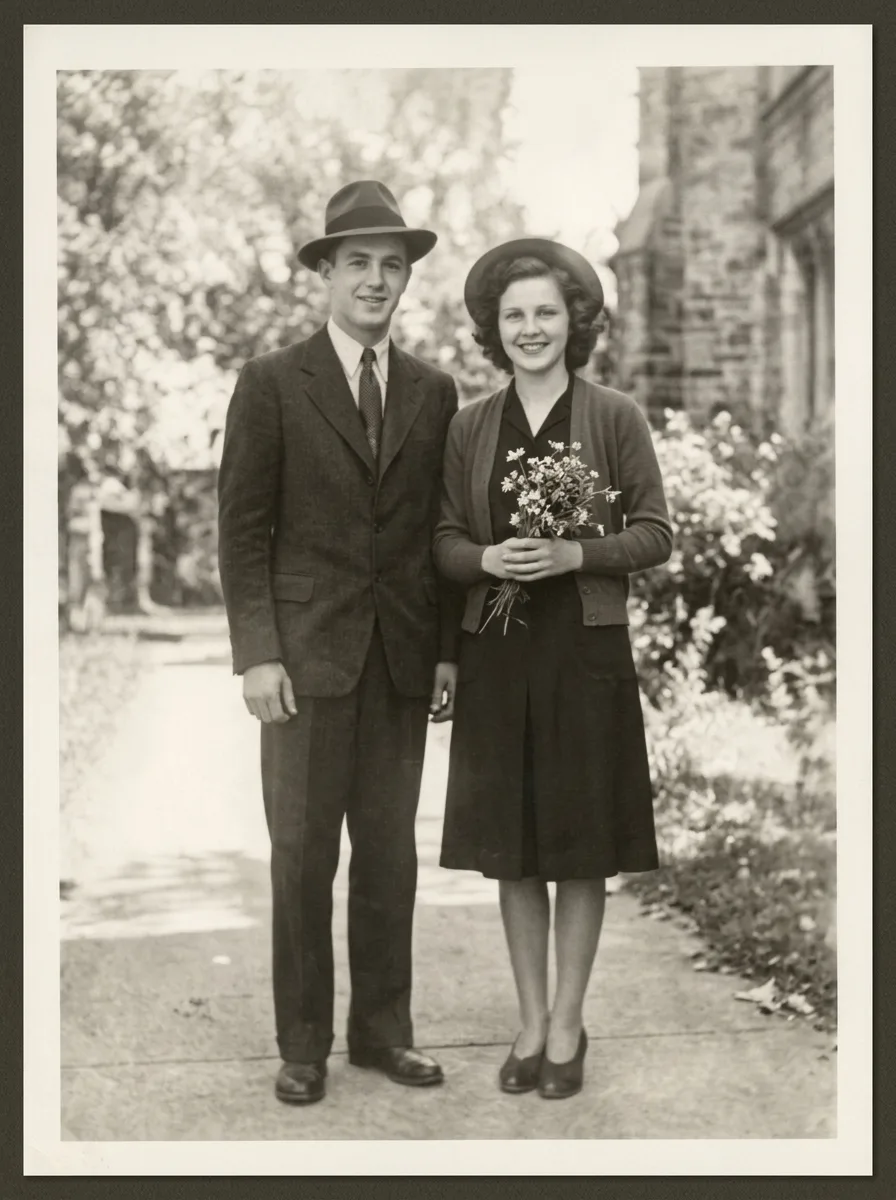
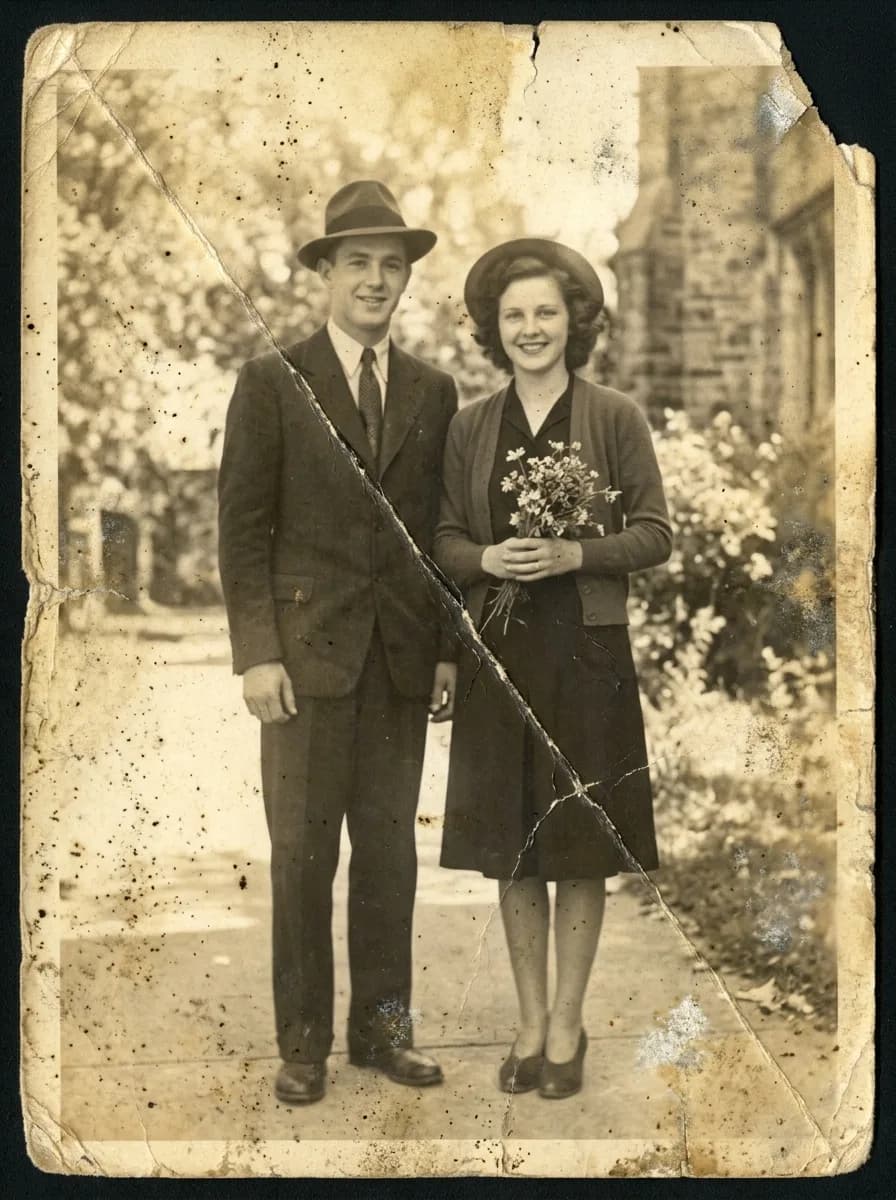 Before
Restore a Faded Old Photo
Retouch
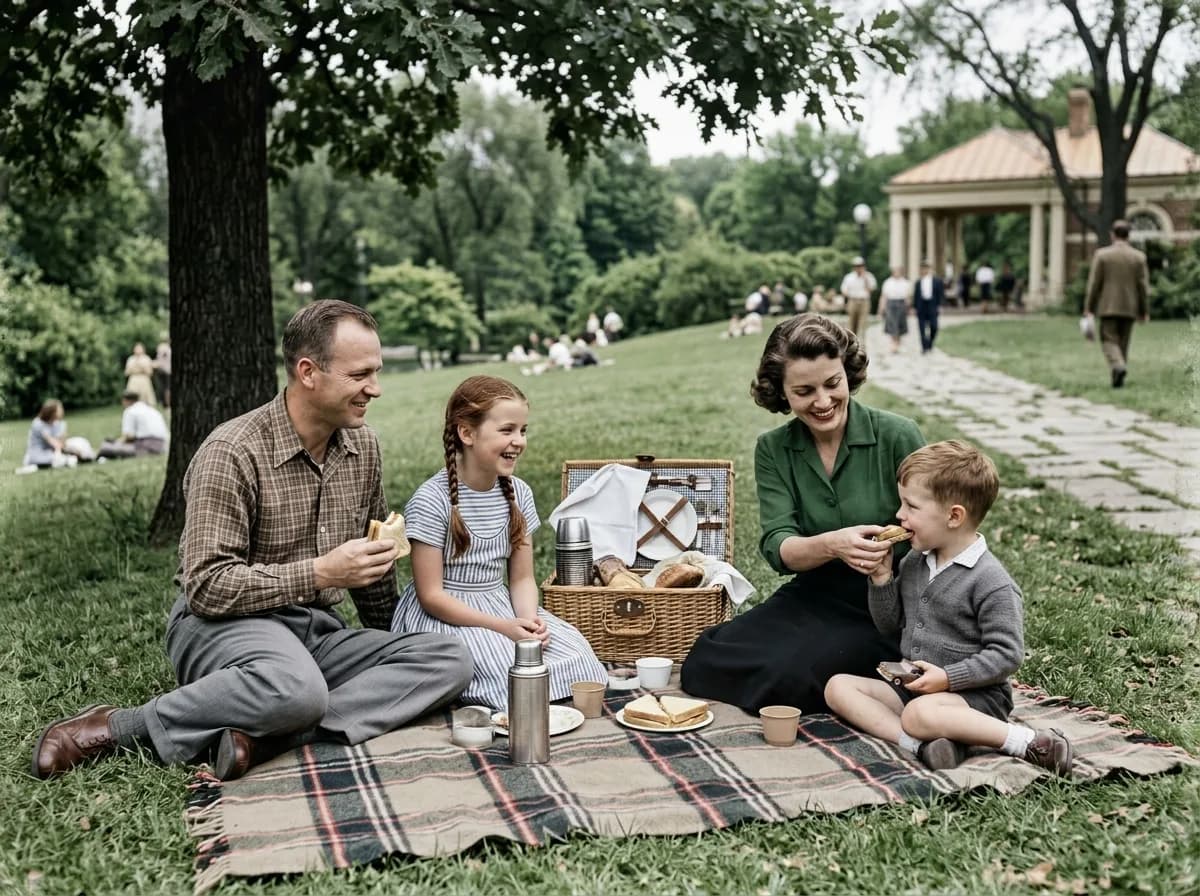
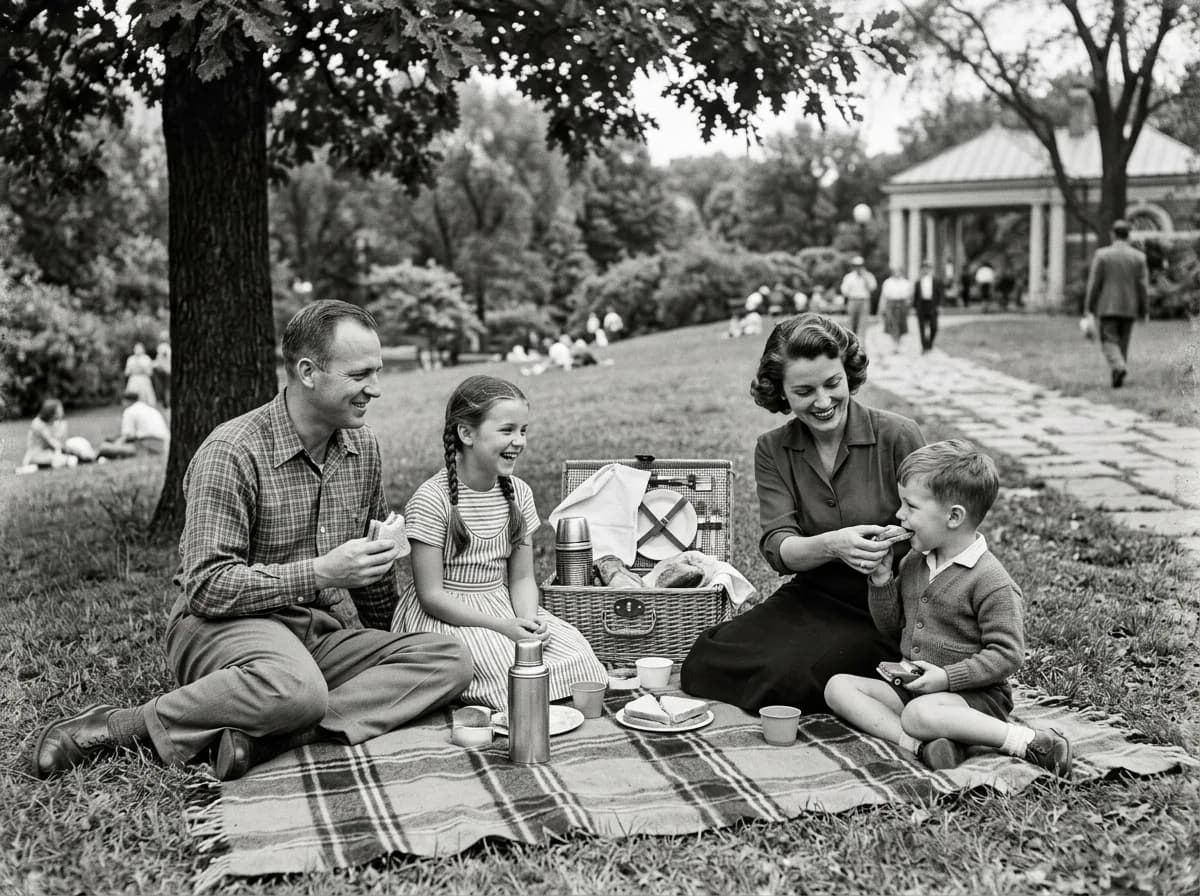 Before
Colorize a Black-and-White Photo
Retouch
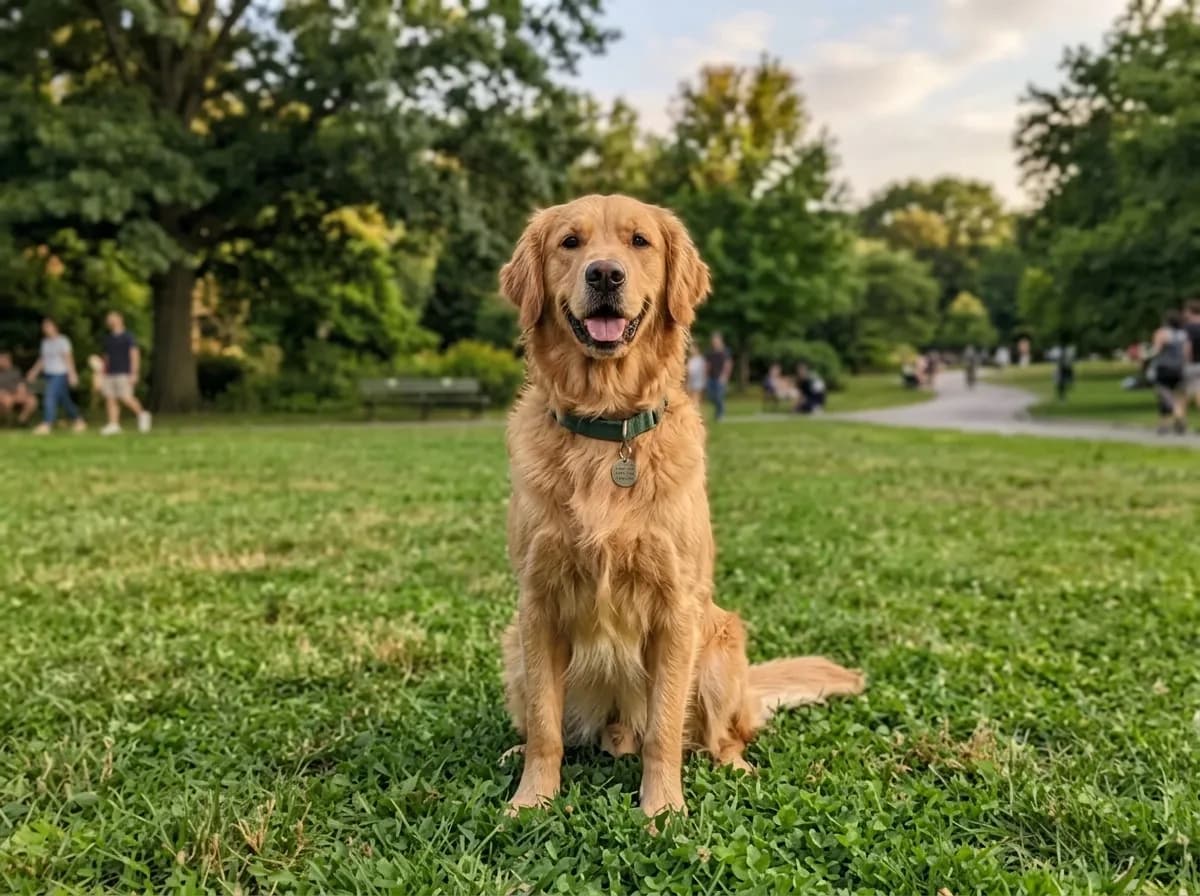
 Before
Fix Blur and Noise
Retouch
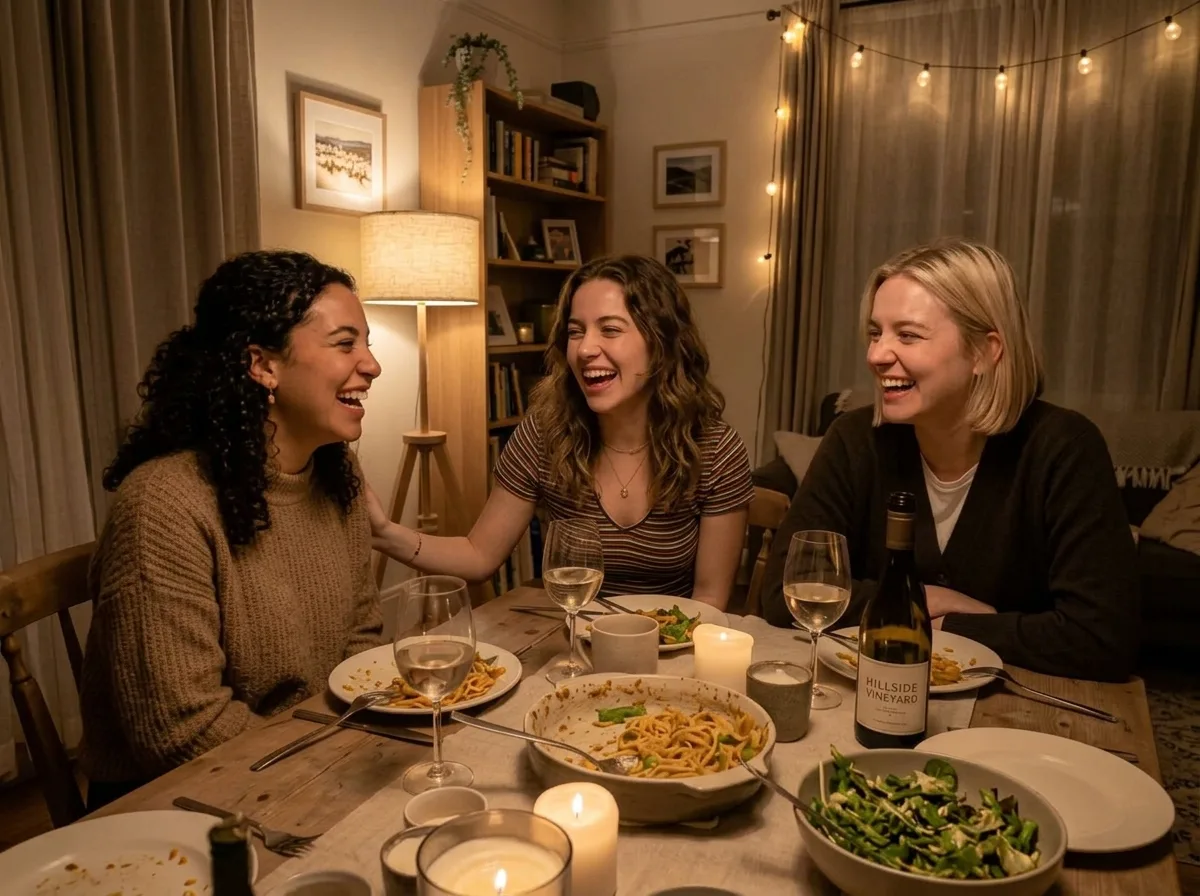
 Before
Brighten an Underexposed Photo
Retouch
 Before
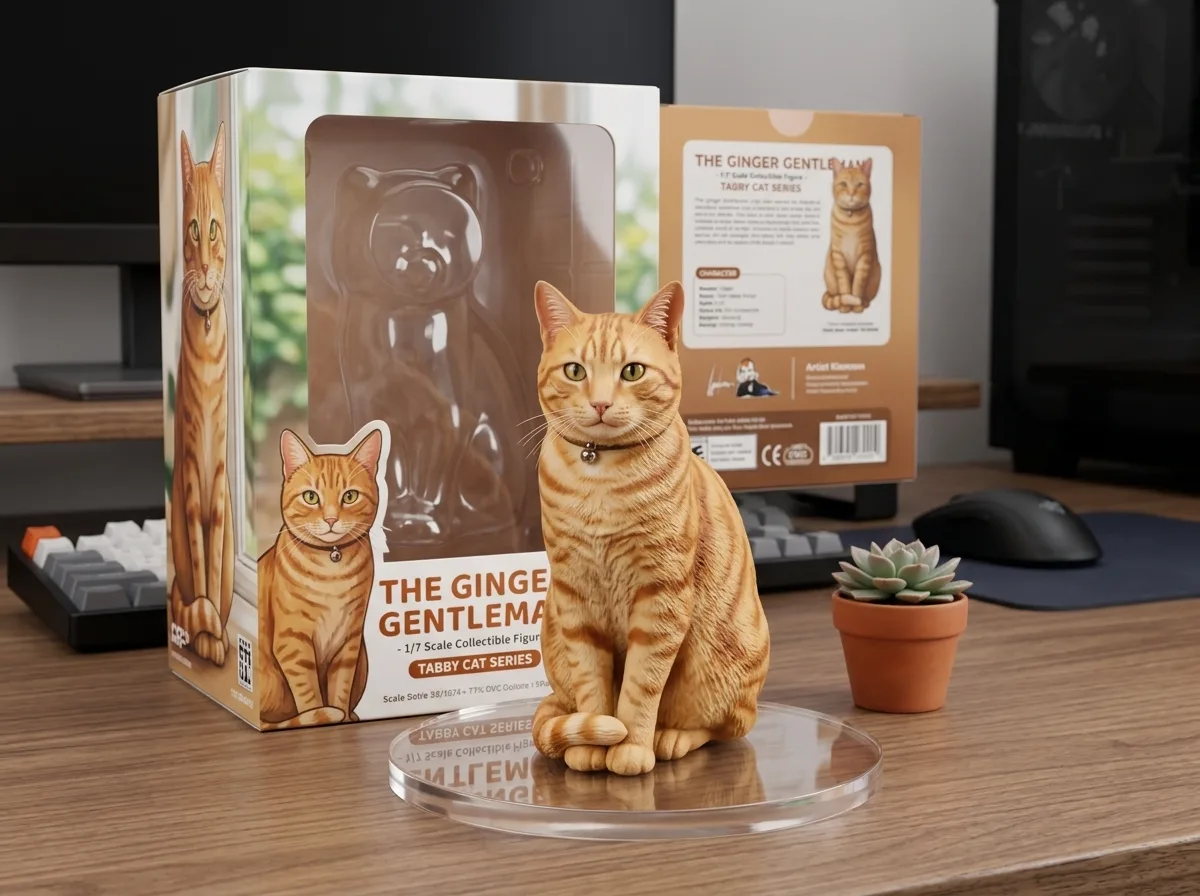
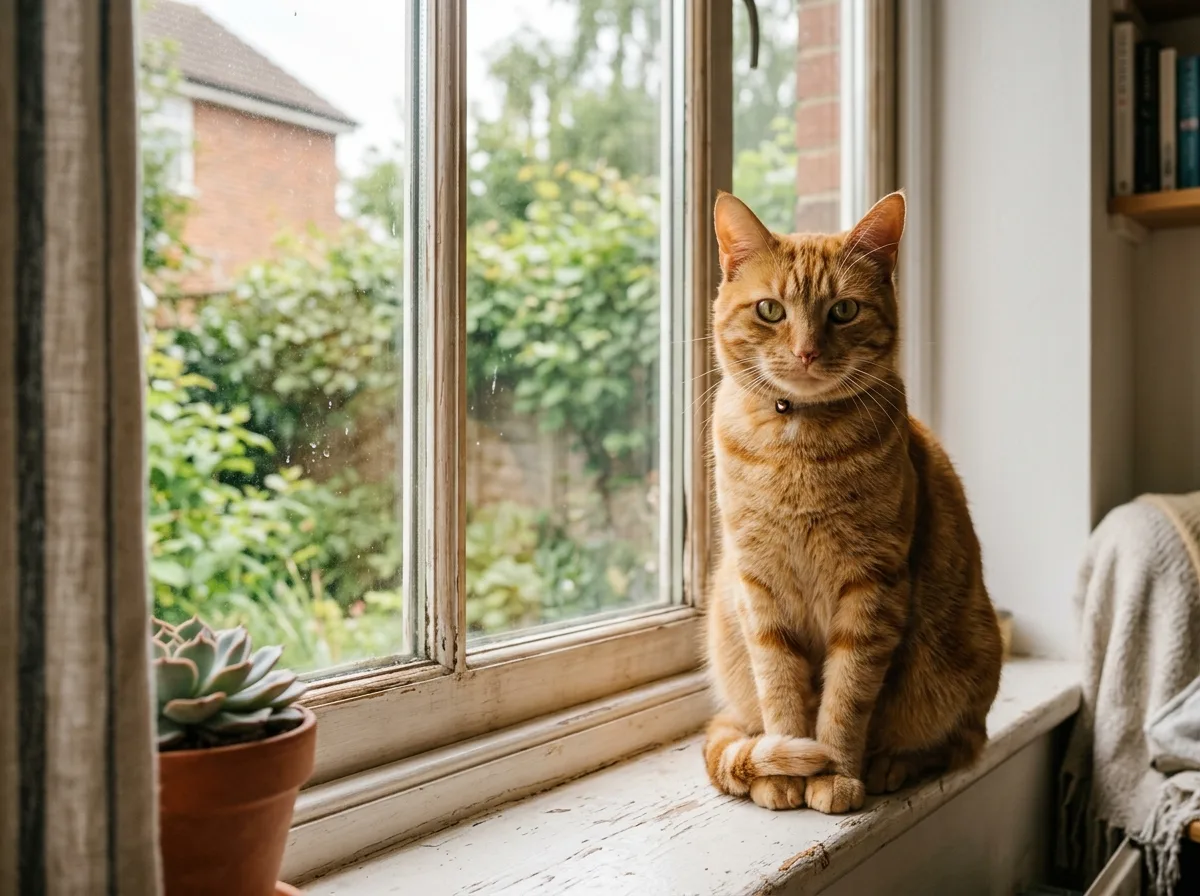
Turn Your Pet into a Collectible Figure
Restyle
 Before
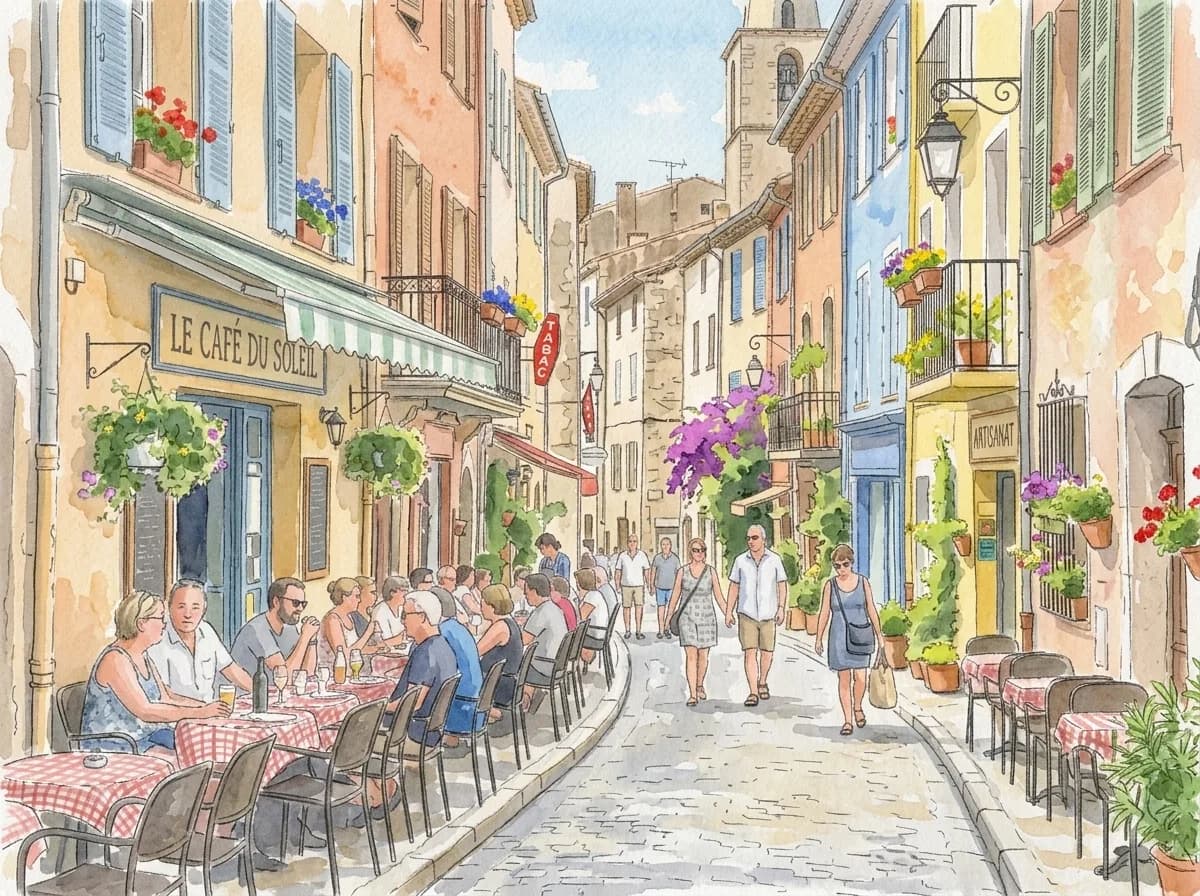
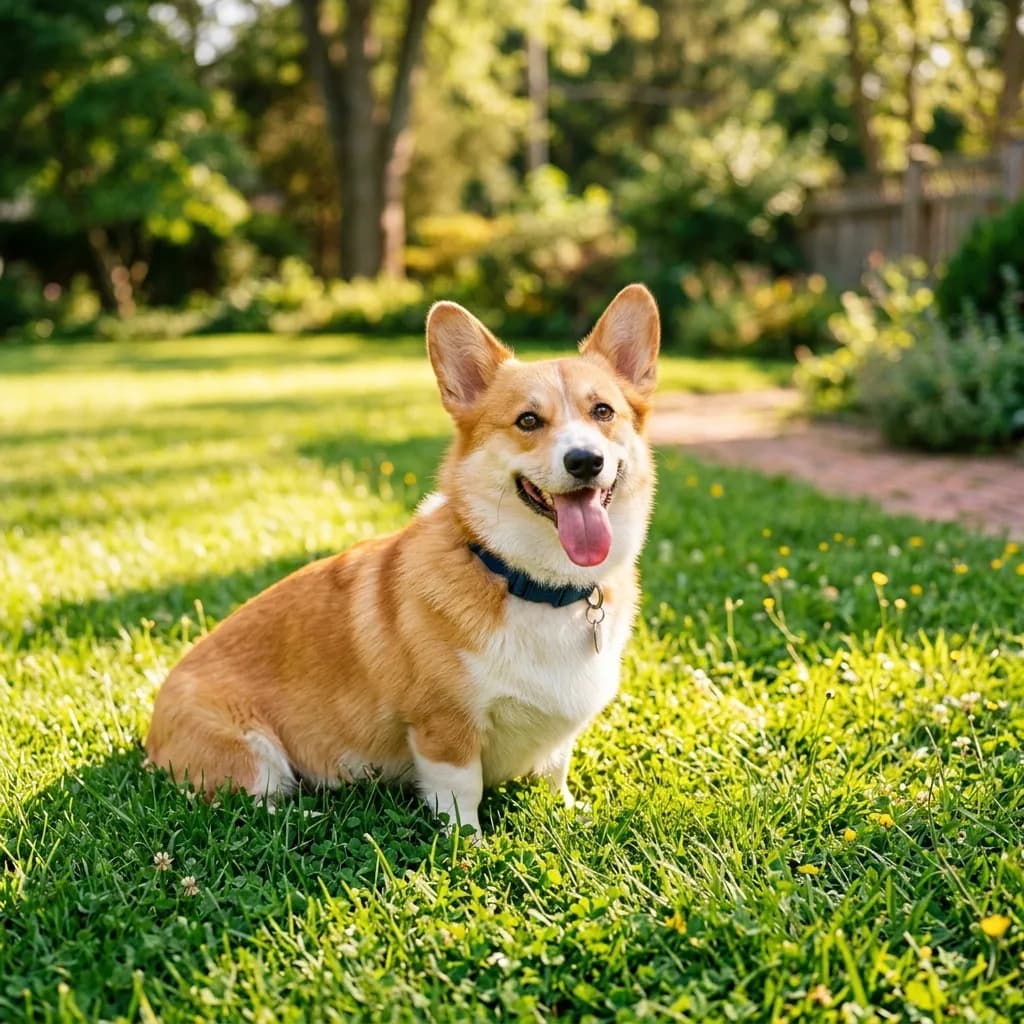
Photo to Watercolor Illustration
Restyle
 Before
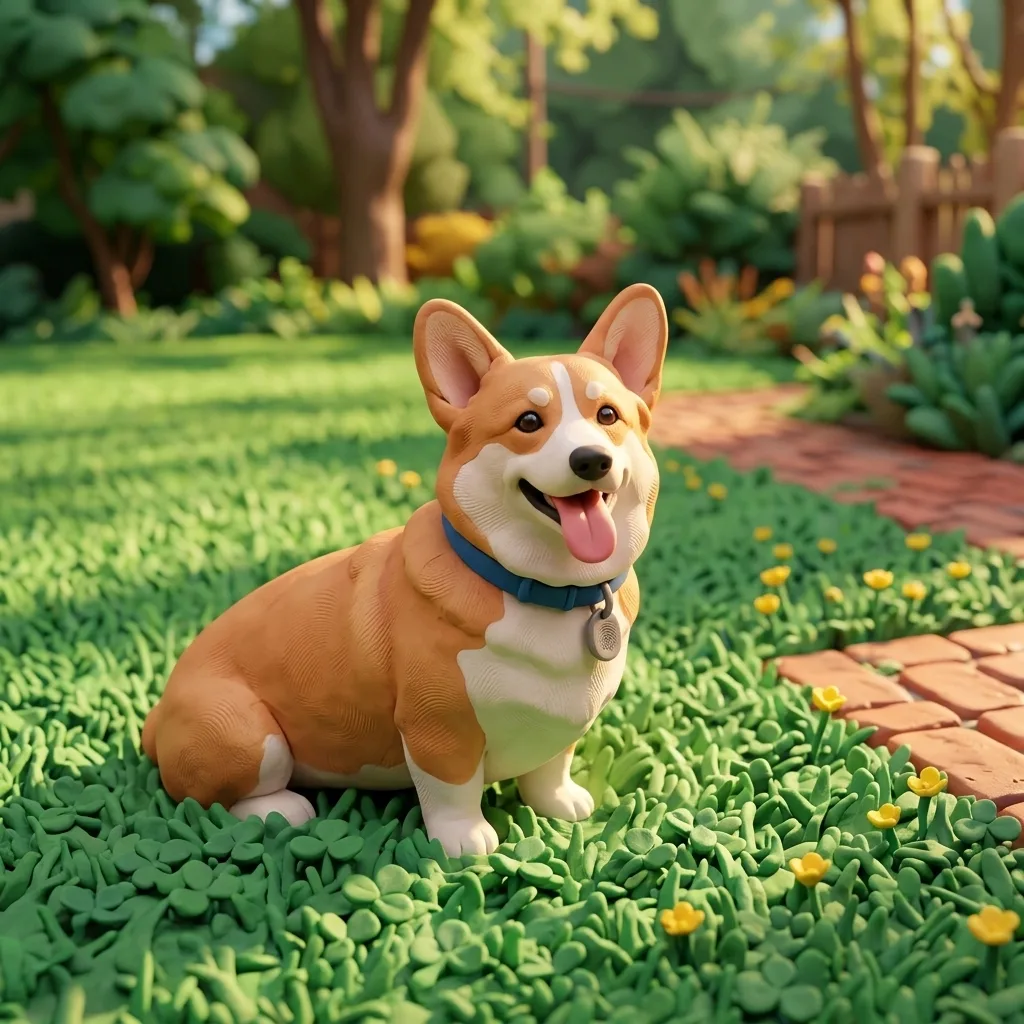
Photo to 3D Clay Character
Restyle
 Before
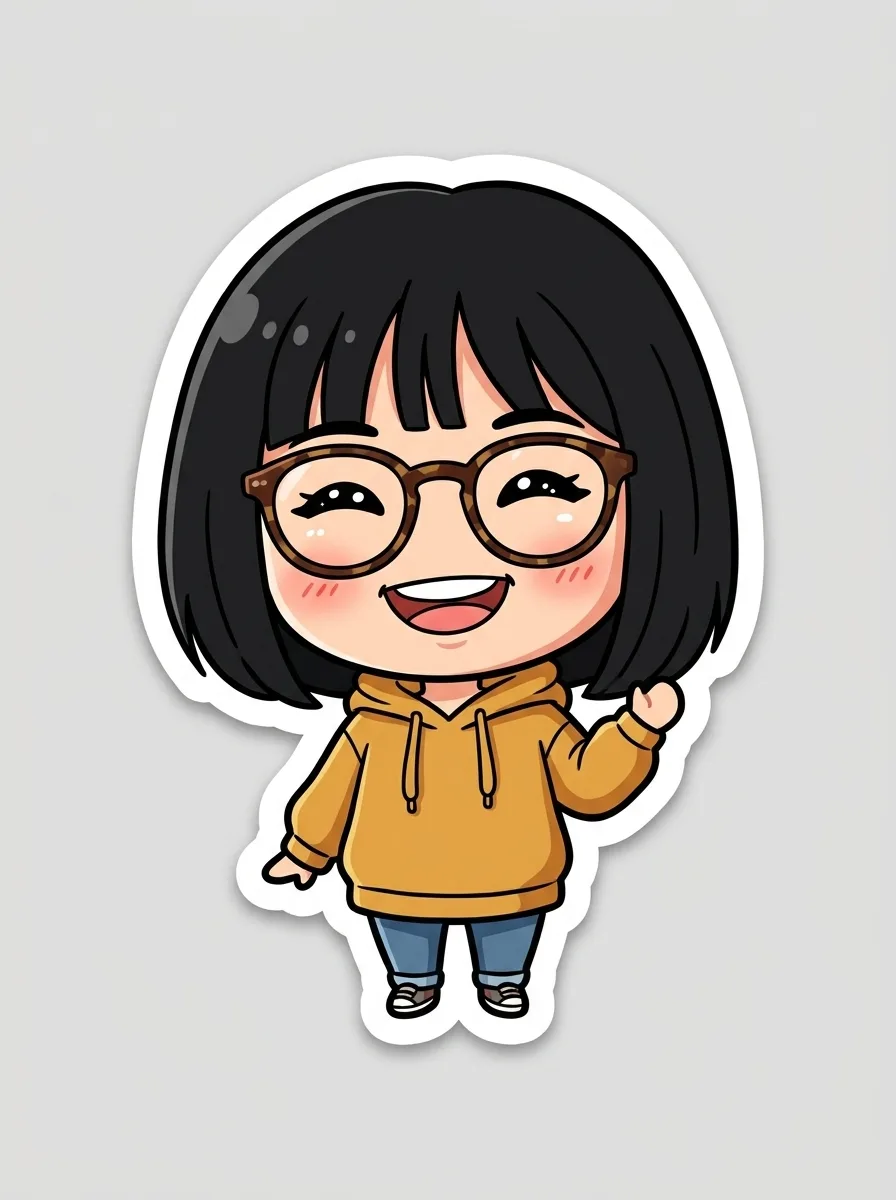
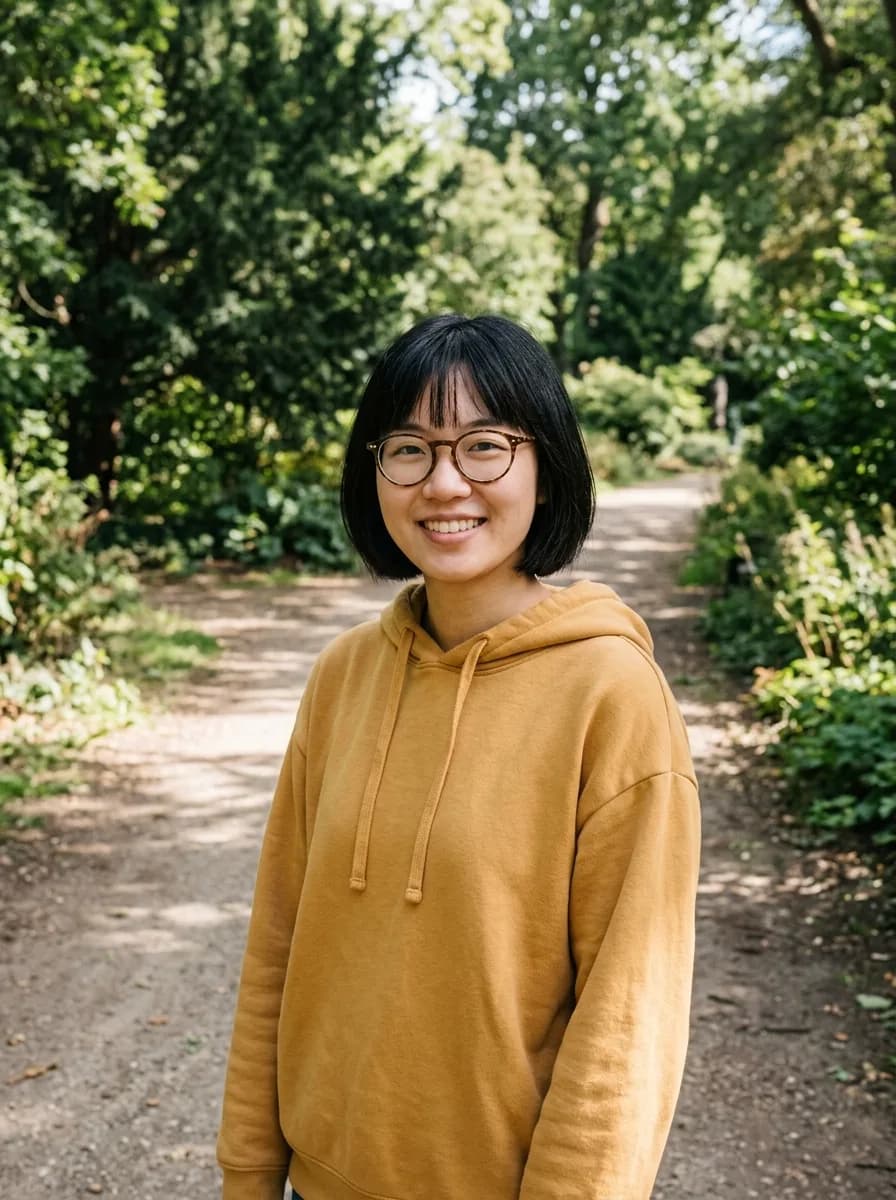
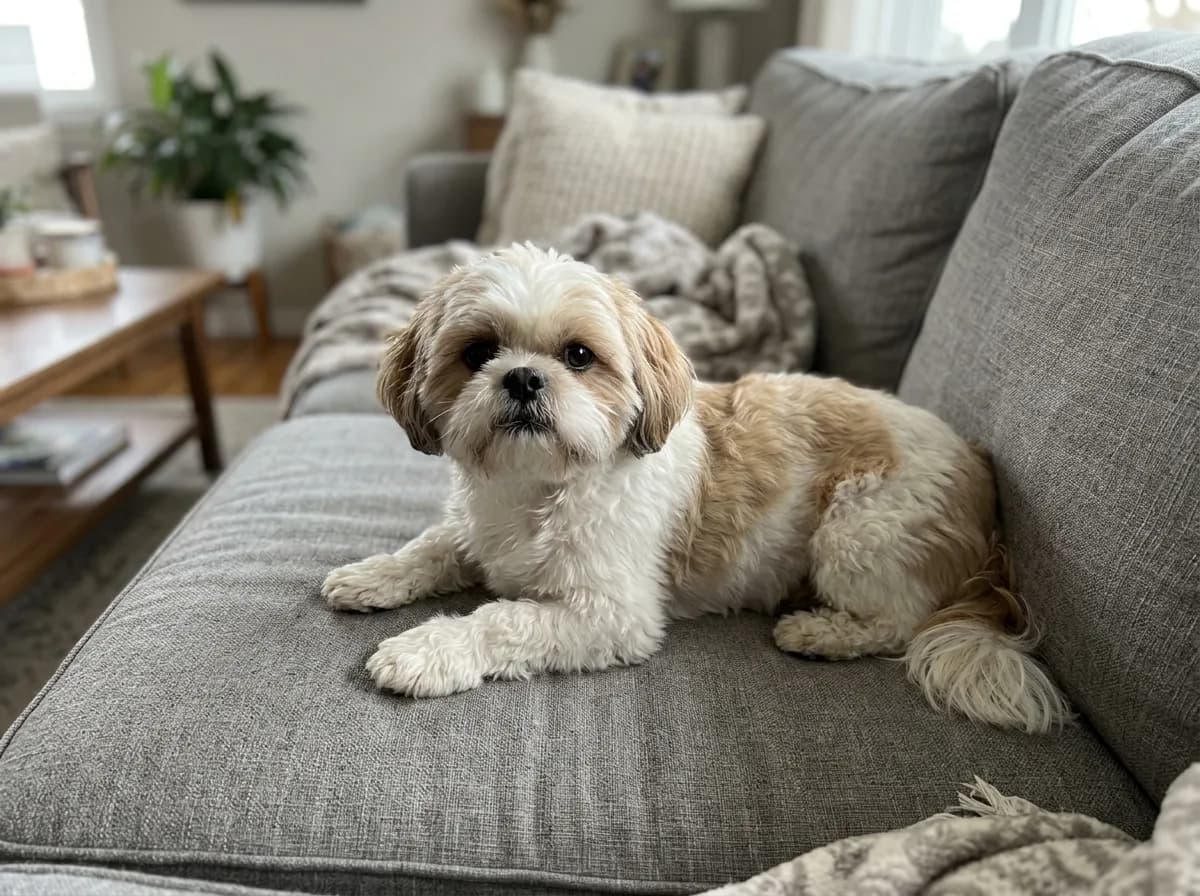
Photo to Chibi Sticker
Restyle
 Before
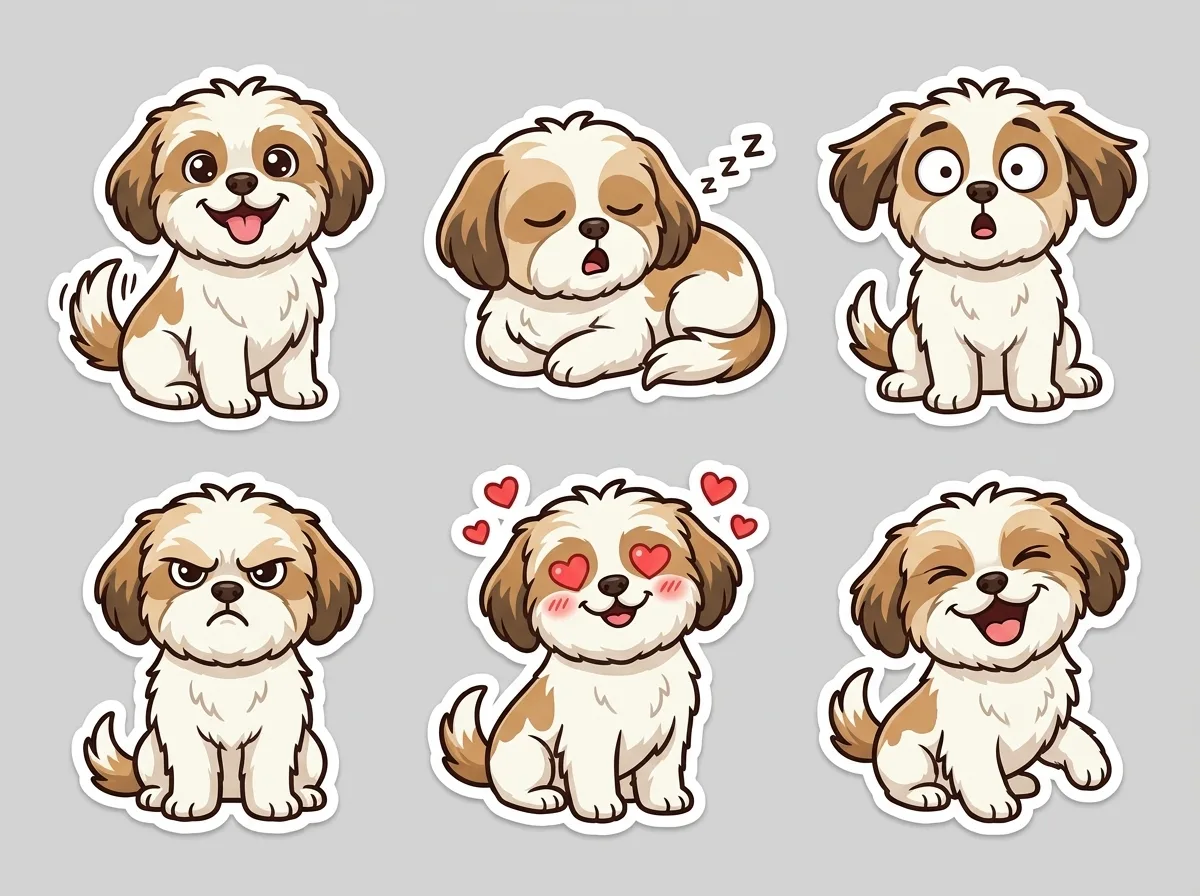
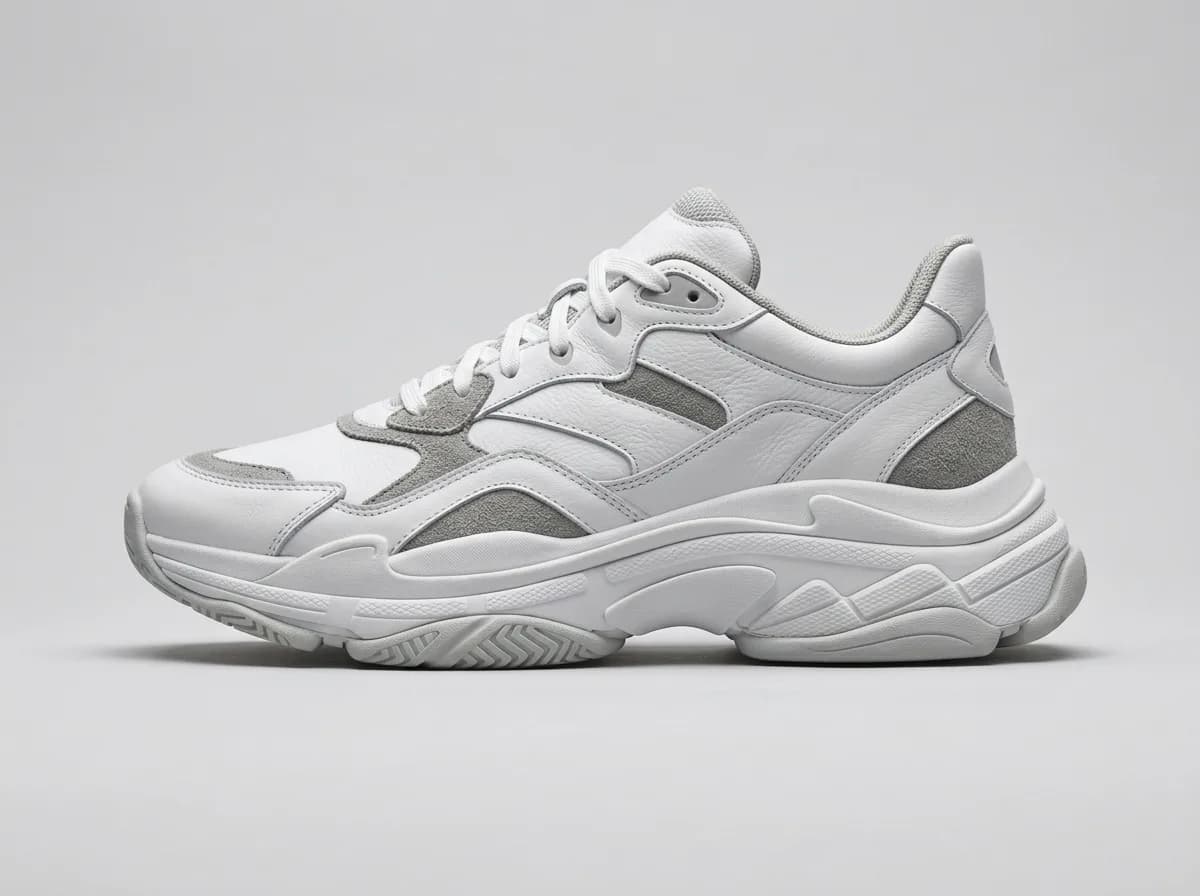
Pet Photo to Sticker Sheet
Restyle
 Before
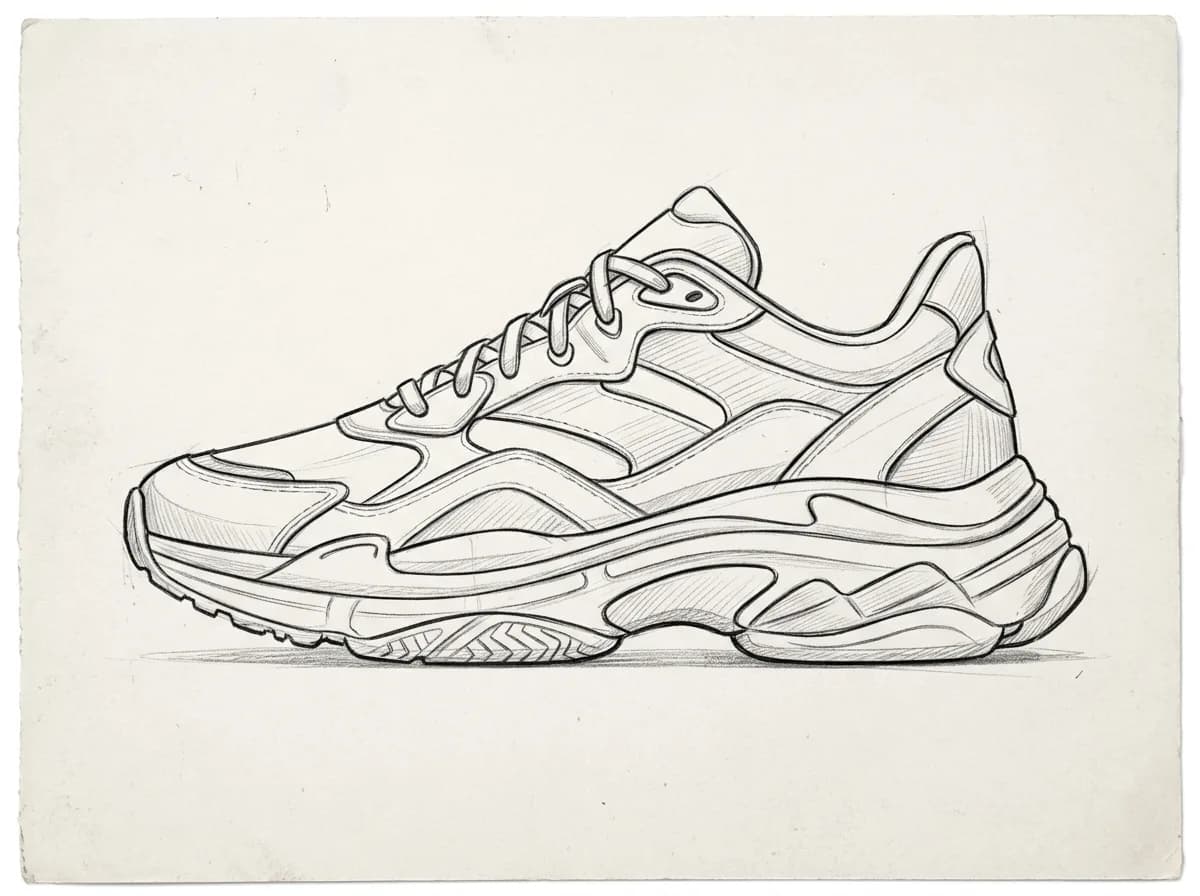
Sketch to Product Render
Restyle
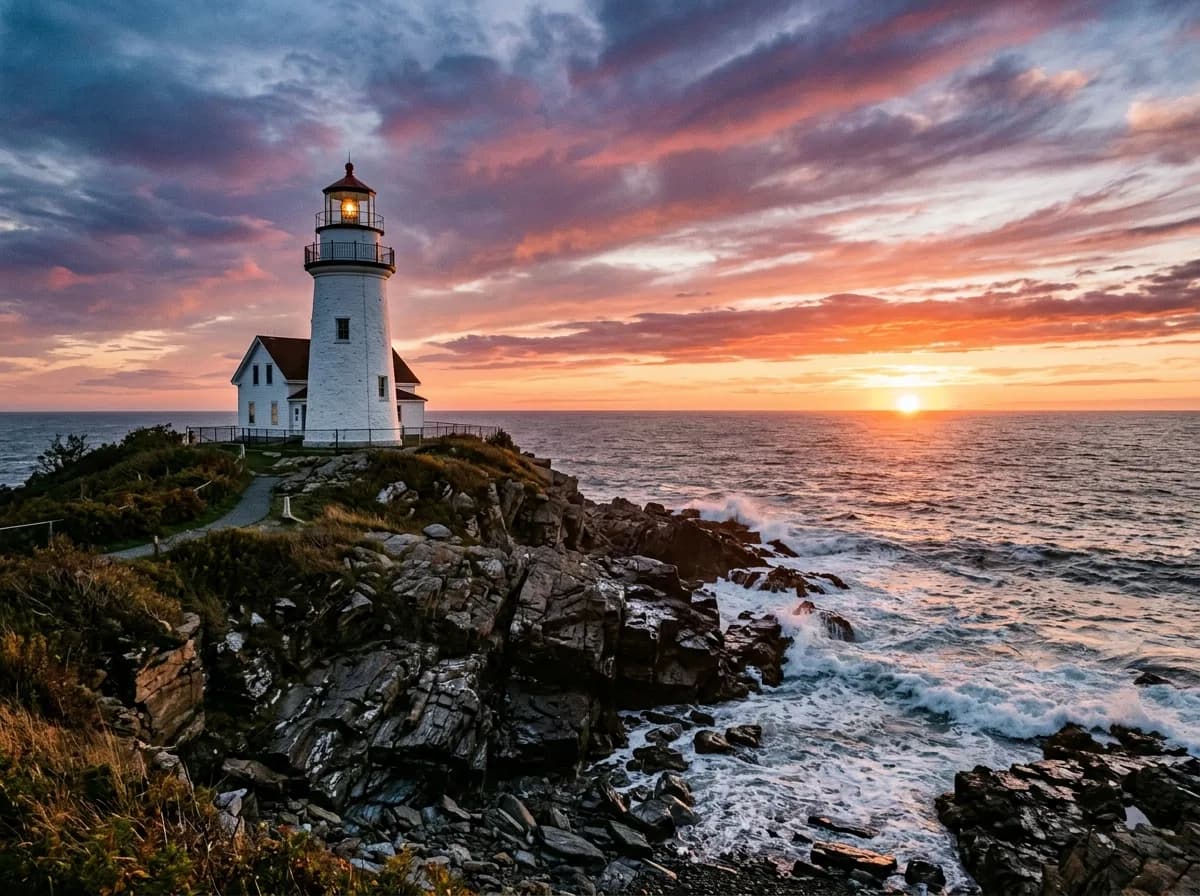 Before
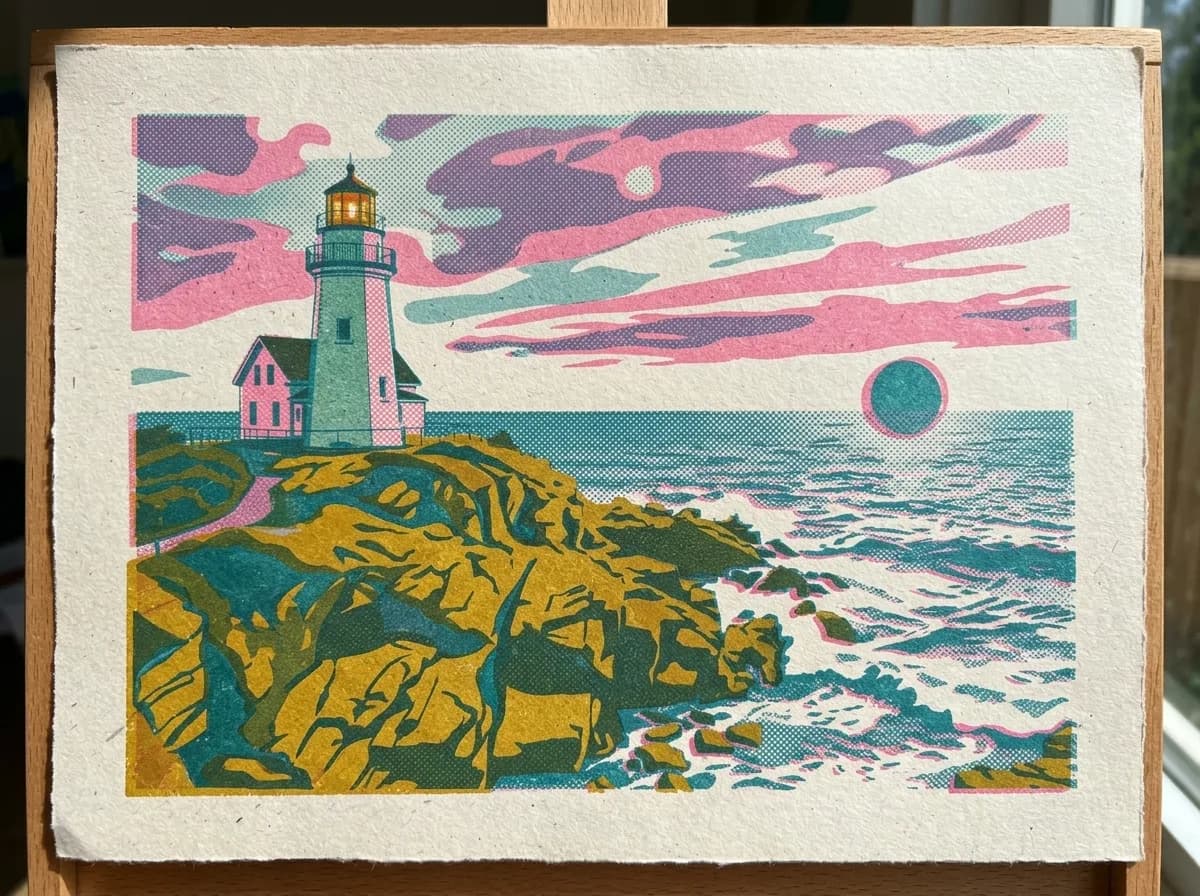
Borrow the Style of a Reference Image
Combine
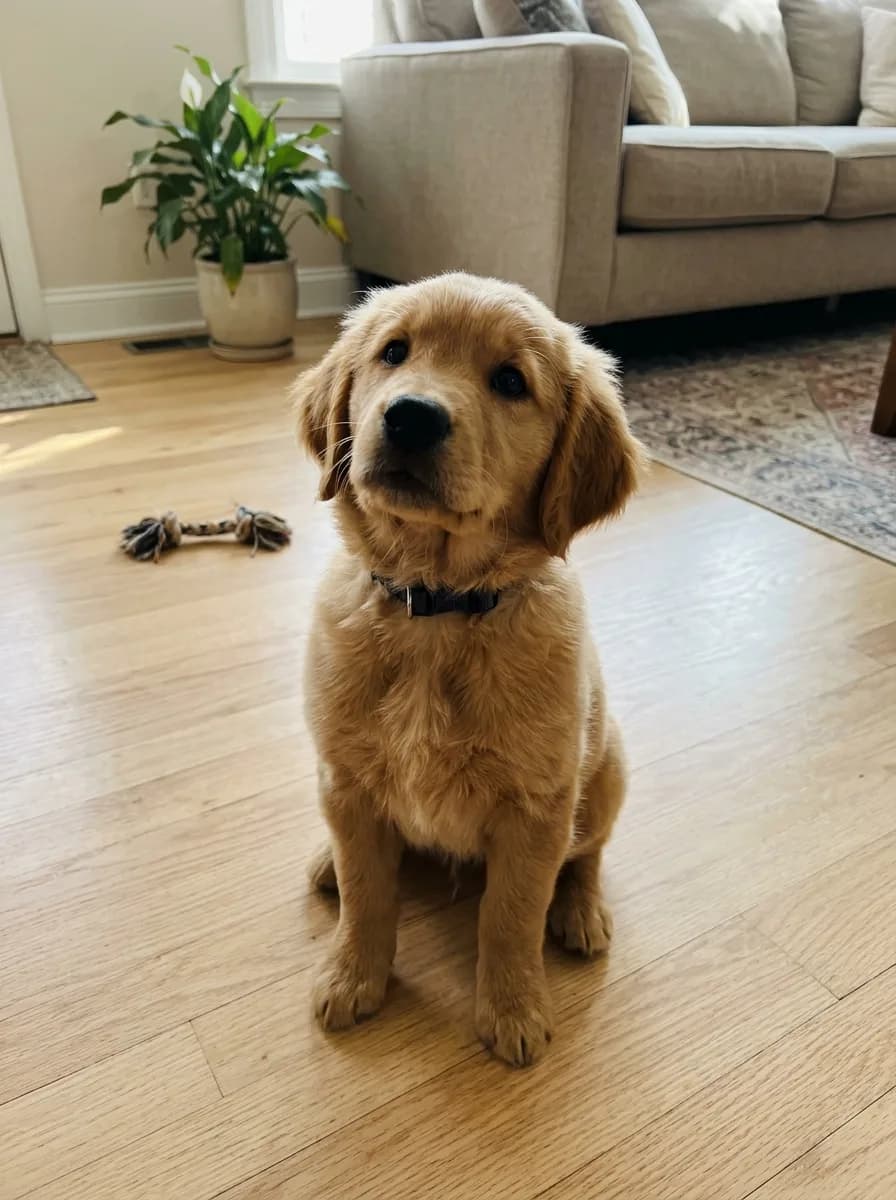 BeforeGPT Image 2.6 GIF
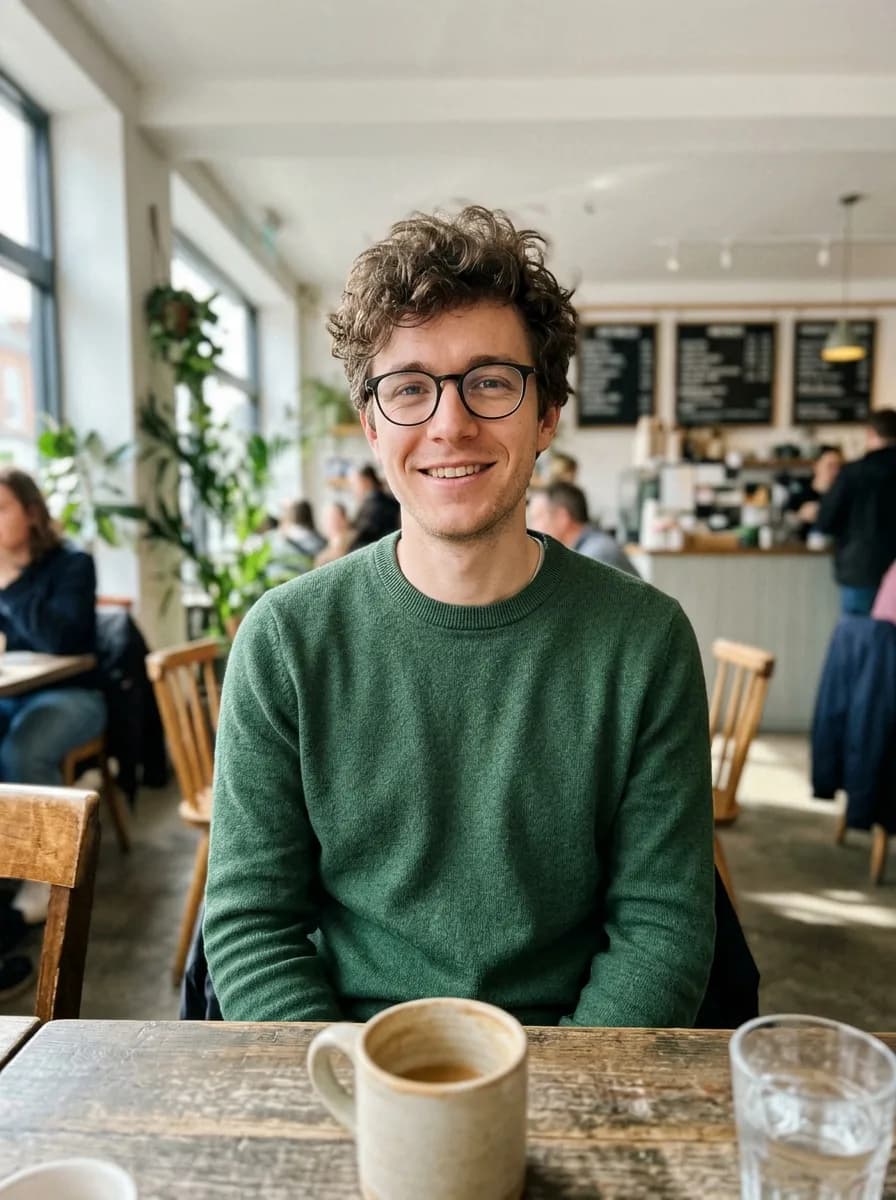
Pet Photo to Head-Tilt GIF
Animate
 BeforeGPT Image 2.6 GIF
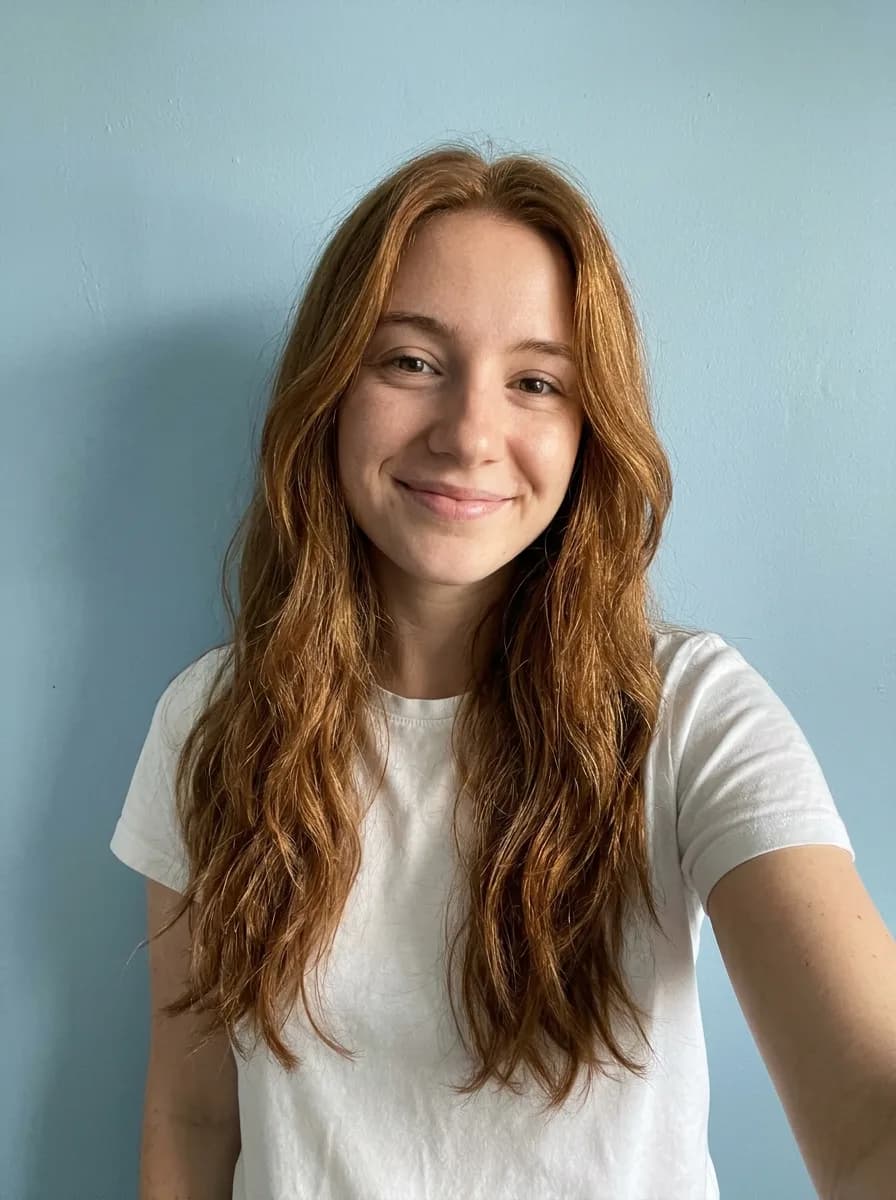
Photo to Waving Chibi Sticker GIF
Animate
 BeforeGPT Image 2.6 GIF
Selfie to Sunglasses Reaction GIF
Animate
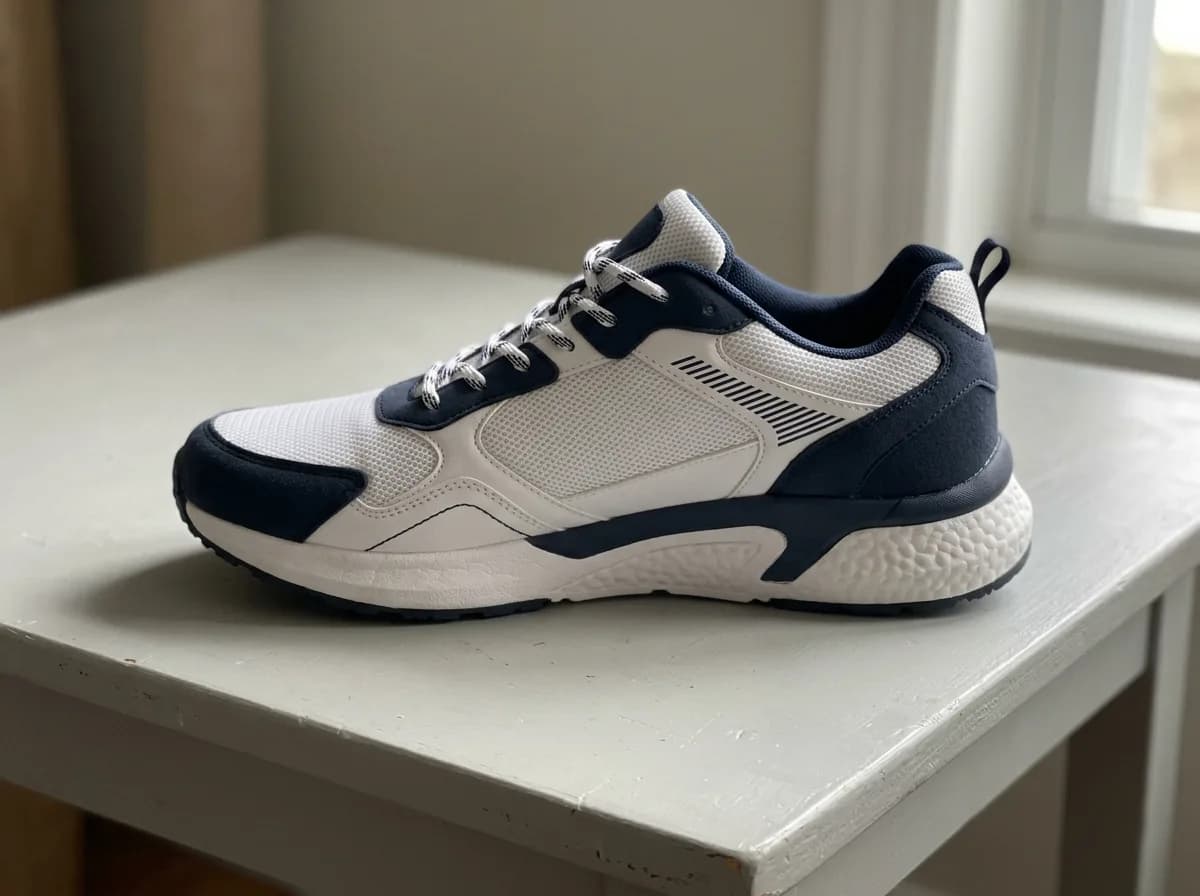 BeforeGPT Image 2.6 GIF
Product Photo to 360° Spin GIF
Animate
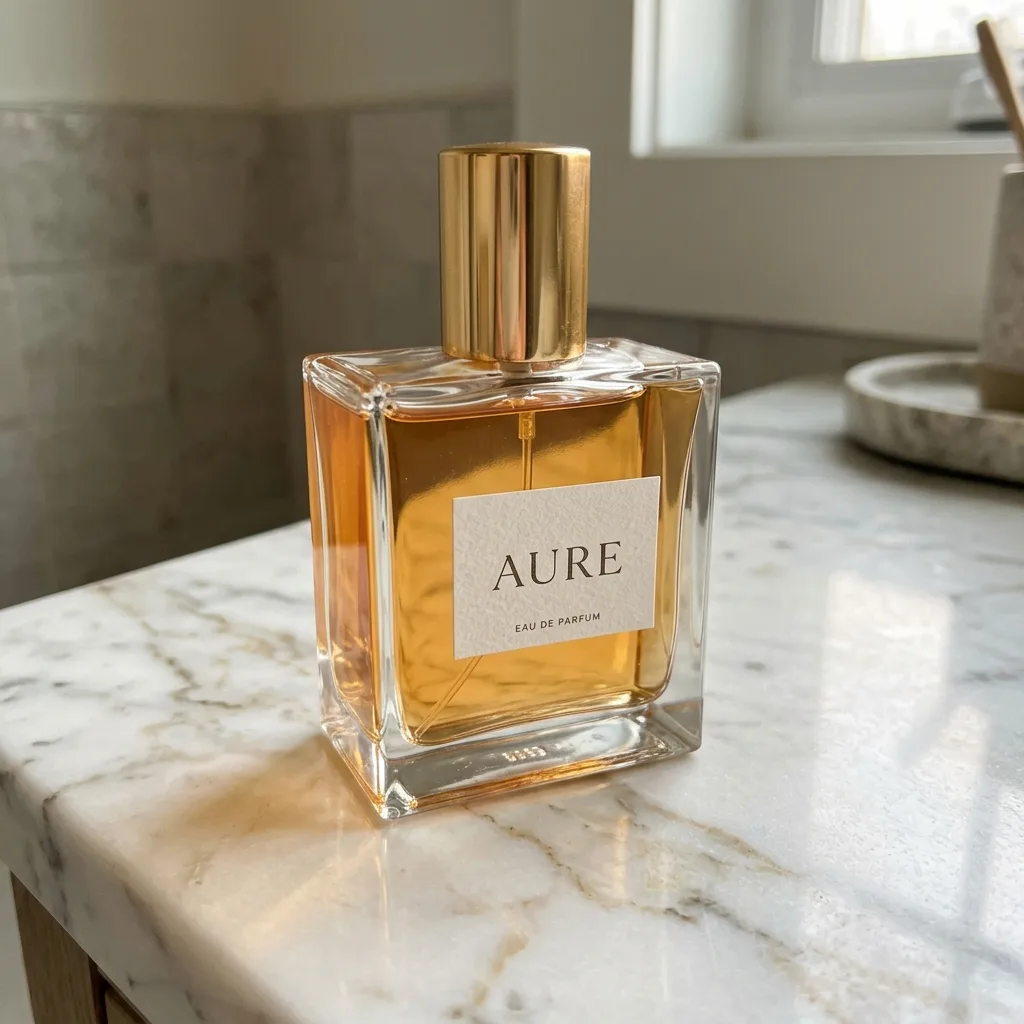 BeforeGPT Image 2.6 GIF
Product Shine and Sparkle GIF
Animate
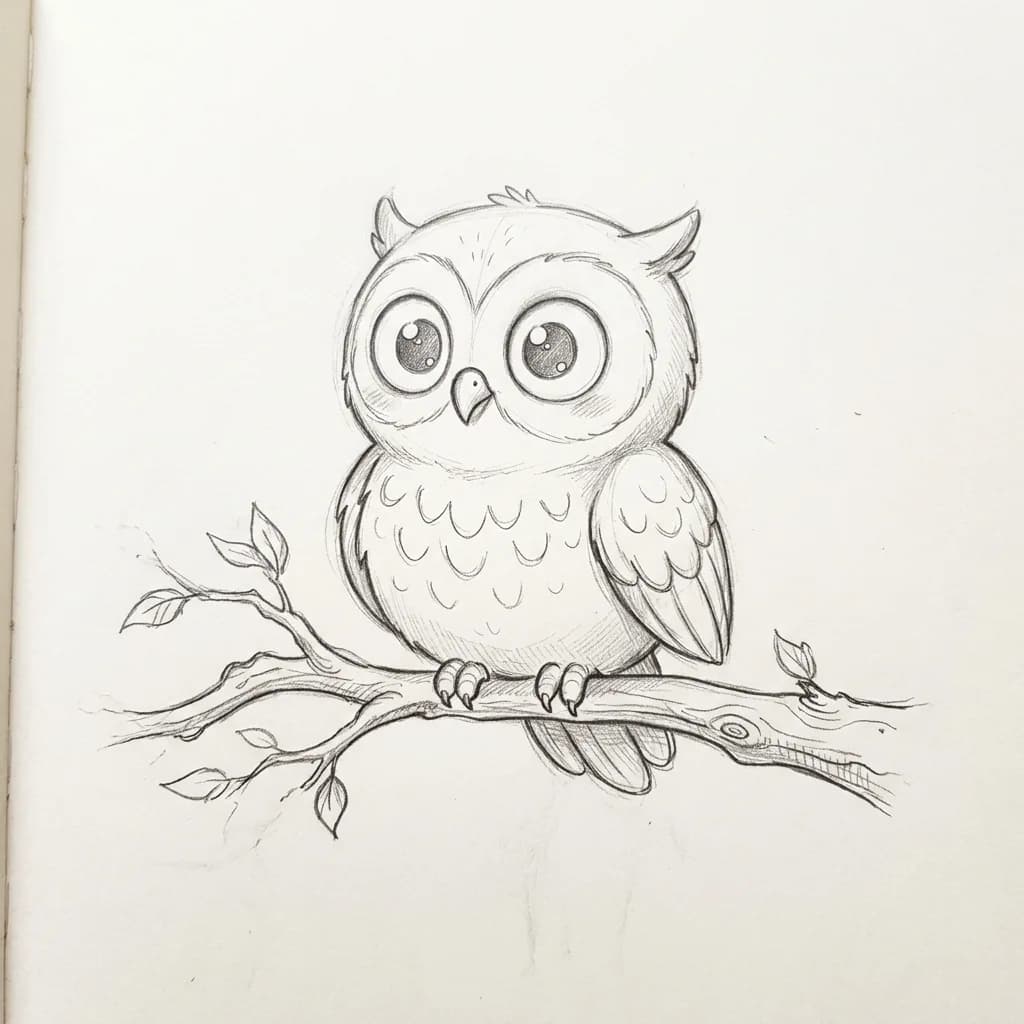 BeforeGPT Image 2.6 GIF
Drawing Comes to Life GIF
Animate
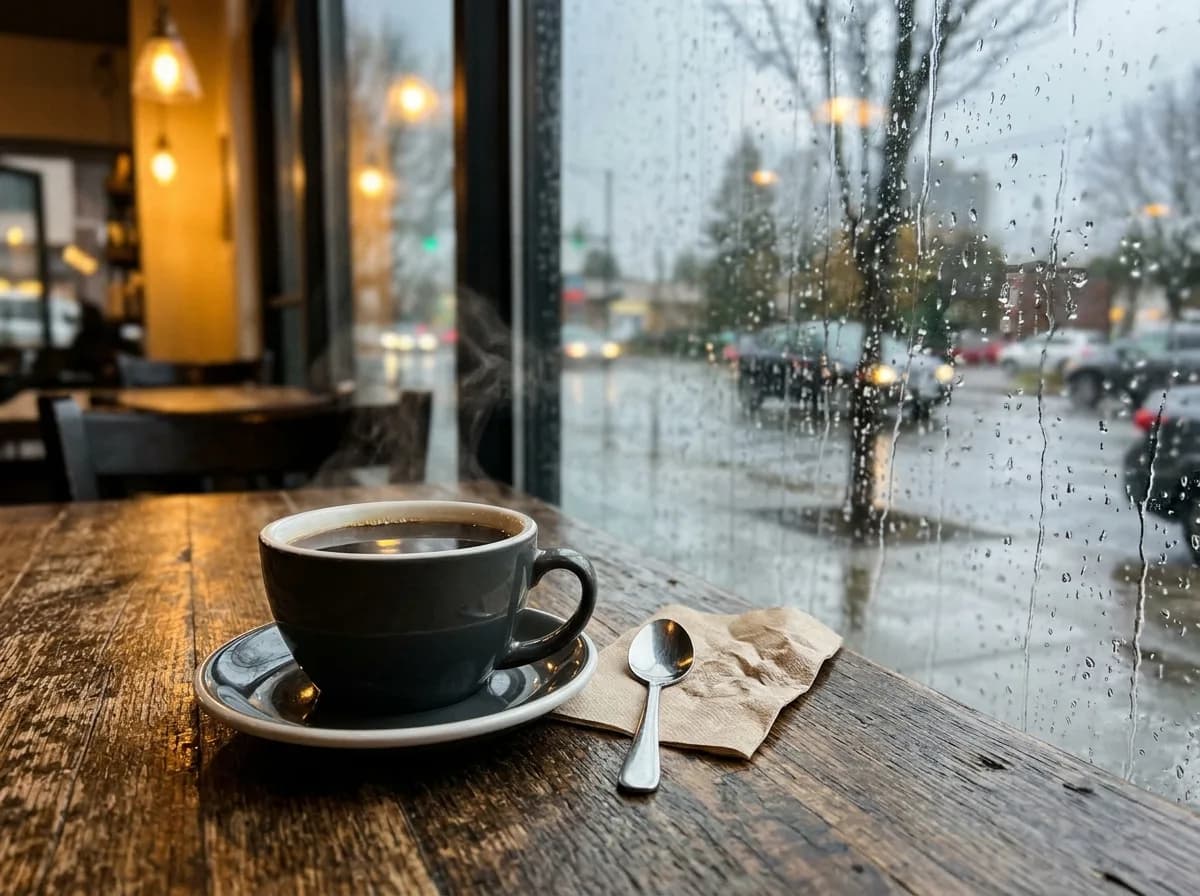 BeforeGPT Image 2.6 GIF
Photo to Cinemagraph GIF
Animate
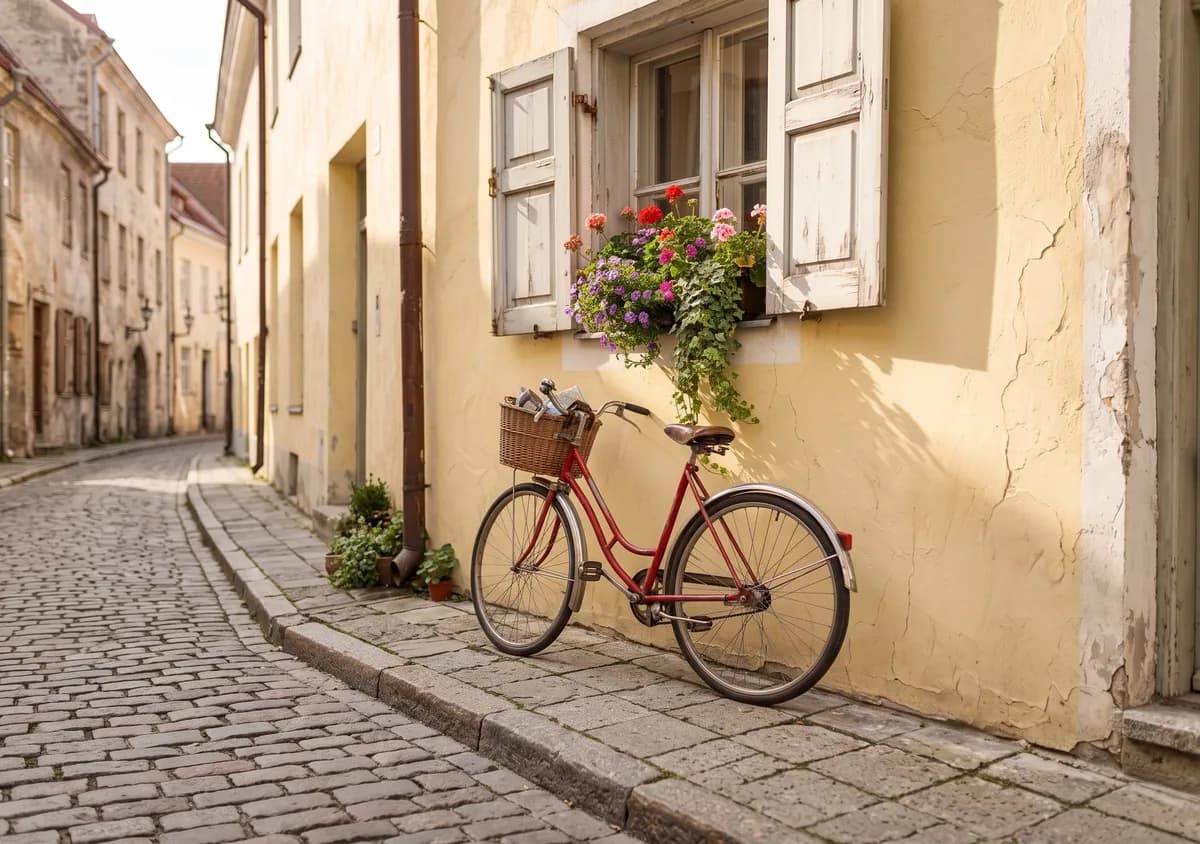
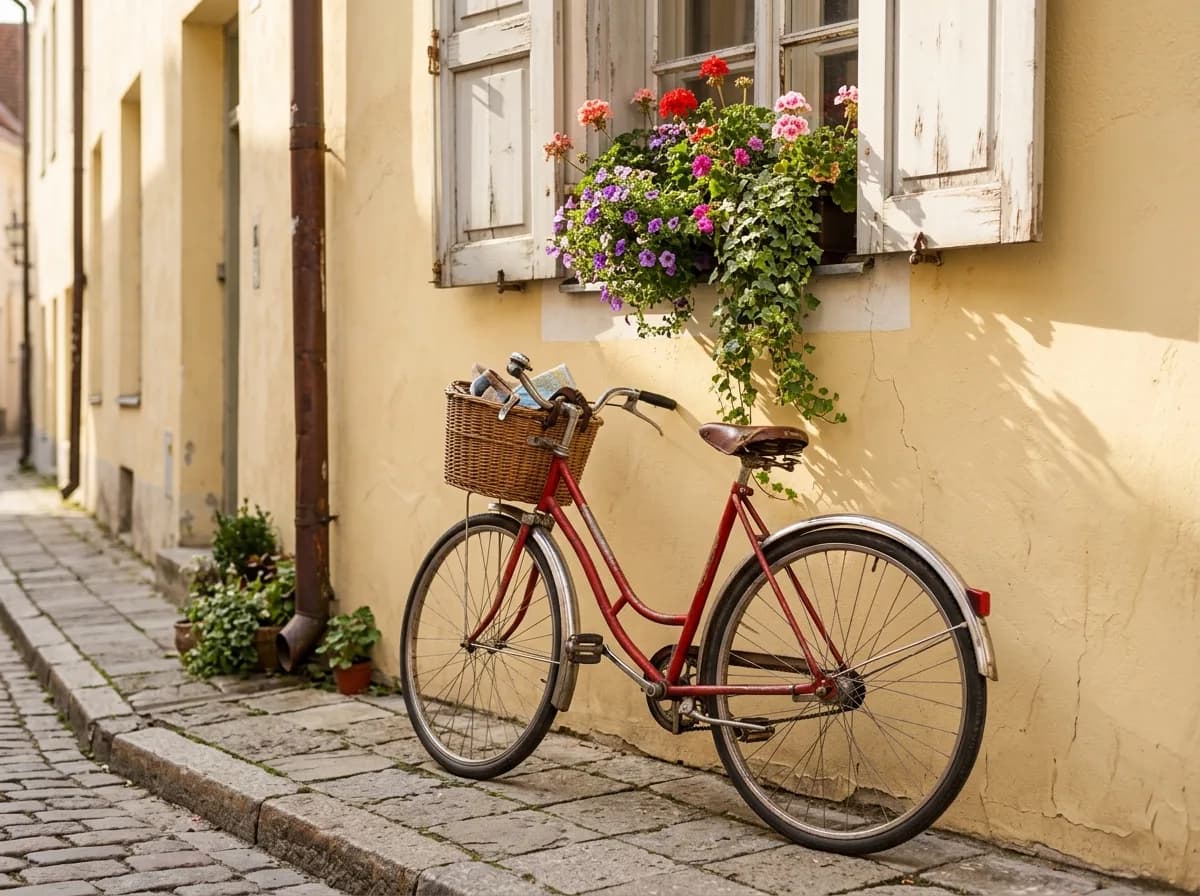 Before
Widen a Photo into a Phone Wallpaper
Restyle
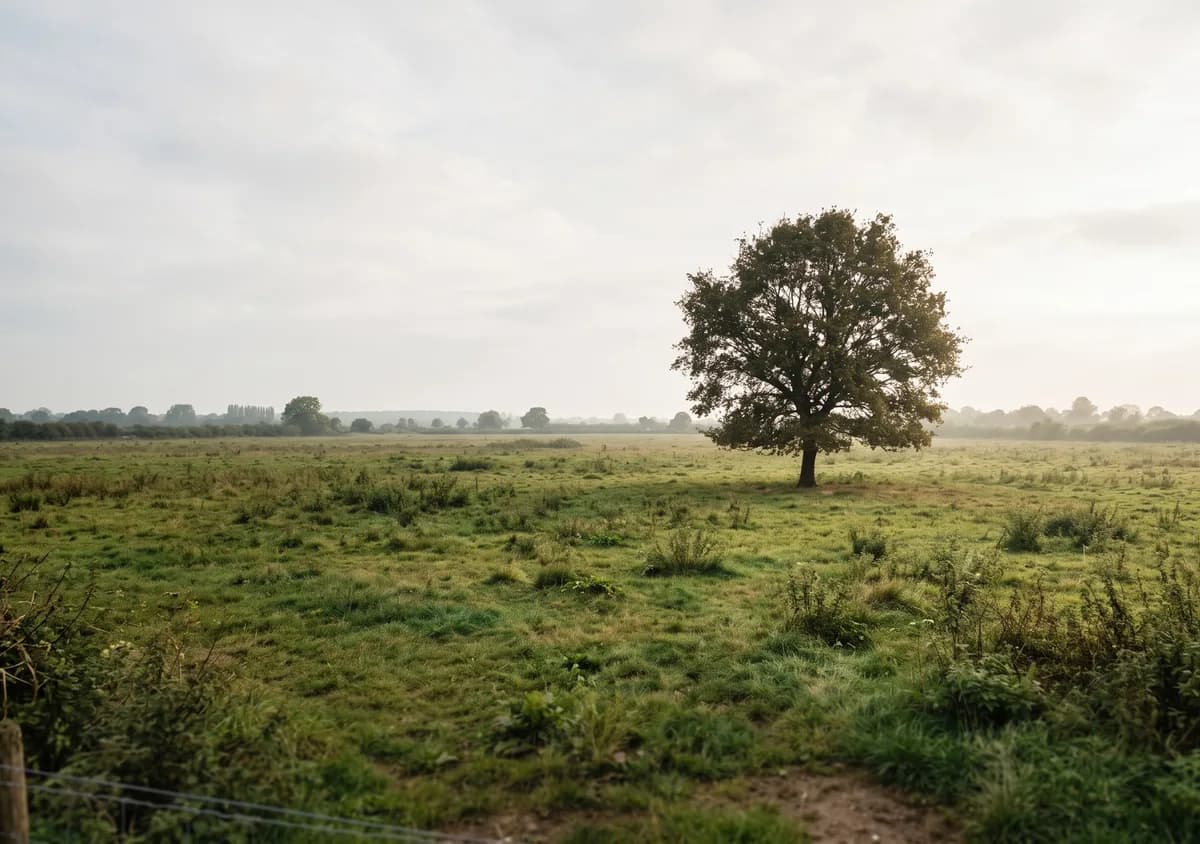
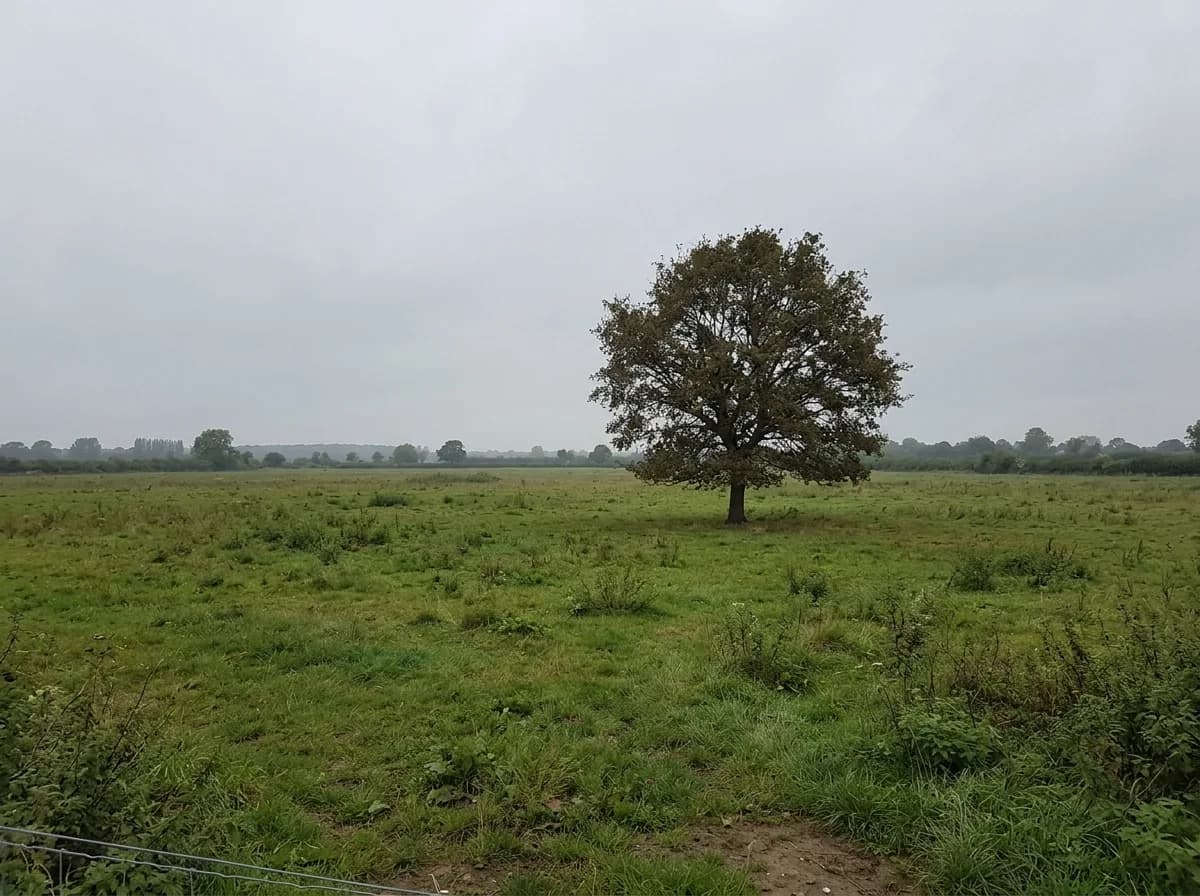 Before
Cinematic Film-Still Wallpaper
Restyle
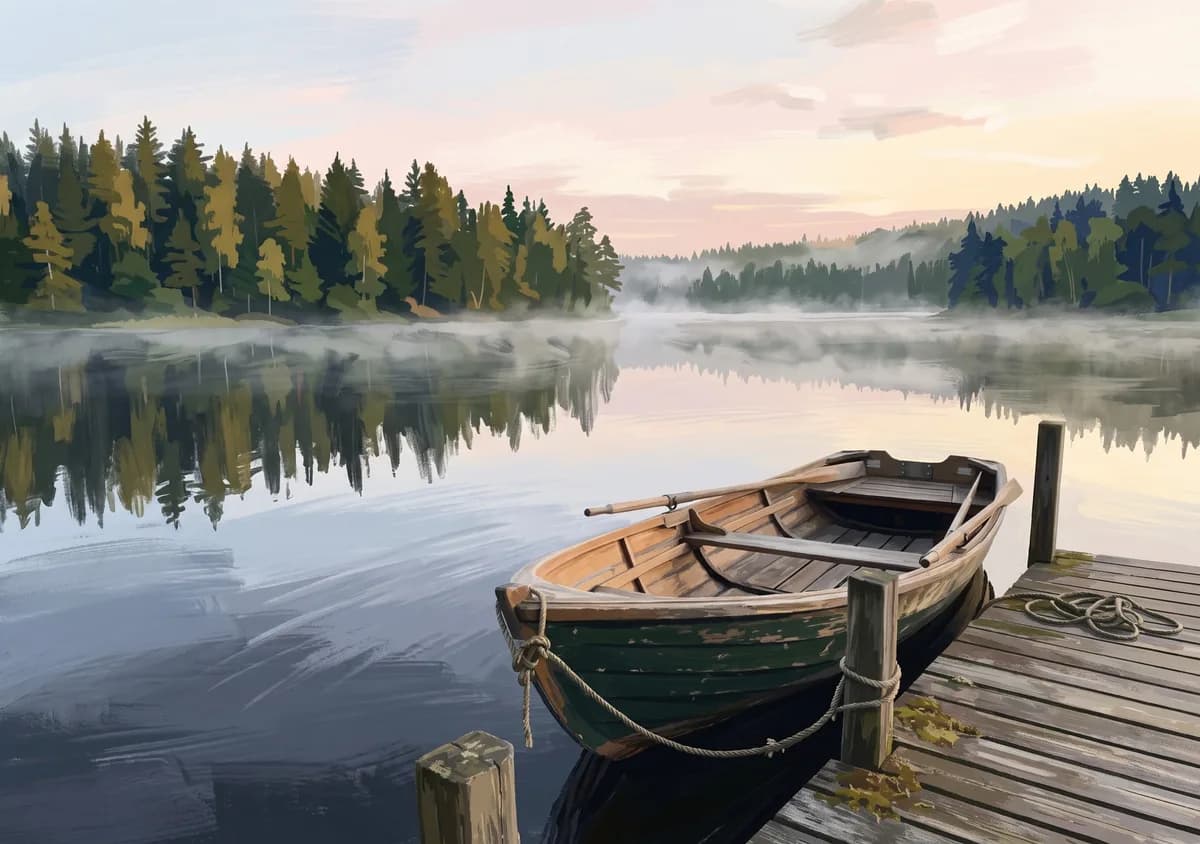
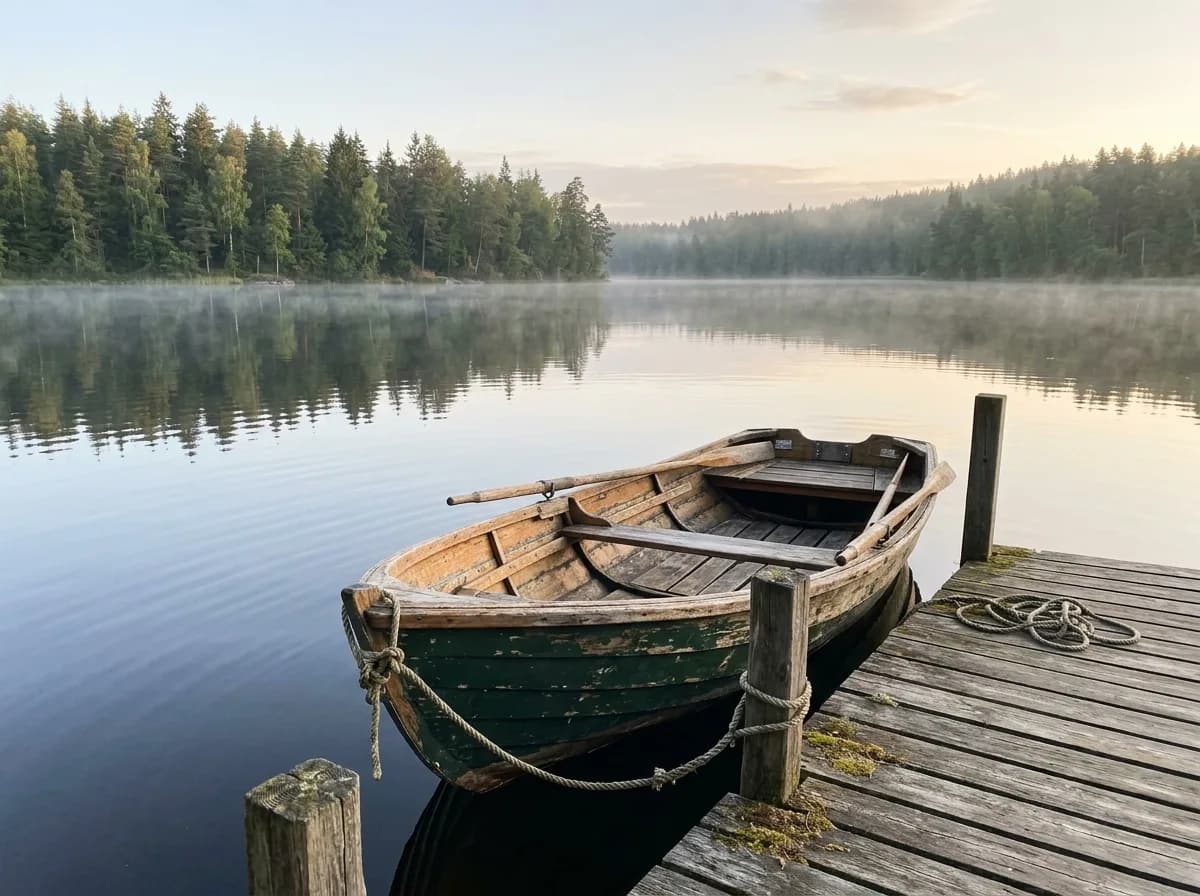 Before
Gouache Illustration Wallpaper
Restyle
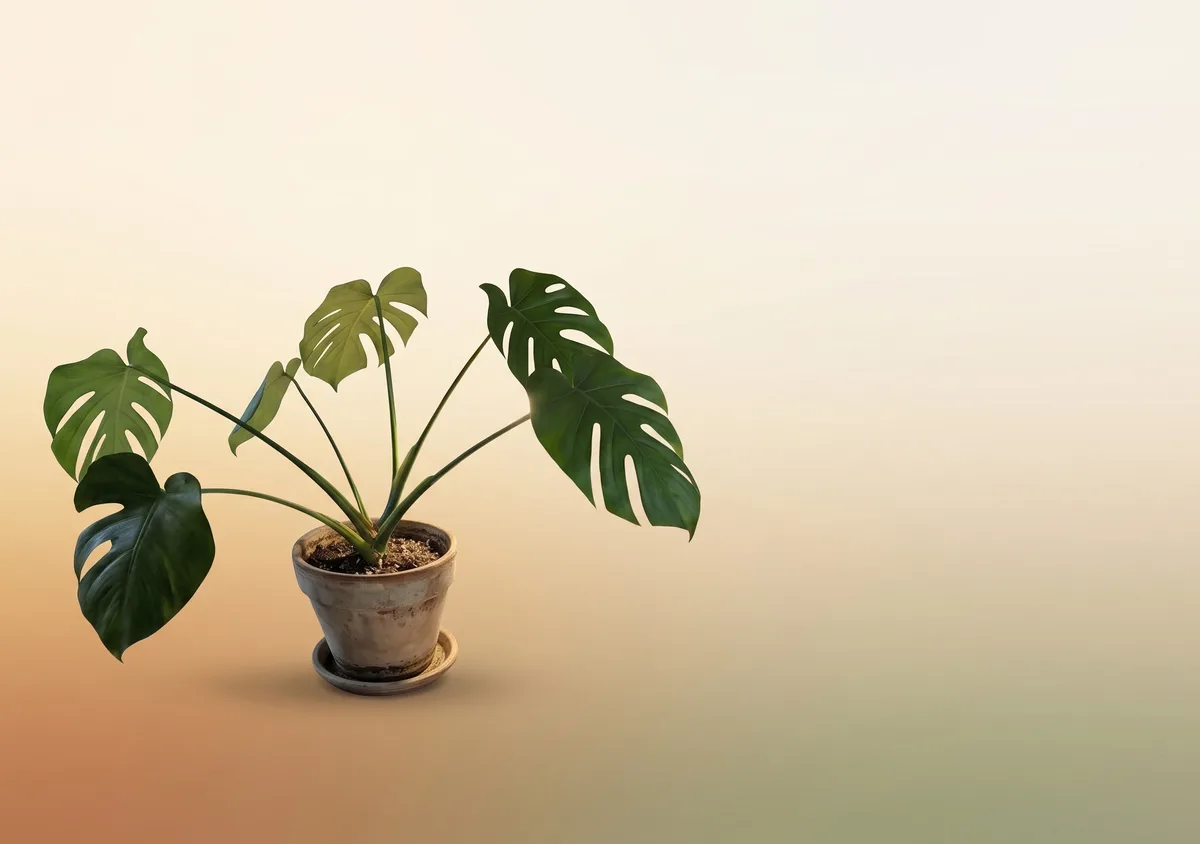
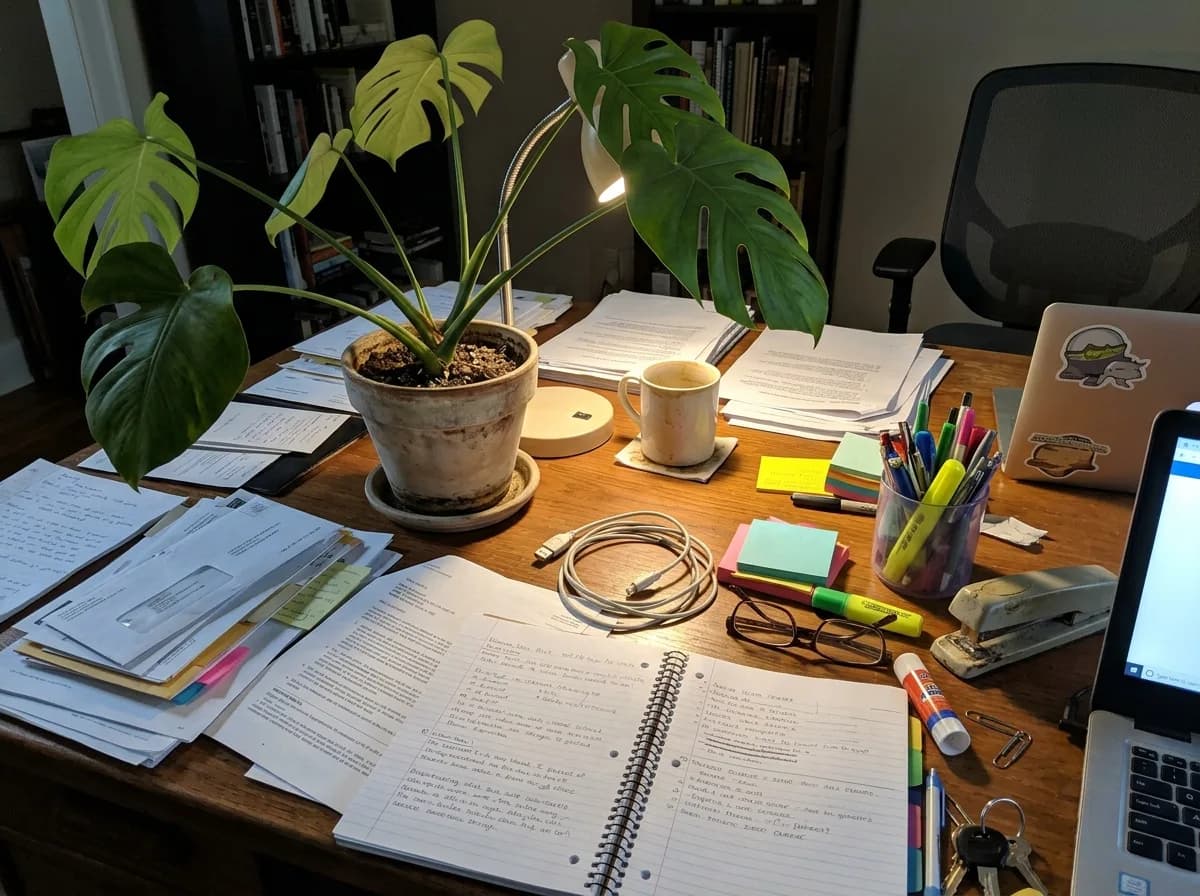 Before
Minimal Gradient Wallpaper
Restyle
Questions about these prompts
Are the before-and-after images real results?
Yes. Every result here came from running the prompt shown on this site's own models: Nano Banana 2.1 for still images and GPT Image 2.6 for GIFs. The original photos are sample photos we generated for this catalog. We look at every result and redo it if a real brand shows up or the photo barely changes.
Do I need an account, and what does a run cost?
Browsing and copying prompts is free. To run one, sign in with Google; new accounts get 18 free credits. A still-image edit starts at 6 credits with Nano Banana 2.1, and a GIF costs 7 credits.
What do the brush and two-photo icons mean?
The brush means the prompt changes only one area, so paint over that area in the editor before you run it. The two-photo icon means the prompt combines two images: upload the main photo first and the reference second.
Can I see how other models handle the same prompt?
Yes, for 48 of the 61 prompts. Open one and switch between Nano Banana 2.1, GPT Image 2.6 and GPT Image 2.5 to see each model's result on the same photo. The comparison pages show all 48 side by side.
Can I use these prompts in other tools?
Yes. They are plain text, so you can paste them into other image models too. Results will differ from the examples here, because each model reads the same prompt its own way.