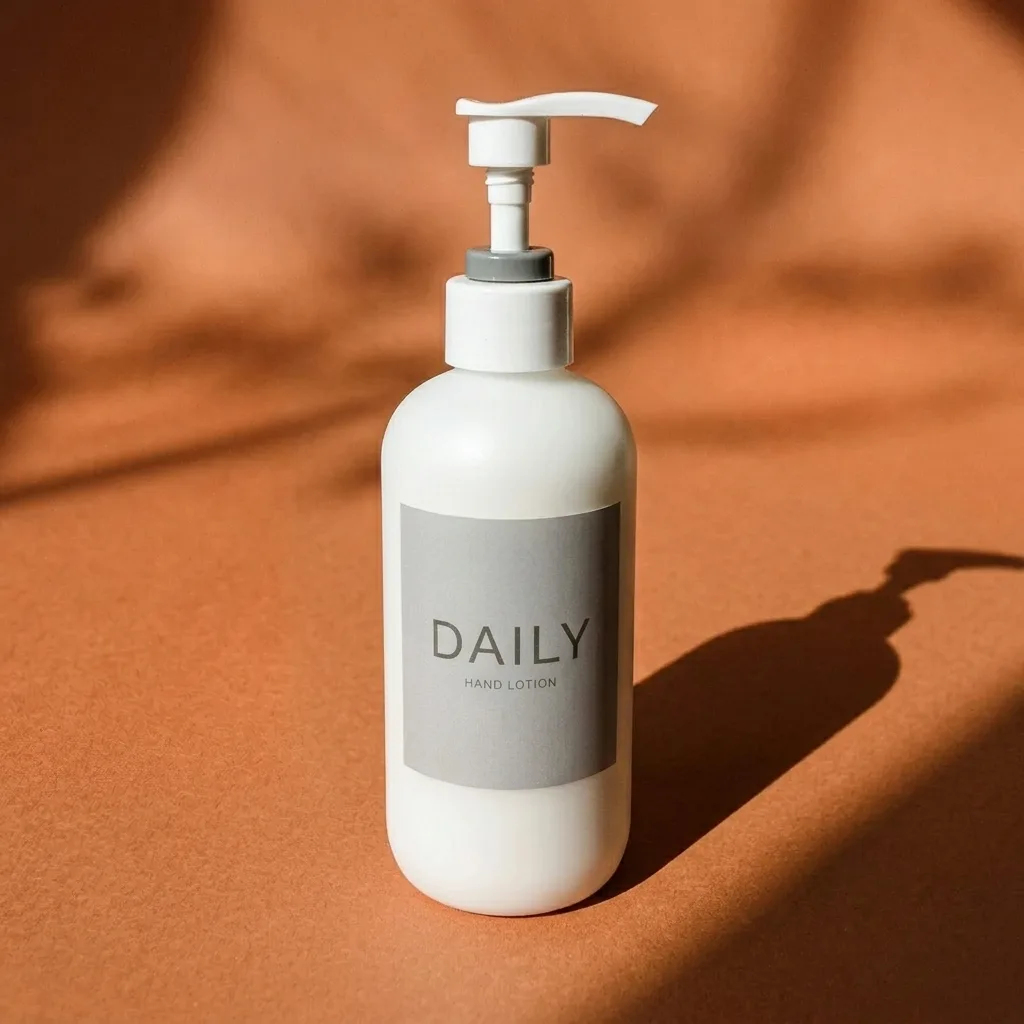
IMG_1 · BeforeAfter
ProductCombine
Match Your Existing Catalog Look
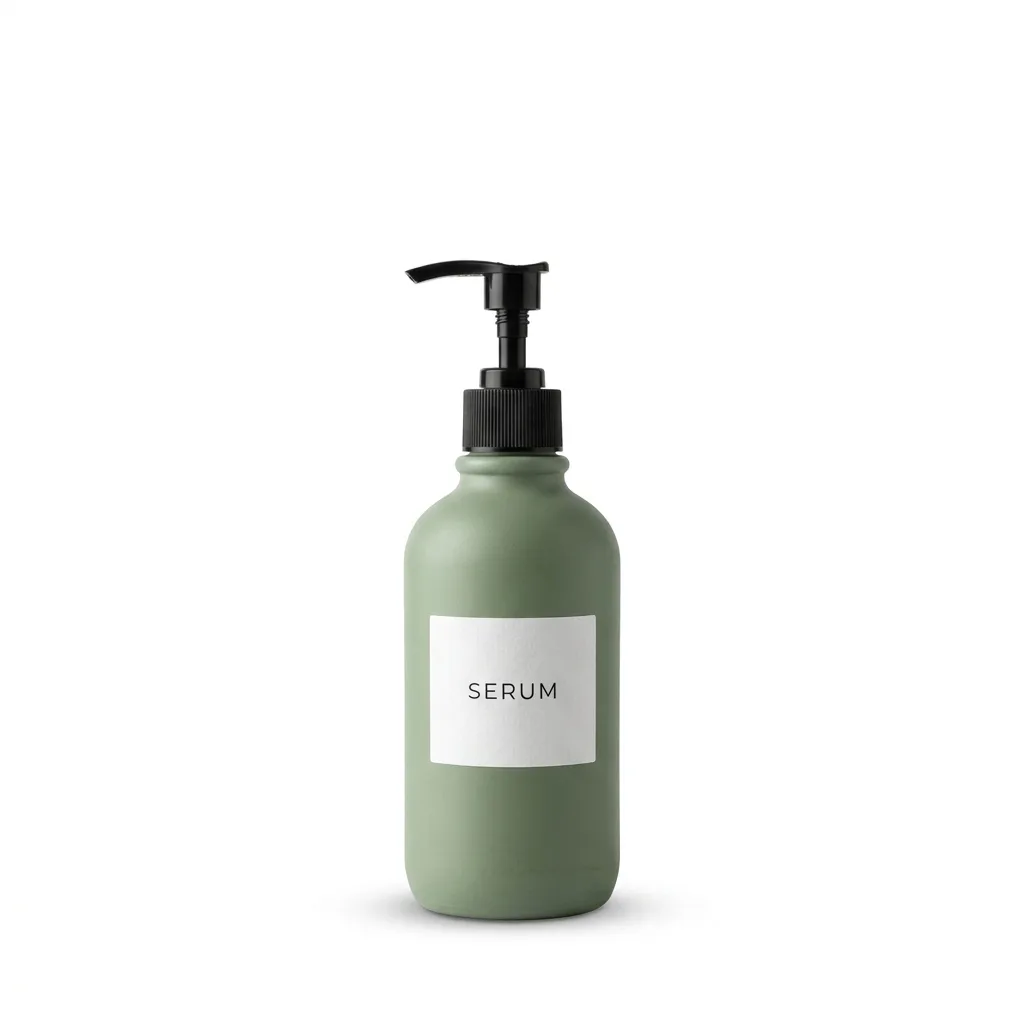
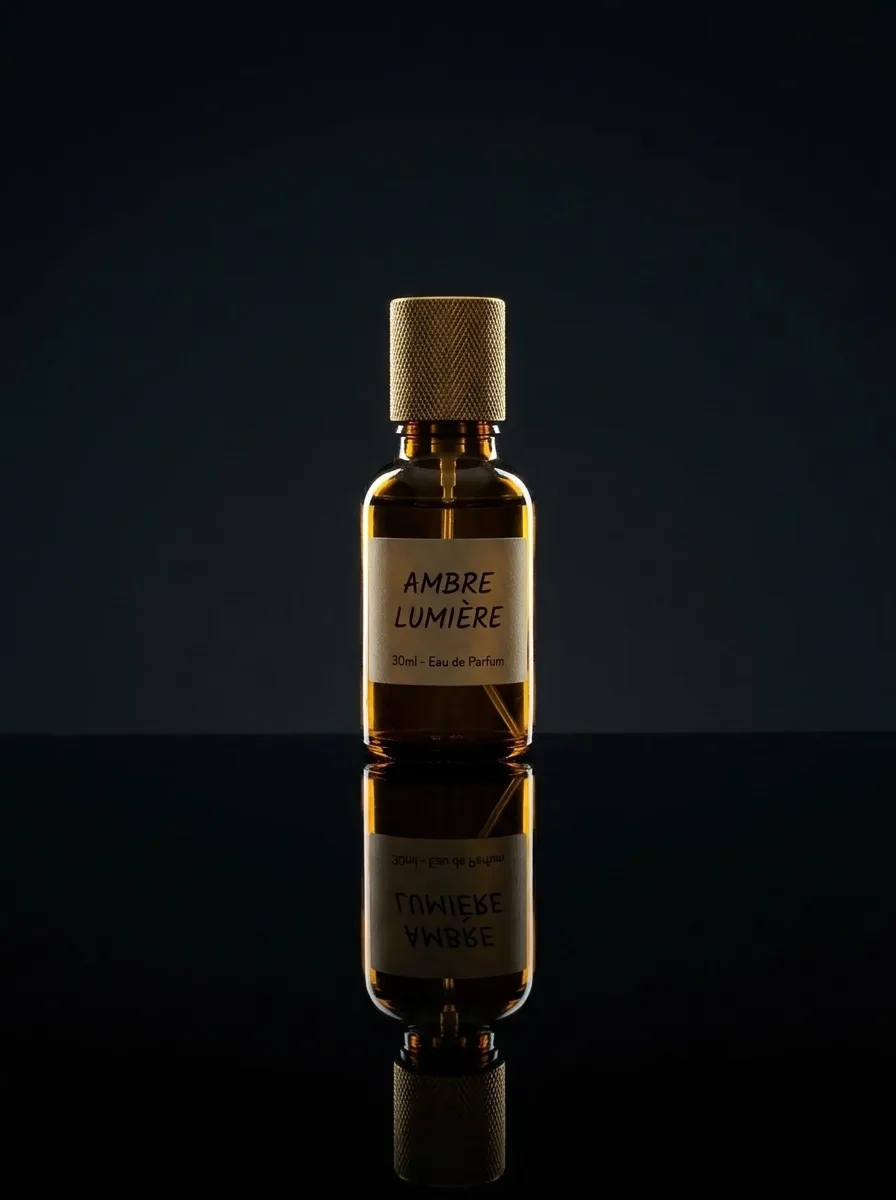
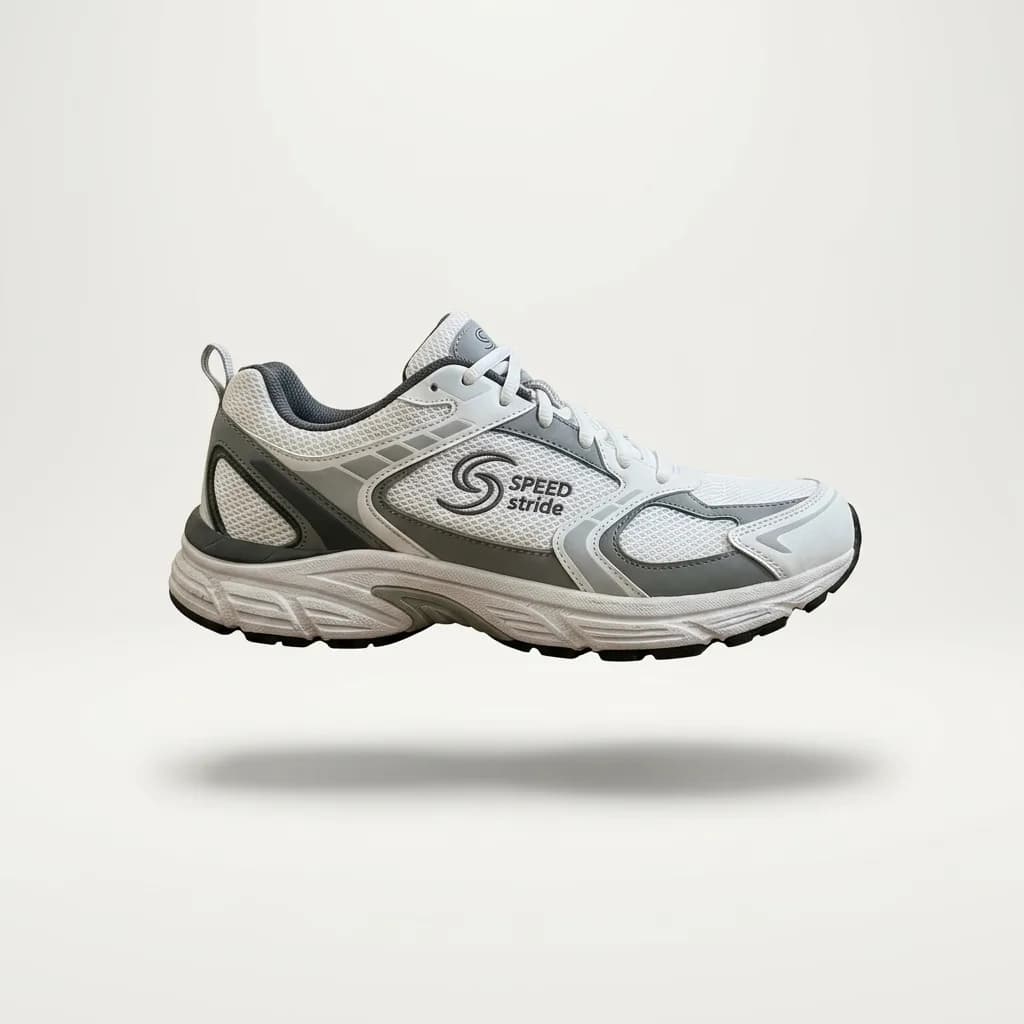
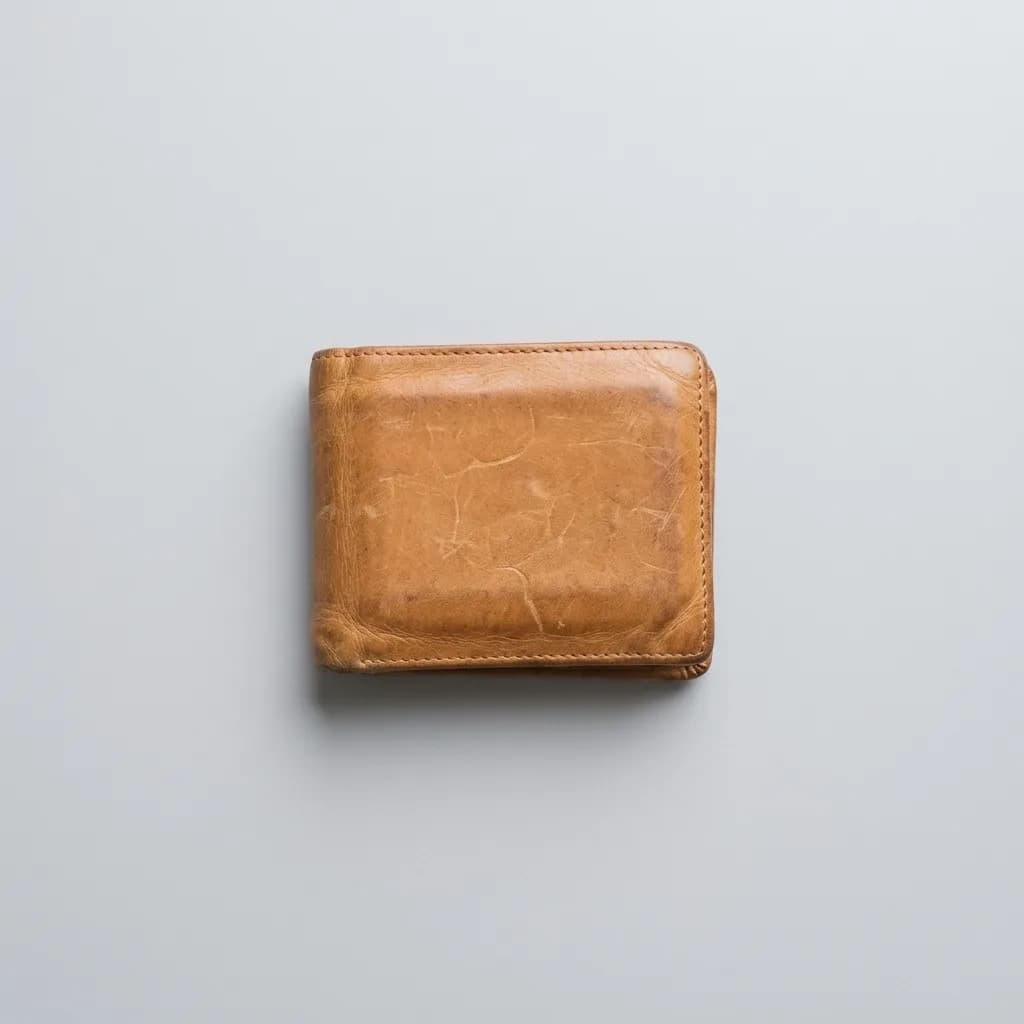
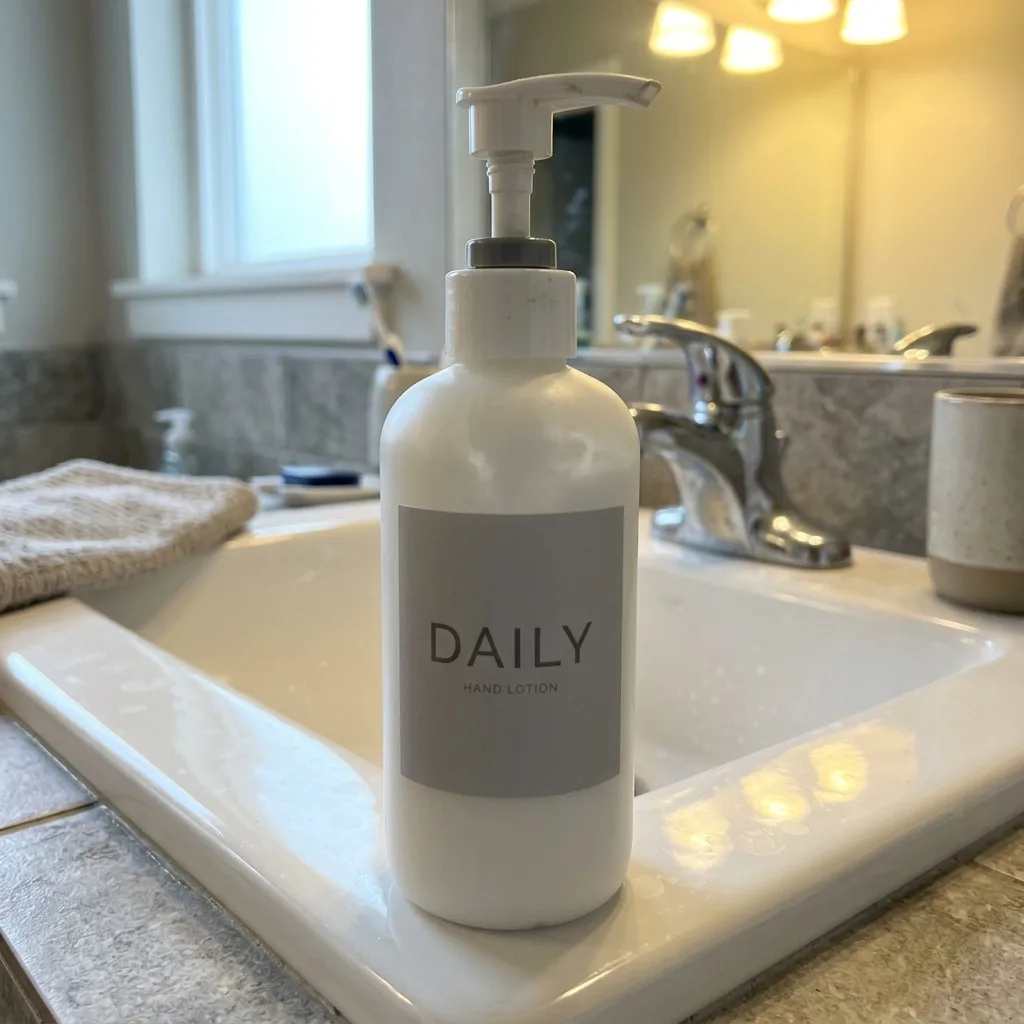
Uses two images: IMG_1 is the new product photo, IMG_2 is a photo from your existing catalog. The new product gets IMG_2's background color, lighting direction, shadow style and color grade, so a new SKU sits naturally next to the old ones. The prompt tells the model not to copy the product in IMG_2, but check that nothing from it slipped in.

IMG_2 · Reference
IMG_1 is the main photo, IMG_2 is the reference.
Prompt
Restyle IMG_1 to match the look of IMG_2: use the same background color, lighting direction, shadow style and color grade. Keep the product in IMG_1 exactly as it is, including its shape, label and colors. Do not copy the product or props from IMG_2.
- Consistency
- Catalog
- Brand Style
- Reference