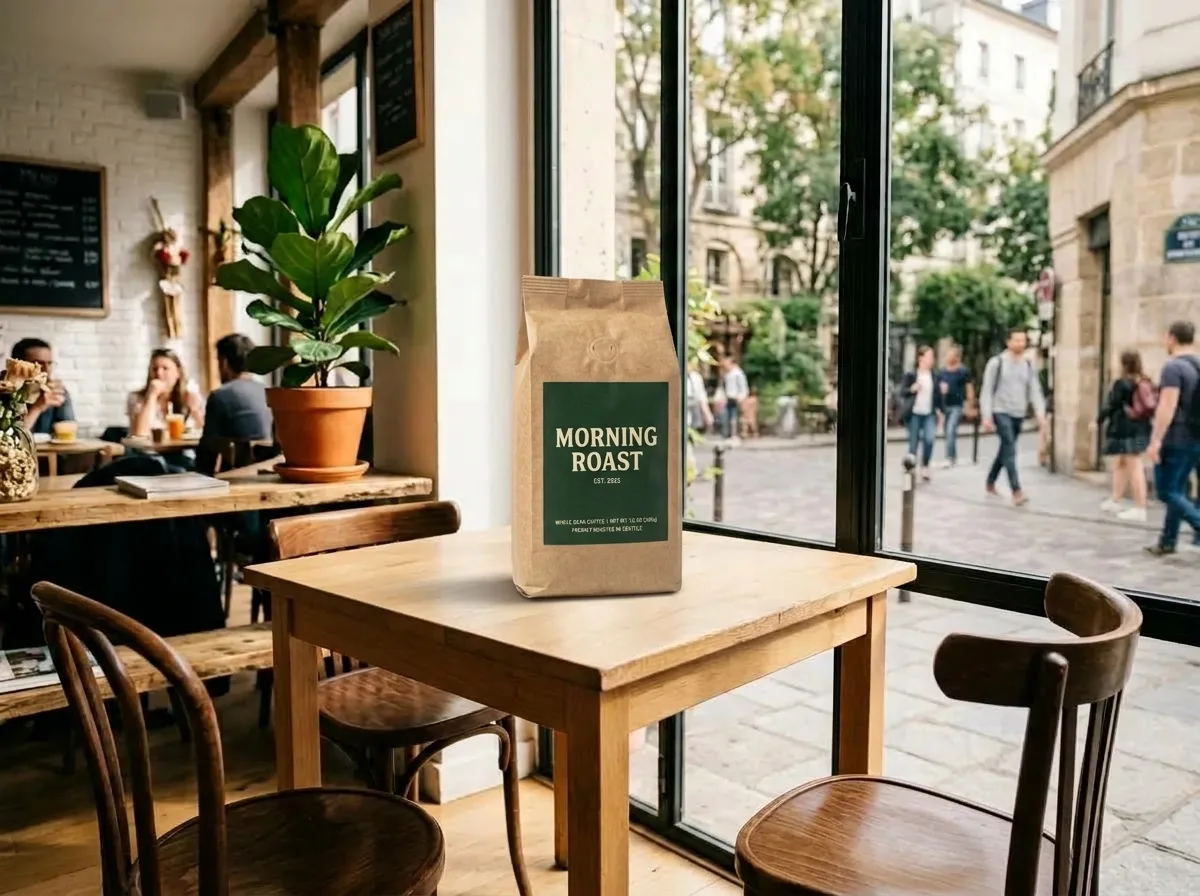
ProductCombine
Place a Product into Your Scene
Tested on Nano Banana 2.1Added 2026-09-23From 6 credits
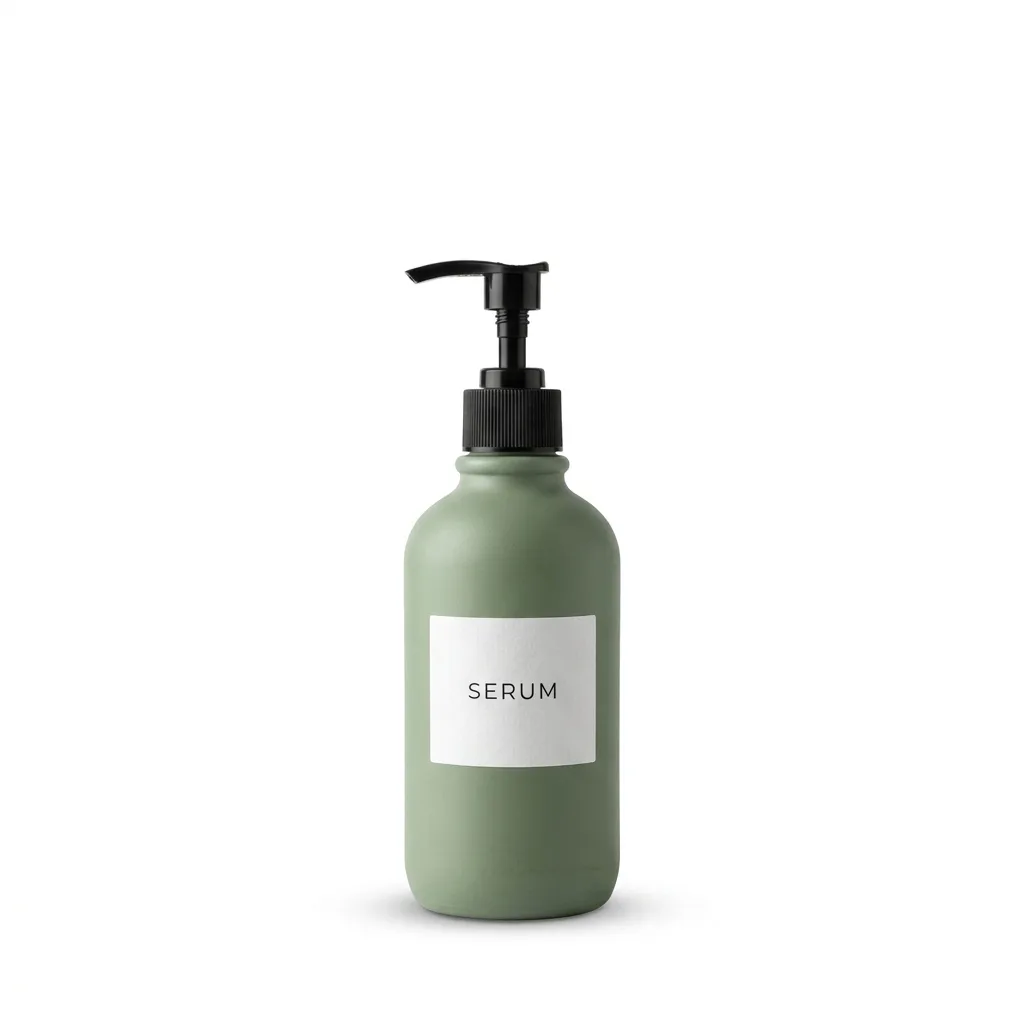
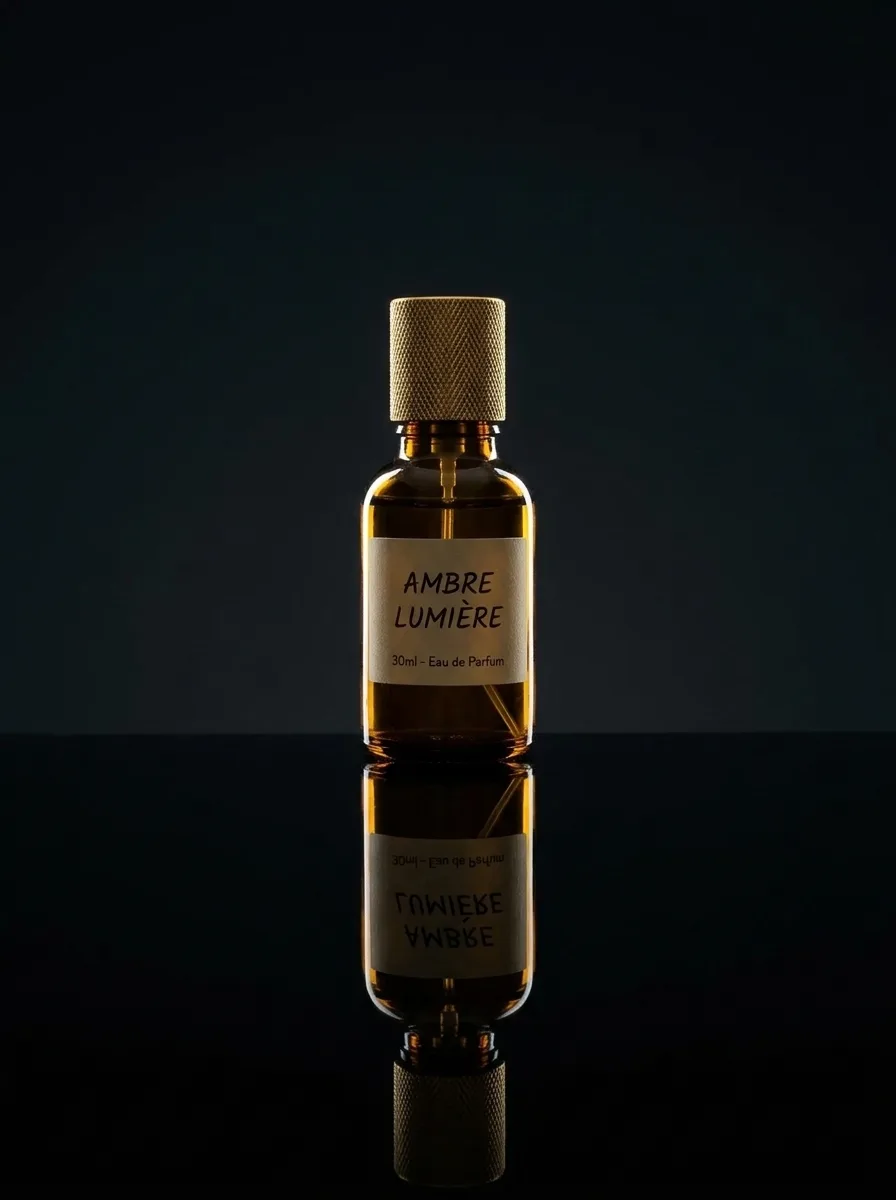
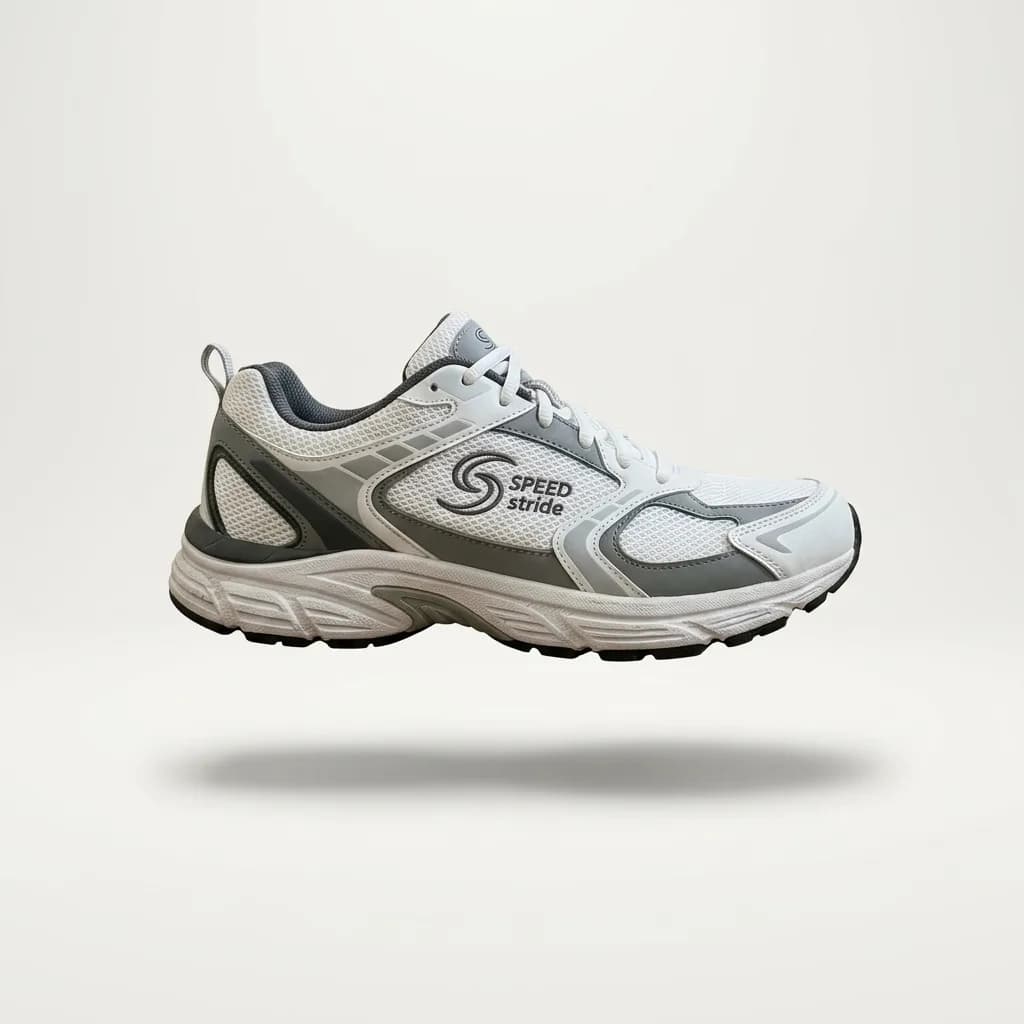
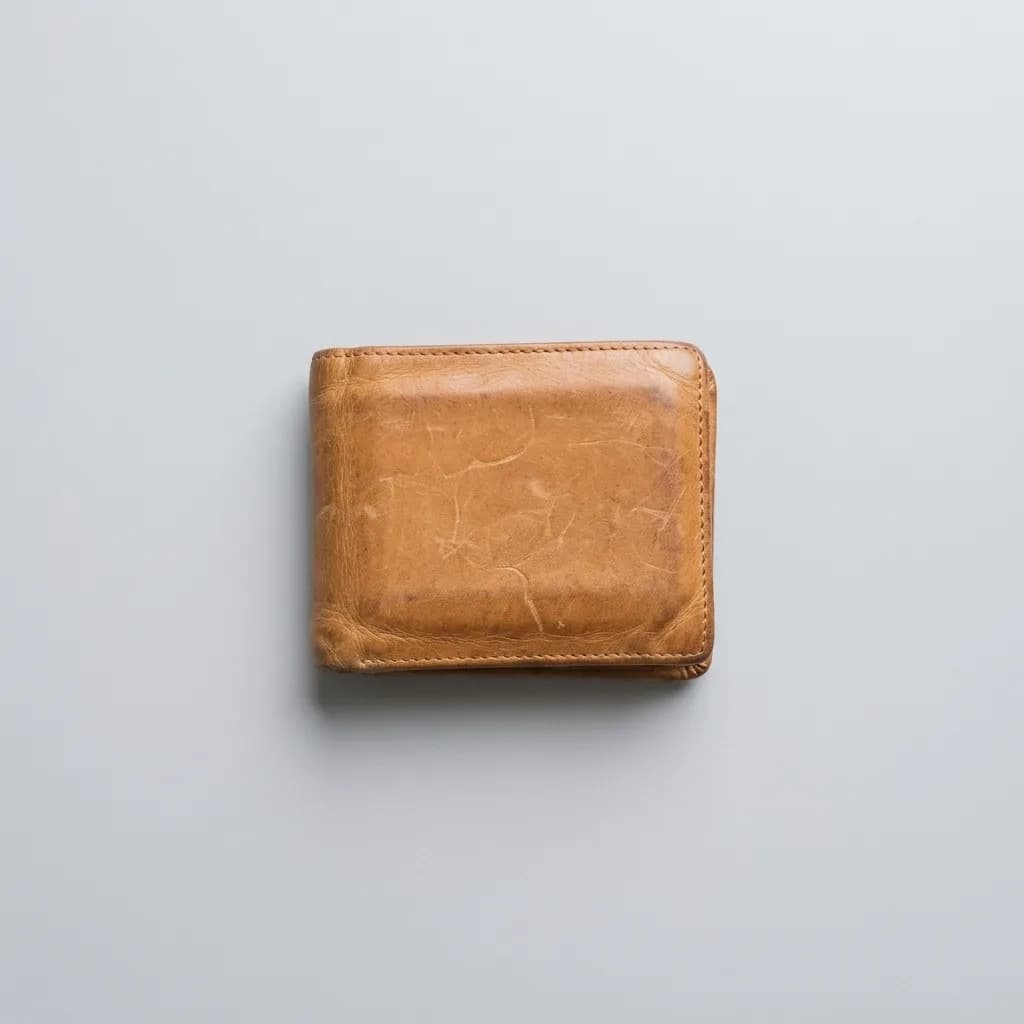
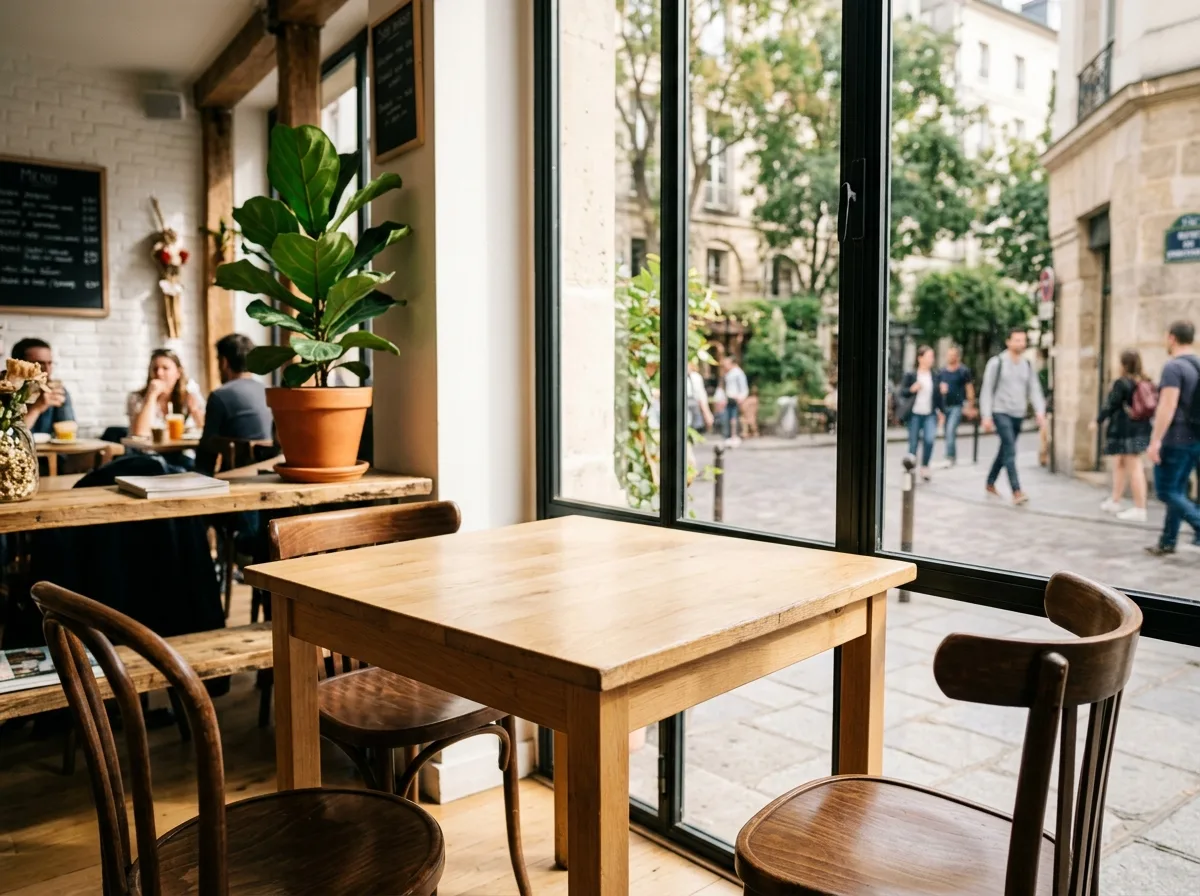
Uses two images: IMG_1 is your scene, IMG_2 is the product. The product is placed on the table in IMG_1 with matching perspective, light direction and color temperature, plus a contact shadow. It is a quick way to get lifestyle shots without building a set. If your scene has no table, change "on the table" to the surface you have.
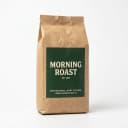
IMG_2 · Reference
IMG_1 is the main photo, IMG_2 is the reference.
Prompt
Place the product from IMG_2 on the table in IMG_1. Keep the product's shape, label and colors exactly as in IMG_2. Match IMG_1's perspective, lighting direction and color temperature, and add a natural contact shadow so the product looks photographed in place. Keep the rest of IMG_1 unchanged.
- Composite
- Scene
- Lifestyle
- Placement