iPhone Duoの無料壁紙
どの壁紙も、カードに載せた写真からYepShotのNano Banana 2.1(2K)で、表示しているスタイルのプロンプトを使って作りました。元の写真はAIで作ったスナップ写真です。アカウントなしで無料ダウンロードできます。
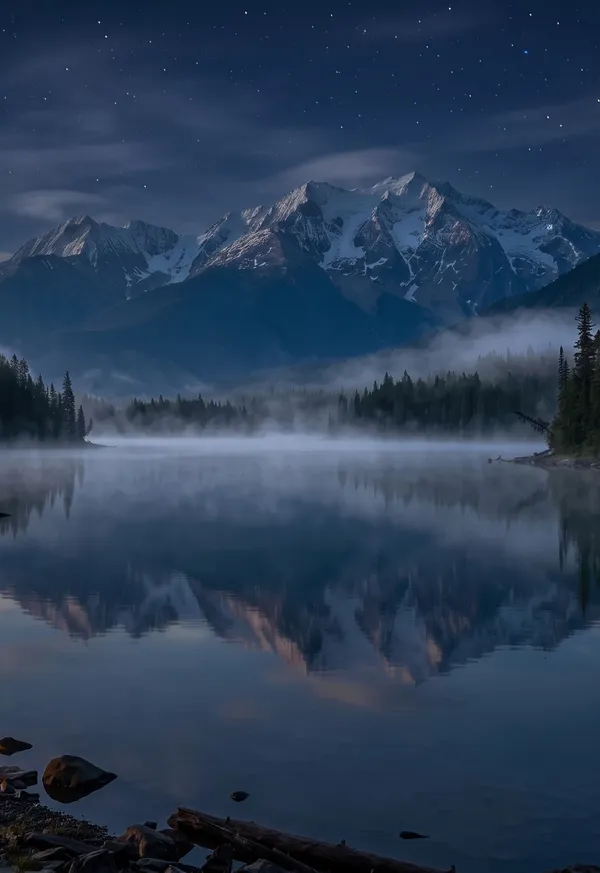
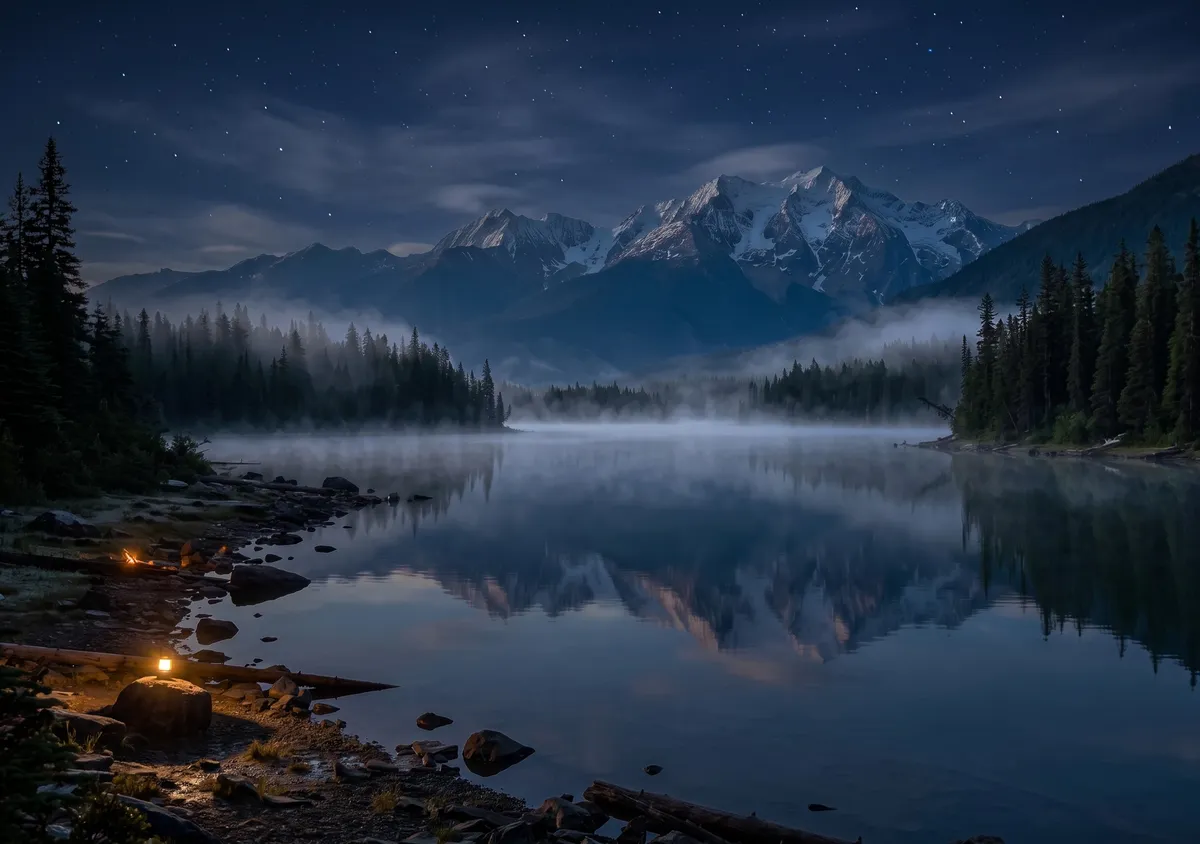
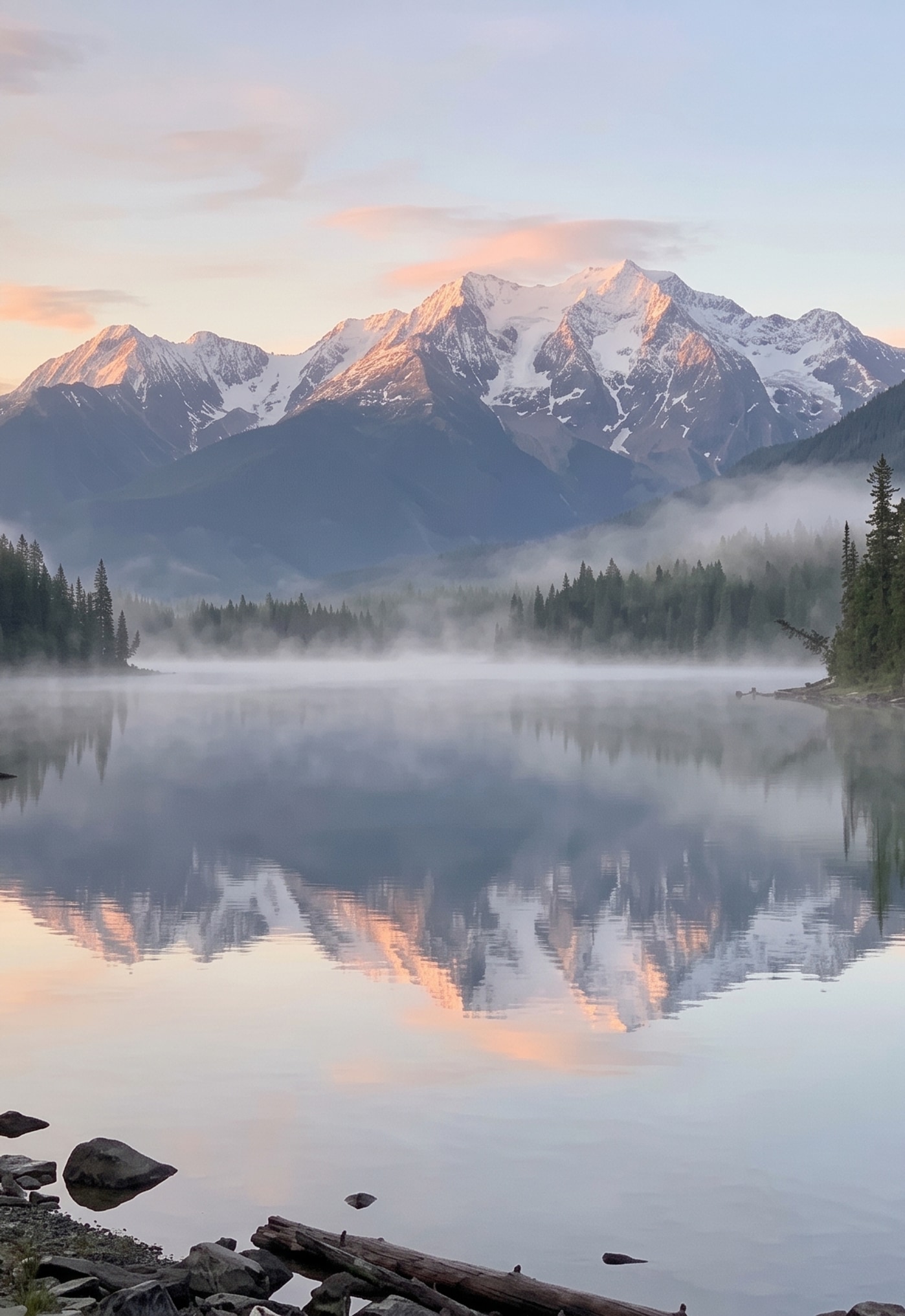
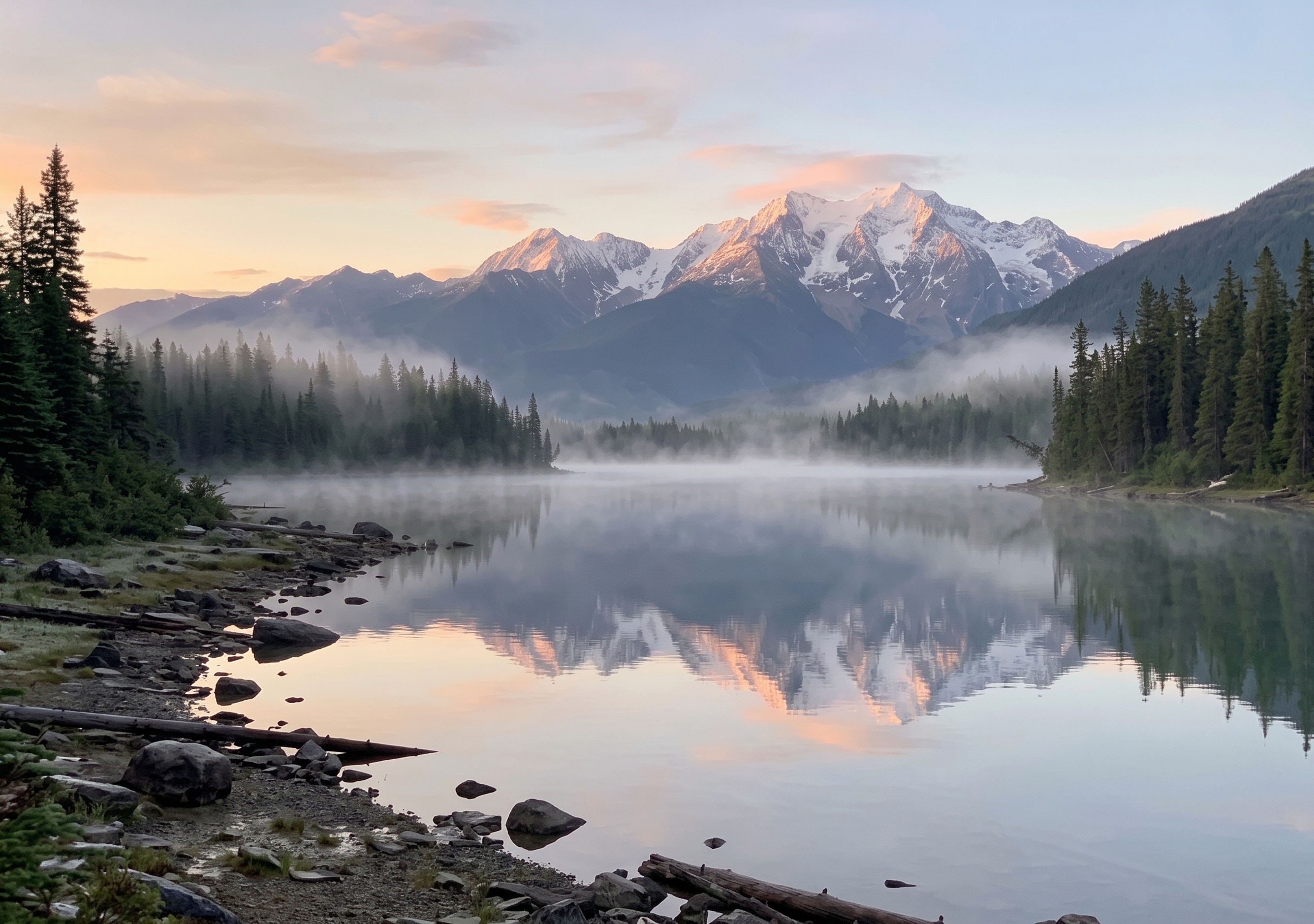
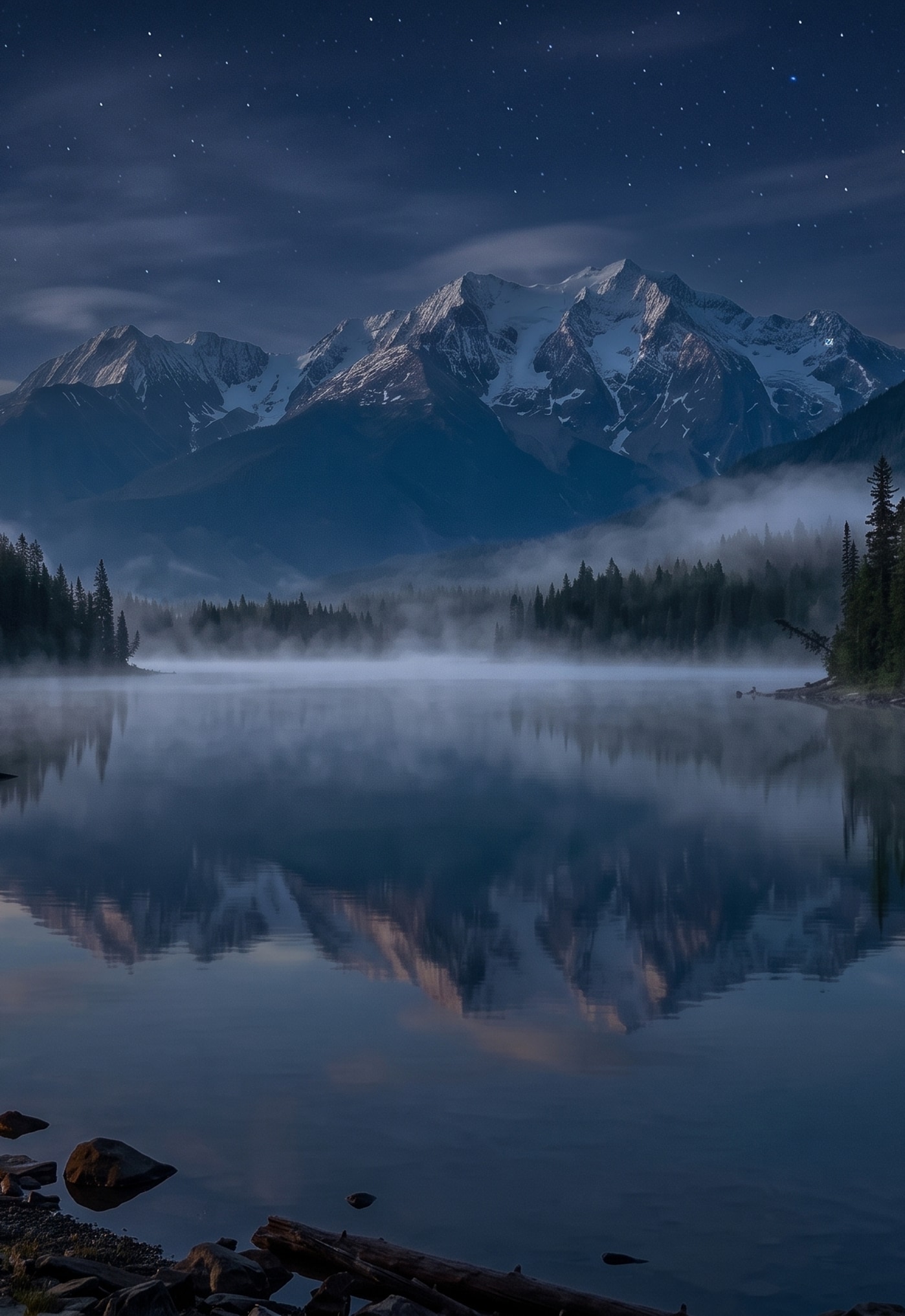
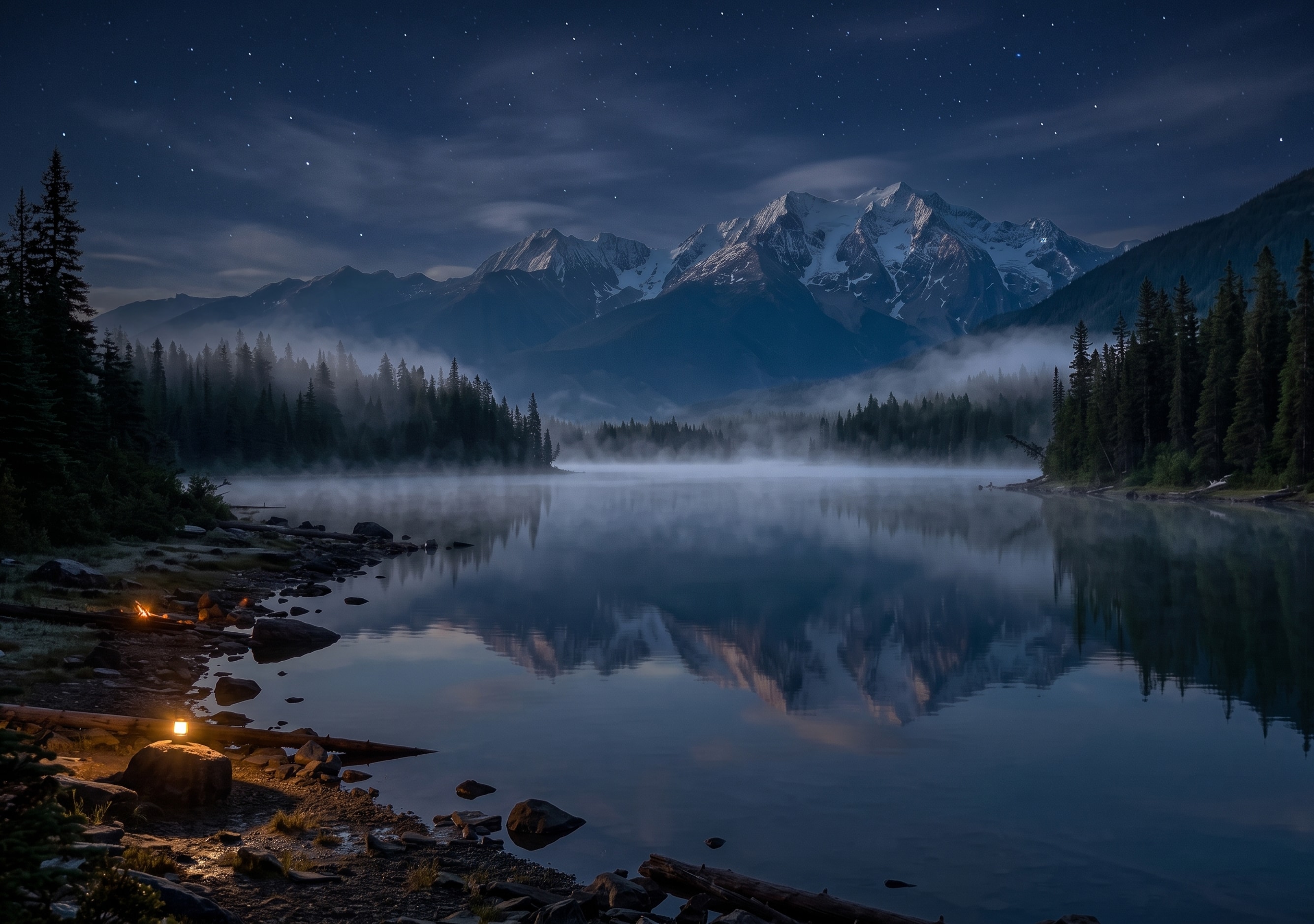
朝焼けの山の湖
ナチュラル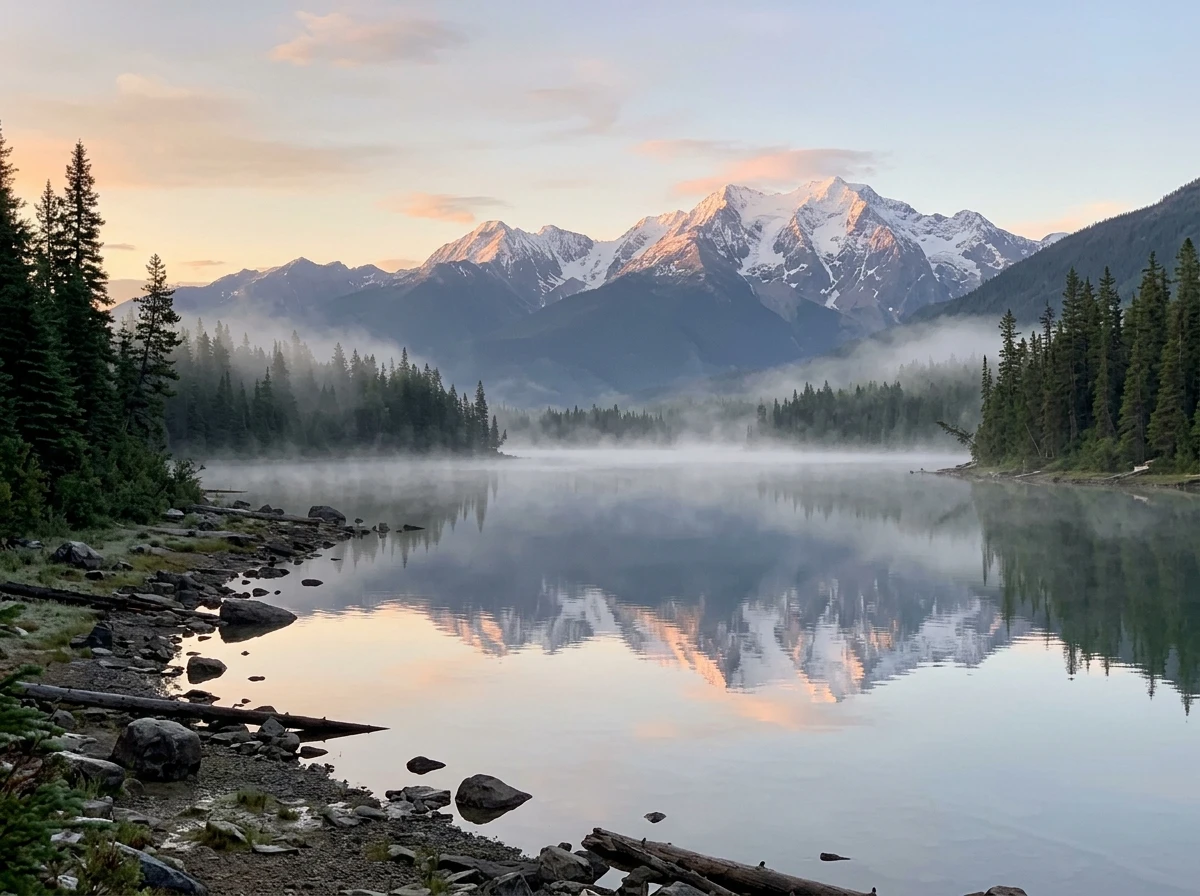
元の写真 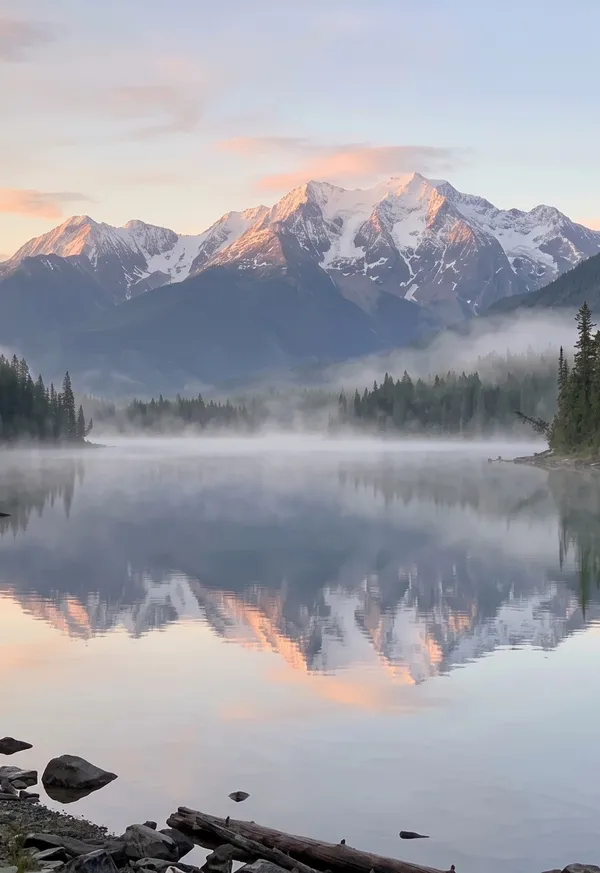
アウター 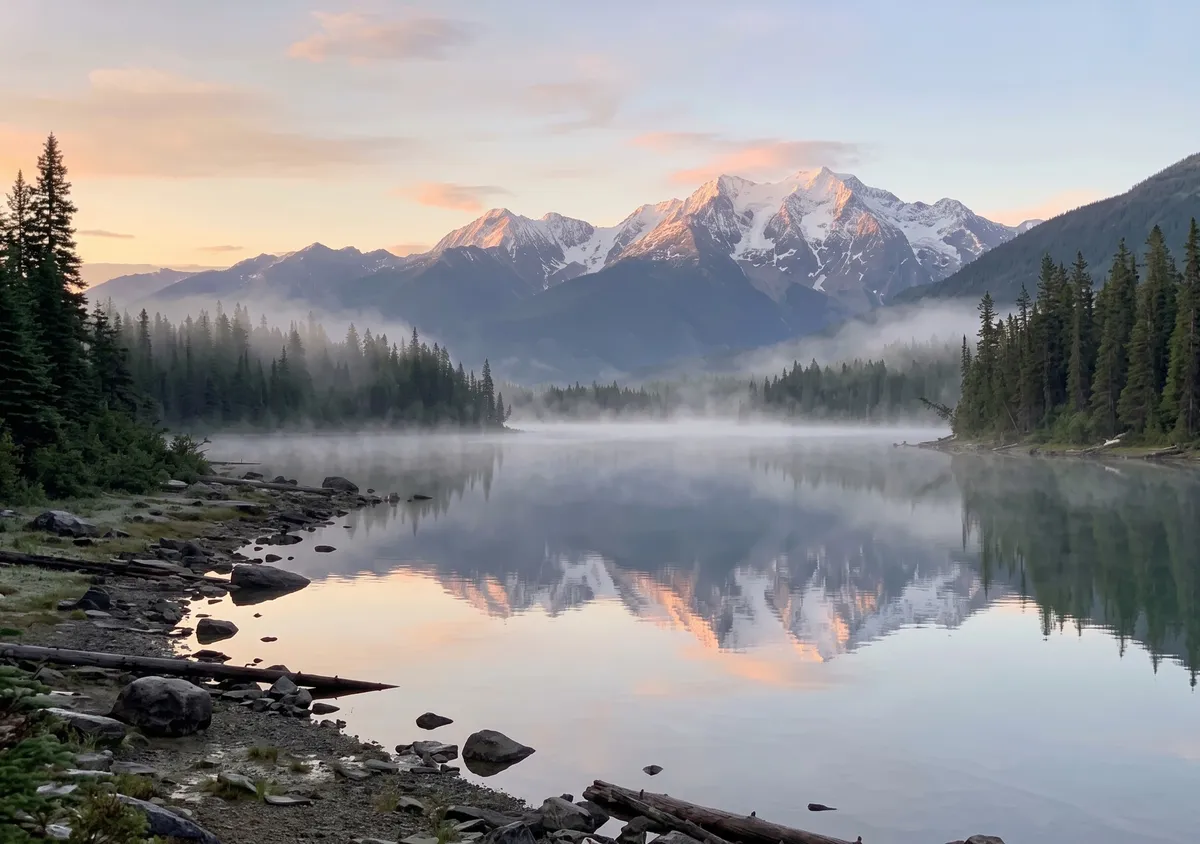
インナー 使ったプロンプト
Turn this photo into a wide 3:2 landscape. Keep the main subject exactly as it is: same shape, colors, face and details. Widen the view as if shot with a wider lens from the same spot: one continuous scene, no seams or panels. Keep it photographic. Add no people, hands, text, logos, borders or phone frames.
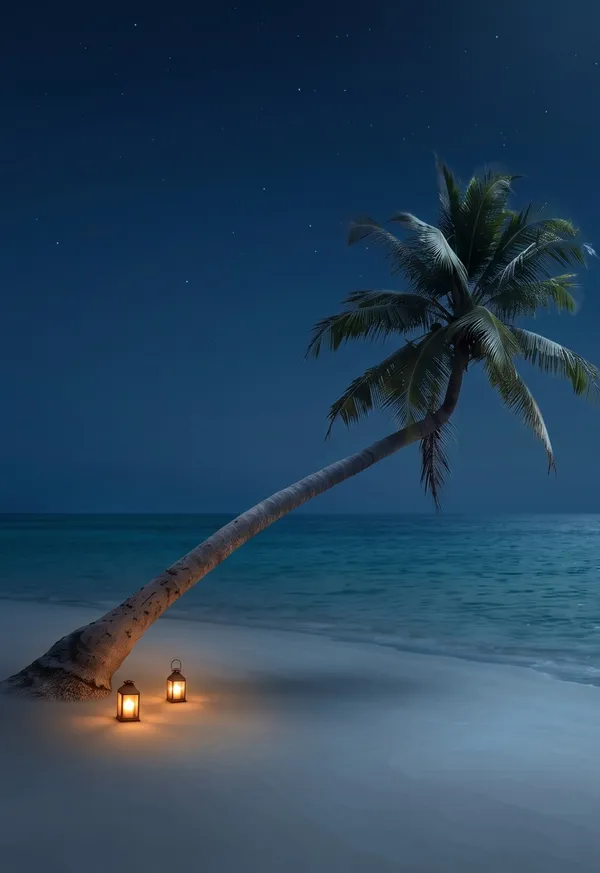
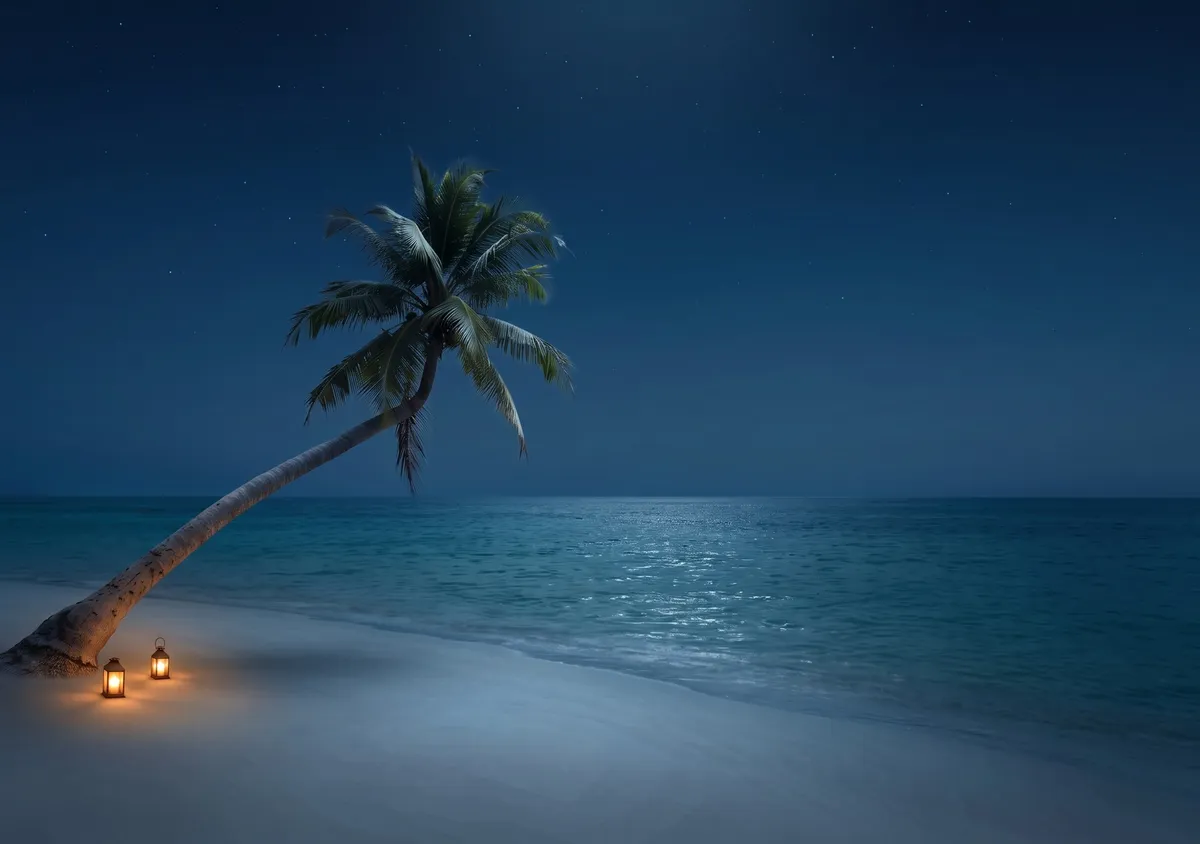
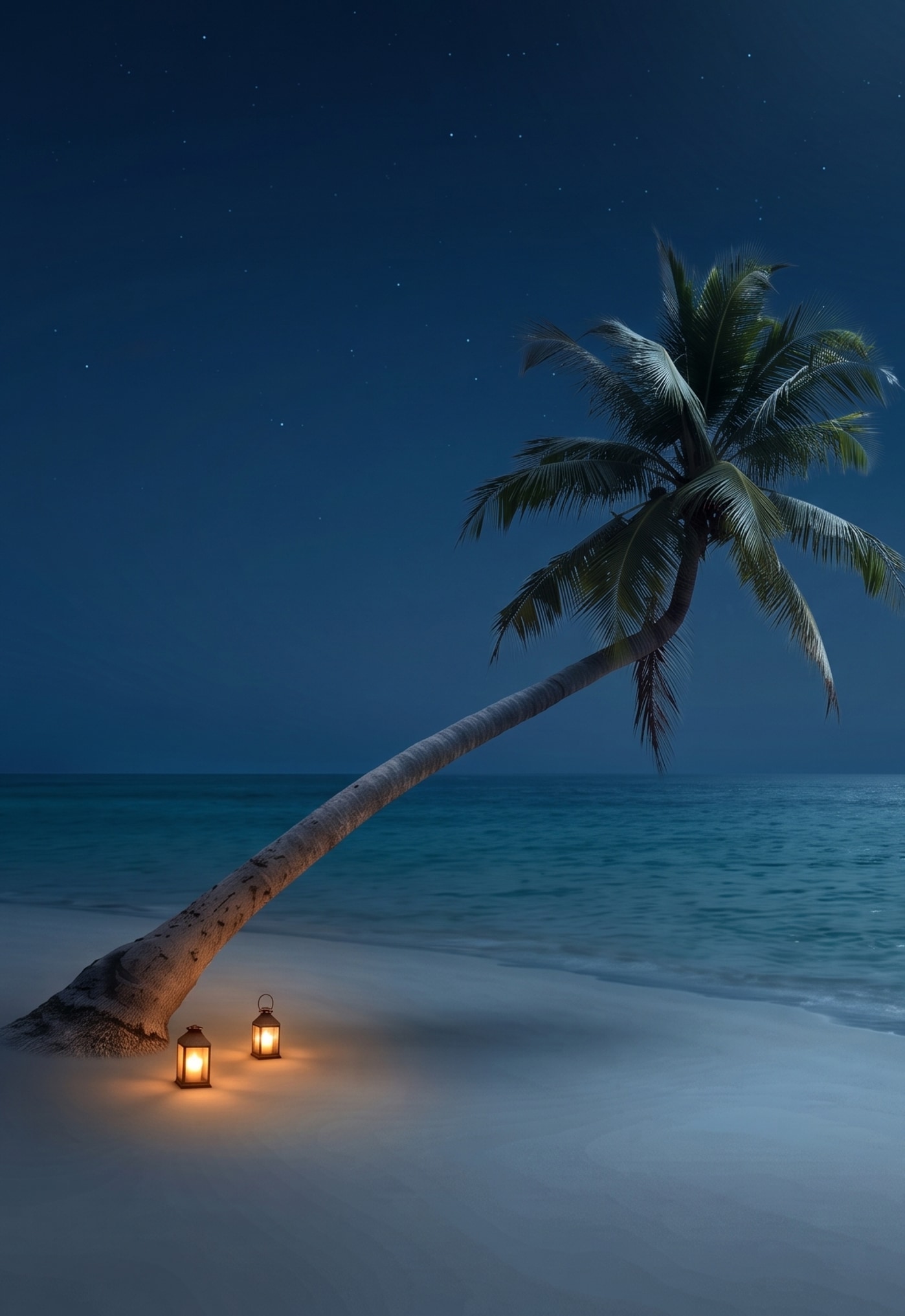
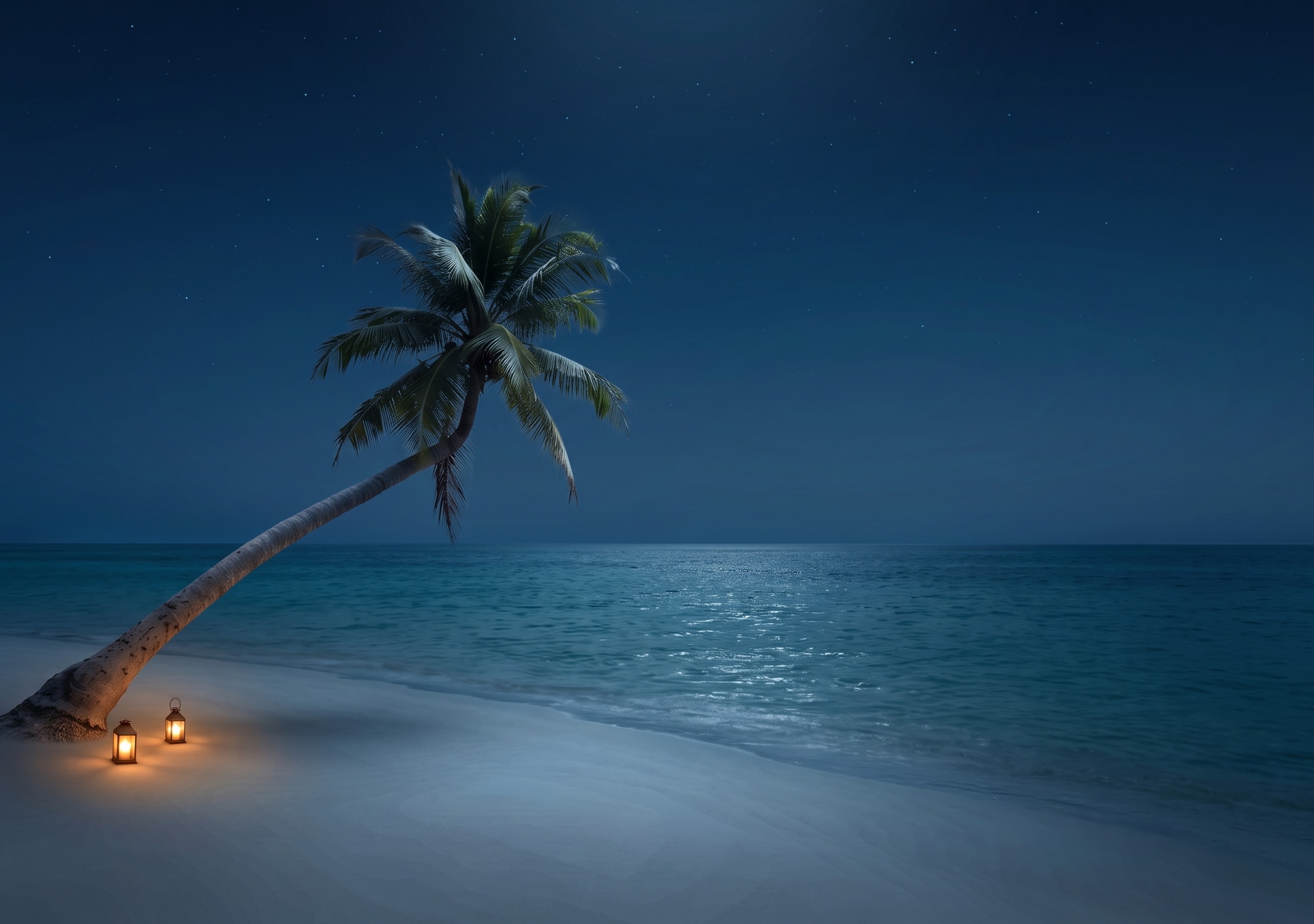
夜景版:Make it midnight: the whole scene is dark, lit only by cool moonlight and one or two warm lamps nearby, with a deep blue sky if any sky shows. Keep the composition, the main subject and every object exactly where they are. Add no people, hands, text, logos, borders or phone frames.
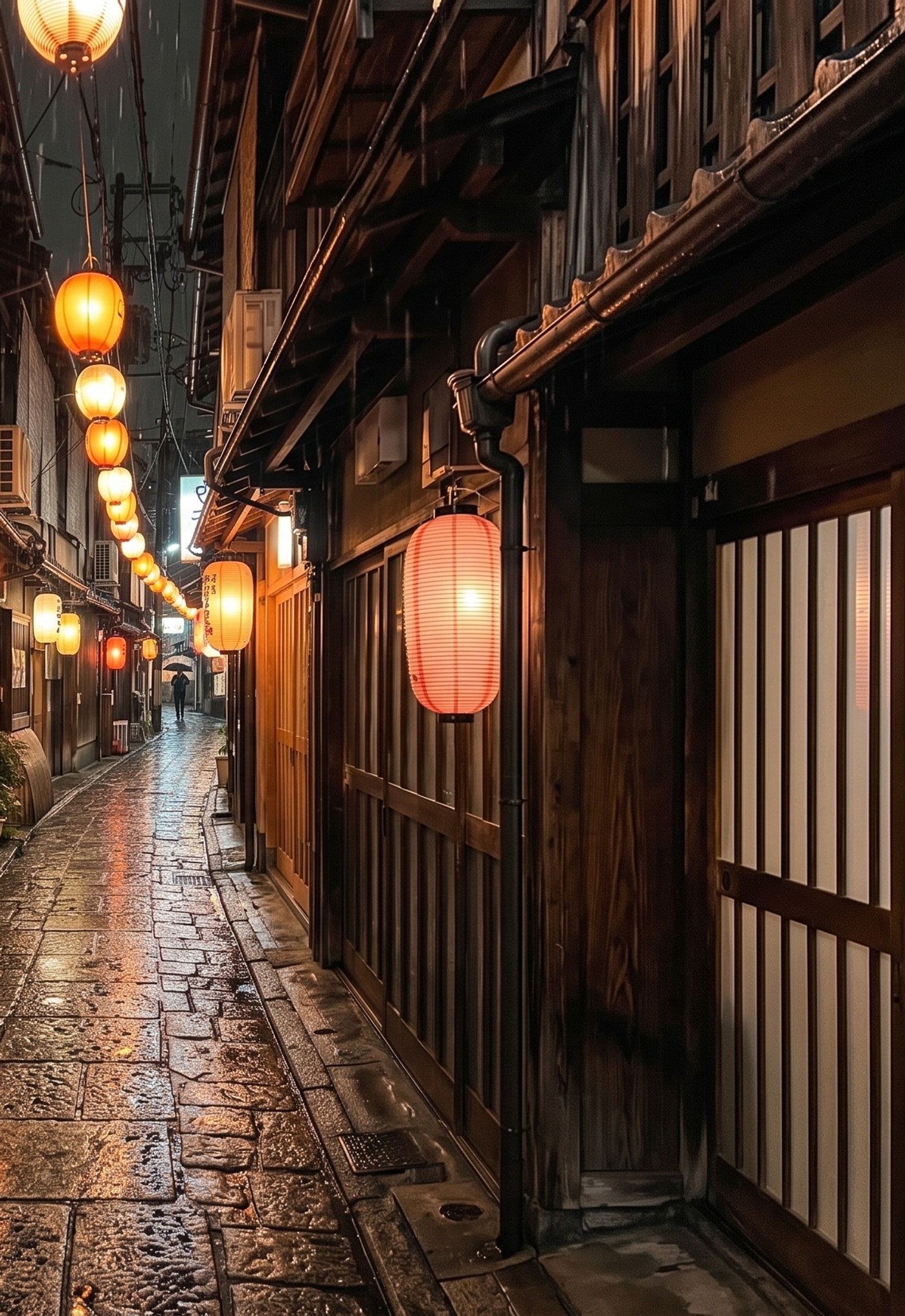
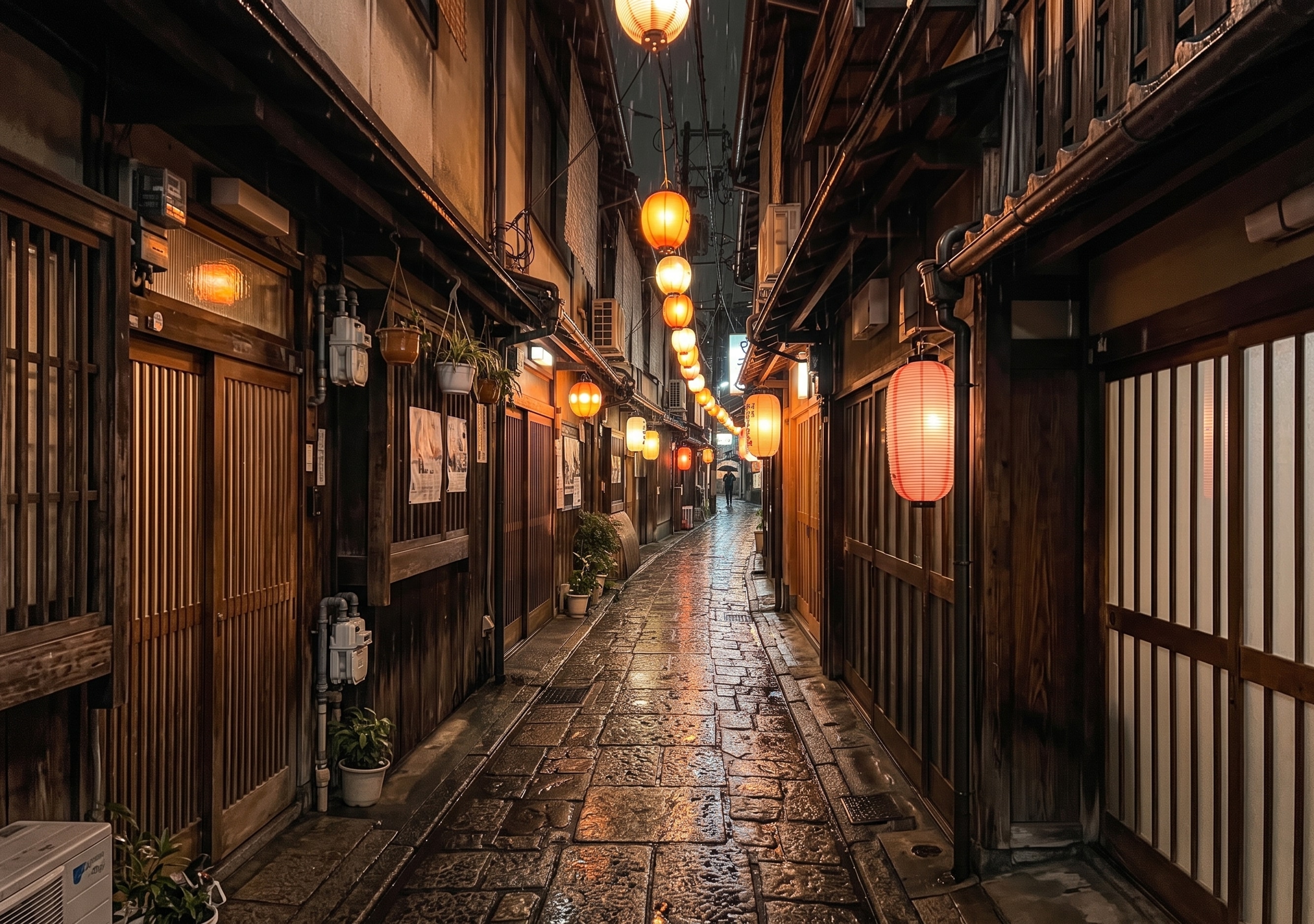
提灯の路地(縦撮り)
ナチュラル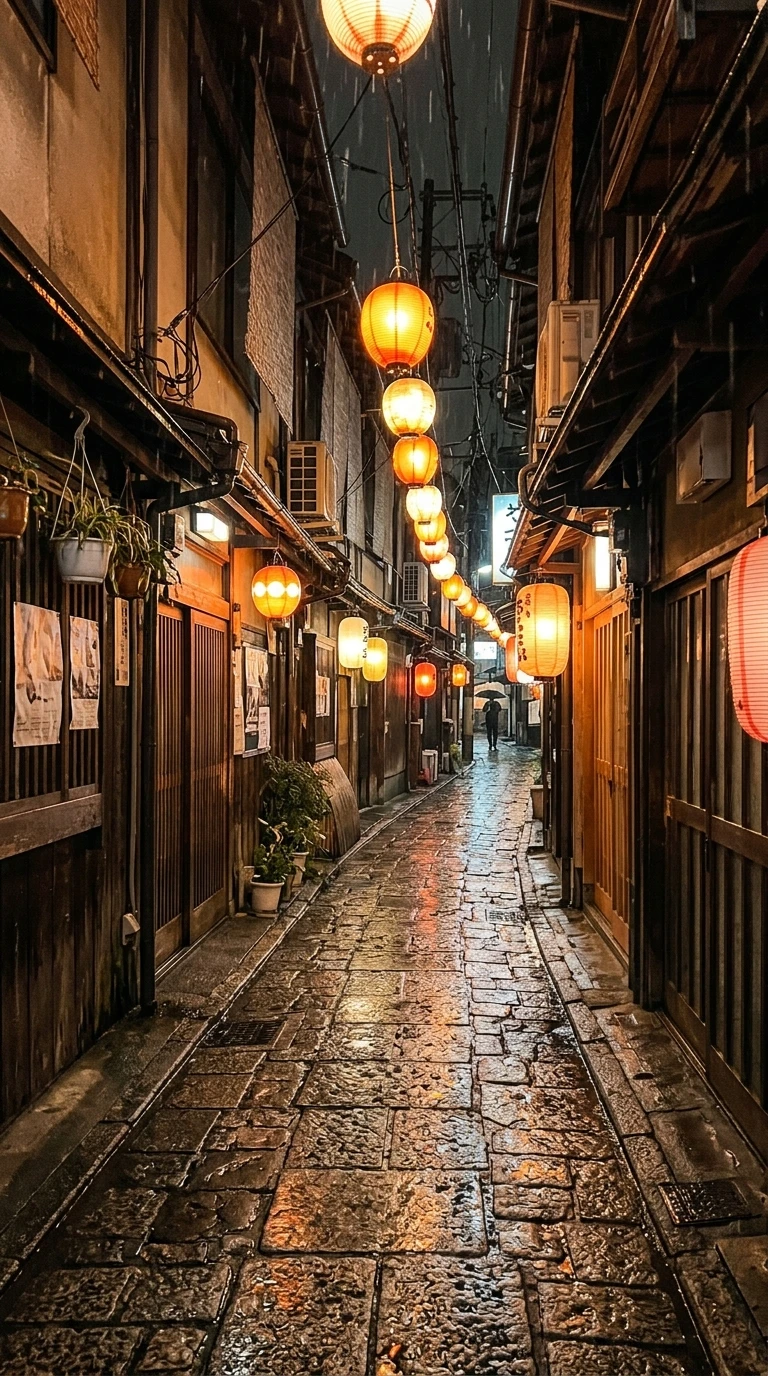
元の写真 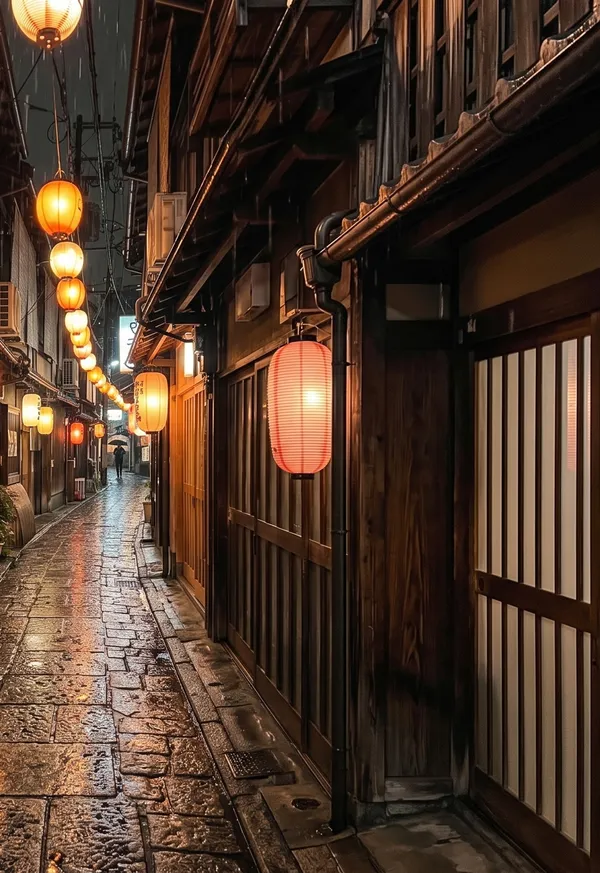
アウター 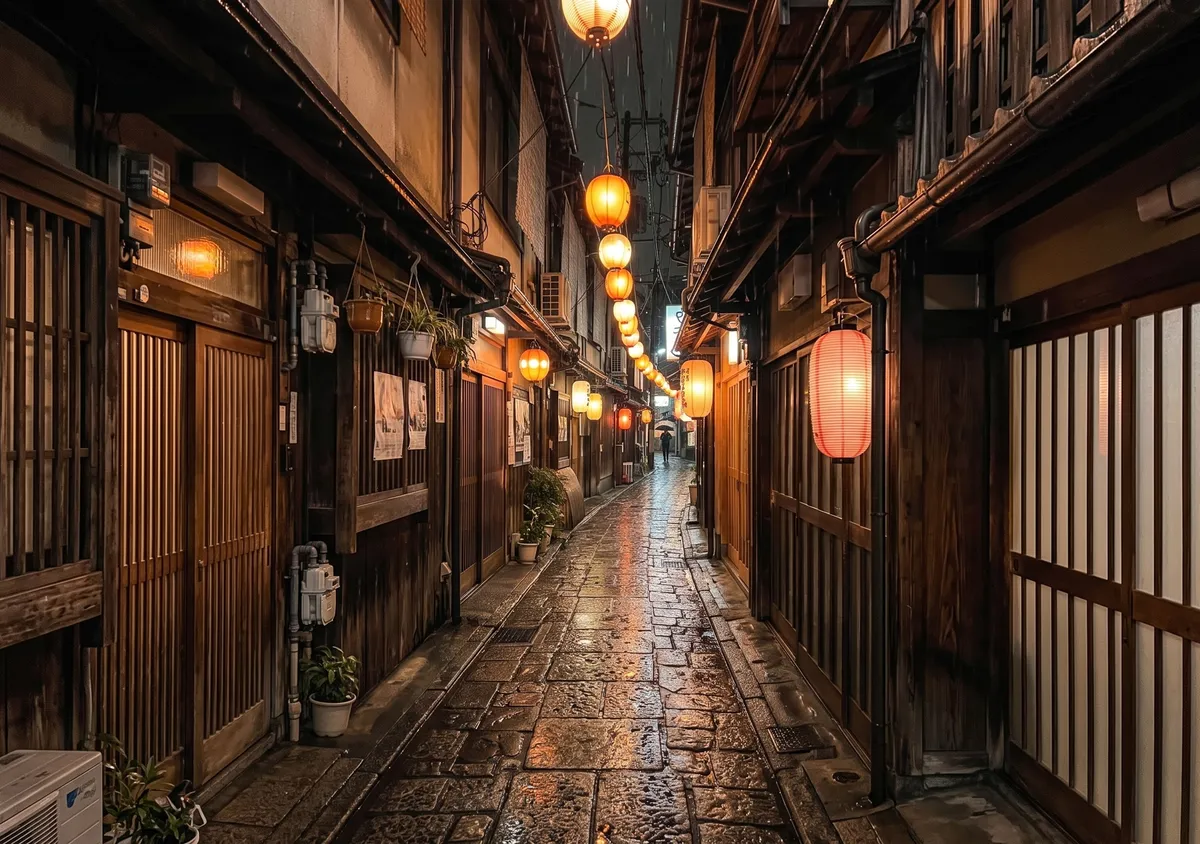
インナー 使ったプロンプト
Turn this photo into a wide 3:2 landscape. Keep the main subject exactly as it is: same shape, colors, face and details. Widen the view as if shot with a wider lens from the same spot: one continuous scene, no seams or panels. Keep it photographic. Add no people, hands, text, logos, borders or phone frames.
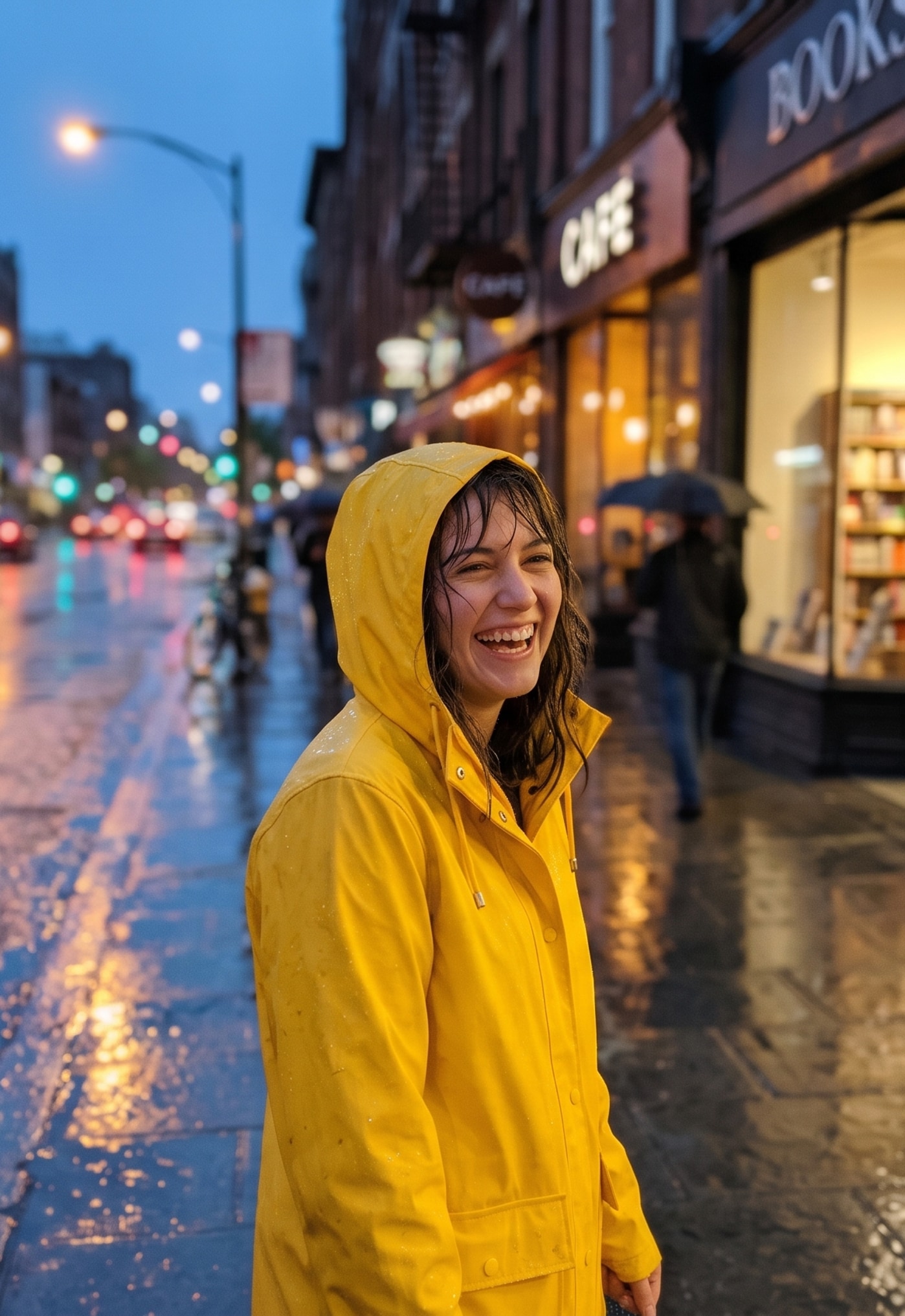
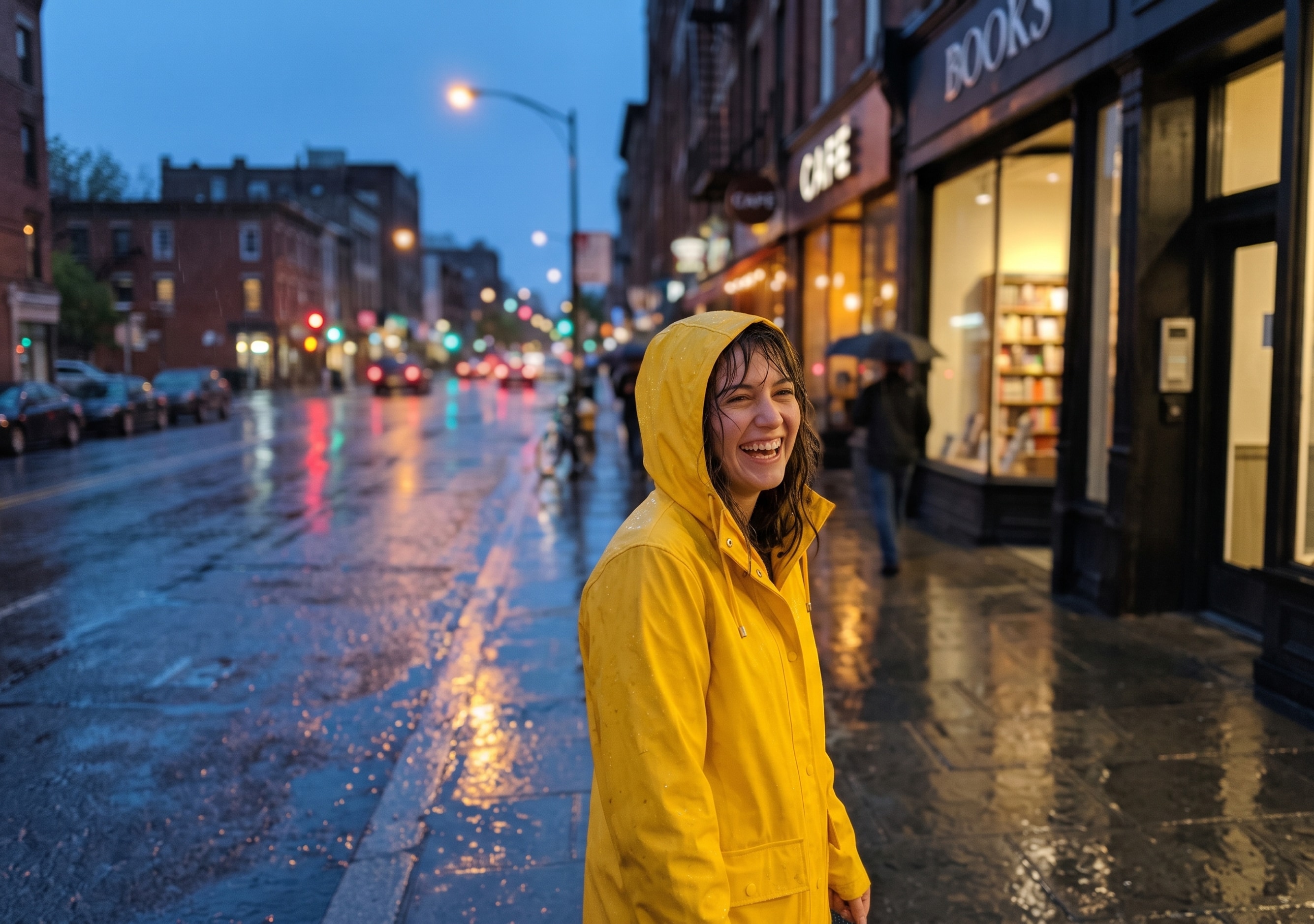
雨の中のポートレート
シネマティック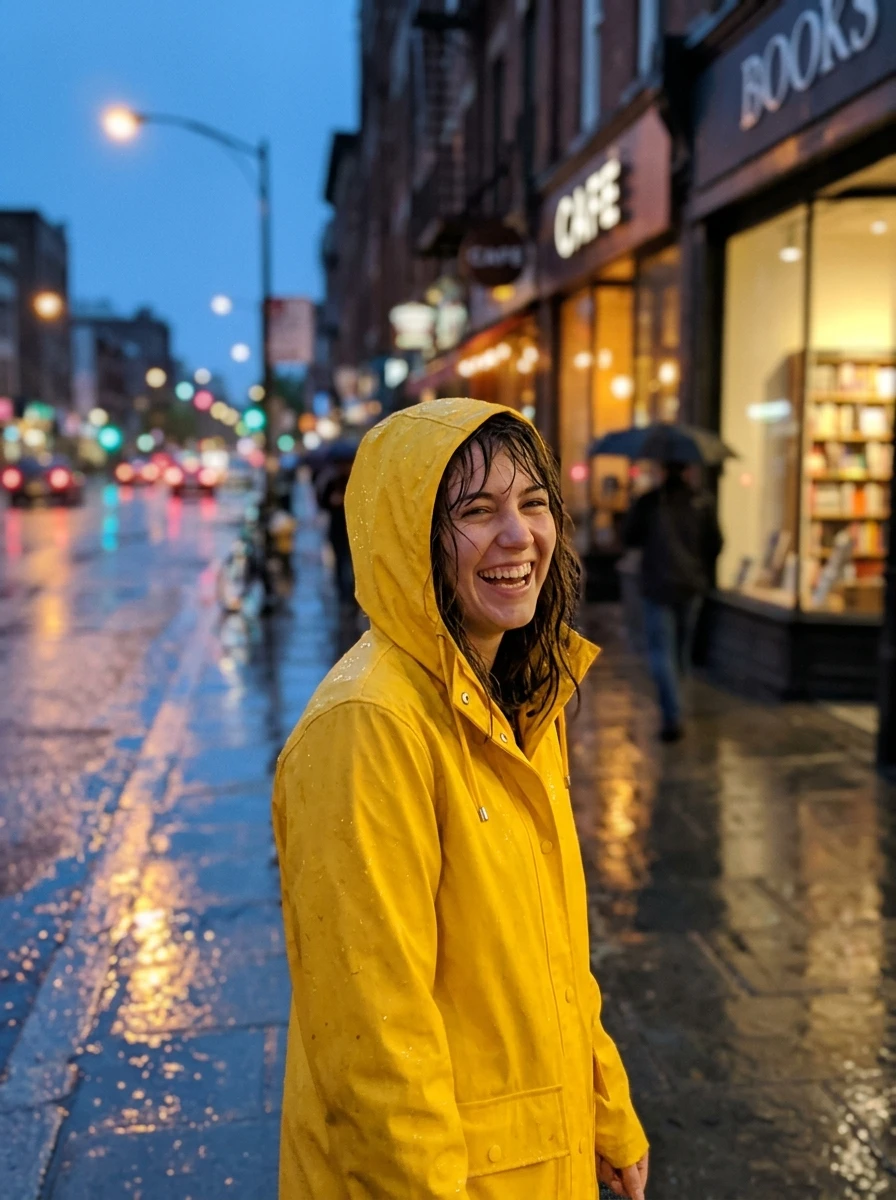
元の写真 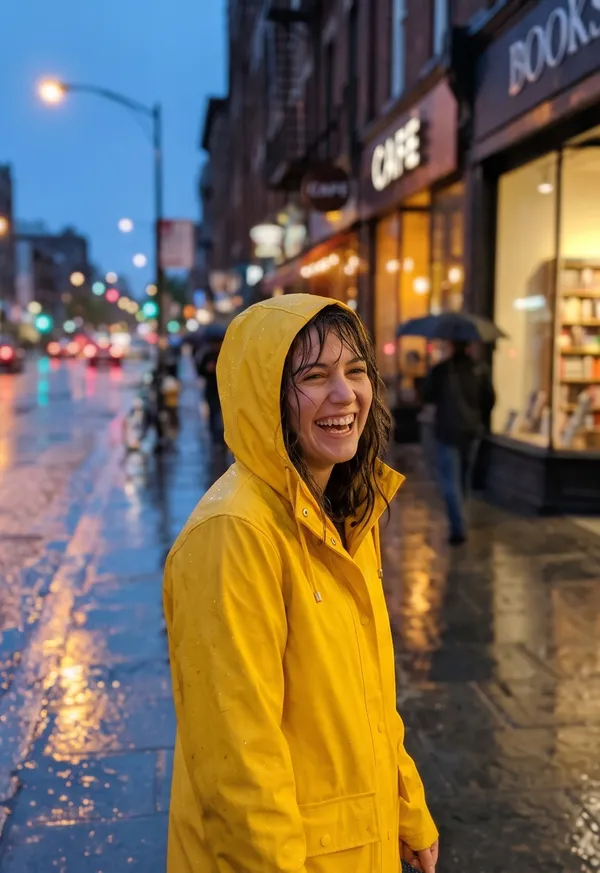
アウター 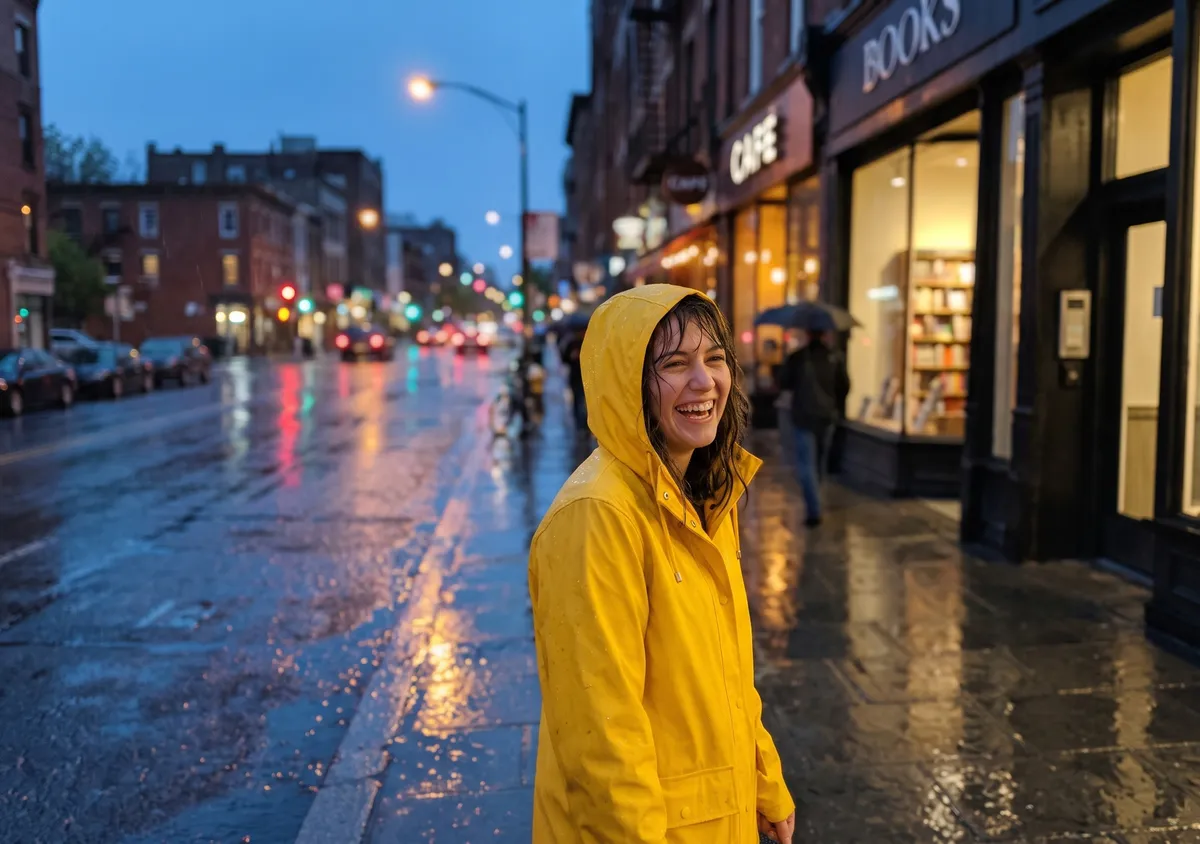
インナー 使ったプロンプト
Turn this photo into a wide 3:2 film still: soft directional light, light haze, rich natural colors, shallow depth of field. Keep the main subject exactly as it is: same shape, face and details. Widen the view as if shot with a wider lens from the same spot: one continuous scene, no seams or panels. Add no people, hands, text, logos, borders or phone frames.
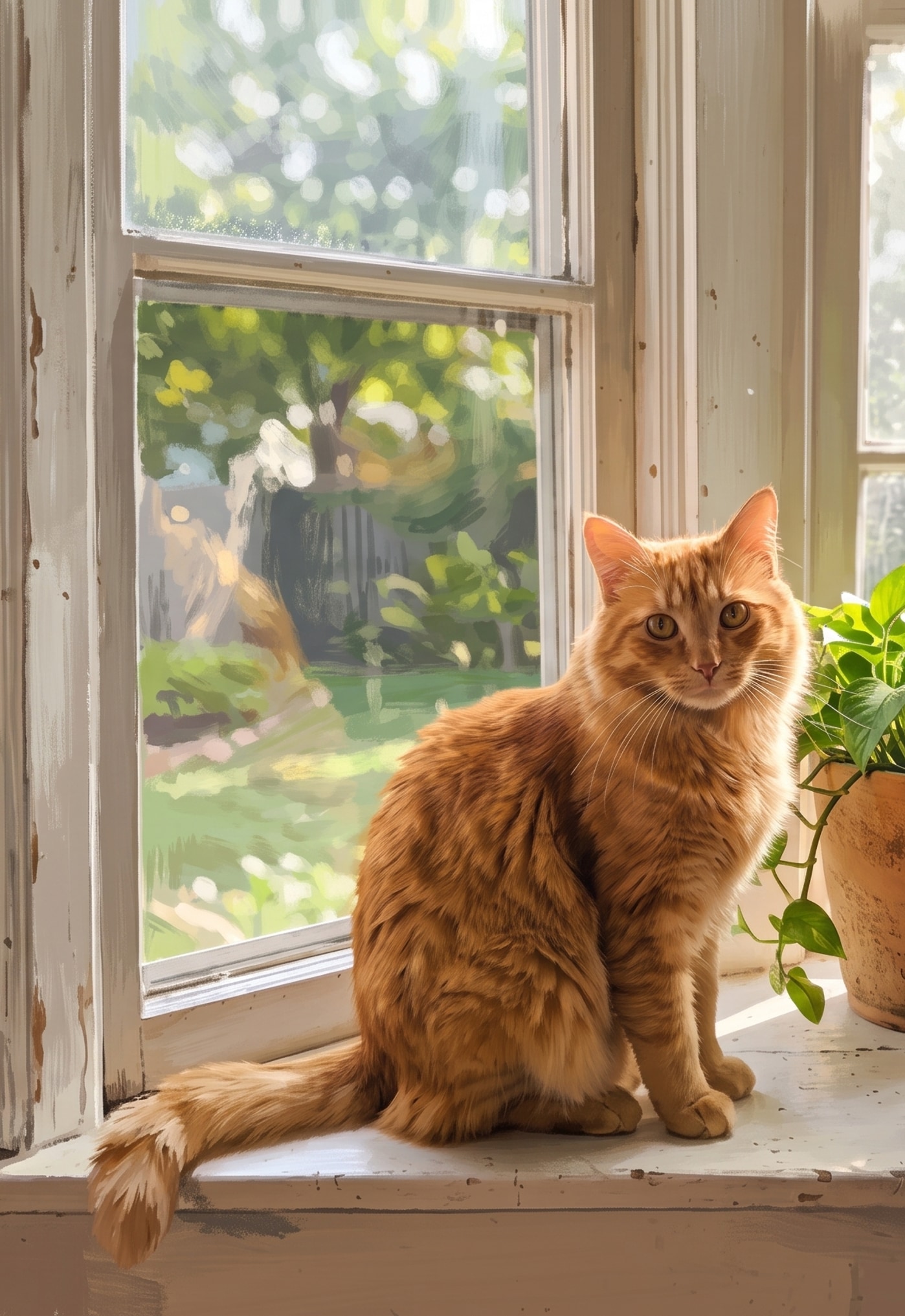
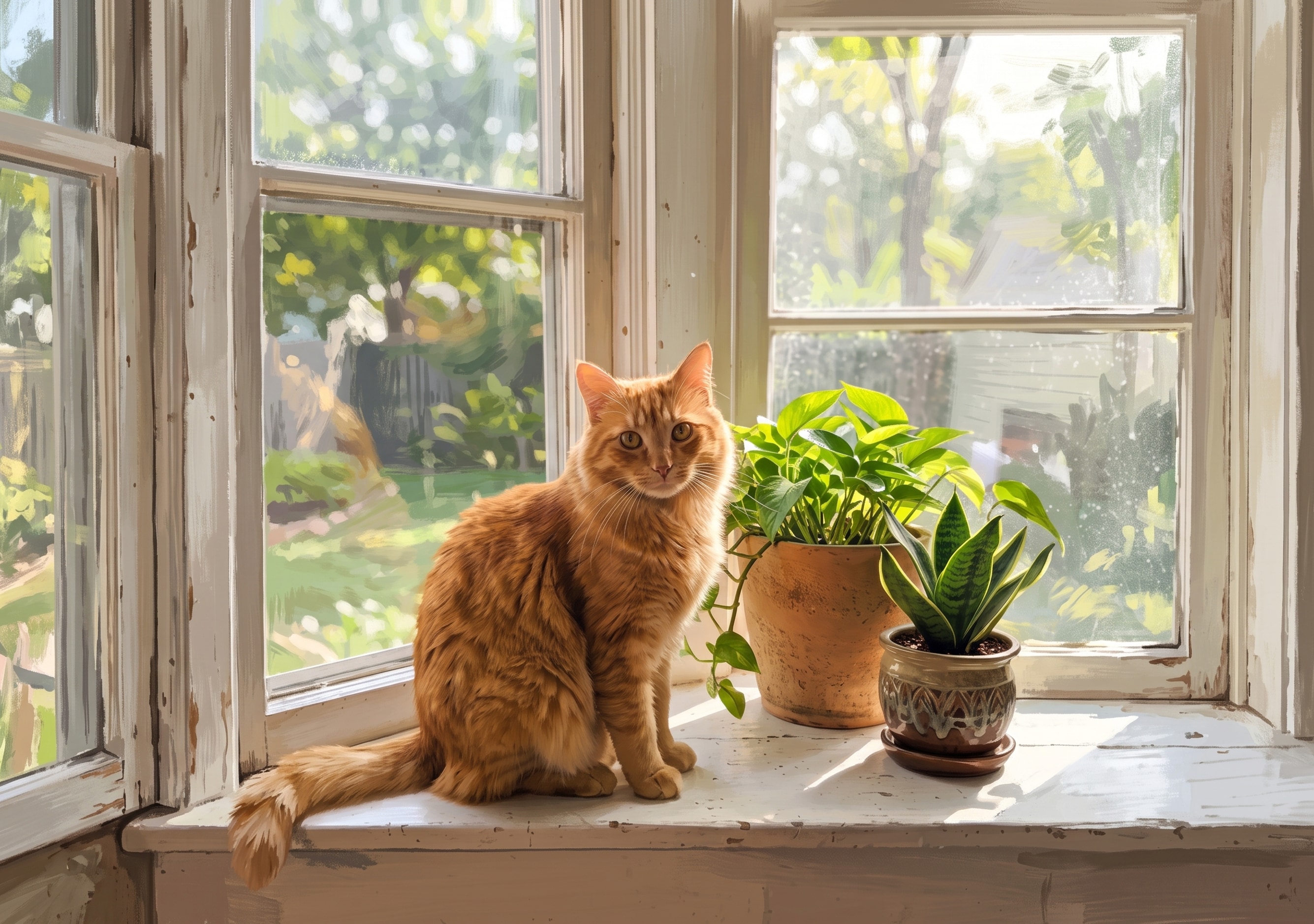
窓辺の猫
イラスト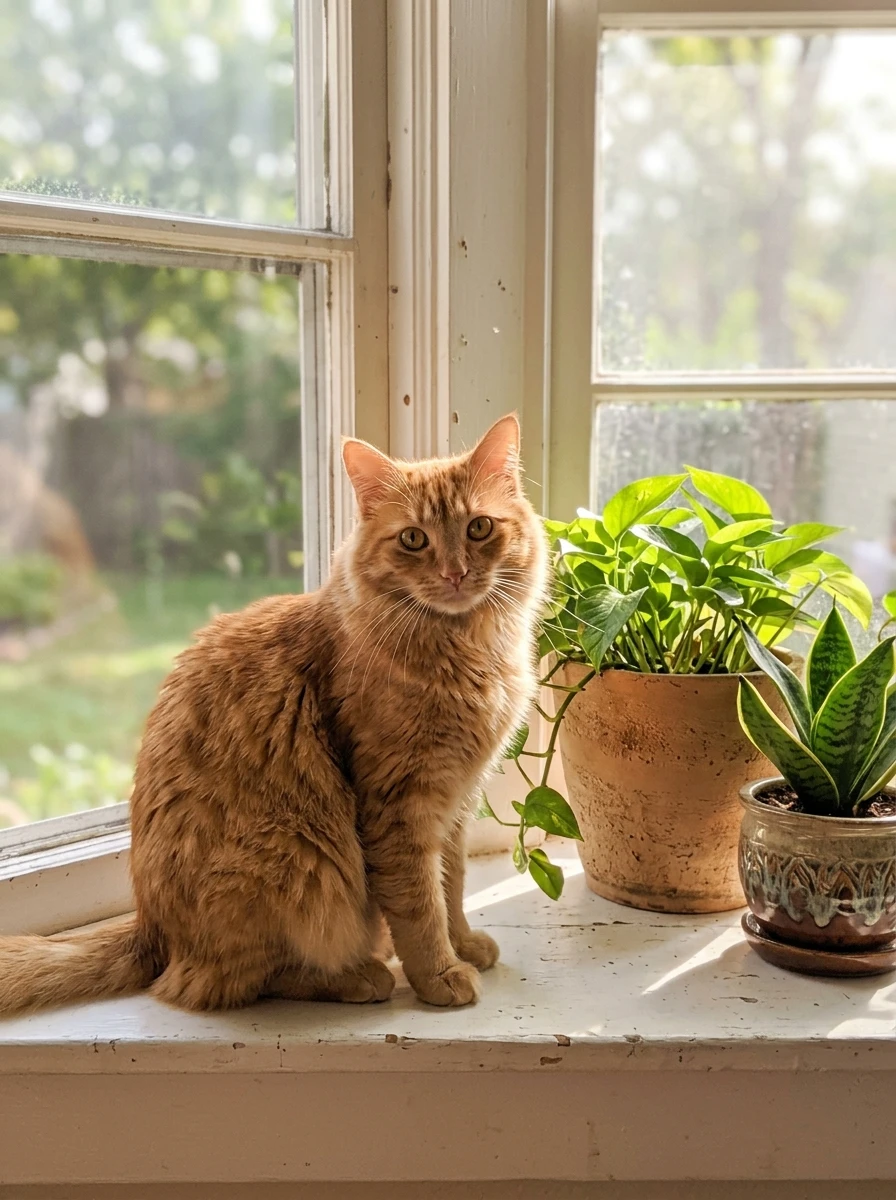
元の写真 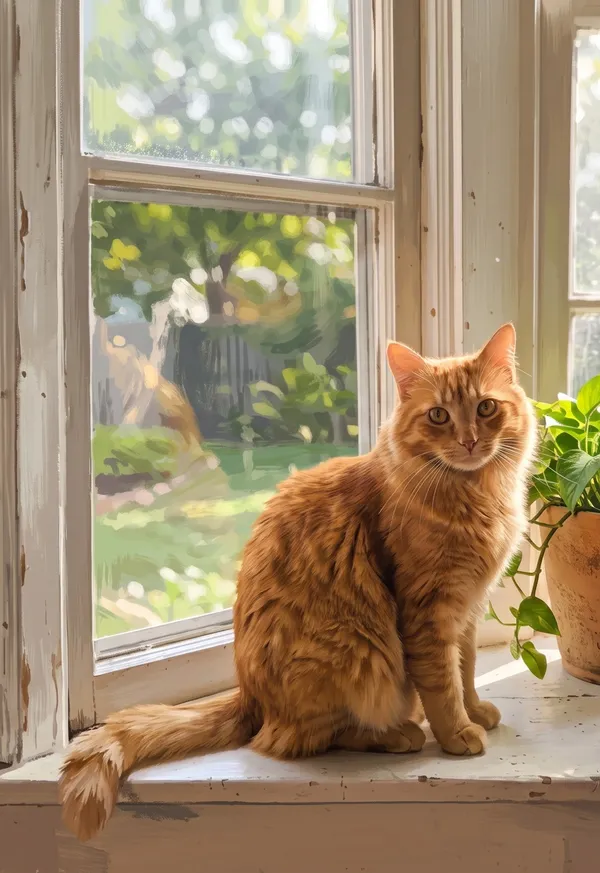
アウター 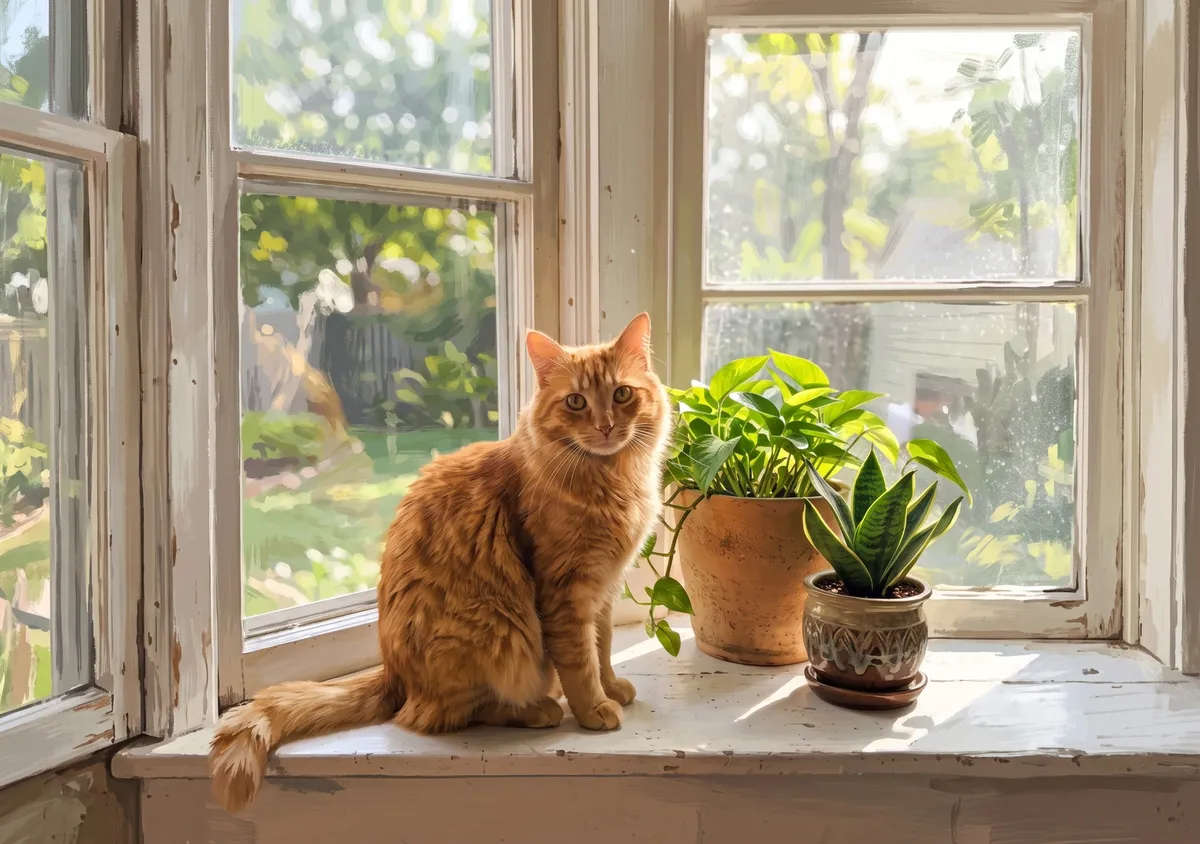
インナー 使ったプロンプト
Repaint this photo as a wide 3:2 gouache illustration with visible brush strokes and simplified shapes; it must clearly look painted. Keep the main subject recognizable: same pose and key details. Widen the view as if shot with a wider lens from the same spot: one continuous scene, no seams or panels. Add no people, hands, text, logos, borders or phone frames.
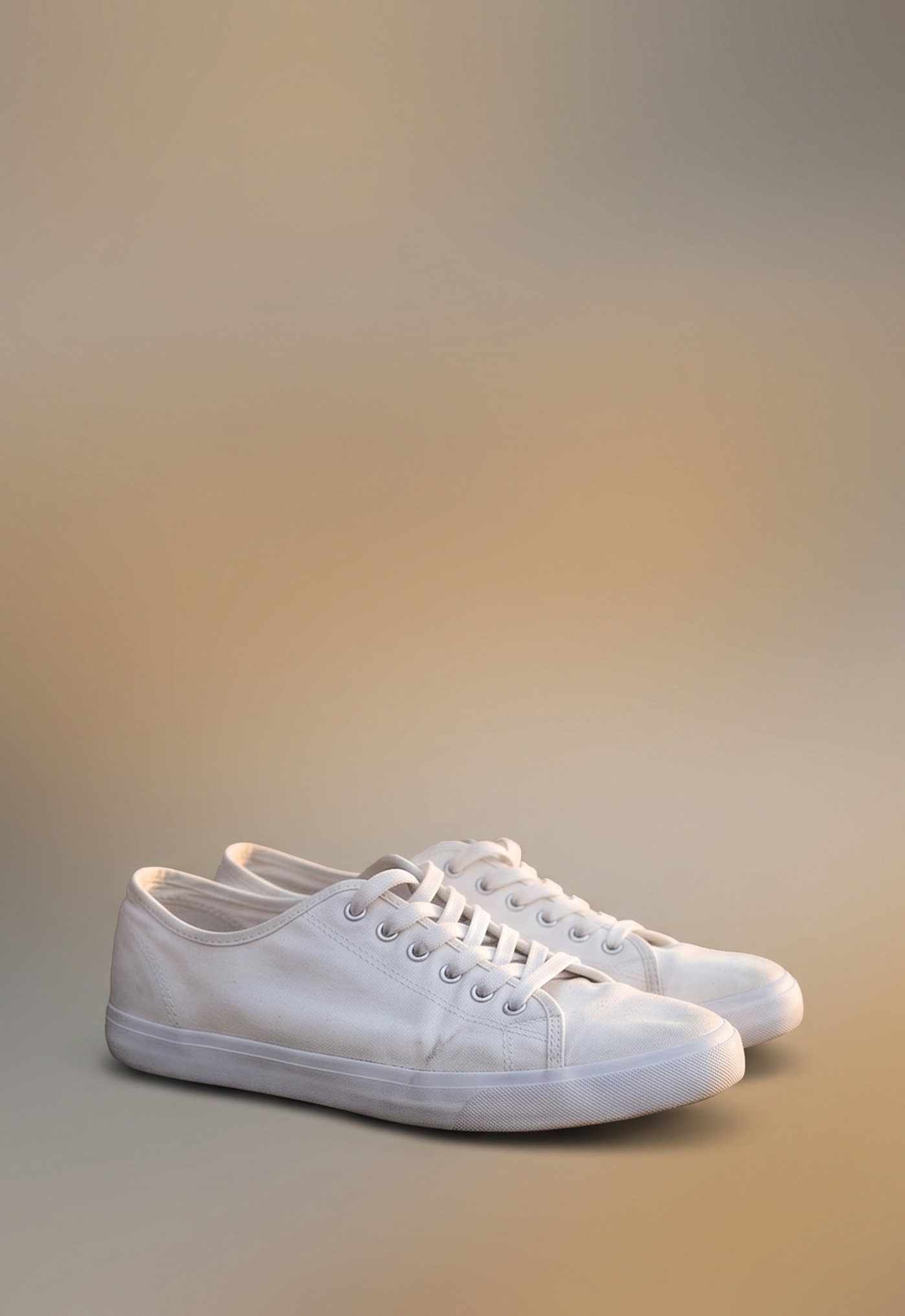
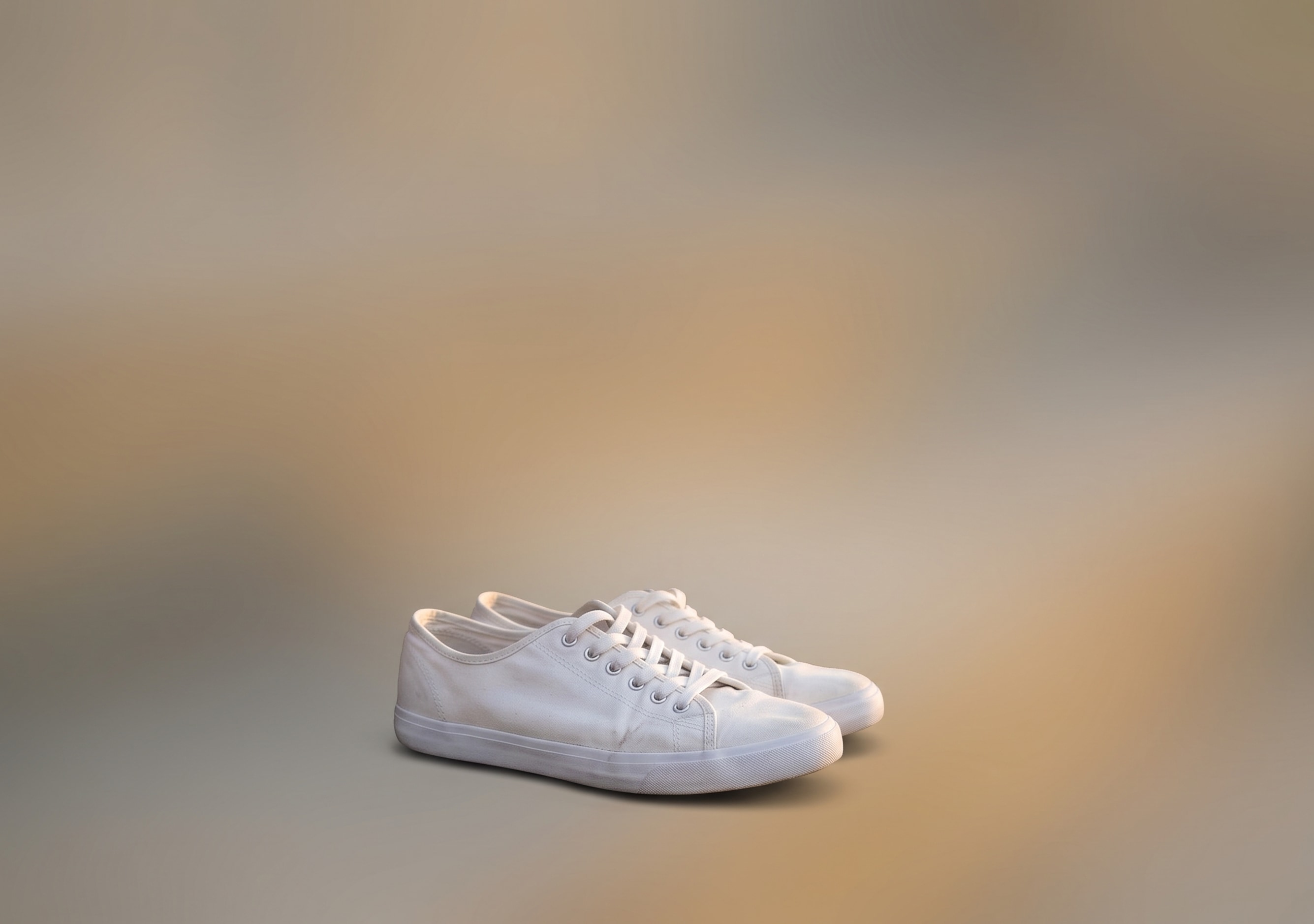
階段のスニーカー
ミニマル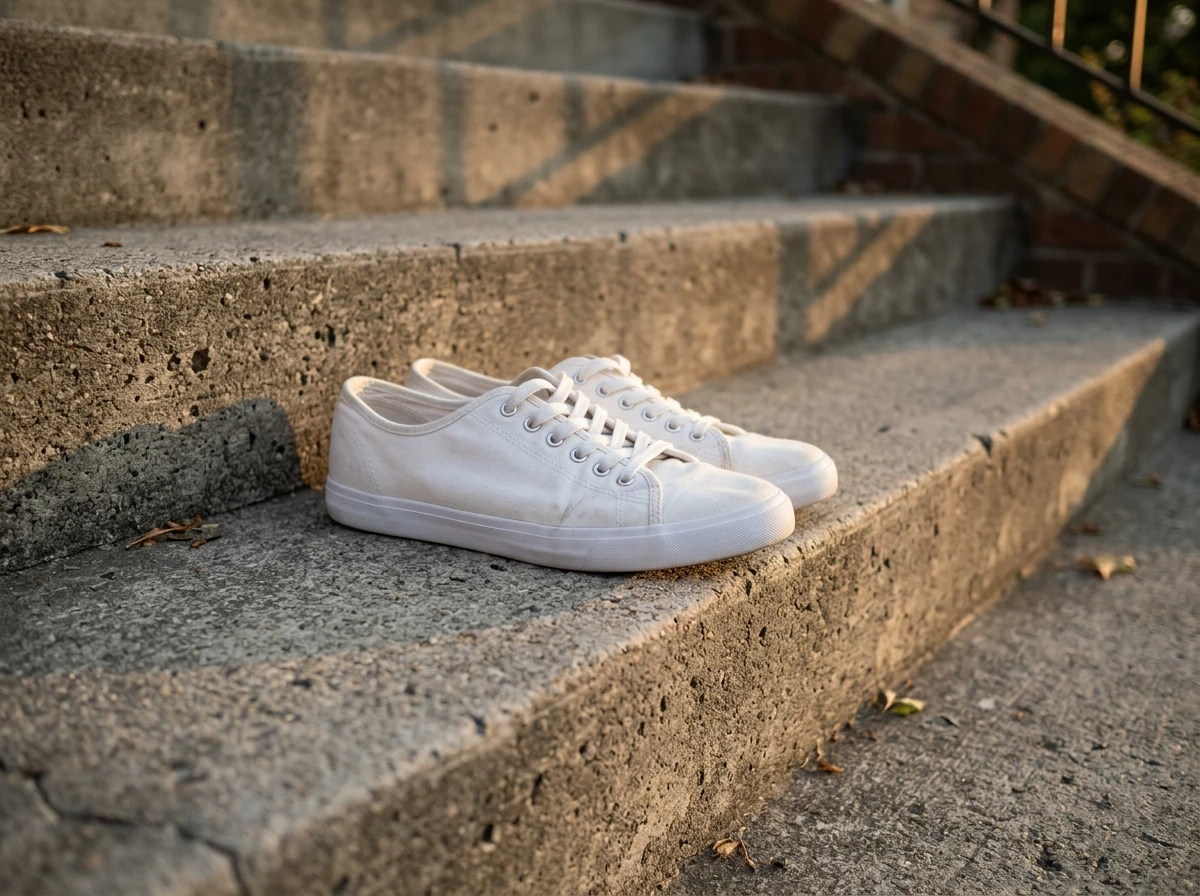
元の写真 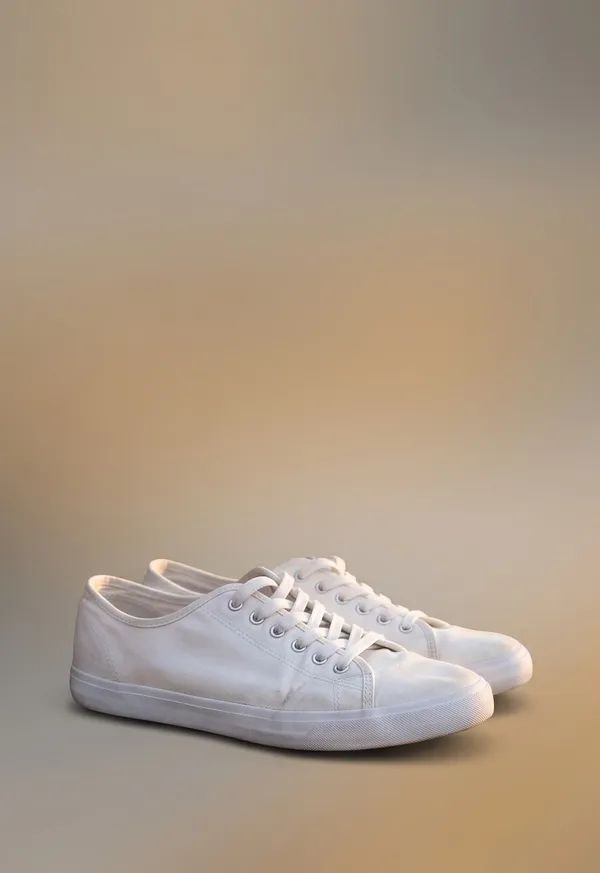
アウター 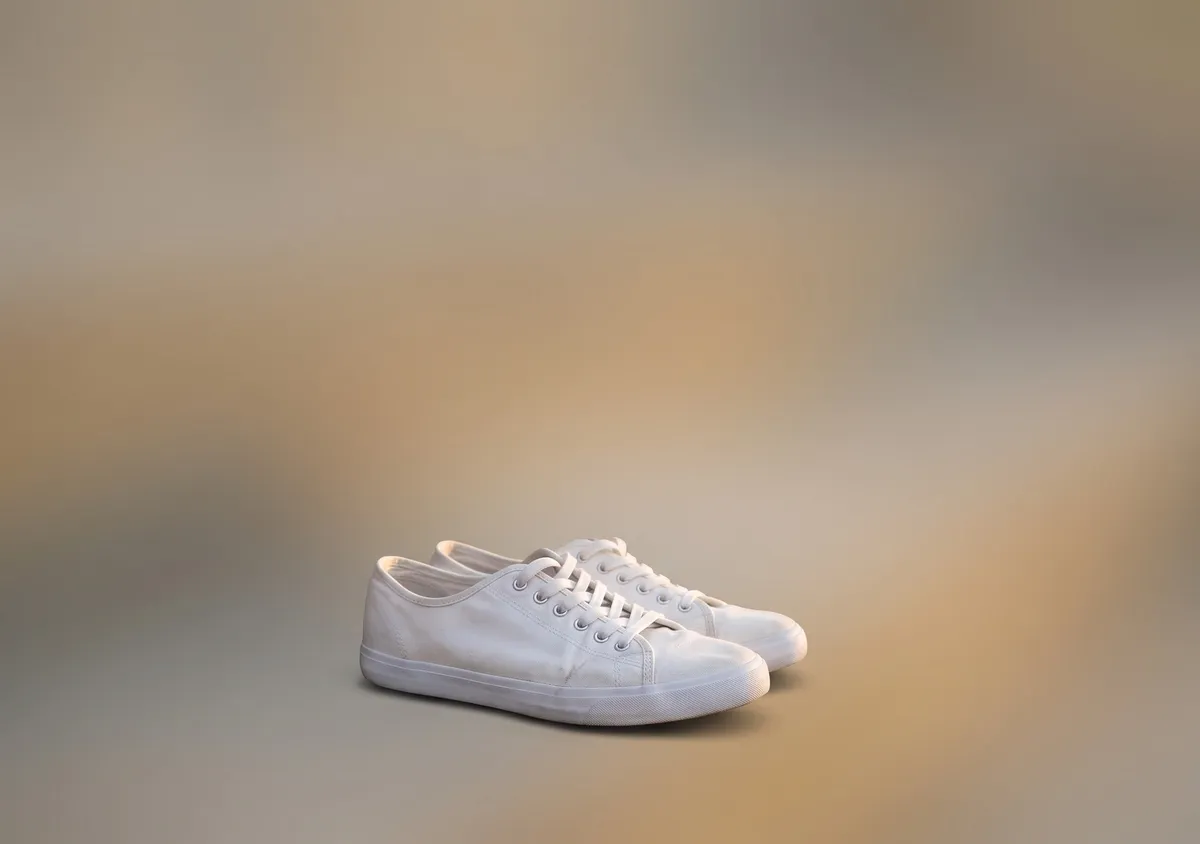
インナー 使ったプロンプト
Turn this photo into a calm, minimal wide 3:2 image. Keep the main subject exactly as it is; for a scene, keep only its most striking element. Put it on a soft gradient in colors from the photo with lots of empty space, never as a card or framed photo. Add no people, hands, text, logos, borders or phone frames.
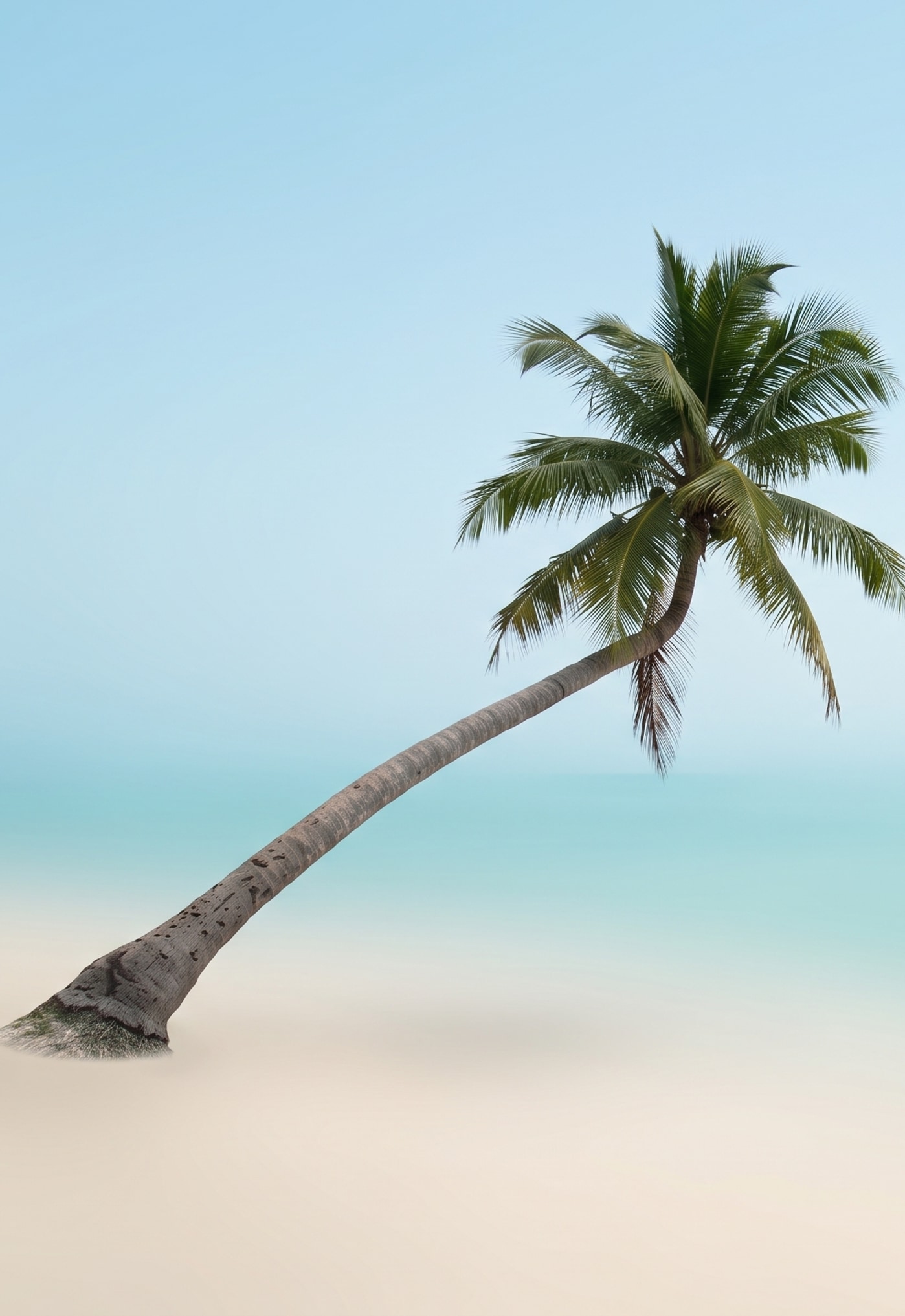
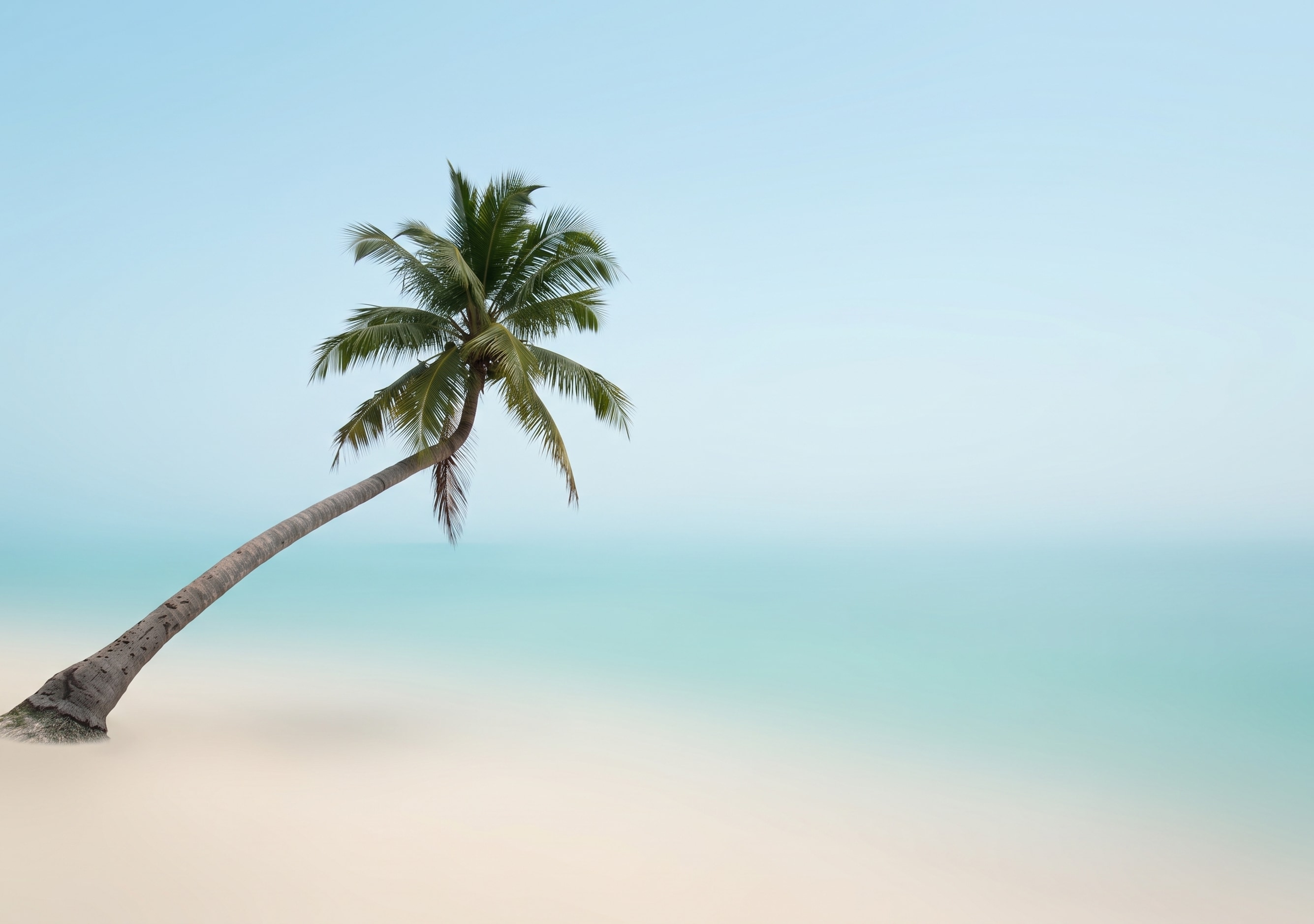
2003年の海辺のスナップ
ミニマル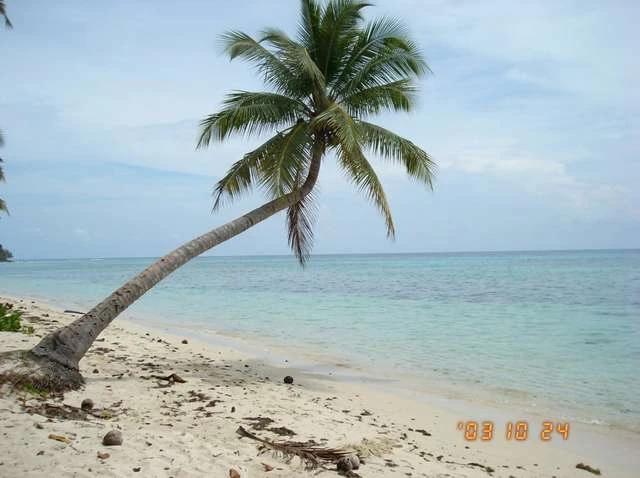
元の写真 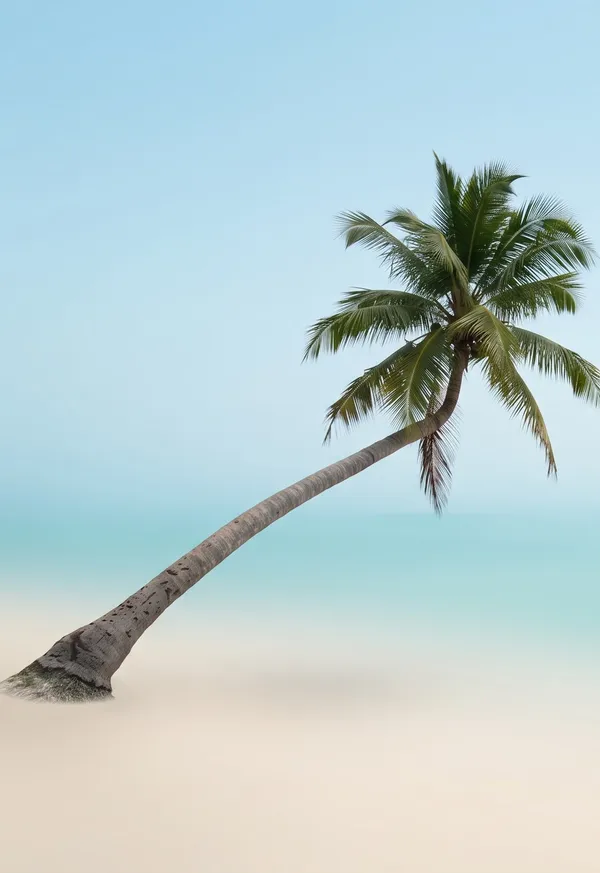
アウター 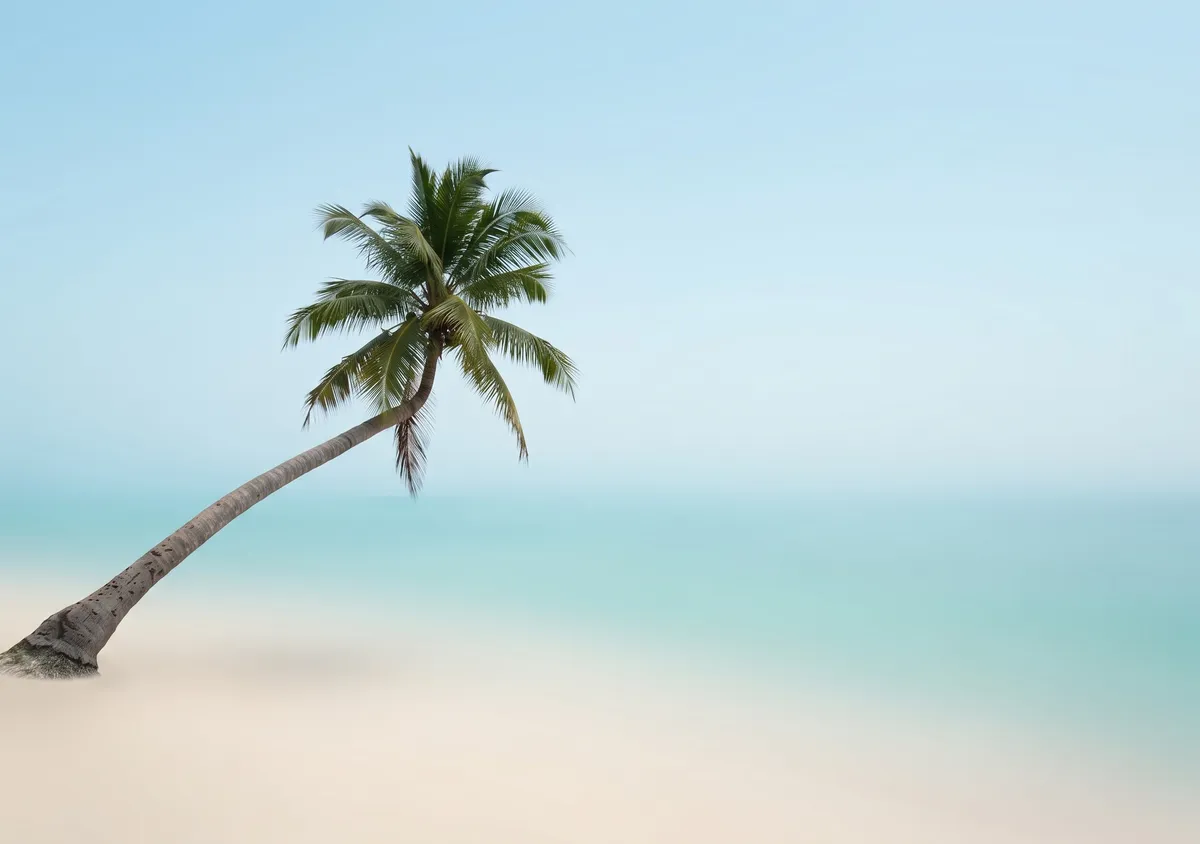
インナー 使ったプロンプト
Turn this photo into a calm, minimal wide 3:2 image. Keep the main subject exactly as it is; for a scene, keep only its most striking element. Put it on a soft gradient in colors from the photo with lots of empty space, never as a card or framed photo. Add no people, hands, text, logos, borders or phone frames.
夜景版:Make it midnight: the whole scene is dark, lit only by cool moonlight and one or two warm lamps nearby, with a deep blue sky if any sky shows. Keep the composition, the main subject and every object exactly where they are. Add no people, hands, text, logos, borders or phone frames.
iPhone Duoの壁紙サイズ
| 画面 | 壁紙サイズ | 画素密度 | 向き |
|---|---|---|---|
| アウターディスプレイ(5.4インチ) | 1398 × 2034 px | 460 ppi | 縦長。閉じたときに見える画面です。 |
| インナーディスプレイ(7.6インチ) | 2670 × 1878 px | 430 ppi | 開くと横長になります。 |
2つの画面の縦横比はほぼ同じ(約1.42〜1.46:1)ですが、アウターは縦長、インナーは横長なので、1枚の画像で両方を埋めようとするとどちらかが大きく切れてしまいます。1枚の写真から2つのファイルを作る流れはこうです。まずAIが写真を3:2の横長に広げます(2Kで2528 × 1696)。インナーディスプレイ用は、それを2670 × 1878に縮小して左右を約2.5%ずつ切り落としたもの。アウターディスプレイ用は、被写体を中心に縦長に切り出して1398 × 2034に拡大したものです。
作り方
1
写真をアップロード
縦長、横長、正方形、昔の低解像度の写真でも大丈夫です。上のサンプルには、9:16で縦に撮った写真や、2003年の640ピクセルの写真も入っています。
2
スタイルを選ぶ
ナチュラル、シネマティック、イラスト、ミニマルの4つから選びます。「小雪が舞う」のように、ひと言付け足すこともできます。
3
2画面分をダウンロード
2Kの2枚セットで7クレジットです。できた壁紙の夜景版は、さらに7クレジットで作れます。
スタイルの選び方
4つのスタイルを、同じ8枚の写真で試しました。人物、猫、風景、縦に撮った路地、ラーメン、スニーカー、昔の海辺のスナップ、絵画です。結果は次のとおりです。
- ナチュラル
- いちばん無難な選択です。テストでは8枚すべてで顔・ペット・商品が崩れず、9:16の縦長の写真からでも継ぎ目なく景色を広げられました。
- シネマティック
- 同じ場面を映画のような光で仕上げます。カメラが引くことがあり、ラーメンのアップがテーブル全体の写真になって返ってきました。
- イラスト
- 風景や物ははっきり絵になります。顔や毛並みは写真らしさが残りやすく、人物の写真では背景だけが絵になりました。
- ミニマル
- 被写体をやわらかなグラデーションの上に置きます。はっきりした被写体が1つ必要で、通り全体を写した写真では失敗し、写真の半分がグラデーションの横に貼り付いたままでした。
- 夜景版
- できた壁紙を夜の光で描き直します。上の湖の星空のように、空が写っていればうまくいきます。階段に置いたスニーカーのアップは暗くなっただけでした。
- 古い写真
- 2003年の640ピクセルのスナップ写真も、フルサイズのきれいな壁紙になりました。オレンジ色の日付の写り込みは、どのスタイルでも消えていました。
背景に写り込んだ人を消すなど、先に写真を直したいときは、不要なものの消去や古い写真の修復を済ませてから壁紙にしてください。そのほか言葉で説明できる編集は、写真エディターでできます。
よくある質問
iPhone Duoの壁紙サイズは?
5.4インチのアウターディスプレイは1398 × 2034ピクセル、7.6インチのインナーディスプレイは2670 × 1878ピクセルです(インナーディスプレイは開くと横長)。Appleの技術仕様に載っているネイティブ解像度で、このページでダウンロードできるファイルもこのサイズです。
なぜ壁紙が2枚あるのですか?
アウターディスプレイは縦長、インナーディスプレイは開くと横長です。1枚の画像だとどちらかで大きく切れてしまうので、同じ写真からそれぞれの画面用に1枚ずつ作ります。
iPhone Duoで壁紙(待ち受け)を設定するには?
2枚とも「写真」に保存し、ほかのiPhoneと同じように「設定」の「壁紙」から設定します。どちらのファイルも画面のサイズに合わせてあるので、切り抜き直す必要はありません。
壁紙は無料ですか?
このページのサンプル壁紙は無料で、アカウントなしでダウンロードできます。自分の写真で作る場合は2Kで1セット7クレジットです。新規アカウントには18クレジットが付くので、2セット作れます。
写真は変わってしまいますか?
ナチュラルとシネマティックは被写体をそのまま残し、周りに景色を足して横に広げます。イラストは全体を描き直し、ミニマルは背景を消します。設定する前に、顔や細かい部分を確認してください。
ダークモード用も作れますか?
はい。壁紙ができたら「夜景版を作る」を押してください。同じ絵を夜の光で描き直します(追加で7クレジット)。空が写っている写真がいちばんきれいに仕上がります。
YepShotはAppleの製品ですか?
いいえ。YepShotは独立したAI写真編集ツールです。iPhoneはApple Inc.の商標です。