普通の言葉で編集
人に頼むときと同じ言い方で書いてください。範囲を限定したいときだけブラシで塗り、必要なければ何もしなくて構いません。
背景を清潔なスタジオ背景に置き換え、被写体の輪郭と元の光の当たり方は保ってください。
画像をアップロードし、変えたい内容を書いて、結果をダウンロードするだけ。特定の場所だけを変えたいときは、その範囲をブラシで塗ってください。
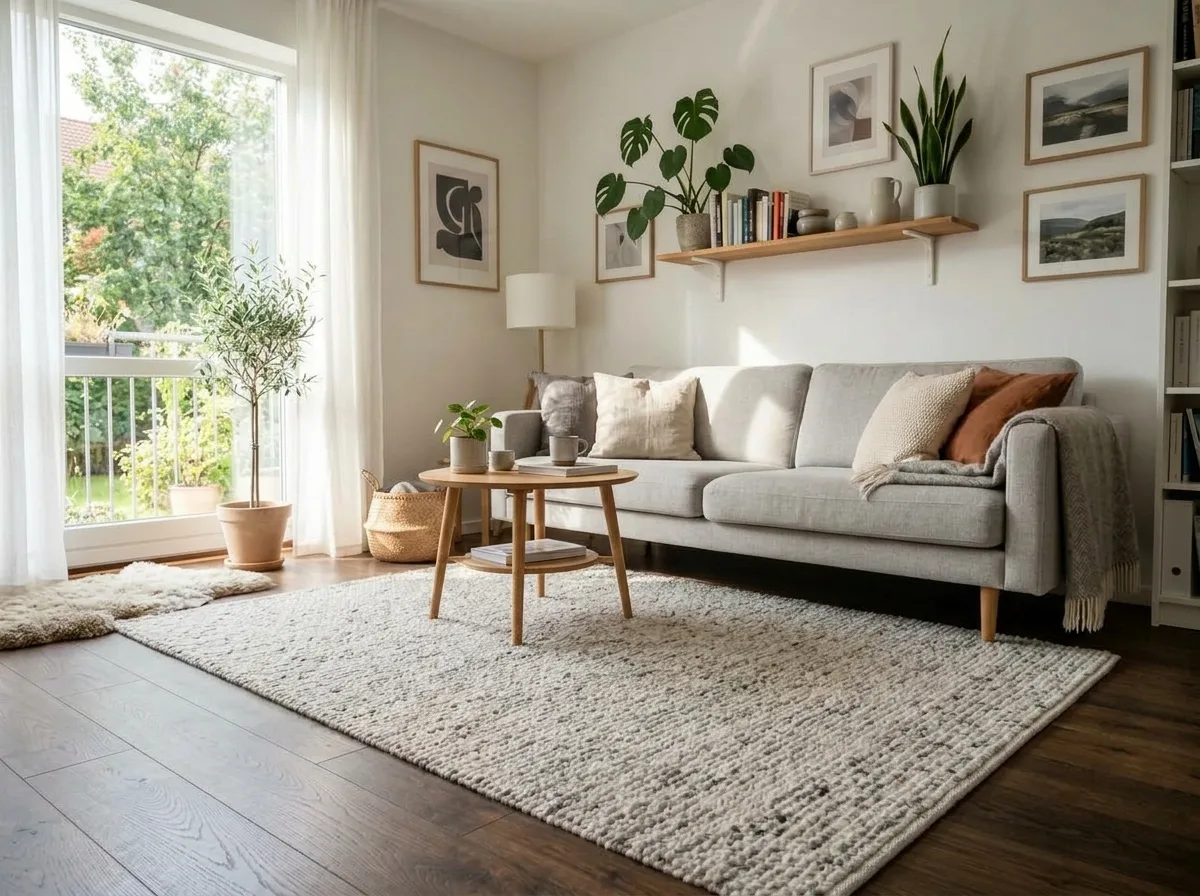
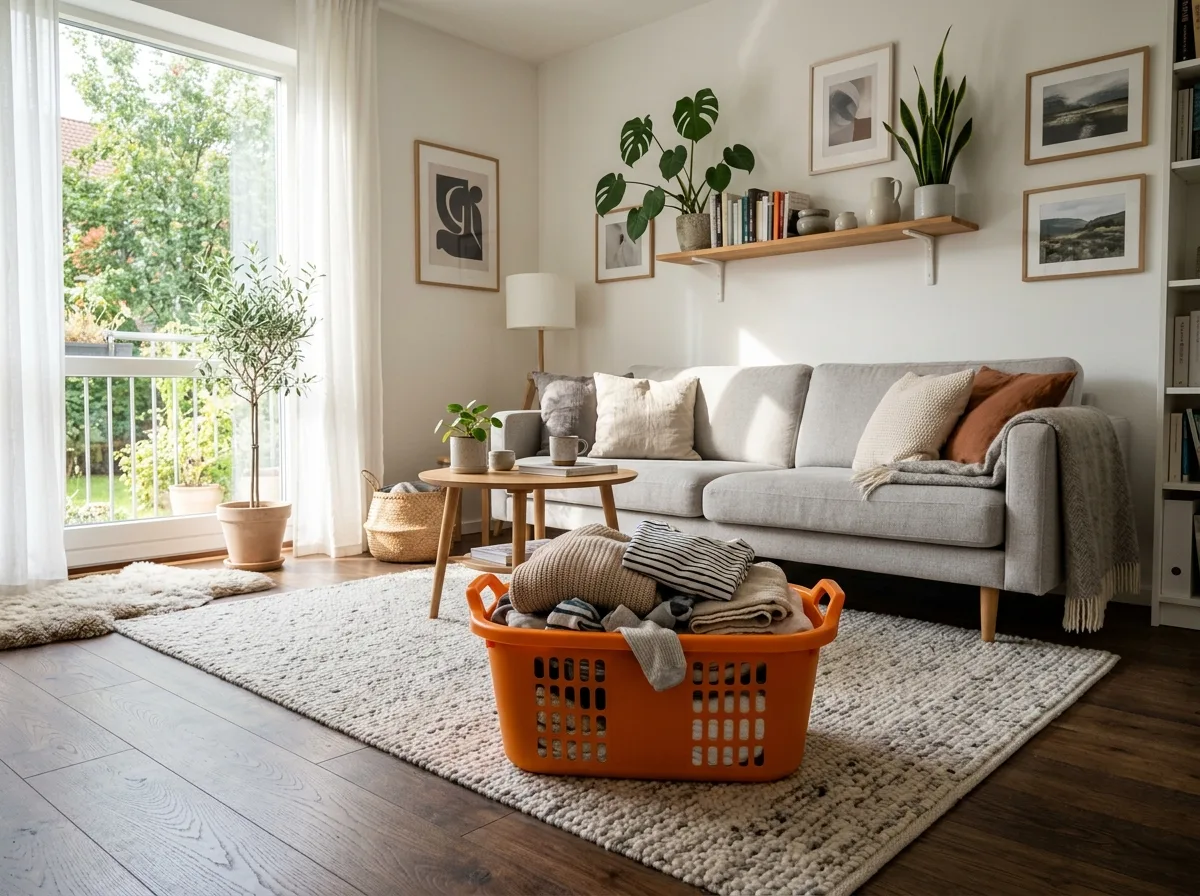
Remove the marked object and fill the area so it matches the surrounding surface, lighting and texture.
画像をアップロードし、どこをどう変えたいかを書いて、結果をダウンロードするだけ。レイヤーも選択範囲もソフトのインストールも不要です。変更を一箇所に限定したいときは、その範囲を塗れば、ほかの部分はそのまま残ります。
無料登録不要で試せます
JPG・PNG・WebP、1 枚あたり最大 10 MB。複数画像の合成モードでは参照画像を一度に読み込めます(上限は選んだモデルによります)。
最大 500 文字。テンプレートから始めて調整しても構いません。一箇所だけ変えたいときは、その範囲を塗ってください。
出力解像度を選んで生成し、ファイルをダウンロード。ウォーターマークはなく、商用利用もできます。
やることは一つだけ。書いたとおりに返すことです。
人に頼むときと同じ言い方で書いてください。範囲を限定したいときだけブラシで塗り、必要なければ何もしなくて構いません。
背景を清潔なスタジオ背景に置き換え、被写体の輪郭と元の光の当たり方は保ってください。
顔、商品の形、ロゴ、周囲の質感はそのまま保たれます。変更は指示した場所に届き、そこで止まります。
ある写真から対象を取り出し、別の写真へ配置します。光の当たり方、遠近、影の向きは配置先の画像に合わせられます。
ポスターやラベル、看板の文言を差し替えても、元の太さ・色・遠近を保ちます。多くの画像モデルが最も苦手とする部分です。
生成ごとに 1K・2K・4K を選べます。大きなファイルが本当に必要なときだけ、高いクレジットを払う仕組みです。
同じエディターで、違う仕事を。
1 枚の商品写真を何種類もの背景に載せ、映り込みを消し、パッケージの文字を直す。スタジオを押さえ直す必要はありません。
こんなプロンプトから
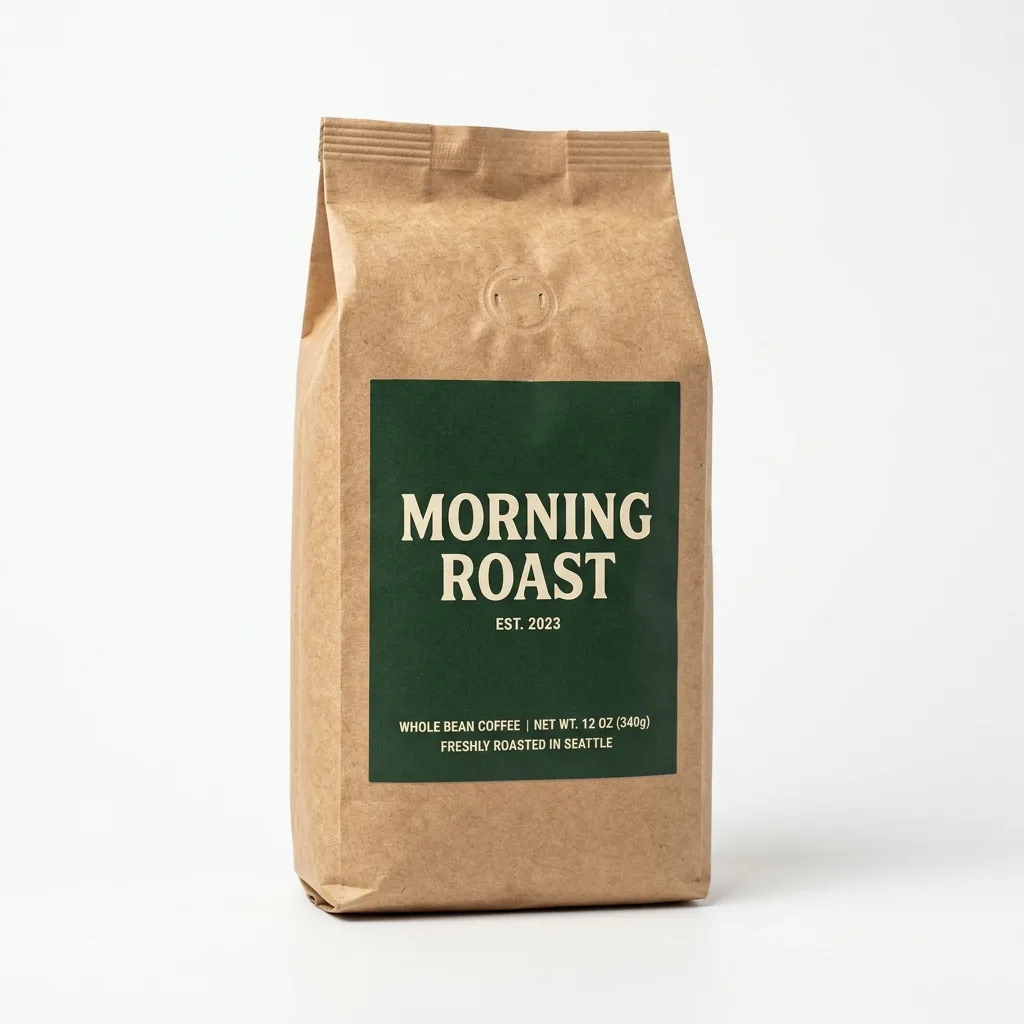
Pure White Marketplace Packshot
Keep the product exactly as it is, including its shape, label, colors and proportions. Replace the background with pure white (#FFFFFF) and center the product. Light it with soft, even studio light from both sides and add a subtle natural contact shadow under its base. Crisp edges, no color spill, clean e-commerce packshot.
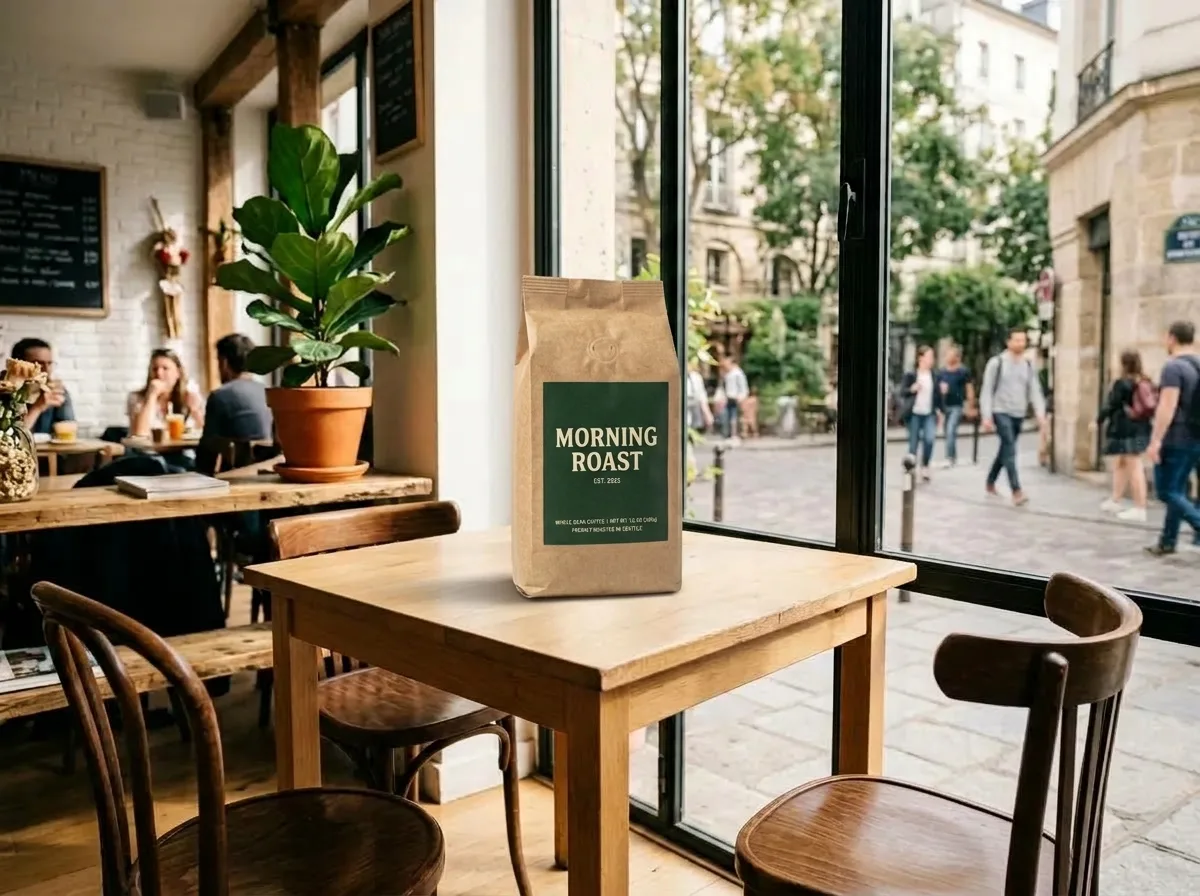
Travertine Block in Morning Light
Keep the product exactly as it is, including its shape, label and colors. Place it on a raw-cut beige travertine block with a few dried botanical stems beside it. Soft morning window light casts dappled leaf shadows across the scene. Warm, organic mood, shallow depth of field, editorial lifestyle photo.
Erase Barcode and Price Sticker
Erase the barcode, price sticker and any text label in the marked area. Rebuild the packaging underneath so its color, texture and printed pattern continue naturally, with no smudges or leftover edges. Keep everything outside the marked area unchanged.
背景を差し替え、写り込んだ余計なものを消し、複数のカットを 1 枚にまとめる。小さく表示しても内容が伝わります。
こんなプロンプトから
Natural Skin Retouch
Retouch the skin on the face: reduce temporary redness and small blemishes while keeping the real pore texture, freckles and natural skin tone variation. No plastic smoothing. Keep the face shape, features, expression and lighting exactly as they are.
Oak Table with Kitchen Props
Keep the product unchanged. Place it on a natural oak tabletop with visible wood grain, with a ceramic cup and a linen napkin nearby. Warm daylight from a side window, authentic Scandinavian home atmosphere, f/4 depth of field, product in sharp focus.
Remove Glare on Shiny Surfaces
Remove the glare, window reflections and camera reflection in the marked area of the shiny surface. Replace them with a smooth, even highlight that follows the surface's curvature, so it blends seamlessly with the rest of the product. Keep everything outside the marked area unchanged.
同じ素材から季節版・地域版をまとめて用意し、画像内の文言はデザイン元データに戻らず直接更新できます。
こんなプロンプトから
Black Friday Black-and-Gold Pedestal
Keep the product unchanged. Place it on a matte black hexagonal pedestal with polished brass edges, with flowing dark satin fabric in the background and a dramatic spotlight from above. Luxurious Black Friday campaign look, premium commercial photography. Do not add any text.
Christmas Pine and Warm Bokeh
Keep the product unchanged. Place it on dark rustic wood surrounded by fresh pine branches and a few frosted pinecones, with golden fairy lights forming warm, round bokeh in the background. Cozy, premium Christmas campaign look.
Summer Pool Water and Caustics
Keep the product unchanged. Place it standing in shallow, crystal-clear turquoise pool water, with dancing sunlight caustics across the product and gentle ripples around its base. Bright tropical sunlight, refreshing summer campaign look.
古いスキャン画像を修復したり、プロフィール用に人物写真を整えたり、旅行写真から写り込みを取り除いたり。
こんなプロンプトから
Restore a Faded Old Photo
Restore this old photograph: remove the yellow age cast, dust spots, scratches and fold creases, and bring back clear, natural detail in the faces and eyes. Keep the people's features, expressions, clothing and the original composition unchanged. Clean archival quality with natural contrast.
Change Hair to Platinum Blonde
Recolor the hair in the marked area to a bright platinum blonde with soft golden undertones. Keep the hairstyle, individual strands, shine and natural hairline transitions. Keep the face and everything outside the marked area unchanged.
各組の下に、そのとき使ったプロンプトを示しています。
“指定した対象を消し、周囲の面と光の条件に合わせて埋めてください。”
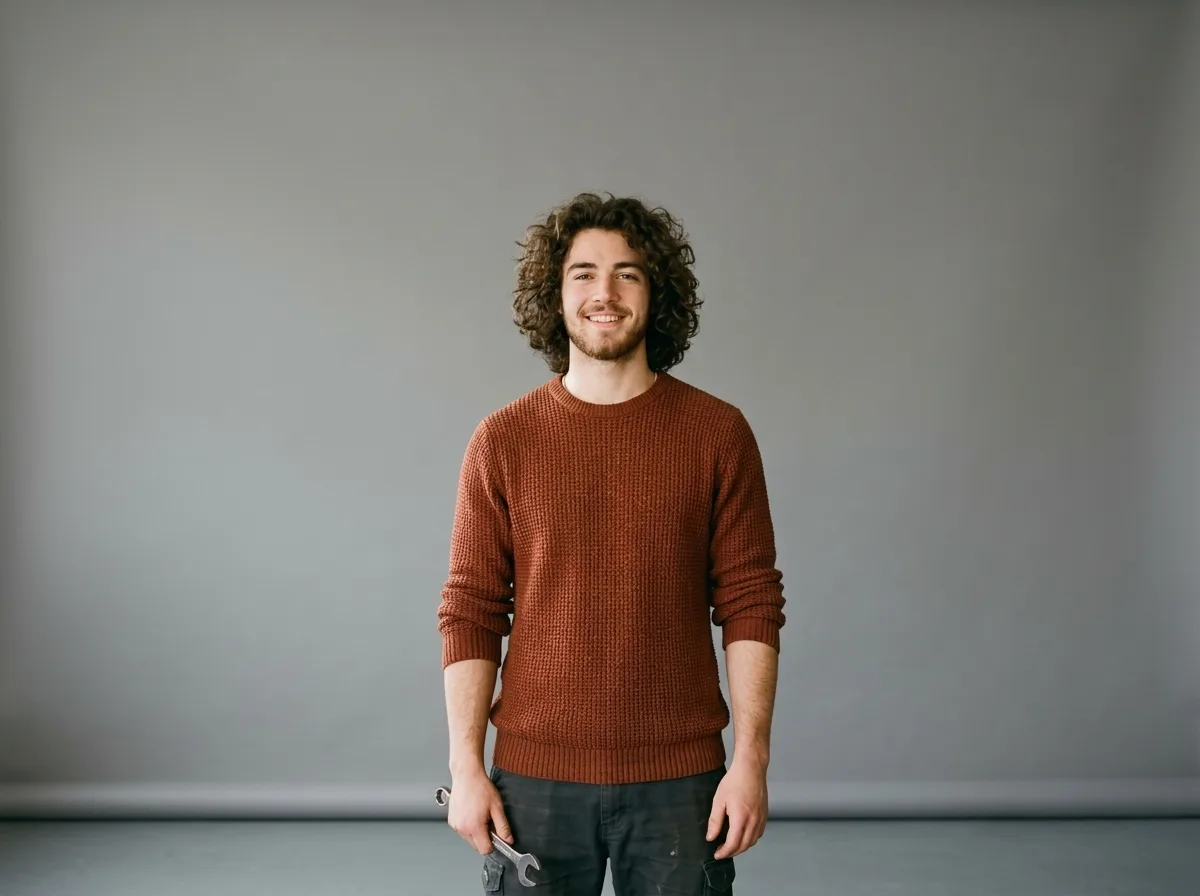
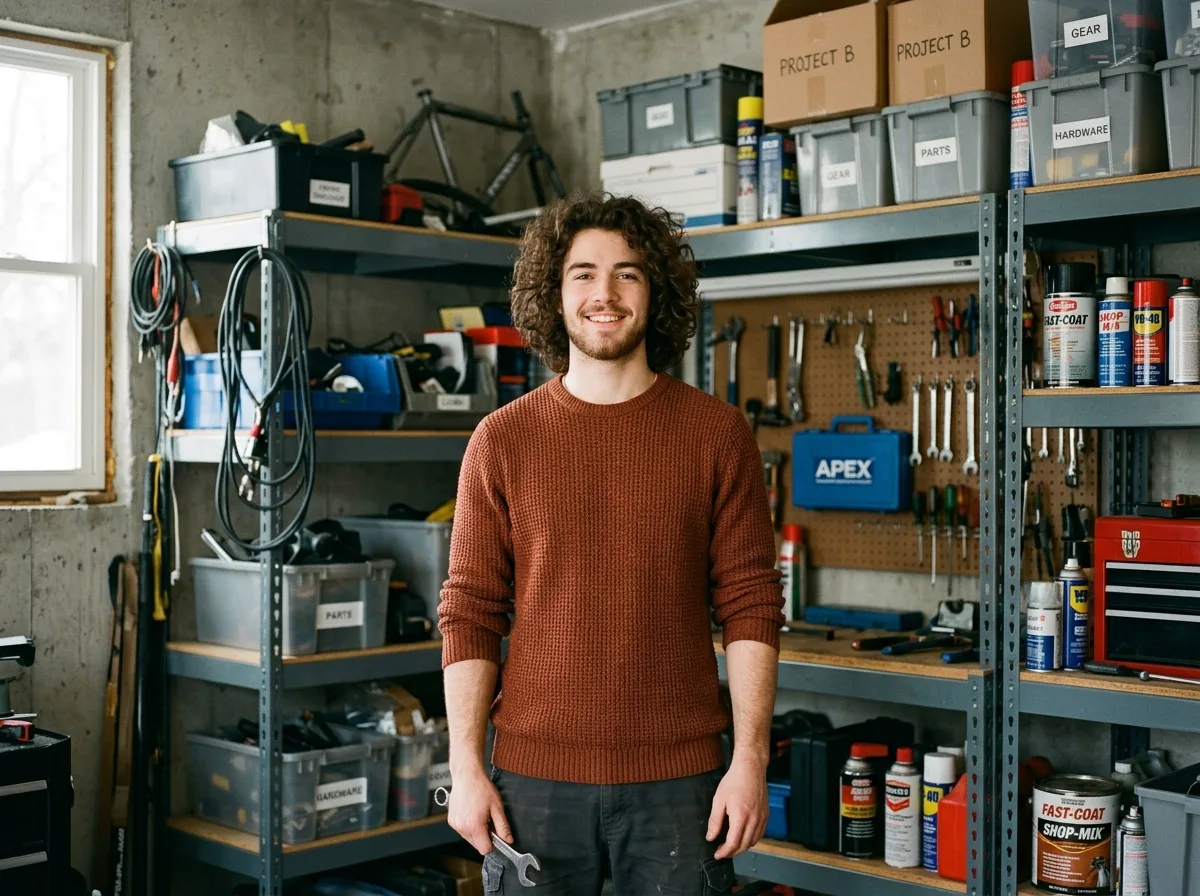
“背景を清潔なスタジオ背景に置き換え、被写体の輪郭と元の光の当たり方は保ってください。”
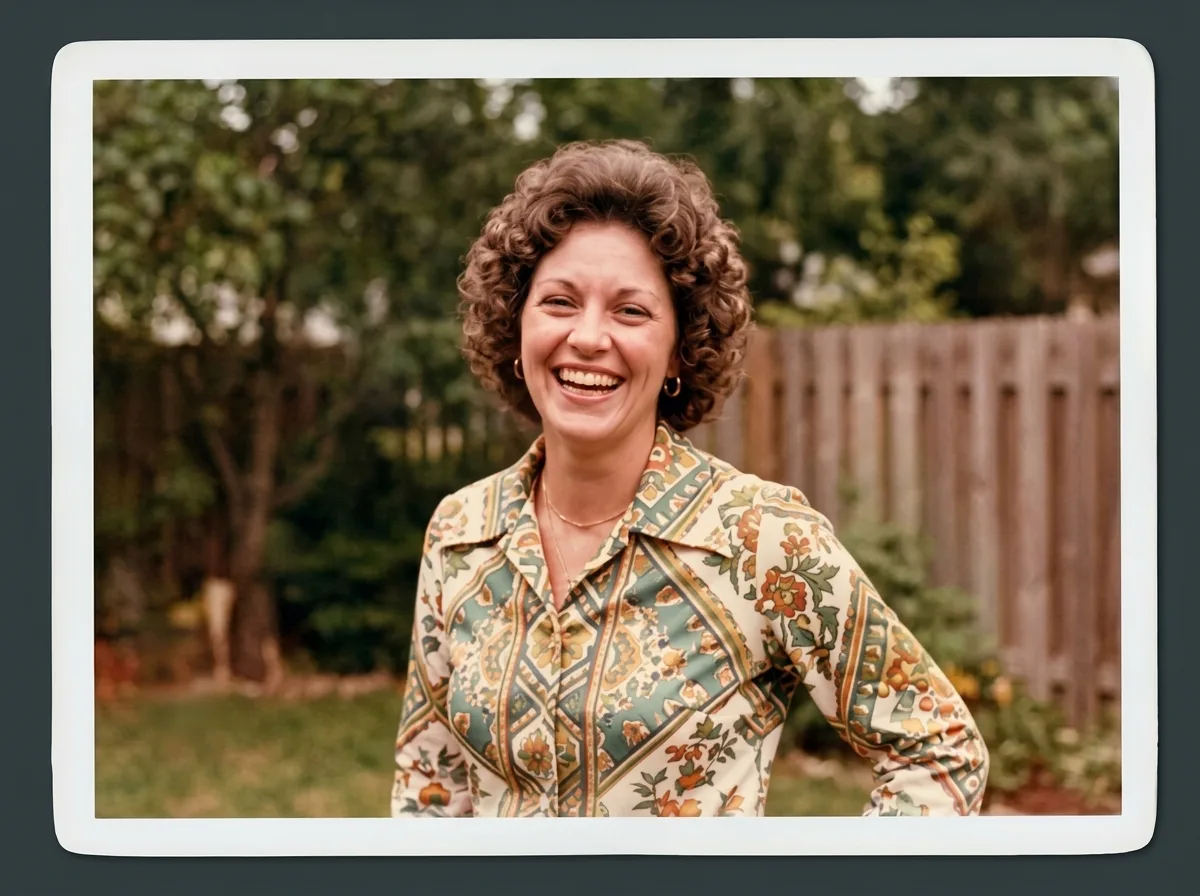
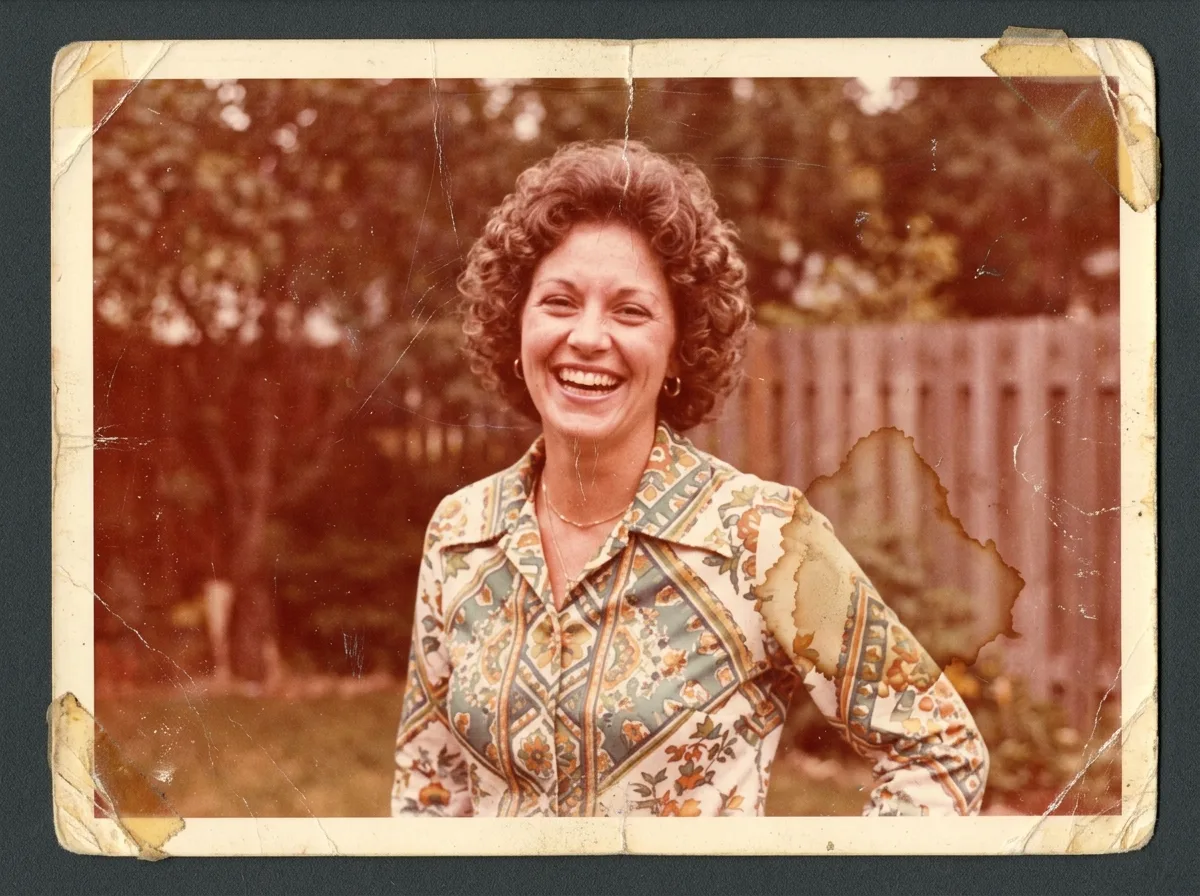
“傷や色あせを取り除き、人物の顔立ちは変えずに自然な肌の色を取り戻してください。”
手作業のツールではなく、文章の指示で写真を編集する仕組みです。画像をアップロードし、変えたい内容を書き、モデルを選んで生成します。特定の場所だけを変えたい場合は、先にその範囲を塗ってください。
アカウントなしでも数回は無料で生成でき、登録するとクレジットが付与されます。どのプランでも生成物にウォーターマークは入りません。
JPG・PNG・WebP で、1 枚あたり最大 10 MB です。結果はモデルに応じて PNG または JPEG で返されます。
使えます。複数画像の合成モードでは一度に複数の参照画像を扱えます。上限はモデルごとに異なり、アップロード欄に表示されます。プロンプト内では IMG_1、IMG_2 のように指定してください。
残すべきものをプロンプトに明記し、変えたい範囲をブラシで塗ってください。マスクは変更箇所をモデルに直接伝えるため、位置を言葉で説明するよりも確実です。
オブジェクトの削除と追加、背景の差し替え、画像内の文字の変更、色や素材の変更、古い写真の修復、スタイル転写、複数写真の合成などです。
小さな修正なら一番安いものから試してください。高い解像度や、複雑な編集での一貫性が必要になったら上位のモデルへ。各モデルは解像度ごとのクレジットを生成前に表示します。
本格的な編集ソフトを開かずに画像を直したい方すべてです。EC 事業者、クリエイター、マーケティングやデザインの担当者、そして自分の写真を直したい方。
非公開で保存され、アカウントに紐づく短時間有効なリンク経由でのみ配信されます。編集の実行にのみ使用し、モデルの学習には使いません。
できます。生成物はあなたのもので、商用利用が可能です。アップロードする素材の権利については、ご自身でご確認ください。
最初の数回はアカウント登録なしで使えます。