2026年11月10日 更新
GPT Image 2.6 プロンプト集:写真編集とGIFアニメ
YepShot で GPT Image 2.6 を使って実際に実行したプロンプト55件です。7件は写真をループするGIFアニメにし、48件は写真を編集します。文章だけで画像を作るプロンプトではなく、編集の指示です。写真をアップロードしてプロンプトを貼り付けると、書かれた部分だけが変わります。下の結果はすべて本物で、静止画は2026年11月6日(Flare、画質 medium、1K)、GIFは11月5日(9フレーム)に生成しました。静止画のプロンプトは Nano Banana 2.1 で使っているものと一字一句同じなので、2つのモデルを同じ条件で見比べられます。プロンプトは英語のまま使ってください。日本語訳は各プロンプトの詳細ページにあります。
GIFアニメのプロンプト
どのプロンプトも、被写体、小さな動きを1つ、ループすること、変えてはいけないものを書いています。YepShot のGIFは9フレーム(1.8秒)なので、入る動きは1つだけです。
元画像 
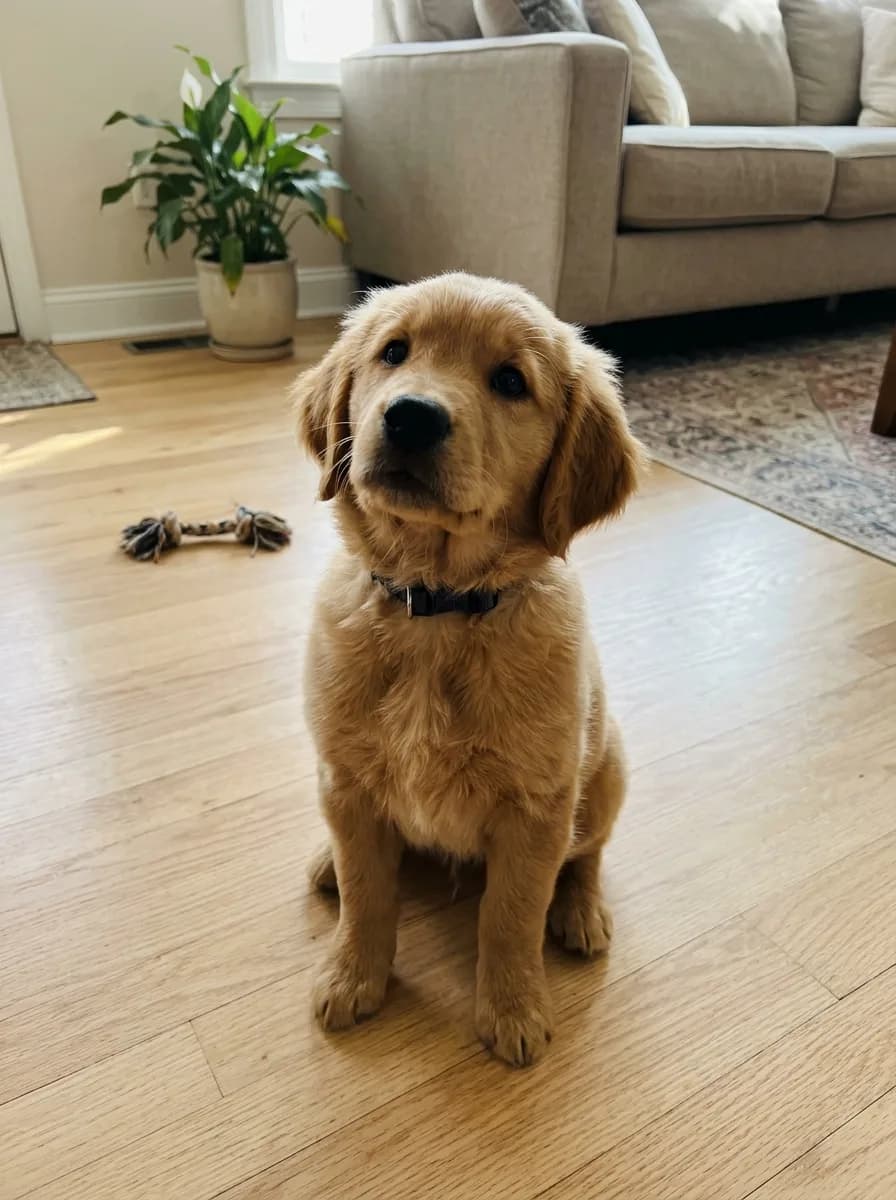
GPT Image 2.6 GIF ペット写真を首かしげGIFに
Turn this photo into a looping animated GIF: the pet tilts its head to one side, blinks once, then tilts back to where it started. Keep its fur, collar, pose and the background exactly as in the photo, and keep the camera still.
元画像 
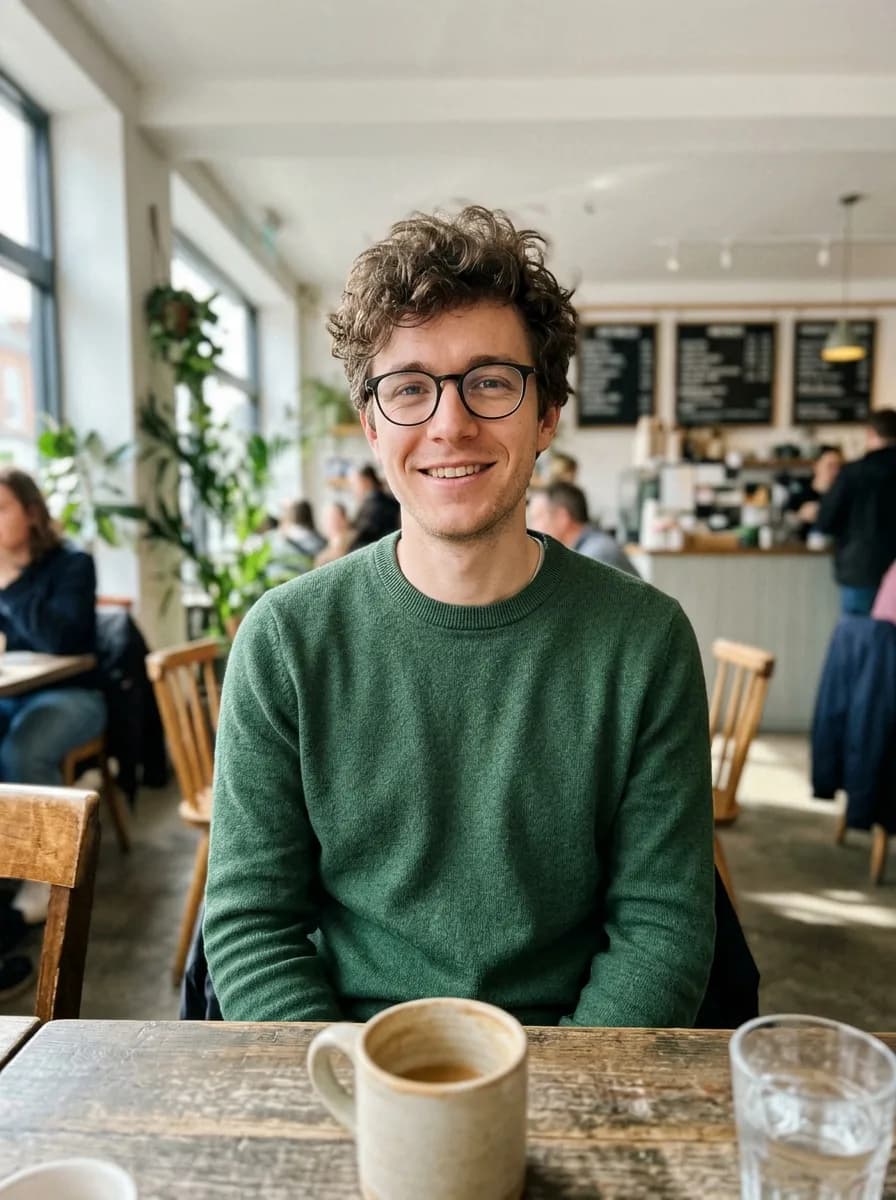
GPT Image 2.6 GIF 写真を手を振るちびキャラのステッカーGIFに
Turn the person in this photo into a cute chibi cartoon sticker with a thick white die-cut border on a plain light grey background, and animate it as a looping GIF: the character waves hello, gives a thumbs up, then returns to the first pose. Keep their hairstyle, glasses and outfit colors recognizable in every frame.
元画像 
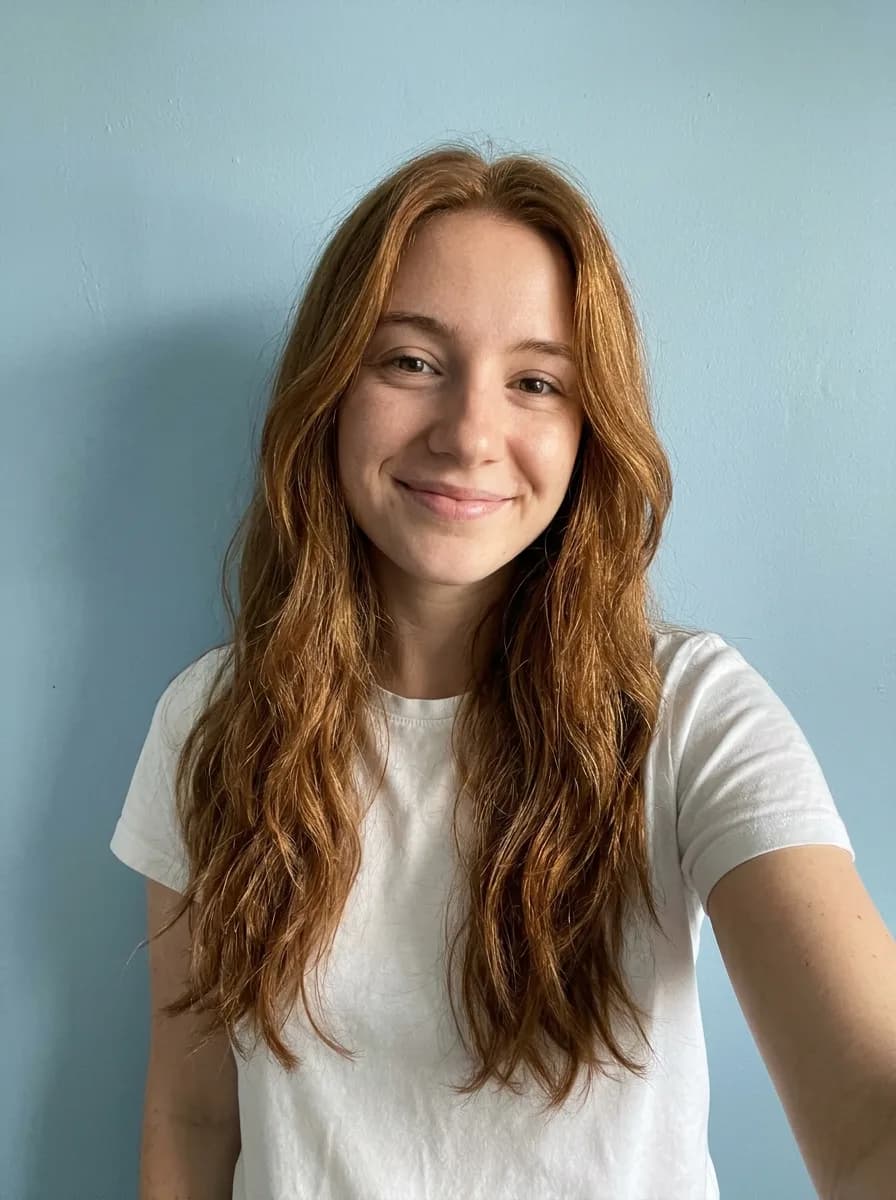
GPT Image 2.6 GIF 自撮りをサングラスのリアクションGIFに
Turn this photo into a looping reaction GIF: the person puts on a pair of black sunglasses, nods once with a confident smirk, then takes them off again. Keep the face, hair, clothes and background exactly as in the photo, and keep the camera still.
元画像 
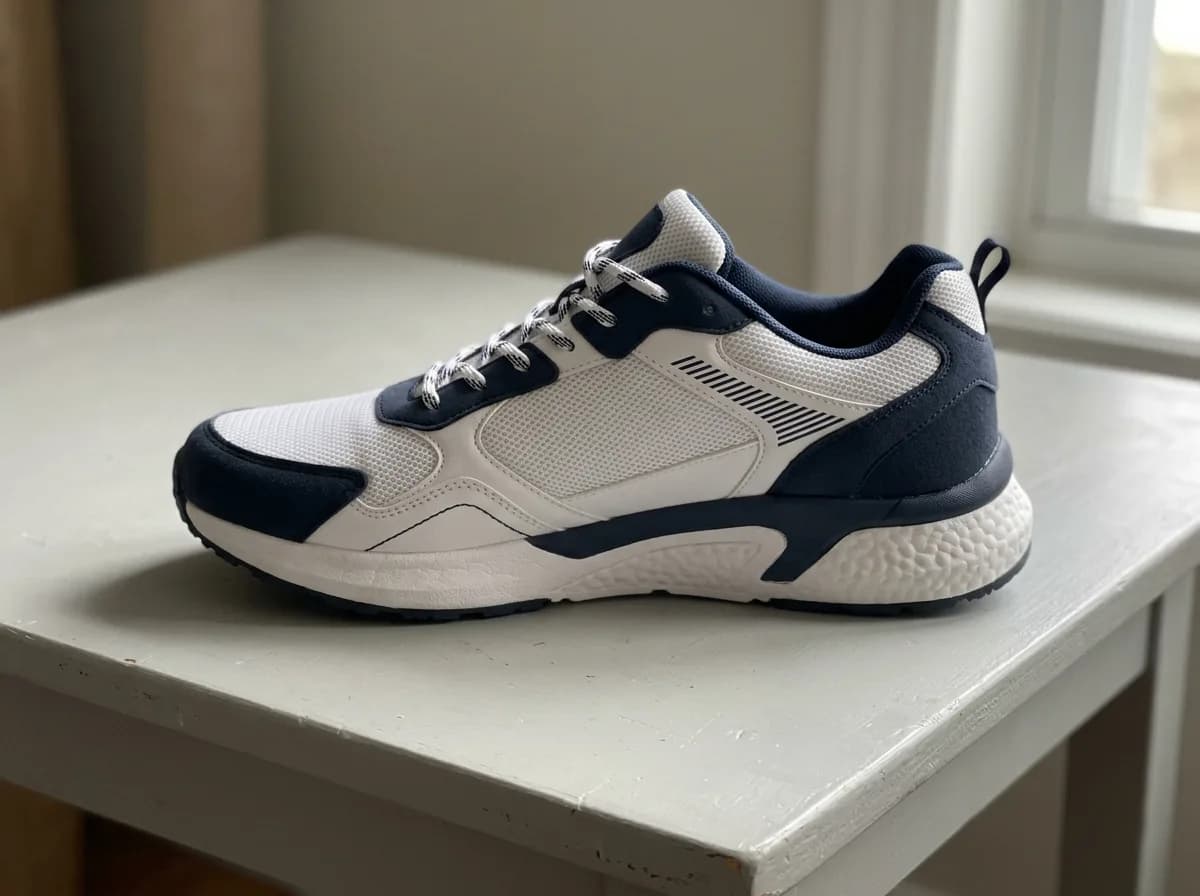
GPT Image 2.6 GIF 商品写真を360°回転GIFに
Turn this product photo into a looping animated GIF of the product on a turntable against a plain light grey background, turning one full circle in the same direction: each frame turns it about 40 degrees further than the frame before, so the frames play as one smooth spin. Keep its shape, colors, materials and any text the same, and keep the lighting and camera still.
元画像 
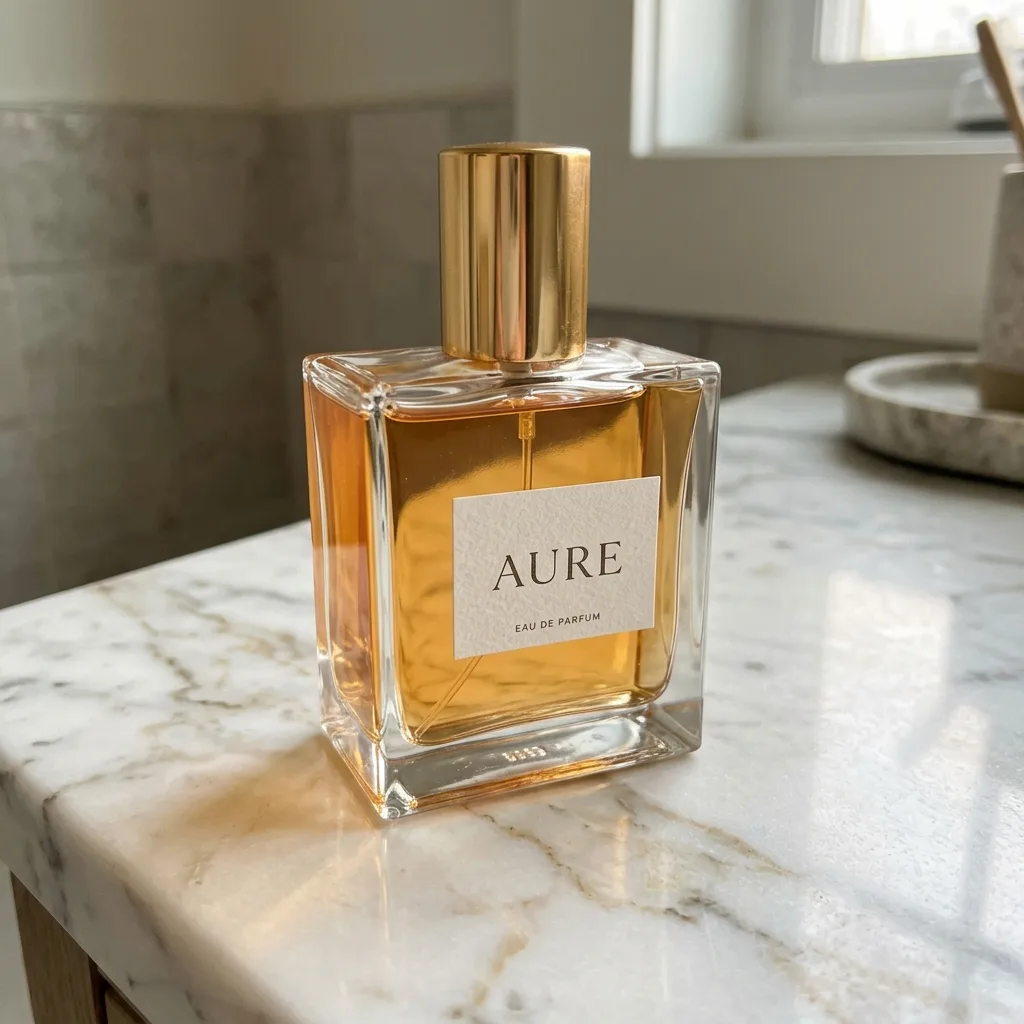
GPT Image 2.6 GIF 商品にきらめきが走るGIF
Turn this product photo into a looping animated GIF: a soft band of light sweeps across the product from left to right and a few small sparkles twinkle around it. The product, its label and the background stay perfectly still and unchanged.
元画像 
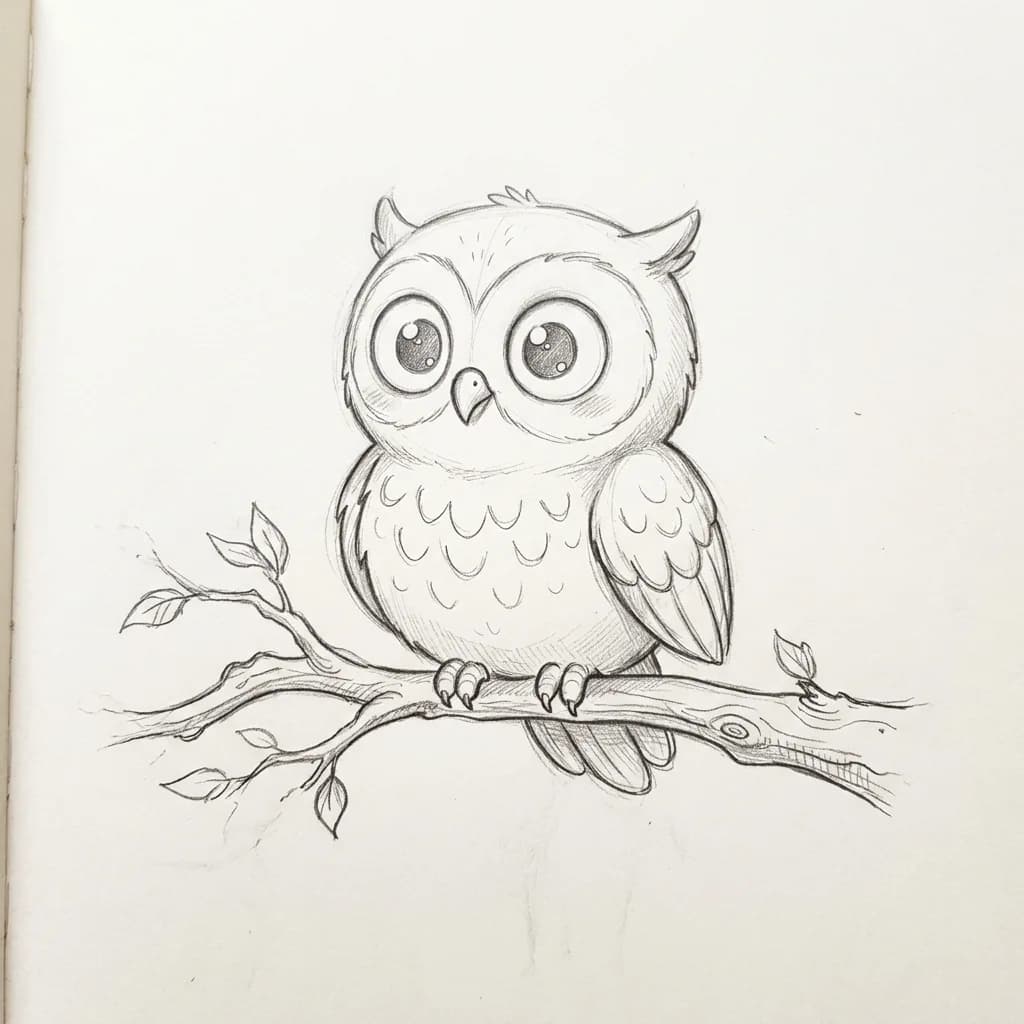
GPT Image 2.6 GIF イラストが動き出すGIF
Bring this drawing to life as a looping animated GIF: the character blinks, makes one small friendly move such as a wave or a flap, and settles back into its starting pose. Keep the drawing style, line weight and paper texture exactly as they are, and don't add color.
元画像 
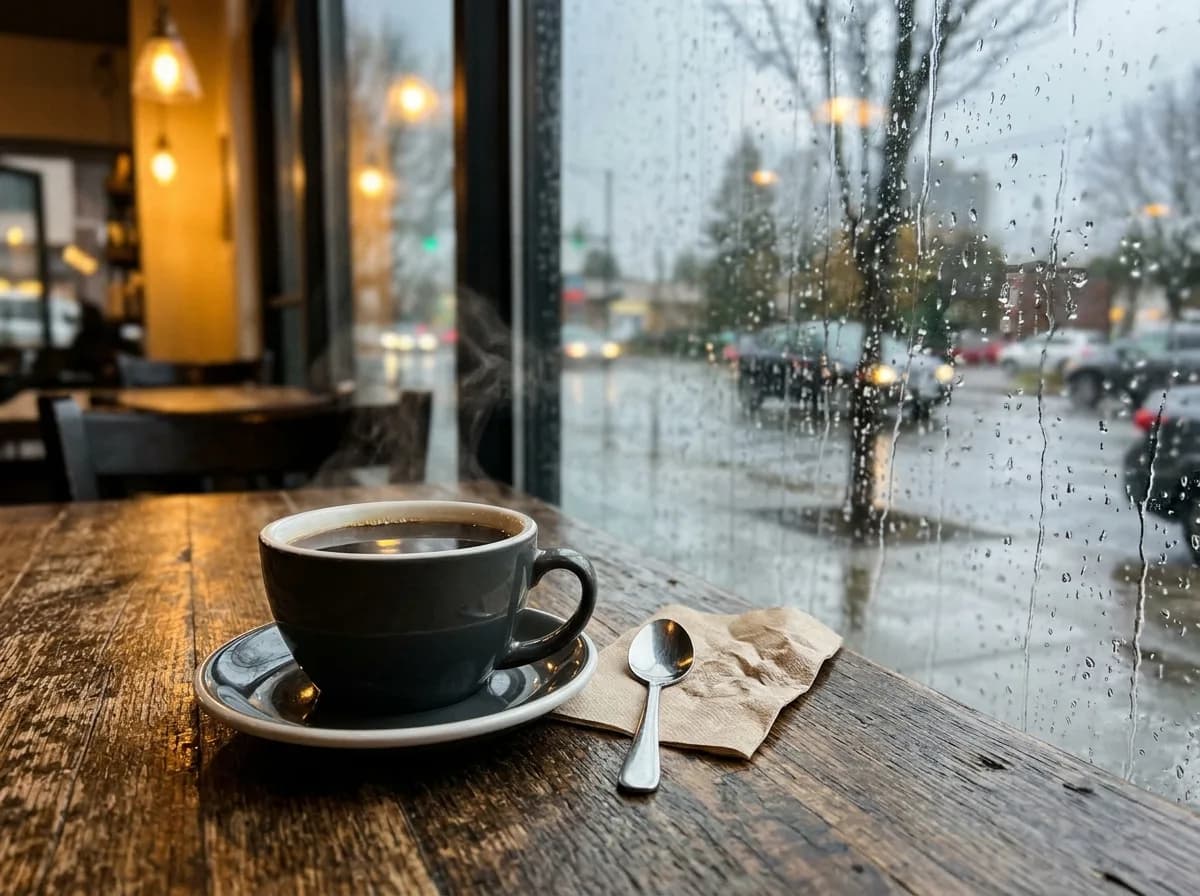
GPT Image 2.6 GIF 写真をシネマグラフ風GIFに
Turn this photo into a cinemagraph-style looping GIF: only small natural things move, such as rising steam, flowing water, falling rain or leaves swaying in the wind. Everything else stays perfectly still, and the last frame flows smoothly back into the first.
商品の背景とシーン
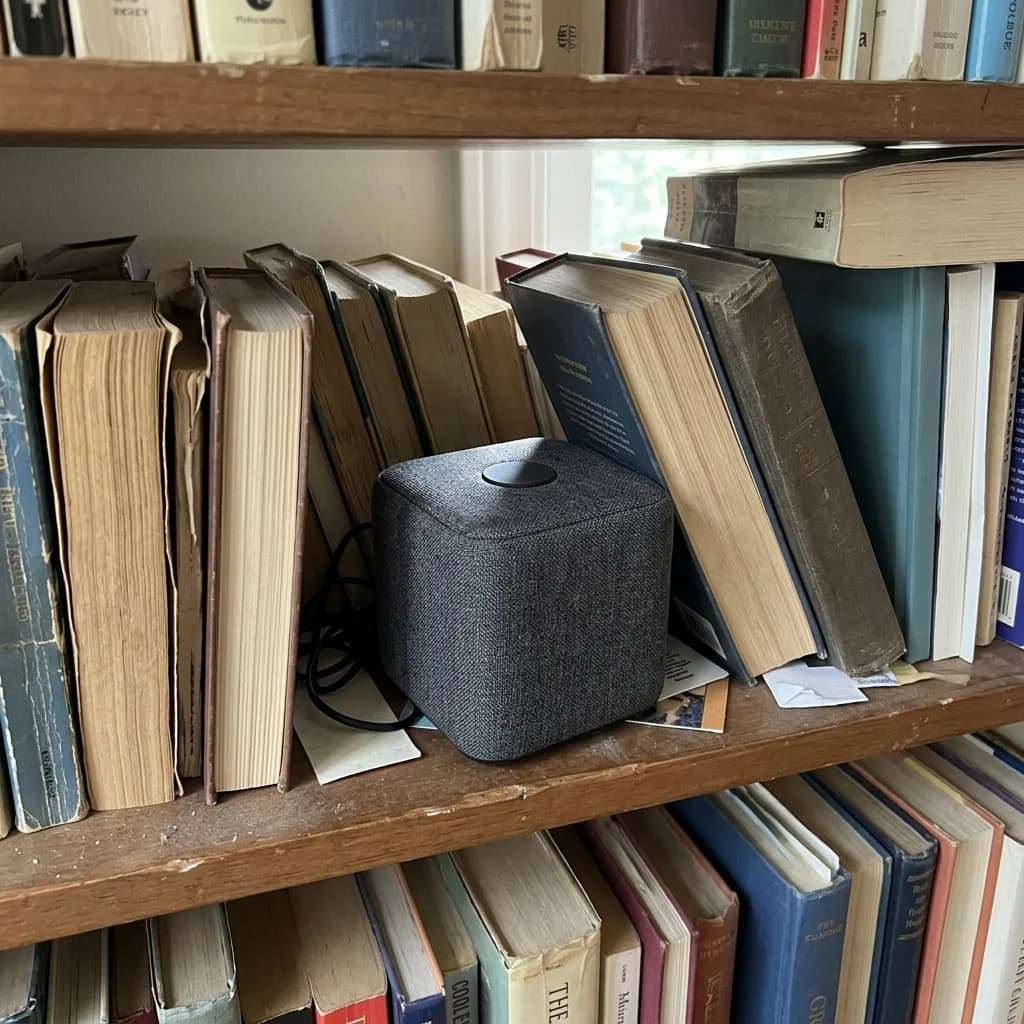
商品は変えないと書いたうえで、置く面を1つ、小物を2〜3点、光の向きを指定します。GPT Image 2.6 はこのうち2つのシーンで実在のブランド名を描きました。リビングの本のタイトルと、ゲーミングデスクのヘッドセットのロゴです(ここではぼかしています)。公開前に、小物に実在の名前が入っていないか確認してください。
元画像 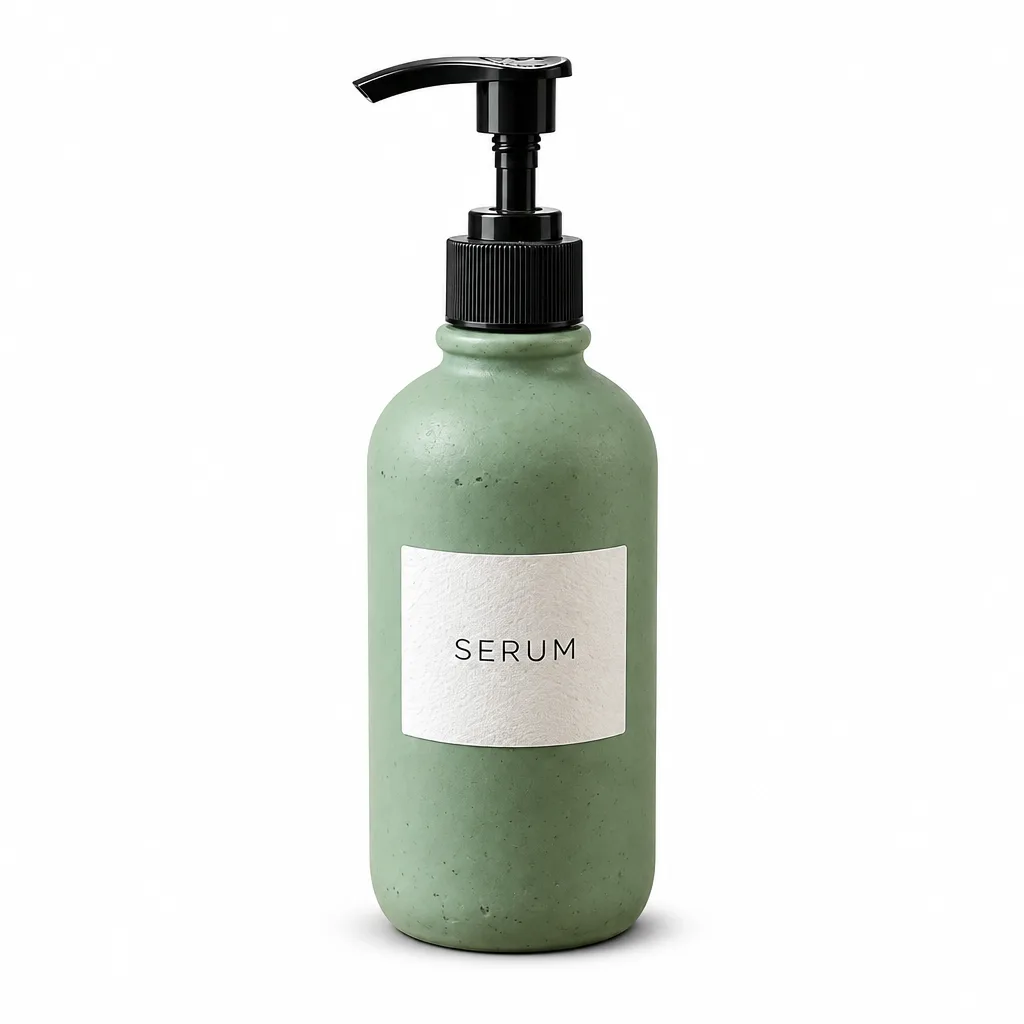
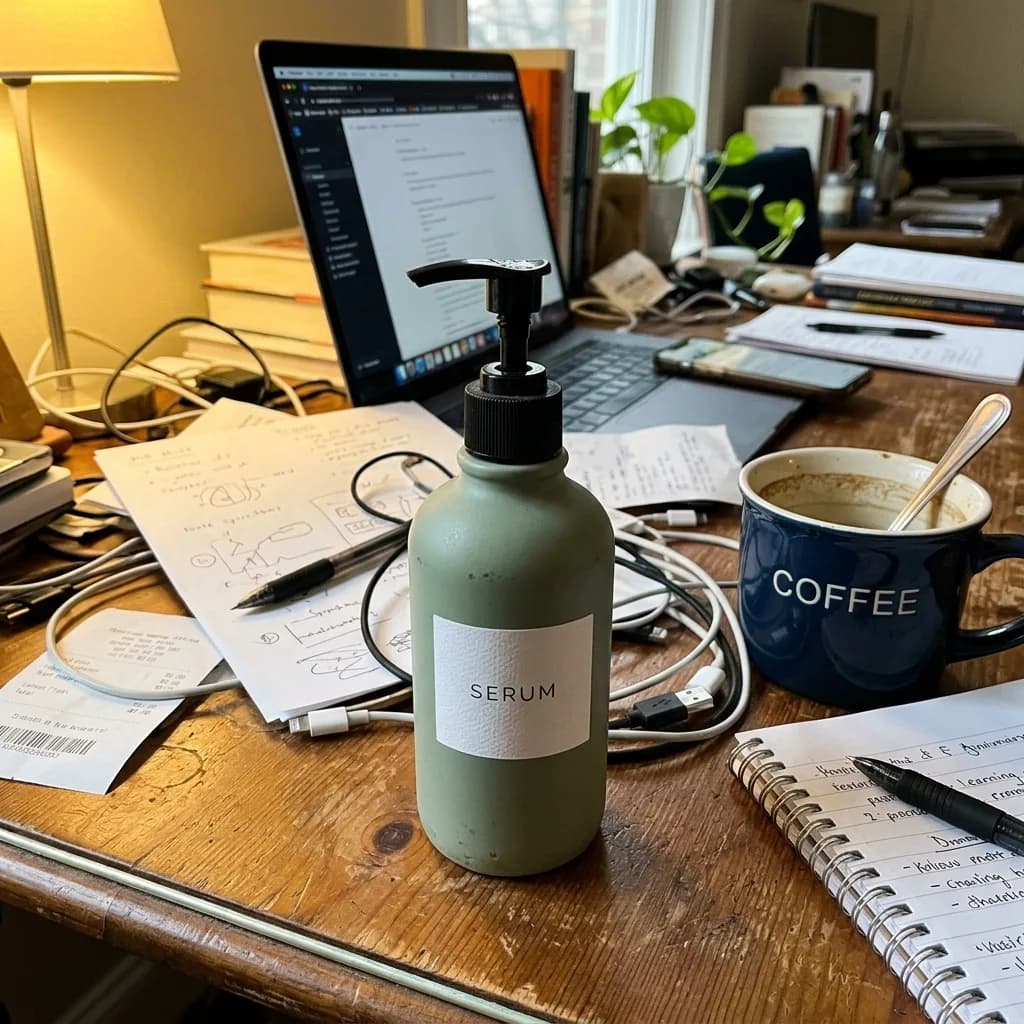
GPT Image 2.6 ECモール向け純白背景の商品画像
Keep the product exactly as it is, including its shape, label, colors and proportions. Replace the background with pure white (#FFFFFF) and center the product. Light it with soft, even studio light from both sides and add a subtle natural contact shadow under its base. Crisp edges, no color spill, clean e-commerce packshot.
元画像 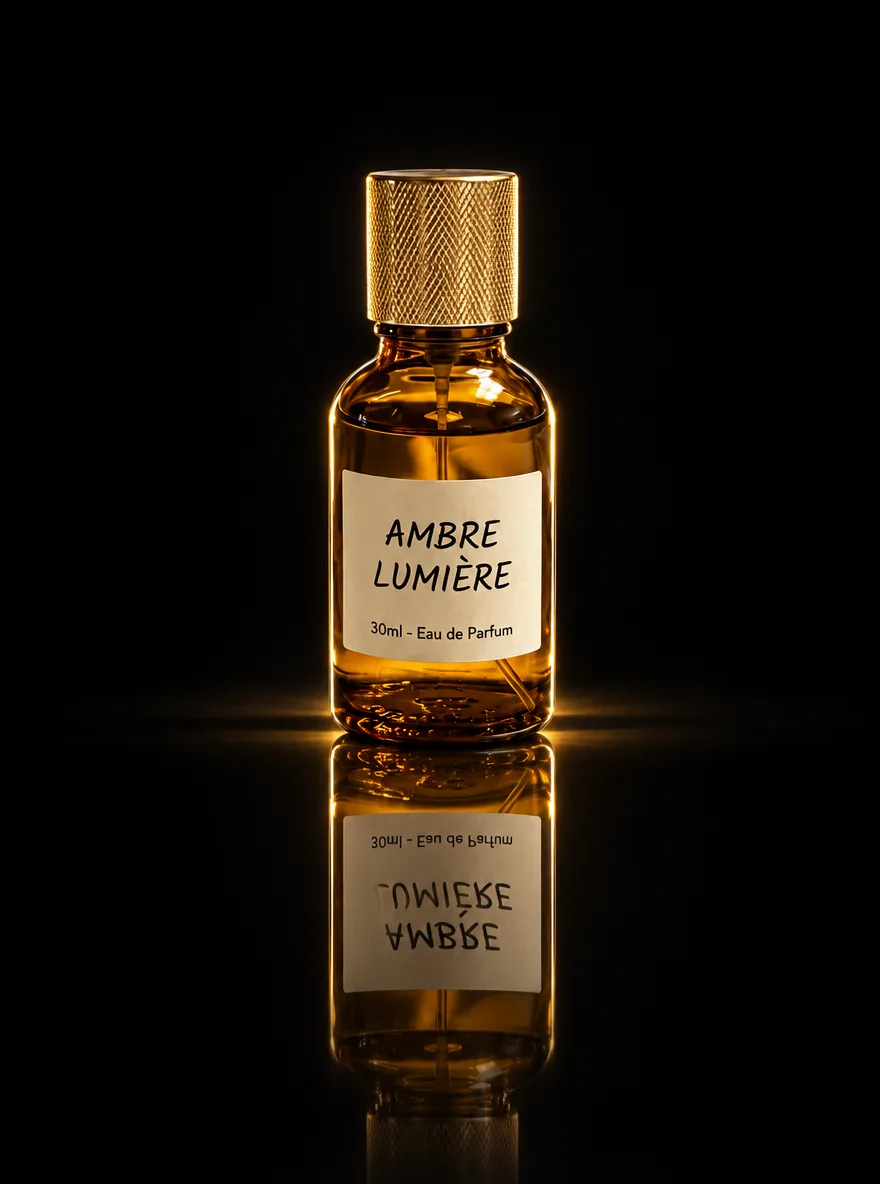
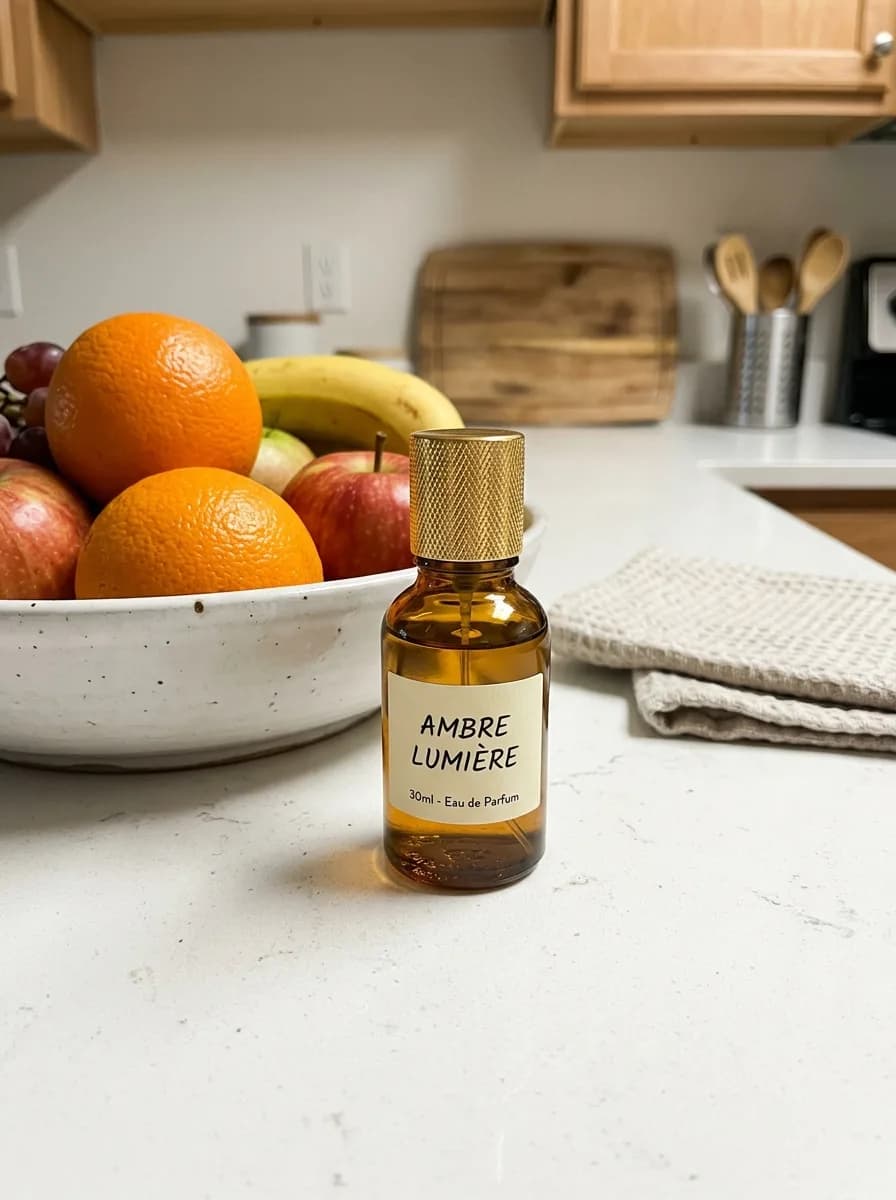
GPT Image 2.6 黒アクリルの鏡面反射
Keep the product unchanged. Place it on glossy black acrylic with a crisp mirror reflection that fades downward. Use a dark, seamless background and a dramatic rim light along both edges of the product. Deep contrast, luxury brand look, ultra-sharp detail.
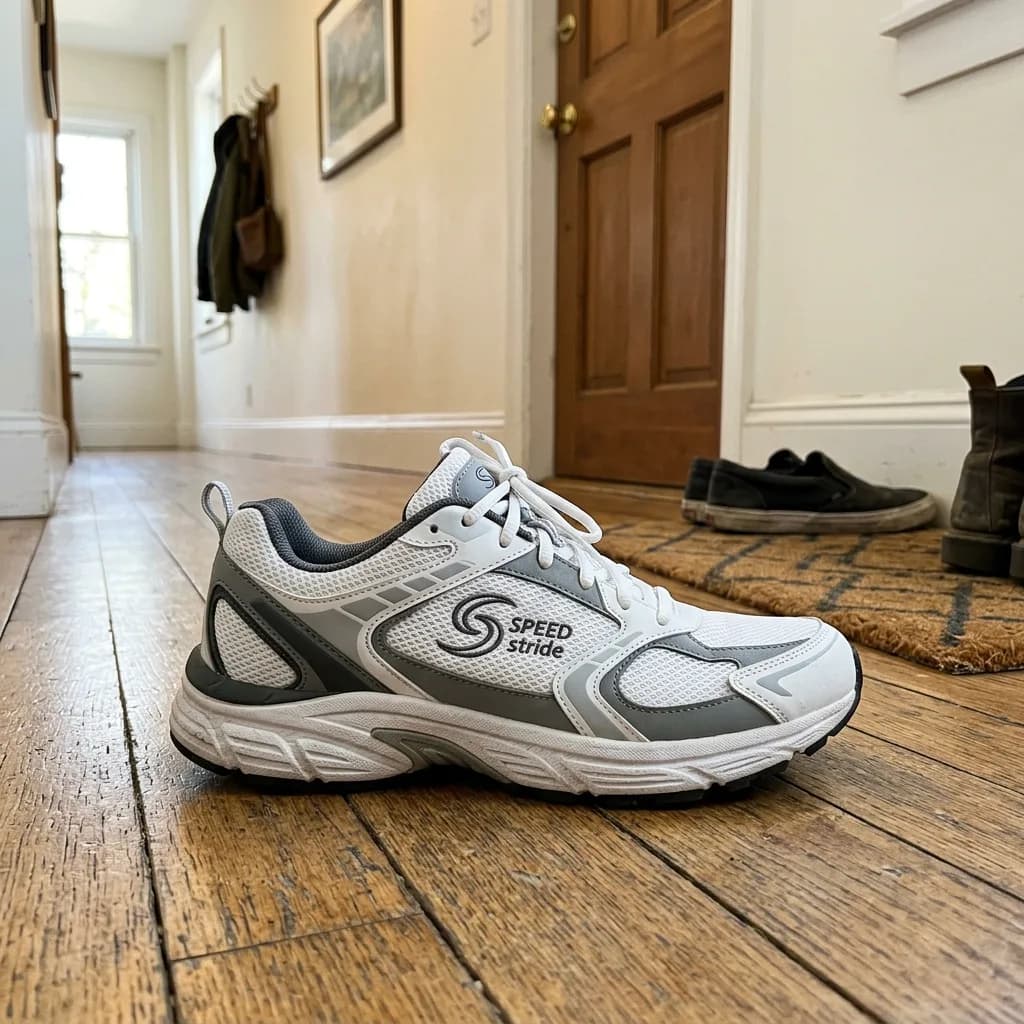
元画像 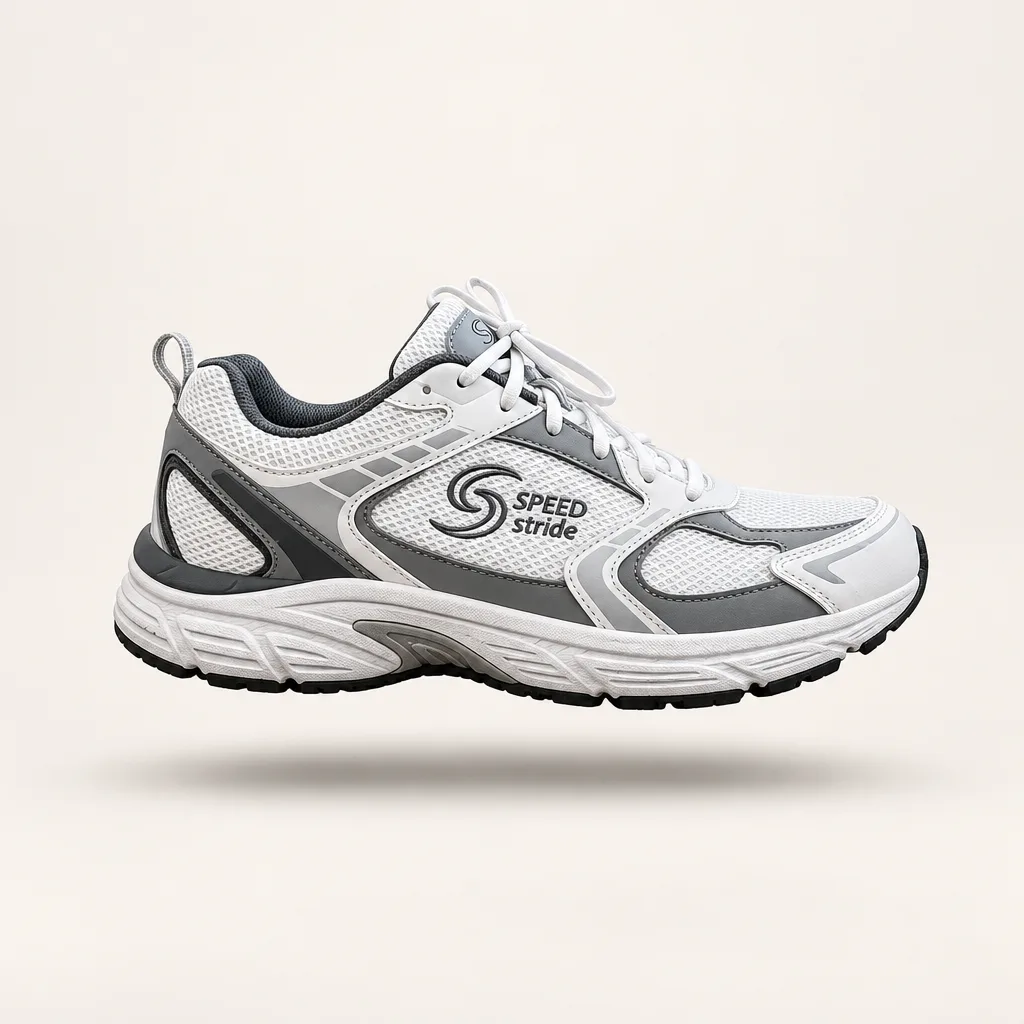
GPT Image 2.6 浮遊感のあるメインビジュアル
Keep the product unchanged. Make it float about 2 cm above a seamless off-white studio backdrop, with a soft, diffused shadow on the floor directly beneath it. Soft overhead lighting, clean and minimal catalog style.
元画像 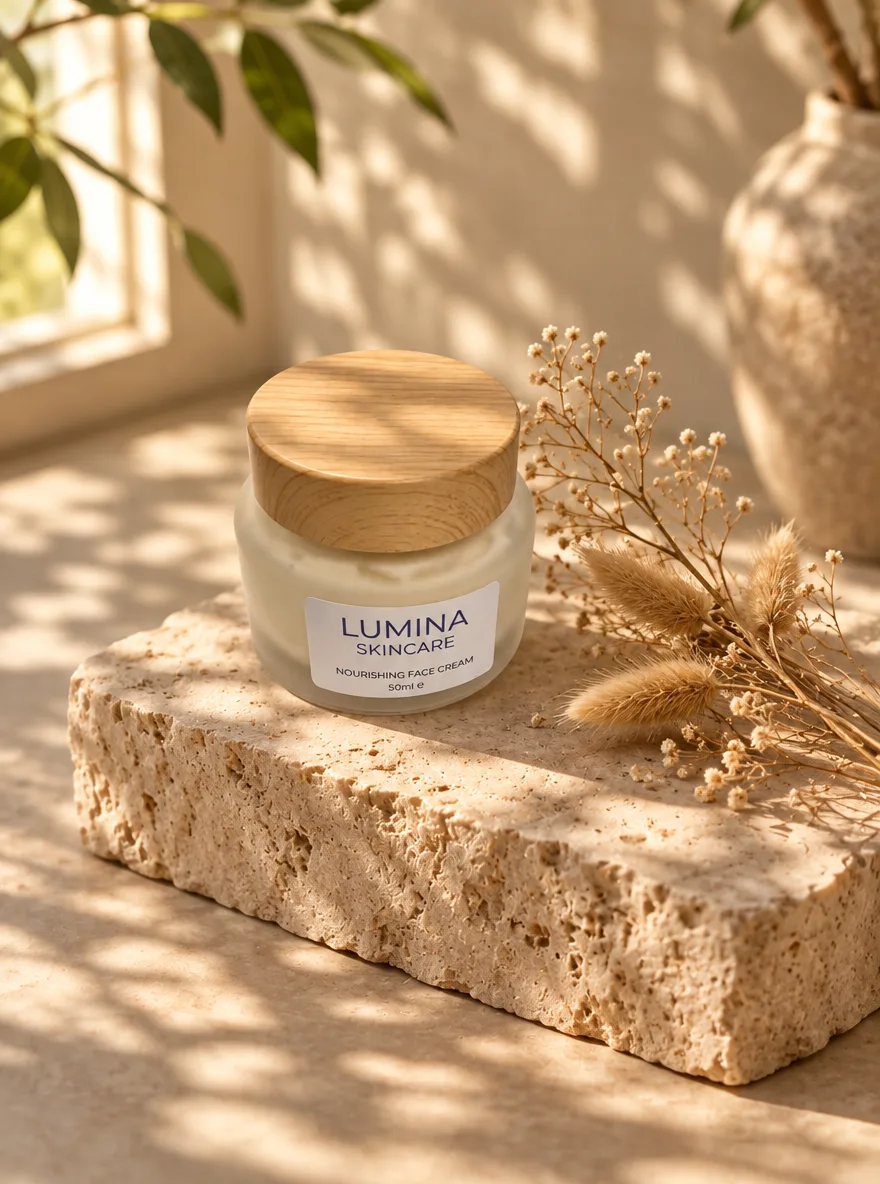
GPT Image 2.6 朝の光とトラバーチンの石
Keep the product exactly as it is, including its shape, label and colors. Place it on a raw-cut beige travertine block with a few dried botanical stems beside it. Soft morning window light casts dappled leaf shadows across the scene. Warm, organic mood, shallow depth of field, editorial lifestyle photo.
元画像 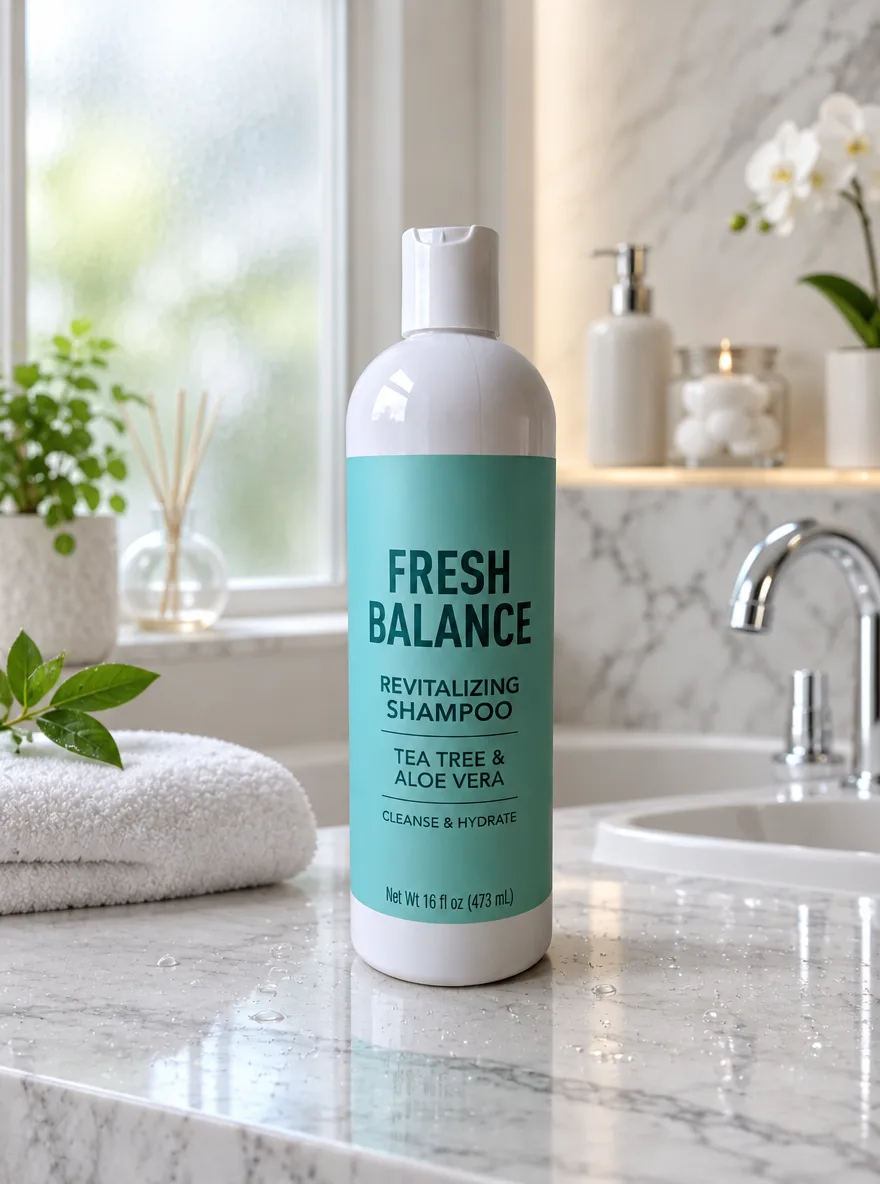
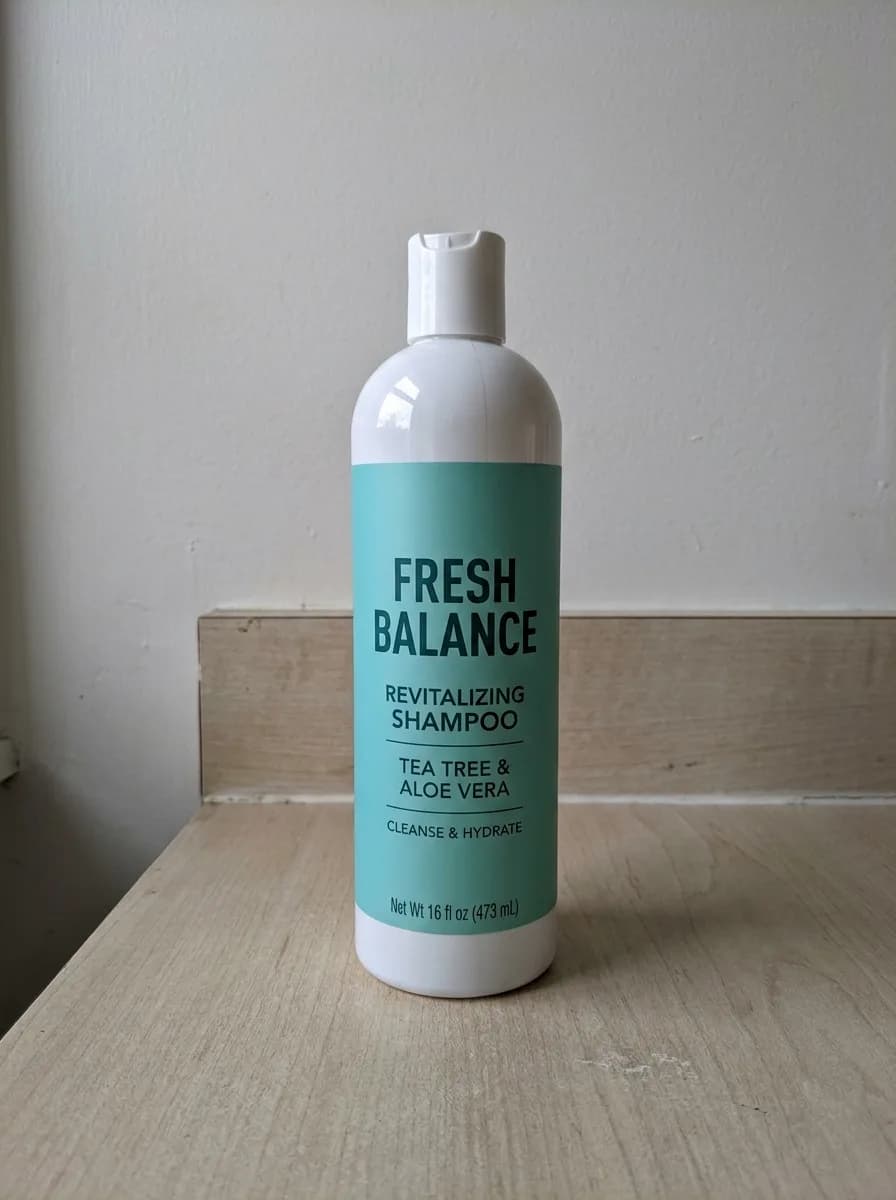
GPT Image 2.6 水滴の付いた大理石の洗面台
Keep the product unchanged. Place it on a polished white Carrara marble bathroom vanity with fine water droplets on the surface. Soft light through a frosted window, a blurred luxury spa bathroom in the background. Fresh, clean skincare advertising look with crisp focus on the product.
元画像 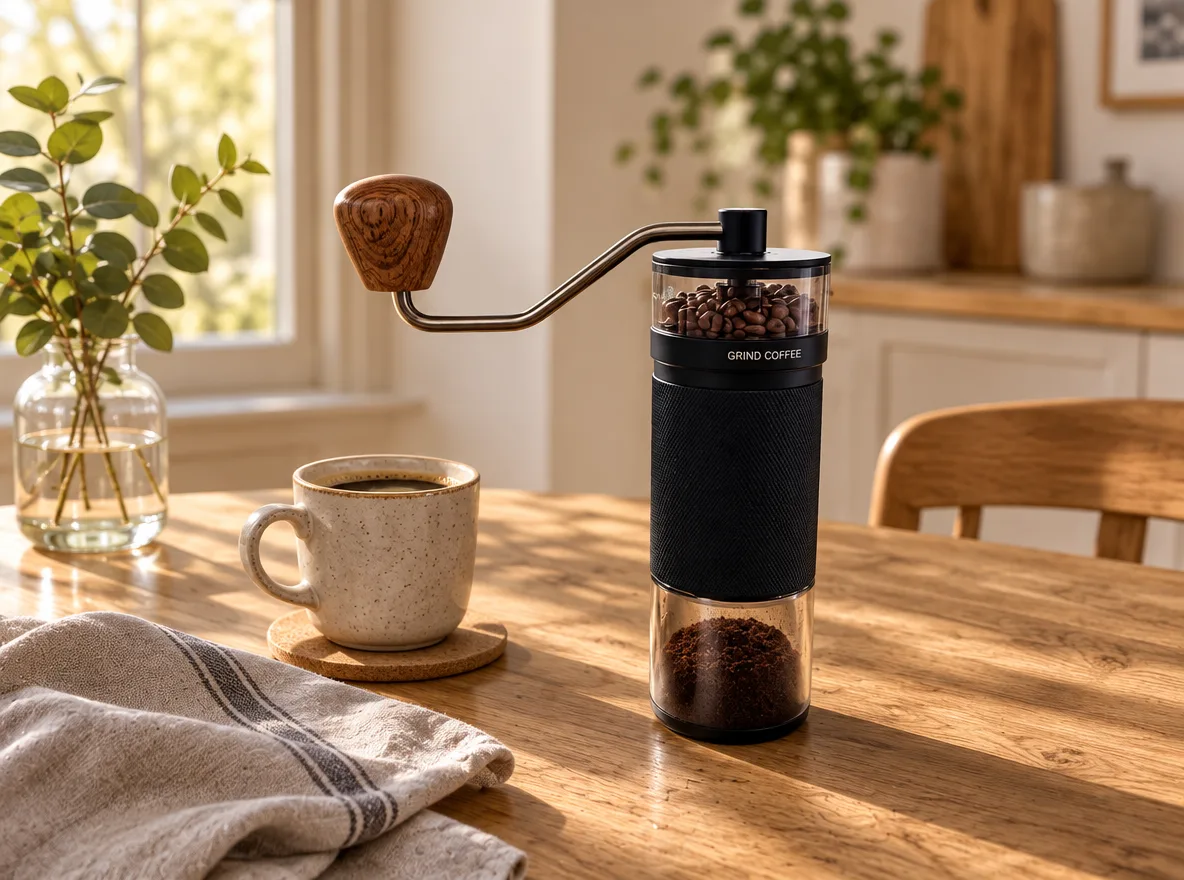
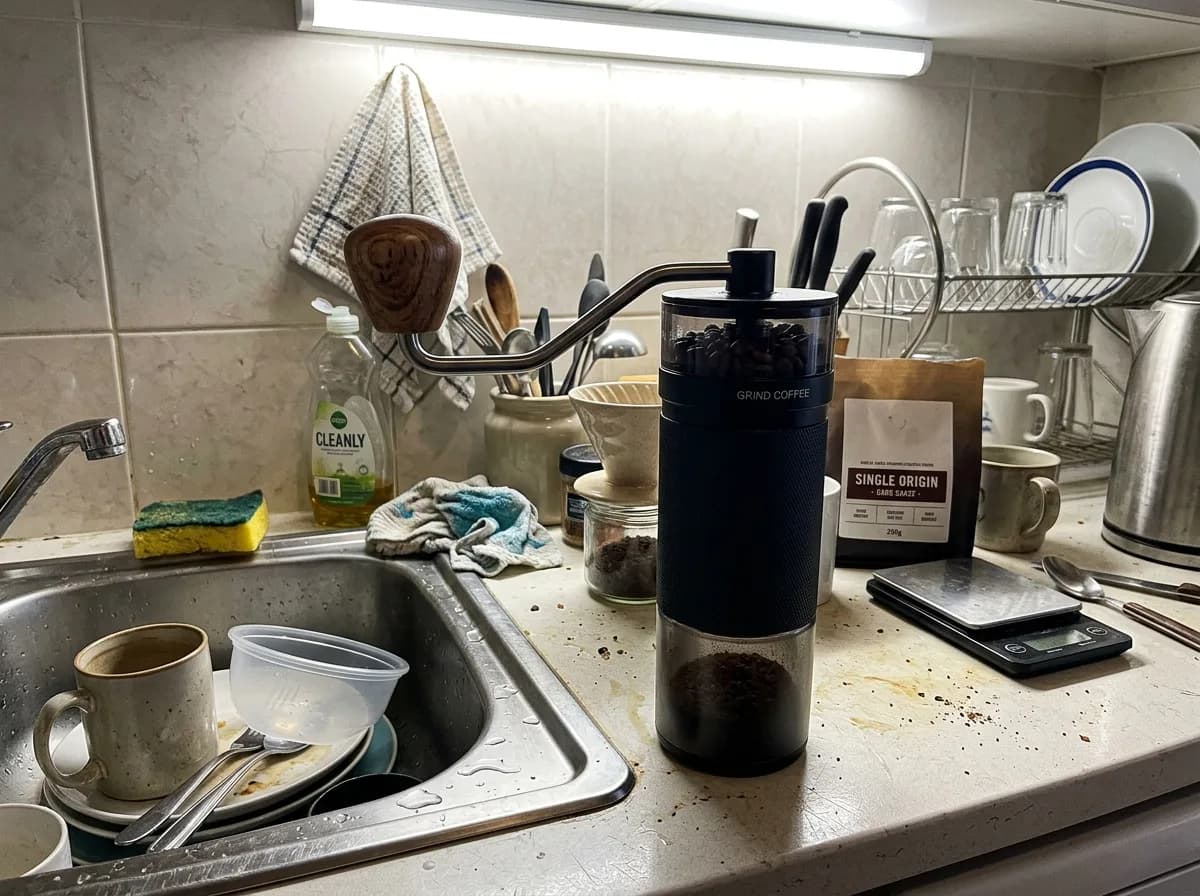
GPT Image 2.6 小物を添えたオーク材のテーブル
Keep the product unchanged. Place it on a natural oak tabletop with visible wood grain, with a ceramic cup and a linen napkin nearby. Warm daylight from a side window, authentic Scandinavian home atmosphere, f/4 depth of field, product in sharp focus.
元画像 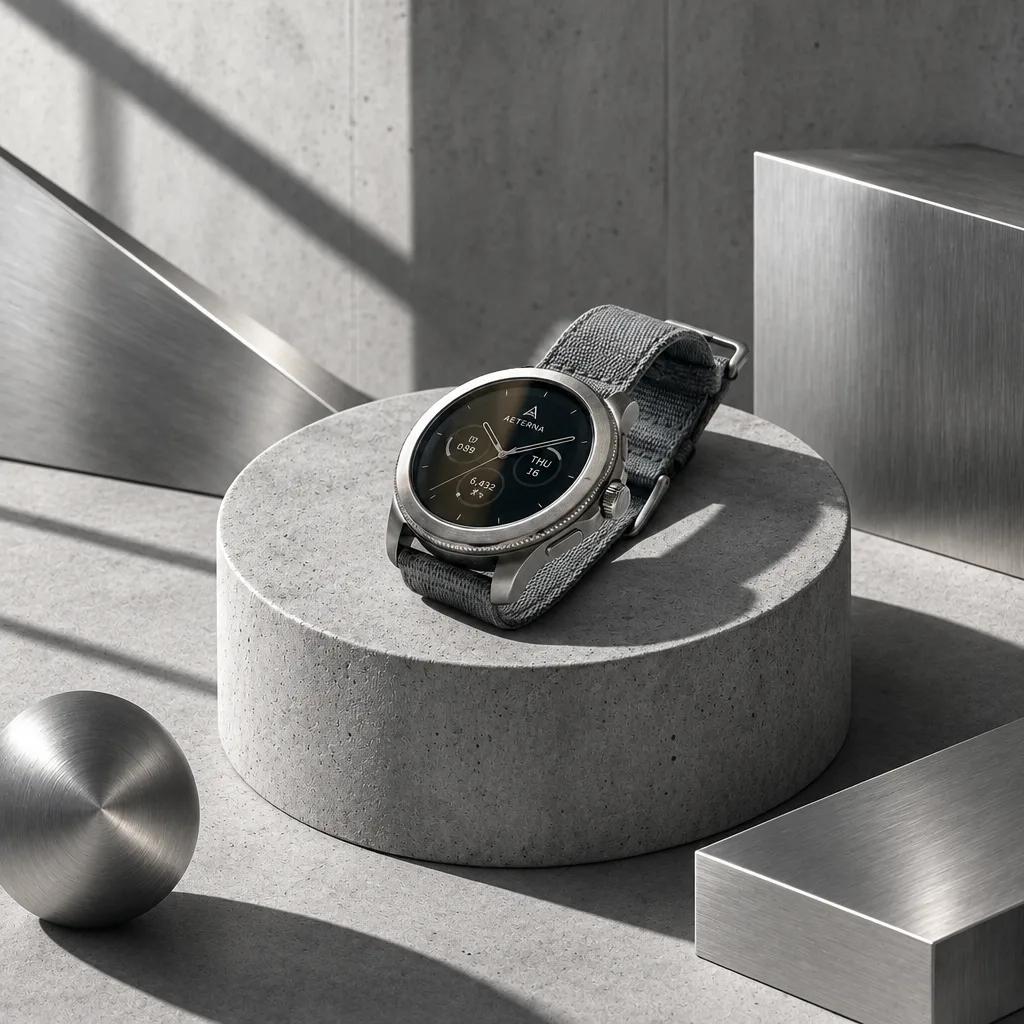
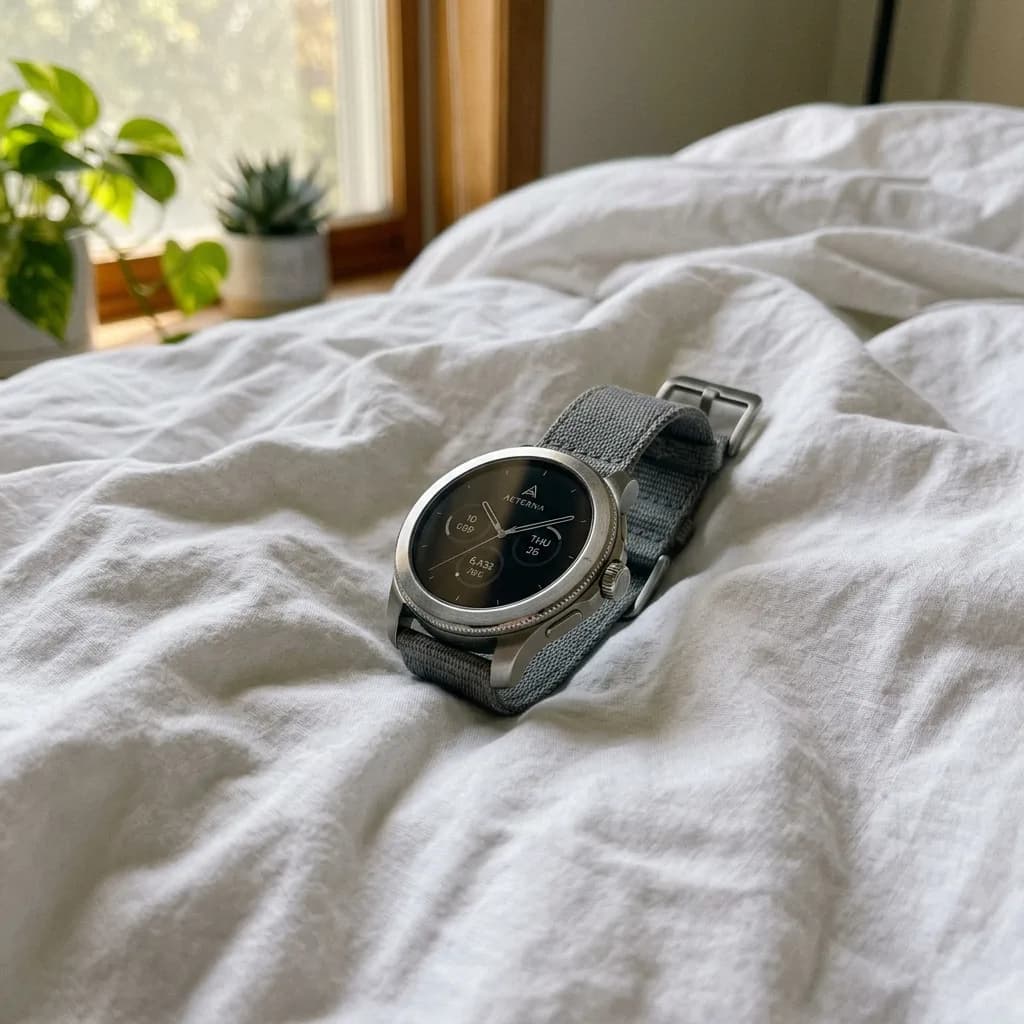
GPT Image 2.6 コンクリート台座のテック風
Keep the product unchanged. Place it on a minimalist raw gray concrete cylinder podium with a few brushed-metal geometric shapes around it. Cool architectural light with sharp, angular shadows. Modern industrial look for tech accessories, high detail.
元画像 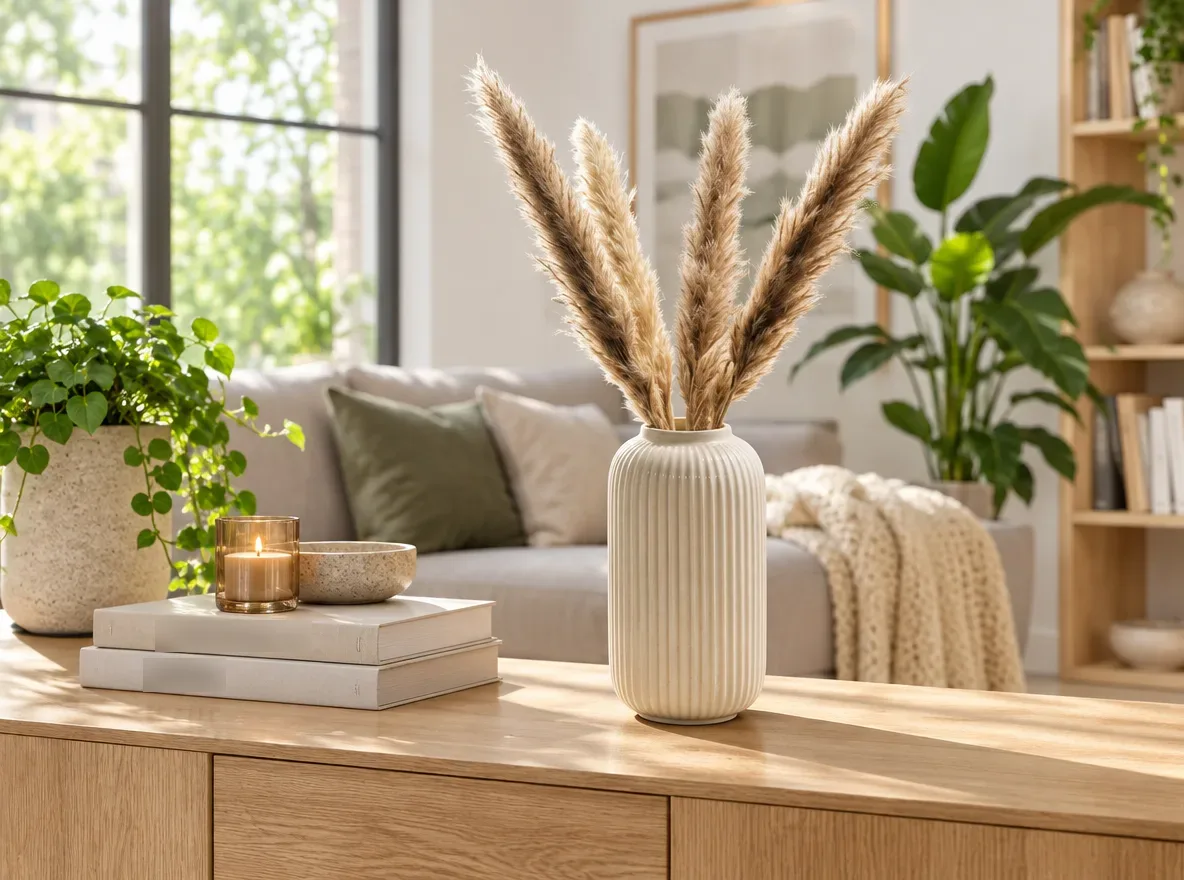
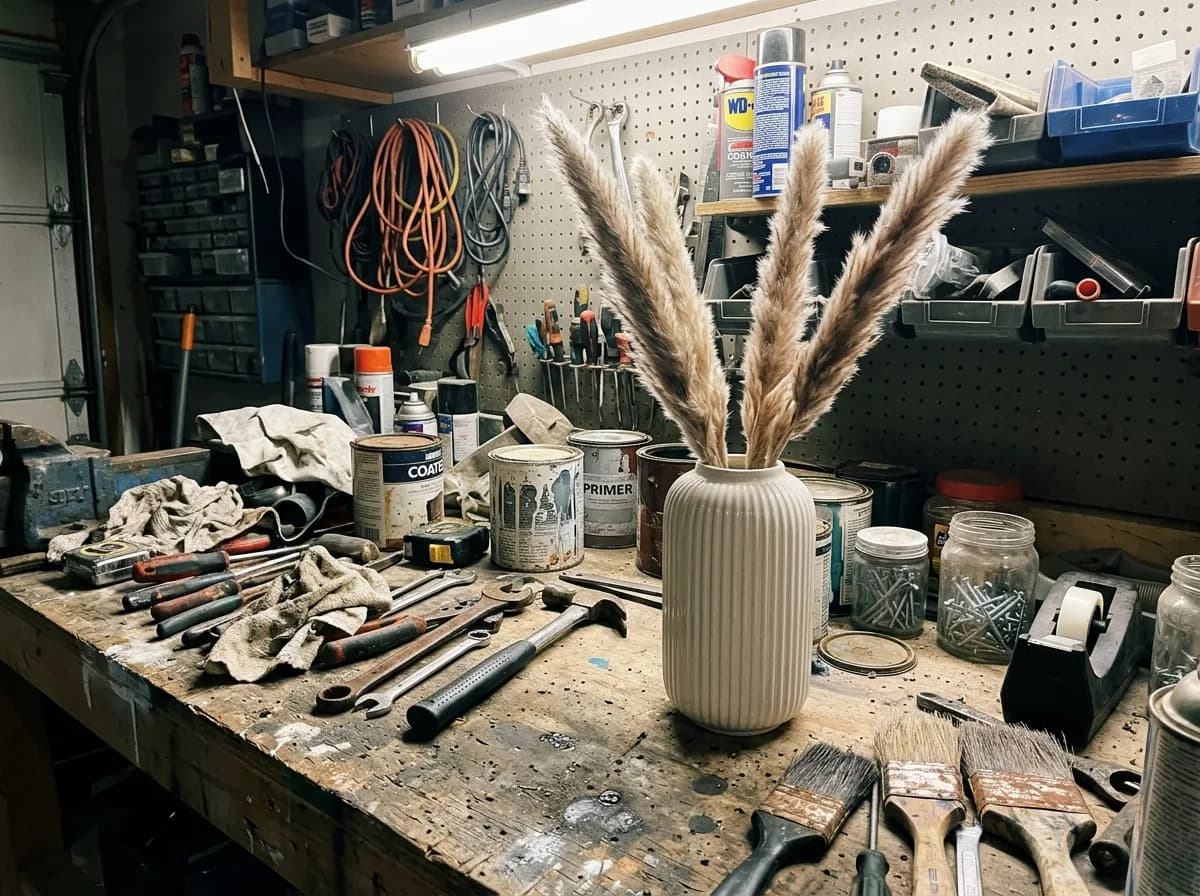
GPT Image 2.6 明るいモダンなリビング
Keep the product exactly as it is, including its shape, finish and colors. Place it on a light oak sideboard in a bright, modern living room, with a sofa and green plants softly blurred behind it. Natural daylight from a large window, shadows that match the light, photorealistic interior catalog photo.
元画像 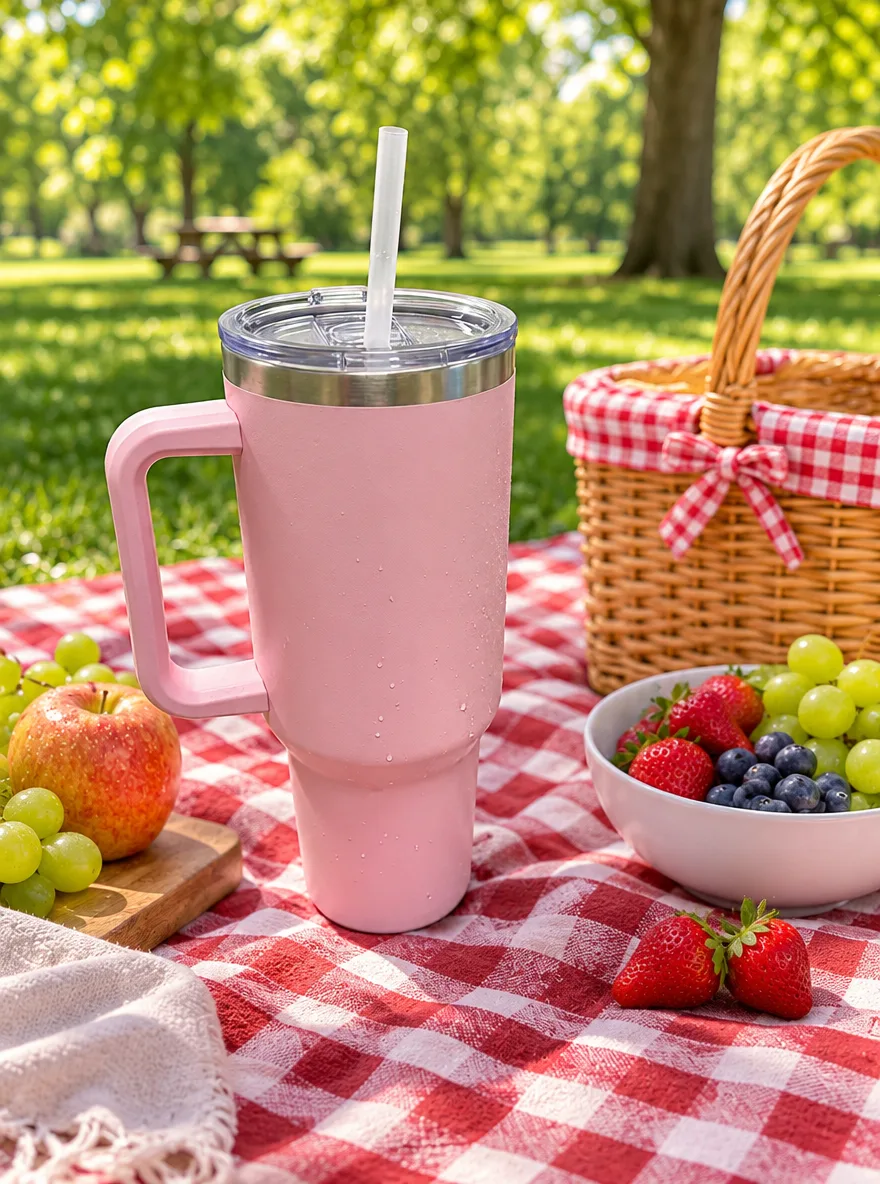
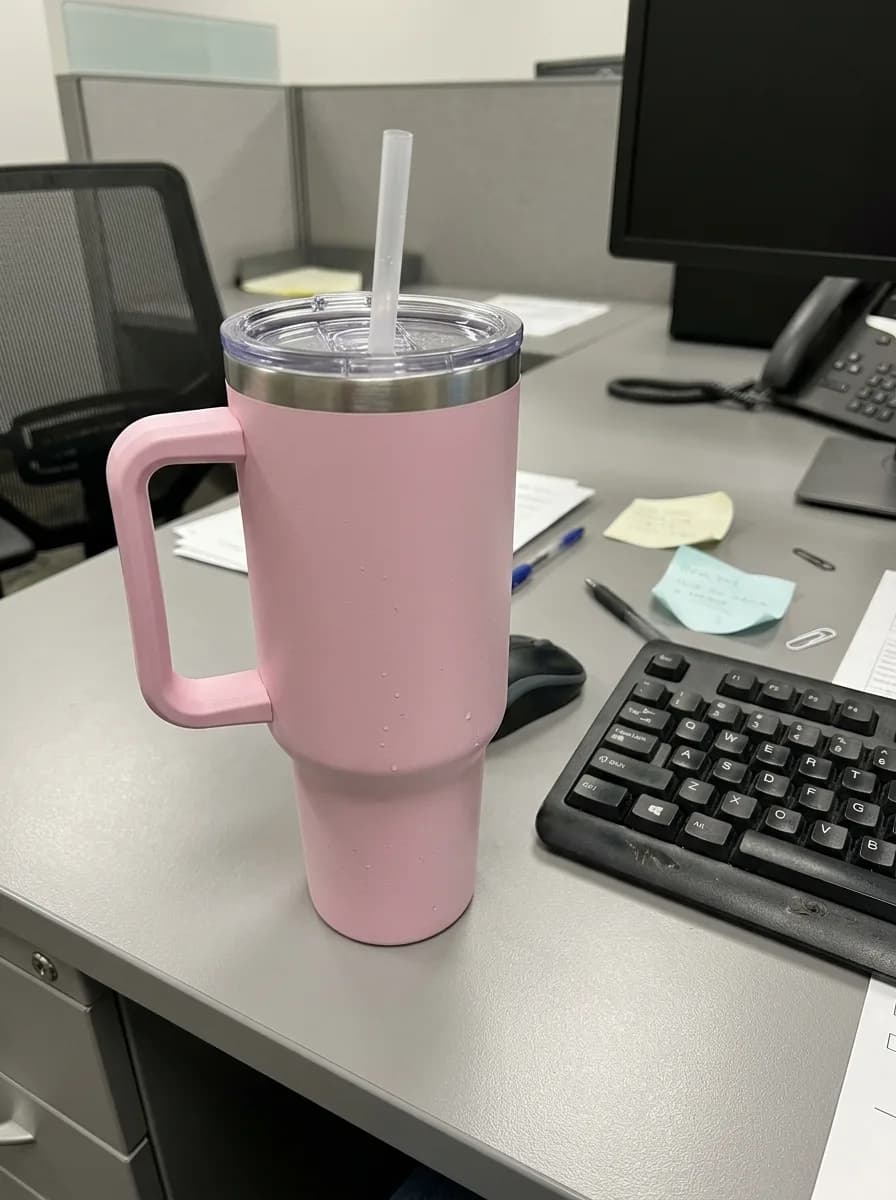
GPT Image 2.6 日差しの中のピクニックシート
Keep the product unchanged. Place it on a red and white checkered picnic blanket in a sunny park, with a wicker basket and fresh fruit nearby and trees softly blurred in the background. Bright natural daylight with soft shadows, shallow depth of field, cheerful summer lifestyle photo.
元画像 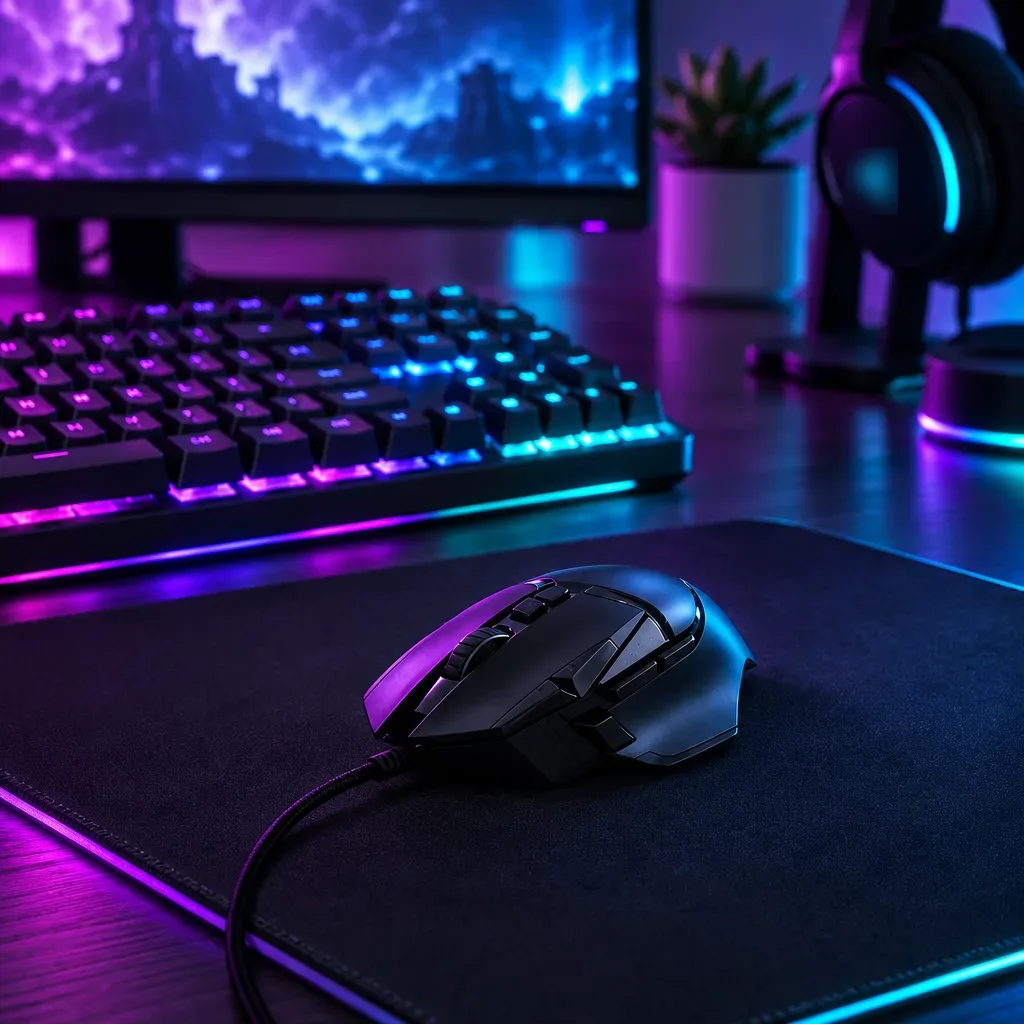
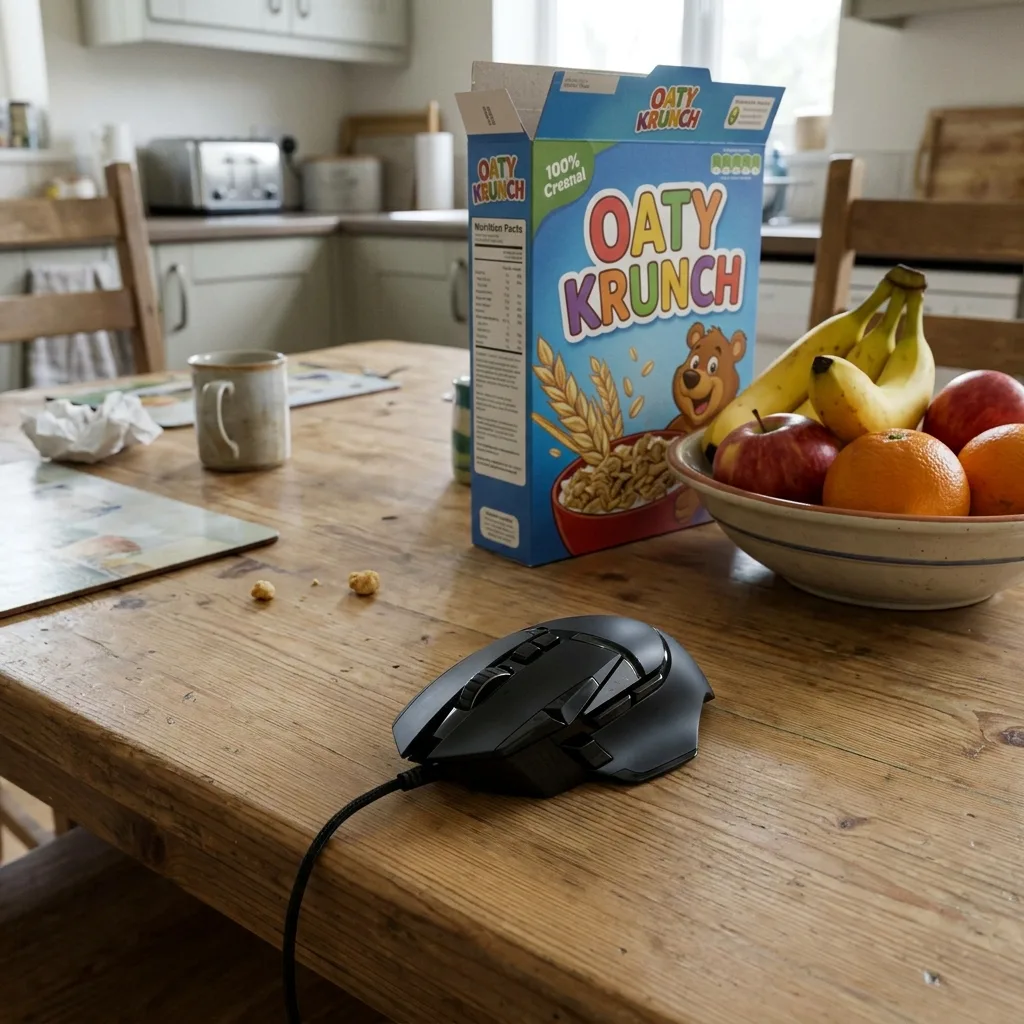
GPT Image 2.6 ネオンのゲーミングデスク
Keep the product unchanged, including its shape, buttons and logo. Place it on a dark desk mat in a gaming setup, with a mechanical keyboard and the glow of a monitor softly blurred behind it. Purple and cyan neon light with subtle RGB reflections along the product's edges. Moody, high-contrast tech product photo.
アングル、色違い、ラベルの文字
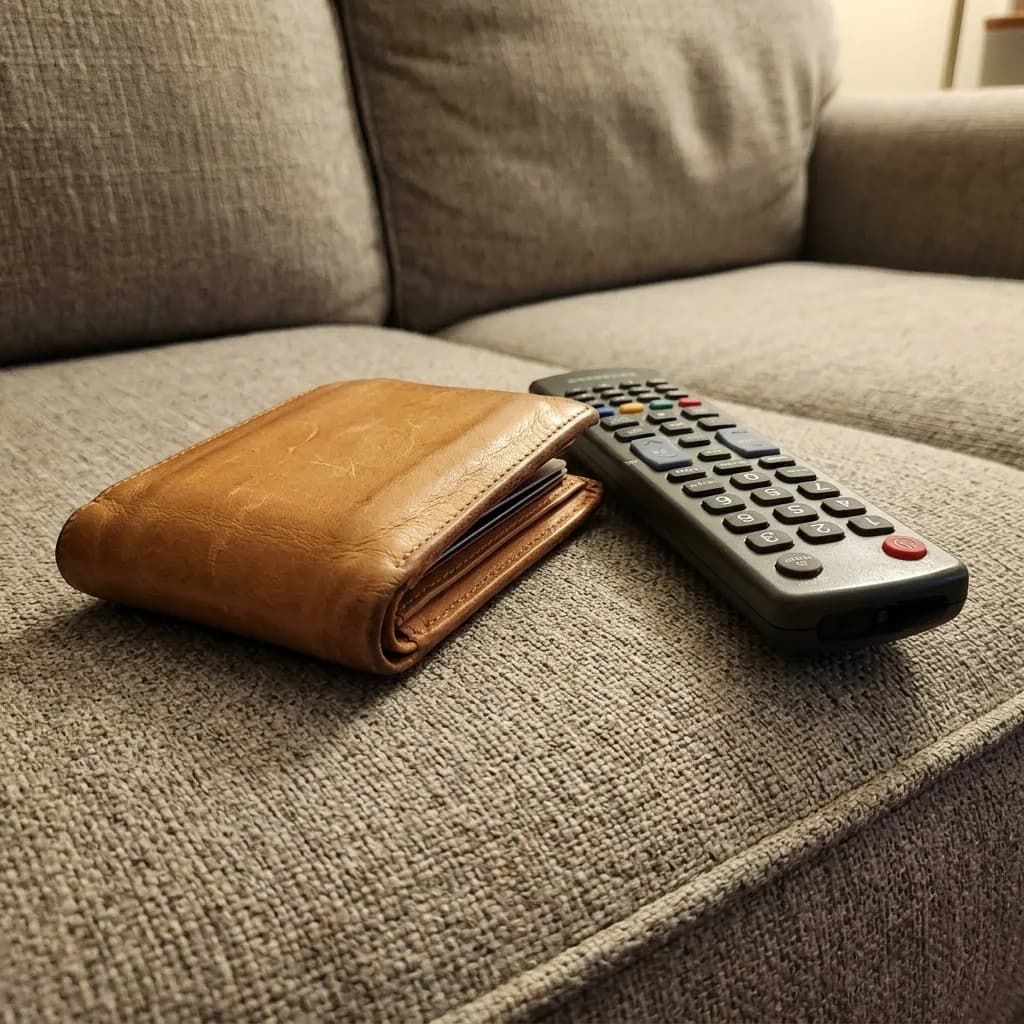
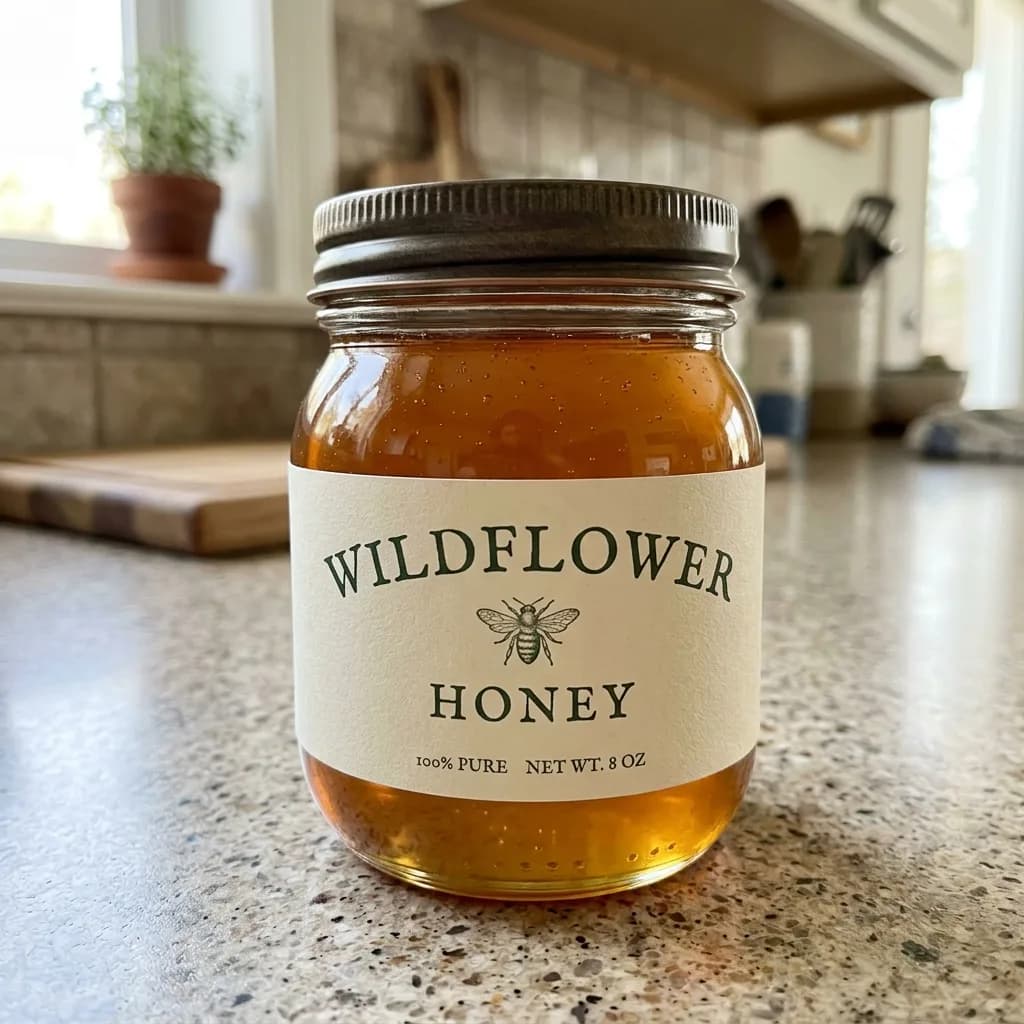
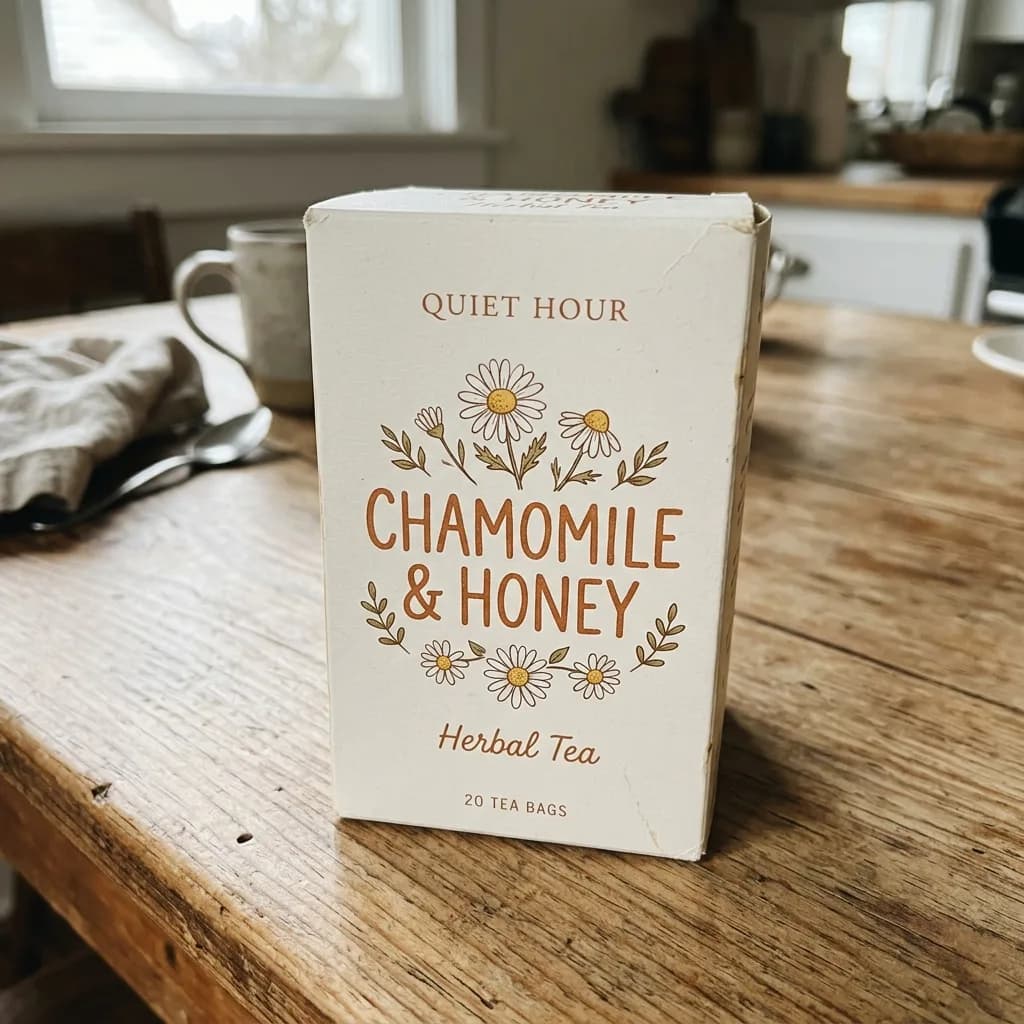
何を変えるかを書き、形・ラベル・色は保つよう指示します。平置きのプロンプトでは、元の写真で財布の隣にあったテレビのリモコンまで GPT Image 2.6 は一緒に並べました。商品名を書き、ほかの物は入れないよう指示してください。文字の編集では、瓶のラベルは LAVENDER に、お茶の箱はスペイン語に、指示どおりの綴りで仕上がりました。
元画像 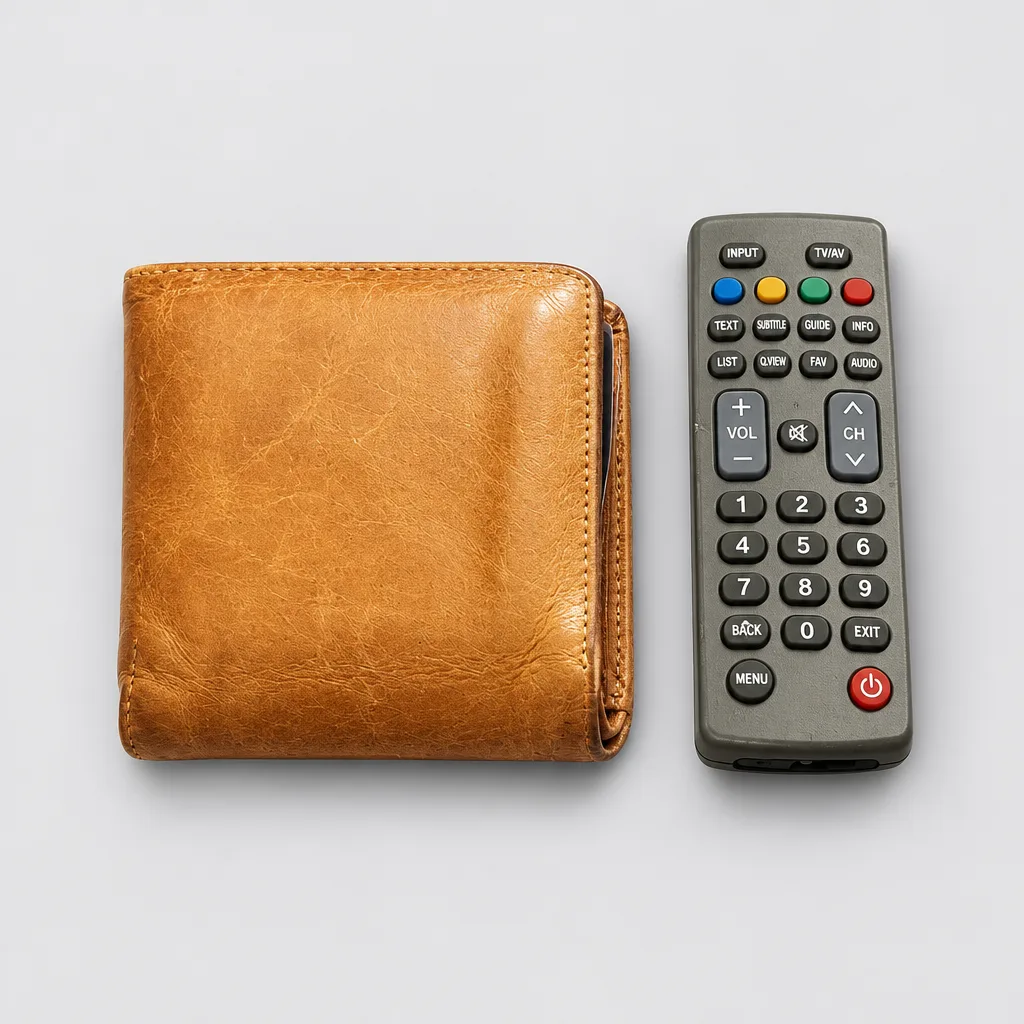
GPT Image 2.6 ライトグレー背景で真上からの平置き
Keep the product exactly as it is, including its shape, stitching, colors and any logo. Show it as an overhead flat lay, photographed straight down and centered on a light gray seamless background. Soft, even lighting with only a faint shadow. Clean, minimal marketplace listing photo.
元画像 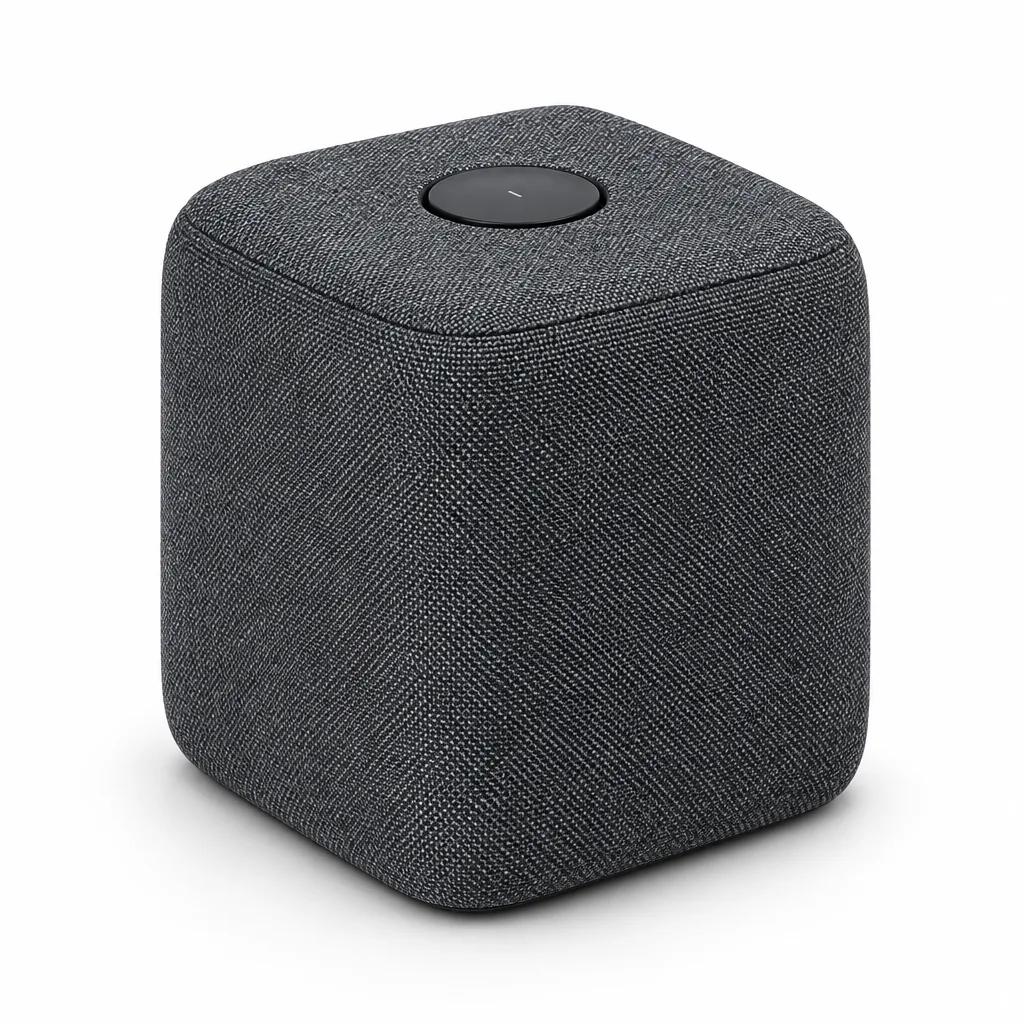
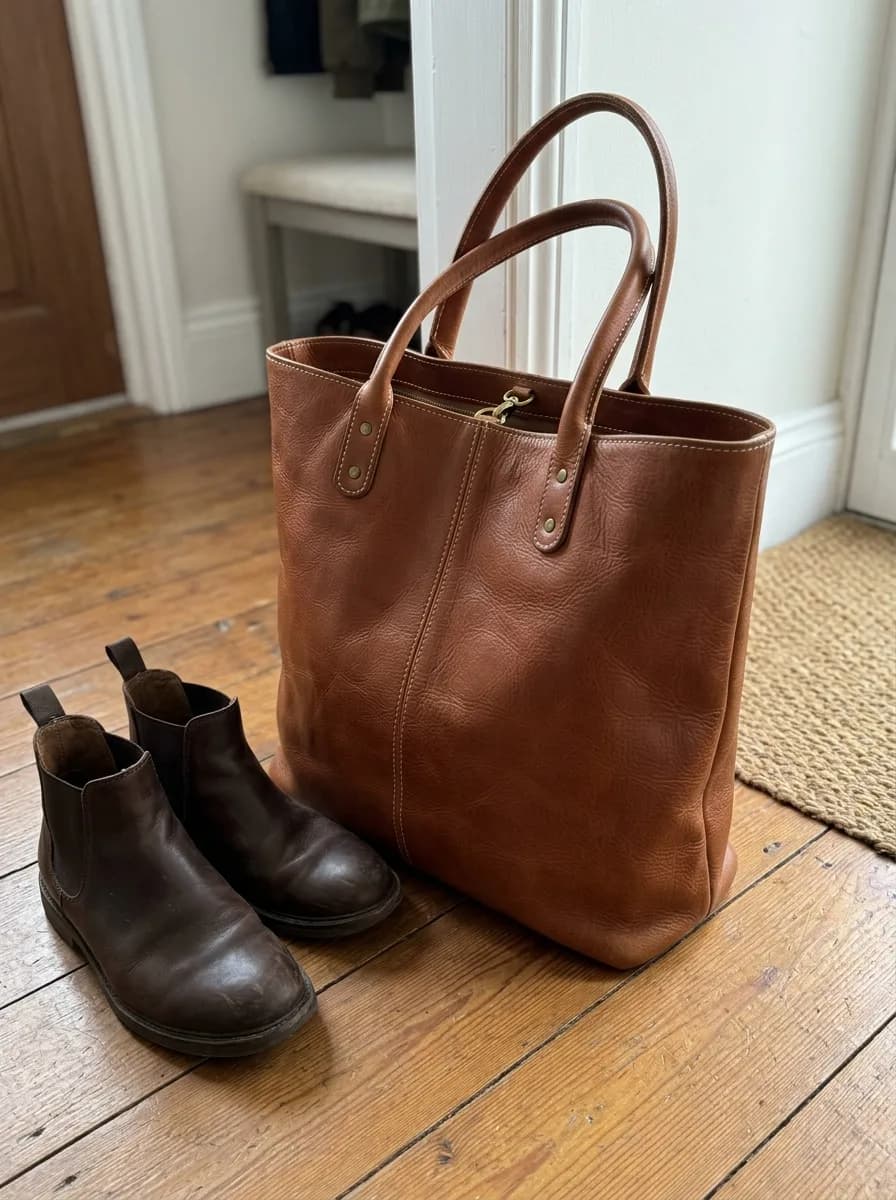
GPT Image 2.6 カタログ用の斜め45度アングル
Keep the product's design, colors, materials and logo exactly as they are. Show it at a three-quarter angle, turned about 45 degrees to the left, on a pure white background with a soft contact shadow. Even studio lighting, consistent e-commerce catalog style.
元画像 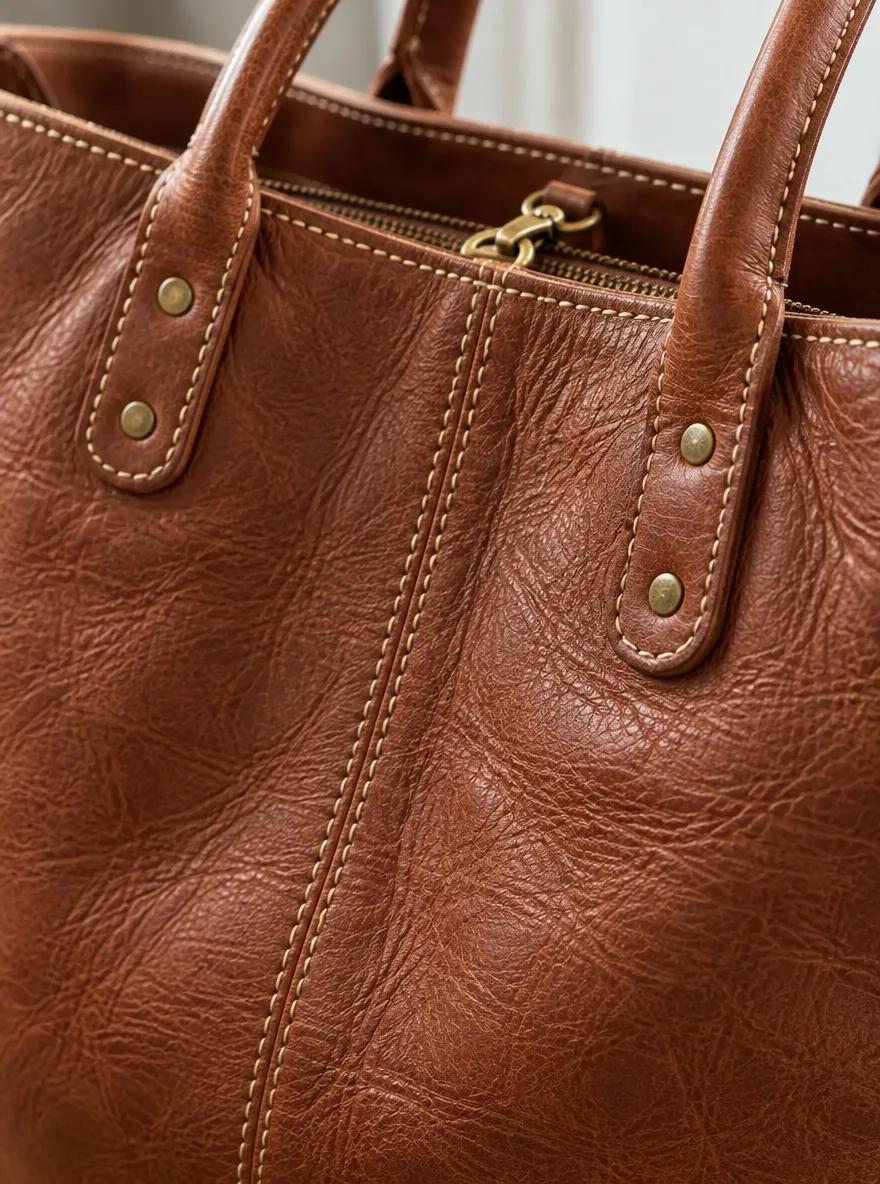
GPT Image 2.6 詳細画像用の素材クローズアップ
Turn this into a close-up detail shot of the product's material and craftsmanship. Fill the frame with its surface texture, stitching and hardware, using a shallow depth of field and soft side light that brings out the texture. Keep the colors, materials and hardware finish exactly as in the original photo.
元画像 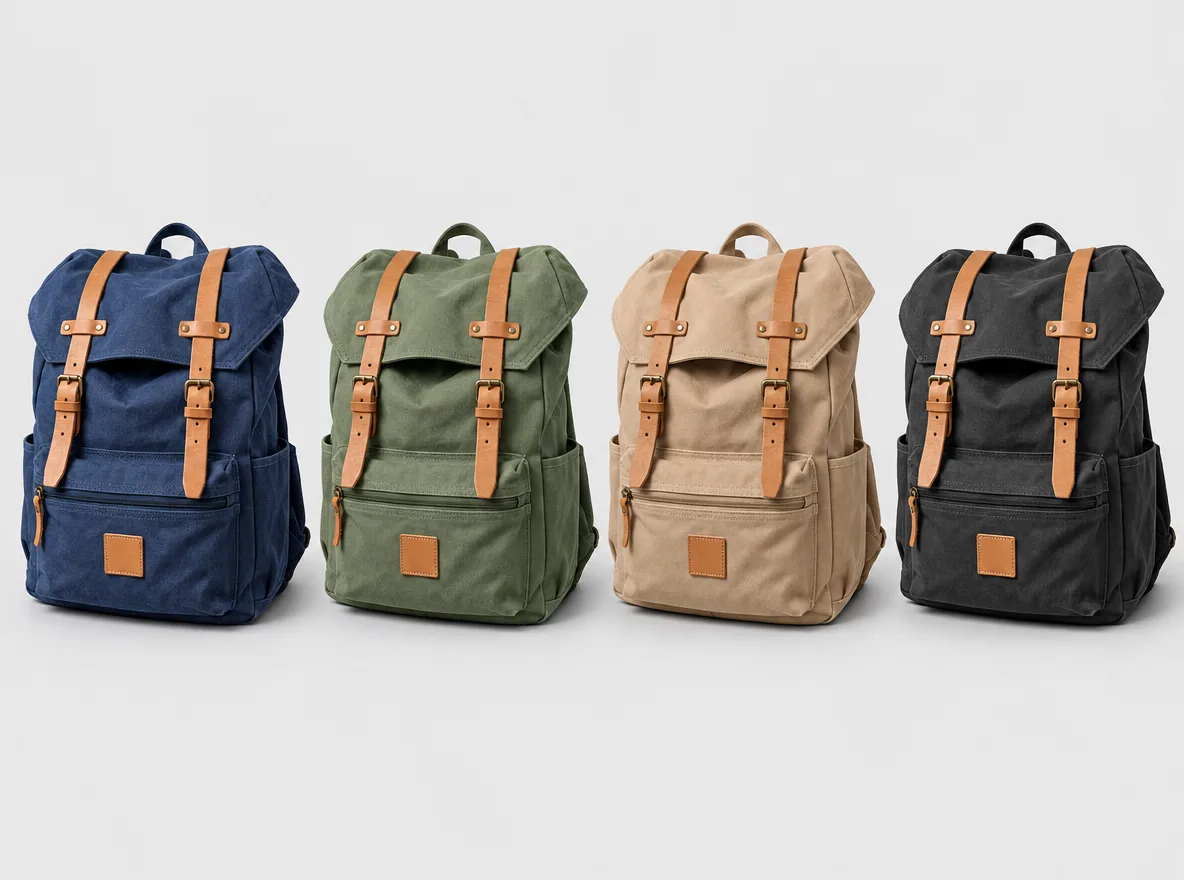
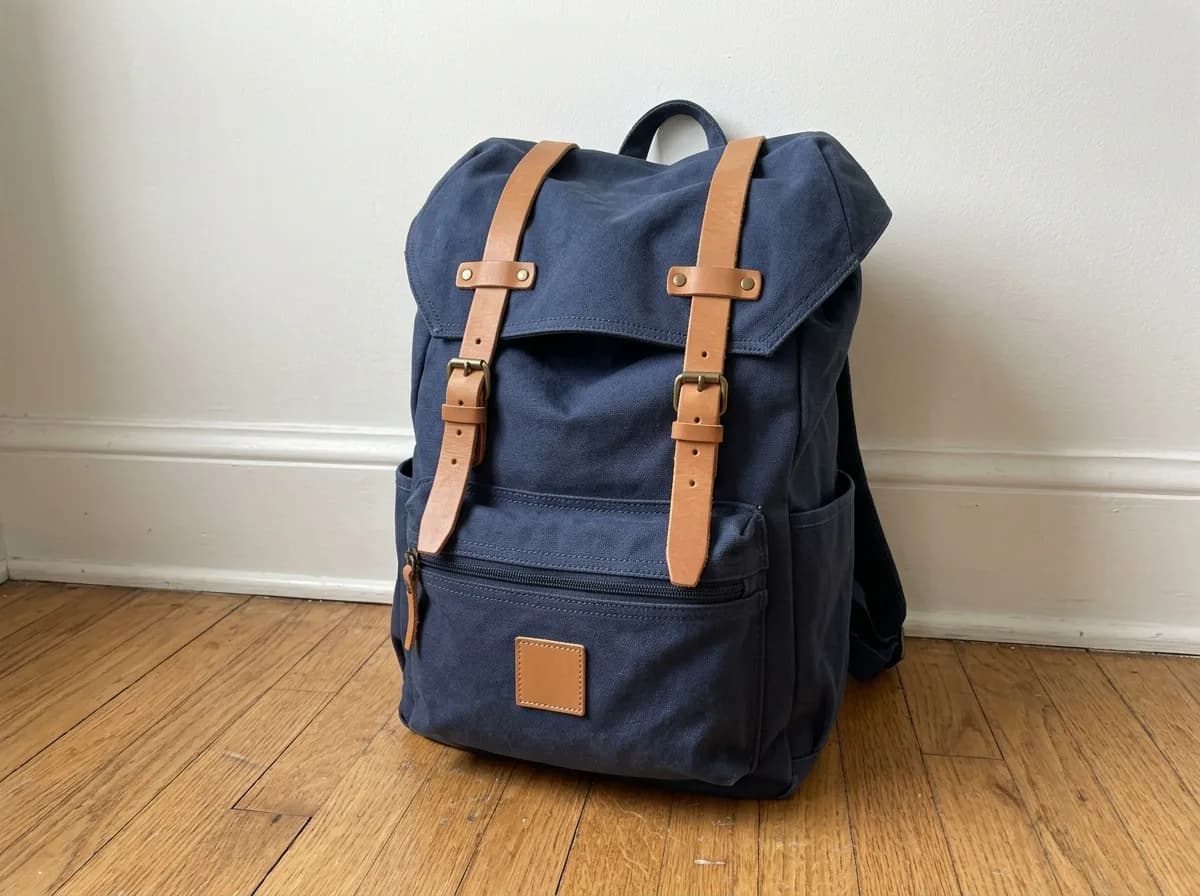
GPT Image 2.6 カラーバリエーションを並べて比較
Show this product in four colorways side by side: its original color, sage green, sand beige and charcoal black. Keep the shape, materials, details and logo identical across all four. Space them evenly on a light gray background with the same soft studio light and matching shadows.
元画像 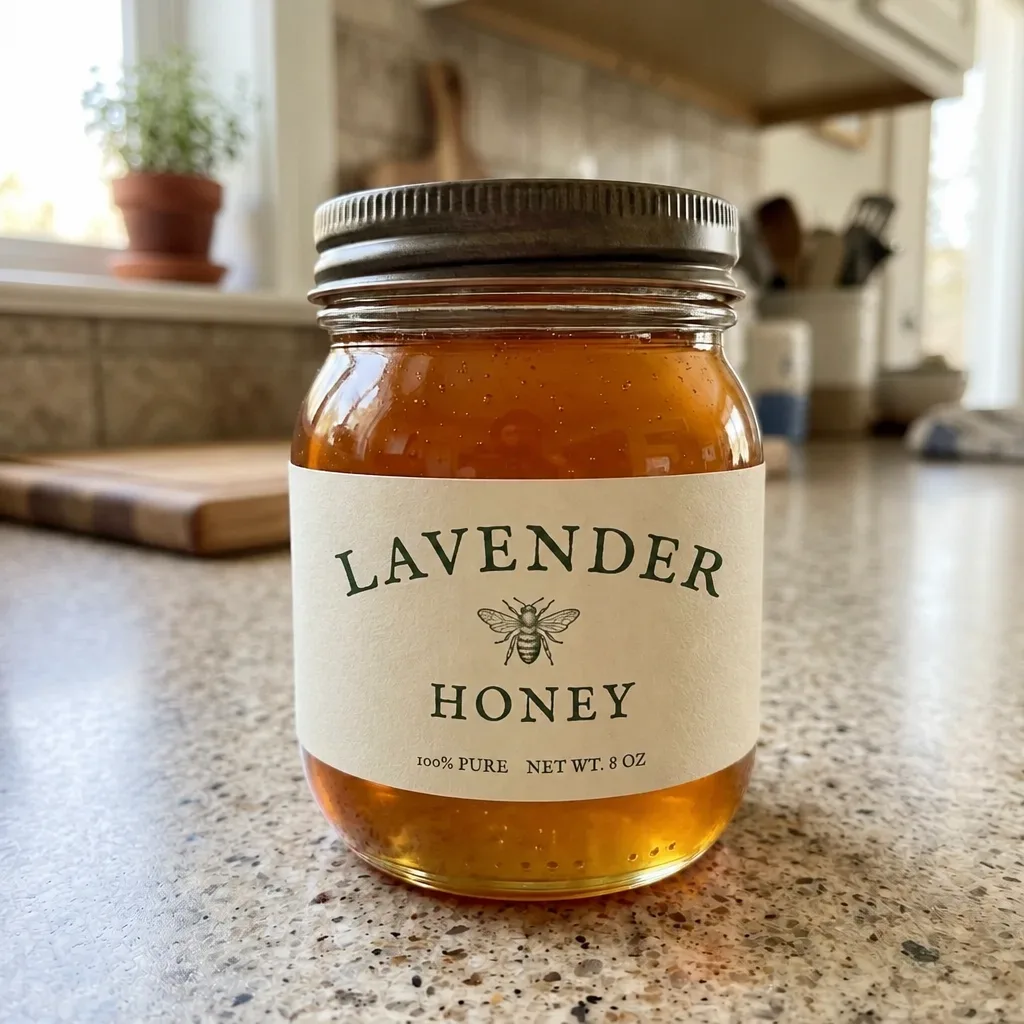
GPT Image 2.6 商品ラベルの名前を差し替え
実行前に、変更したい部分を塗ってください
Replace the text in the marked area with "LAVENDER". Match the original lettering exactly: the same typeface, weight, color and letter spacing, following the curve of the label. Keep everything outside the marked area unchanged.
元画像 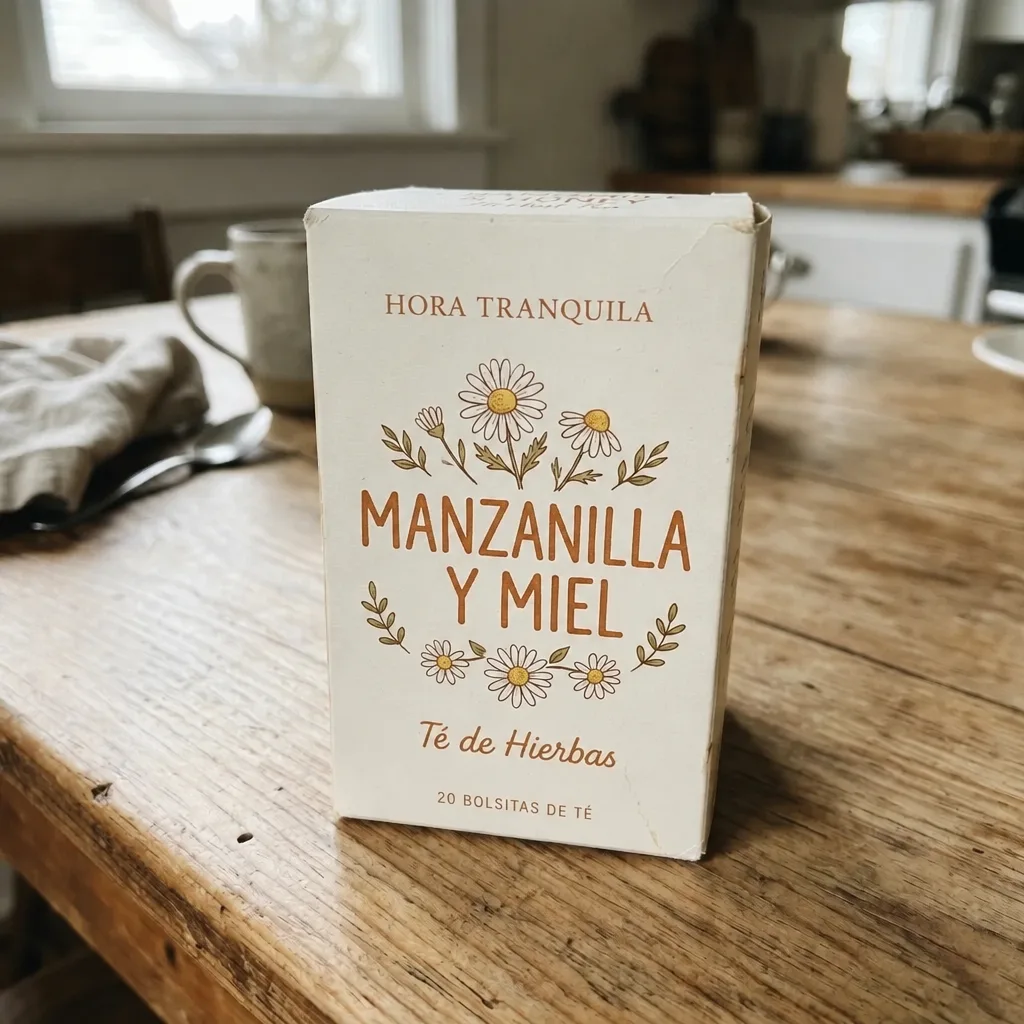
GPT Image 2.6 パッケージの文字を翻訳
Translate the English text on the packaging into Spanish. Keep the brand name as it is, and give each translated line the same typeface, size, color and position as the original. Leave the product, the rest of the packaging and the background unchanged.
公開前のクリーンアップ
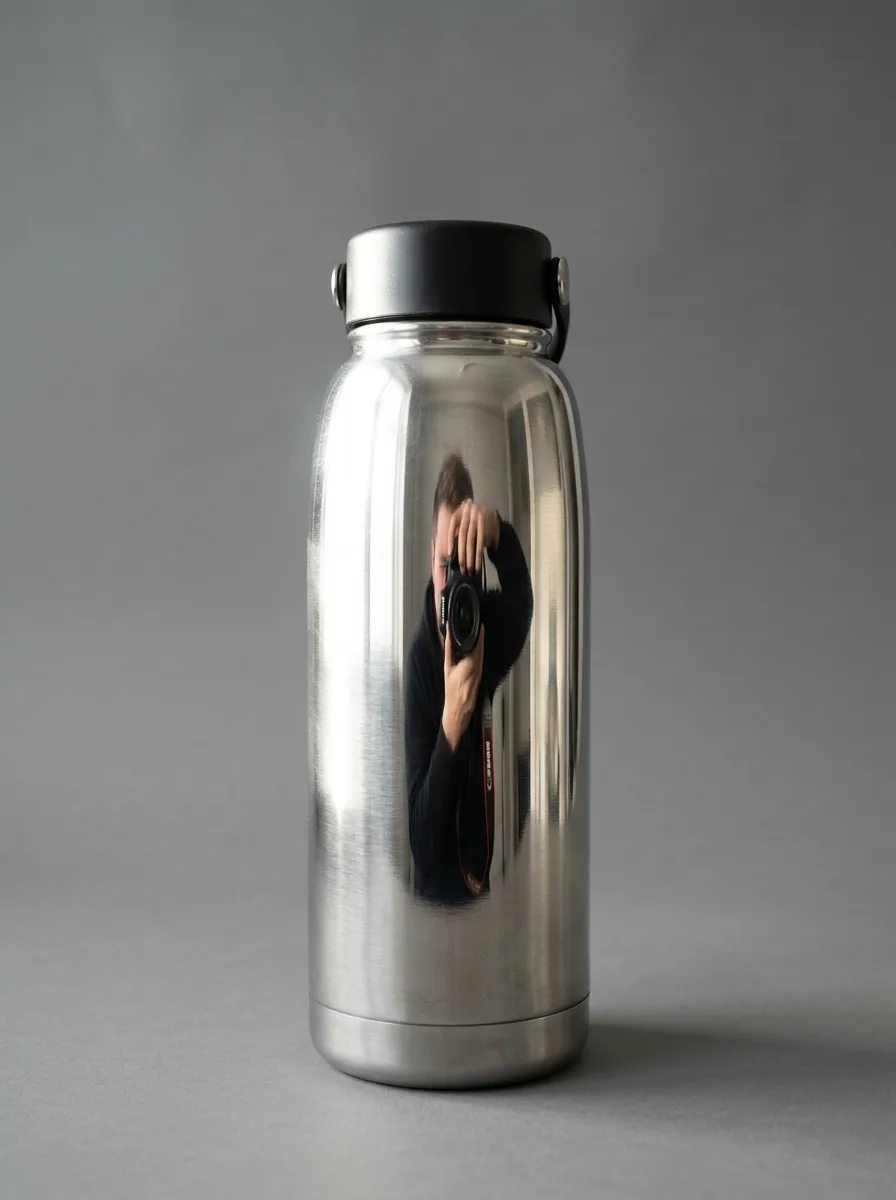
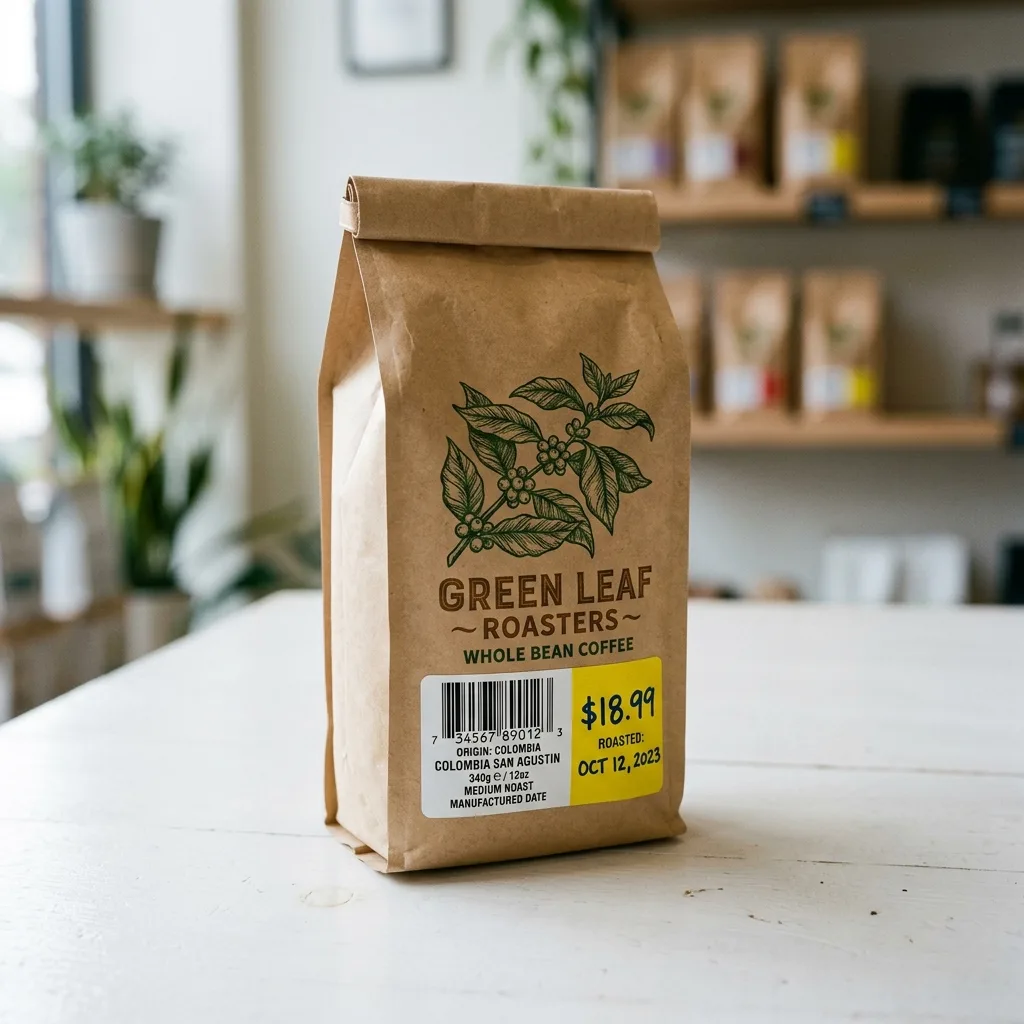
消したい部分を塗ってから、何を消すか、塗っていない部分は変えないことを書きます。ほこりと指紋のプロンプトだけは商品全体が対象なので、塗る必要はありません。
元画像 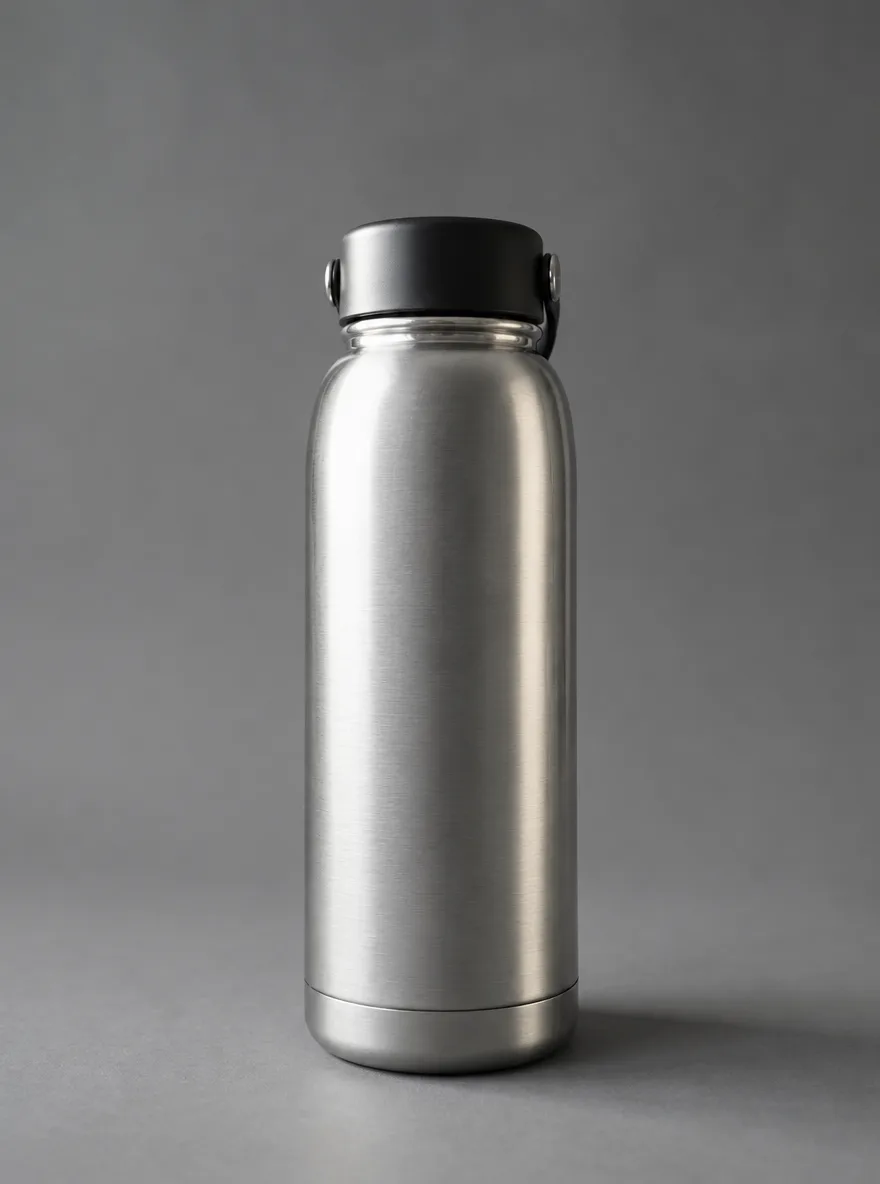
GPT Image 2.6 光沢面のテカリ・映り込みを消す
実行前に、変更したい部分を塗ってください
Remove the glare, window reflections and camera reflection in the marked area of the shiny surface. Replace them with a smooth, even highlight that follows the surface's curvature, so it blends seamlessly with the rest of the product. Keep everything outside the marked area unchanged.
元画像 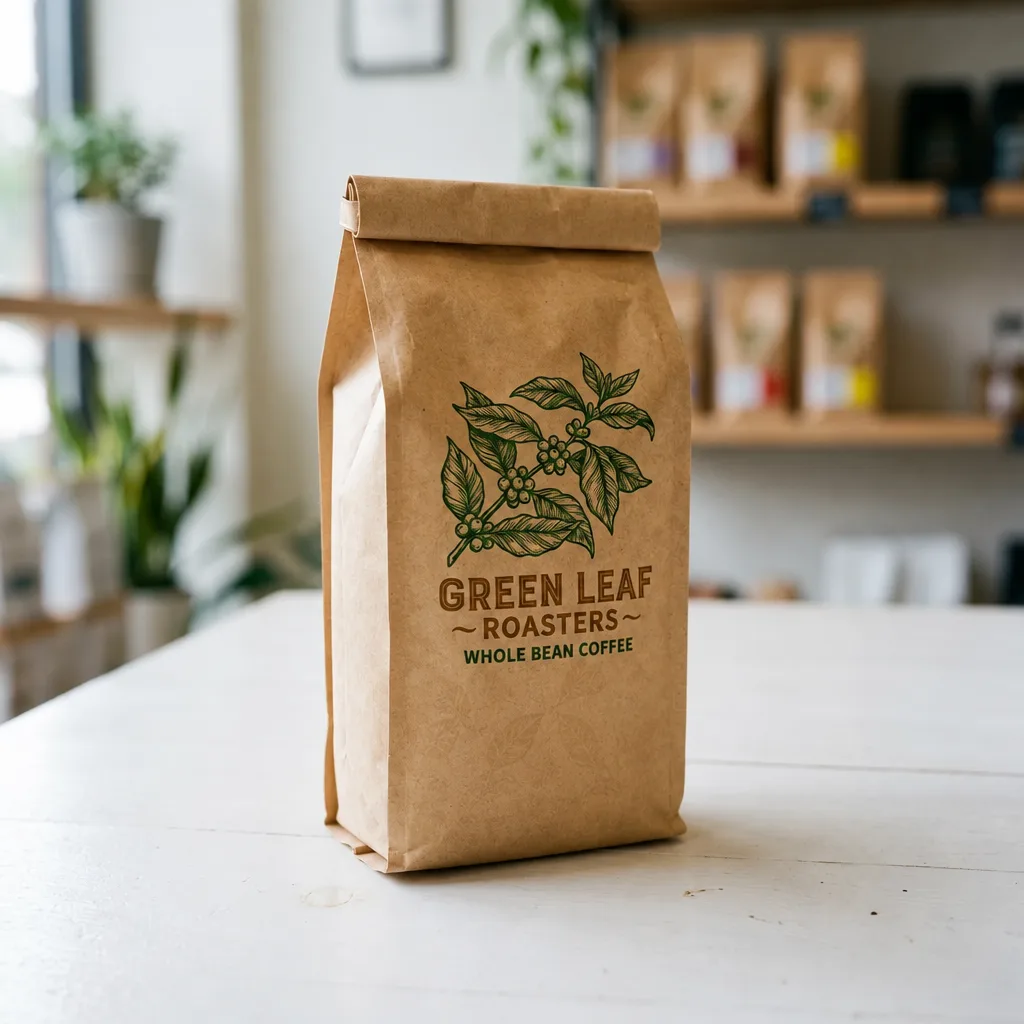
GPT Image 2.6 バーコードと値札シールを消す
実行前に、変更したい部分を塗ってください
Erase the barcode, price sticker and any text label in the marked area. Rebuild the packaging underneath so its color, texture and printed pattern continue naturally, with no smudges or leftover edges. Keep everything outside the marked area unchanged.
元画像 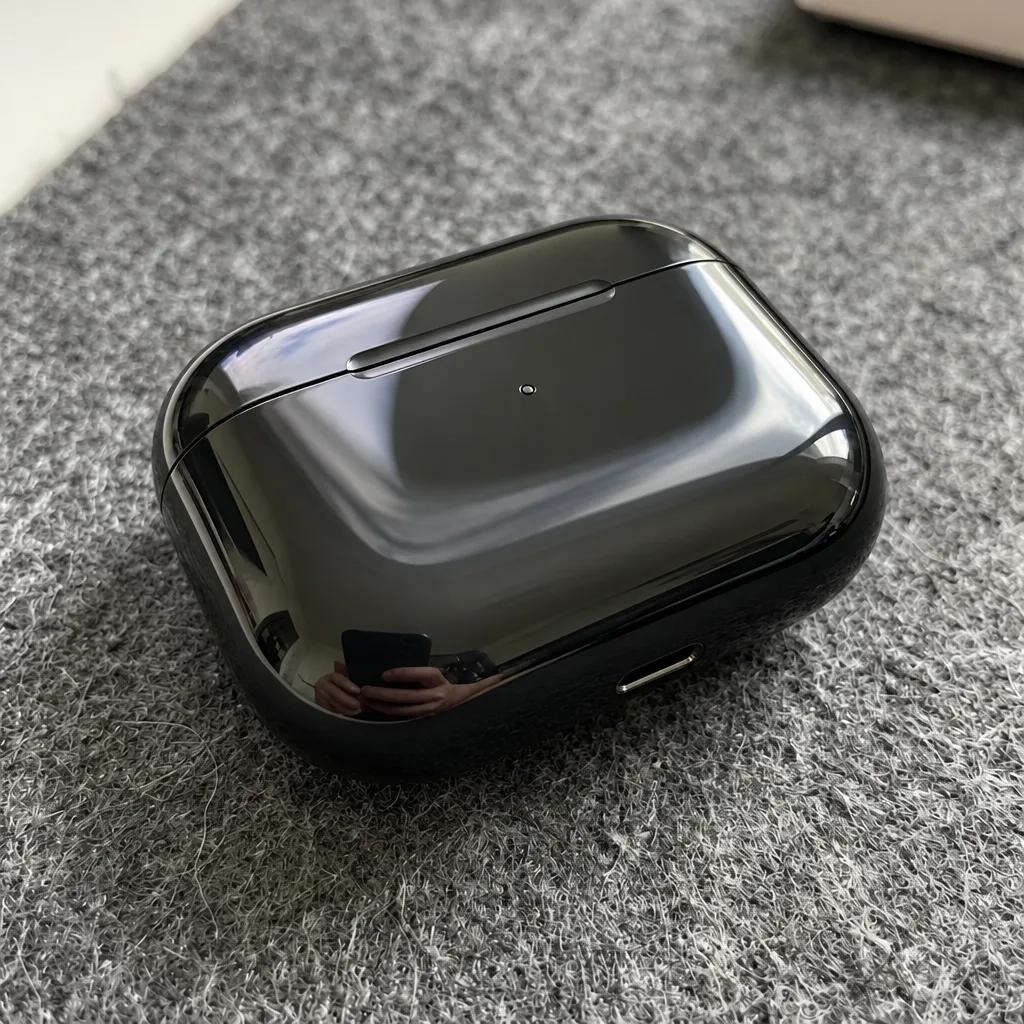
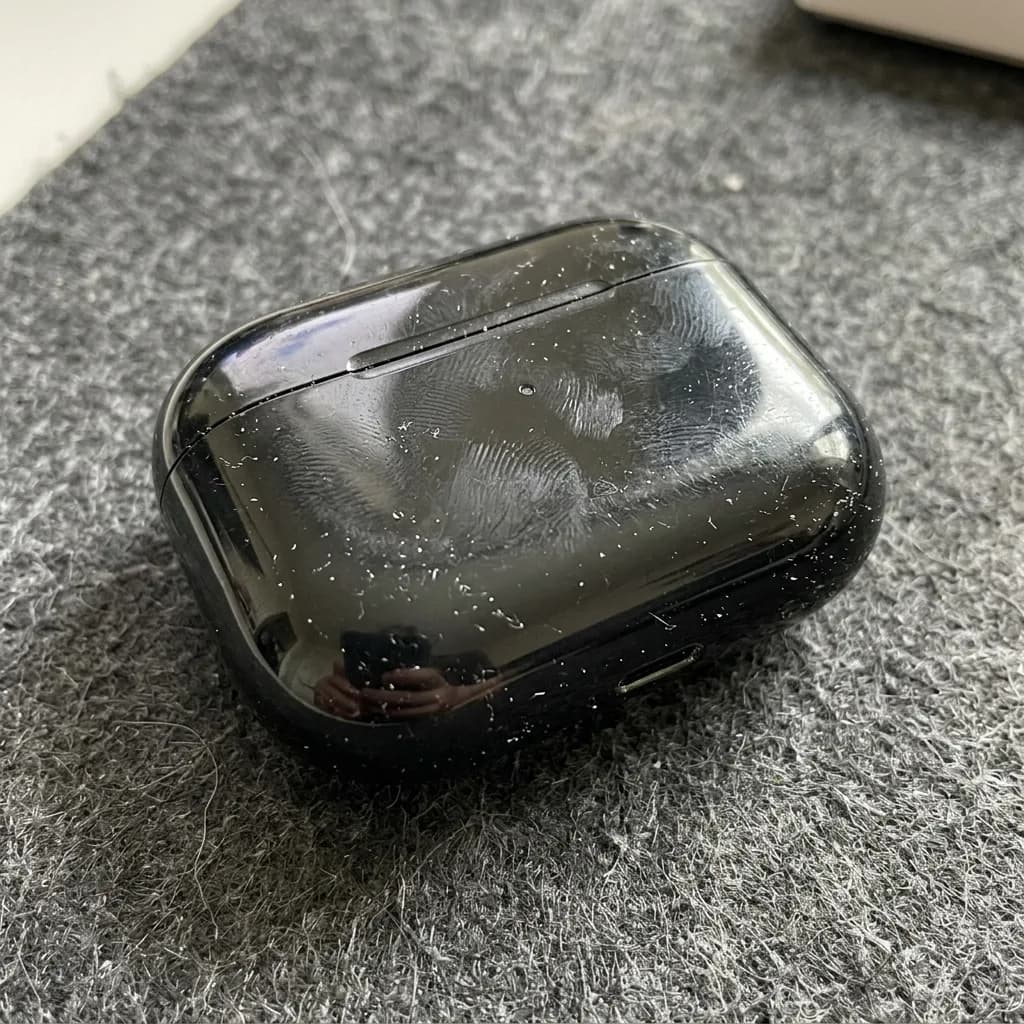
GPT Image 2.6 ホコリと指紋を消す
Remove all dust, lint, fingerprints and fine scratches from the product's surface. Keep its shape, color, glossy finish, logo and reflections exactly as they are, and leave the background unchanged. Clean, freshly unboxed look.
2枚の写真を合成
写真は順番どおりにアップロードしてください。プロンプトの中では IMG_1、IMG_2 と呼びます。それぞれから何を使い、何をコピーしないかを書きます。

IMG_1 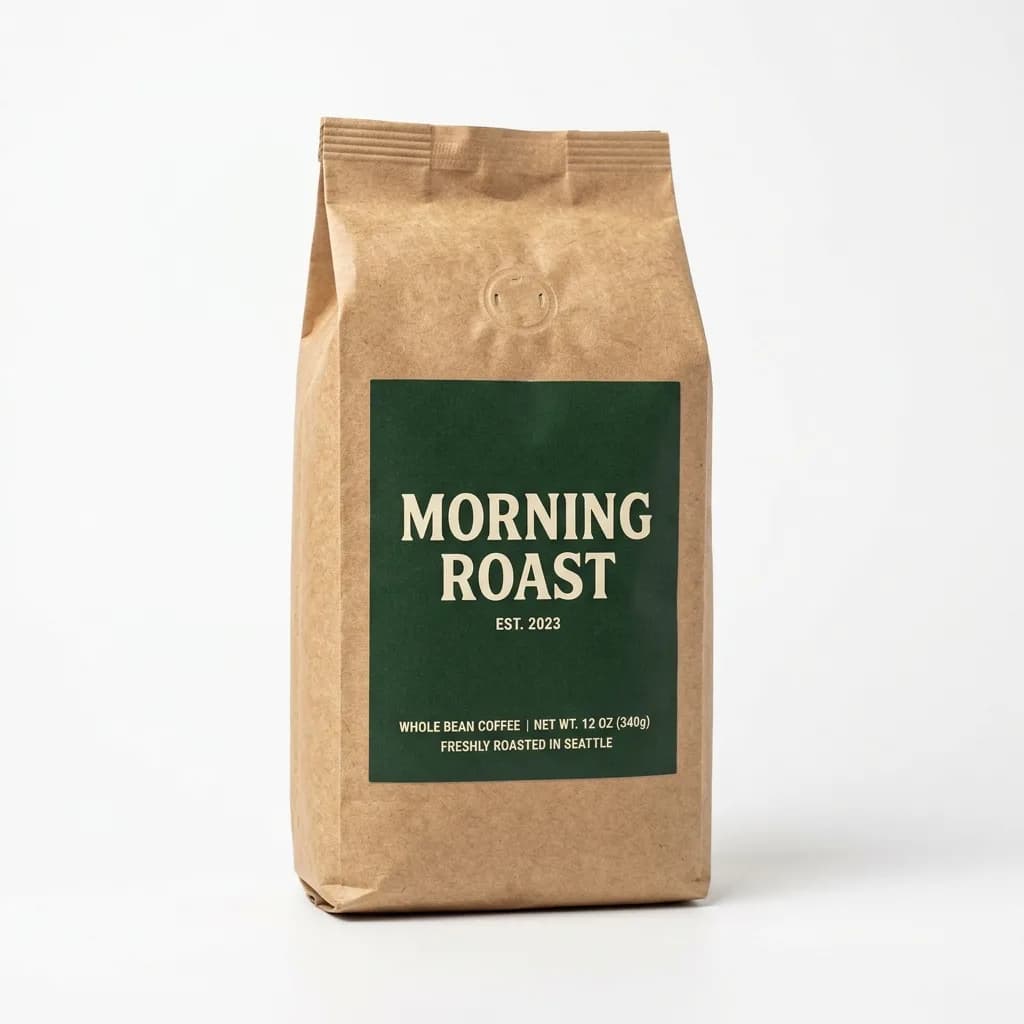
IMG_2 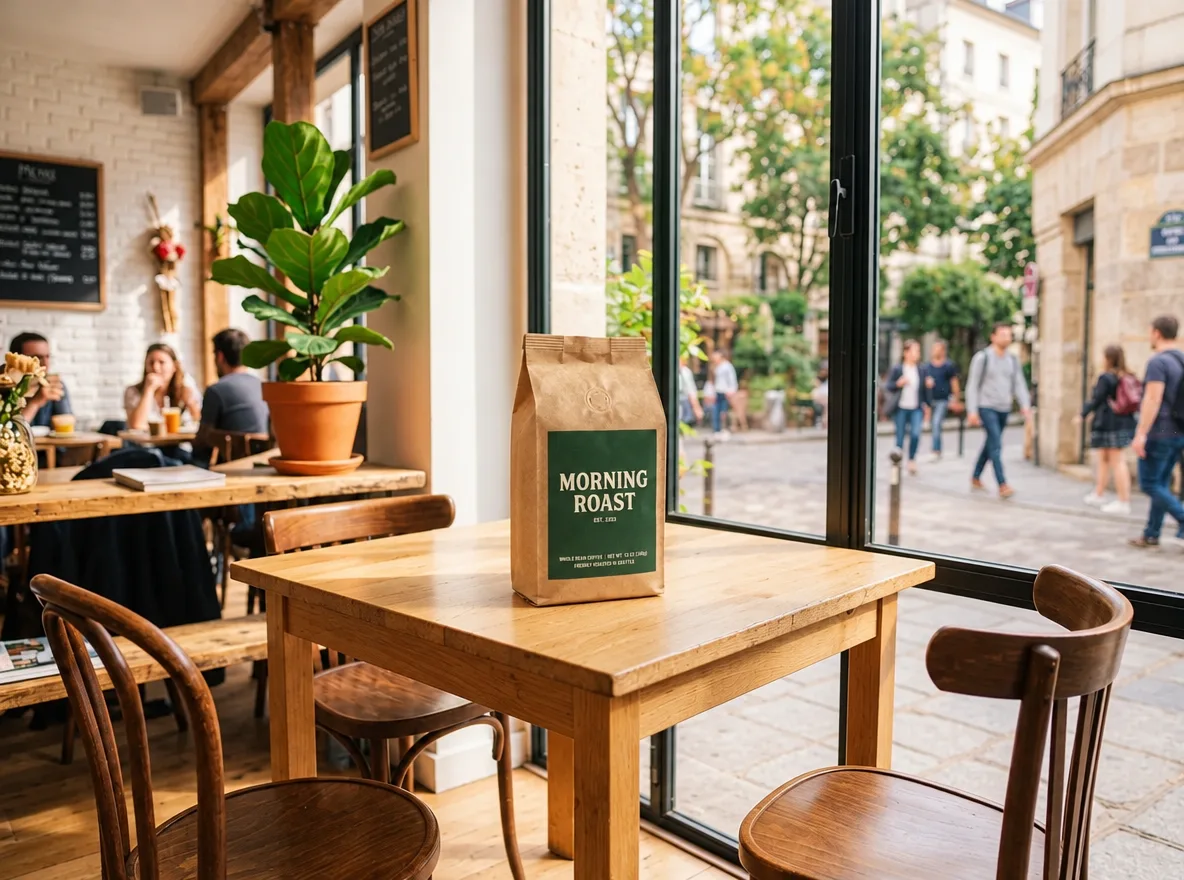
GPT Image 2.6 商品を手持ちのシーンに配置
写真が2枚必要です(順番どおりにアップロード)
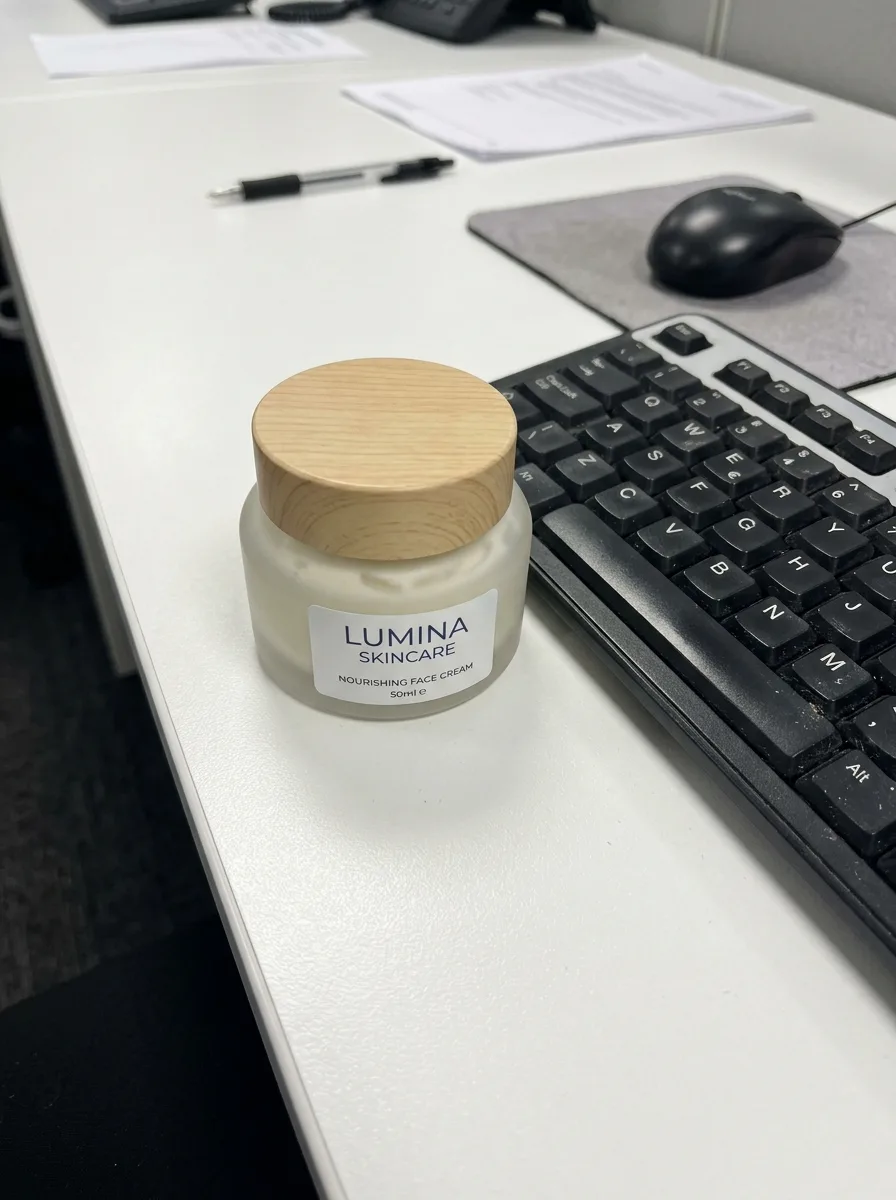
Place the product from IMG_2 on the table in IMG_1. Keep the product's shape, label and colors exactly as in IMG_2. Match IMG_1's perspective, lighting direction and color temperature, and add a natural contact shadow so the product looks photographed in place. Keep the rest of IMG_1 unchanged.
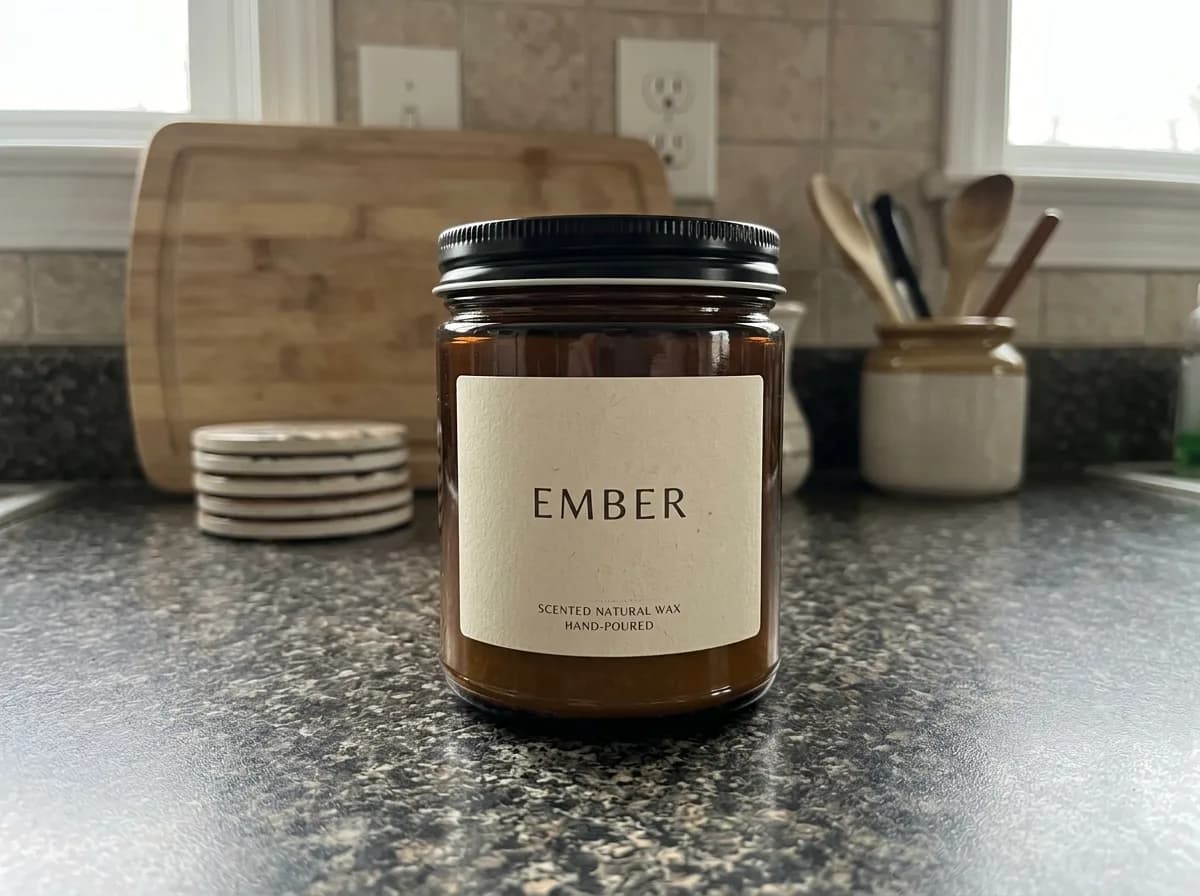
IMG_1 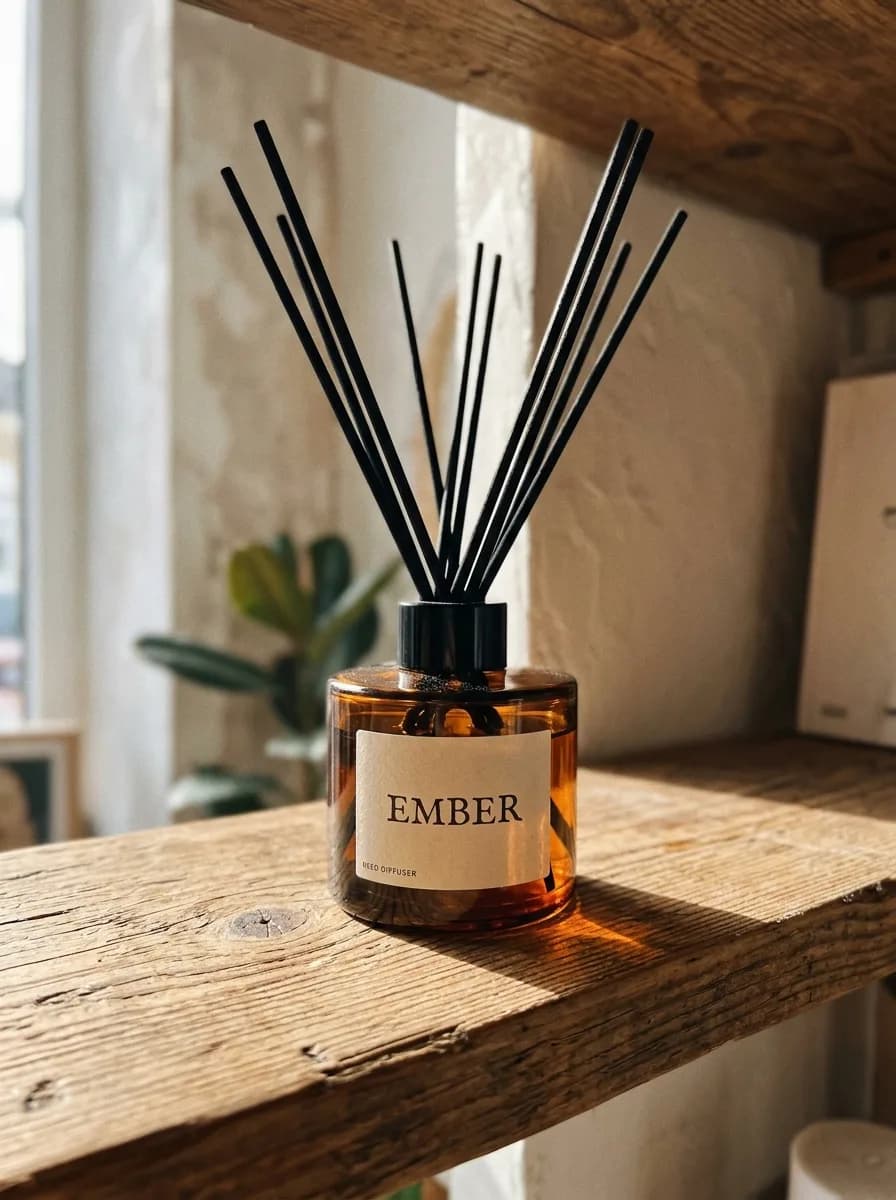
IMG_2 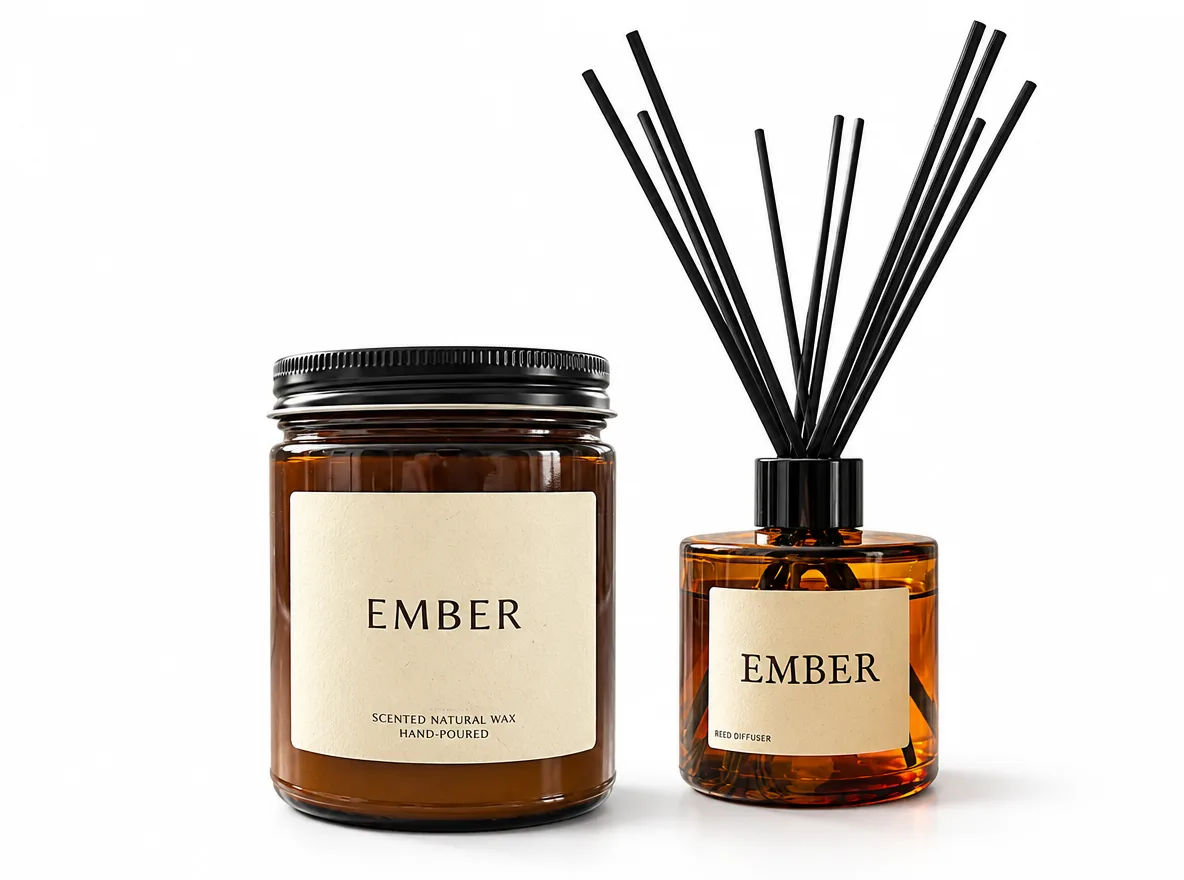
GPT Image 2.6 2つの商品を1枚のセット写真に
写真が2枚必要です(順番どおりにアップロード)
Combine the product in IMG_1 and the product in IMG_2 into one bundle photo. Keep both products exactly as they are, including their shapes, labels and colors. Arrange them side by side on a pure white background with the same soft studio light and natural contact shadows. Clean gift-set listing image.
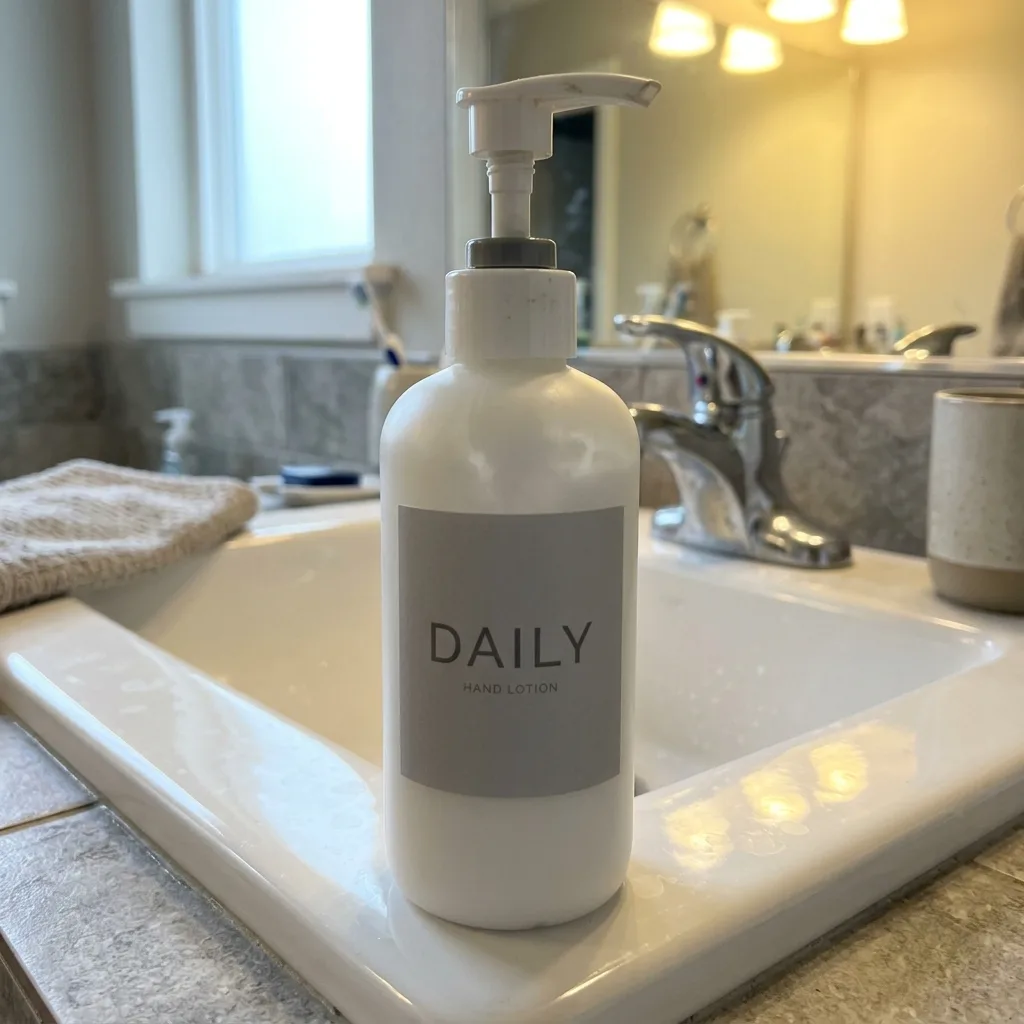
IMG_1 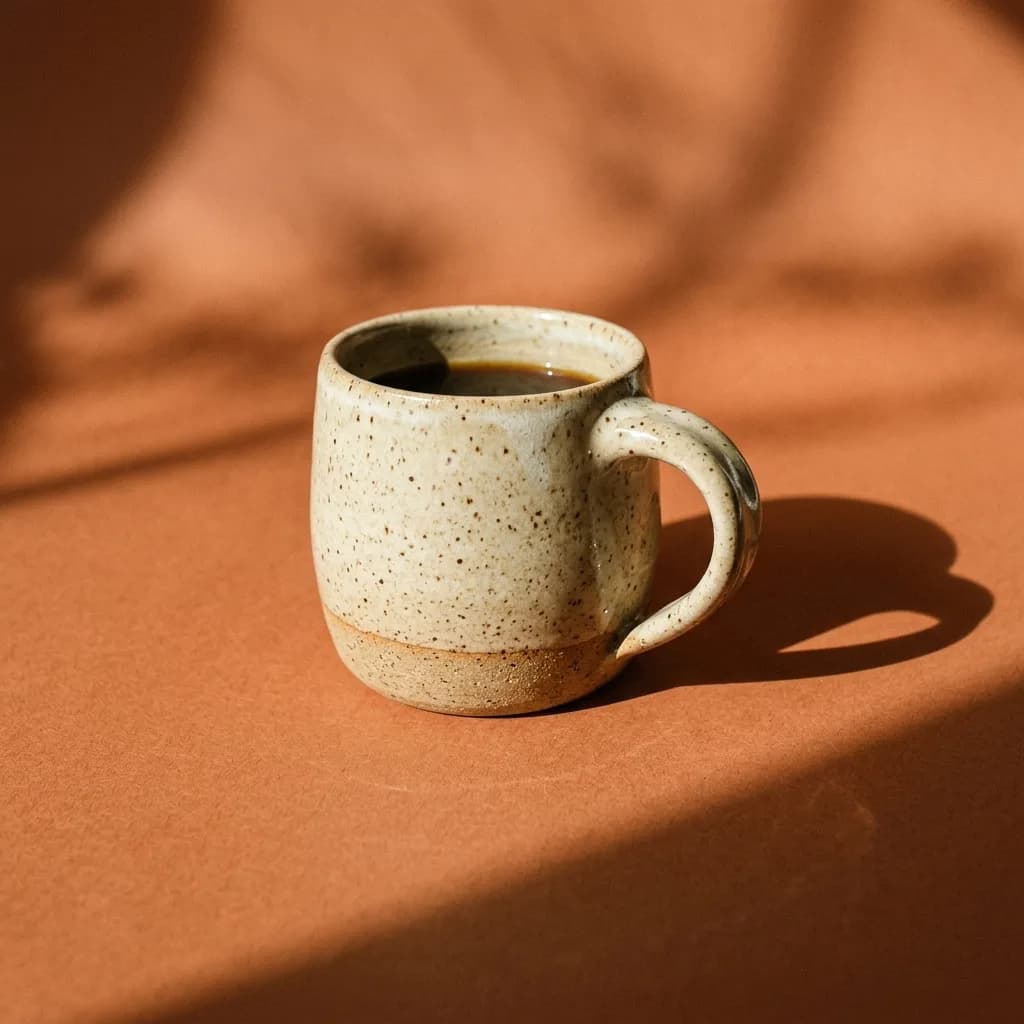
IMG_2 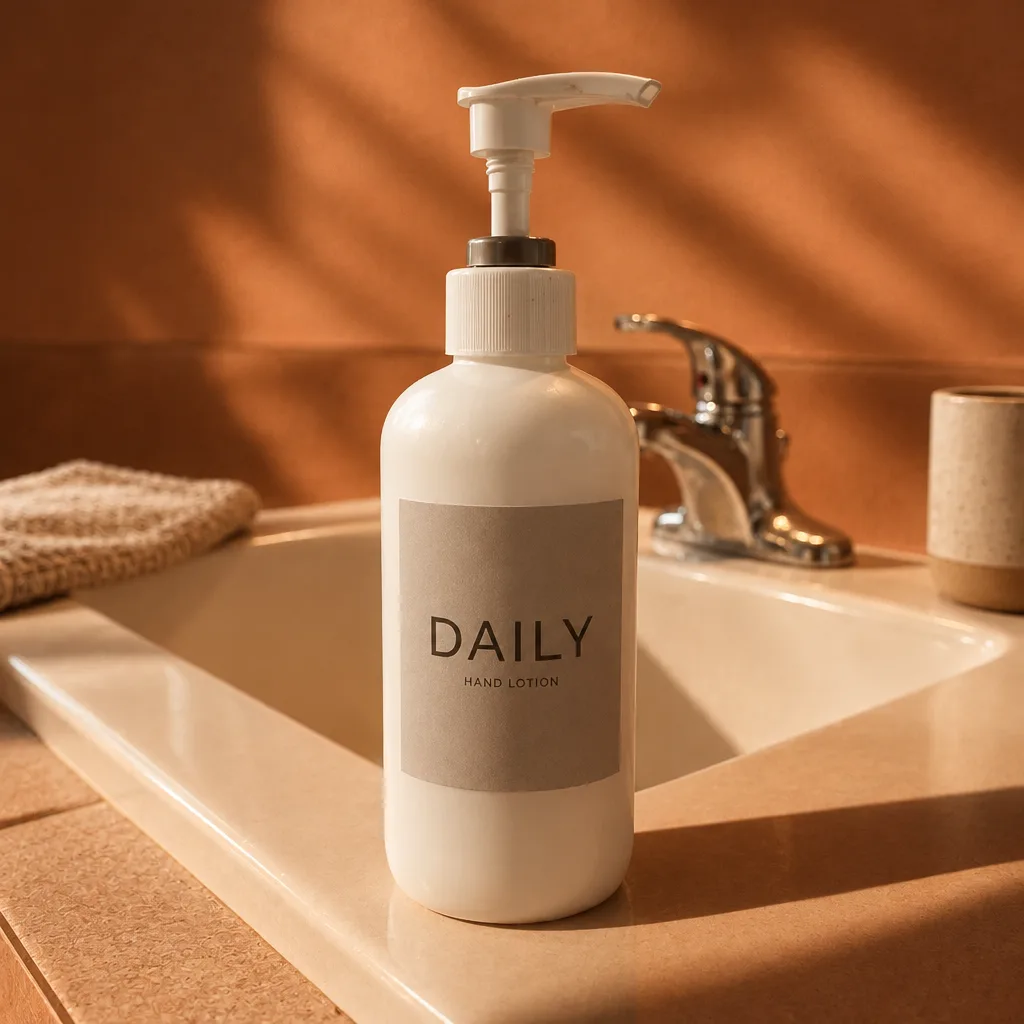
GPT Image 2.6 既存カタログの雰囲気に合わせる
写真が2枚必要です(順番どおりにアップロード)
Restyle IMG_1 to match the look of IMG_2: use the same background color, lighting direction, shadow style and color grade. Keep the product in IMG_1 exactly as it is, including its shape, label and colors. Do not copy the product or props from IMG_2.
アパレル
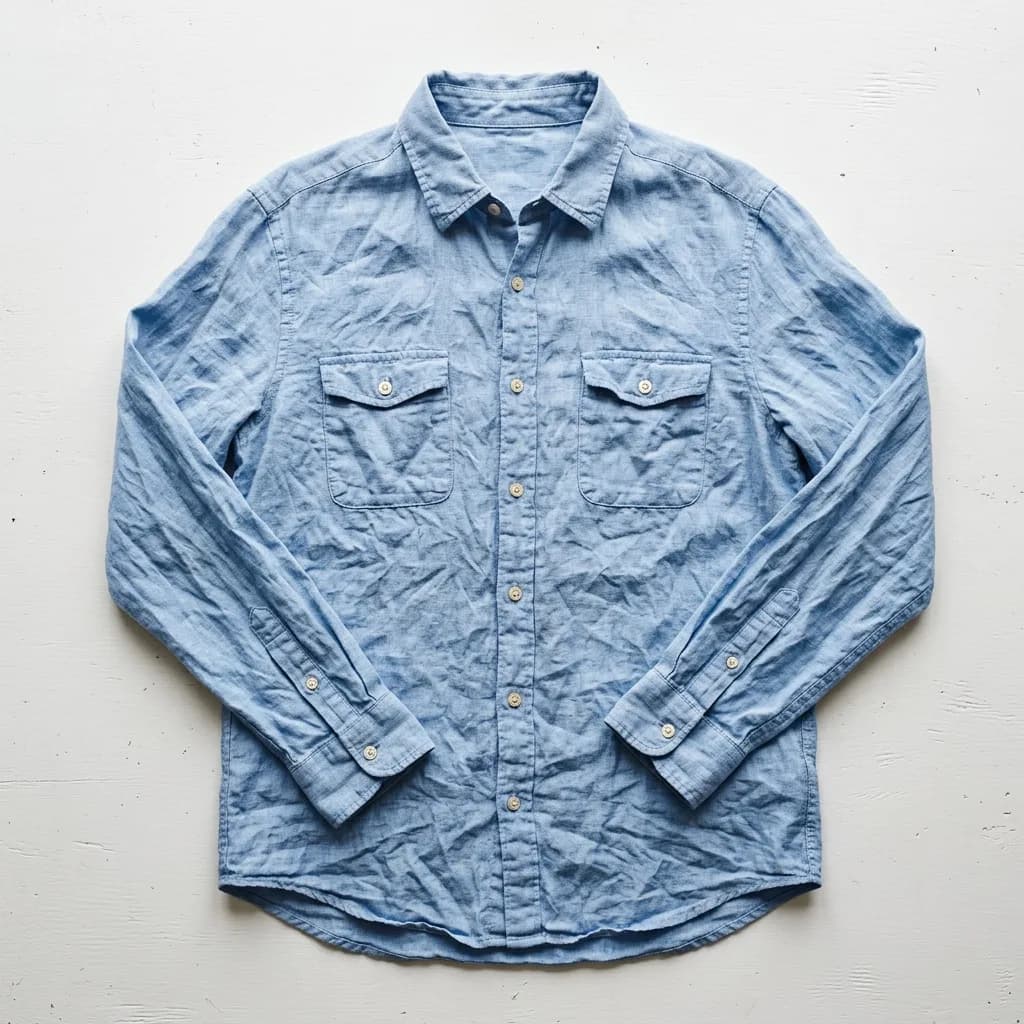
何を変えるか(モデル、シーン、生地、背景)を書き、カット、色、縫い目、ボタン、フィット感は保つよう指示します。しわ取りのプロンプトでは GPT Image 2.6 がシャツのしわをほぼすべて消しましたが、リネンの織り目がなめらかになり、青が元より少し濃くなりました。生地の質感が大事なら、結果を元の写真と見比べてください。
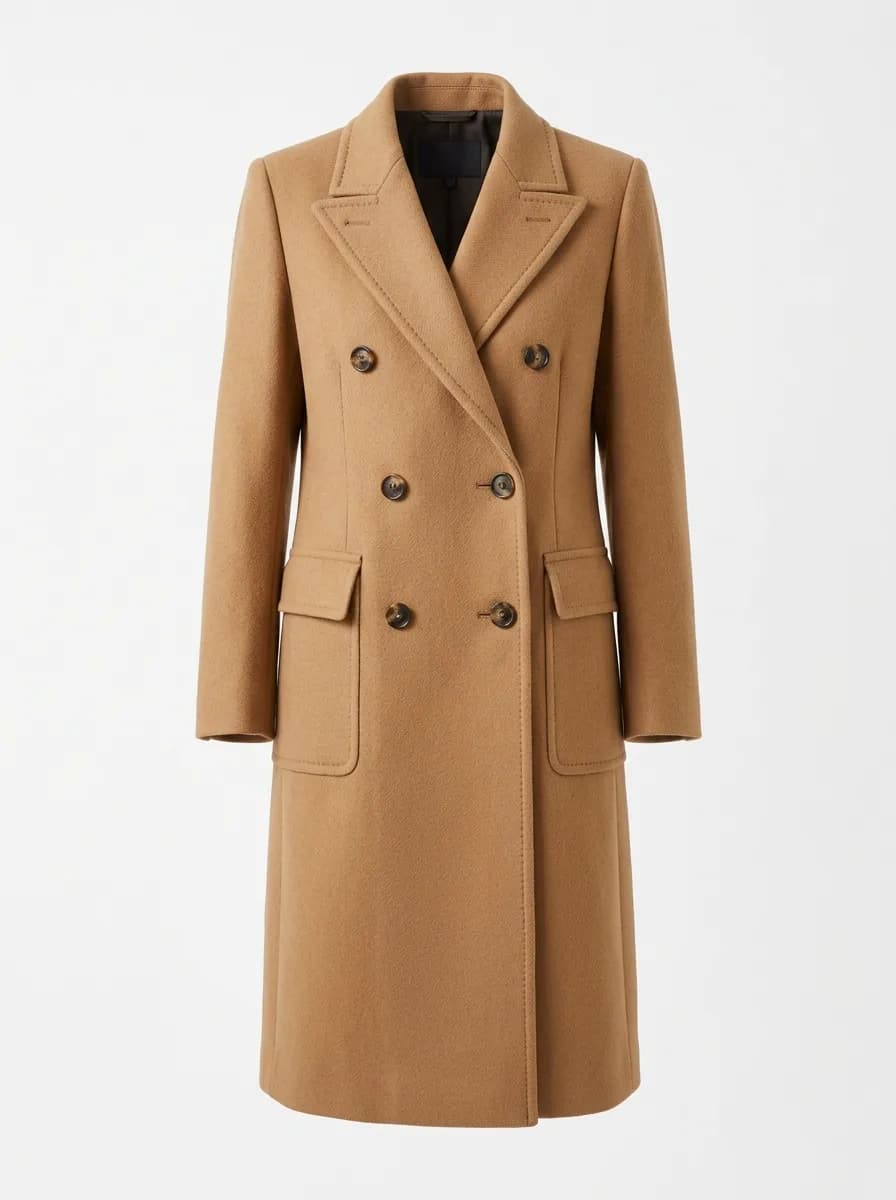
元画像 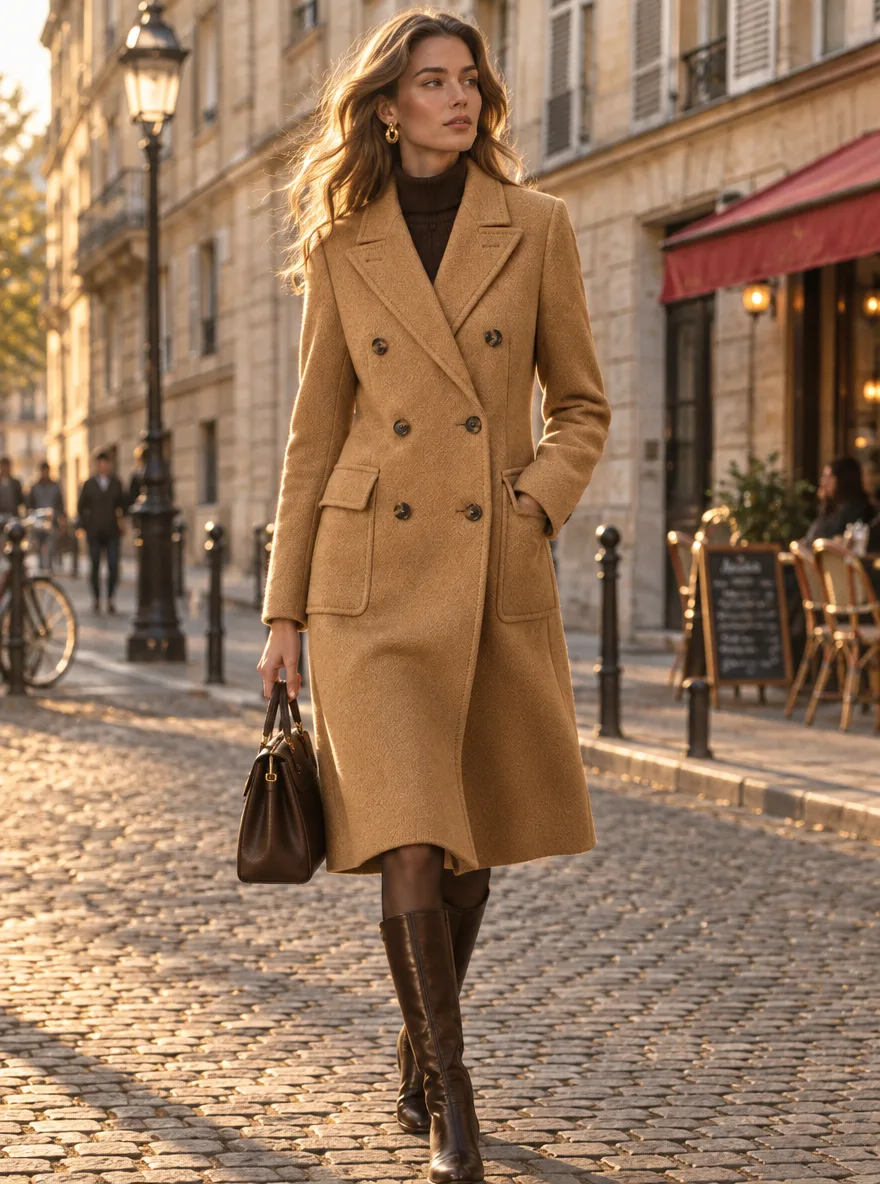
GPT Image 2.6 ゴーストマネキンからストリートモデルへ
Show the garment in this photo worn by a tall female model walking on a European cobblestone street. Keep the garment exactly as it is: cut, color, pattern, buttons and seams. Natural fabric folds and movement, golden-hour side light, 35mm street fashion photo.
IMG_1 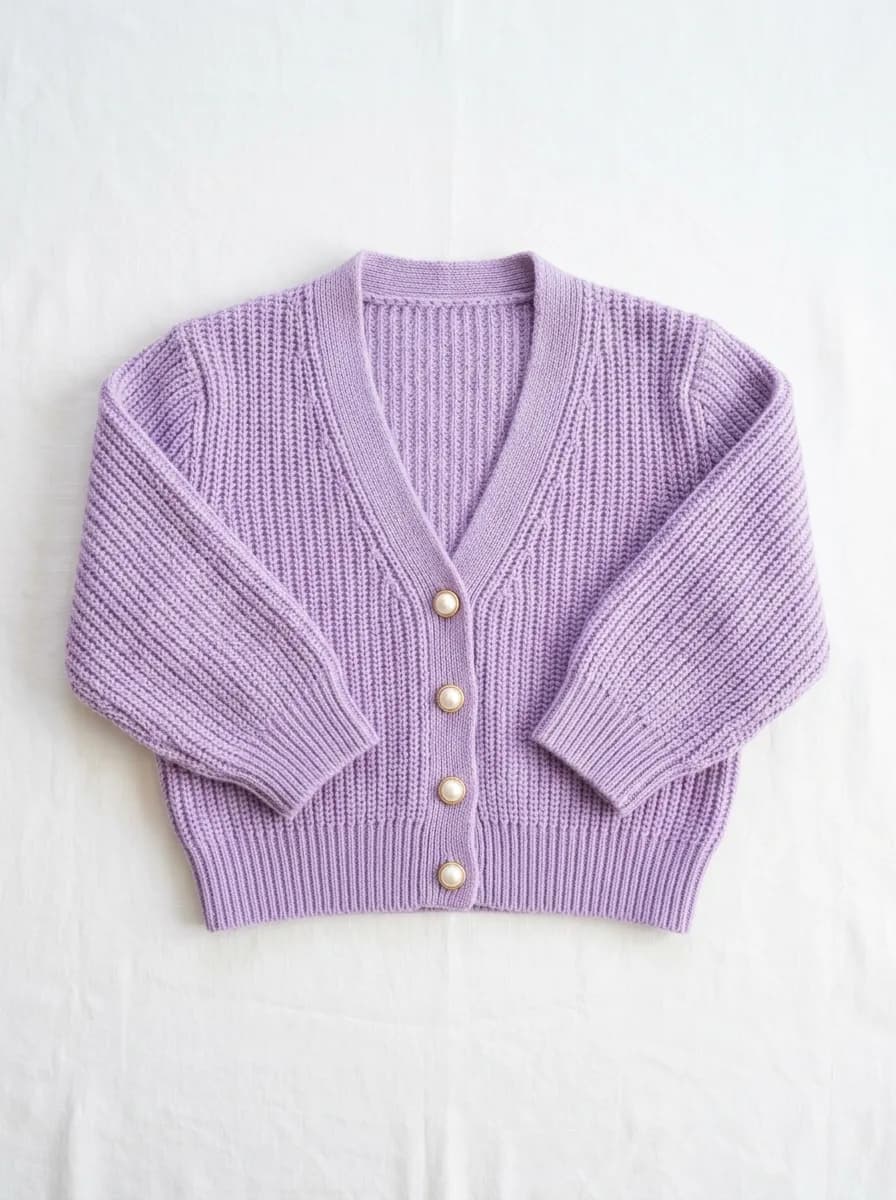
IMG_2 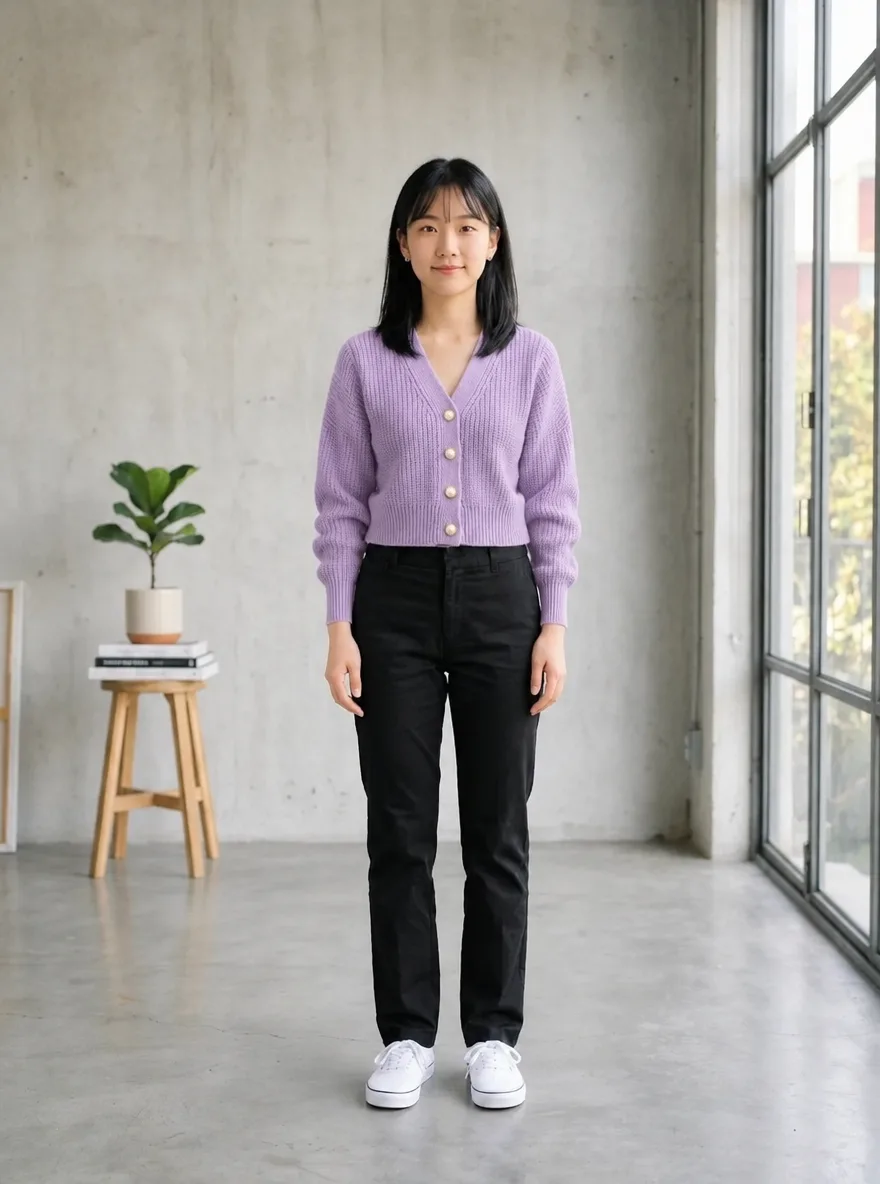
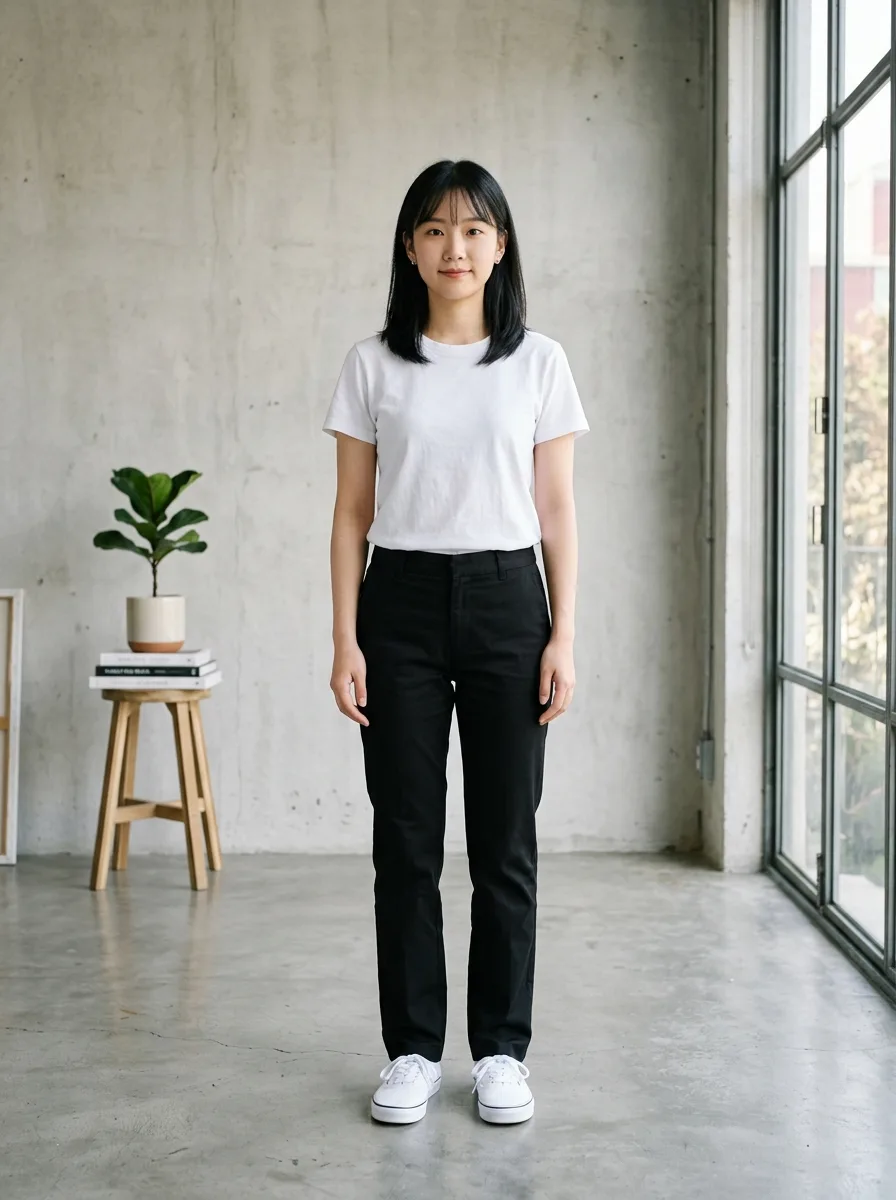
GPT Image 2.6 バーチャル試着
写真が2枚必要です(順番どおりにアップロード)
Dress the person in IMG_1 in the garment from IMG_2. Keep the person's face, hairstyle, body shape and pose unchanged. Keep the garment's cut, color, fabric texture and seams exactly as in IMG_2, with natural folds that fit the pose. Keep IMG_1's background and lighting.
元画像 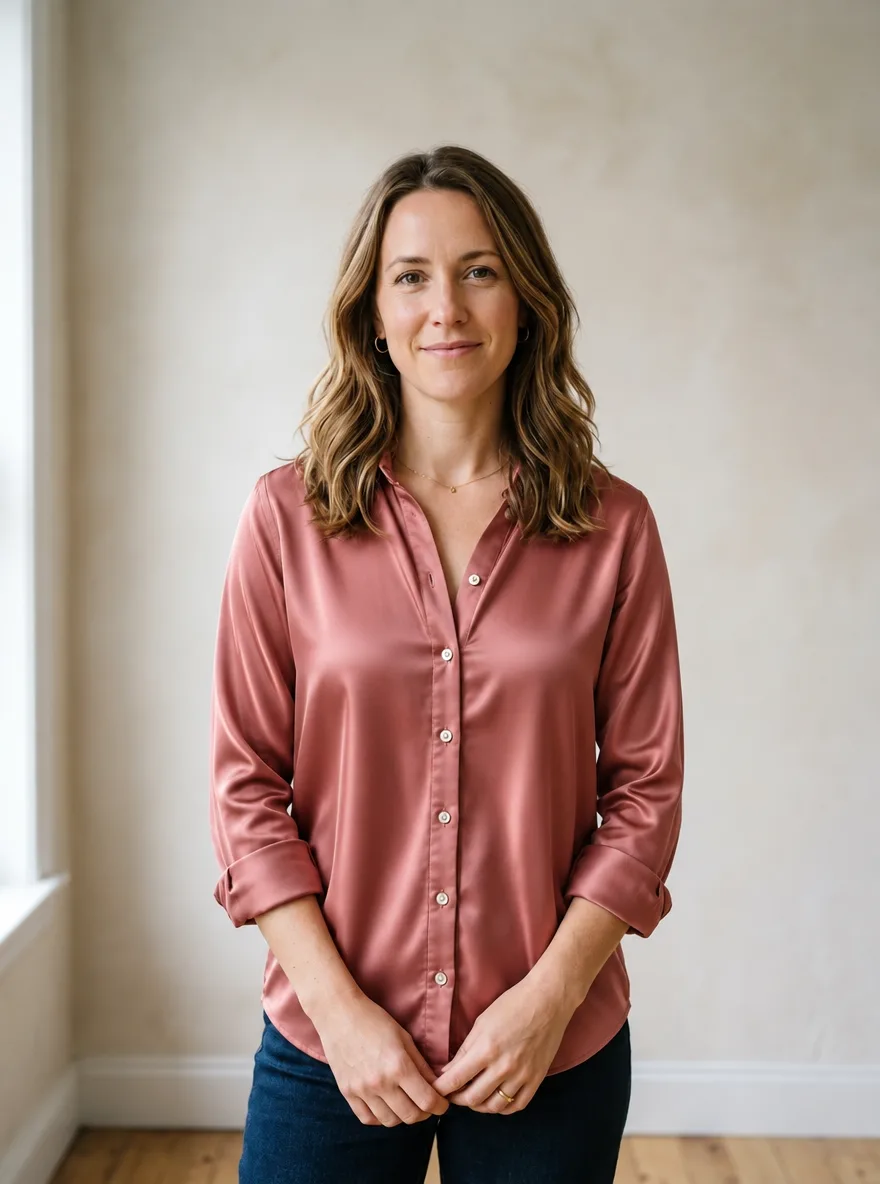
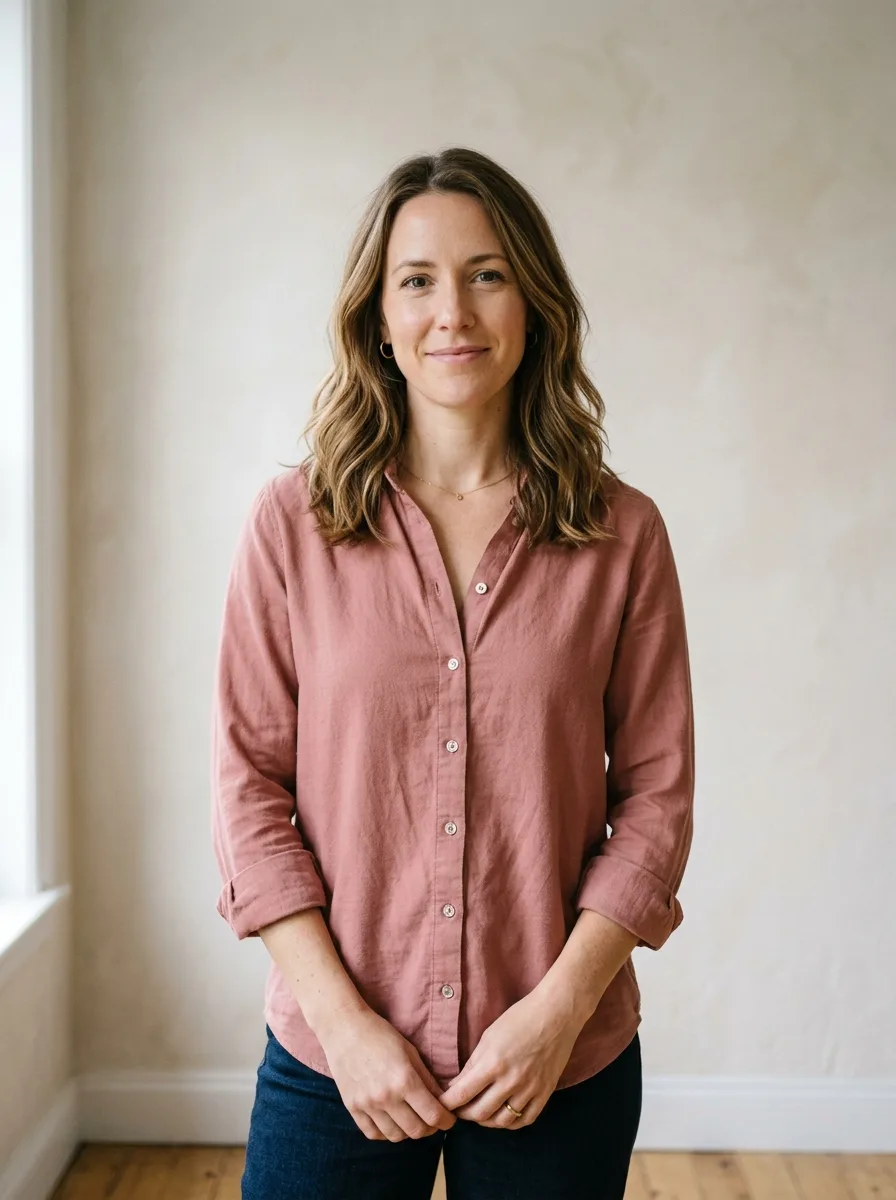
GPT Image 2.6 生地をシルクにアップグレード
実行前に、変更したい部分を塗ってください
Change the fabric of the garment in the marked area to heavy, lustrous mulberry silk with a fluid drape and soft highlights along the folds. Keep the garment's cut, seams, color and fit unchanged, and keep everything outside the marked area as it is.
元画像 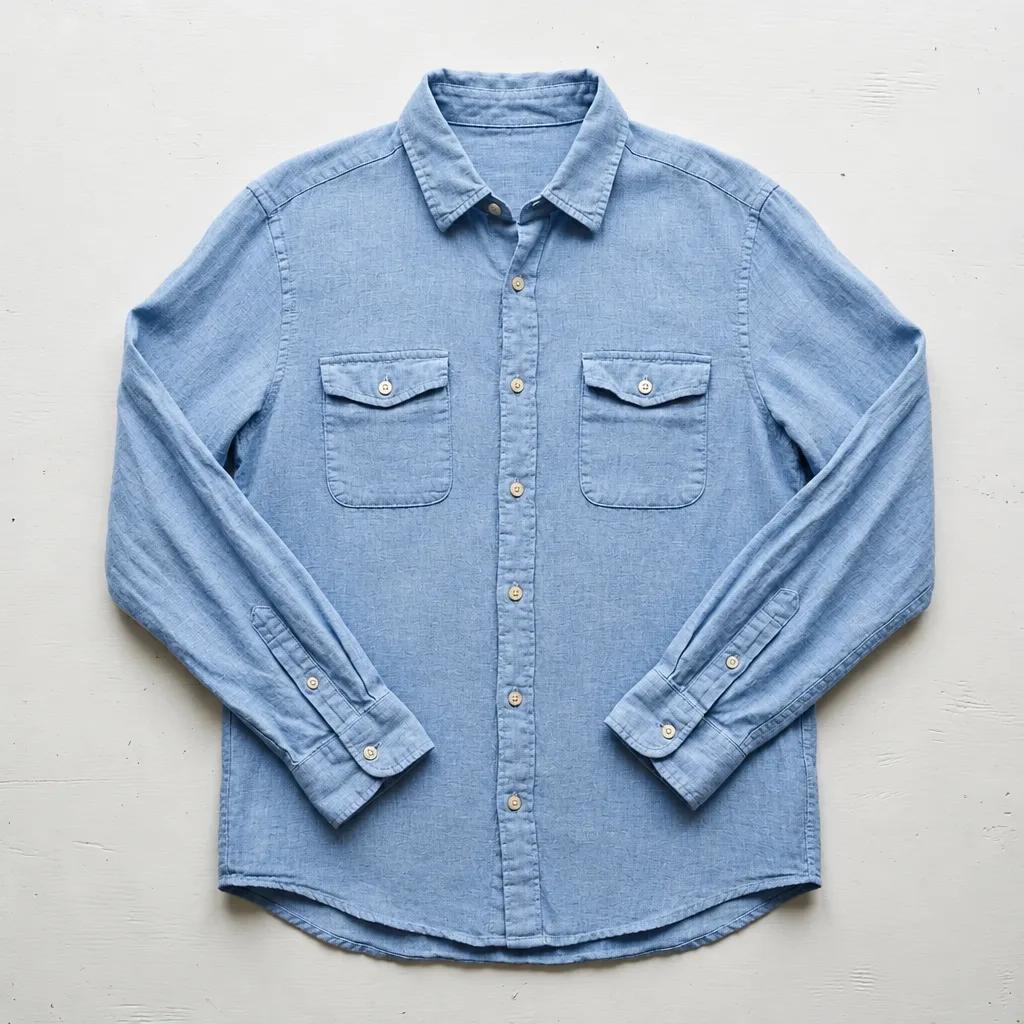
GPT Image 2.6 服のしわを伸ばす
実行前に、変更したい部分を塗ってください
Smooth out the creases and wrinkles in the marked area as if the garment had been professionally steamed. Keep the woven fabric texture, color, seams and the garment's natural shading. Keep everything outside the marked area unchanged.
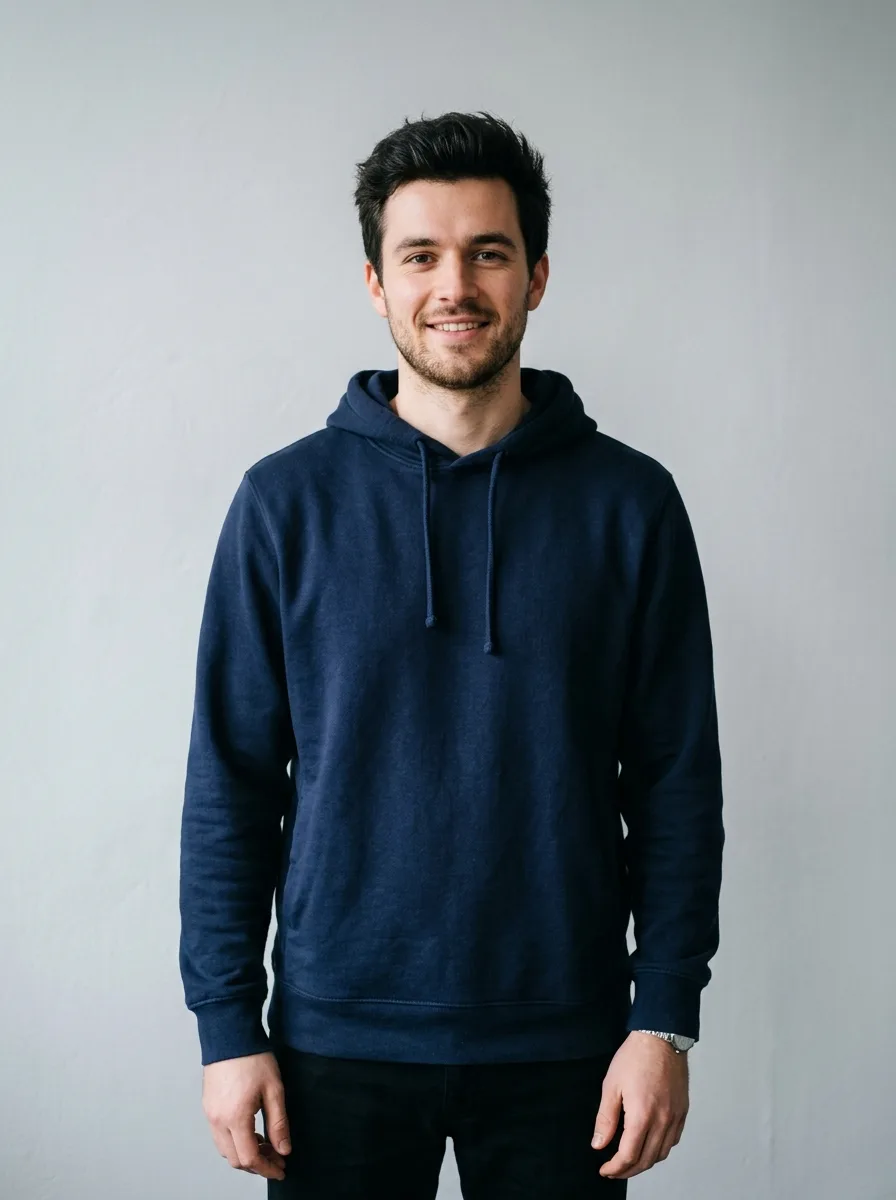
元画像 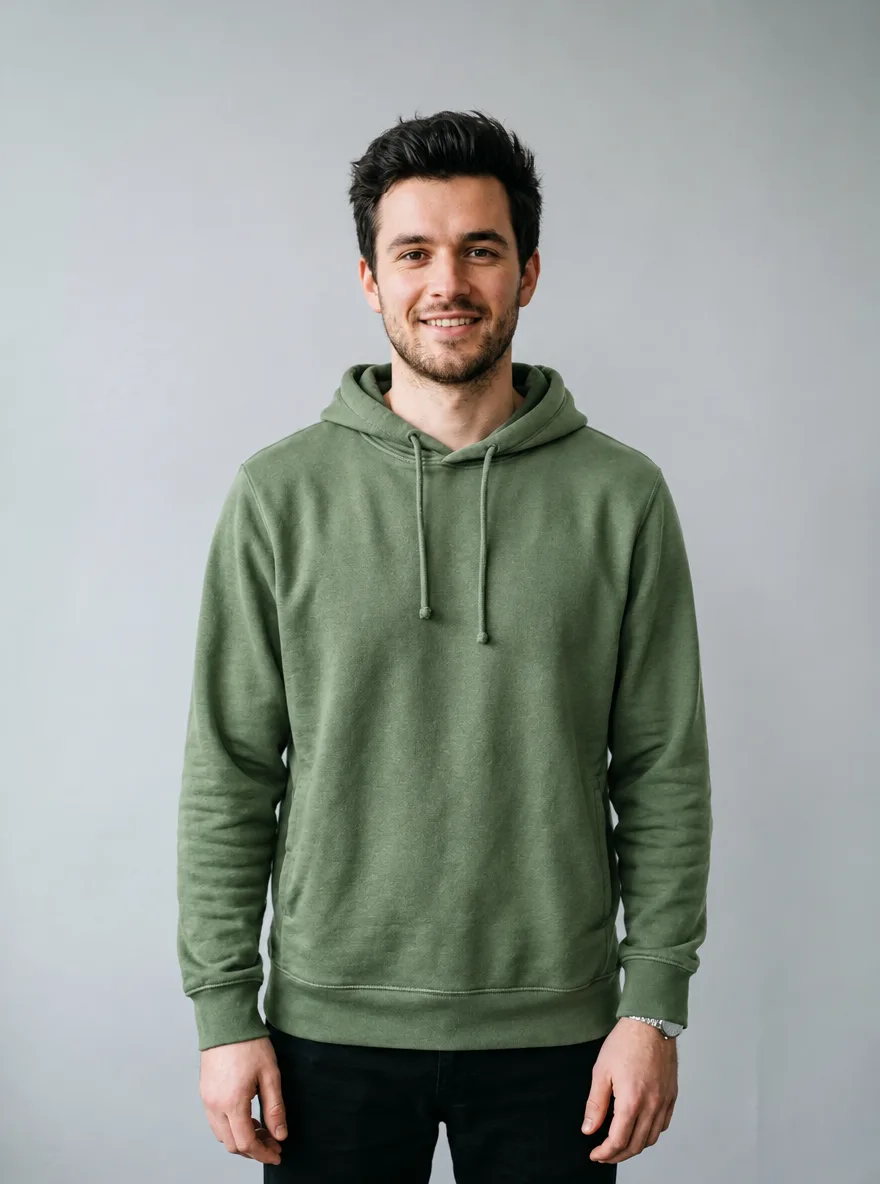
GPT Image 2.6 服の色を変える
実行前に、変更したい部分を塗ってください
Change the color of the garment in the marked area to sage green. Keep the fabric texture, stitching, folds, shadows and highlights exactly as they are, so it looks like the same garment dyed in a new color. Keep everything outside the marked area unchanged.
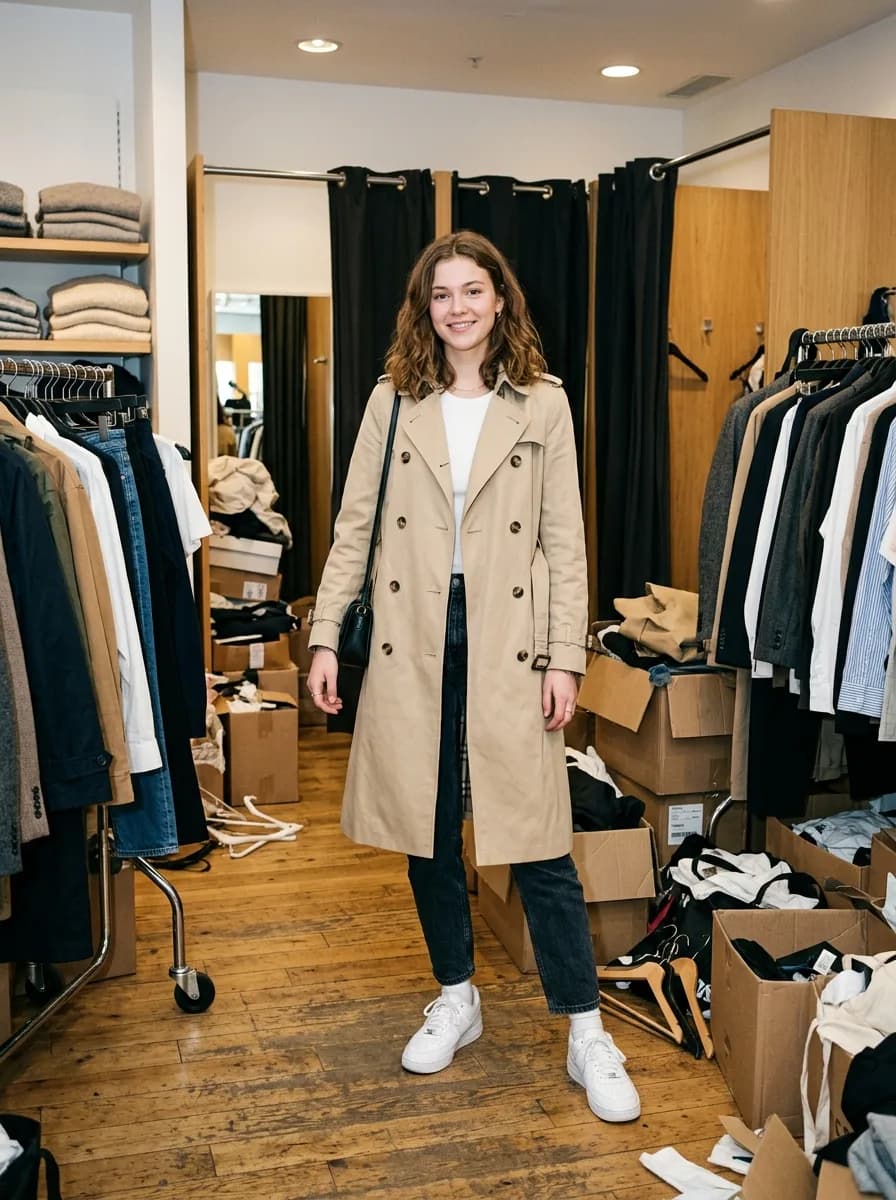
元画像 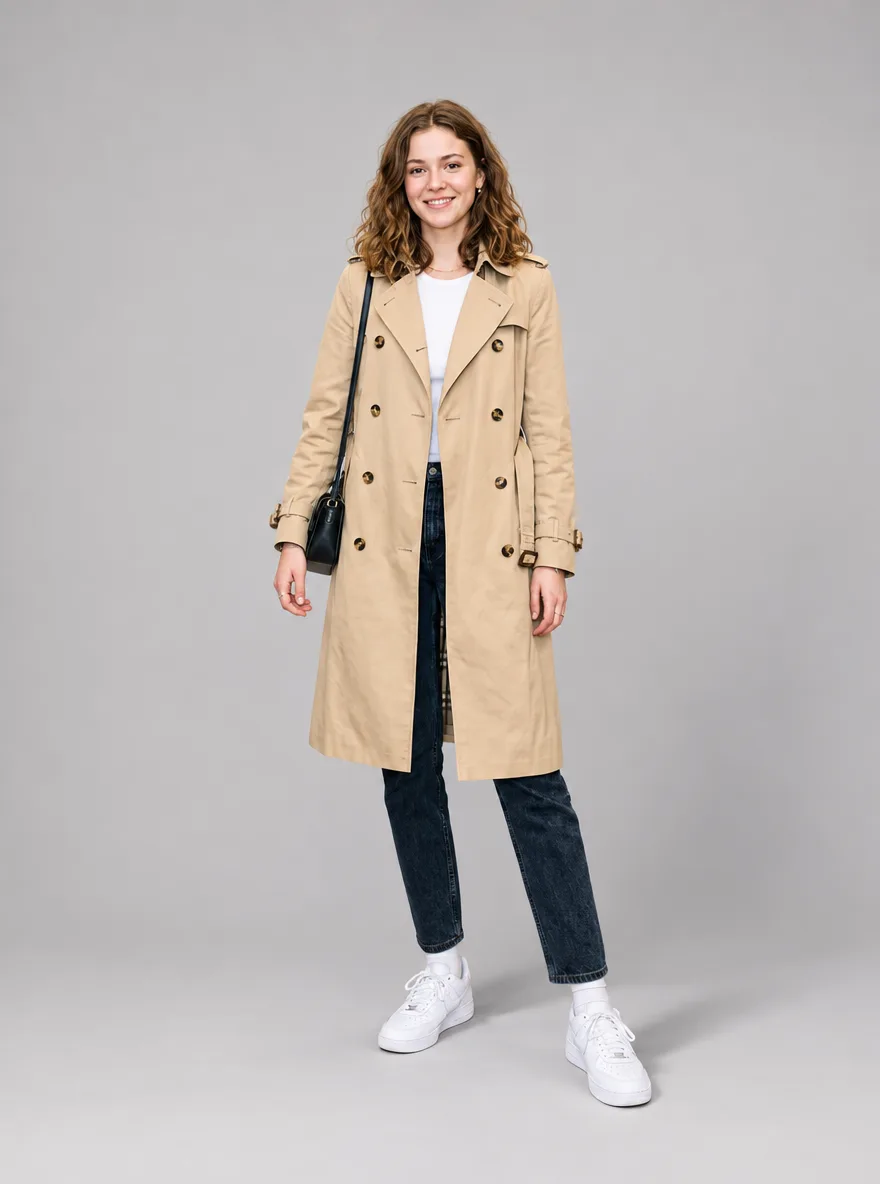
GPT Image 2.6 モデル写真をすっきりしたスタジオ背景に
Keep the model, pose, outfit and the lighting on the model exactly as they are. Replace the cluttered background with a seamless light gray studio backdrop and add a soft, natural shadow on the floor behind the feet. Clean fashion e-commerce look.
ポートレート
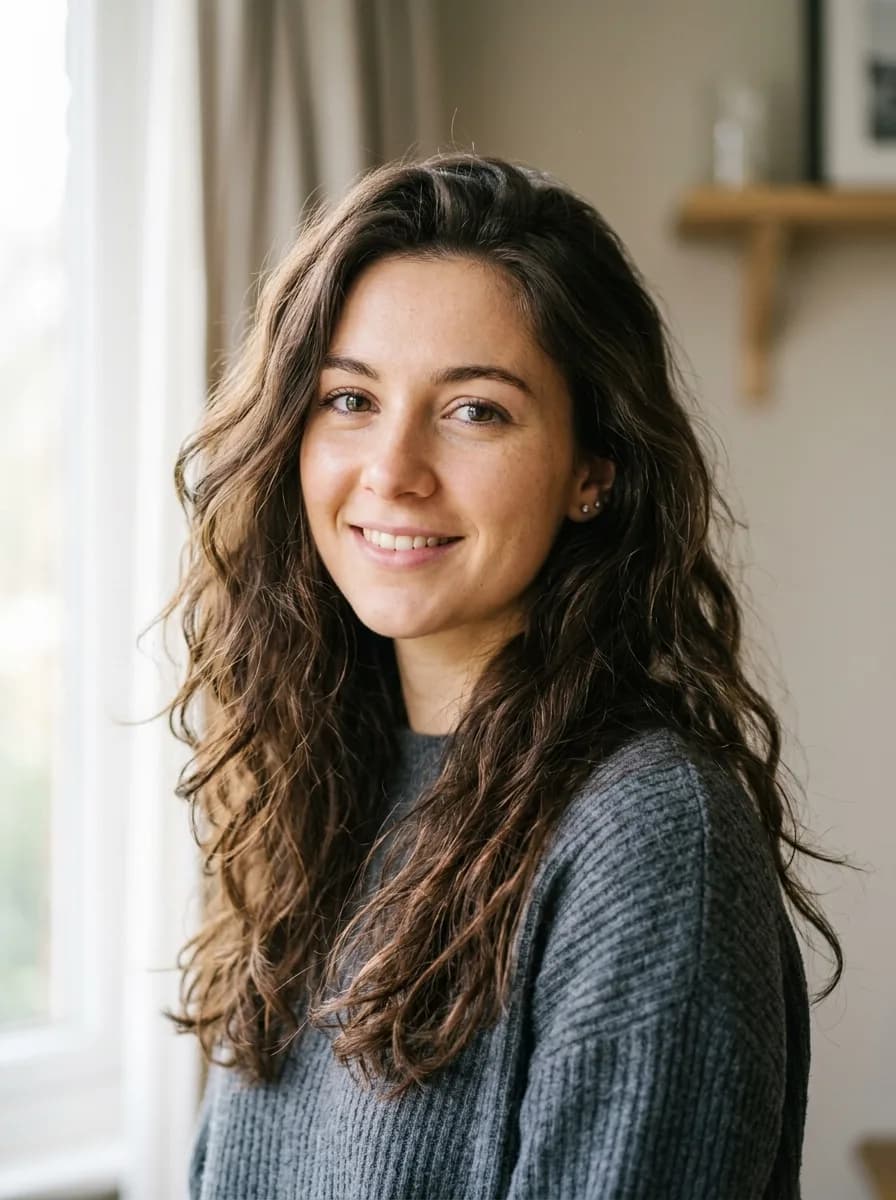
変えるのは1か所だけにして、顔、表情、髪型、服など残すものを並べます。髪色の変更と背景の人物の除去は、先にその部分を塗ります。
元画像 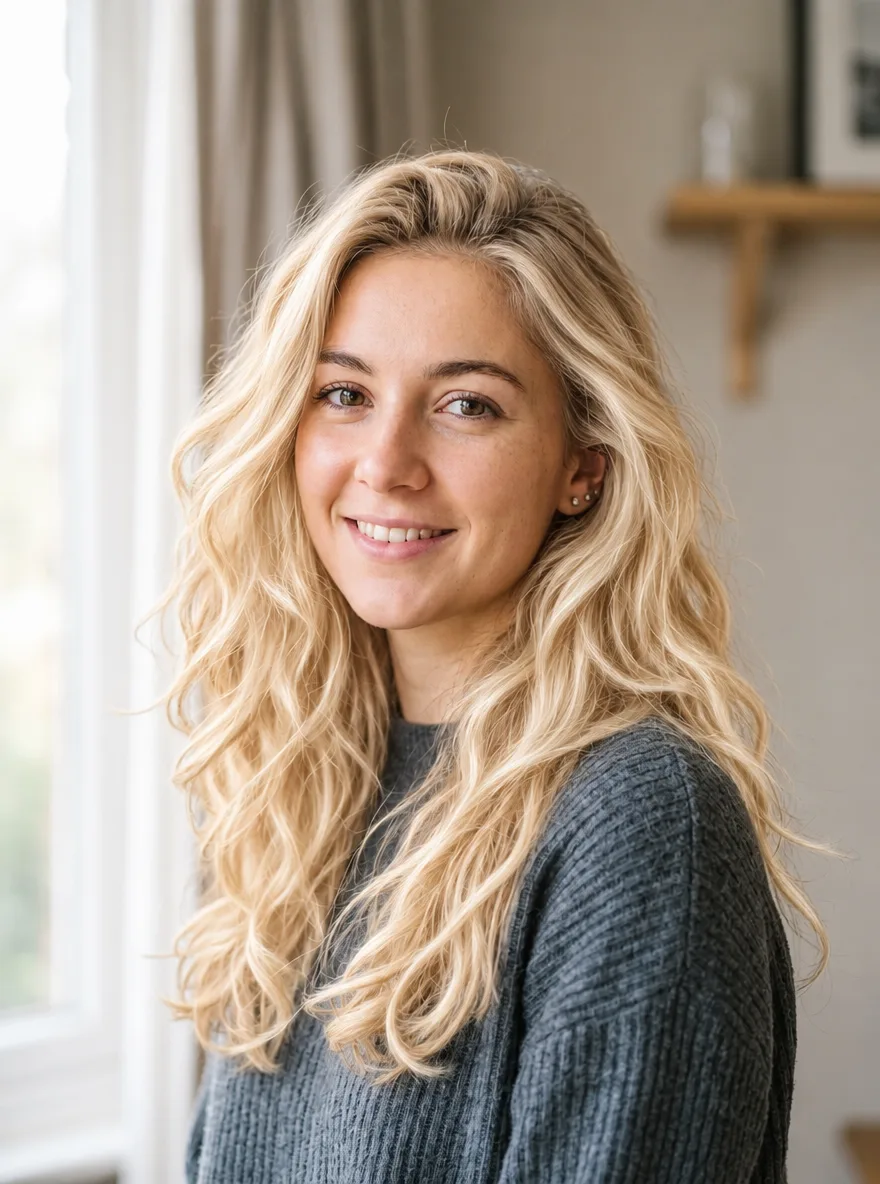
GPT Image 2.6 髪をプラチナブロンドに
実行前に、変更したい部分を塗ってください
Recolor the hair in the marked area to a bright platinum blonde with soft golden undertones. Keep the hairstyle, individual strands, shine and natural hairline transitions. Keep the face and everything outside the marked area unchanged.
元画像 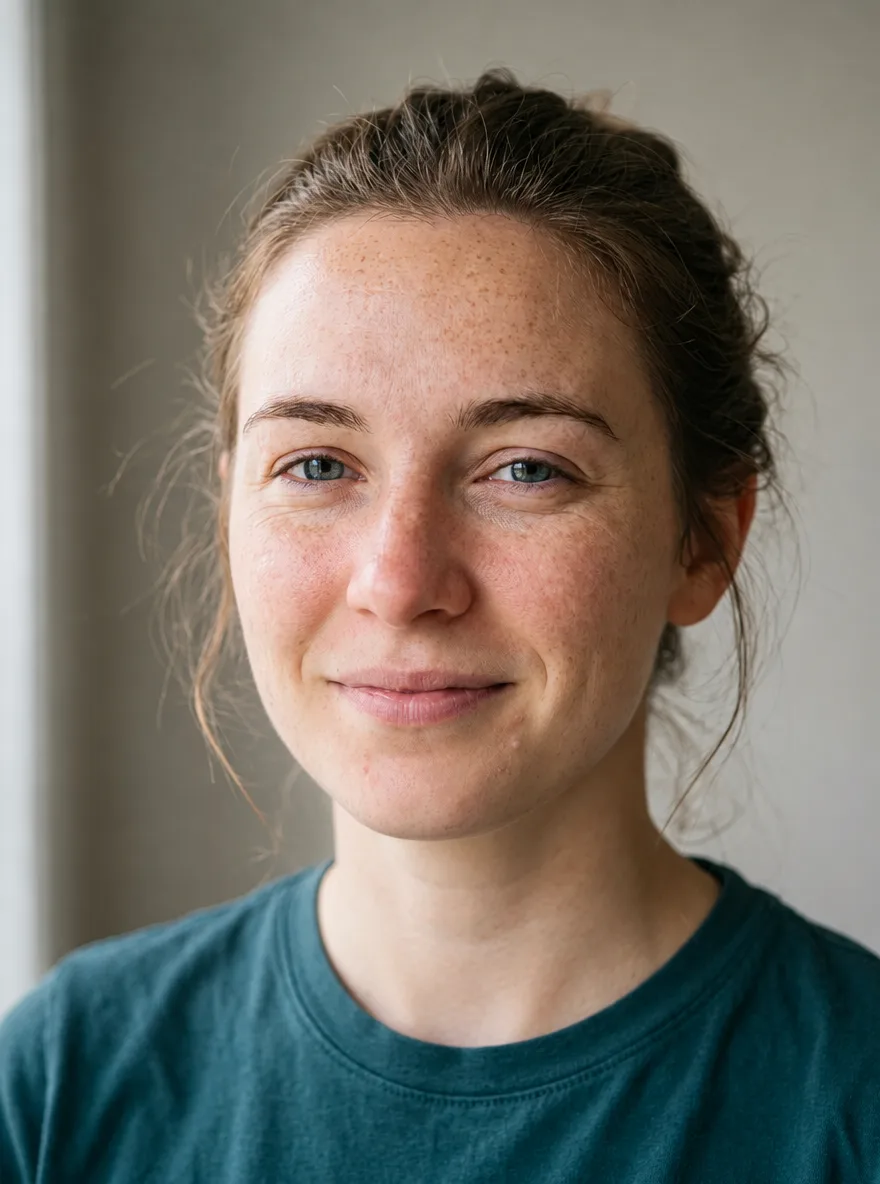
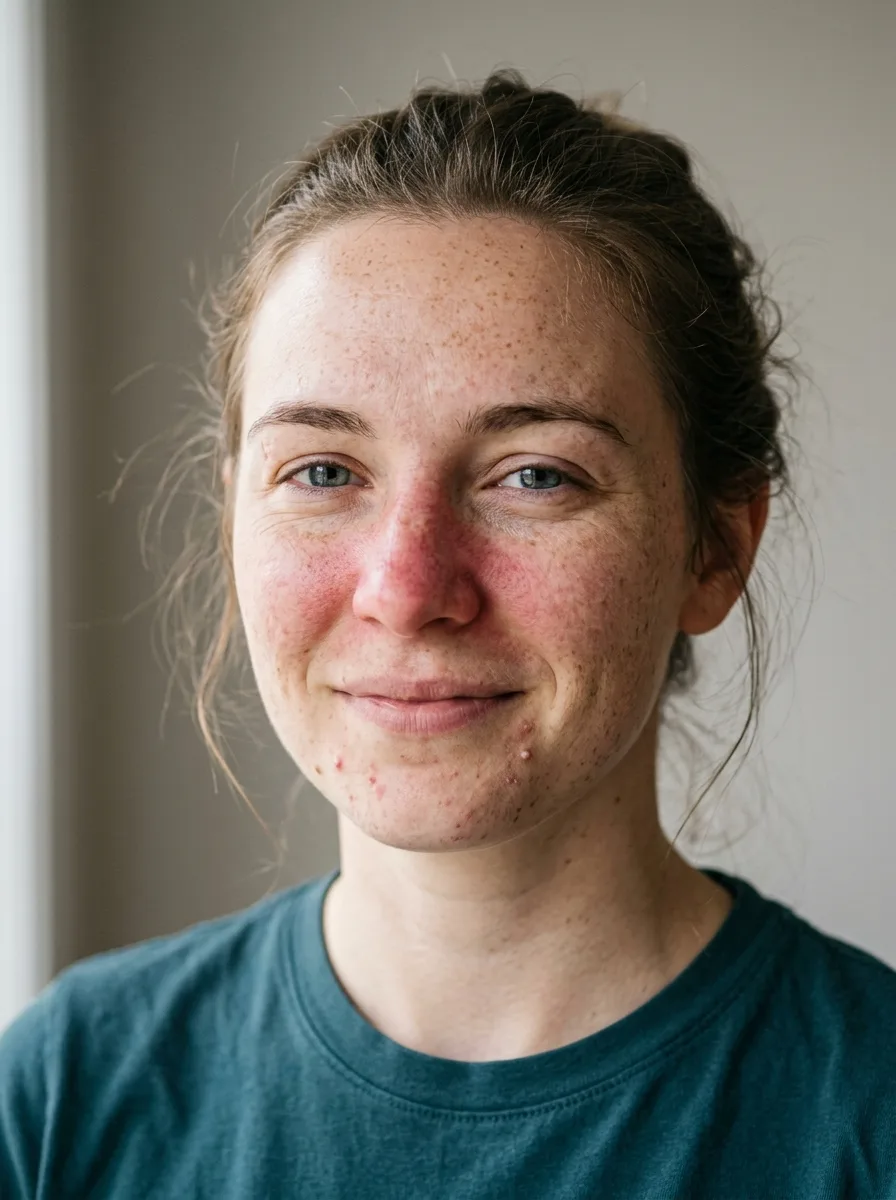
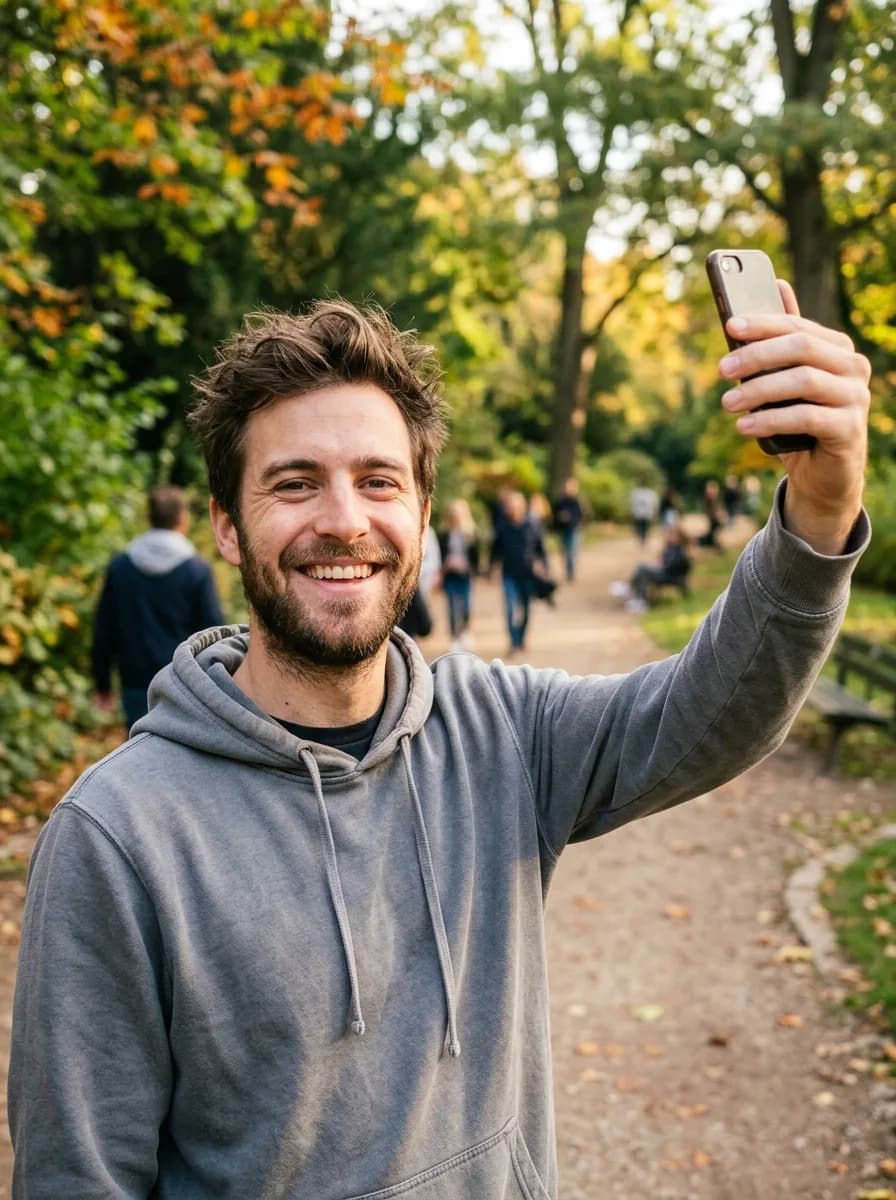
GPT Image 2.6 自然な肌のレタッチ
Retouch the skin on the face: reduce temporary redness and small blemishes while keeping the real pore texture, freckles and natural skin tone variation. No plastic smoothing. Keep the face shape, features, expression and lighting exactly as they are.
元画像 
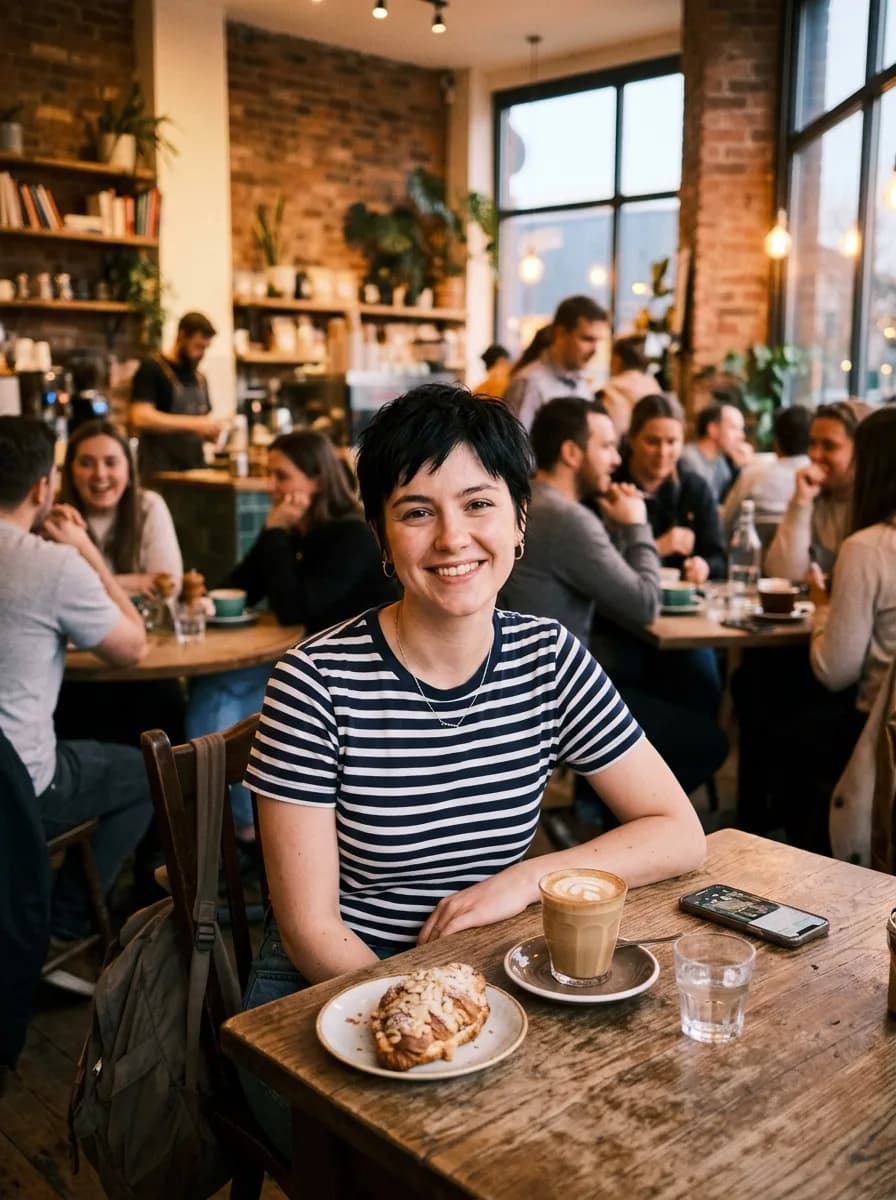
GPT Image 2.6 普段の写真をビジネス用のプロフィール写真に
Turn this into a professional business headshot. Keep the person's face, features, hairstyle and expression exactly the same. Replace the background with a smooth mid-gray studio backdrop, dress the person in a navy blazer over a white shirt, and use soft key light from the front left. Sharp focus on the eyes.
元画像 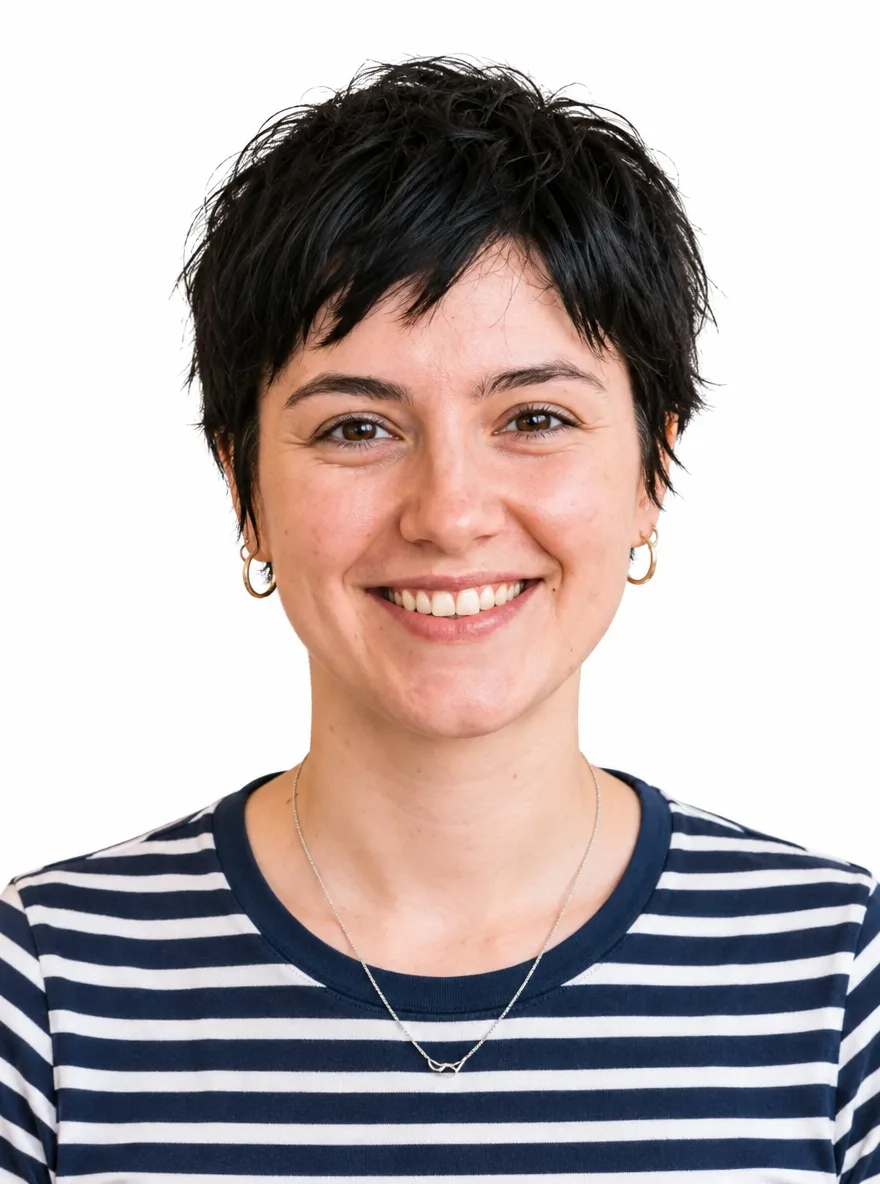
GPT Image 2.6 白背景の証明写真
Turn this into a passport-style ID photo: a front-facing head-and-shoulders crop on a plain white background, with even lighting and no shadows on the face or background. Keep the person's face, features, hairstyle and skin tone exactly the same.
元画像 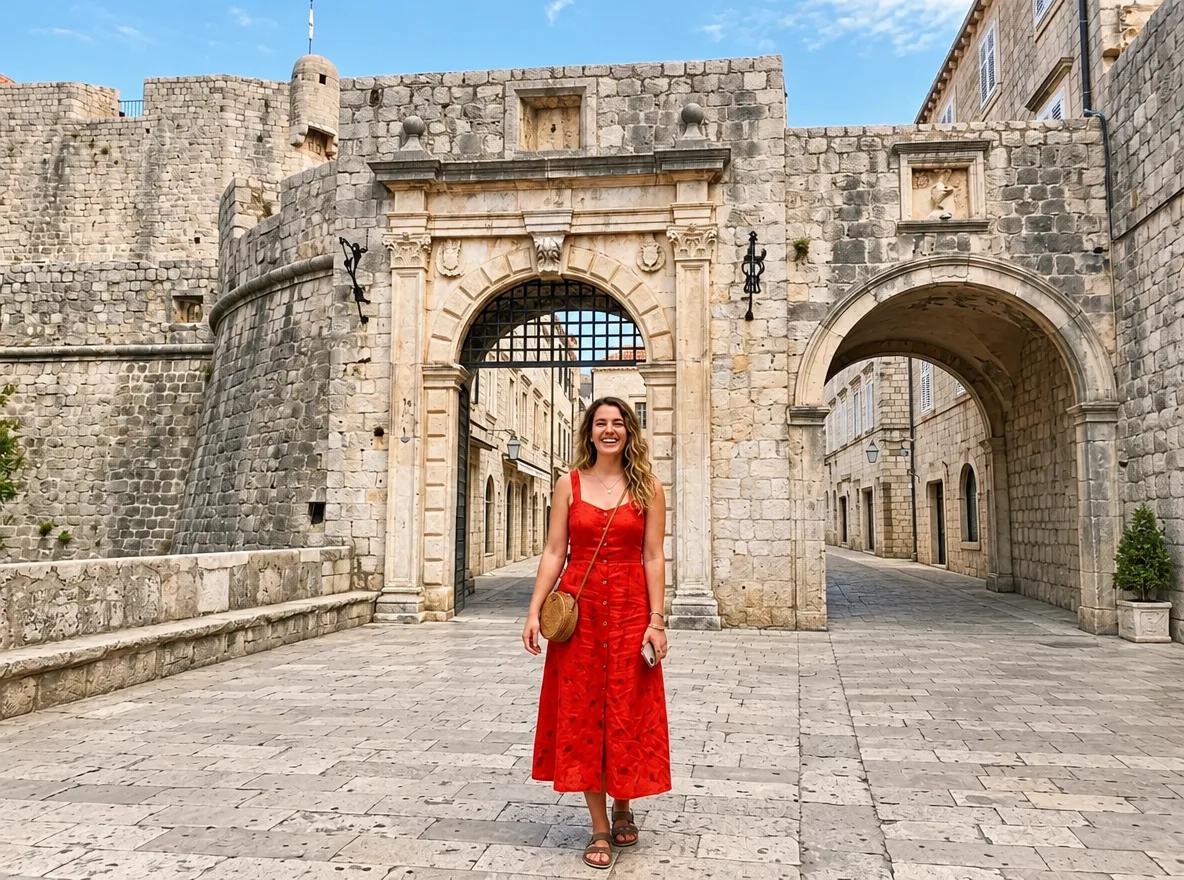
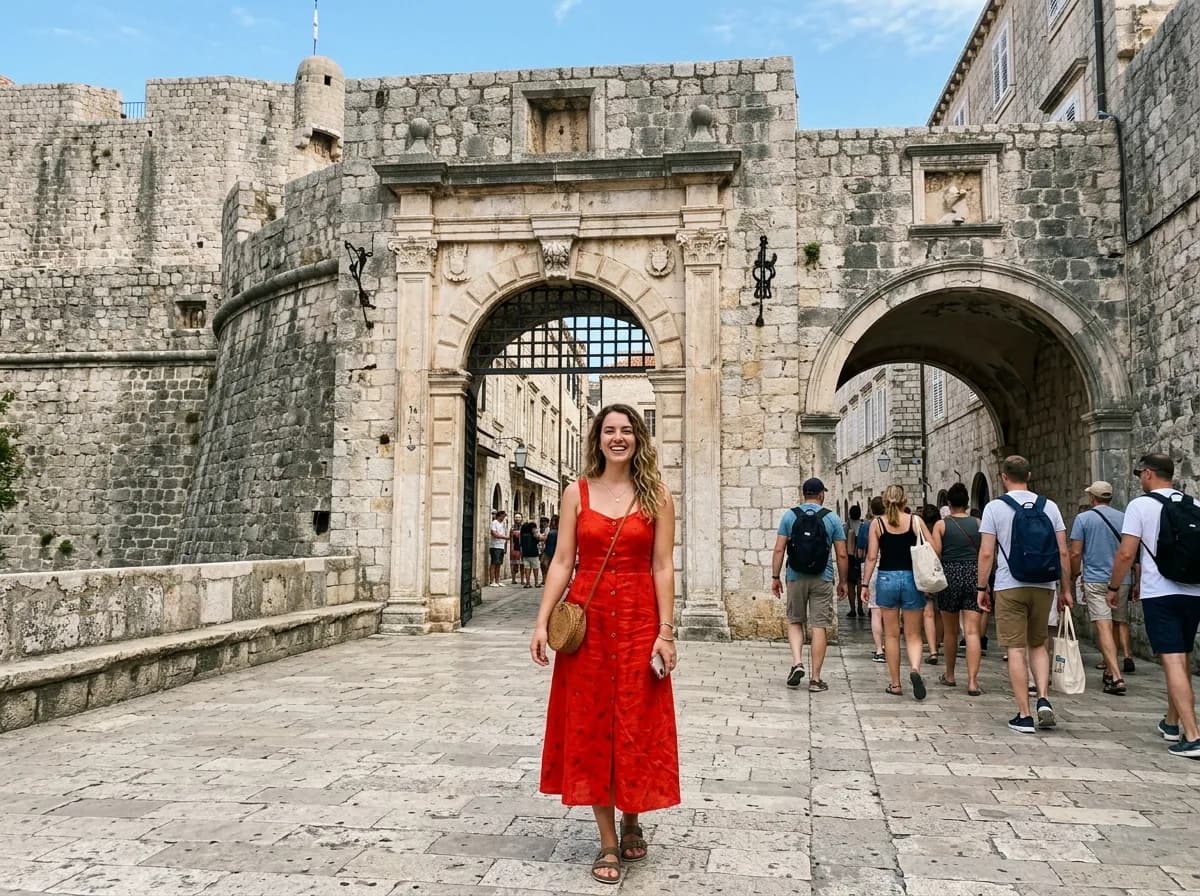
GPT Image 2.6 背景に写り込んだ人を消す
実行前に、変更したい部分を塗ってください
Remove the people in the marked area and rebuild the background behind them so the scenery, lighting and perspective continue naturally, with no blur, smears or leftover shadows. Keep the main subject and everything outside the marked area unchanged.
セールと季節のキャンペーン
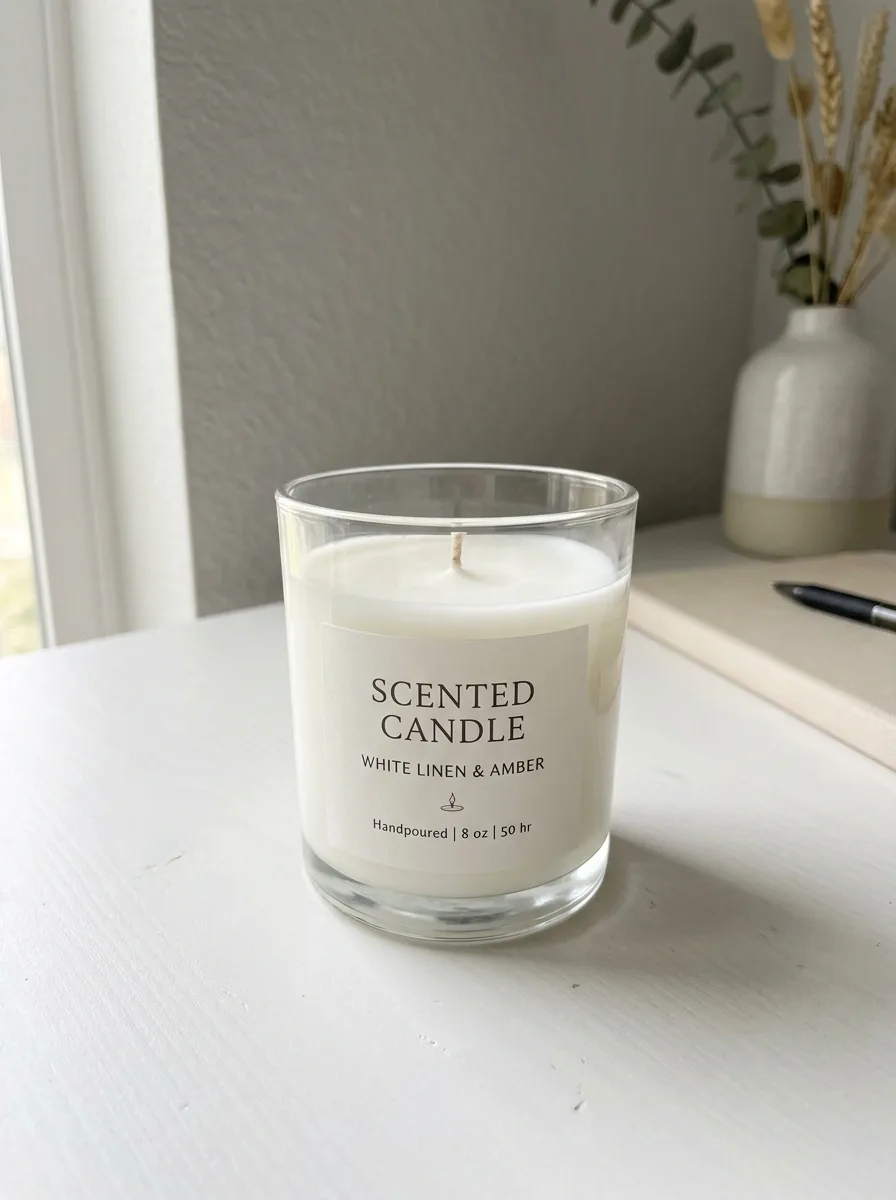
季節のプロンプトが変えるのは、セット、小物、光だけです。画像に文字を入れるときは短くし、引用符で囲んで、正確な綴りを指定します。割引率の書き換えは、指示どおり「35% OFF」になりました。
元画像 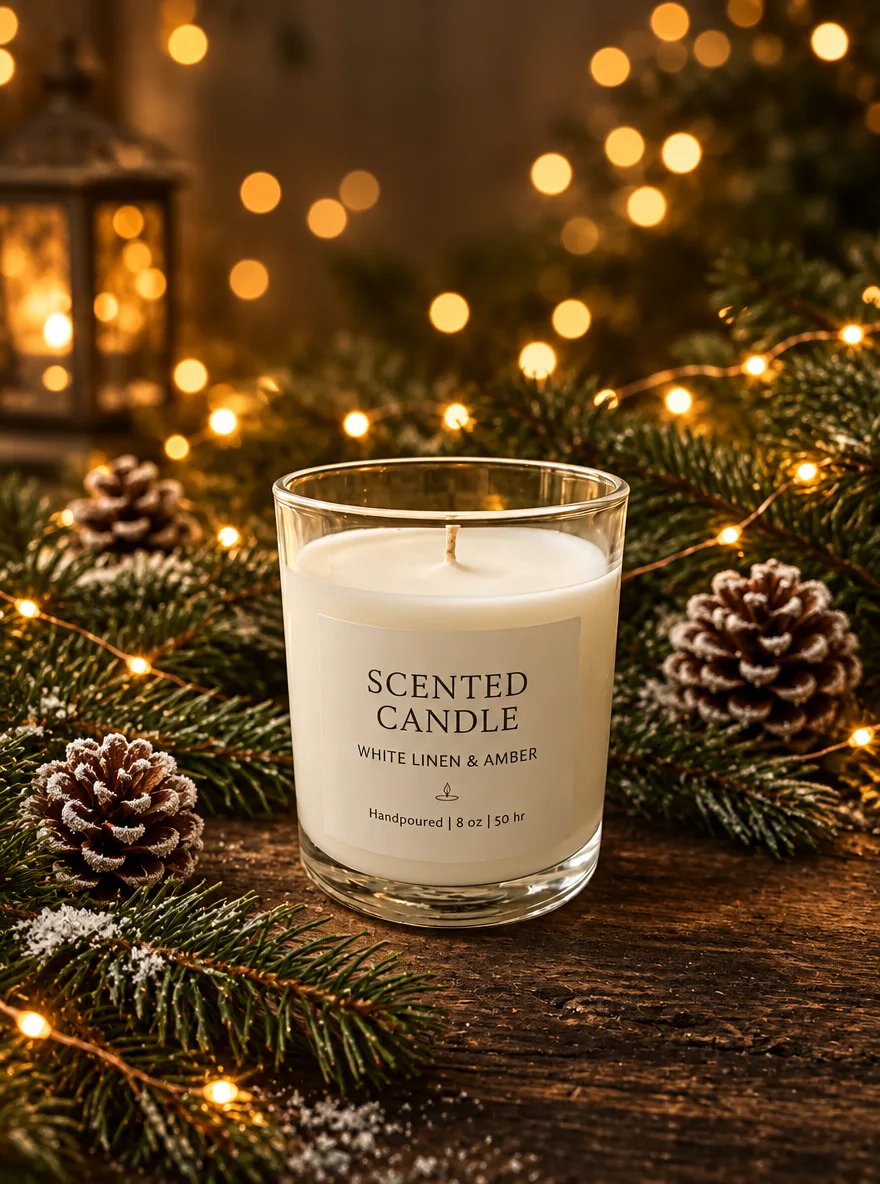
GPT Image 2.6 クリスマスの松と温かいボケ
Keep the product unchanged. Place it on dark rustic wood surrounded by fresh pine branches and a few frosted pinecones, with golden fairy lights forming warm, round bokeh in the background. Cozy, premium Christmas campaign look.
元画像 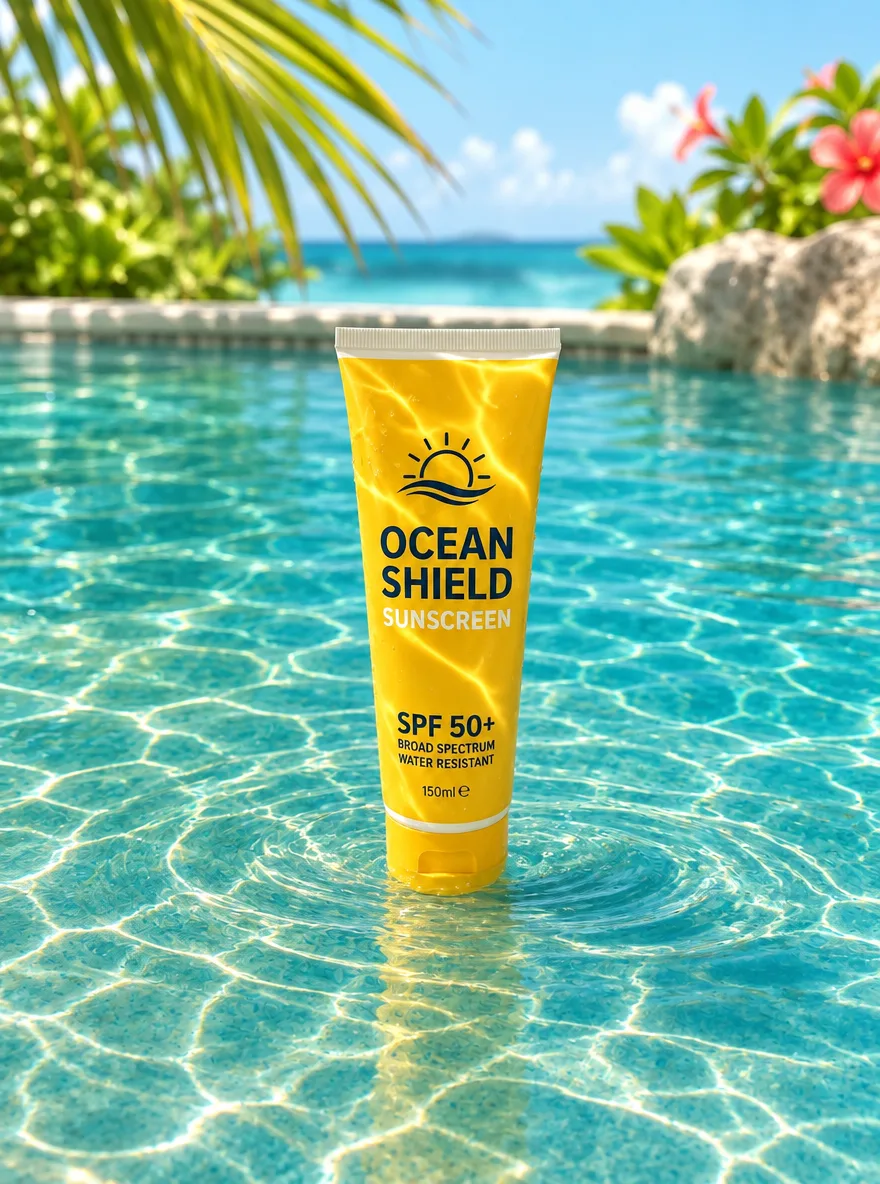
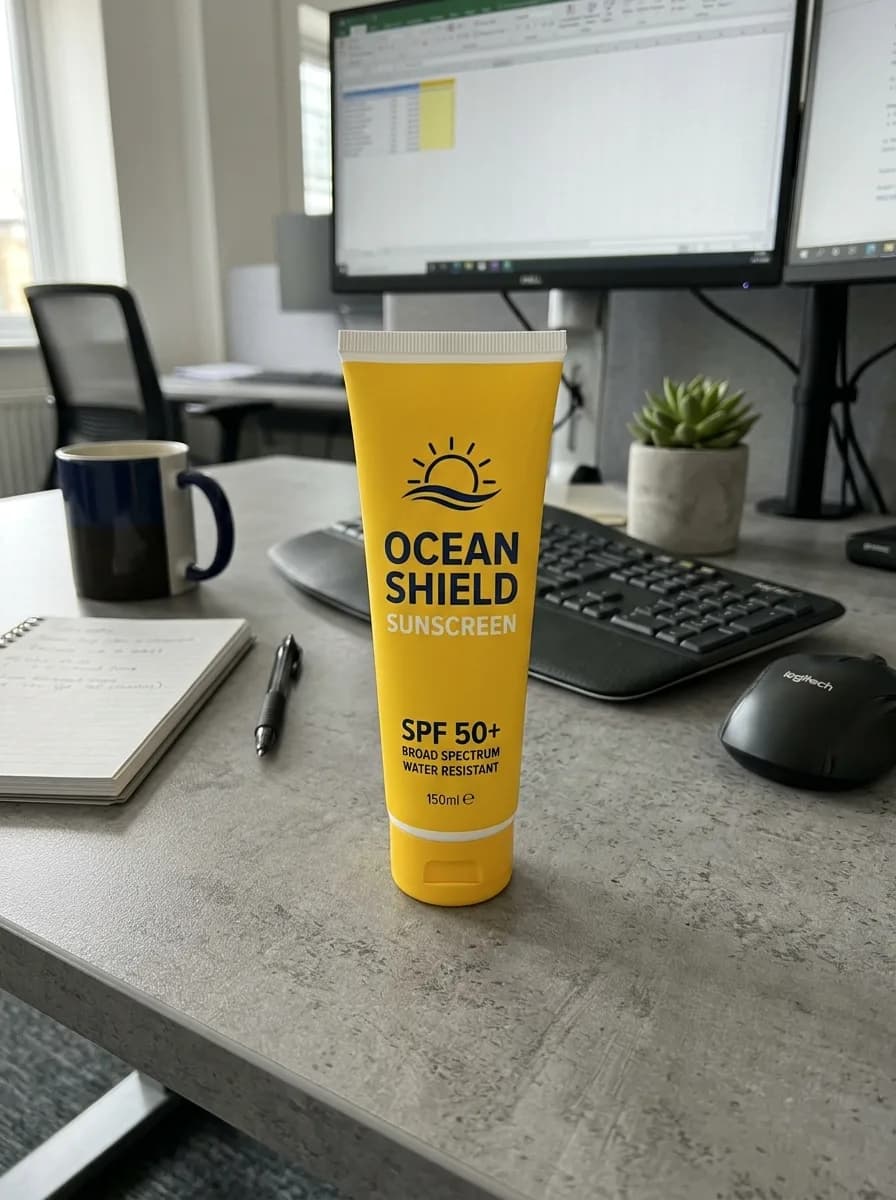
GPT Image 2.6 夏のプールの水面と光の揺らぎ
Keep the product unchanged. Place it standing in shallow, crystal-clear turquoise pool water, with dancing sunlight caustics across the product and gentle ripples around its base. Bright tropical sunlight, refreshing summer campaign look.
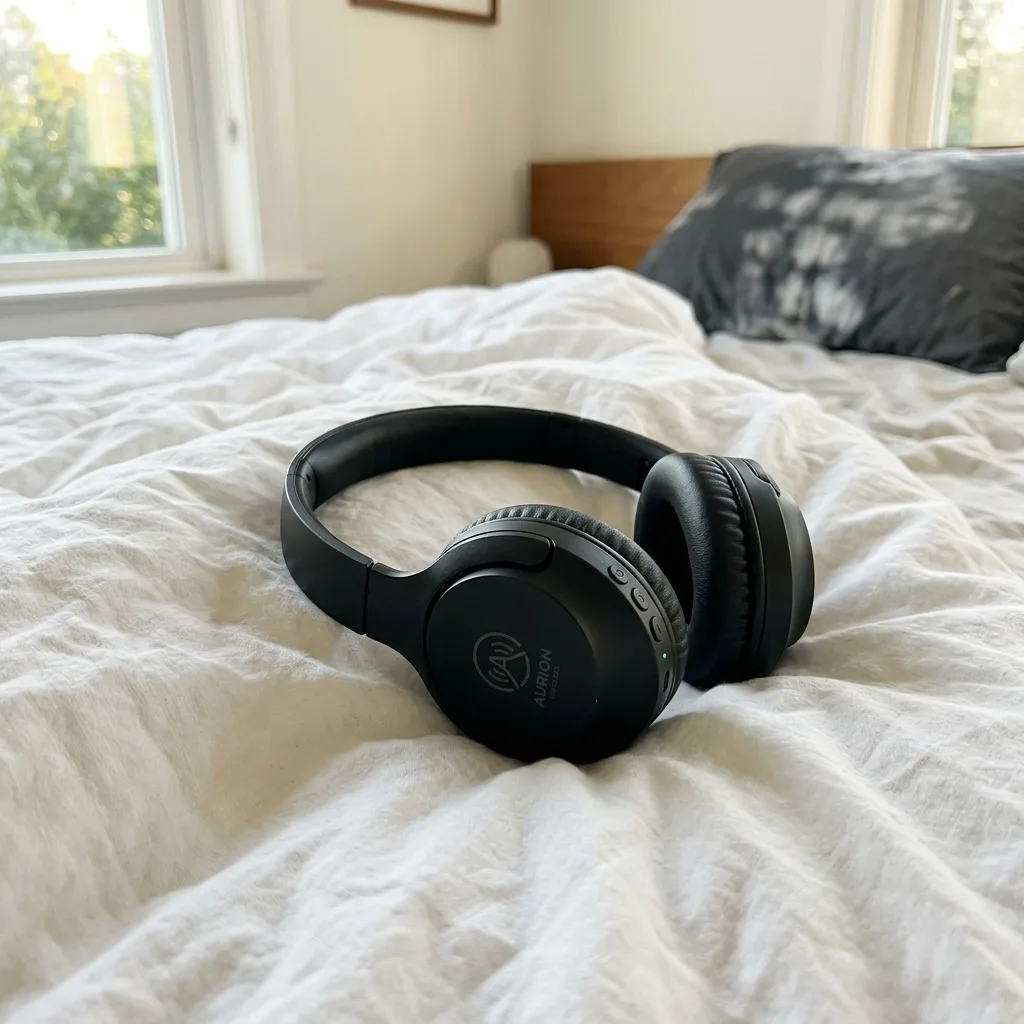
元画像 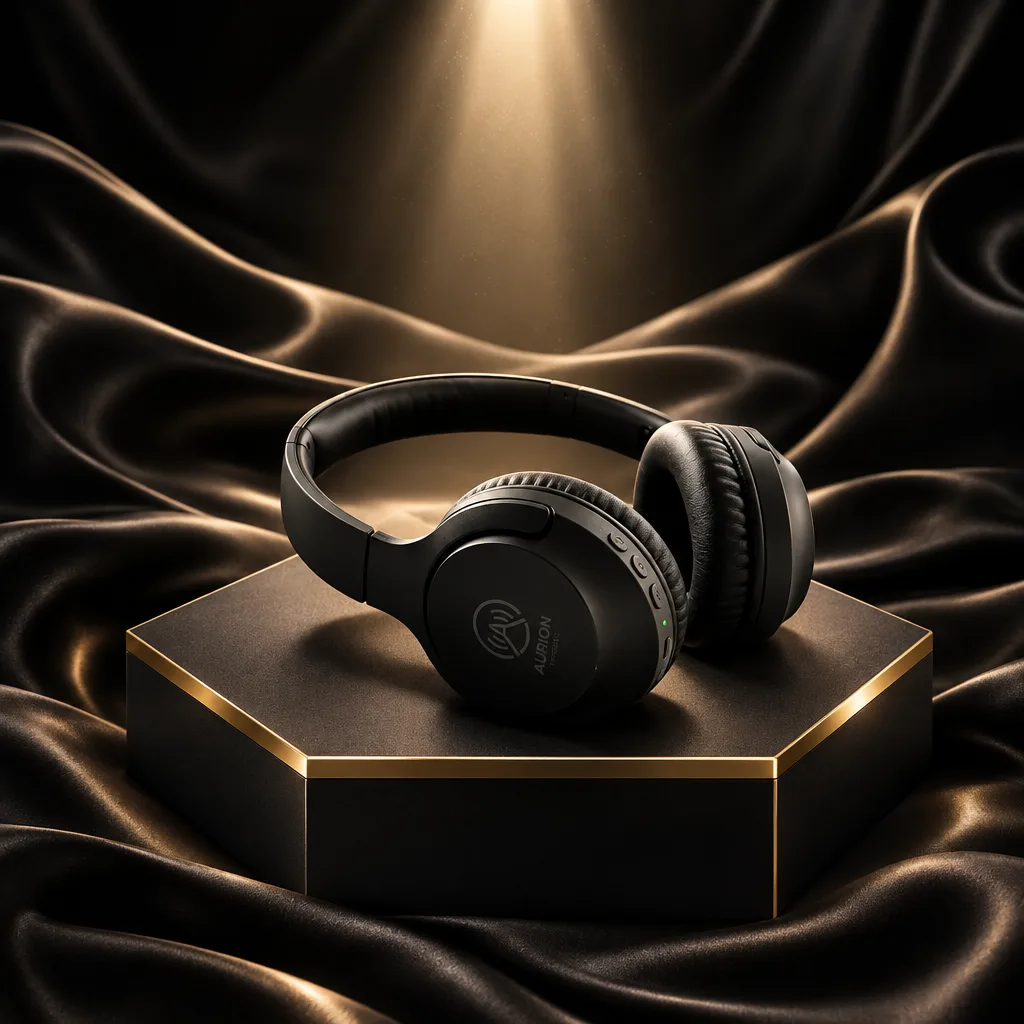
GPT Image 2.6 ブラックフライデーの黒と金の台座
Keep the product unchanged. Place it on a matte black hexagonal pedestal with polished brass edges, with flowing dark satin fabric in the background and a dramatic spotlight from above. Luxurious Black Friday campaign look, premium commercial photography. Do not add any text.
元画像 
GPT Image 2.6 商品写真をセールのポスターに
Turn this product photo into a sale poster. Keep the product unchanged and centered. Add the headline "SUMMER SALE" at the top and "50% OFF" below the product in a bold, clean sans-serif, on a bright coral background with simple geometric shapes. Spell the text exactly as given.

元画像 
GPT Image 2.6 販促画像の割引率を書き換える
Change the discount to "35% OFF" wherever it appears. Keep the typeface, colors, layout, product photo and every other word exactly as they are.
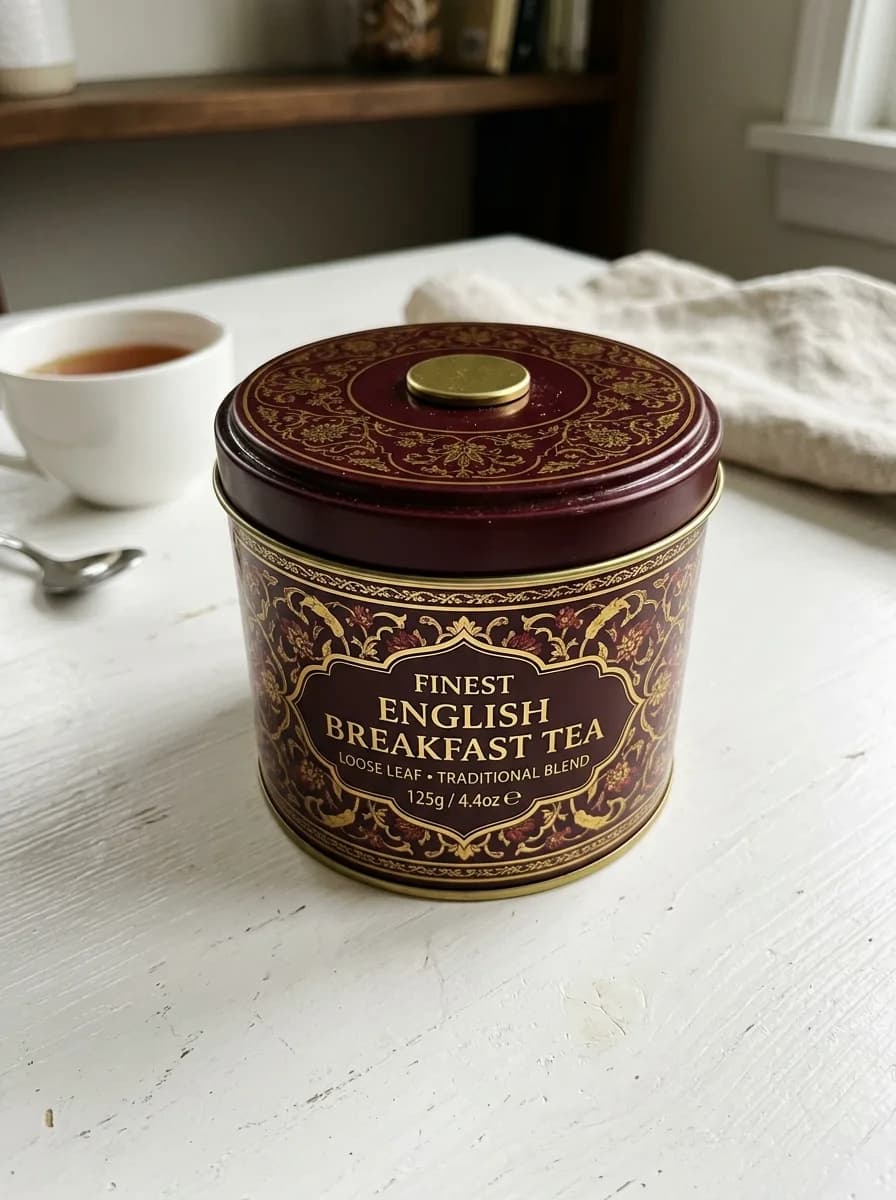
元画像 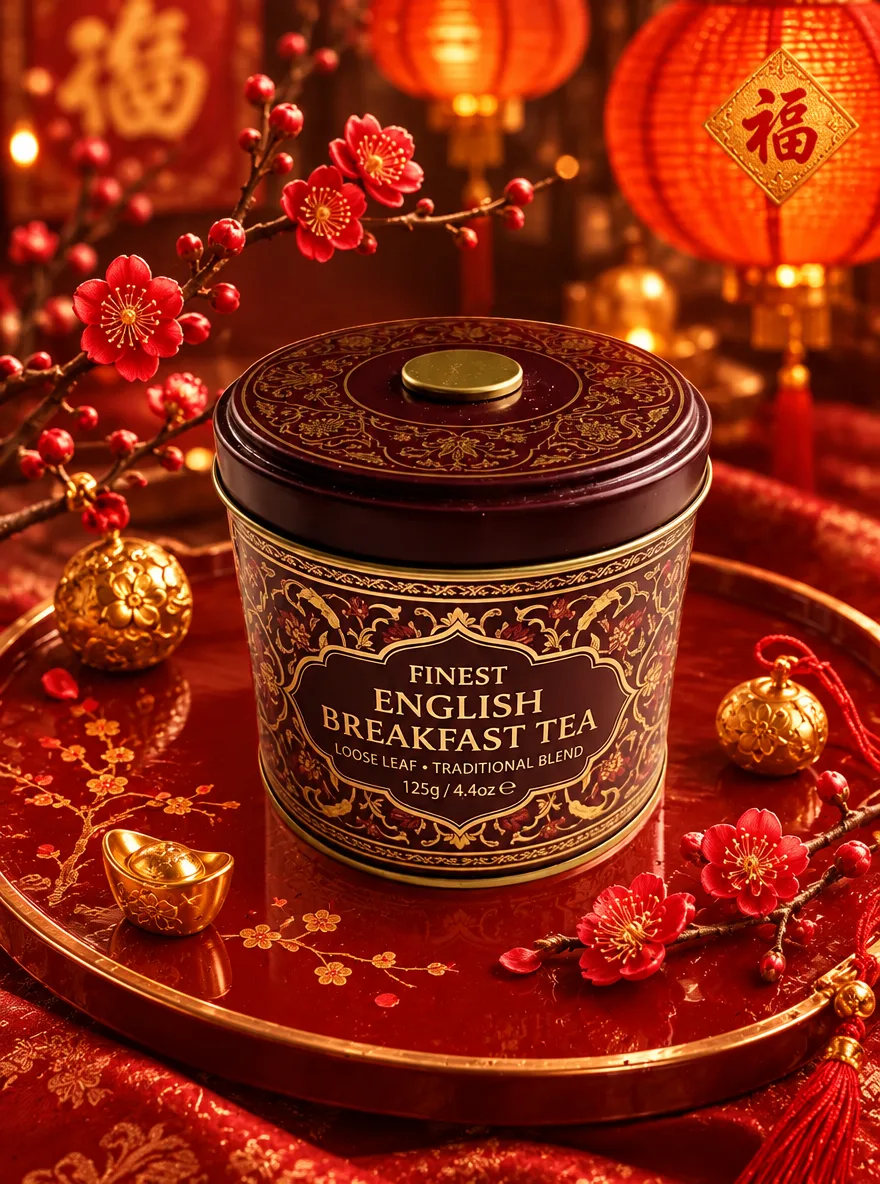
GPT Image 2.6 旧正月の赤と金
Keep the product unchanged. Place it on a red lacquer tray with plum blossom branches and small gold ornaments around it, and blurred red paper lanterns glowing in the background. Warm, festive Lunar New Year campaign look with rich red and gold tones.
写真の修復
傷、色あせ、ぼけ、暗さを直し、顔と構図は変えないよう指示します。古いプリントの修復では、構図を保つと書いてあるのに、GPT Image 2.6 は白いふちを切り落とし、拡大した写真を返しました。全体を残したいときは四辺を確認してください。
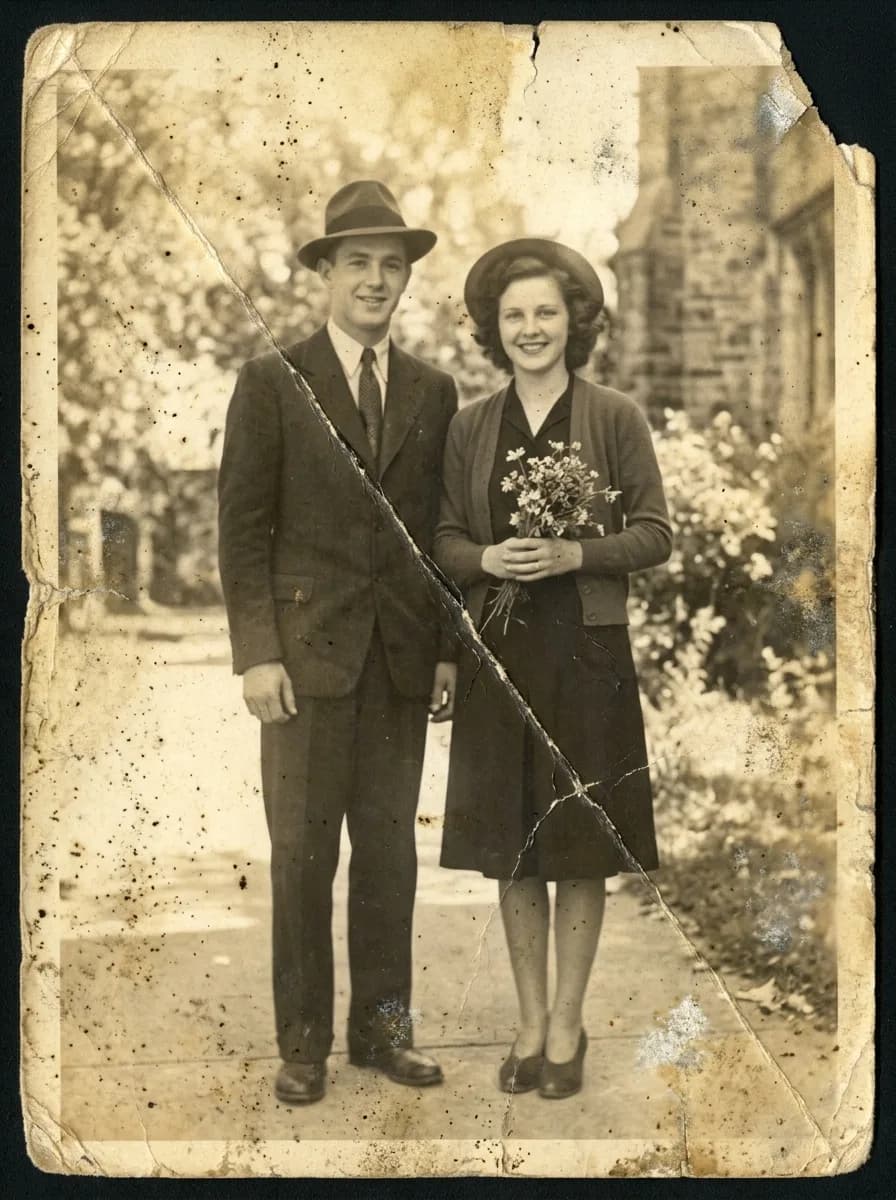
元画像 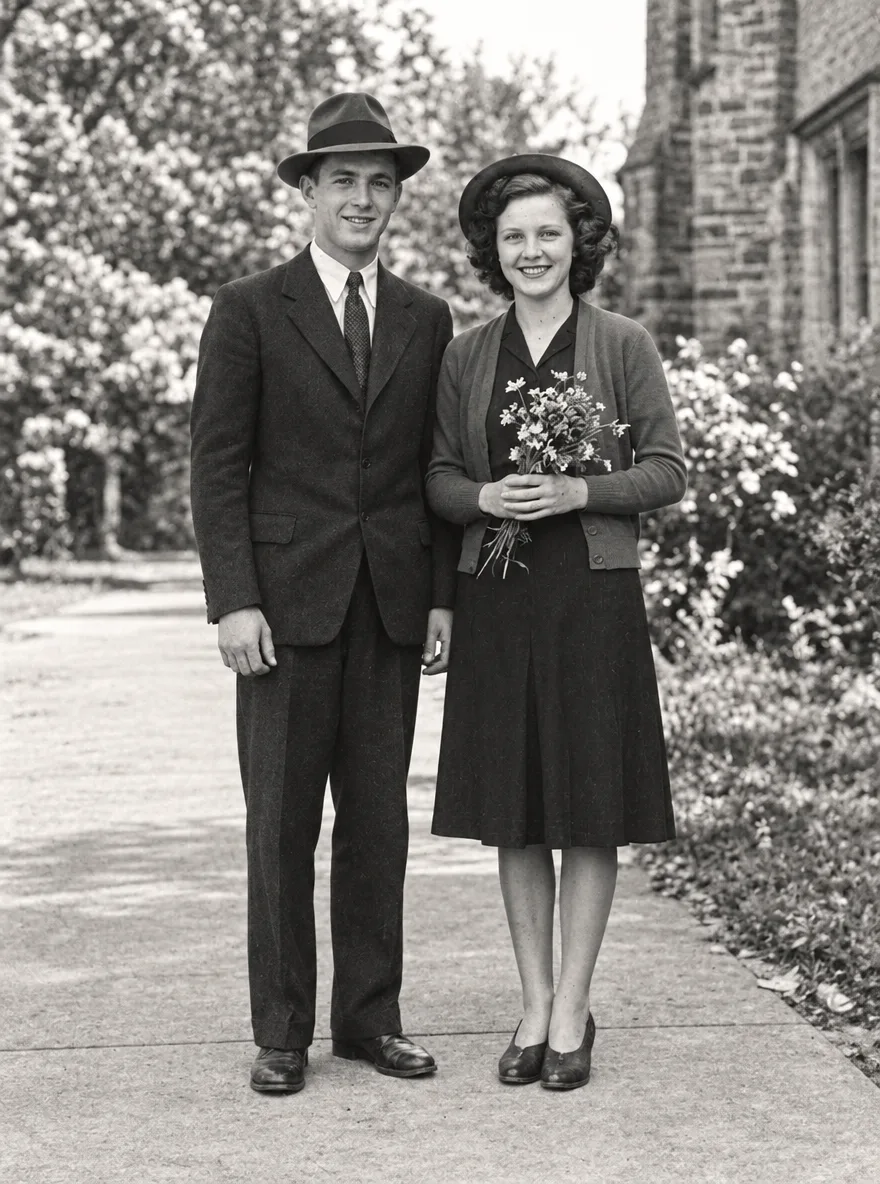
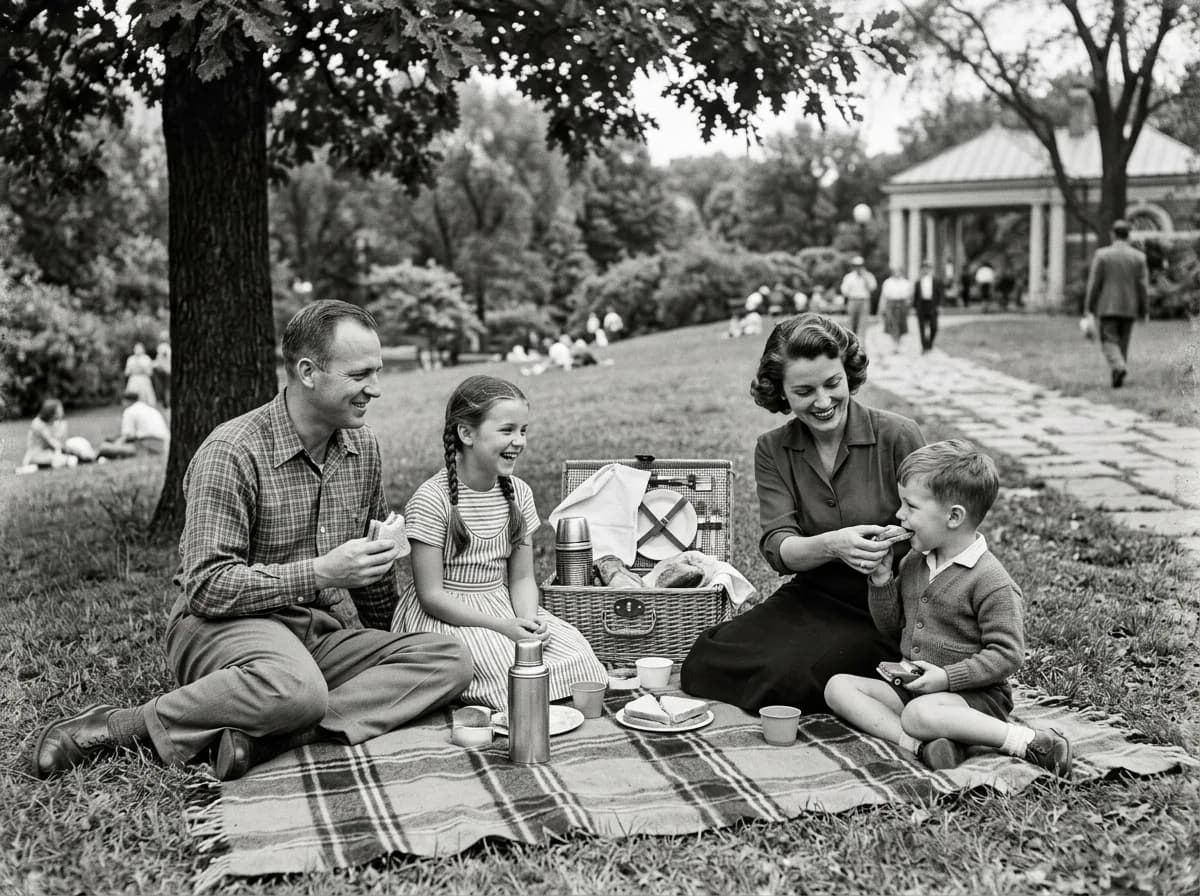
GPT Image 2.6 色あせた古い写真の修復
Restore this old photograph: remove the yellow age cast, dust spots, scratches and fold creases, and bring back clear, natural detail in the faces and eyes. Keep the people's features, expressions, clothing and the original composition unchanged. Clean archival quality with natural contrast.
元画像 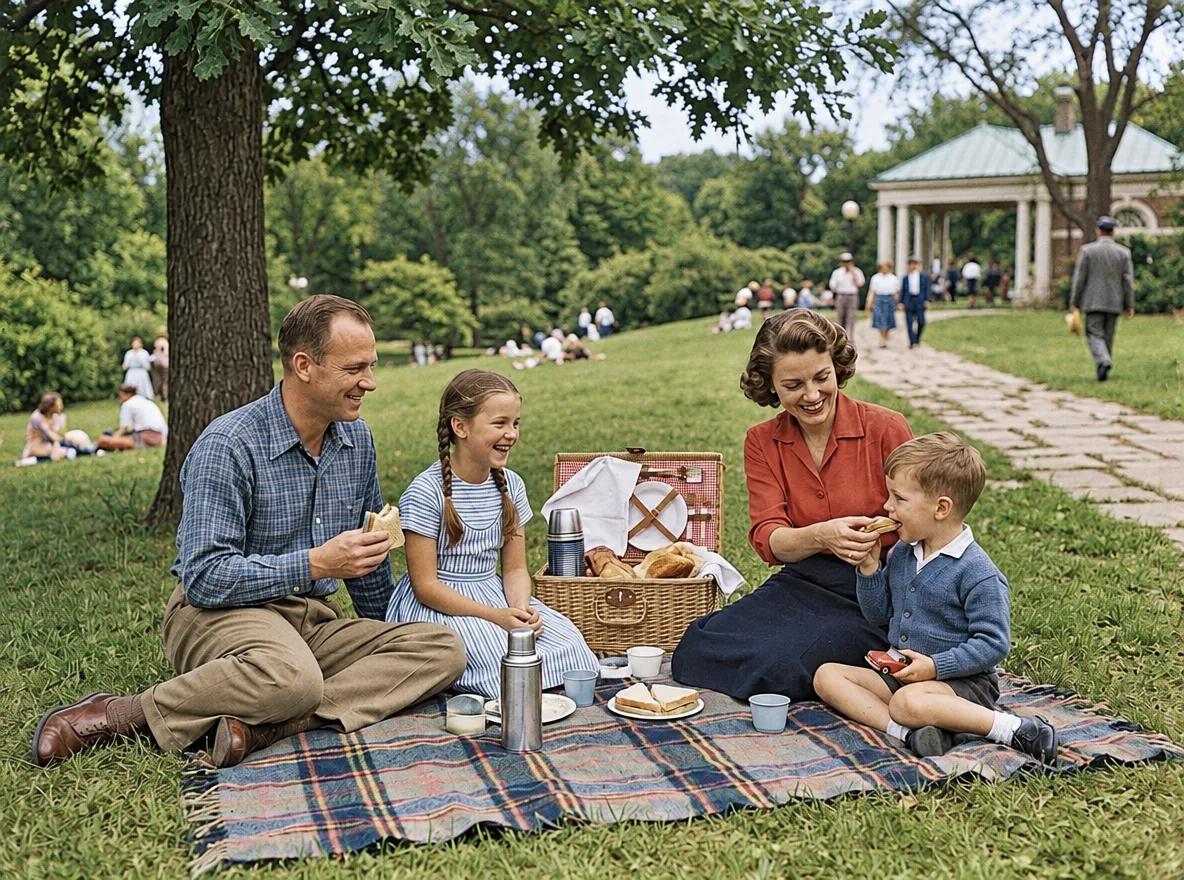
GPT Image 2.6 白黒写真のカラー化
Colorize this black-and-white photo with natural, period-accurate colors: realistic skin tones, clothing and surroundings. Keep every detail, the grain structure and the composition exactly as they are; only add color. Avoid oversaturated or uniform tints.
元画像 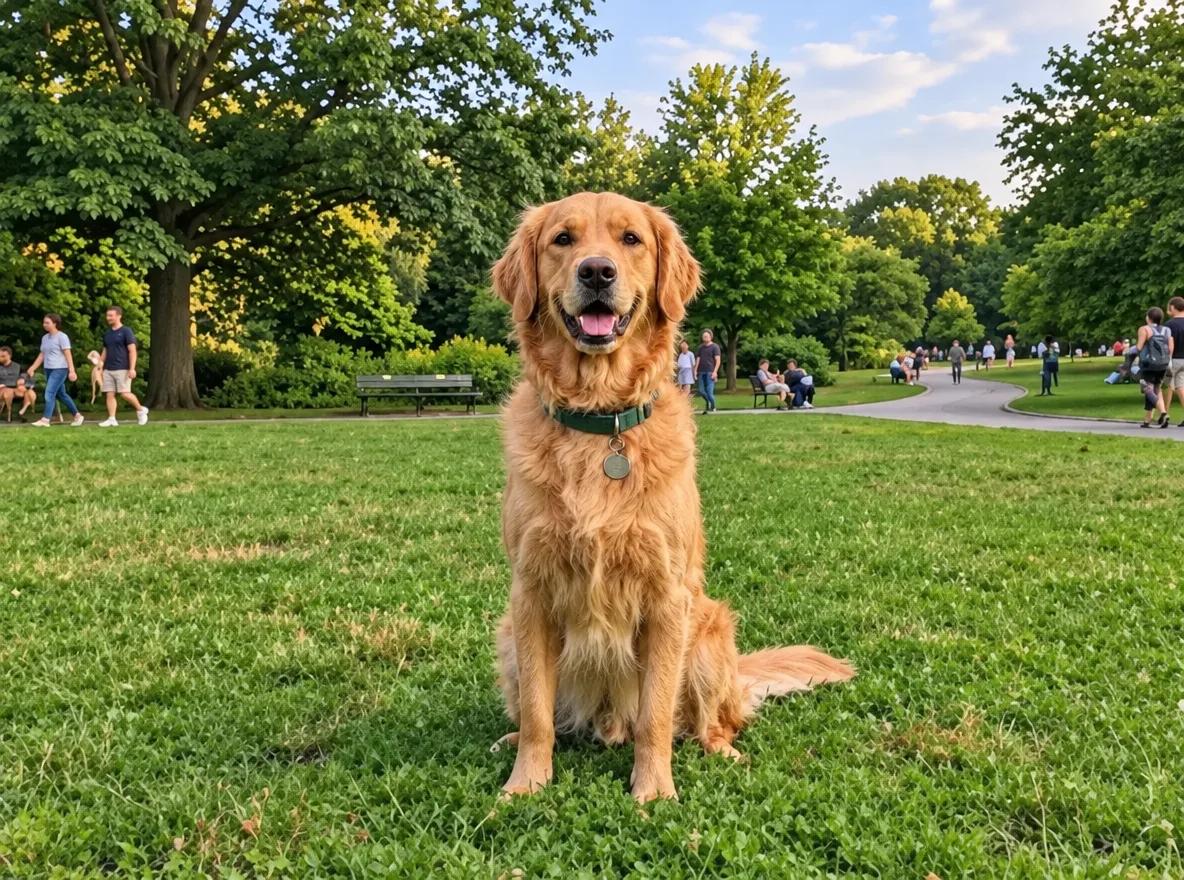
GPT Image 2.6 ブレとノイズを補正
Sharpen this blurry, noisy photo: remove motion blur and grain, and recover crisp edges and fine texture. Keep the subject, colors, lighting and composition exactly the same. Do not add new details or change any shapes.
元画像 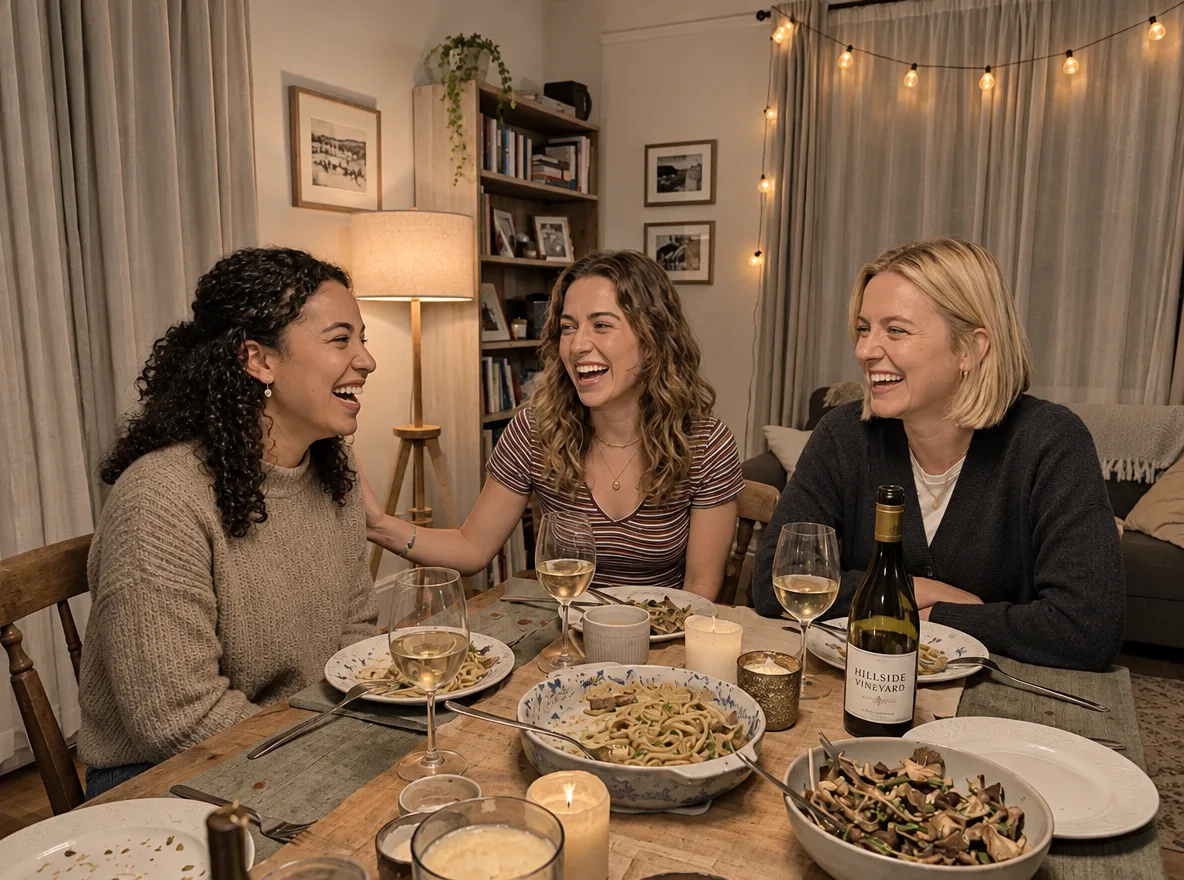
GPT Image 2.6 暗い写真を明るく補正
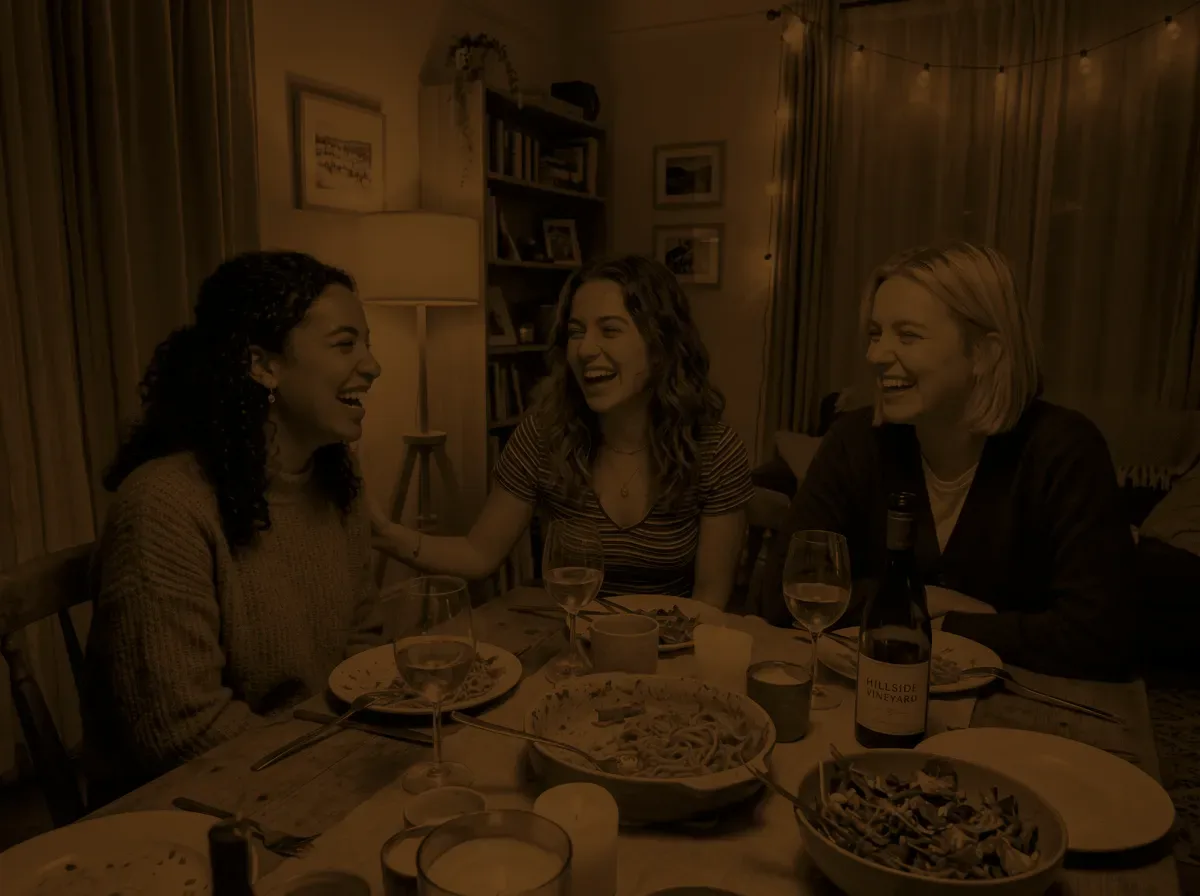
Fix this underexposed photo: raise the exposure so the faces and the table are clearly visible, recover detail in the shadows, neutralize the color cast and reduce noise. Keep the scene, people and composition exactly the same, and keep the light looking natural.
クリエイティブなスタイル
写真をフィギュア、水彩画、クレイ風のキャラクター、レンダリングに変えます。フィギュアでは GPT Image 2.6 が箱の文字をきれいに描きましたが、実在の玩具メーカーのロゴも入りました(ここではぼかしています)。
元画像 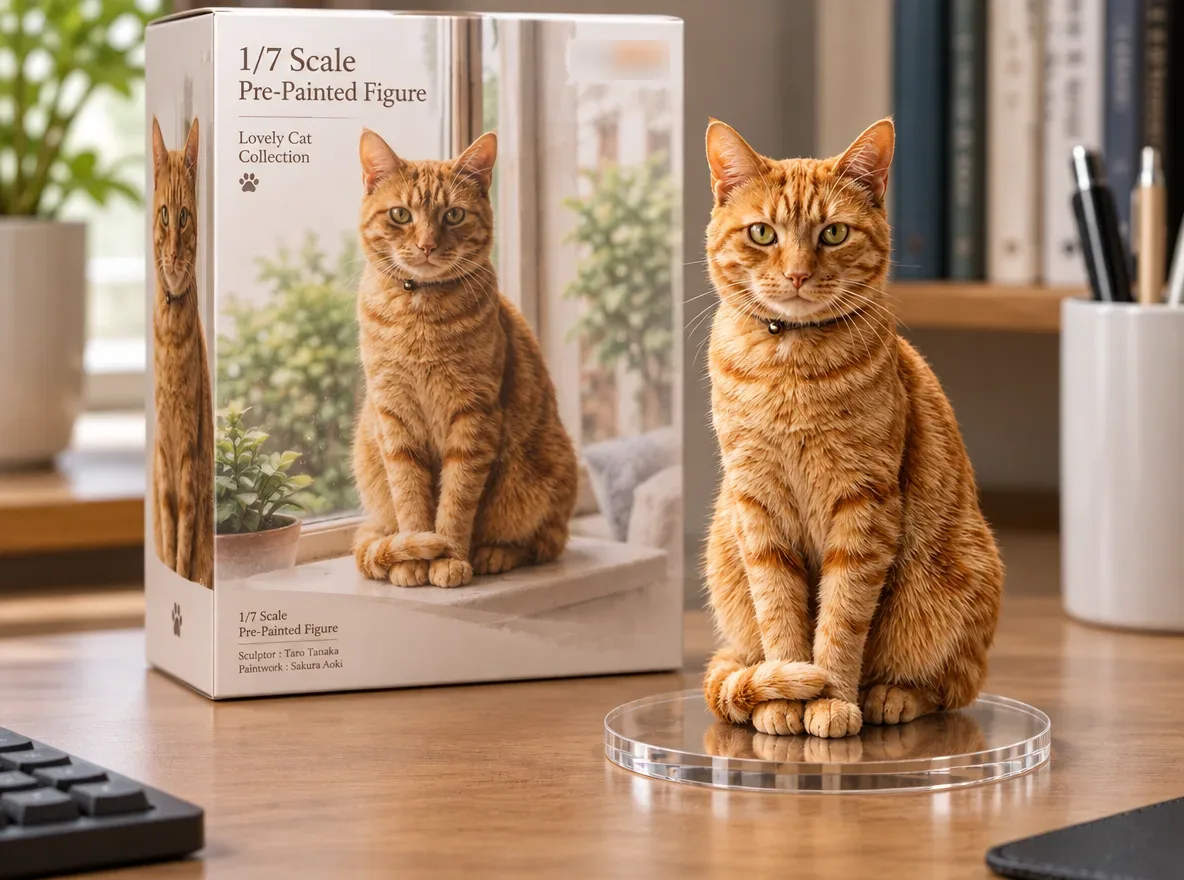
GPT Image 2.6 ペットをコレクションフィギュアに
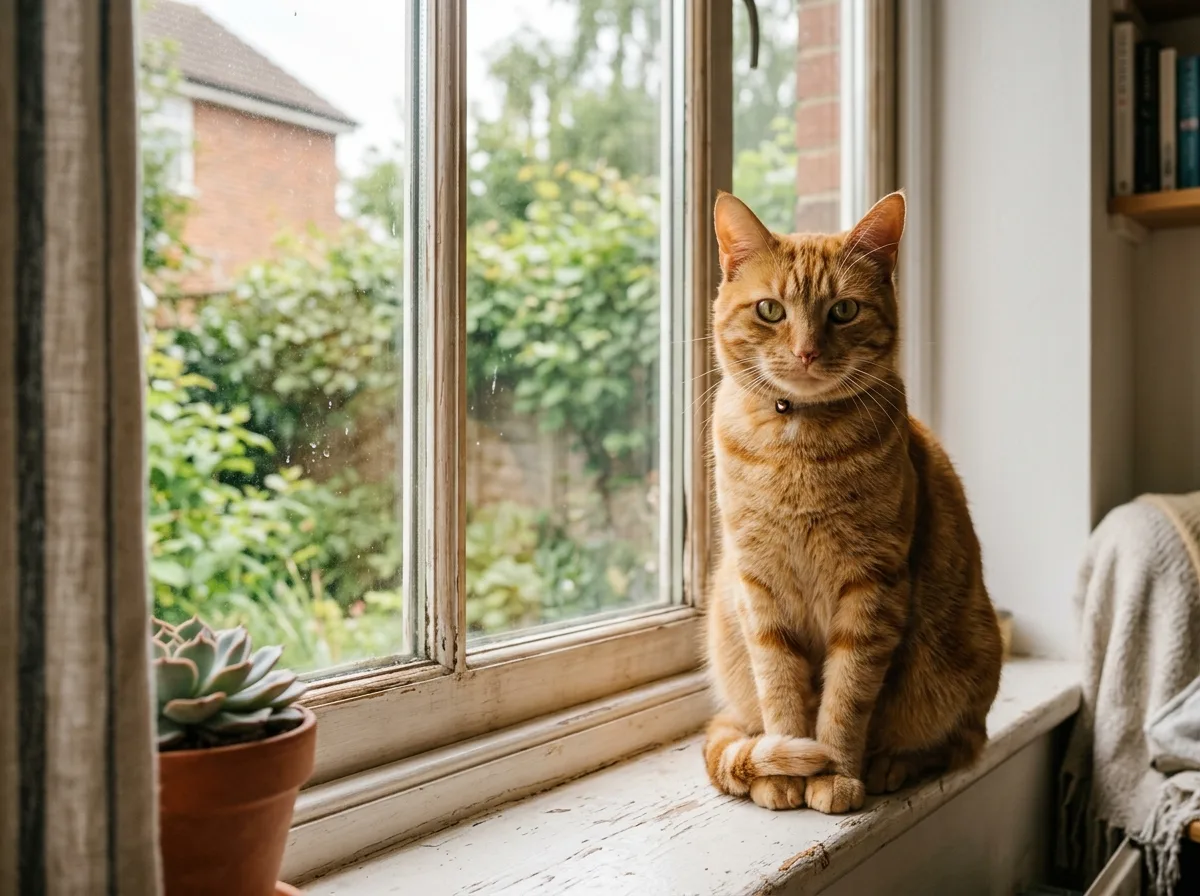
Turn the animal in this photo into a 1/7 scale collectible figure standing on a round clear acrylic base on a computer desk. Behind it, place a toy packaging box printed with the same character. Keep the animal's markings, colors and pose. Realistic studio product photo with soft light.

元画像 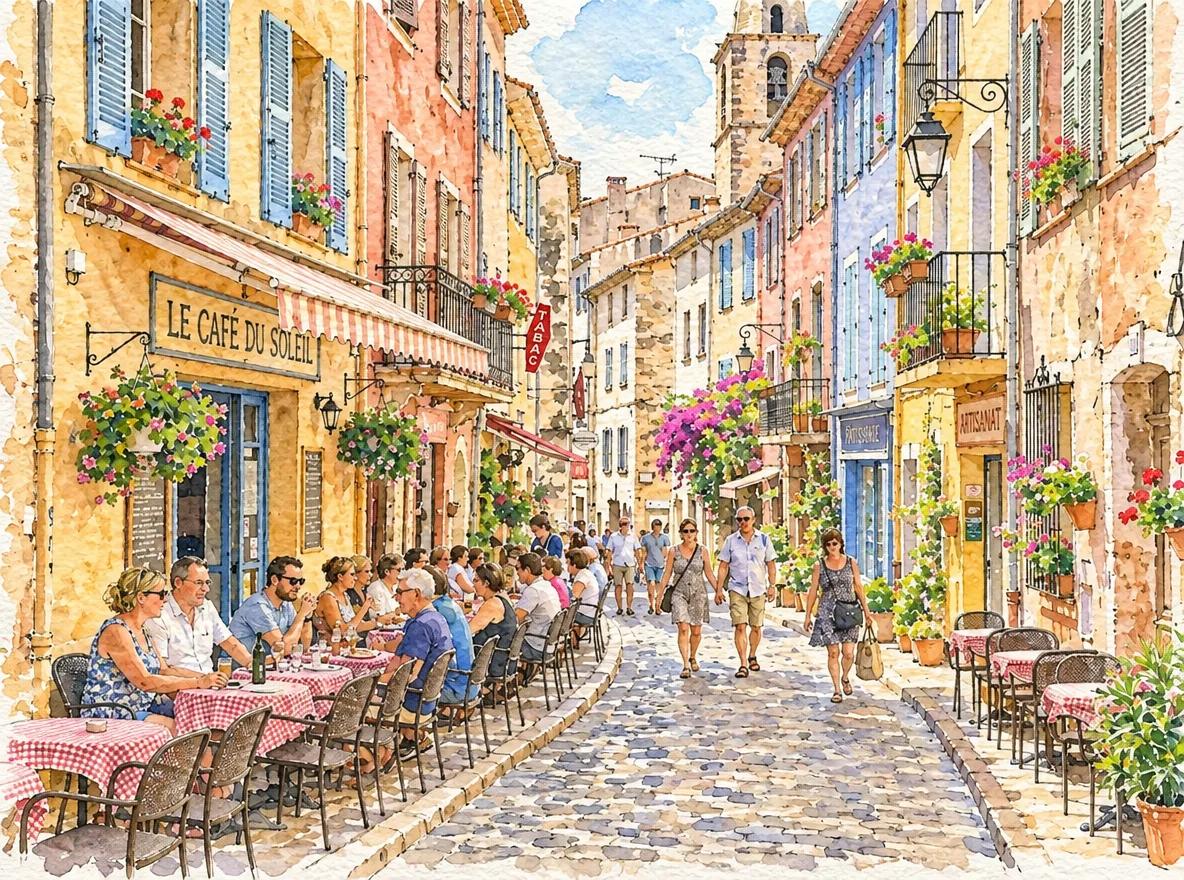
GPT Image 2.6 写真を水彩イラストに
Redraw this photo as a loose watercolor illustration on textured paper, with soft color washes, visible brush strokes and fine ink outlines. Keep the composition, buildings and main shapes recognizable. Light, airy palette with white paper showing through.
元画像 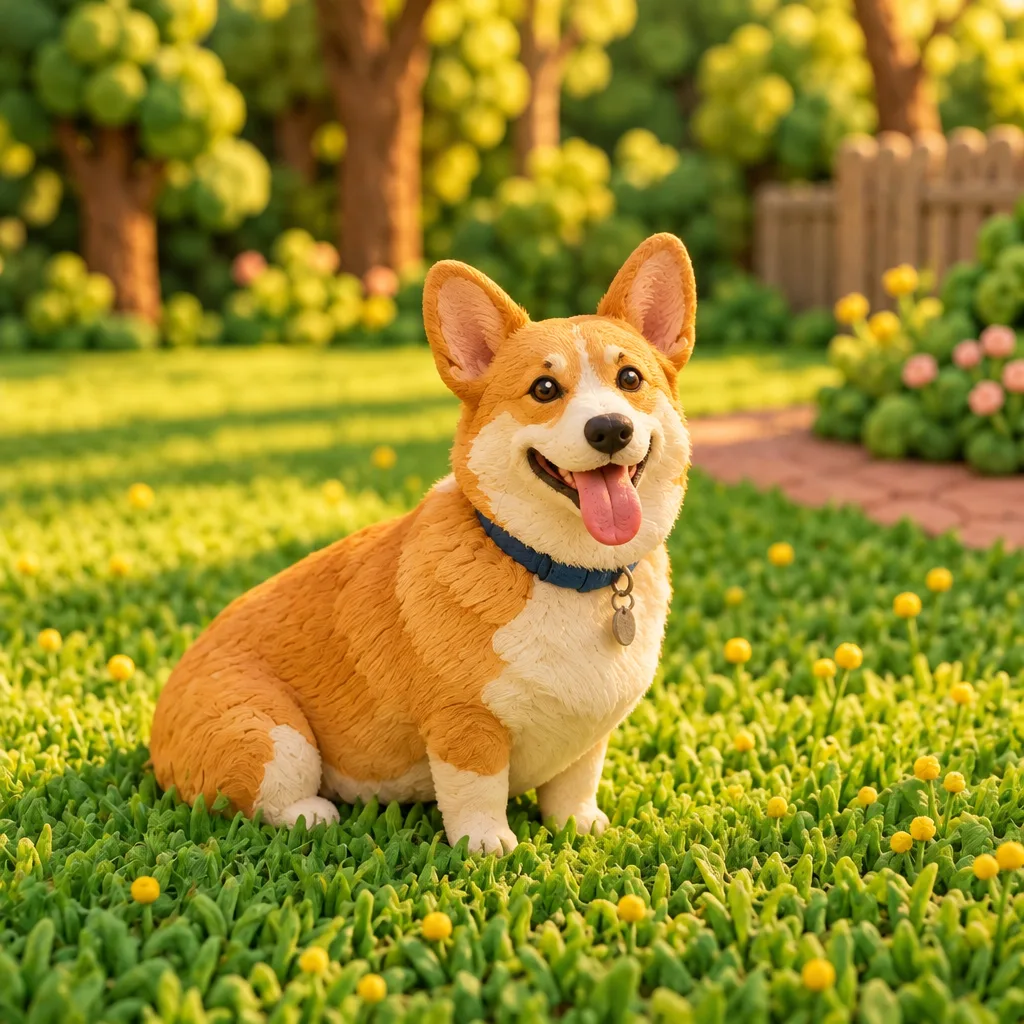
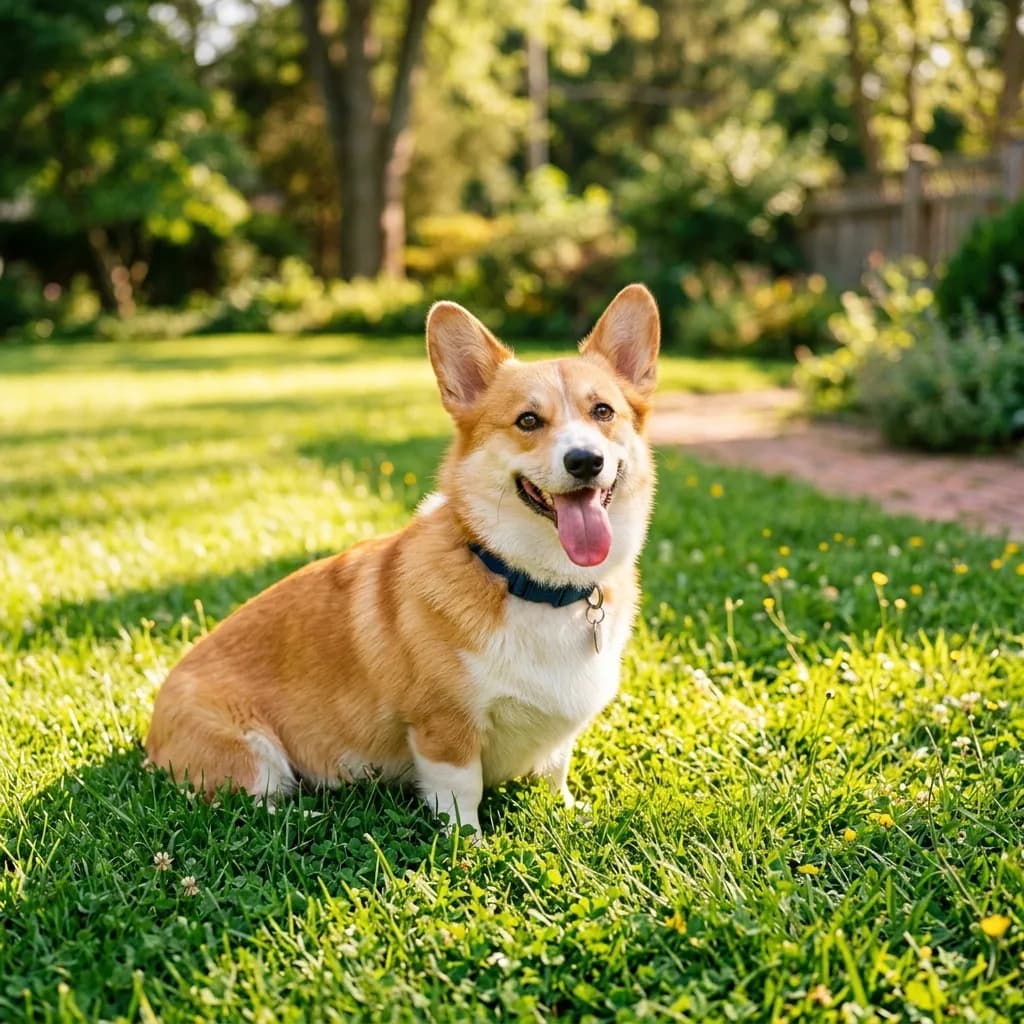
GPT Image 2.6 写真を3Dクレイキャラクターに
Transform this photo into a handmade 3D clay animation style, with soft rounded shapes, visible fingerprint texture in the clay and a miniature set. Keep the subject's pose, colors and key features recognizable. Warm soft lighting, playful stop-motion look.
元画像 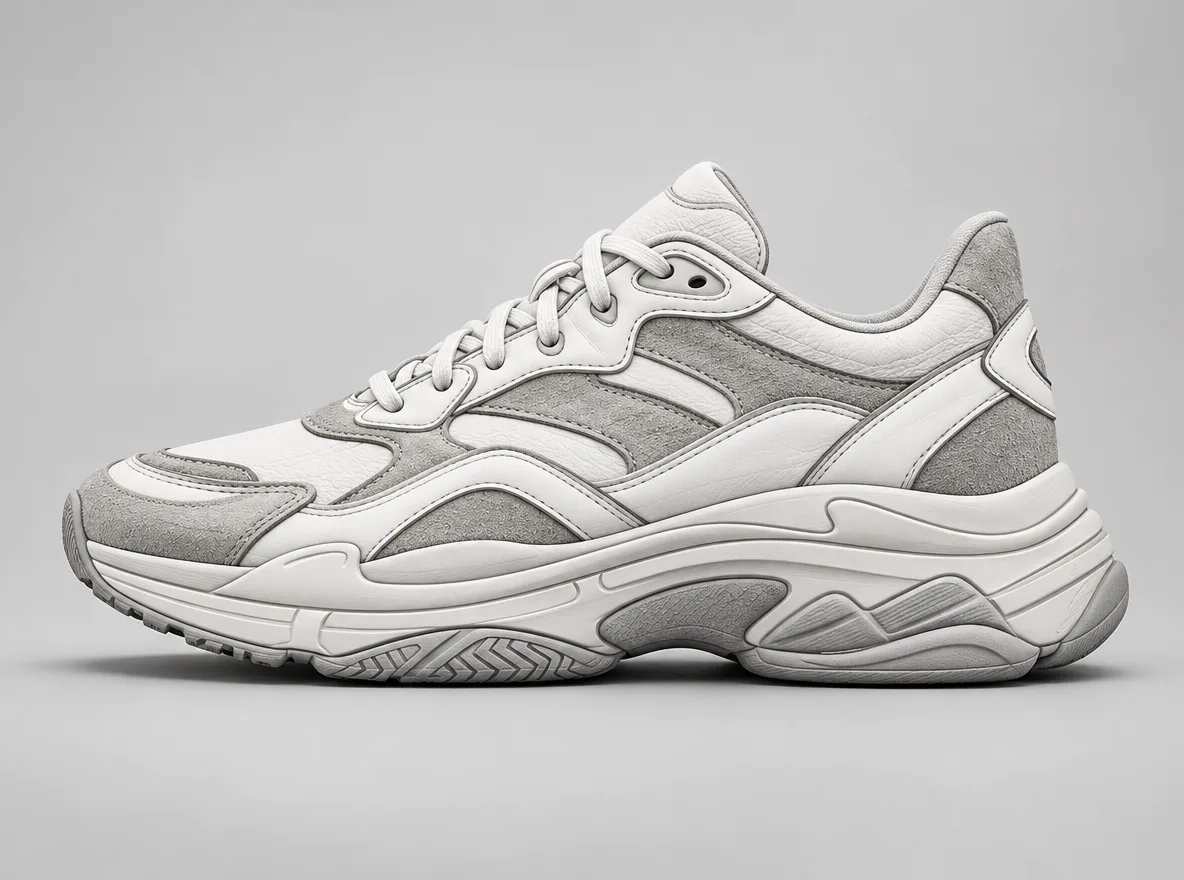
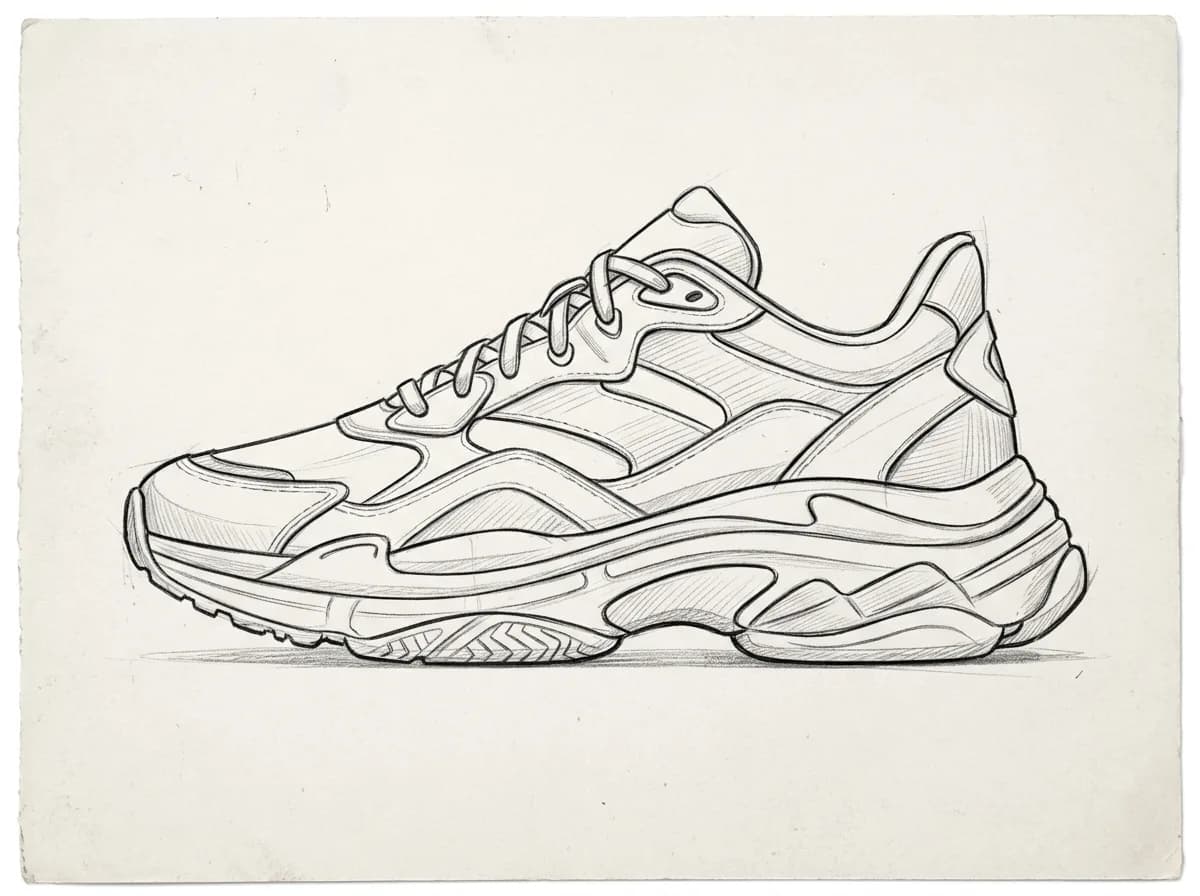
GPT Image 2.6 スケッチを製品レンダリングに
Turn this pencil sketch into a photorealistic product render. Follow the sketch's shape, proportions and details exactly. Use realistic materials: white leather upper, gray suede panels and a rubber sole, on a light gray studio background with soft shadows.
IMG_1 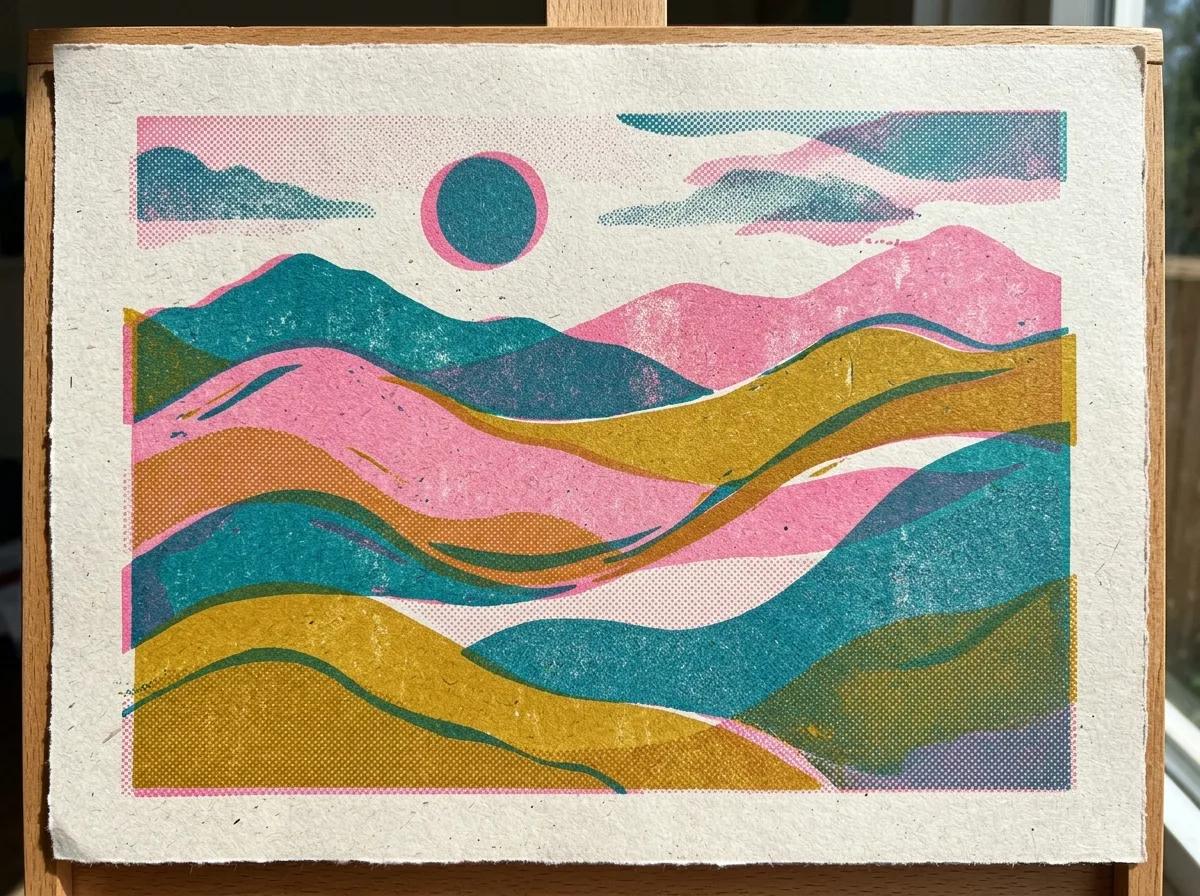
IMG_2 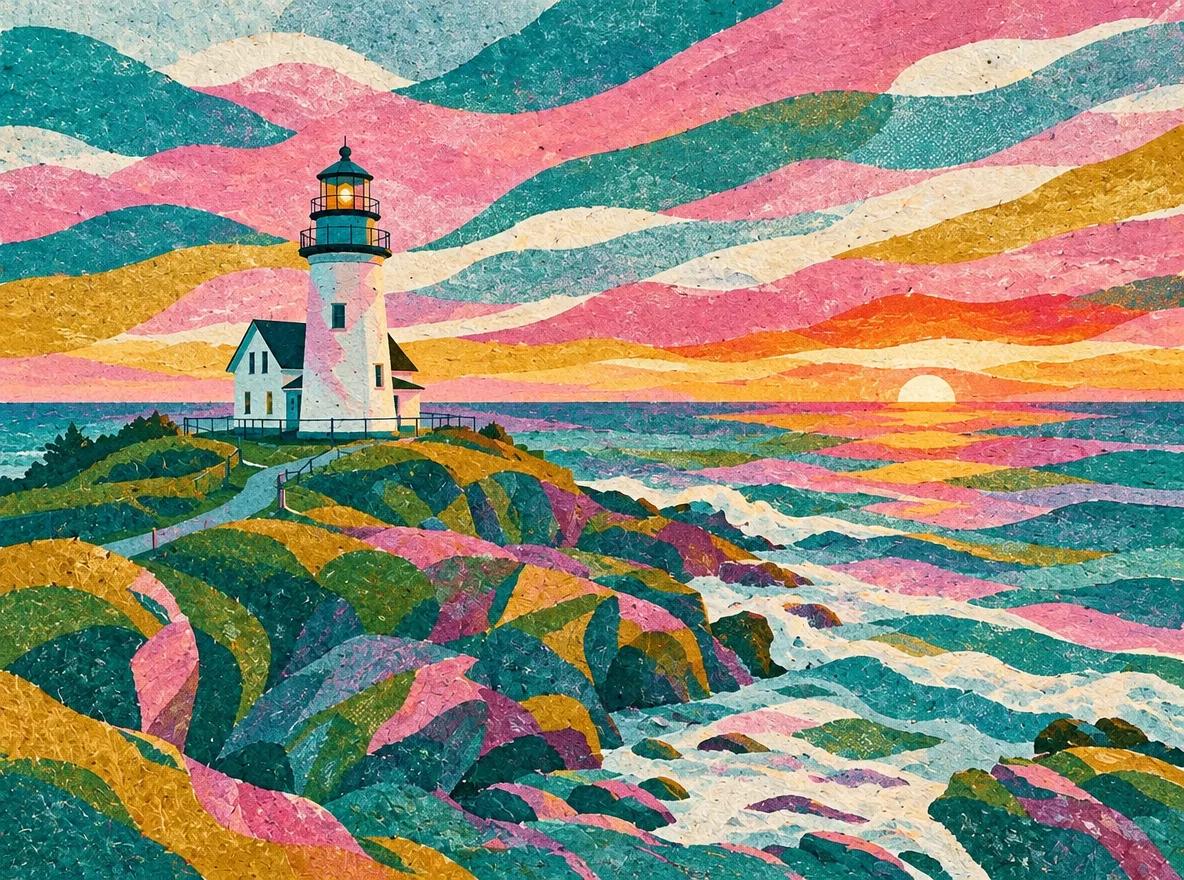
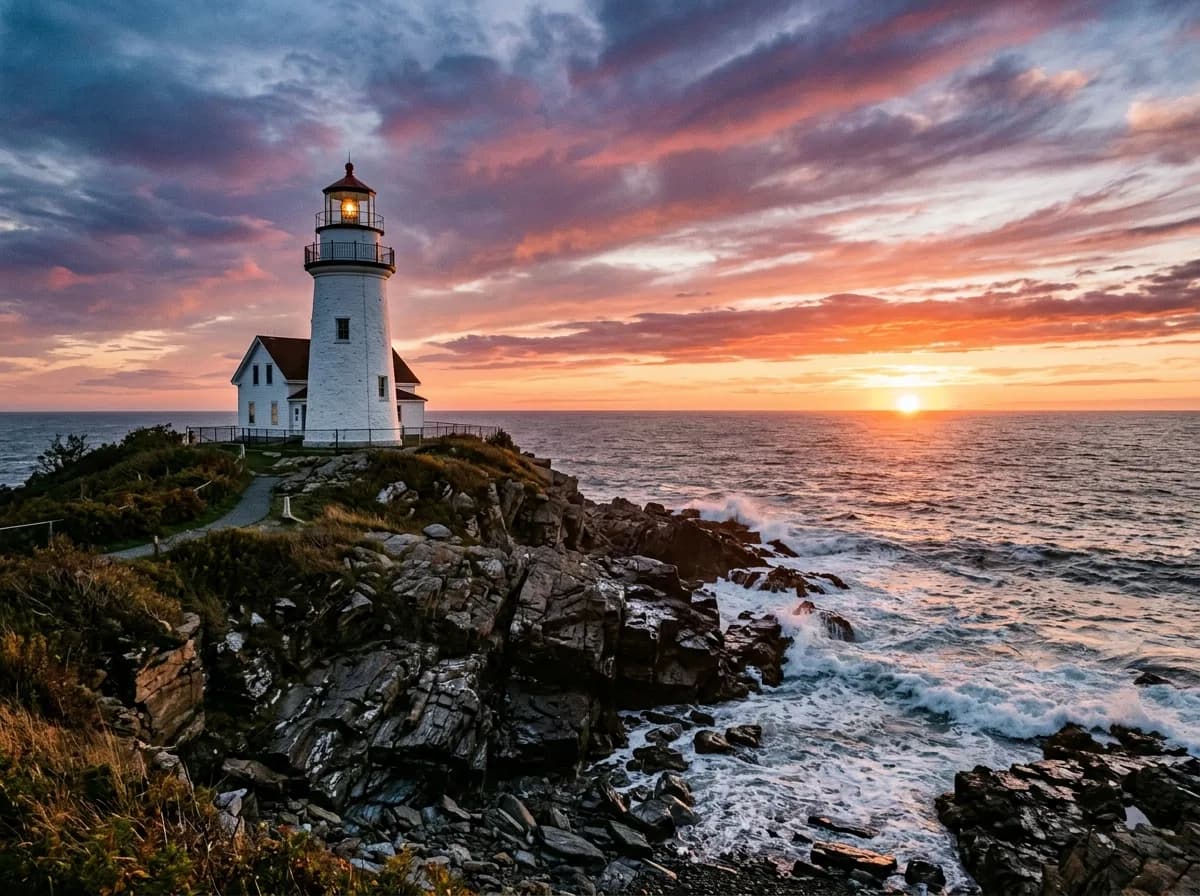
GPT Image 2.6 参考画像のスタイルを借りる
写真が2枚必要です(順番どおりにアップロード)
Redraw IMG_1 in the visual style of IMG_2: use its color palette, texture and brushwork. Keep IMG_1's composition, subject and proportions intact. Do not copy any objects from IMG_2.
よくある質問
このプロンプトは ChatGPT でも使えますか。
使えるはずです。ChatGPT の Images 2.6 は同じモデルです。ただし、ここの結果は ChatGPT ではなく、YepShot から fal.ai の GPT Image 2.6 のエンドポイントで実行したものなので、ChatGPT では違う結果になることがあります。写真を添付し、プロンプトを貼り付けて送信してください。
どんな設定で実行しましたか。
静止画は Flare、画質 medium、1K、アスペクト比は自動で、プロンプトごとに1回ずつ実行しました。GIFは画質 medium、9フレーム、1.8秒です。画質 high・max は試していません。Sunburst は静止画のうち10件で実行し、結果を GPT Image 2.6 のページ(英語)に載せています。
文章だけで画像を作るプロンプトですか。
いいえ。どれも、アップロードした写真を編集するための指示です。ほとんどのプロンプトは「何を変えないか」から始まるので、写真がないと保つものがありません。
塗る必要があるのはどのプロンプトですか。
55件のうち8件で、カードに表示があります。実行前に変えたい部分をブラシで塗ってください。プロンプトは、その部分をどう変えるかを指示します。
YepShot で実行するといくらかかりますか。
GPT Image 2.6 の標準画質・1K の編集は1回6クレジット、GIFは1回7クレジットです。新規アカウントには18クレジットが無料で付きます。
同じプロンプトを Nano Banana 2.1 でも使えますか。
使えます。静止画のプロンプトはもともと Nano Banana 2.1 向けに書いたもので、GPT Image 2.6 でもそのまま実行しました。比較ページで、すべてのプロンプトについて両方の結果を見られます。
GPT Image 2.6 は、頼んでいないものを足すことがありますか。
あります。今回の実行では、3つの結果に実在のブランド名が入り(本のタイトル2つ、玩具メーカーのロゴ、ヘッドセットのロゴ。このページではぼかしています)、古い写真が切り詰められ、商品の平置きにテレビのリモコンが残りました。出品や広告に使う前に、結果をよく確認してください。