
How it works
Upload one clear photo
One person or one pet, in focus, with the face visible. A busy background is fine: the prompt replaces it with plain grey.
Generate
The chibi prompt is preloaded. For a pet, pick the pet sticker sheet from the examples and get six expressions in one image. With Nano Banana 2.1 a 1K image costs 6 credits.
Cut it out and use it
Download it without a watermark, then turn it into a sticker on your phone, as described below, or send it to a printer.
Sticker prompts with real results
Each example was generated on YepShot with Nano Banana 2.1 at 1K, using the prompt shown on its card. The source photos are AI-generated. The first card is the prompt preloaded in the editor above.

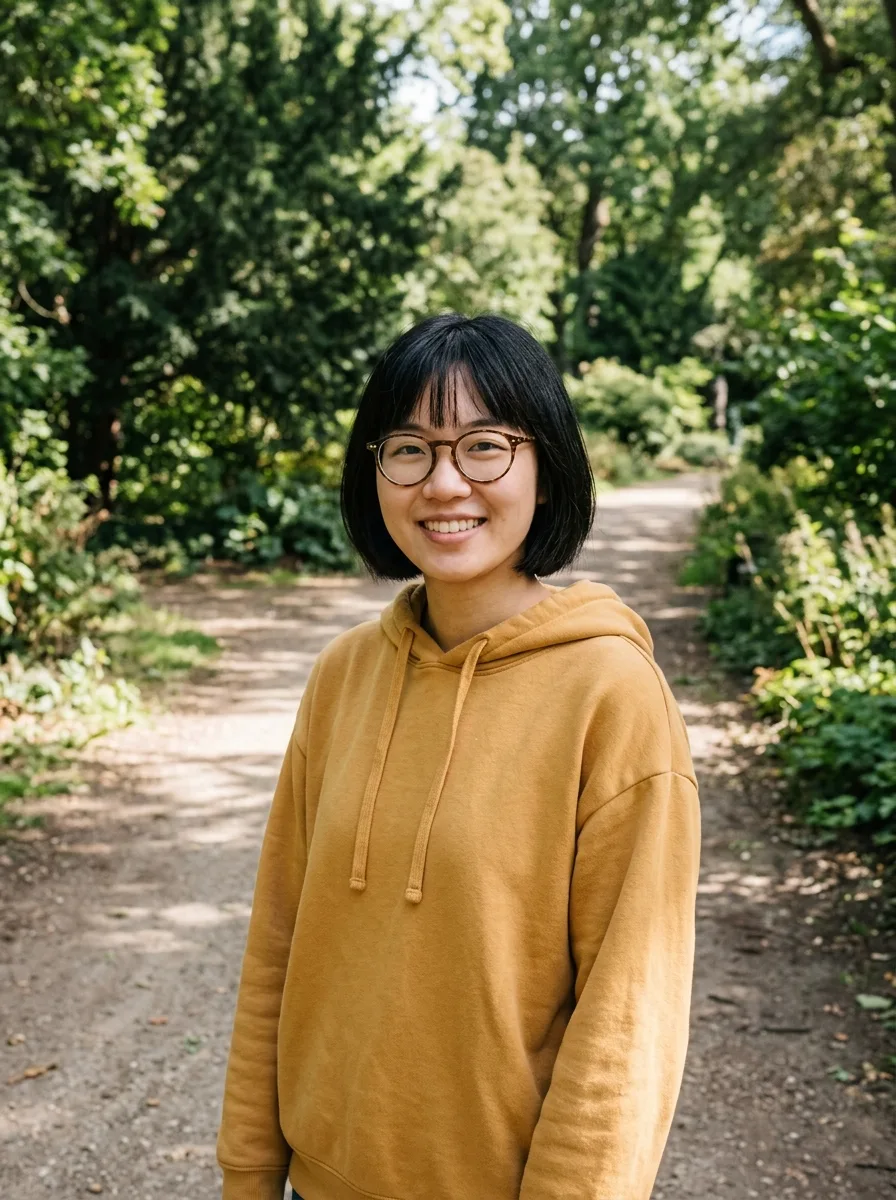
Before 
Nano Banana 2.1 Photo to Chibi Sticker
Turn the person in this photo into a cute chibi cartoon sticker: big head, small body, bold clean outlines and flat bright colors, with a thick white die-cut border around the whole character. Keep their hairstyle, glasses, face shape and outfit colors recognizable. Place the sticker alone on a plain light grey background.
Before 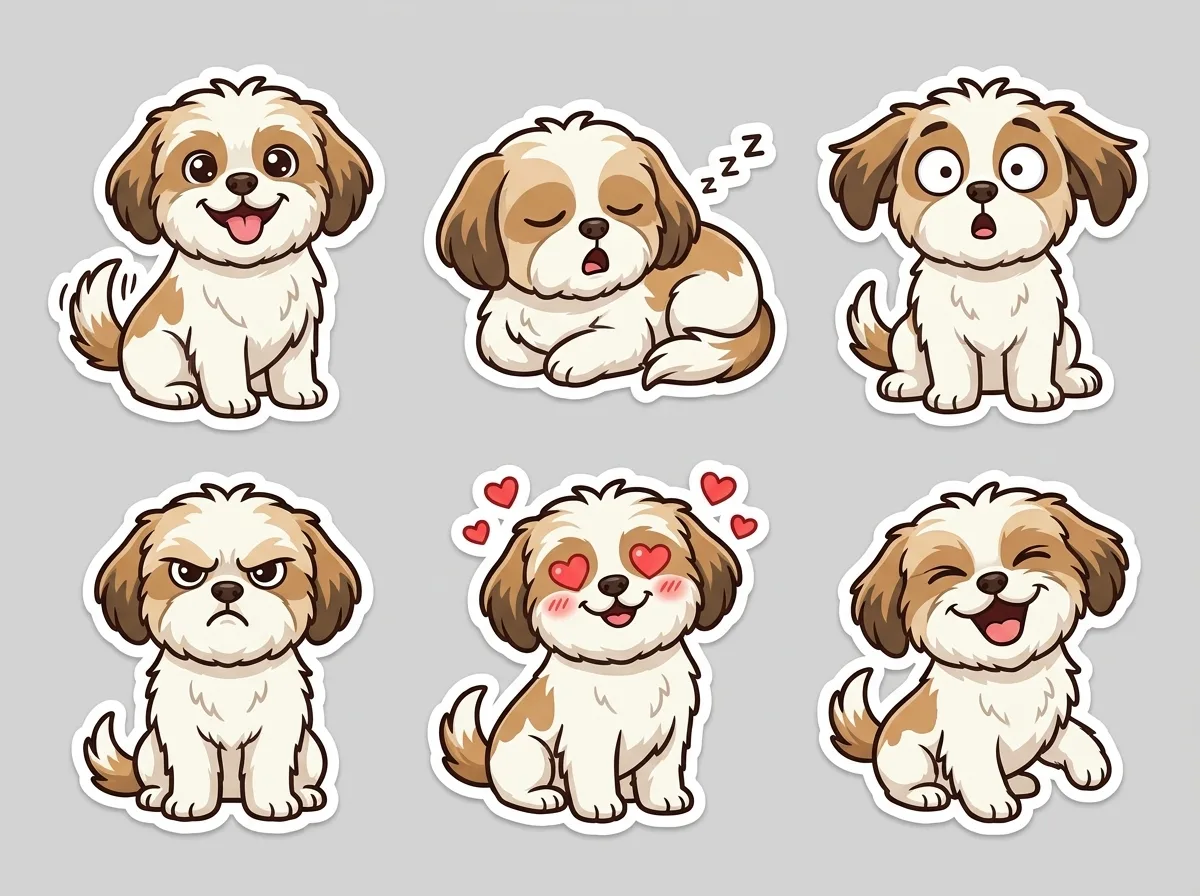
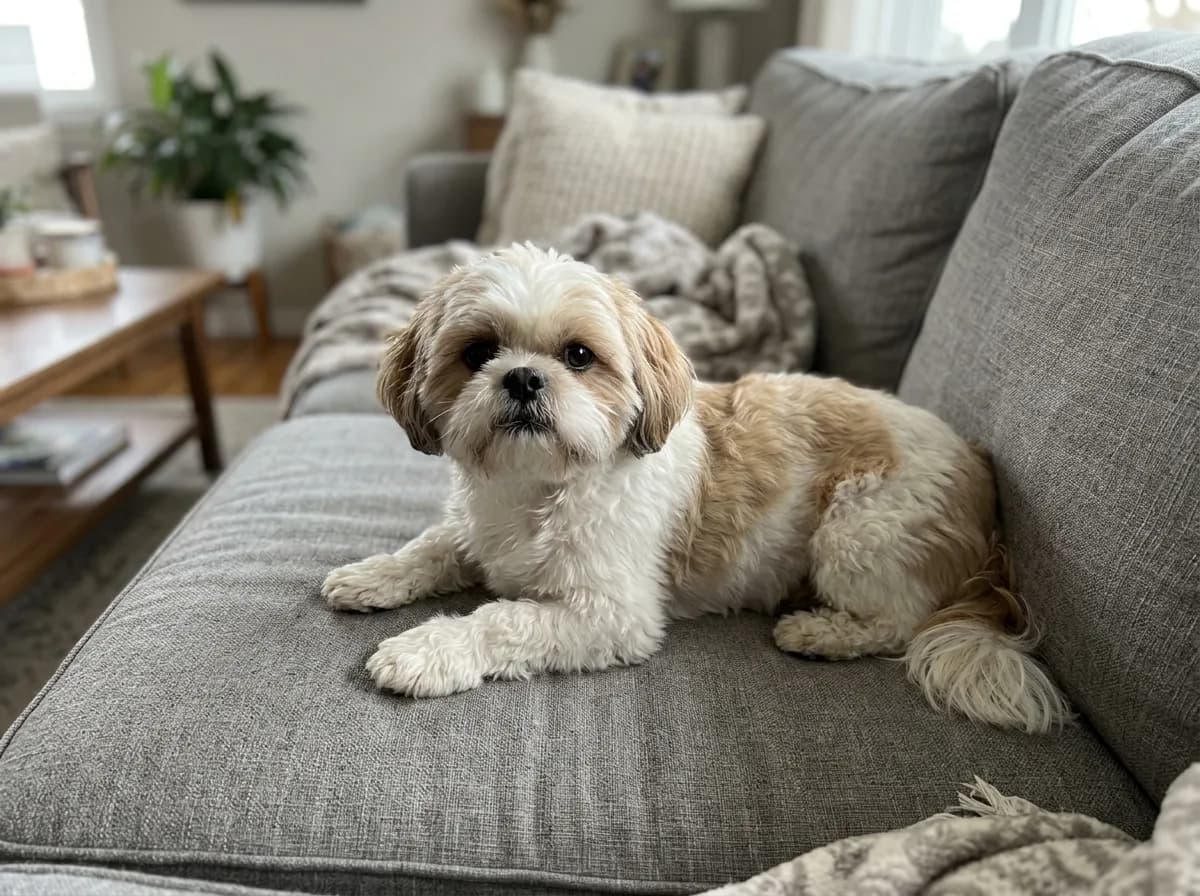
Nano Banana 2.1 Pet Photo to Sticker Sheet
Turn the pet in this photo into a sticker sheet of six cartoon stickers in a 3-by-2 grid, each with a different expression: happy, sleepy, surprised, grumpy, in love and laughing. Keep the same fur colors and markings in every sticker. Bold outlines, a white die-cut border around each sticker, even spacing on a plain light grey background, no text.
Before 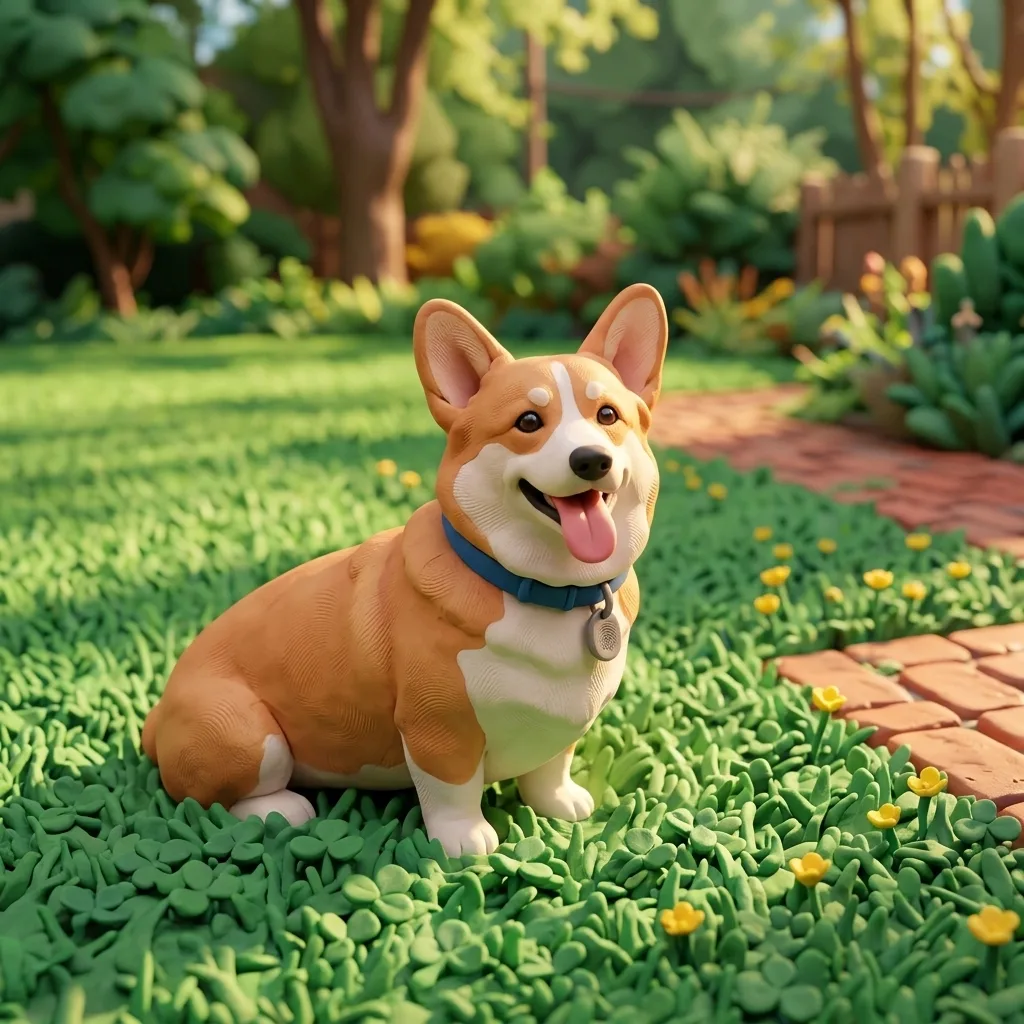
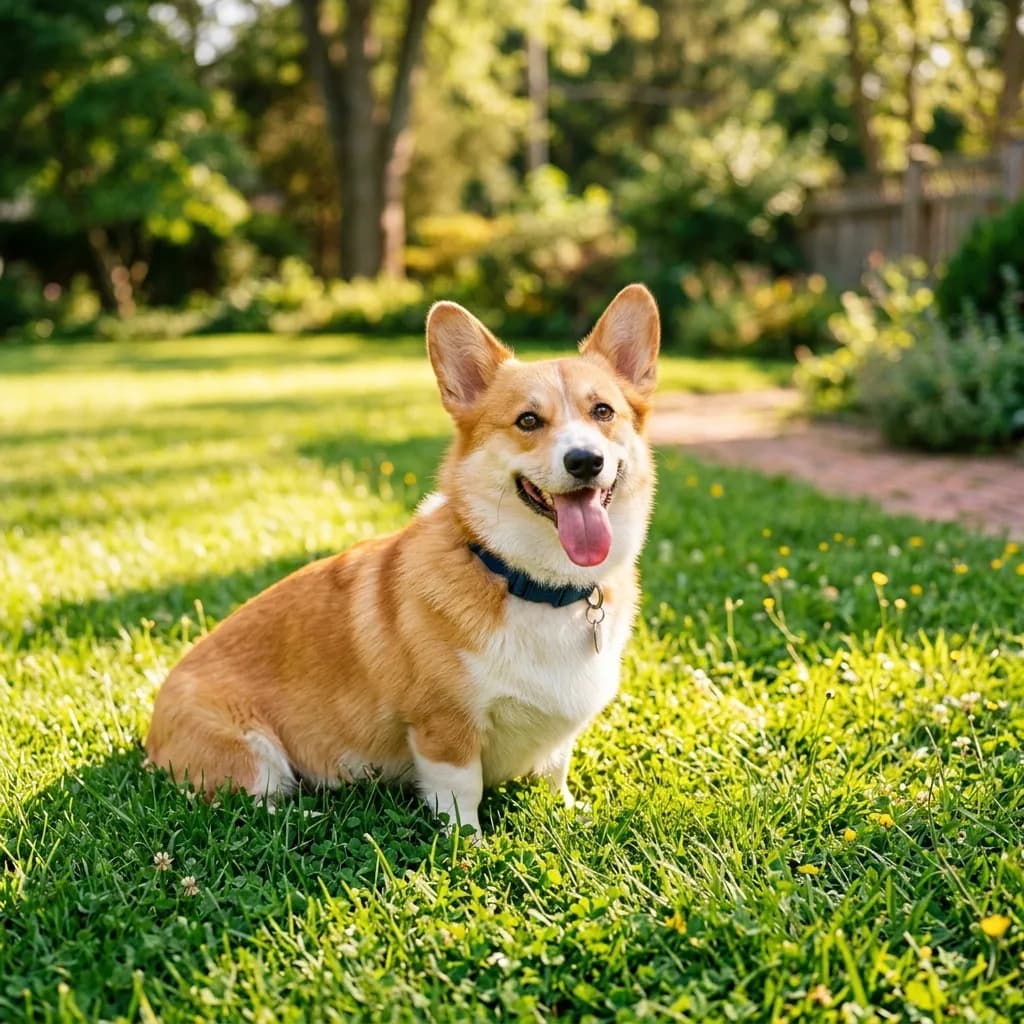
Nano Banana 2.1 Photo to 3D Clay Character
Transform this photo into a handmade 3D clay animation style, with soft rounded shapes, visible fingerprint texture in the clay and a miniature set. Keep the subject's pose, colors and key features recognizable. Warm soft lighting, playful stop-motion look.
Before 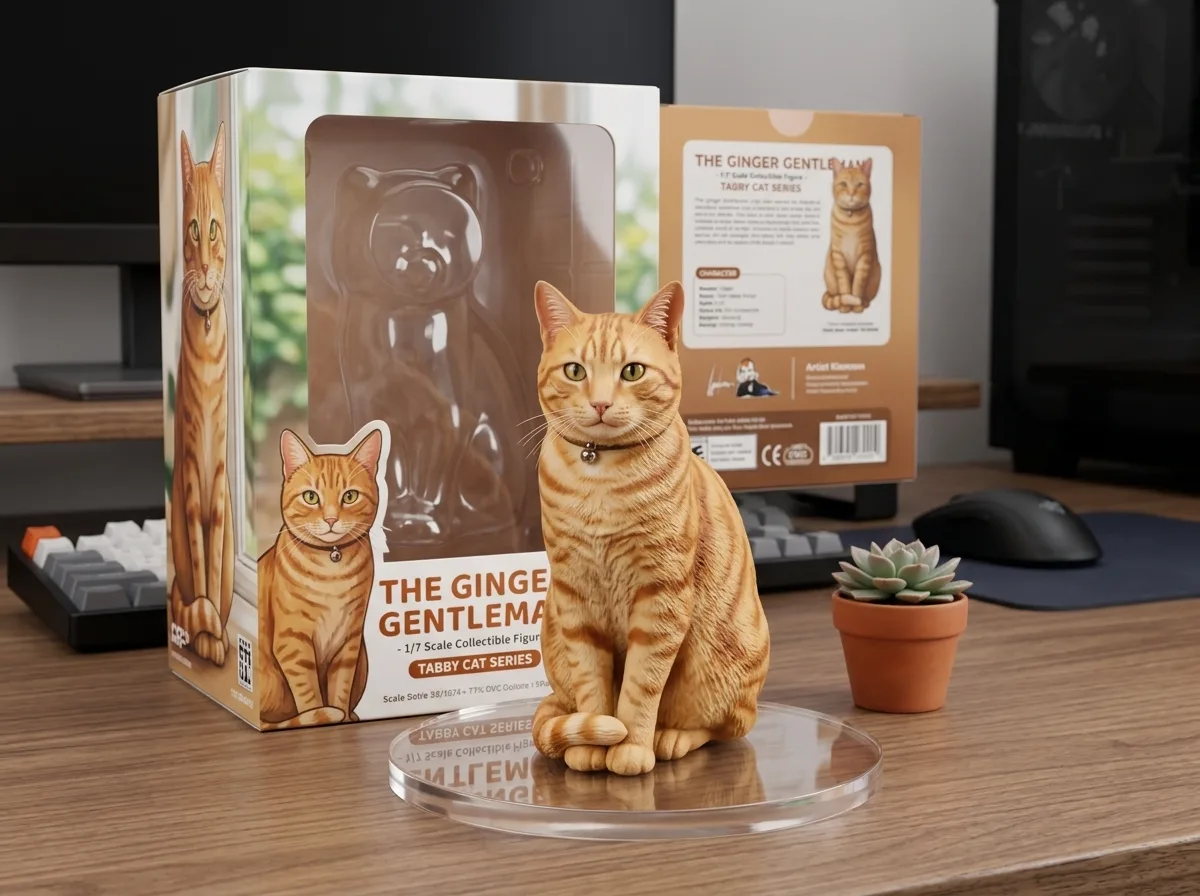
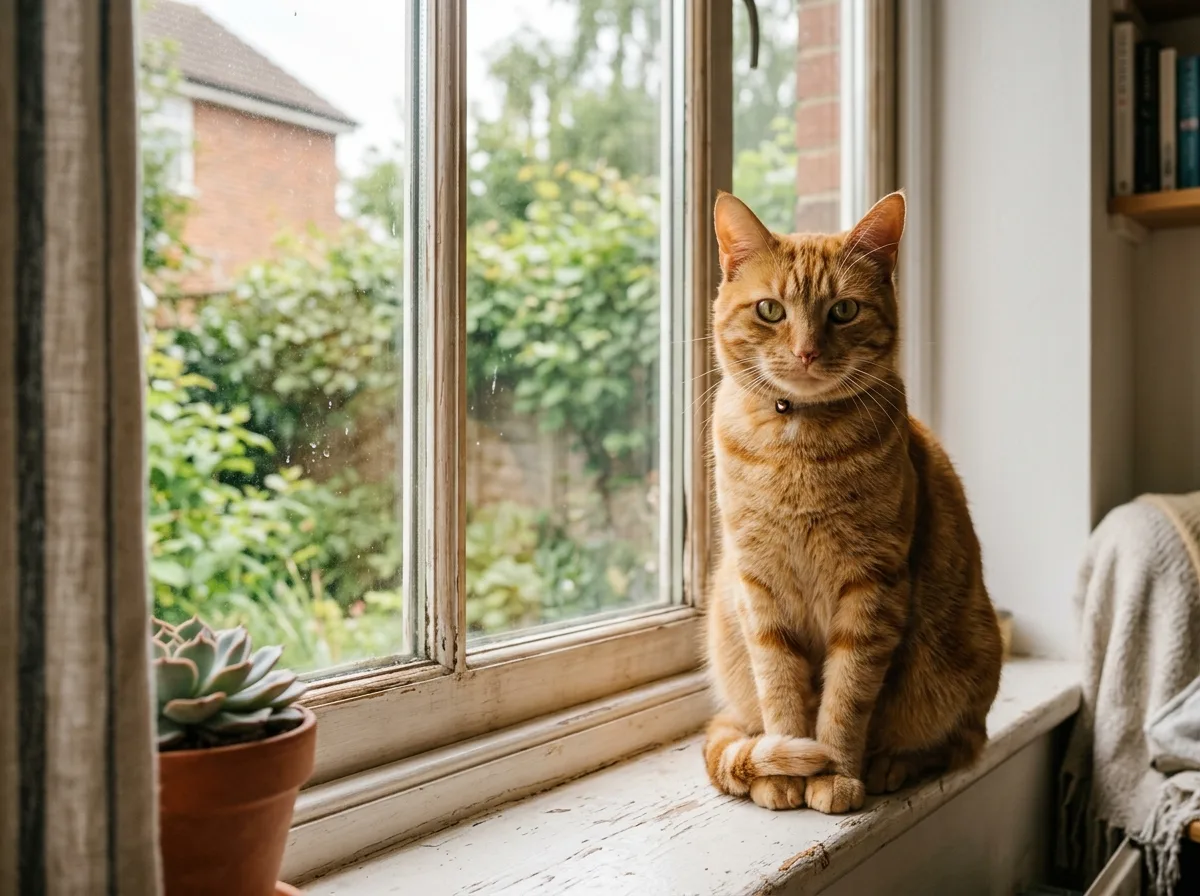
Nano Banana 2.1 Turn Your Pet into a Collectible Figure
Turn the animal in this photo into a 1/7 scale collectible figure standing on a round clear acrylic base on a computer desk. Behind it, place a toy packaging box printed with the same character. Keep the animal's markings, colors and pose. Realistic studio product photo with soft light.
Change the prompt
- A pet instead of a person
- In the chibi prompt, change “the person” to “the pet”.
- Other expressions
- In the sticker sheet prompt, swap the six expressions for your own. We tested six in a 3-by-2 grid; for more, change both the number and the grid.
- A pose or a prop
- Add one sentence such as “holding a coffee cup” or “giving a thumbs up”.
- A caption
- You can ask for a short word on the sticker, but check the spelling, because small text often comes out wrong. The sheet prompt says “no text” for that reason.
- Check what it filled in
- The model draws what the photo doesn't show: our waist-up photo came back with jeans and sneakers. The hairstyle, glasses and hoodie color carried over.
Make it a WhatsApp or iMessage sticker
YepShot gives you an image, not a sticker file. Your phone does the last step.
- iPhone
- On iOS 17 or later, open the downloaded image in Photos, touch and hold the character, then tap Add Sticker. It joins your stickers, which you reach from the emoji keyboard in Messages and other apps. The plain background makes the cut-out clean.
- Open a chat, go to stickers, choose Create and pick the image, then cut out the character in WhatsApp's editor. If you don't see Create, update the app.
- A sticker sheet
- Crop each sticker into its own image first, then turn each one into a sticker.
- Printing
- Generate at 2K (7 credits) or 4K (15 credits, paid plans) so the print stays sharp. The white border leaves room for the cut.
Want it to move? The waving chibi sticker GIF turns your photo into an animated sticker with GPT Image 2.6.
Frequently asked questions
Is the background transparent?
No. YepShot returns an image with a plain light grey background, which your phone or a background remover can cut out cleanly. It does not export transparent PNG or WhatsApp sticker files.
Can I make a sticker of my pet?
Yes. Use the sticker sheet prompt for six expressions at once, or change “the person” to “the pet” in the chibi prompt for a single sticker.
Will it still look like me?
In our test the hairstyle, glasses and hoodie color carried over and the face became a cartoon version. If a detail is off, name it in the prompt and run it again.
Can I get an animated sticker or a GIF?
Yes. The waving chibi sticker GIF prompt in YepShot's GIF library uses GPT Image 2.6 and makes a 9-frame loop for 7 credits. Like the stills, its background is plain, not transparent.
How much does it cost?
With Nano Banana 2.1 a sticker costs 6 credits at 1K, 7 at 2K and 15 at 4K, and 4K needs a paid plan. New accounts get 18 free credits, enough for three 1K stickers.
Which model should I use?
Nano Banana 2.1 is preselected, and every example on this page was made with it. GPT Image 2.5 is also in the editor if you want to compare the two on your own photo.
Can I use the stickers commercially?
Yes. You own what you generate. You are responsible for holding the rights to the photos you upload, so ask before you turn someone else's photo into a sticker.