Free iPhone Duo wallpapers
Each pair was made on YepShot with Nano Banana 2.1 at 2K from the photo on its card, using the style prompt shown. The source photos are AI-generated snapshots. Download them free, no account needed.
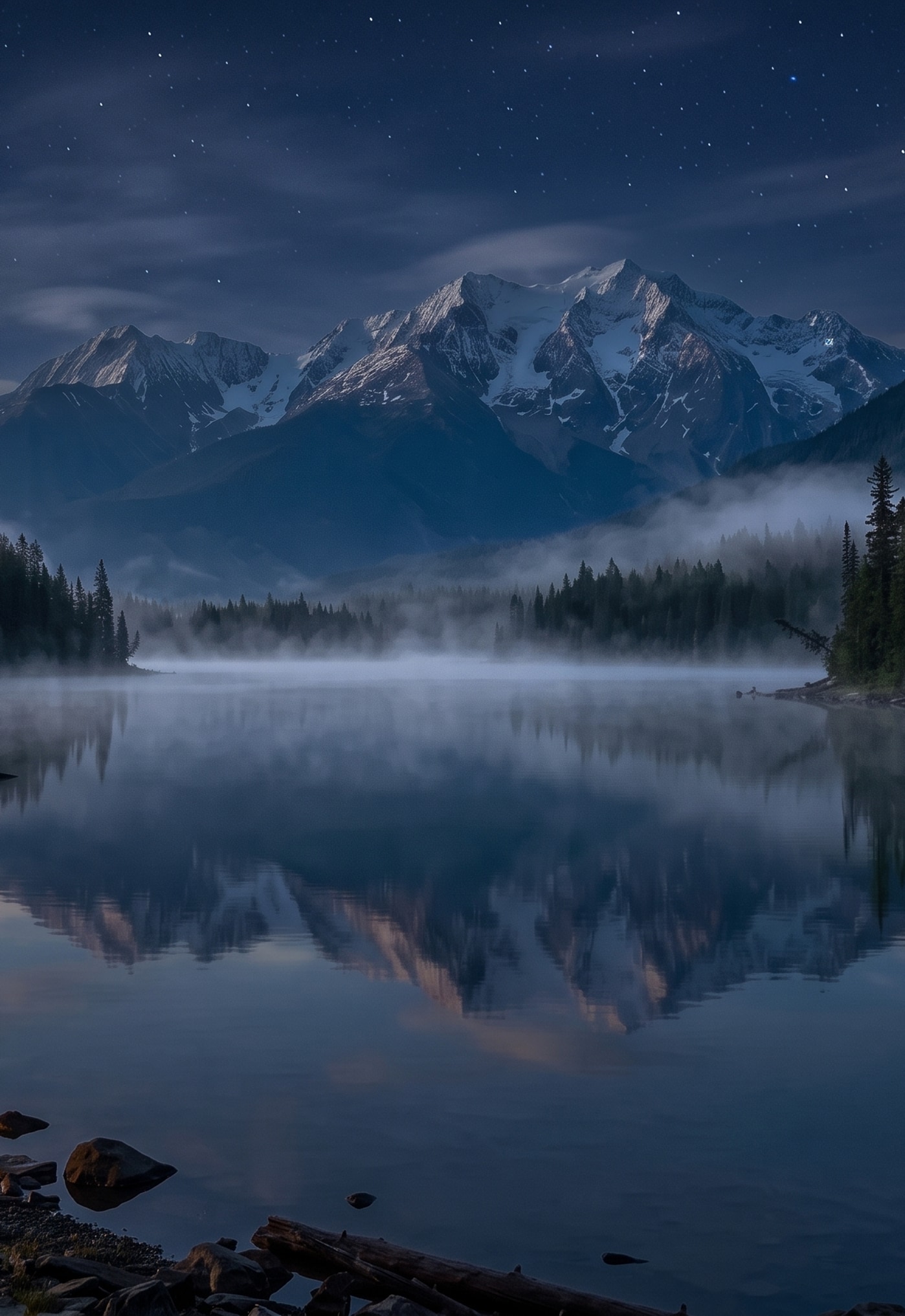
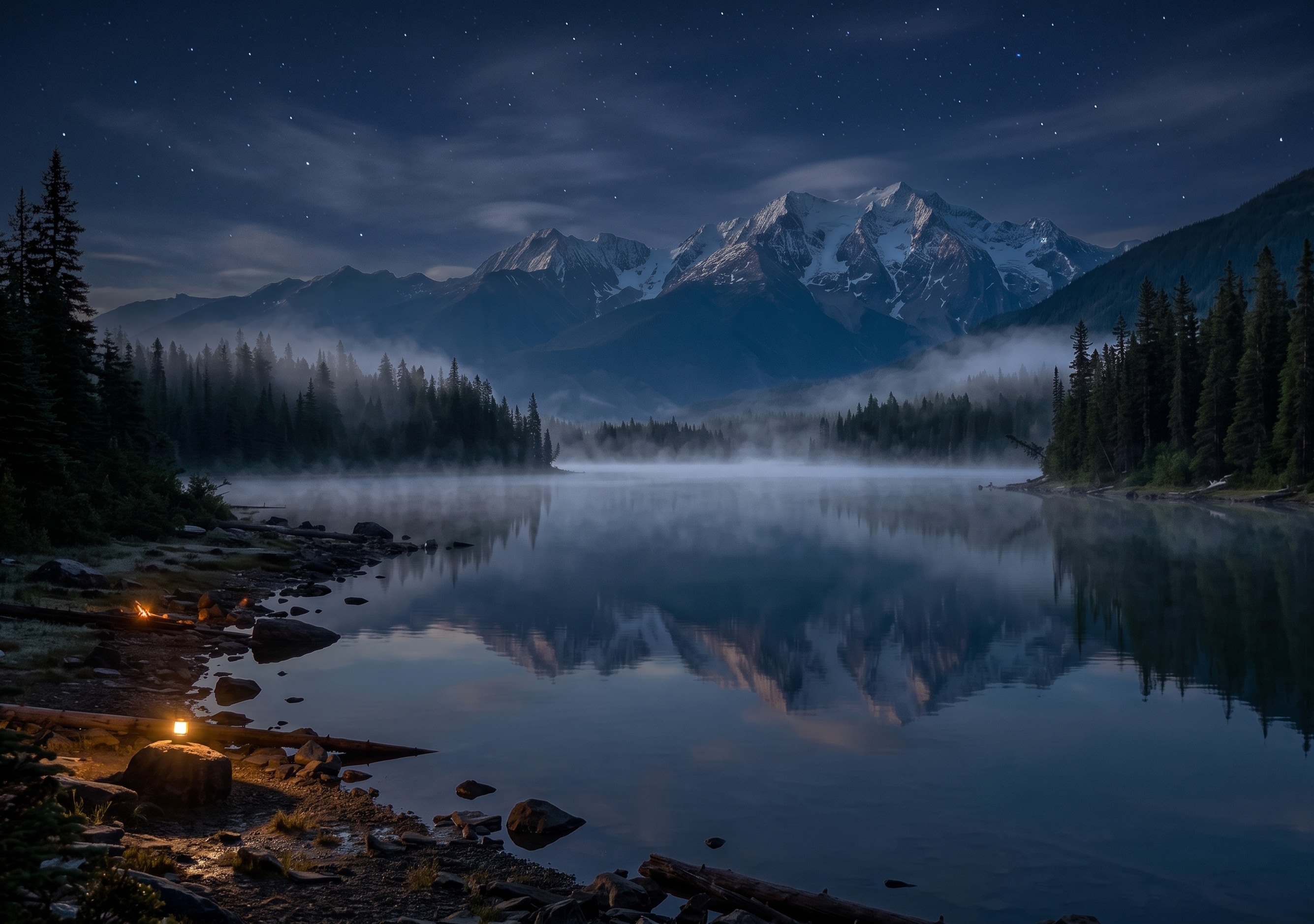
Mountain lake at sunrise
Natural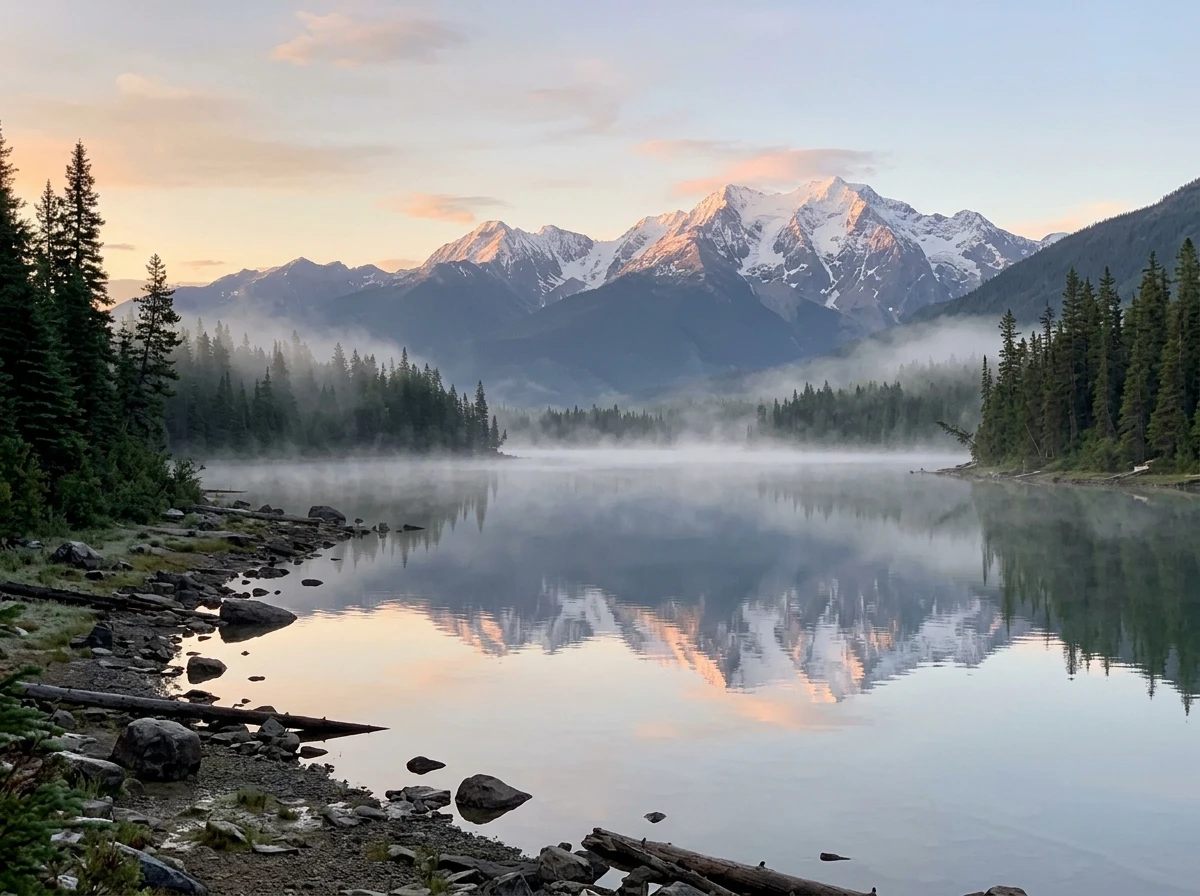
Original photo 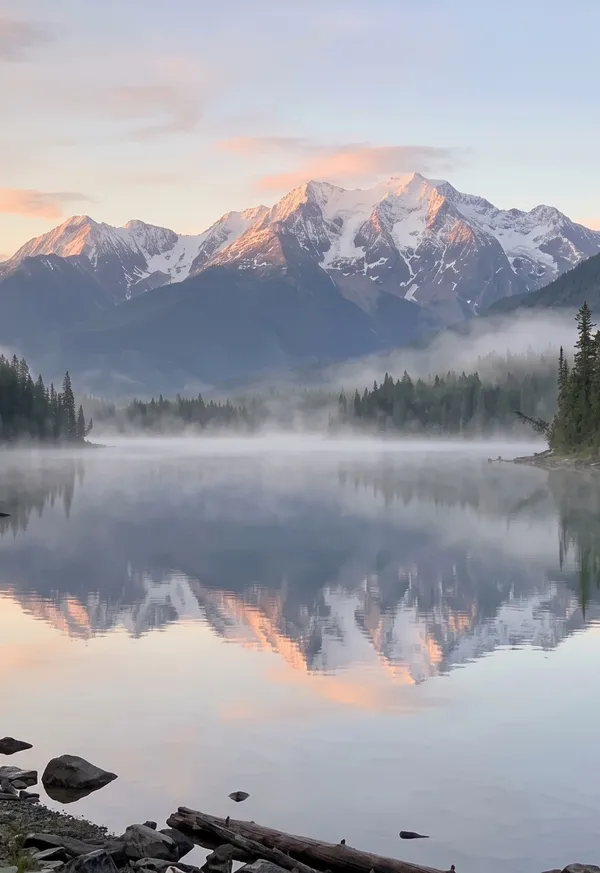
Outer 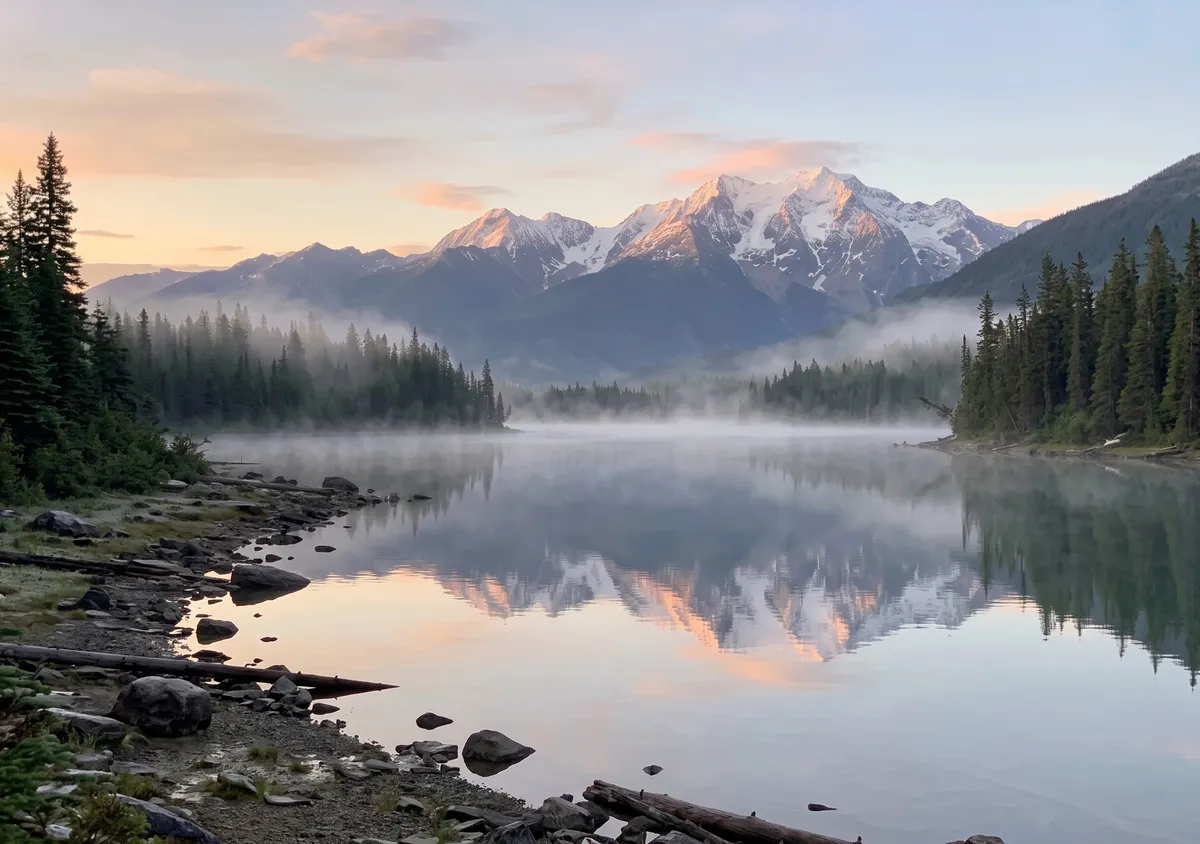
Inner Prompt used
Turn this photo into a wide 3:2 landscape. Keep the main subject exactly as it is: same shape, colors, face and details. Widen the view as if shot with a wider lens from the same spot: one continuous scene, no seams or panels. Keep it photographic. Add no people, hands, text, logos, borders or phone frames.
Night version: Make it midnight: the whole scene is dark, lit only by cool moonlight and one or two warm lamps nearby, with a deep blue sky if any sky shows. Keep the composition, the main subject and every object exactly where they are. Add no people, hands, text, logos, borders or phone frames.
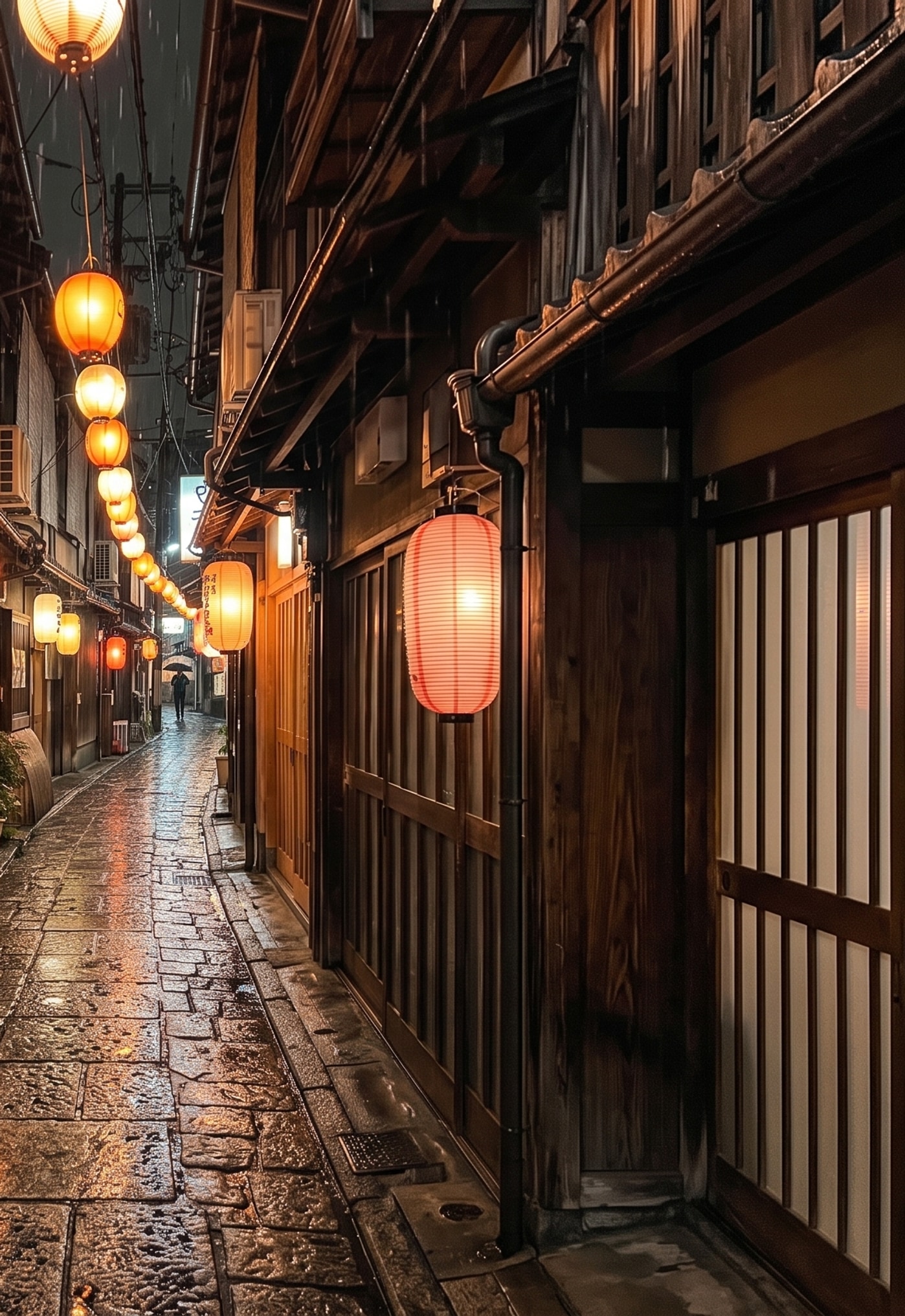
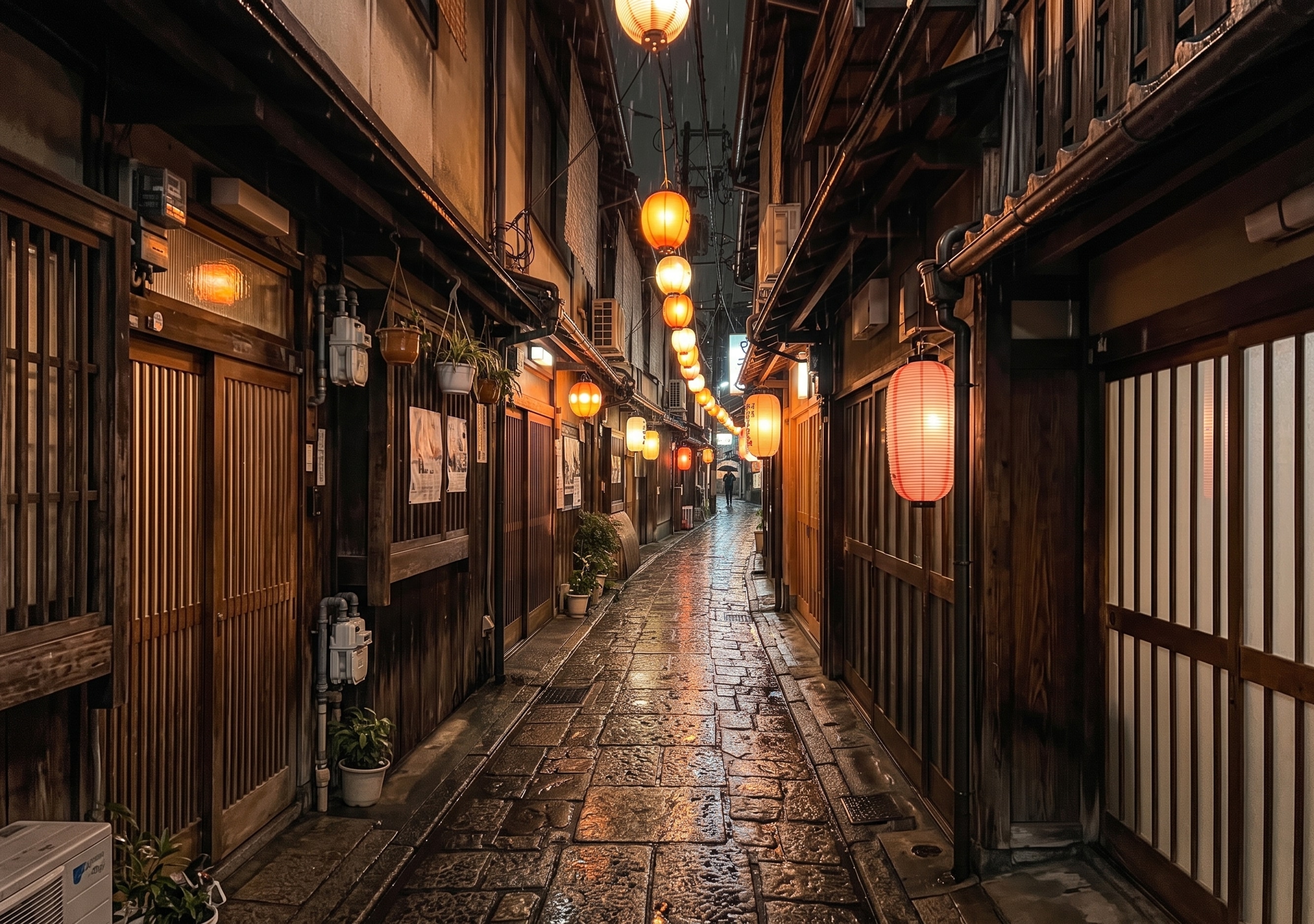
Lantern alley, shot vertically
Natural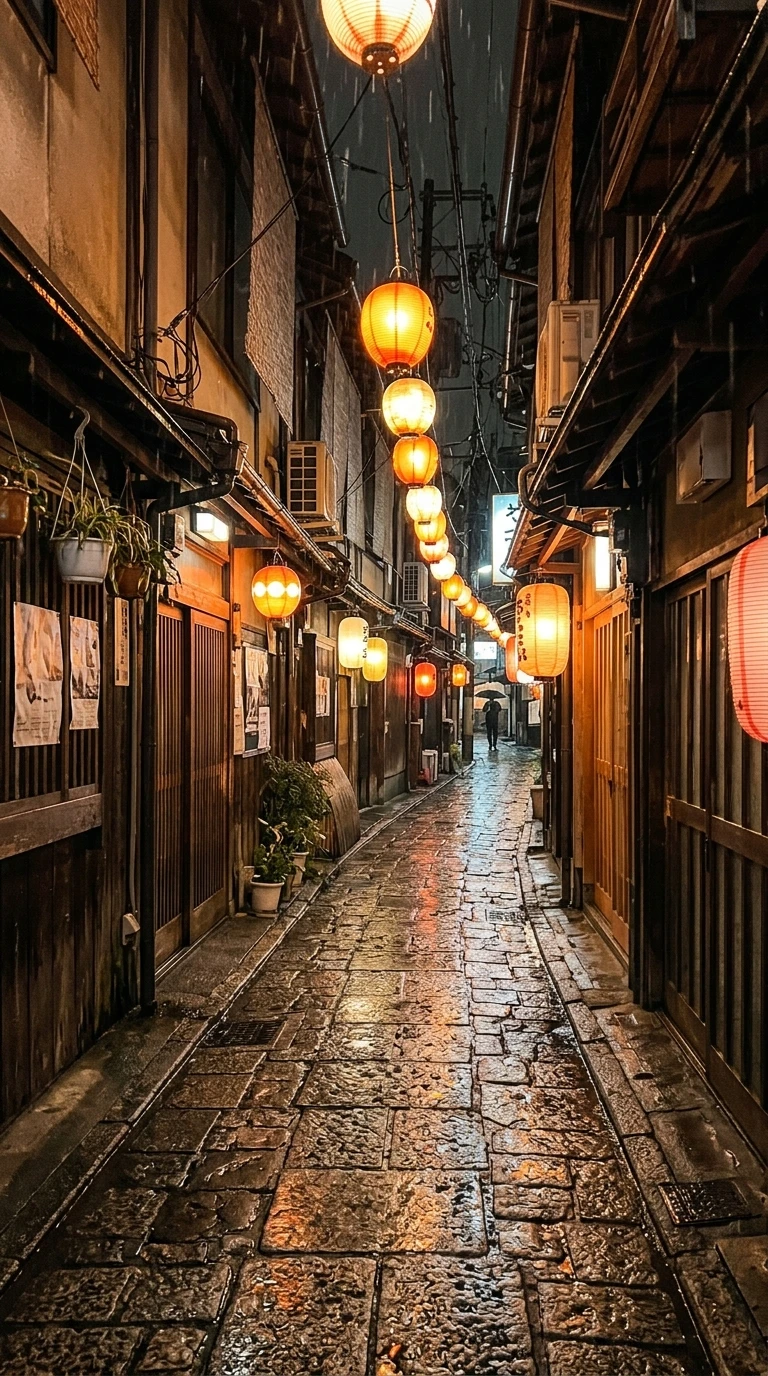
Original photo 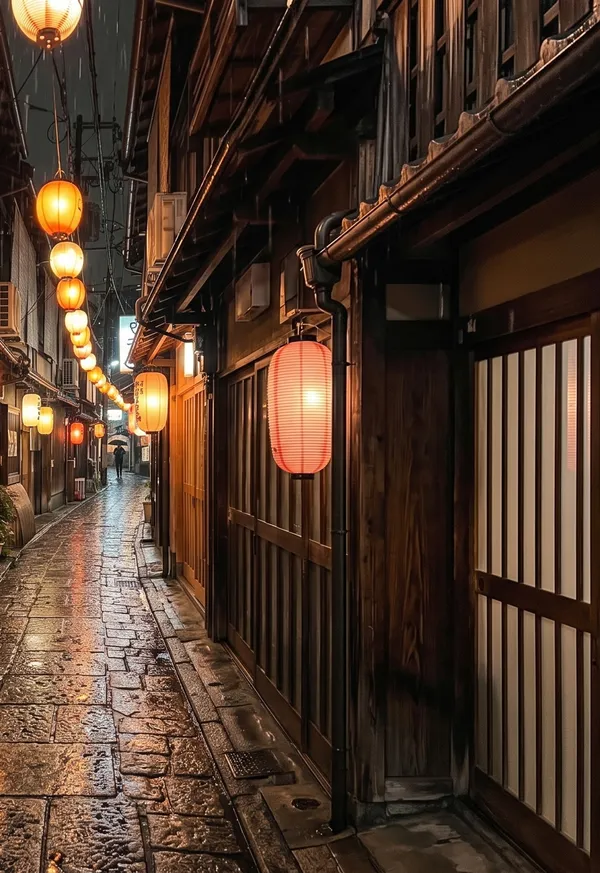
Outer 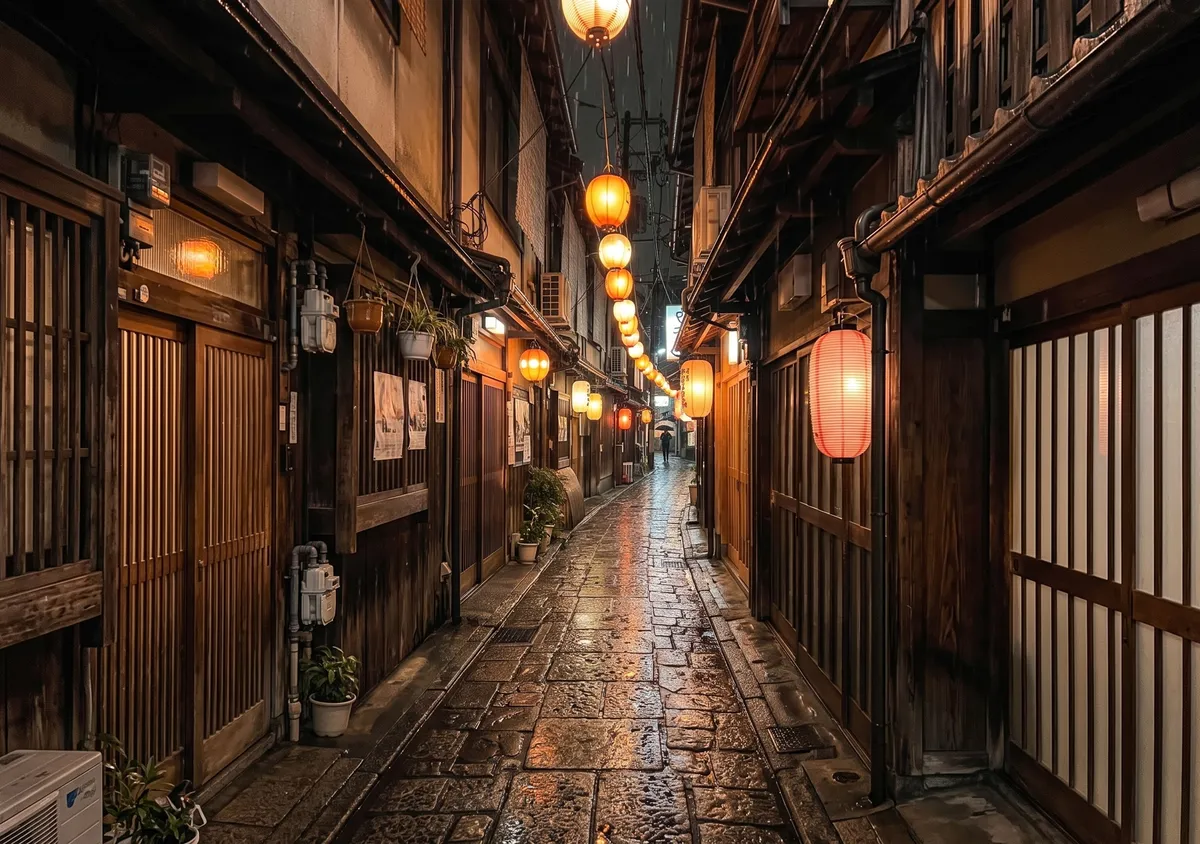
Inner Prompt used
Turn this photo into a wide 3:2 landscape. Keep the main subject exactly as it is: same shape, colors, face and details. Widen the view as if shot with a wider lens from the same spot: one continuous scene, no seams or panels. Keep it photographic. Add no people, hands, text, logos, borders or phone frames.
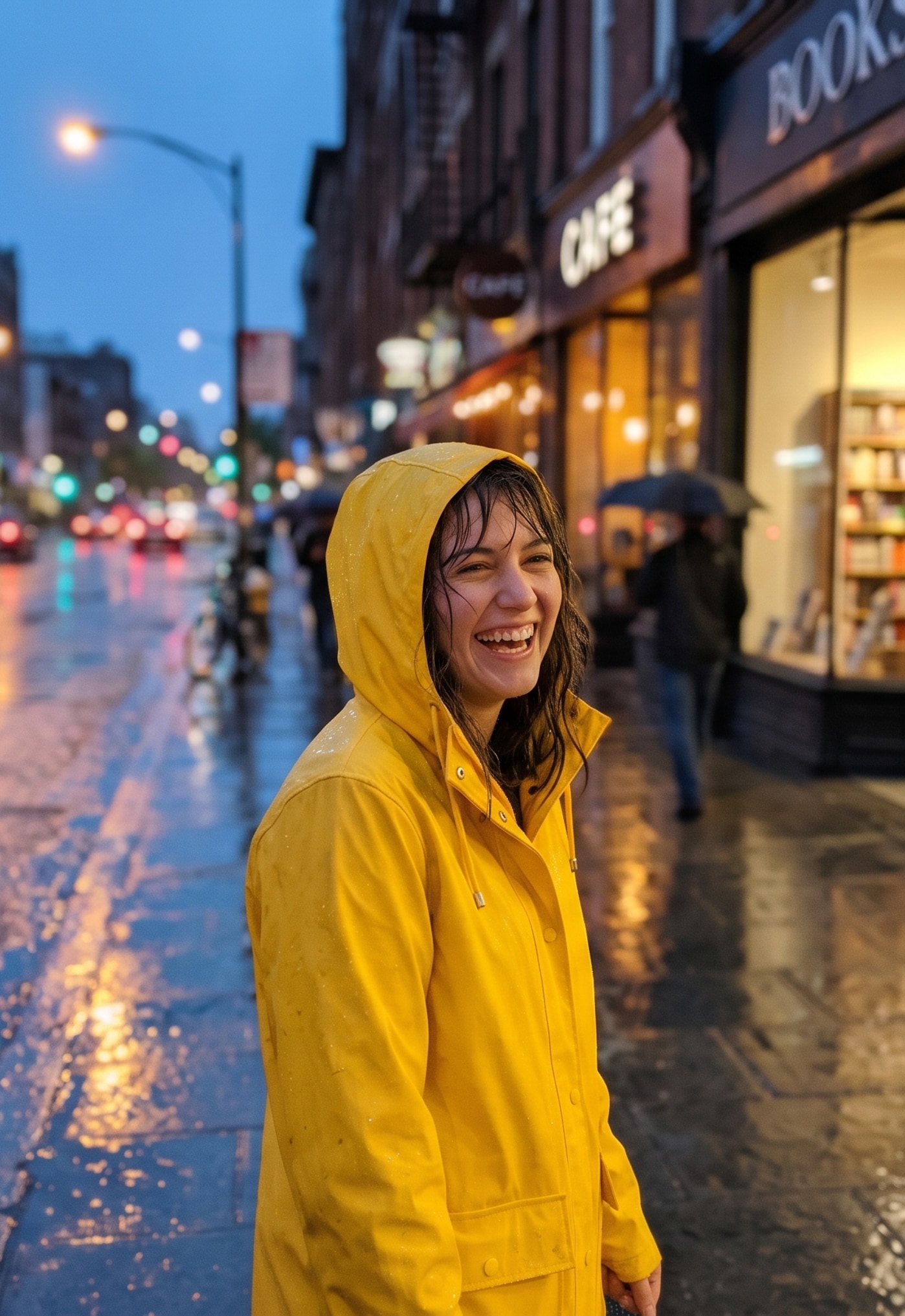
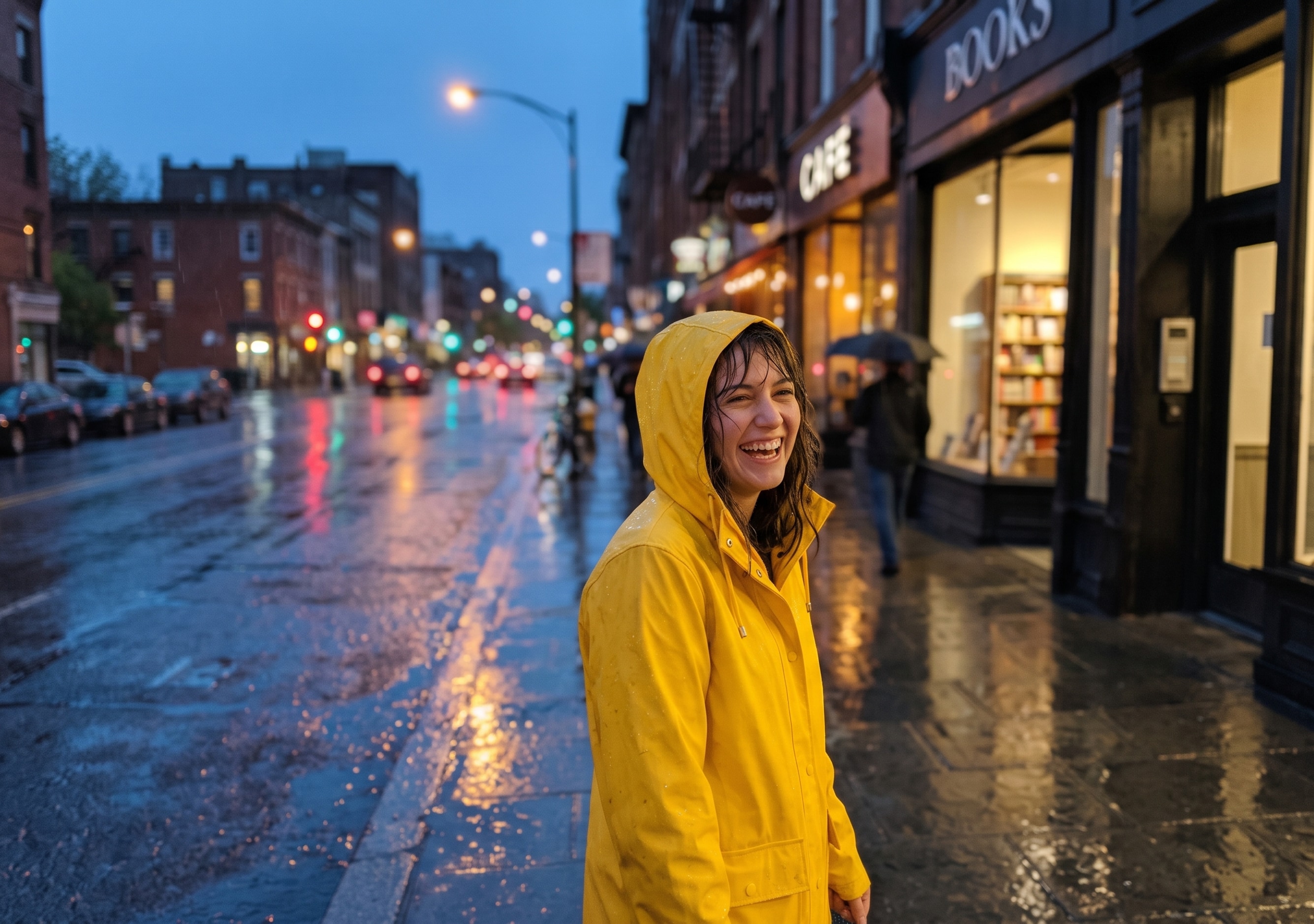
Portrait in the rain
Cinematic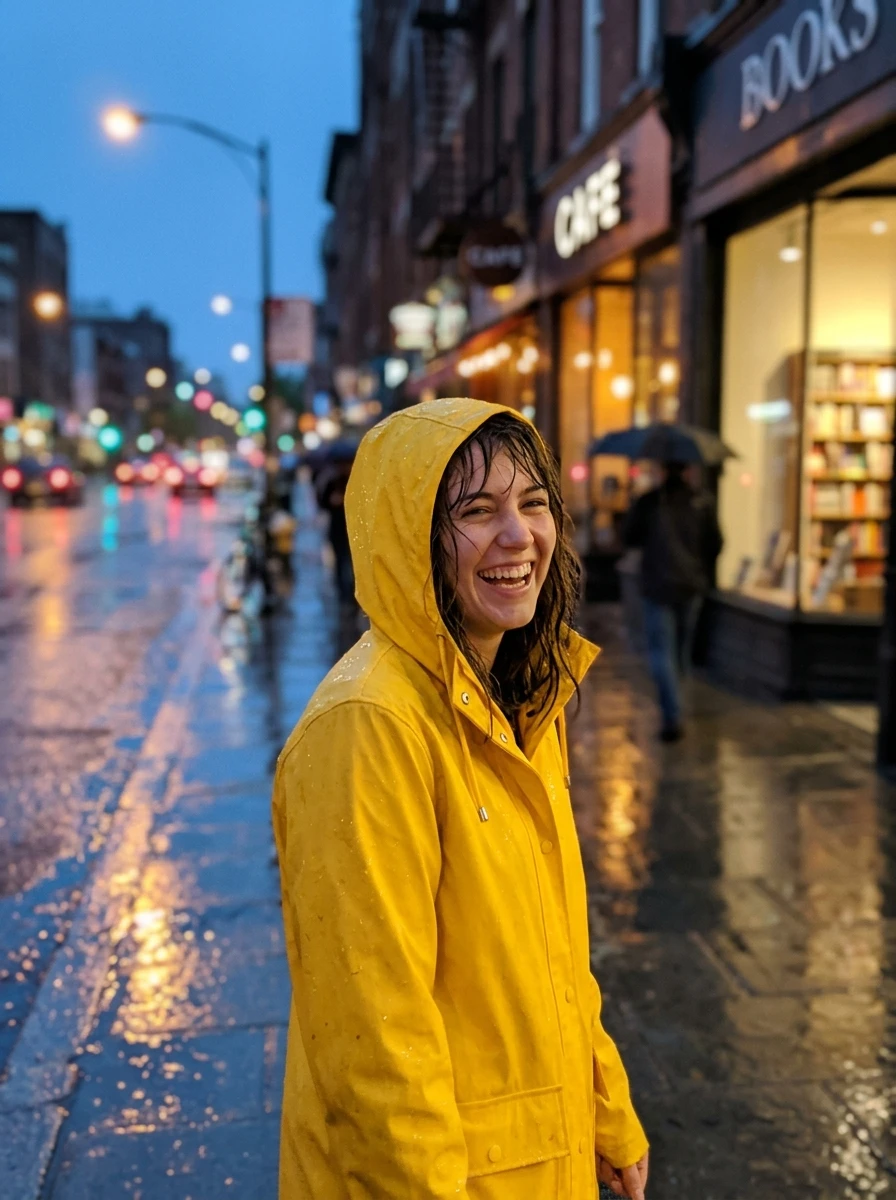
Original photo 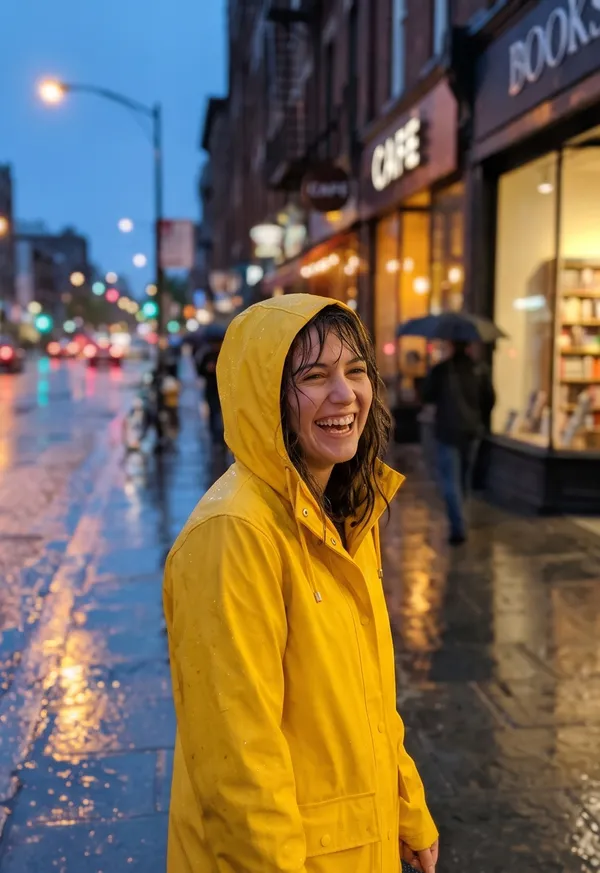
Outer 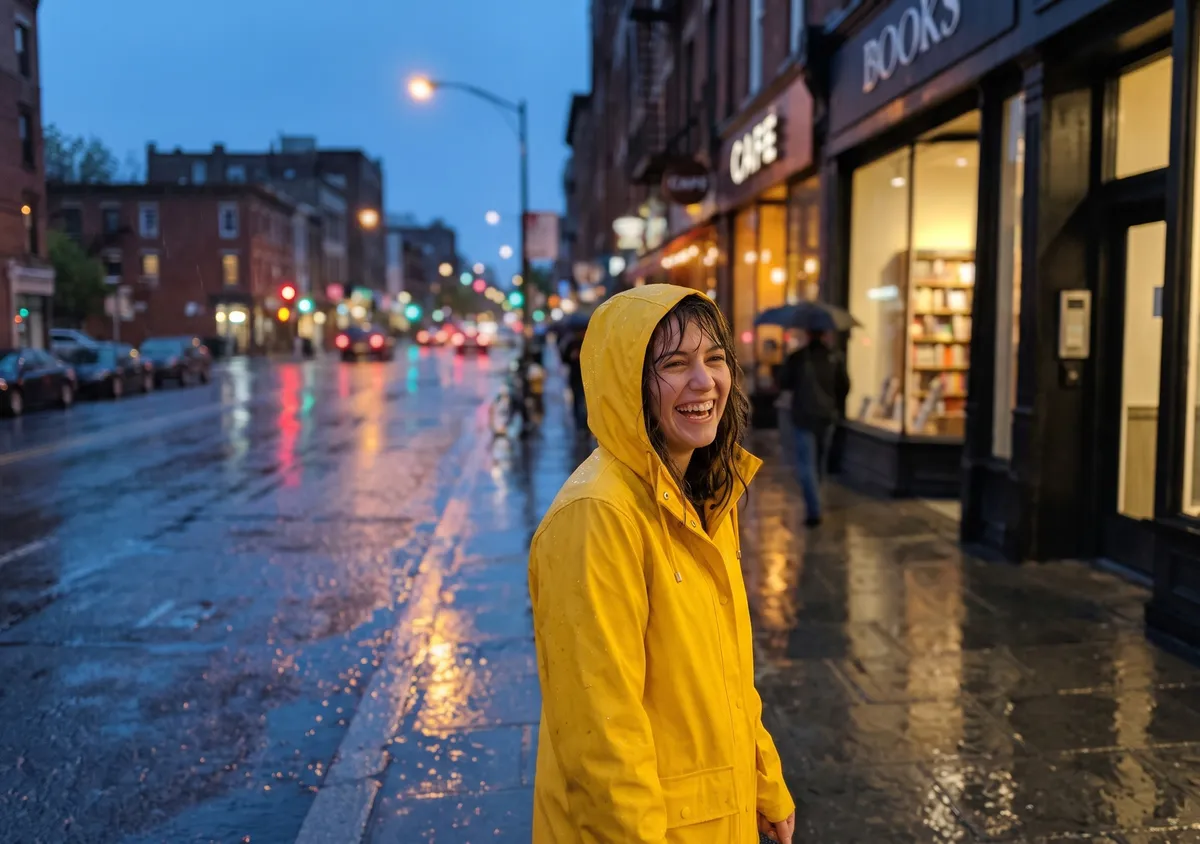
Inner Prompt used
Turn this photo into a wide 3:2 film still: soft directional light, light haze, rich natural colors, shallow depth of field. Keep the main subject exactly as it is: same shape, face and details. Widen the view as if shot with a wider lens from the same spot: one continuous scene, no seams or panels. Add no people, hands, text, logos, borders or phone frames.
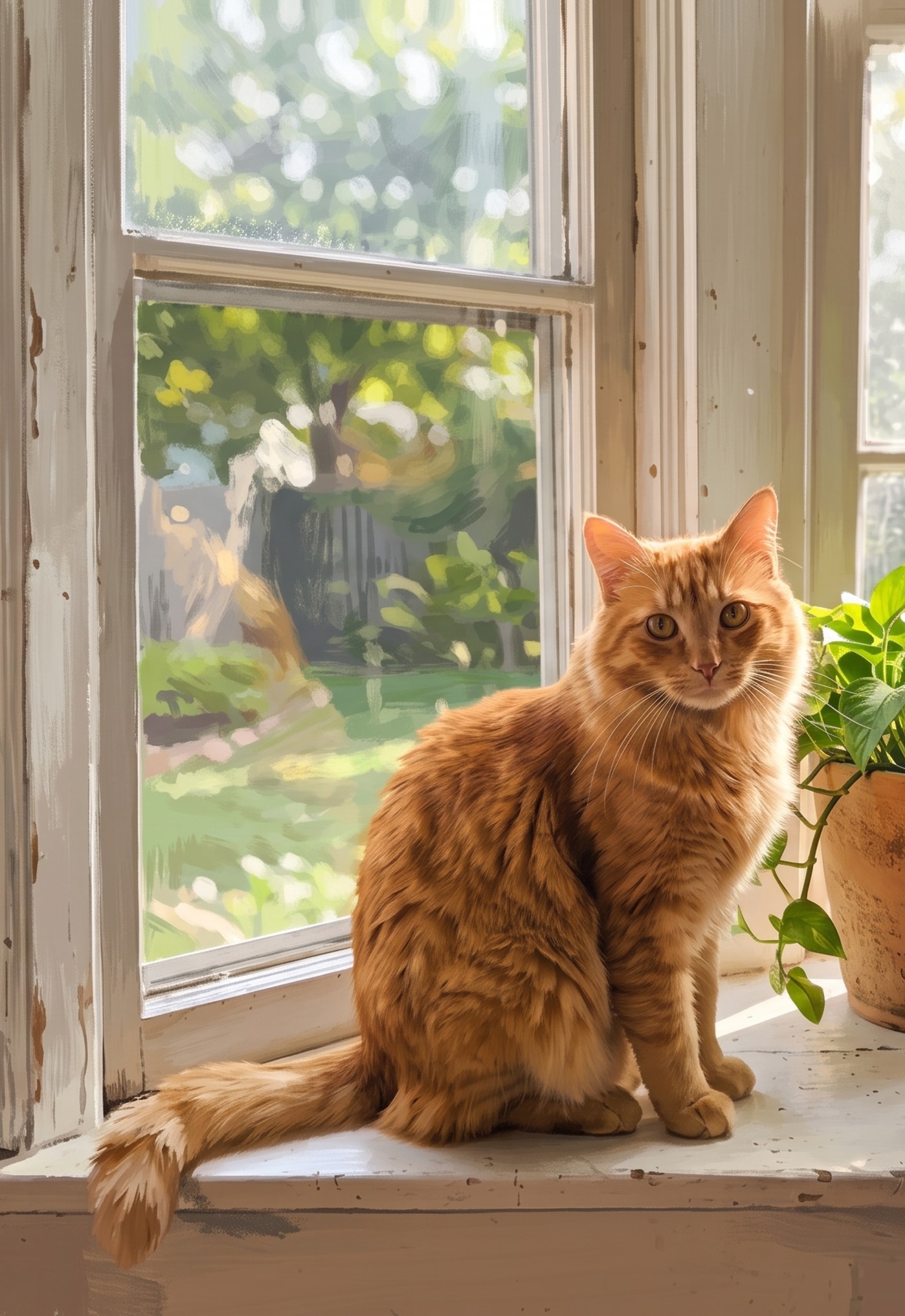
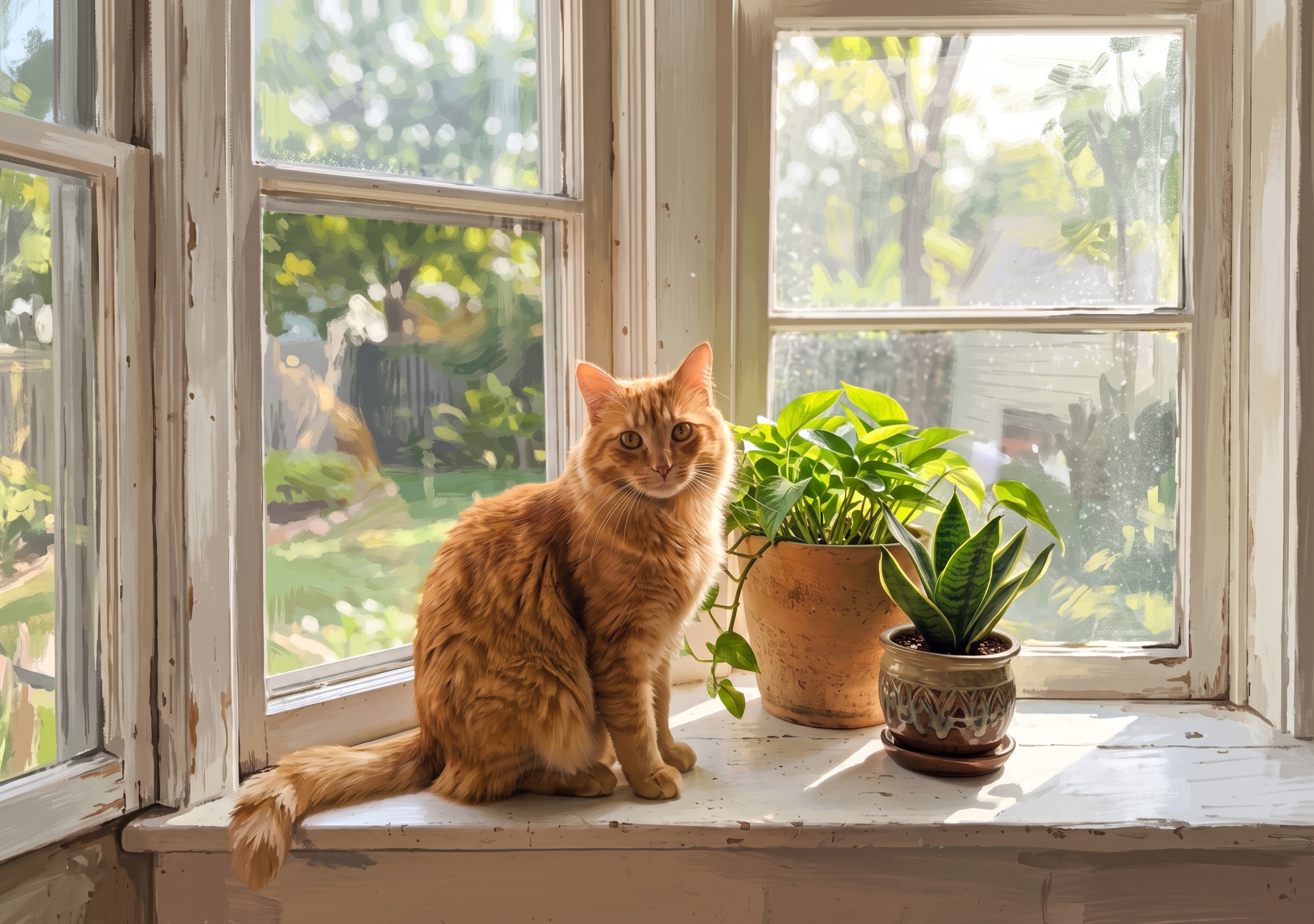
Cat on the windowsill
Illustration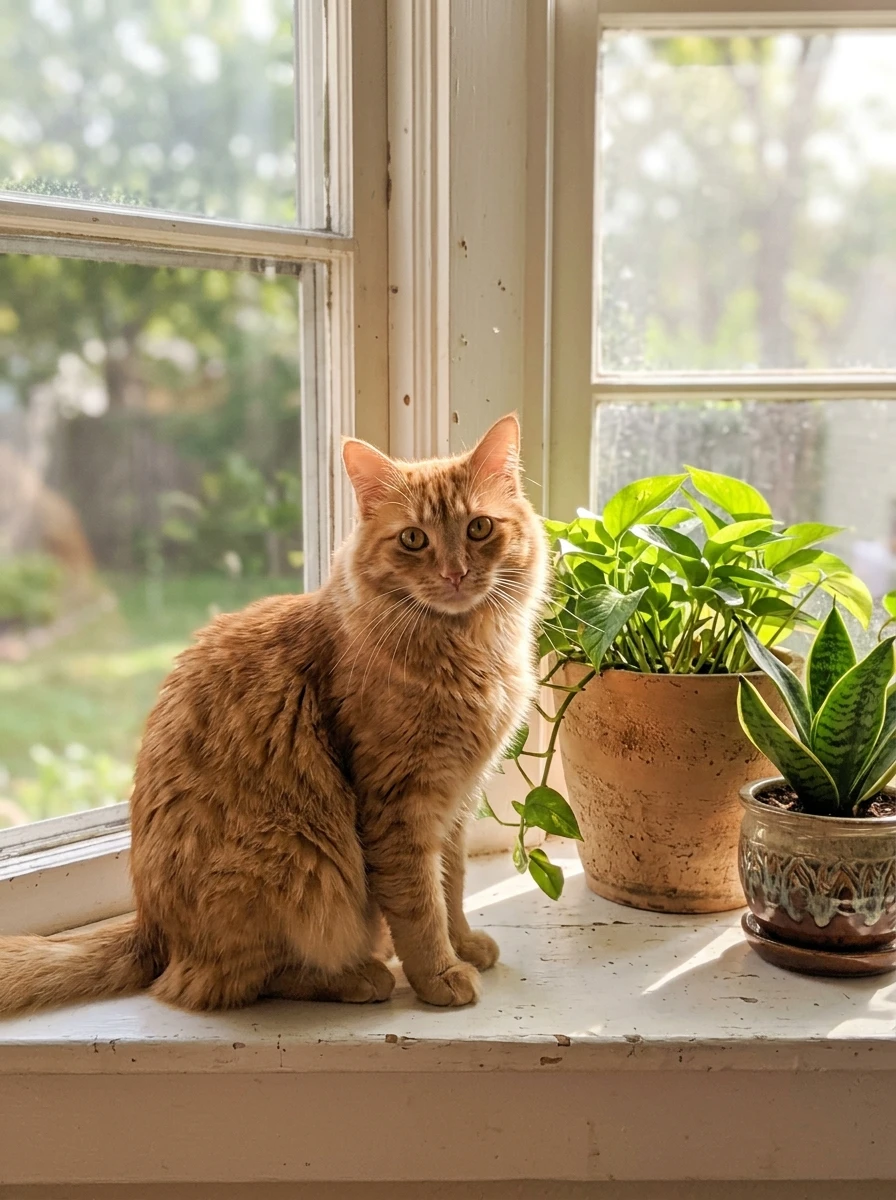
Original photo 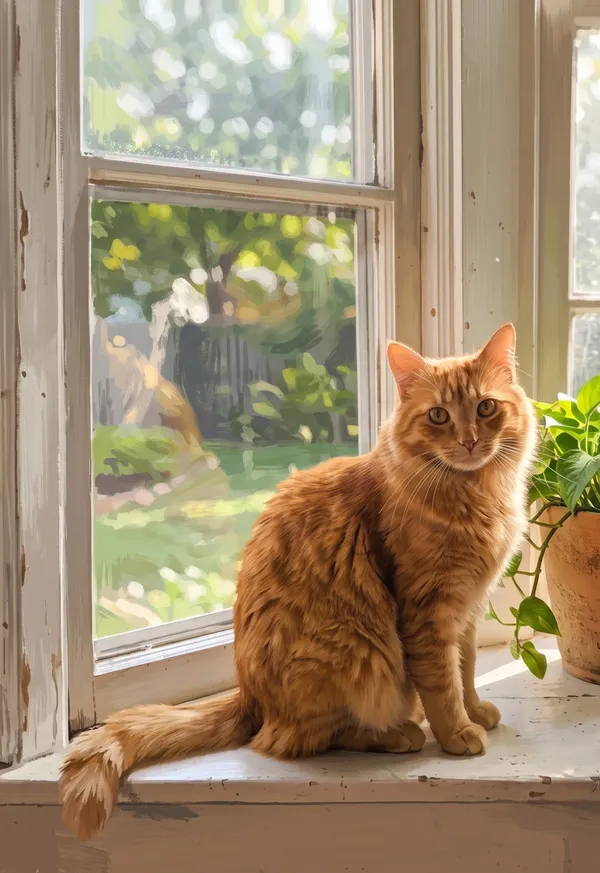
Outer 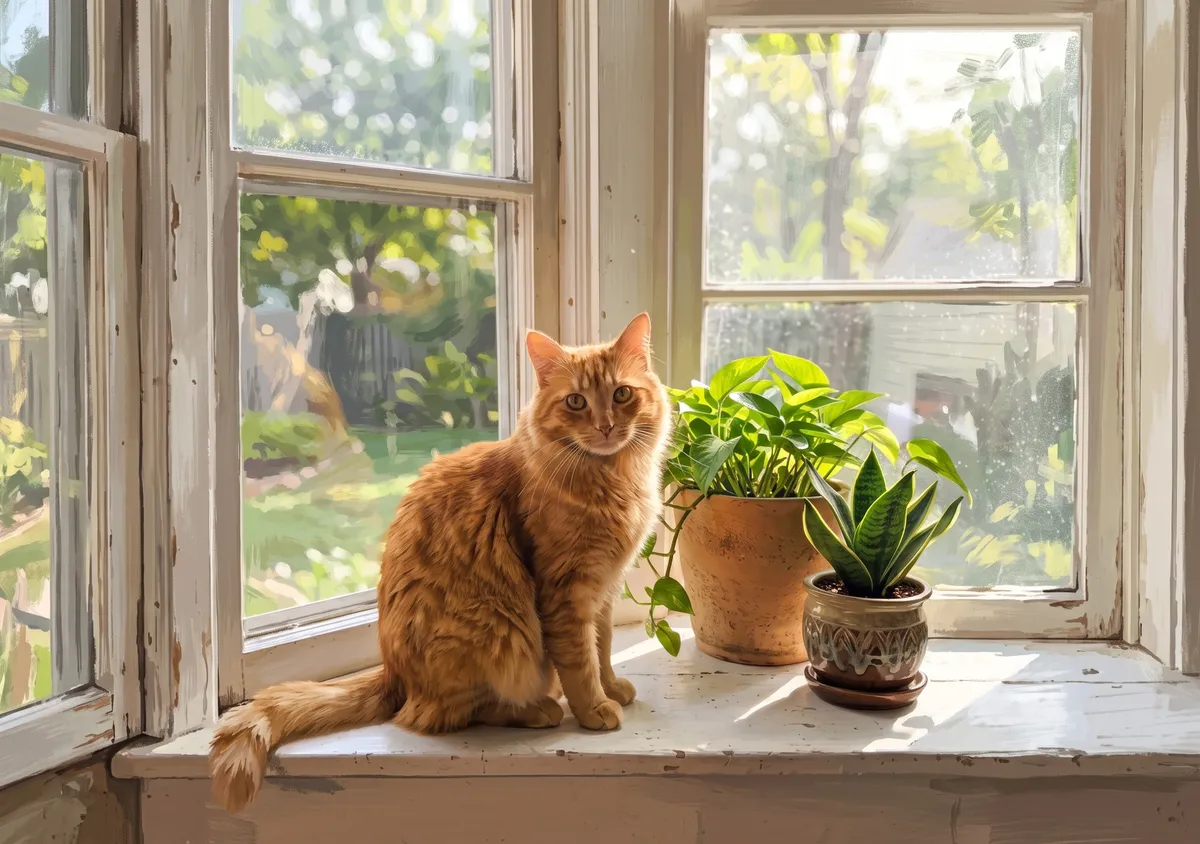
Inner Prompt used
Repaint this photo as a wide 3:2 gouache illustration with visible brush strokes and simplified shapes; it must clearly look painted. Keep the main subject recognizable: same pose and key details. Widen the view as if shot with a wider lens from the same spot: one continuous scene, no seams or panels. Add no people, hands, text, logos, borders or phone frames.
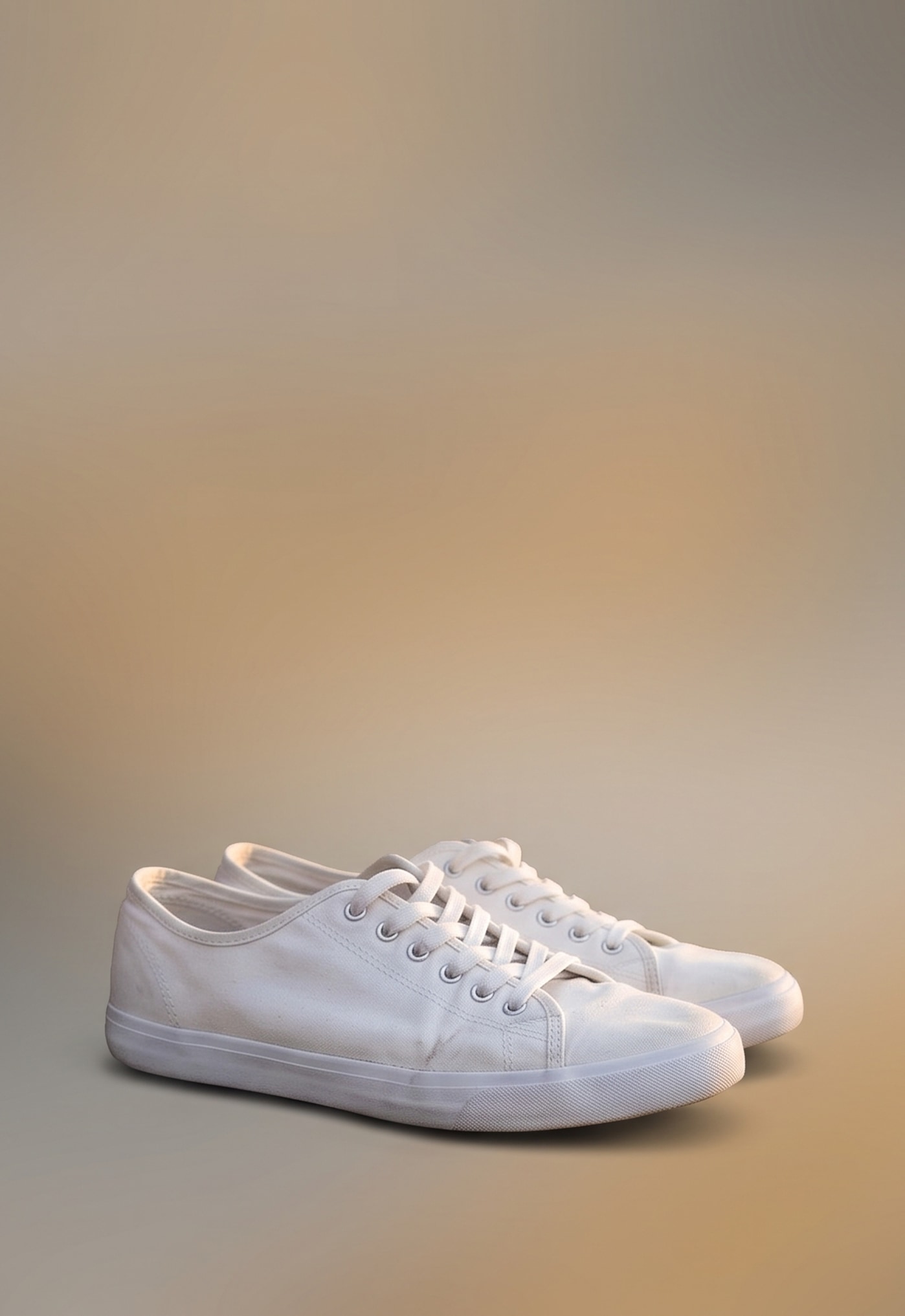
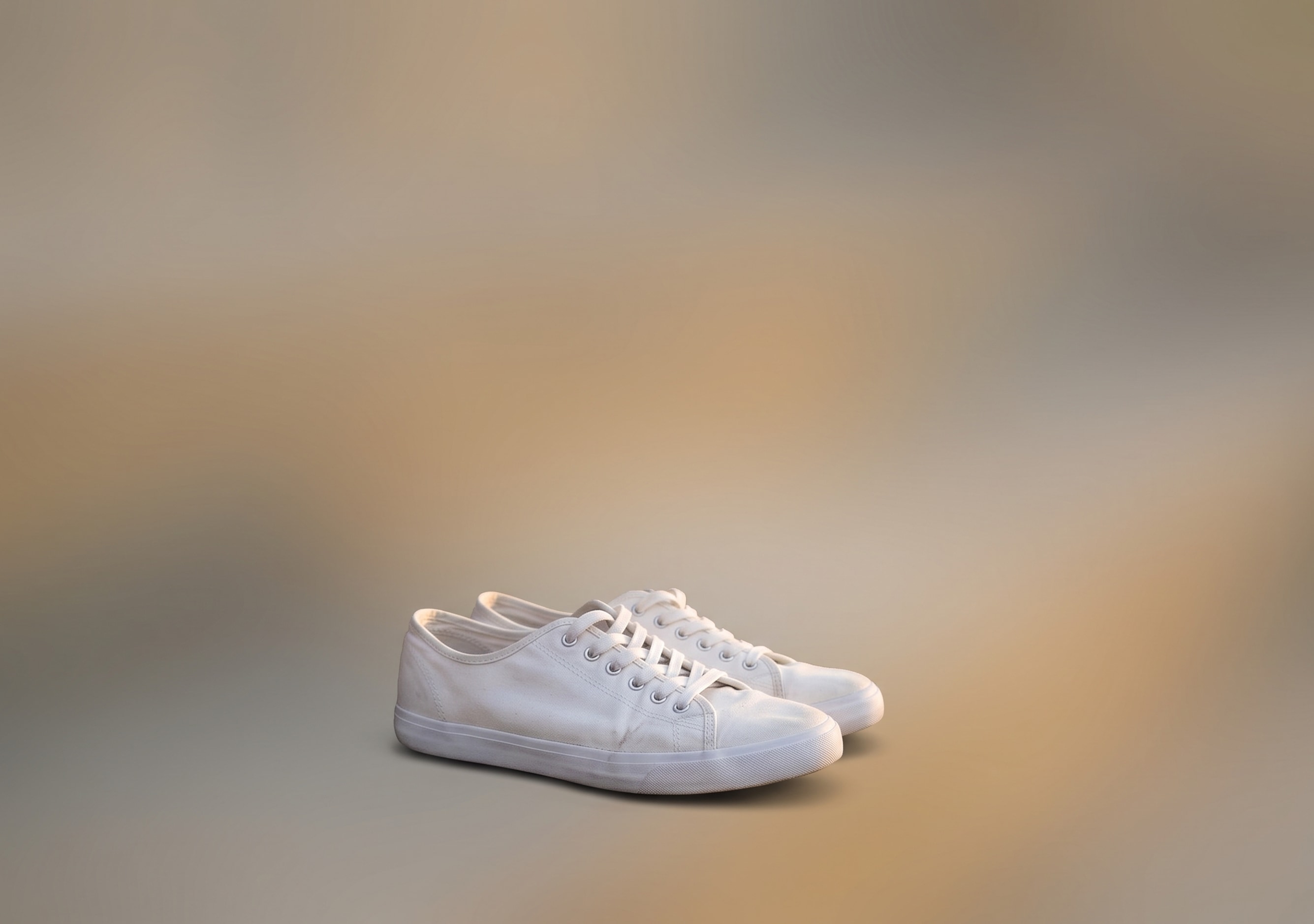
Sneakers on the steps
Minimal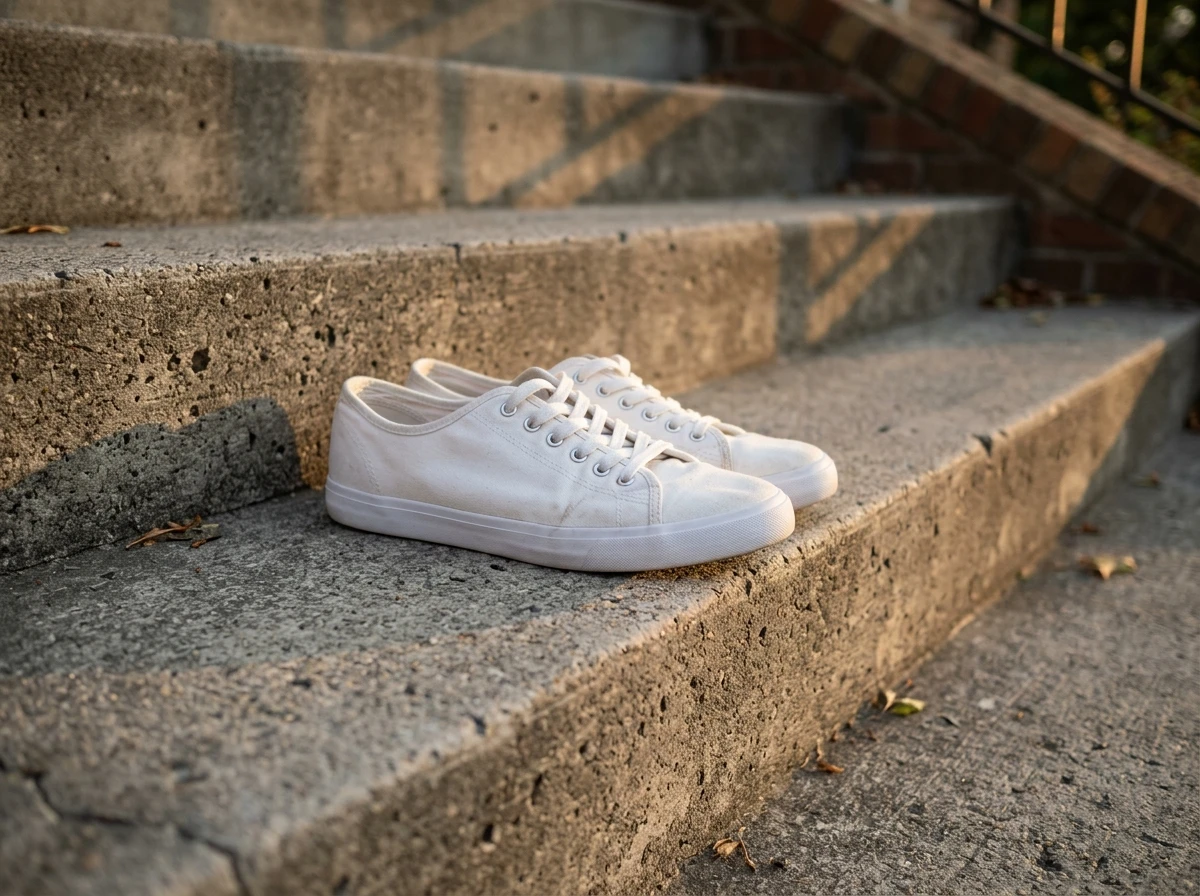
Original photo 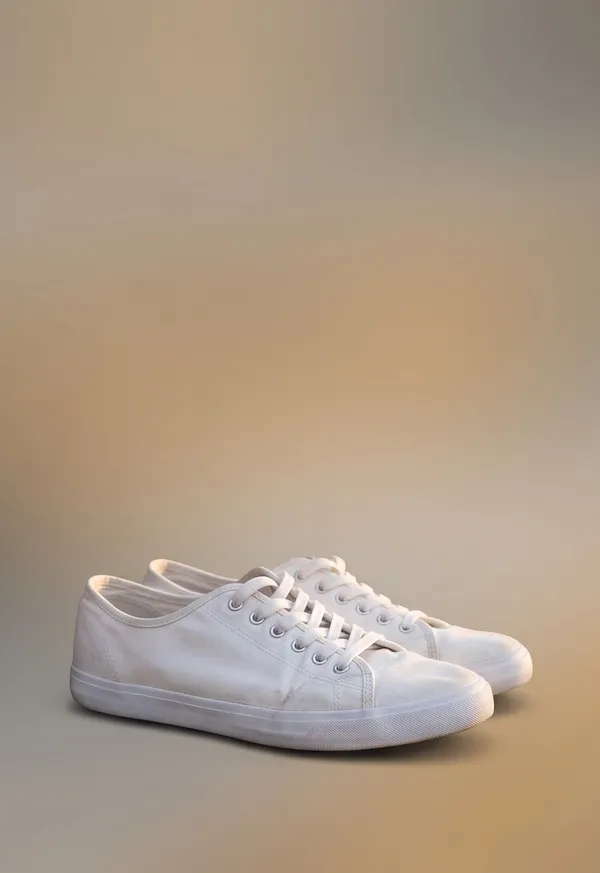
Outer 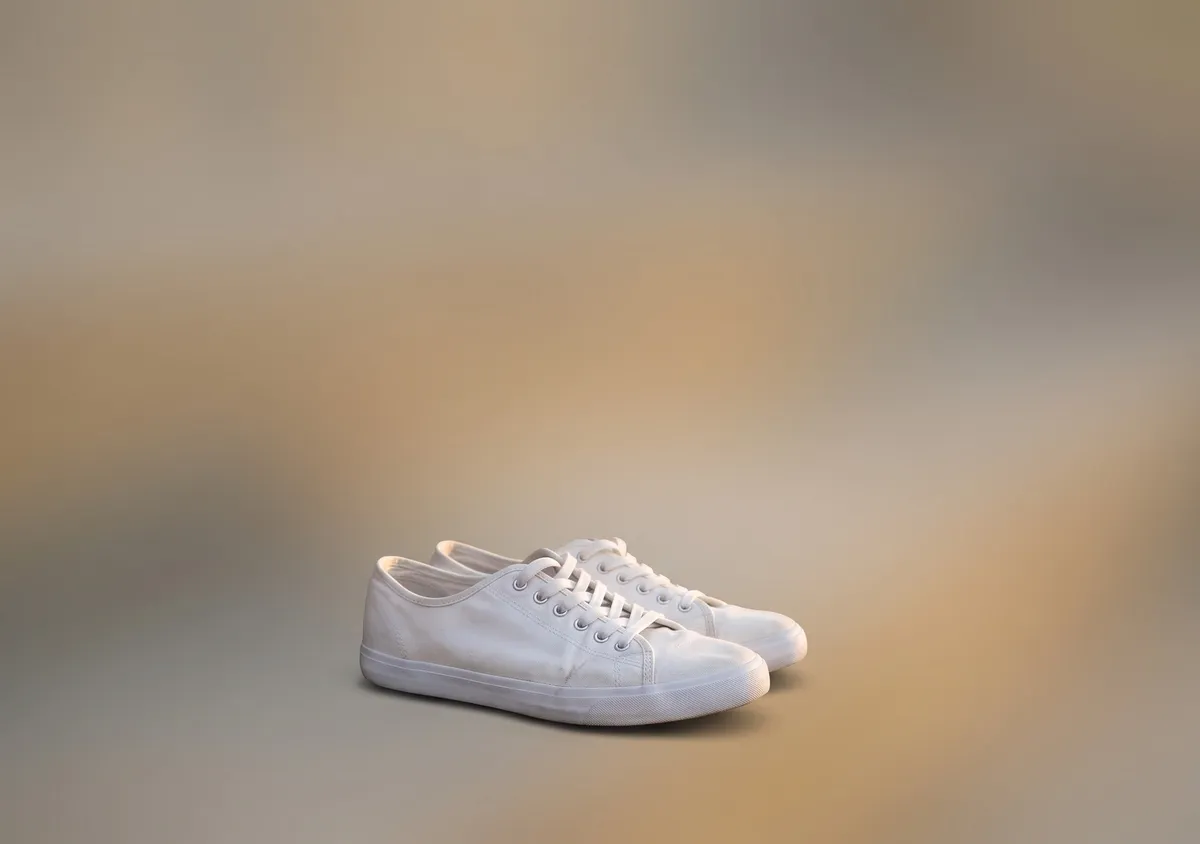
Inner Prompt used
Turn this photo into a calm, minimal wide 3:2 image. Keep the main subject exactly as it is; for a scene, keep only its most striking element. Put it on a soft gradient in colors from the photo with lots of empty space, never as a card or framed photo. Add no people, hands, text, logos, borders or phone frames.
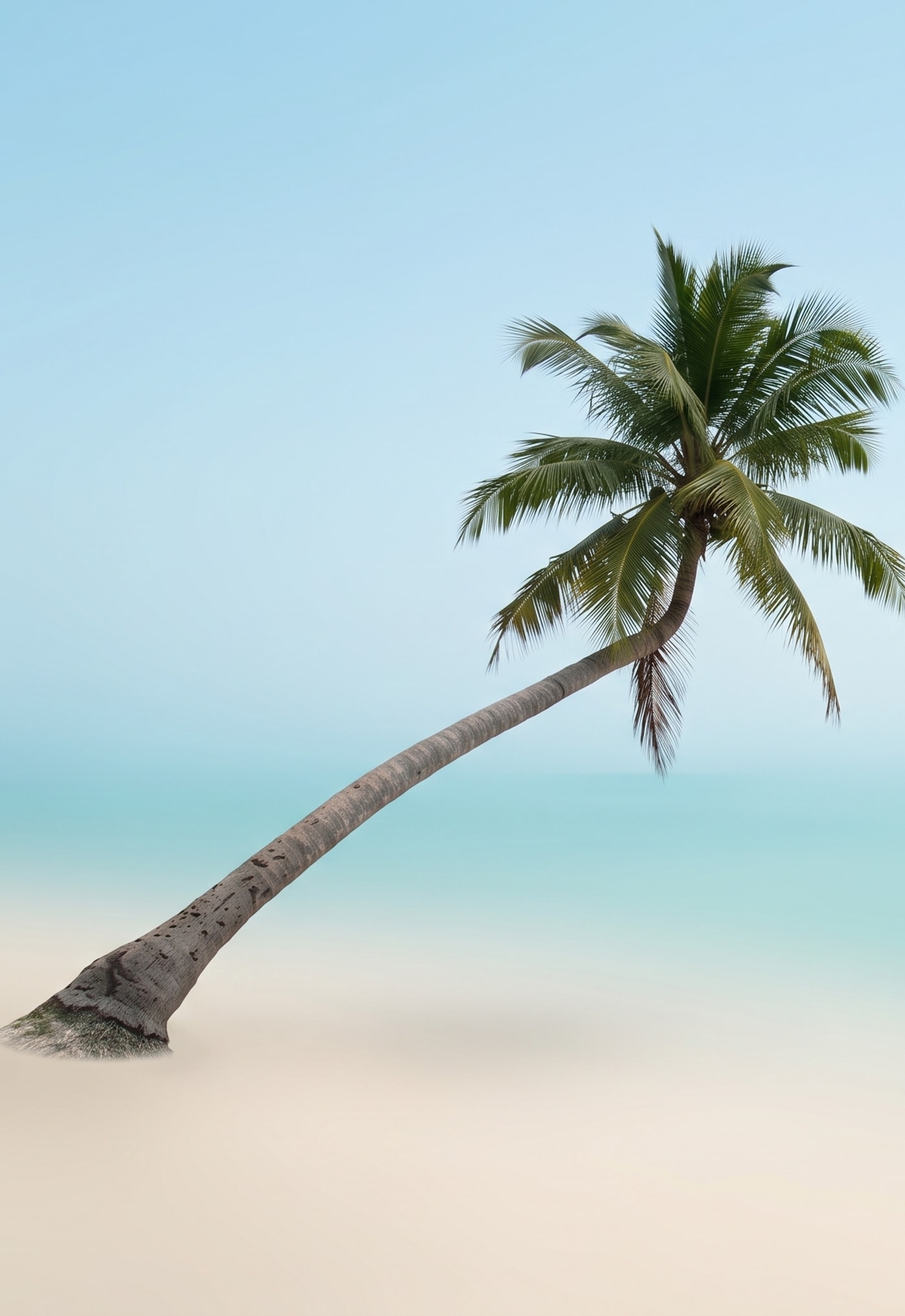
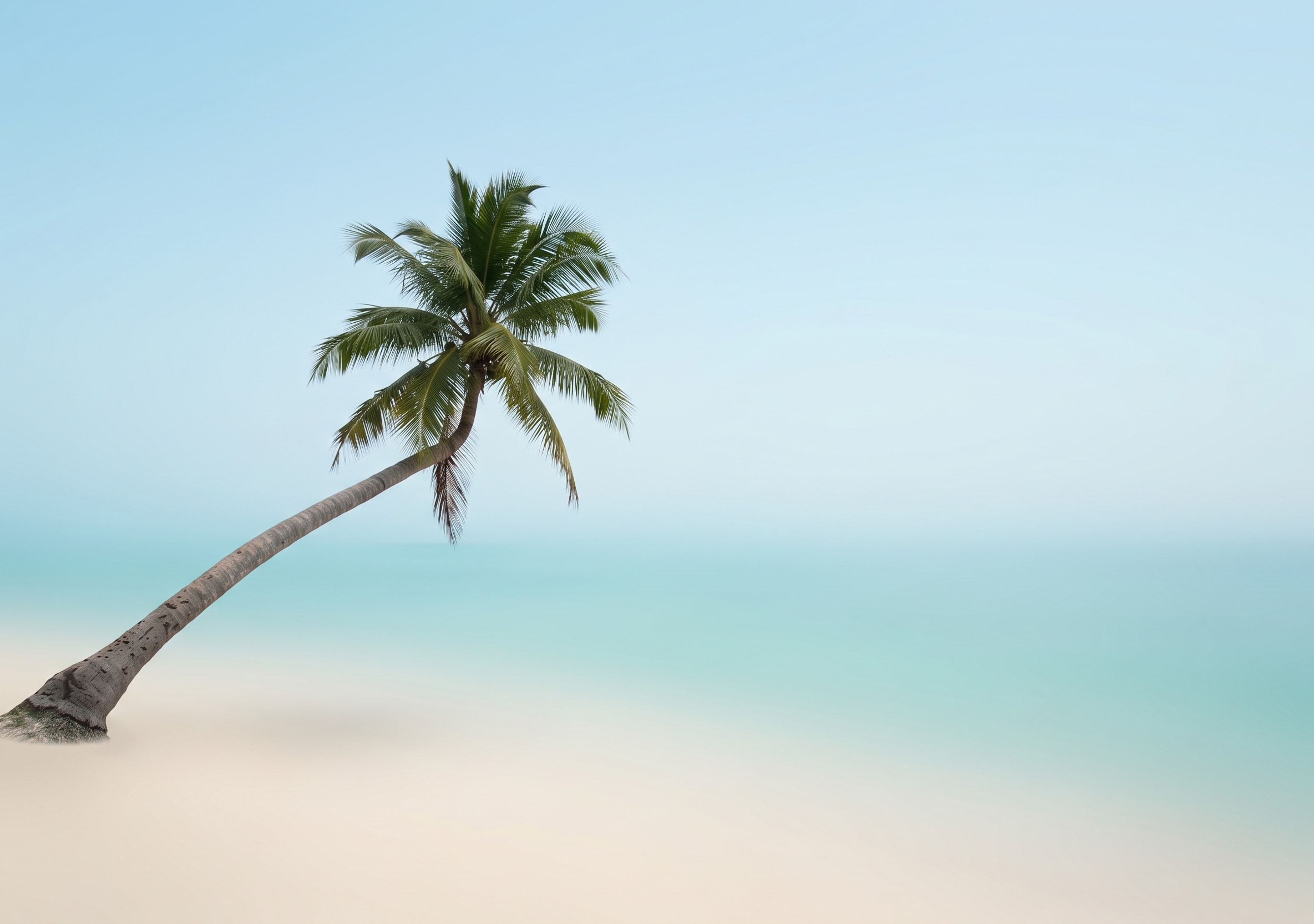
A 2003 beach snapshot
Minimal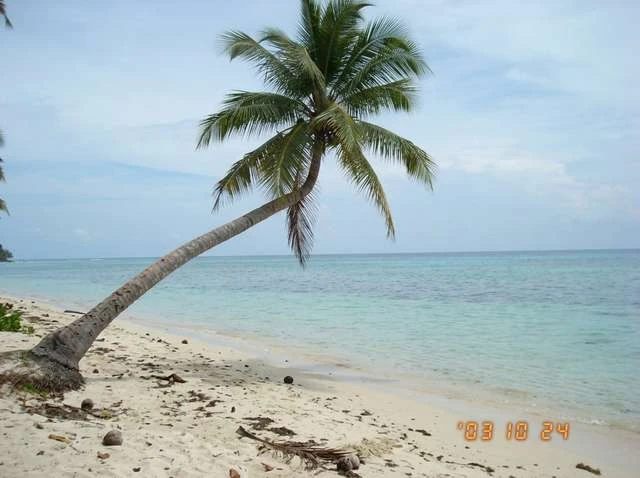
Original photo 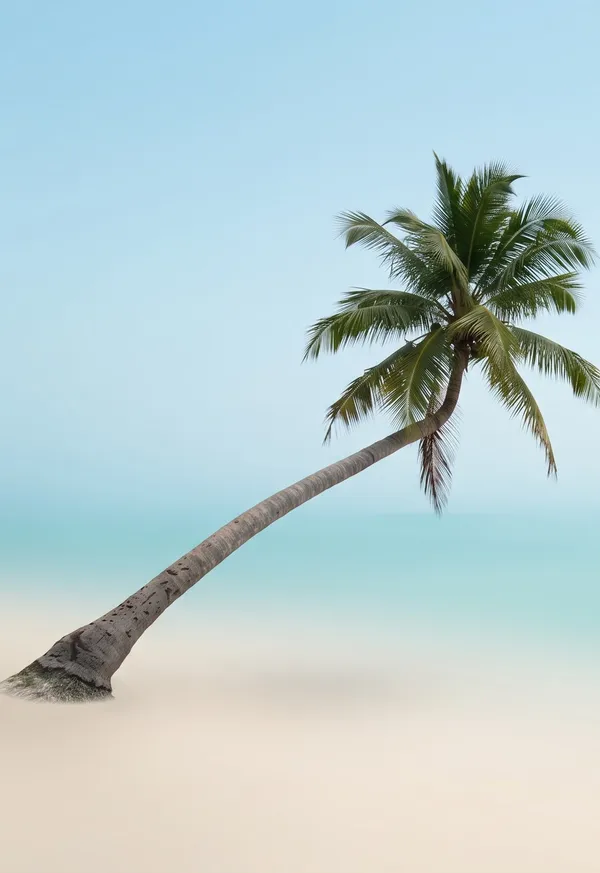
Outer 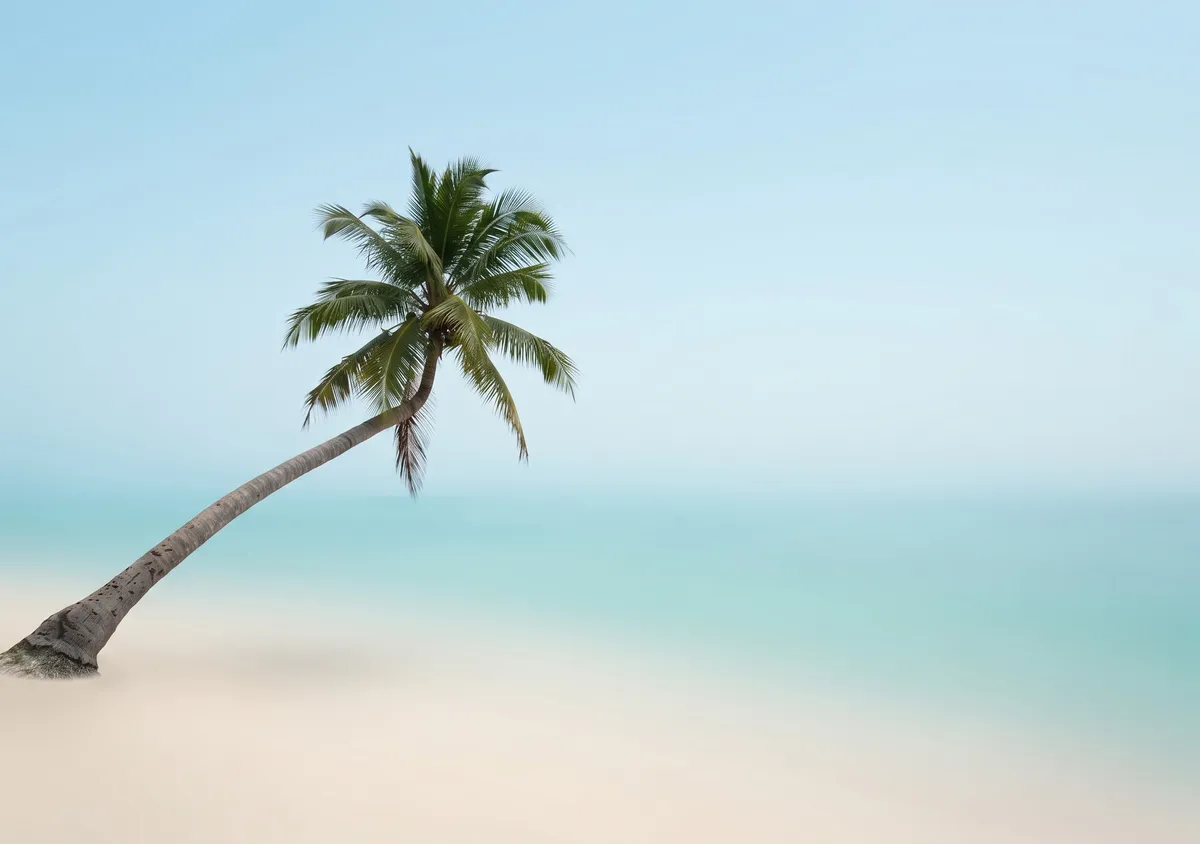
Inner Prompt used
Turn this photo into a calm, minimal wide 3:2 image. Keep the main subject exactly as it is; for a scene, keep only its most striking element. Put it on a soft gradient in colors from the photo with lots of empty space, never as a card or framed photo. Add no people, hands, text, logos, borders or phone frames.
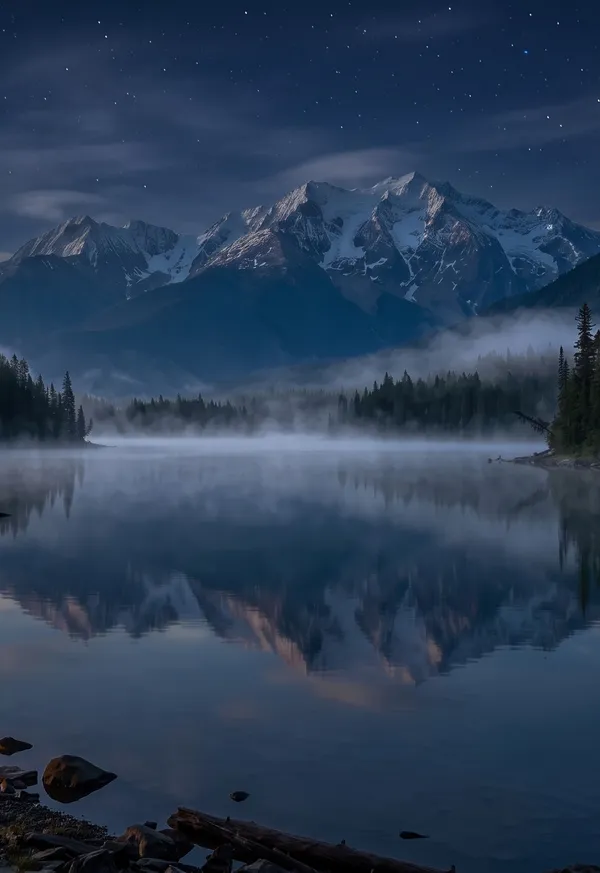
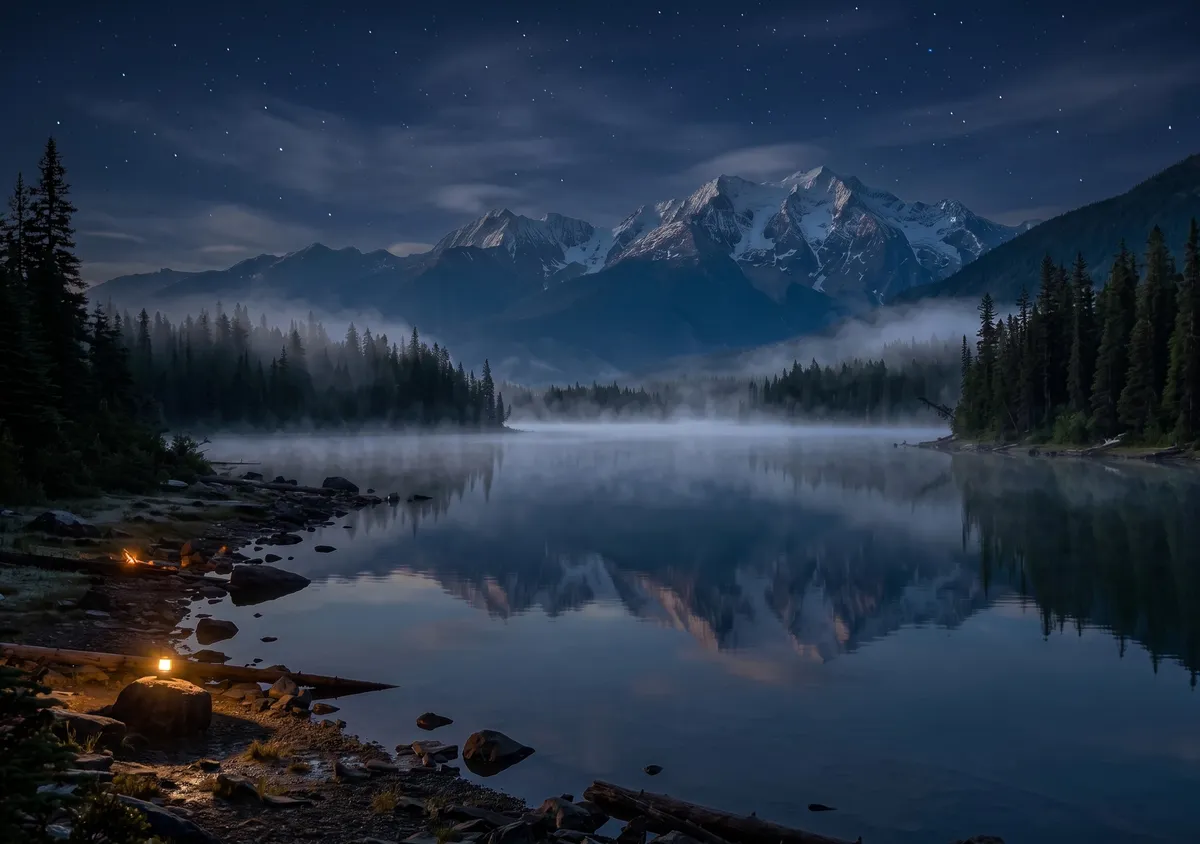
Night version: Make it midnight: the whole scene is dark, lit only by cool moonlight and one or two warm lamps nearby, with a deep blue sky if any sky shows. Keep the composition, the main subject and every object exactly where they are. Add no people, hands, text, logos, borders or phone frames.
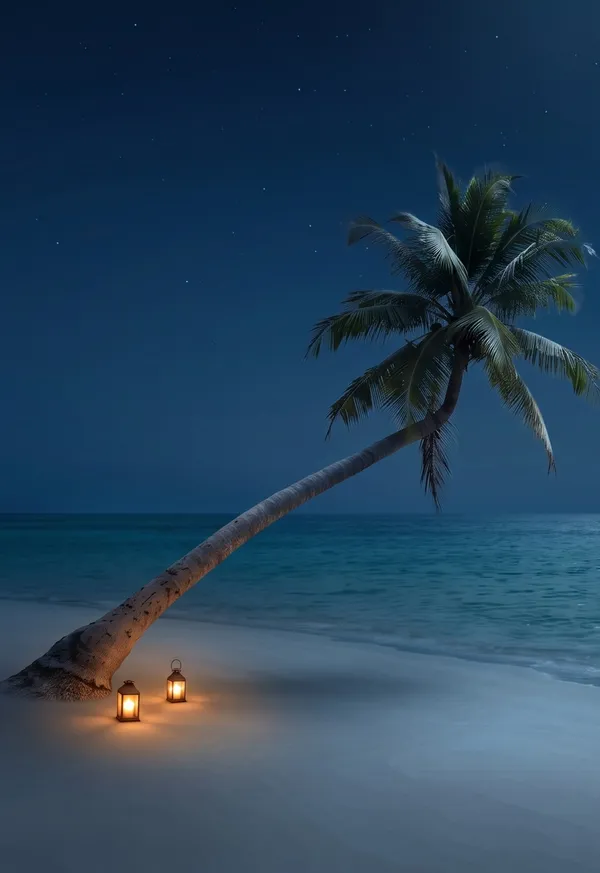
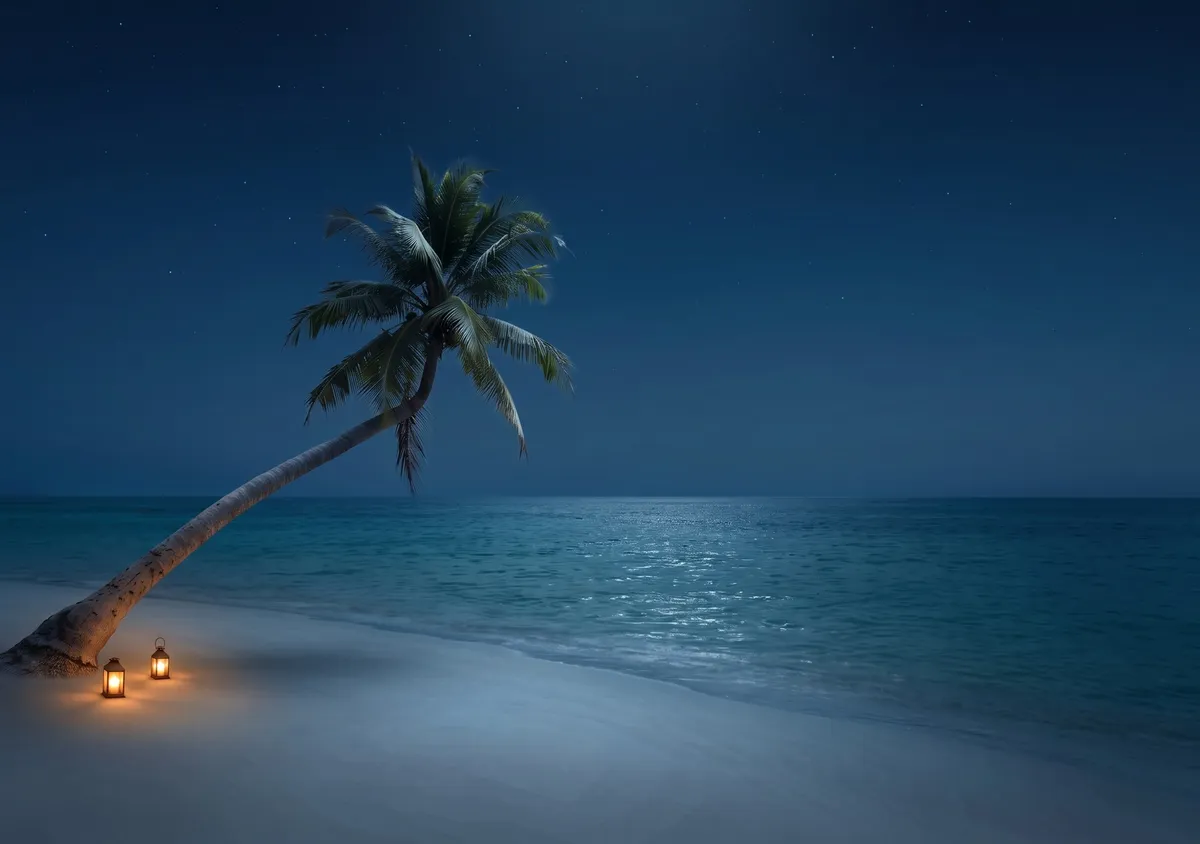
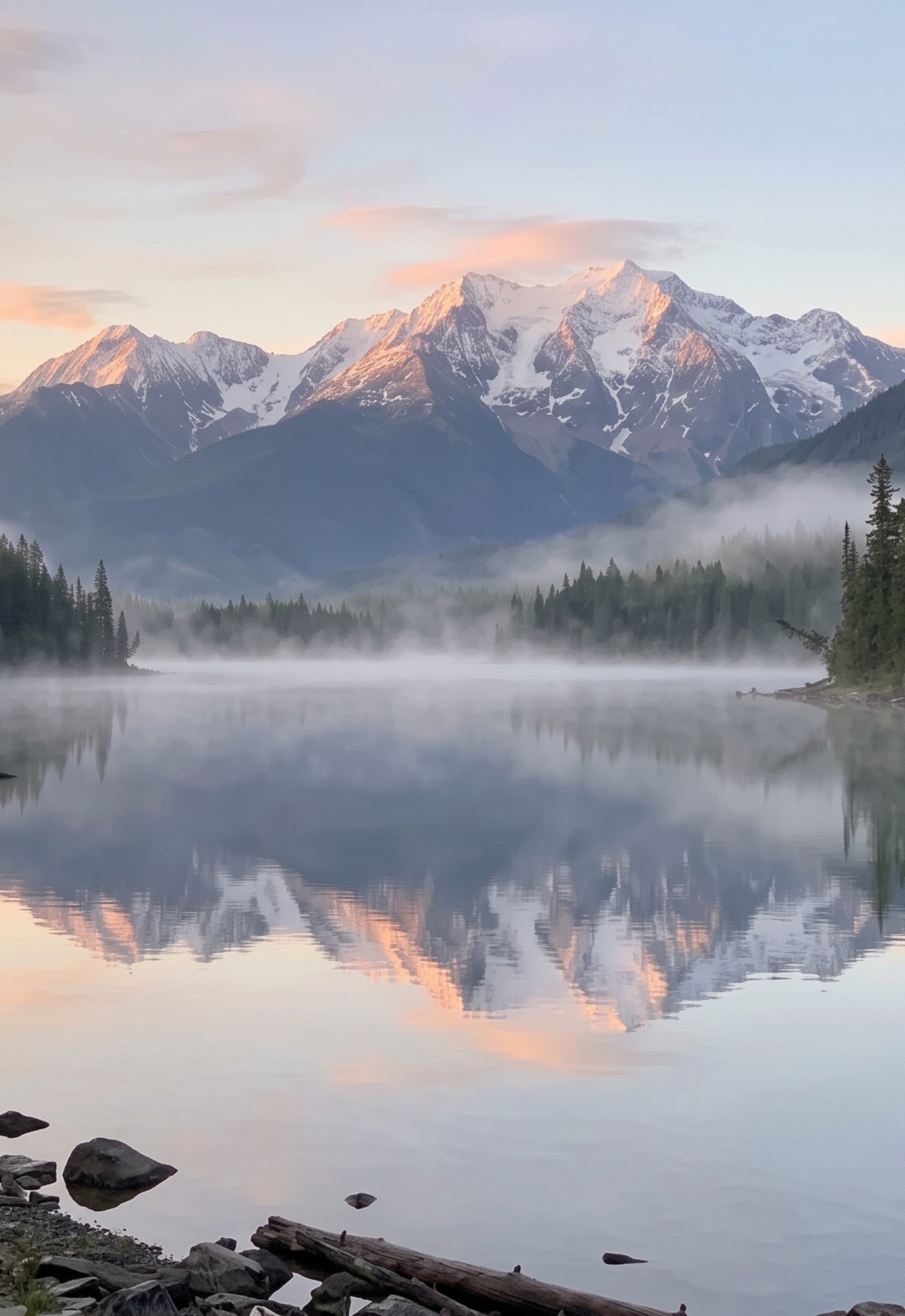
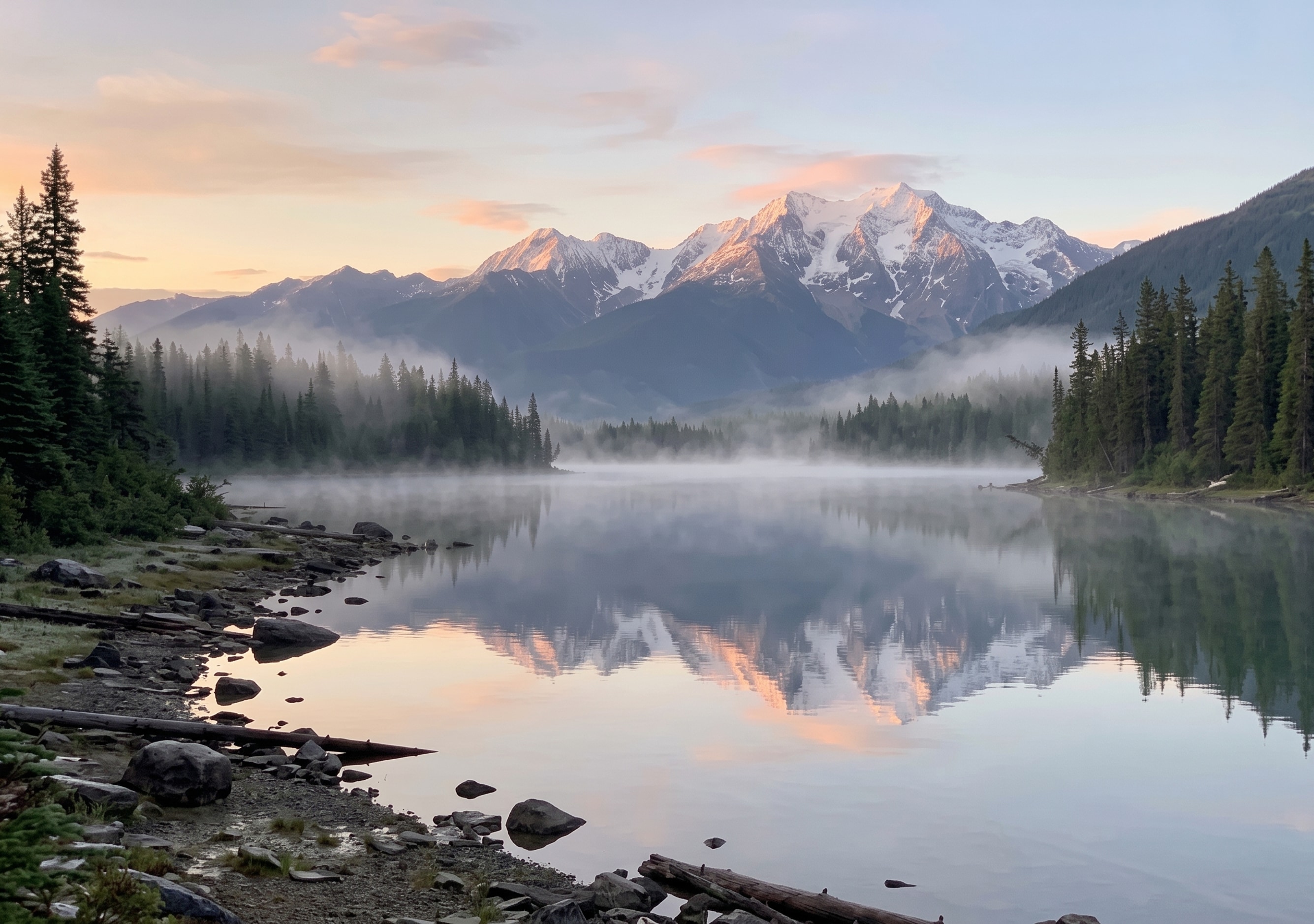
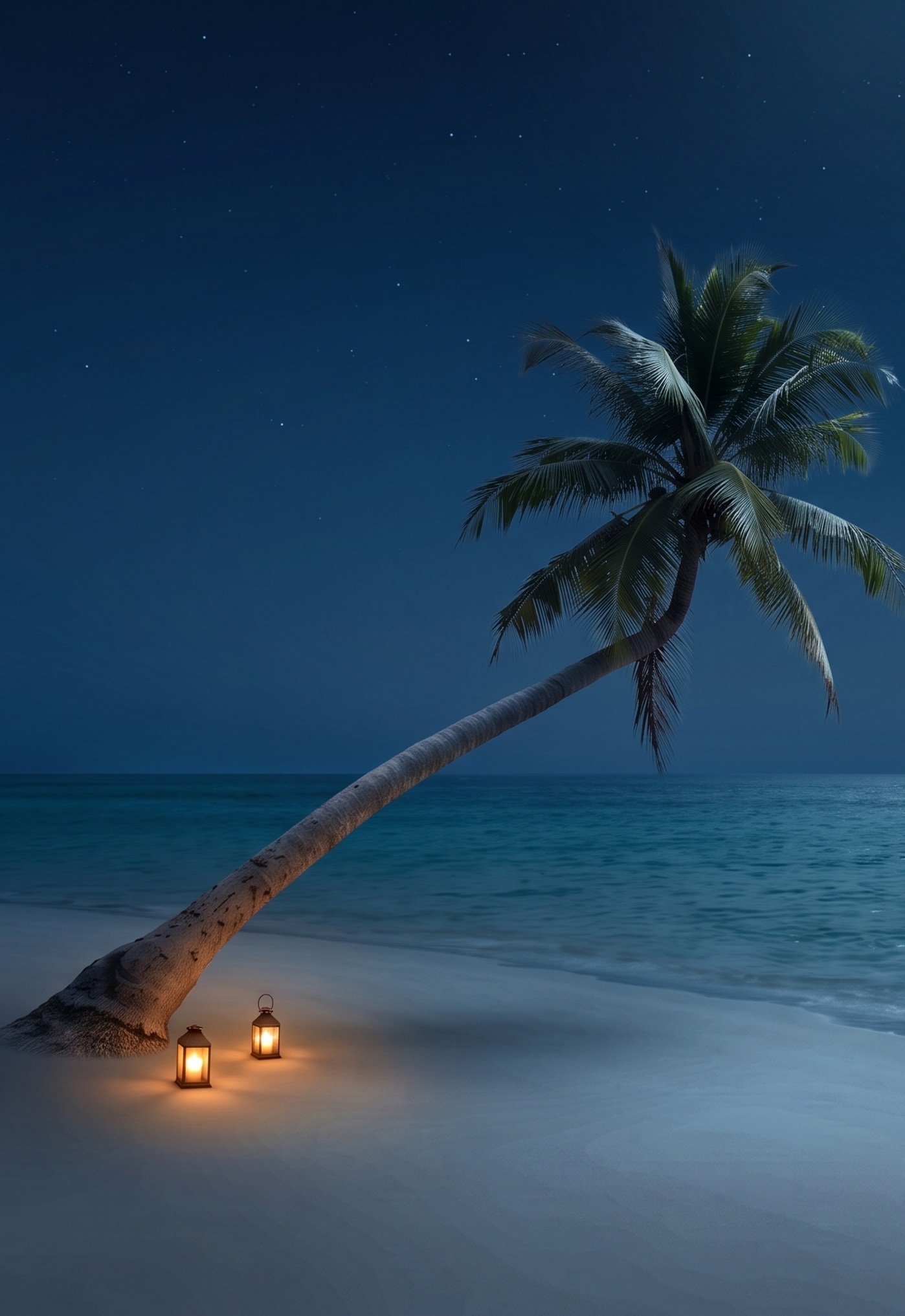
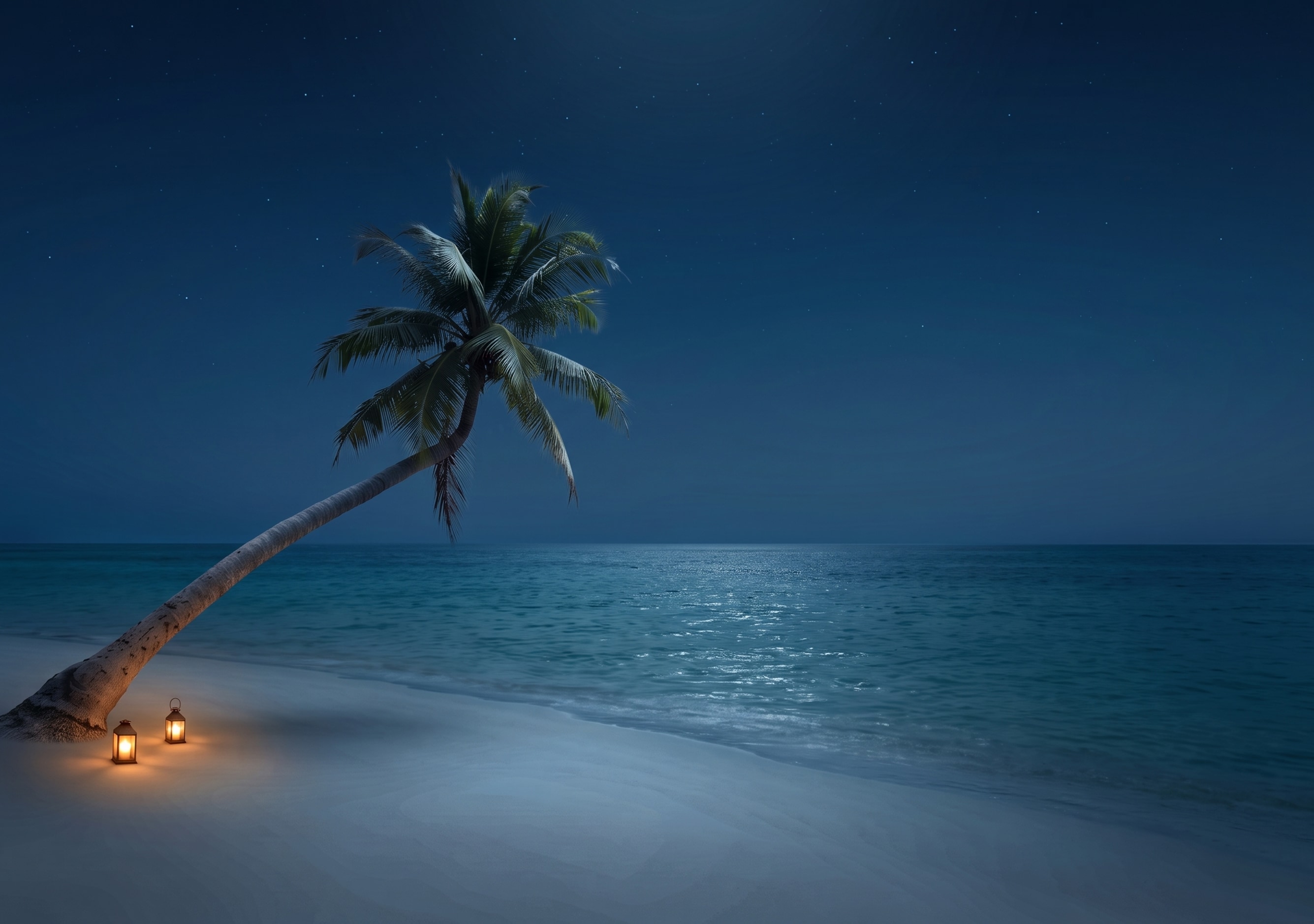
iPhone Duo wallpaper size
| Screen | Wallpaper size | Pixel density | Shape |
|---|---|---|---|
| Outer display (5.4") | 1398 × 2034 px | 460 ppi | Portrait. What you see with the phone closed. |
| Inner display (7.6") | 2670 × 1878 px | 430 ppi | Landscape when the phone is open. |
Both screens have nearly the same proportions, about 1.42 to 1.46 to 1, but the outer one is tall and the inner one is wide, so one image can't fill both without heavy cropping. Here is how one photo becomes both files: the AI first widens it into a 3:2 landscape (2528 × 1696 at 2K). The inner display file is that picture scaled to 2670 × 1878, trimming about 2.5% from each side. The outer display file is a tall slice centered on the subject, scaled to 1398 × 2034.
How it works
1
Upload a photo
Tall, wide, square or an old low-resolution snapshot. The examples above include a 9:16 phone shot and a 640-pixel photo from 2003.
2
Pick a style
Natural, Cinematic, Illustration or Minimal. Add a few words of your own if you like, such as "light snow falling".
3
Download both screens
7 credits gets you both files at 2K. A night version of the result costs another 7.
Choosing a style
We ran every style on the same 8 photos: a portrait, a cat, a landscape, a tall street shot, a bowl of ramen, sneakers, an old beach snapshot and a painting. This is what we saw.
- Natural
- The safest choice. In our tests it kept faces, pets and products intact on all 8 test photos and continued the scene without seams, even from a tall 9:16 shot.
- Cinematic
- The same scene with film-style light. It sometimes pulls the camera back: a close-up of a ramen bowl came back as the whole table.
- Illustration
- Clearly painted on scenery and objects. Faces and fur keep more photo detail: on a portrait only the background turned into paint.
- Minimal
- Lifts the subject onto a soft gradient. It needs one clear subject: on a photo of a whole street it failed and pasted half the photo next to the gradient.
- Night version
- Relights the result as night. It works when there is sky, like the stars over the lake above. A close-up of sneakers on steps only got darker.
- Old photos
- A 640-pixel snapshot from 2003 came back clean at full size, and its orange date stamp was gone in every style.
Want to change something in the photo first, like removing a stranger in the background? Do it in the object remover, or restore an old photo before you turn it into a wallpaper. Everything else you can describe works in the photo editor.
Frequently asked questions
What size is an iPhone Duo wallpaper?
1398 × 2034 pixels for the 5.4-inch outer display and 2670 × 1878 pixels for the 7.6-inch inner display, which is landscape when the phone is open. Those are the native resolutions in Apple's tech specs and the sizes of the files you download here.
Why do I get two wallpaper files?
The outer display is tall and the inner display is wide when the phone is open. One image would be cropped hard on one of them, so you get a file made for each screen from the same picture.
How do I set the wallpapers on iPhone Duo?
Save both images to Photos and set them from Settings, then Wallpaper, the same way as on any iPhone. Each file already matches its screen, so there is nothing left to crop.
Are these wallpapers free?
The example wallpapers on this page are free to download, no account needed. Making your own costs 7 credits per pair at 2K. New accounts get 18 free credits, enough for two pairs.
Will it change my photo?
Natural and Cinematic keep the subject as it is and add scenery around it, so the picture gets wider. Illustration repaints everything and Minimal removes the background. Look over faces and small details before you set it.
Can I make a dark mode version?
Yes. When your wallpapers are ready, press "Make a night version". It relights the same picture as night for 7 more credits and works best when the photo shows some sky.
Is YepShot made by Apple?
No. YepShot is an independent AI photo editor. iPhone is a trademark of Apple Inc.