Turn a photo into a GIF
Say what should move and get a 9-frame looping GIF from the same photo, made with GPT Image 2.6. Reaction memes, animated stickers, pets, products. Every example in our library comes with the GIF it produced.
Upload a photo and say what to change. To keep the edit to one spot, brush over it; the rest of the picture stays as it was.
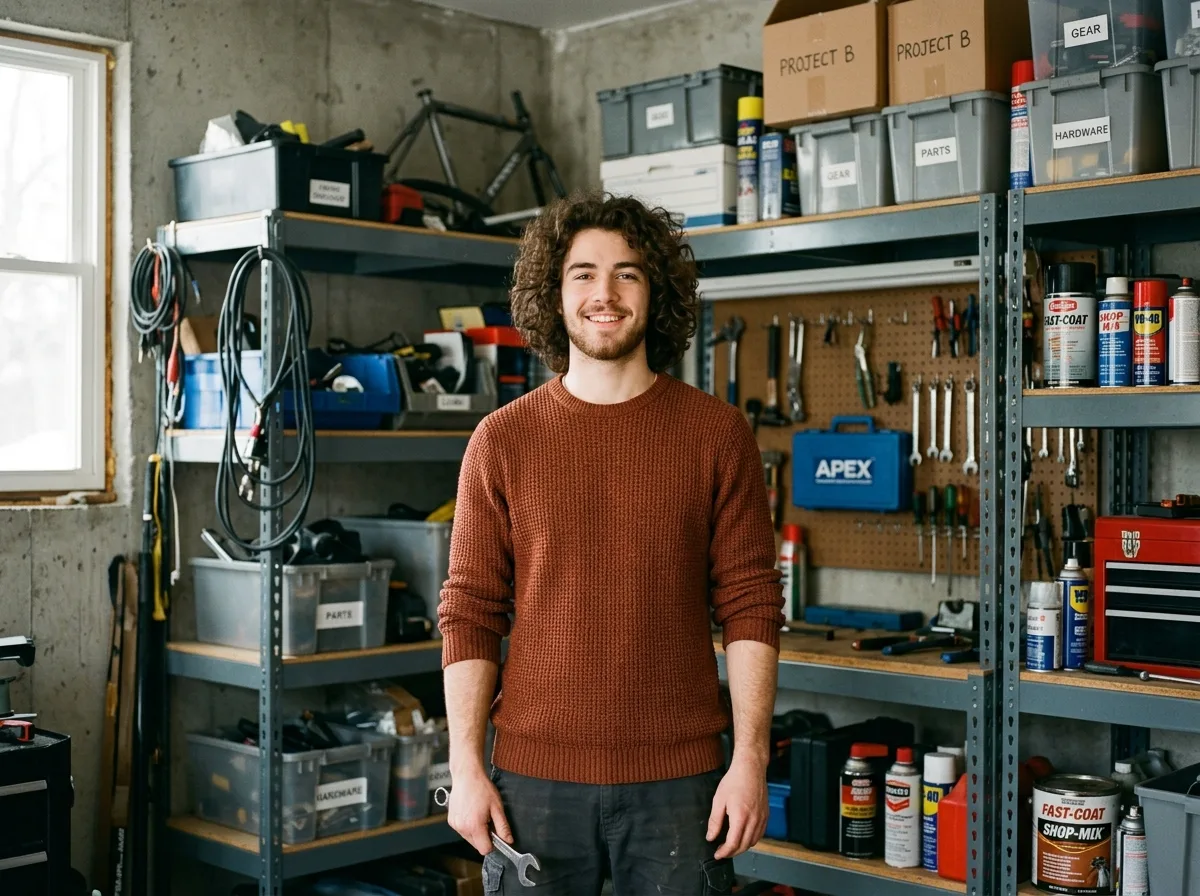
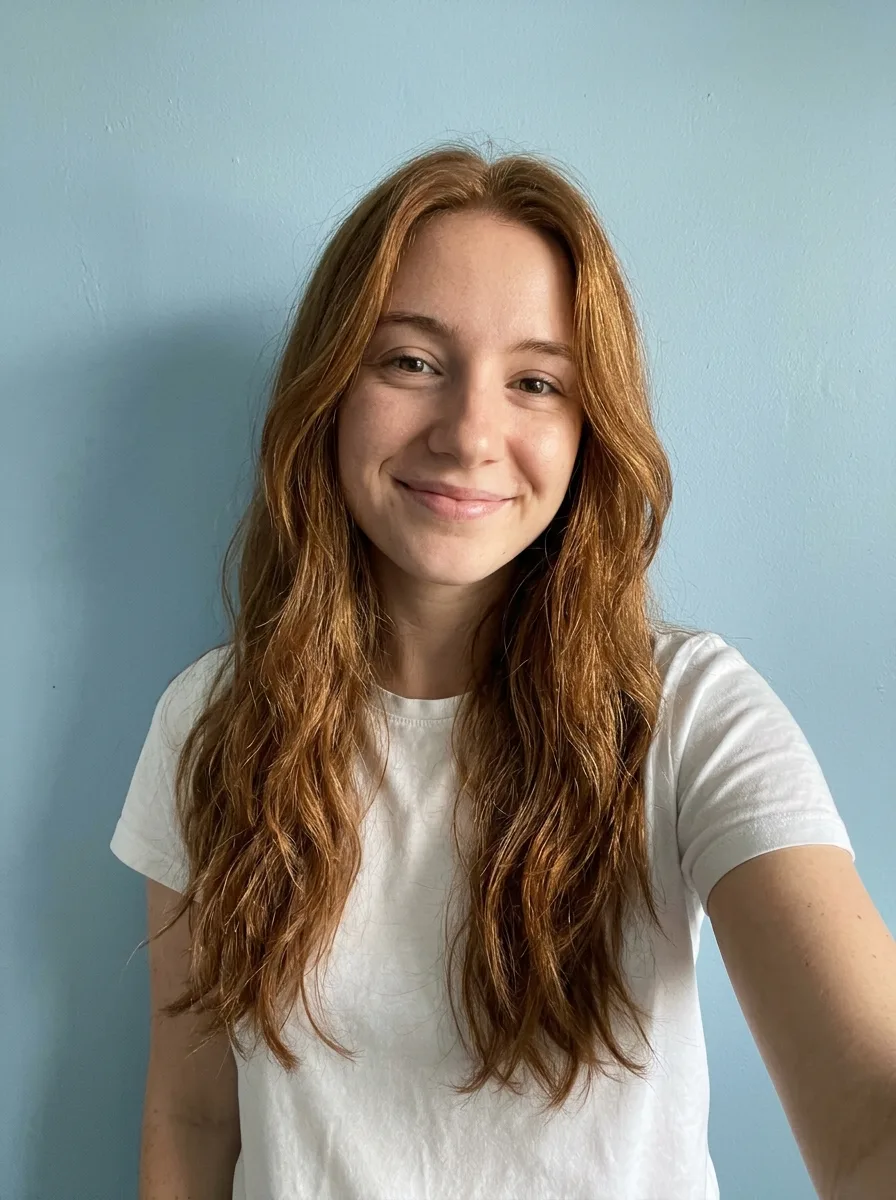 Original
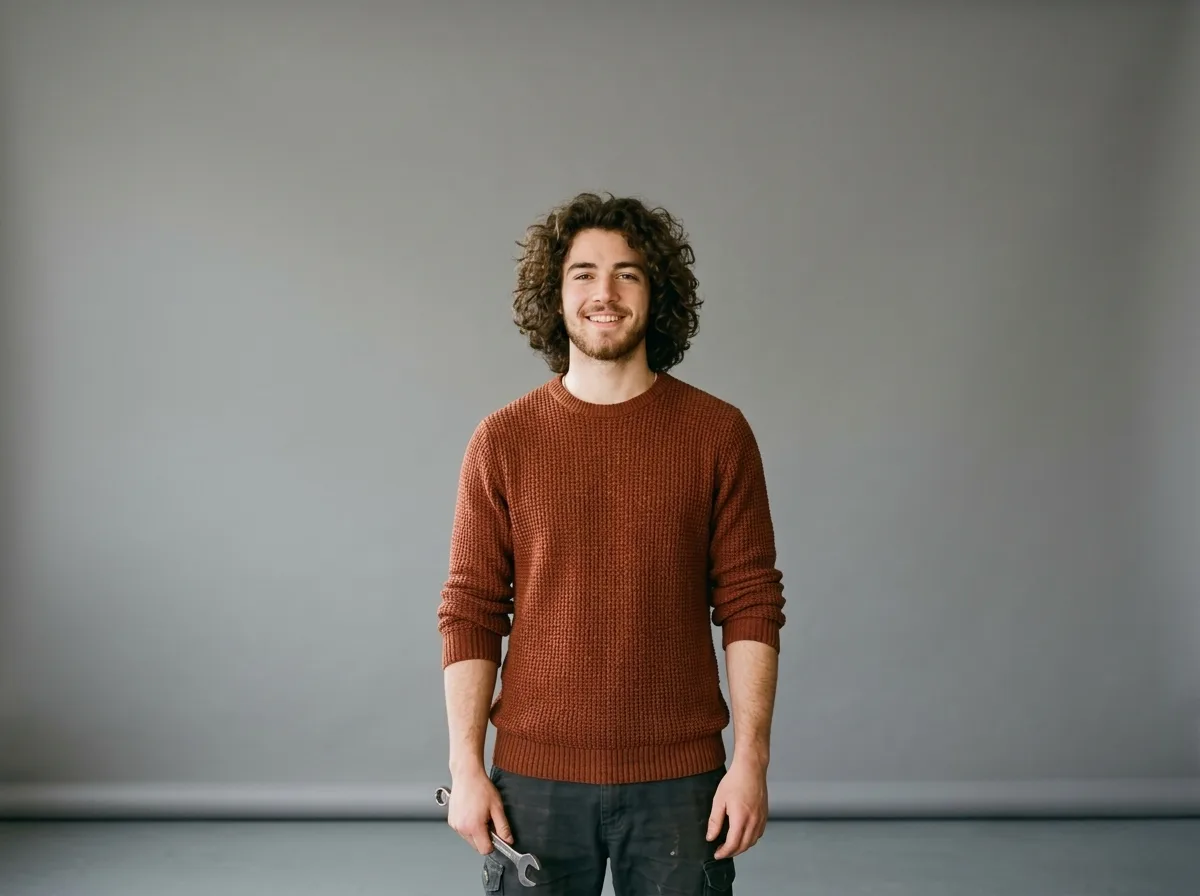
 Edited
Turn this photo into a looping reaction GIF: the person puts on a pair of black sunglasses, nods once with a confident smirk, then takes them off again. Keep the face, hair, clothes and background exactly as in the photo, and keep the camera still.
YepShot is an AI photo editor that changes one thing in a photo from a written instruction, using Nano Banana 2.1, GPT Image 2.5 and GPT Image 2.6, which can also turn a photo into an animated GIF. Results have no watermark. Upload an image, write what should be different, and download the result. No layers, no selections, no software to install. When an edit has to stay in one spot, brush over that area and the model keeps the rest untouched.
JPG, PNG or WebP up to 10 MB. Multi Fusion mode takes several reference images at once, up to the limit of the model you picked.
Up to 500 characters, or start from a template and adjust it. Brush over an area when the change belongs in one place only.
Choose the output resolution, run it, and download the file. No watermark, and the result is yours to use commercially.
Last updated 2026-11-07
Built around one idea: say what you want, get it back.
Say what should move and get a 9-frame looping GIF from the same photo, made with GPT Image 2.6. Reaction memes, animated stickers, pets, products. Every example in our library comes with the GIF it produced.
Write the change the way you would say it to a person. Add a brush stroke when you need the edit confined to one region, and leave it out when you don't.
Replace the background with a clean studio backdrop, keeping the subject's edges and original lighting.
Faces, product shapes, logos and surrounding texture stay as they were. The edit lands where you asked and stops there.
Pull an object out of one photo and place it into another. Lighting, perspective and shadow direction are matched to the destination image.
Replace copy on a poster, label or sign and keep the original font weight, colour and perspective. That is the part most image models get wrong.
Pick 1K, 2K or 4K per run. You only pay the higher credit cost when you actually need the larger file.
Same editor, different jobs.
Put one product photo on a dozen backgrounds, clean up reflections, and fix packaging text, without booking a studio again.
Prompts to start from
Pure White Marketplace Packshot
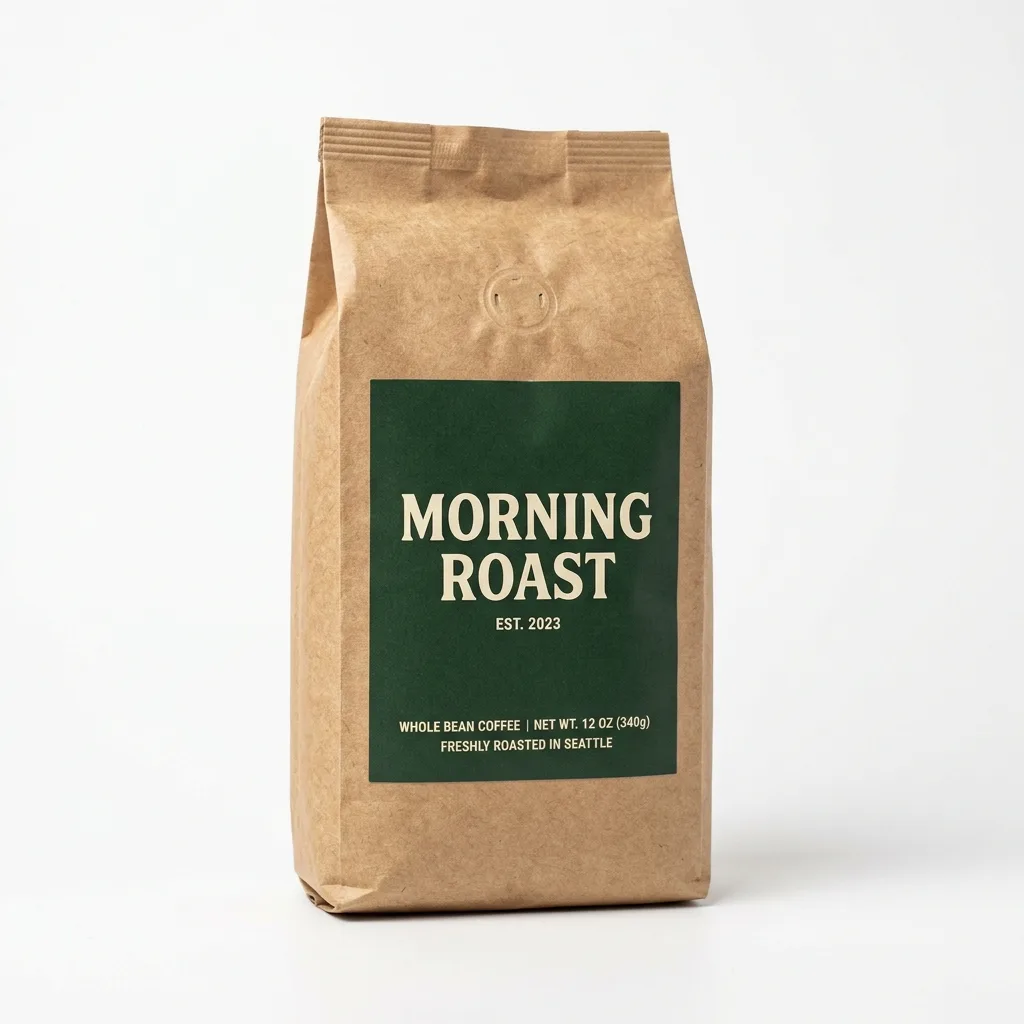
Keep the product exactly as it is, including its shape, label, colors and proportions. Replace the background with pure white (#FFFFFF) and center the product. Light it with soft, even studio light from both sides and add a subtle natural contact shadow under its base. Crisp edges, no color spill, clean e-commerce packshot.
Travertine Block in Morning Light
Keep the product exactly as it is, including its shape, label and colors. Place it on a raw-cut beige travertine block with a few dried botanical stems beside it. Soft morning window light casts dappled leaf shadows across the scene. Warm, organic mood, shallow depth of field, editorial lifestyle photo.
Erase Barcode and Price Sticker
Erase the barcode, price sticker and any text label in the marked area. Rebuild the packaging underneath so its color, texture and printed pattern continue naturally, with no smudges or leftover edges. Keep everything outside the marked area unchanged.
Swap backgrounds, remove distractions from a frame, and combine several shots into one image that reads clearly at small sizes.
Prompts to start from
Natural Skin Retouch
Retouch the skin on the face: reduce temporary redness and small blemishes while keeping the real pore texture, freckles and natural skin tone variation. No plastic smoothing. Keep the face shape, features, expression and lighting exactly as they are.
Oak Table with Kitchen Props
Keep the product unchanged. Place it on a natural oak tabletop with visible wood grain, with a ceramic cup and a linen napkin nearby. Warm daylight from a side window, authentic Scandinavian home atmosphere, f/4 depth of field, product in sharp focus.
Remove Glare on Shiny Surfaces
Remove the glare, window reflections and camera reflection in the marked area of the shiny surface. Replace them with a smooth, even highlight that follows the surface's curvature, so it blends seamlessly with the rest of the product. Keep everything outside the marked area unchanged.
Produce seasonal and regional variants of the same asset, and update the copy inside an image without going back to the design file.
Prompts to start from
Black Friday Black-and-Gold Pedestal
Keep the product unchanged. Place it on a matte black hexagonal pedestal with polished brass edges, with flowing dark satin fabric in the background and a dramatic spotlight from above. Luxurious Black Friday campaign look, premium commercial photography. Do not add any text.
Christmas Pine and Warm Bokeh
Keep the product unchanged. Place it on dark rustic wood surrounded by fresh pine branches and a few frosted pinecones, with golden fairy lights forming warm, round bokeh in the background. Cozy, premium Christmas campaign look.
Summer Pool Water and Caustics
Keep the product unchanged. Place it standing in shallow, crystal-clear turquoise pool water, with dancing sunlight caustics across the product and gentle ripples around its base. Bright tropical sunlight, refreshing summer campaign look.
Restore an old scan, clean up a portrait for a profile, or take something out of a holiday photo that should not have been there.
Prompts to start from
Restore a Faded Old Photo
Restore this old photograph: remove the yellow age cast, dust spots, scratches and fold creases, and bring back clear, natural detail in the faces and eyes. Keep the people's features, expressions, clothing and the original composition unchanged. Clean archival quality with natural contrast.
Change Hair to Platinum Blonde
Recolor the hair in the marked area to a bright platinum blonde with soft golden undertones. Keep the hairstyle, individual strands, shine and natural hairline transitions. Keep the face and everything outside the marked area unchanged.
A pure white main image plus three lifestyle and studio shots, sized for each marketplace. The white background and frame fill are checked for Amazon.
Make a listing kit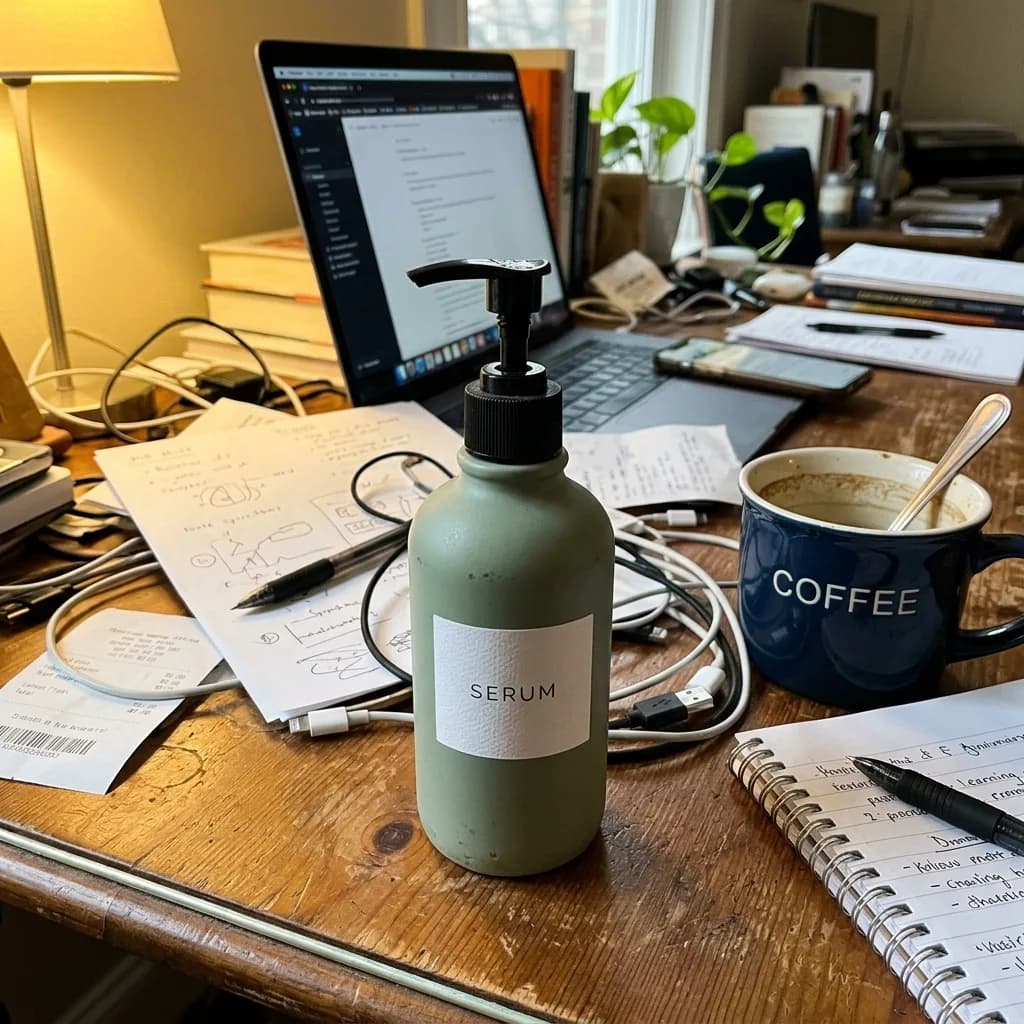
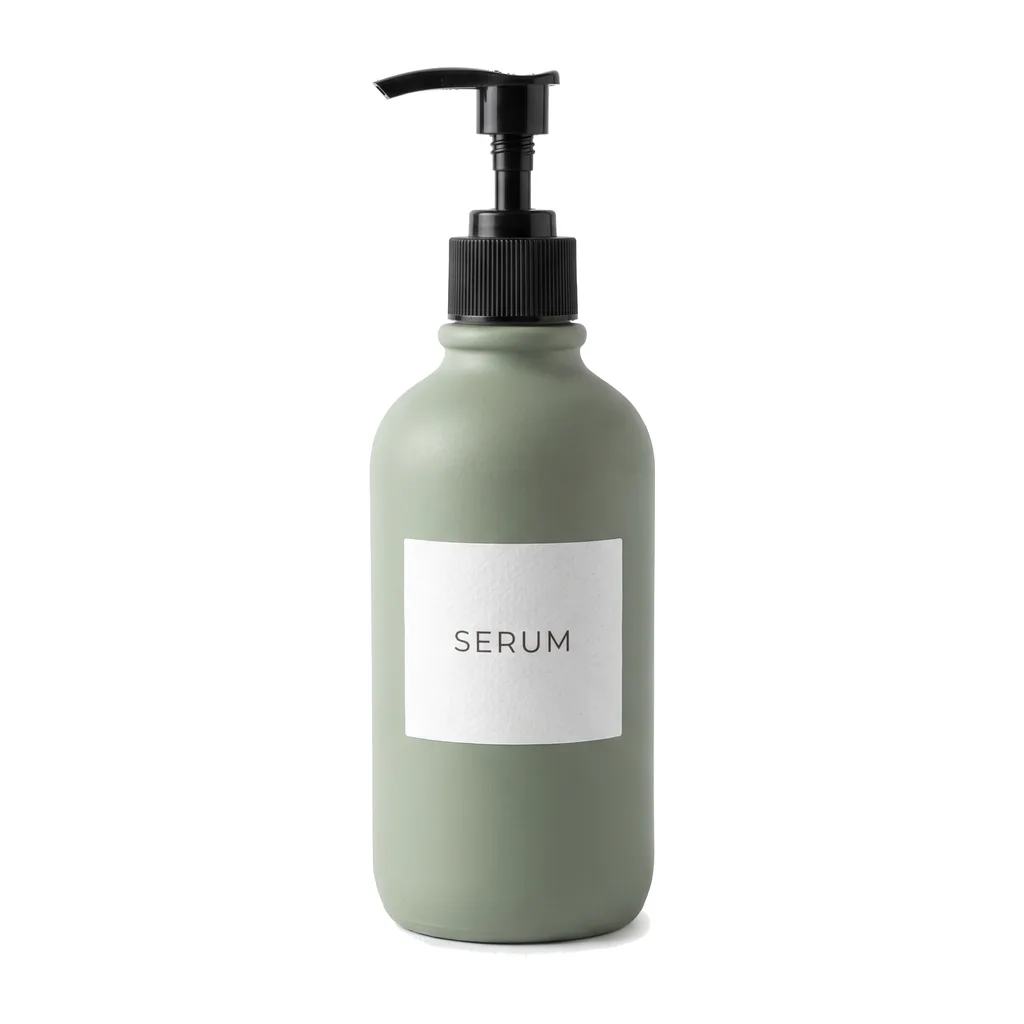
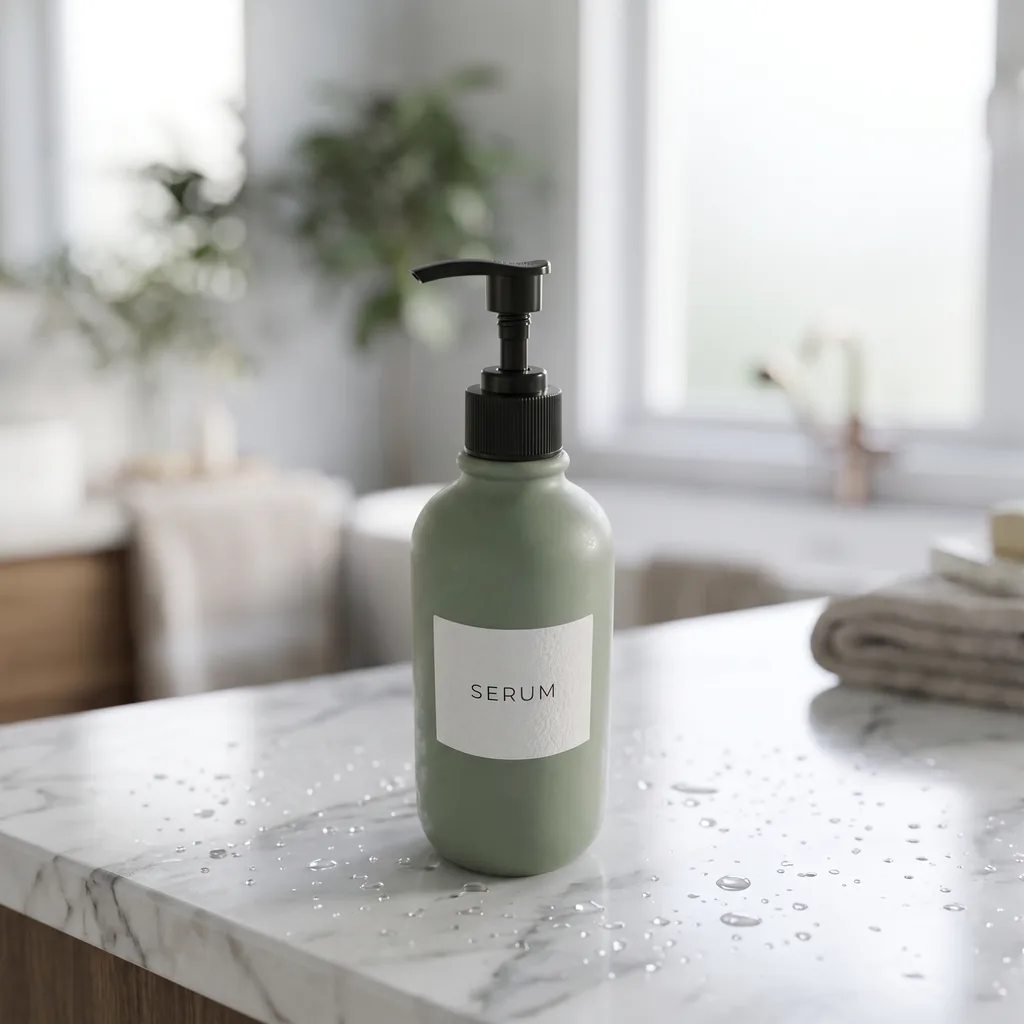
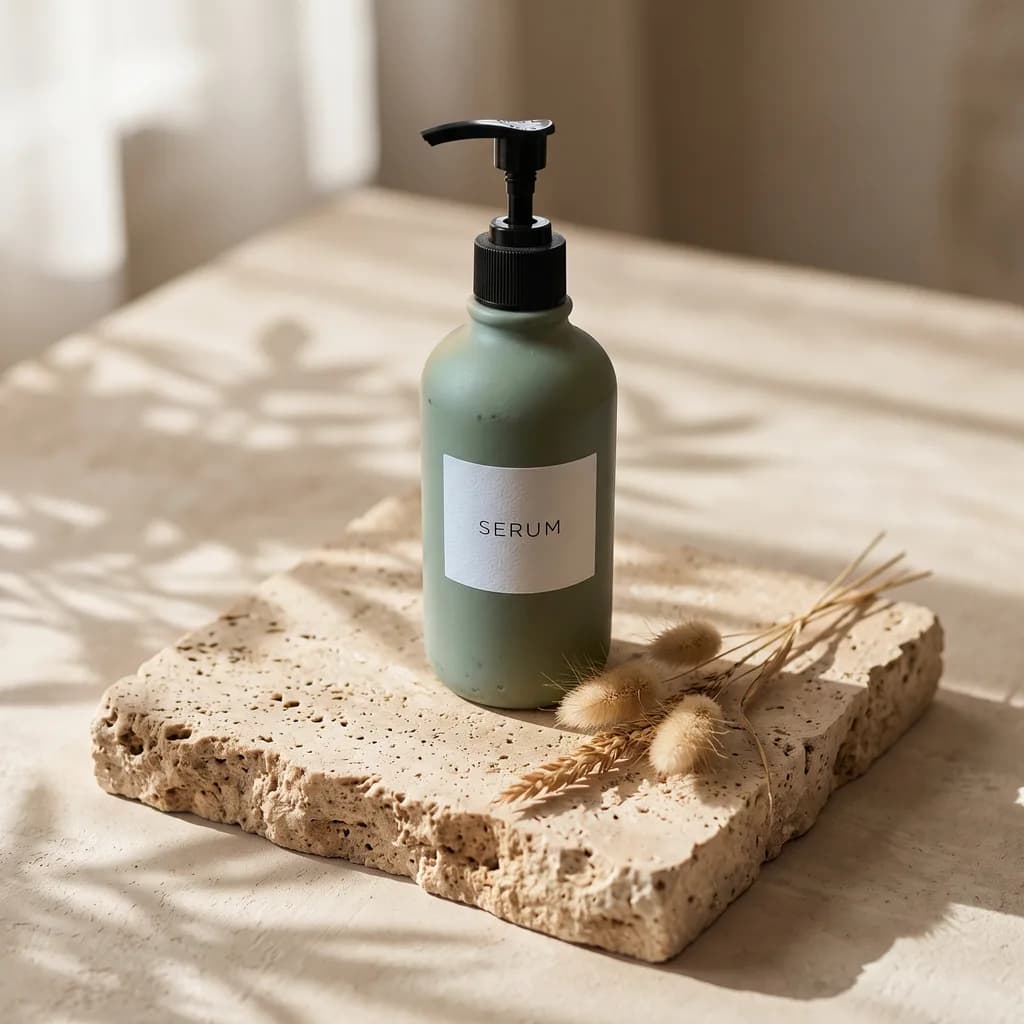
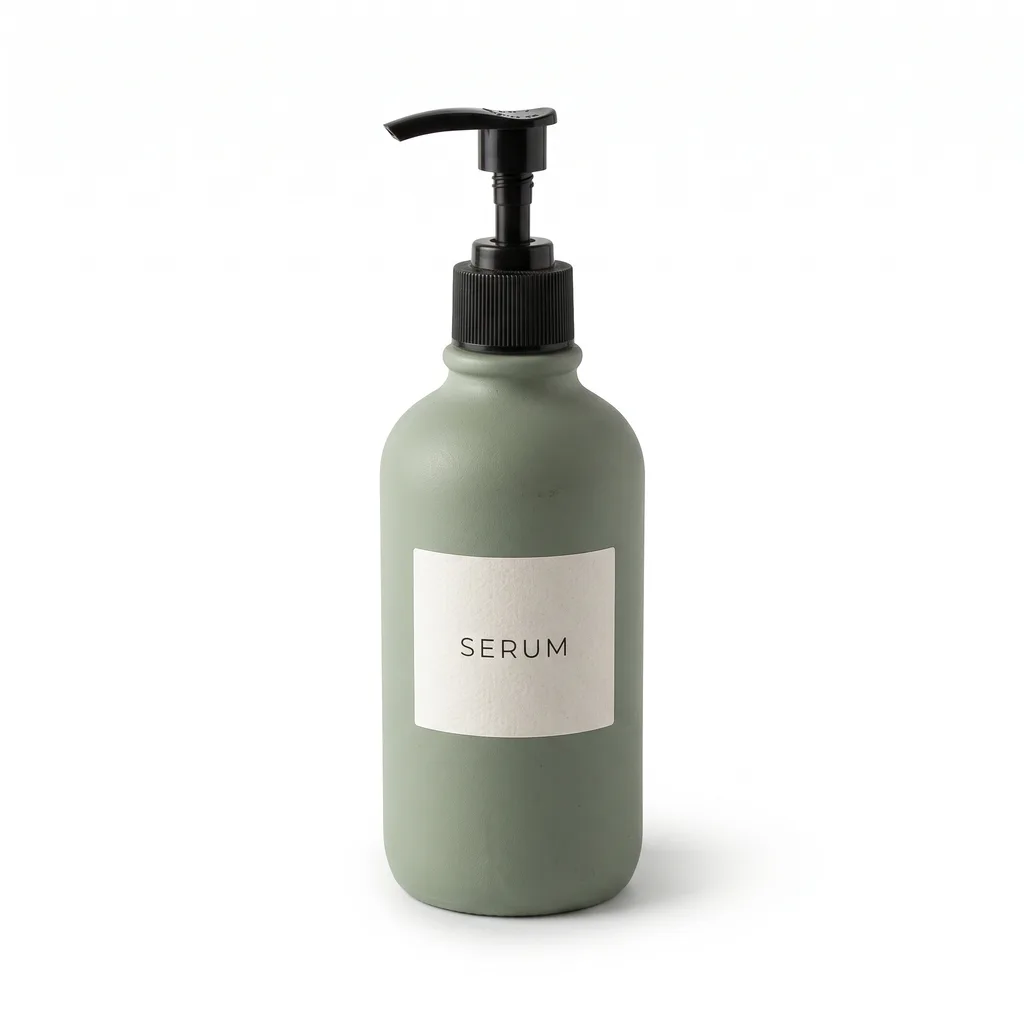
Shot on a cluttered desk next to a laptop and a coffee mug. Whole kit: 40 seconds.
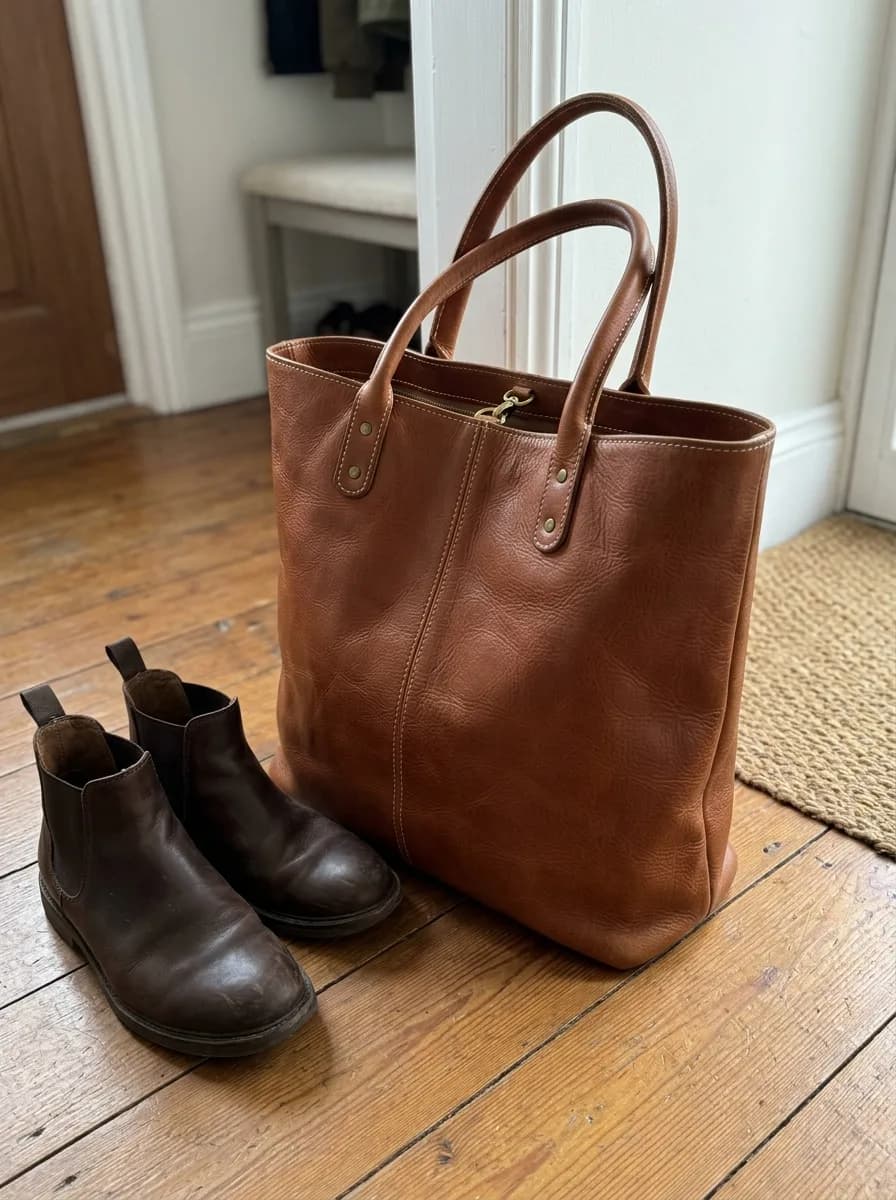
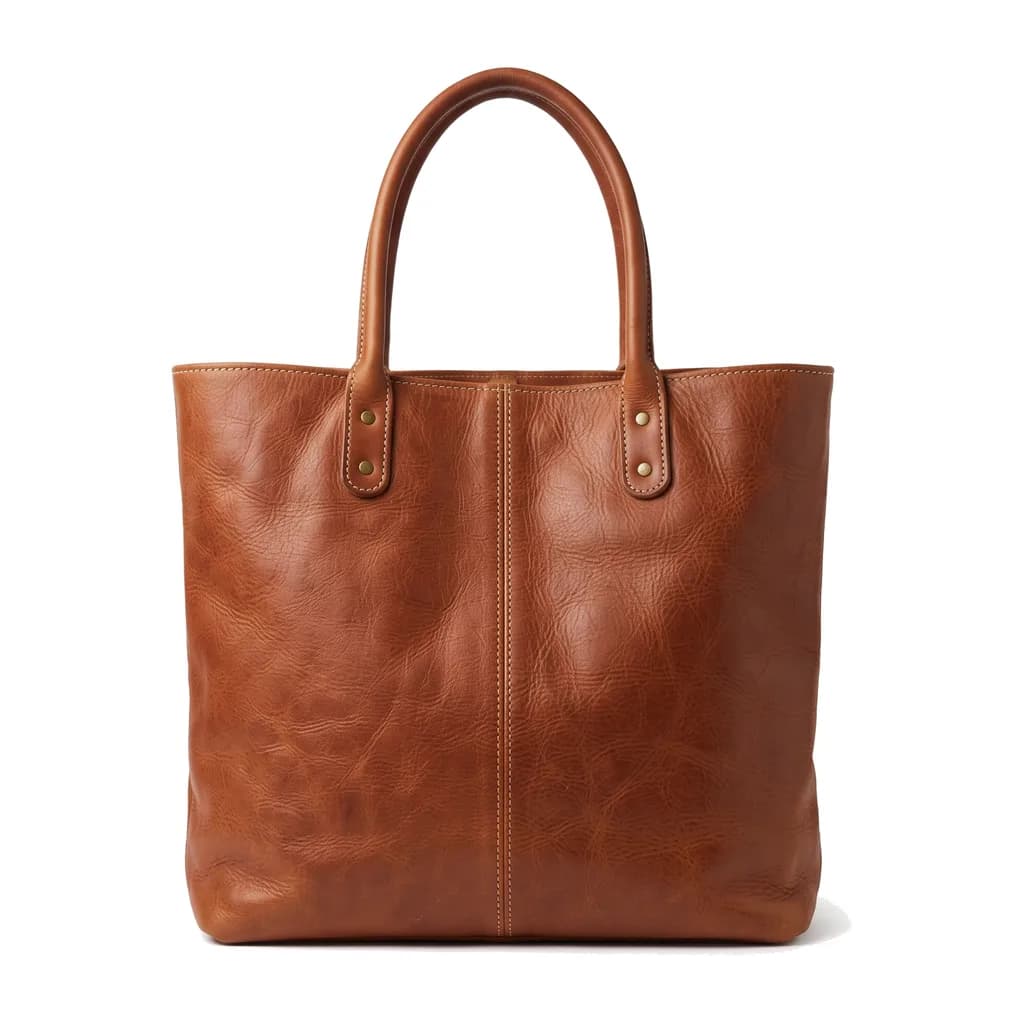
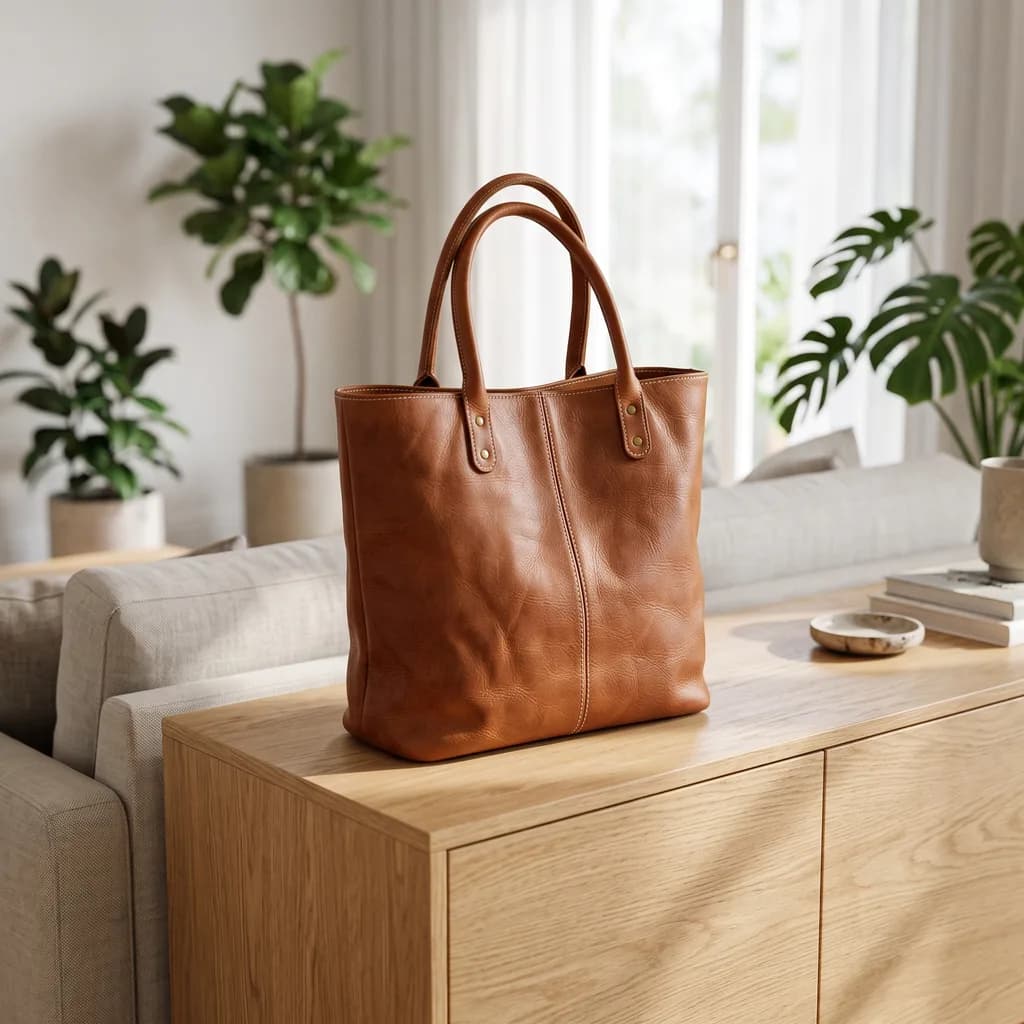
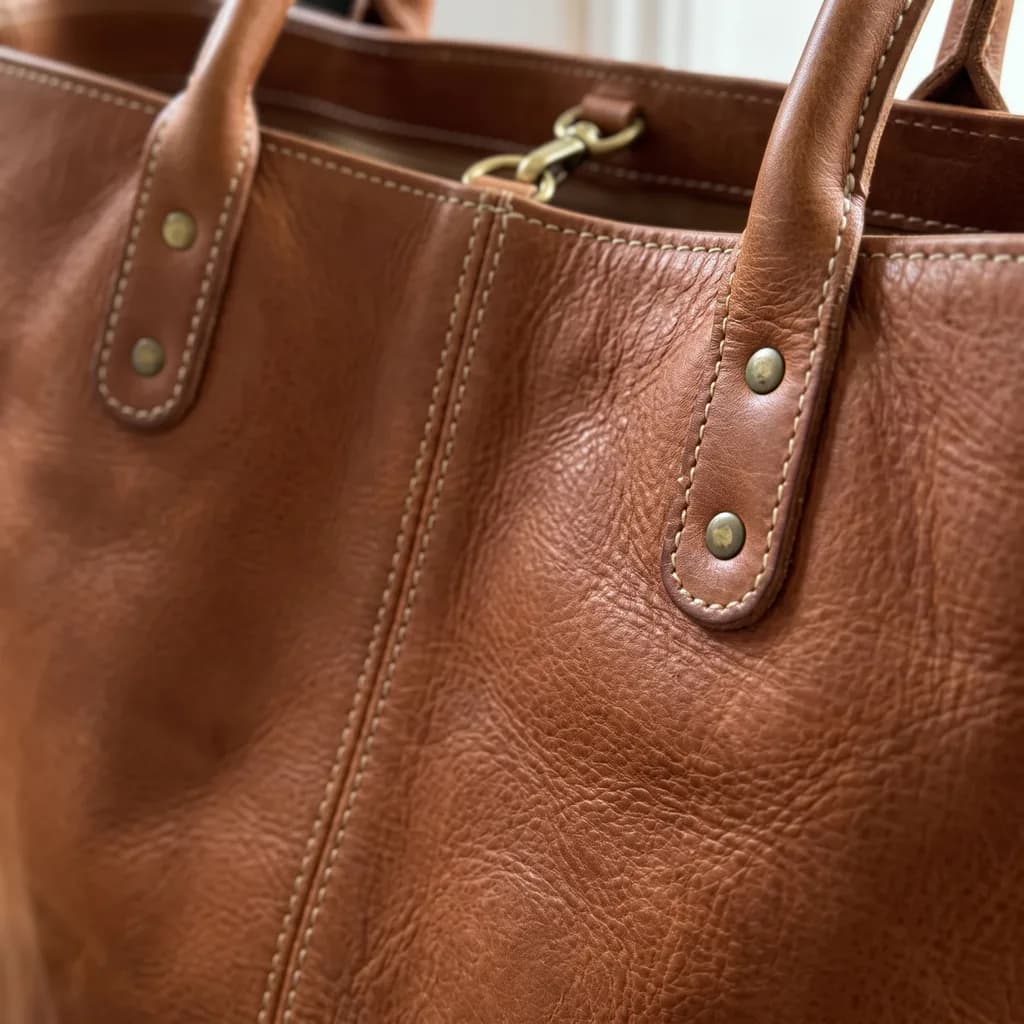
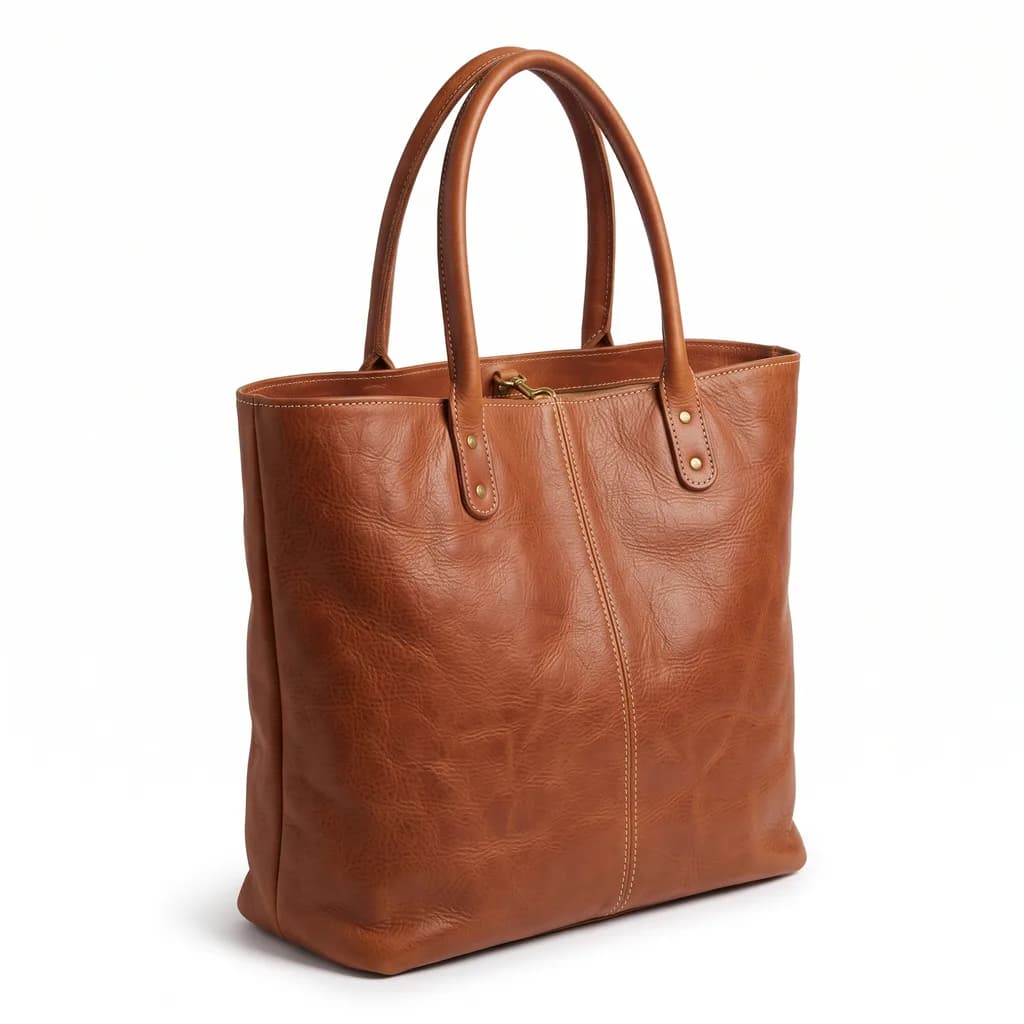
Shot on a hallway floor. The boots next to the bag were left out of every image. Whole kit: 45 seconds.
Both kits were made on October 15, 2026 with the same steps the listing kit runs: Nano Banana 2.1, 2K, square. The uploaded photos are AI-generated snapshots from our prompt library, and the products carry no real brand.
It edits photos from a written instruction instead of manual tools. Upload an image, describe what should change, pick a model, and generate. If the change belongs in one specific spot, brush over that area first.
New accounts get 18 free credits: enough for three Nano Banana 2.1 edits at 1K, or six GPT Image 2.5 edits at Standard quality. Nothing we produce carries a watermark, on any plan.
JPG, PNG and WebP, up to 10 MB per image. Results come back as PNG or JPEG, depending on the model.
Yes. Multi Fusion mode takes several reference images in one run. The exact limit depends on the model, and the uploader shows it. Refer to them as IMG_1 and IMG_2 in your prompt.
Name what must stay in the prompt, and brush over the region you want changed. The mask tells the model where the edit belongs, which is far more reliable than describing a location in words.
Removing and inserting objects, background replacement, text changes inside an image, colour and material changes, photo restoration, style transfer, and blending several photos into one scene.
Start with the cheapest one for small fixes. Step up when you need higher resolution or stronger consistency across a complex edit. Each model lists its credit cost per resolution before you run it.
Anyone who needs an image changed and does not want to open a full editor: online sellers, creators, marketers and designers, and people fixing their own photos.
They are stored privately and served only through short-lived private links. They are used to run your edit, not to train models.
Yes. You own what you generate and can use it in commercial work. You are responsible for holding the rights to whatever you upload.
Sign up and get 18 free credits to start.