Updated October 14, 2026
Nano Banana 2.1 vs GPT Image 2.5: the same 48 photos, side by side
Quick answer
Both models handled most of our 48 edits, and both took about 25 seconds per 1K image. At their default settings GPT Image 2.5 costs half as many credits: 3 against 6 at 1K. Nano Banana 2.1 followed a couple of prompts more literally and returned pure white where we asked for it. GPT Image 2.5 kept one product's details more exactly and wrote cleaner packaging text, but it also put a real book title into a scene, twice. For a photo that matters, run both and keep the better one.
Price and settings on YepShot
Credits per edit. Nano Banana 2.1 has one quality level; GPT Image 2.5 has three. 4K needs a paid plan on both.
| Nano Banana 2.1 | GPT Image 2.5, standard | GPT Image 2.5, high | GPT Image 2.5, max | |
|---|---|---|---|---|
| 1K | 6 | 3 | 6 | 21 |
| 2K | 7 | 4 | 11 | 40 |
| 4K | 15 | 6 | 18 | 67 |
- Speed
- About the same. GPT Image 2.5 took a median of 24 seconds per 1K edit across these 48 runs (16 to 50). Nano Banana 2.1 took about 25 seconds when we timed it on October 9.
- Output size at 1K
- A 4:3 photo comes back at 1,200 × 896 from Nano Banana 2.1 and 1,184 × 880 from GPT Image 2.5. A square photo comes back at 1,024 × 1,024 from both.
- Quality levels
- Nano Banana 2.1 has one. GPT Image 2.5 has standard, high and max; this comparison uses standard, the editor's default. High costs 6 credits at 1K, the same as Nano Banana 2.1.
- Multi Fusion
- Up to 10 photos on Nano Banana 2.1 and 4 on GPT Image 2.5. With GPT Image 2.5, a brushed area counts as one of the 4, because it is sent as an image too.
How we tested
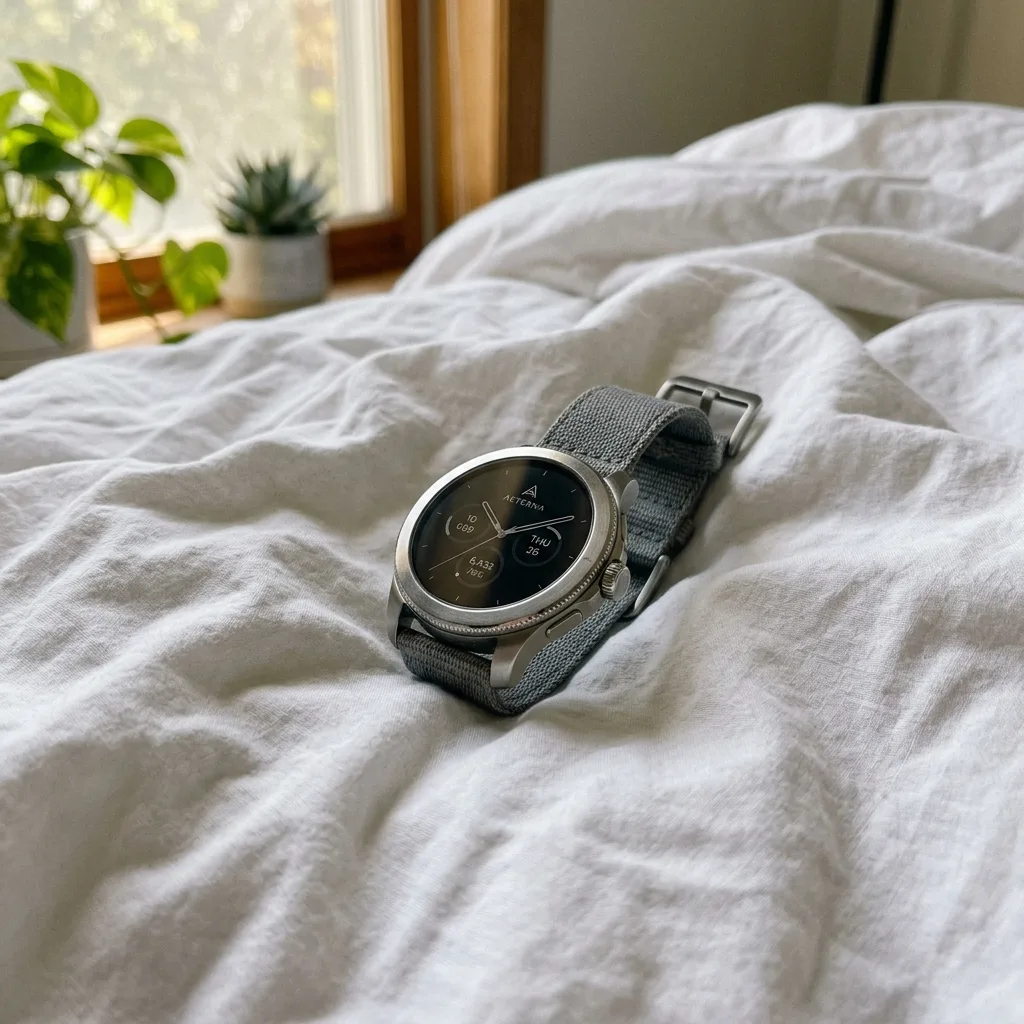
We took the 48 prompts in YepShot's Explore library and ran each one on both models from the same source photo, with the prompt word for word and each model's default settings in the editor: 1K, aspect ratio auto, and standard quality for GPT Image 2.5. Nano Banana 2.1 ran on October 10, 2026 (October 14 for the three text prompts) and GPT Image 2.5 on October 14, 2026. For the 8 prompts that edit a brushed area, the mask was drawn automatically on each run, so it can differ slightly between the two models. Each model ran once per prompt, apart from the cases below, so treat any single difference as an example rather than a benchmark.
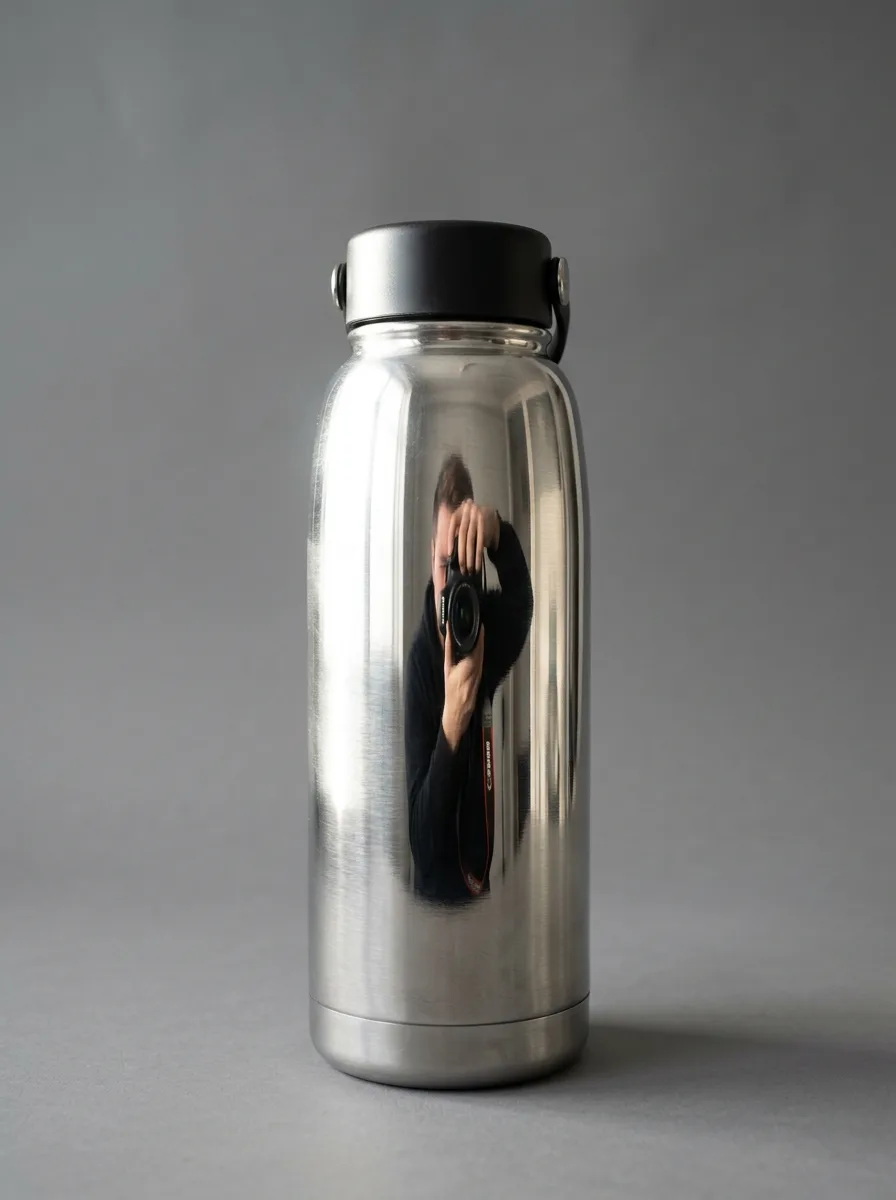
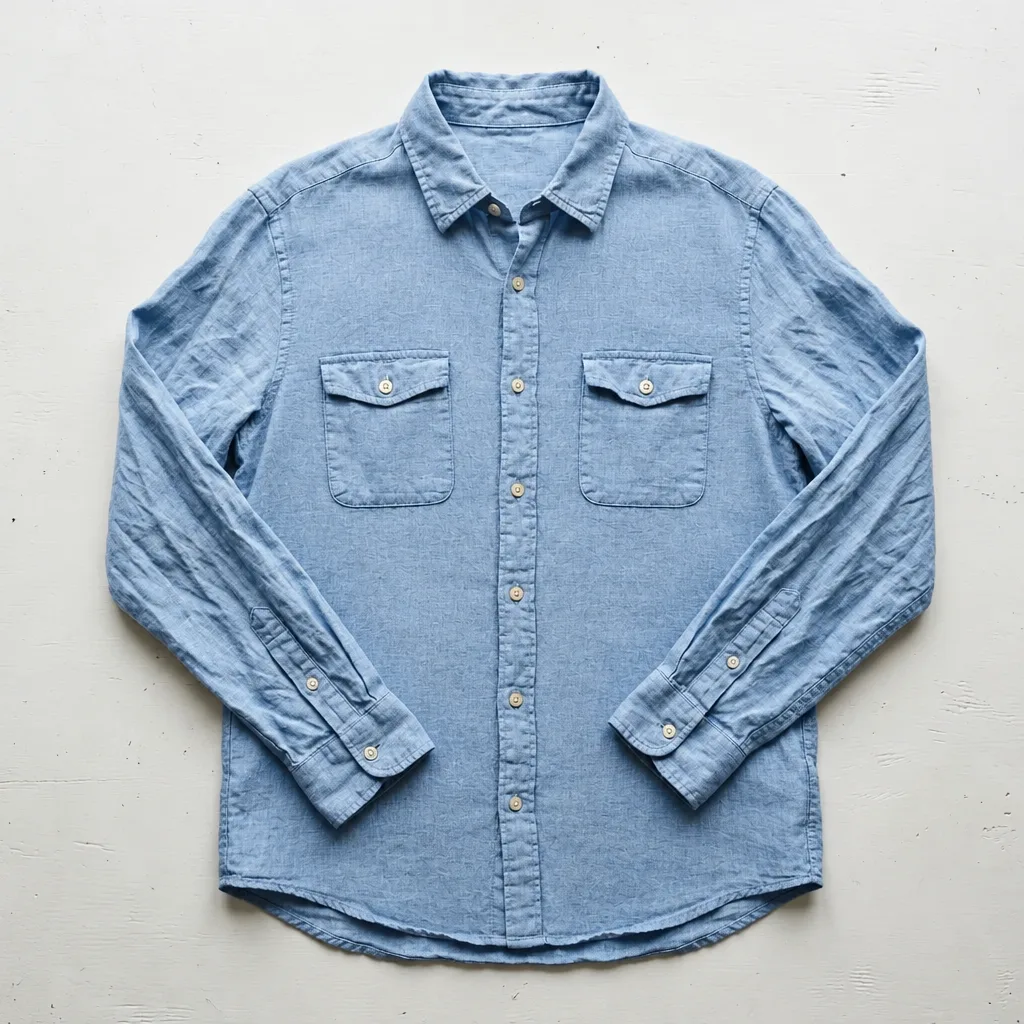
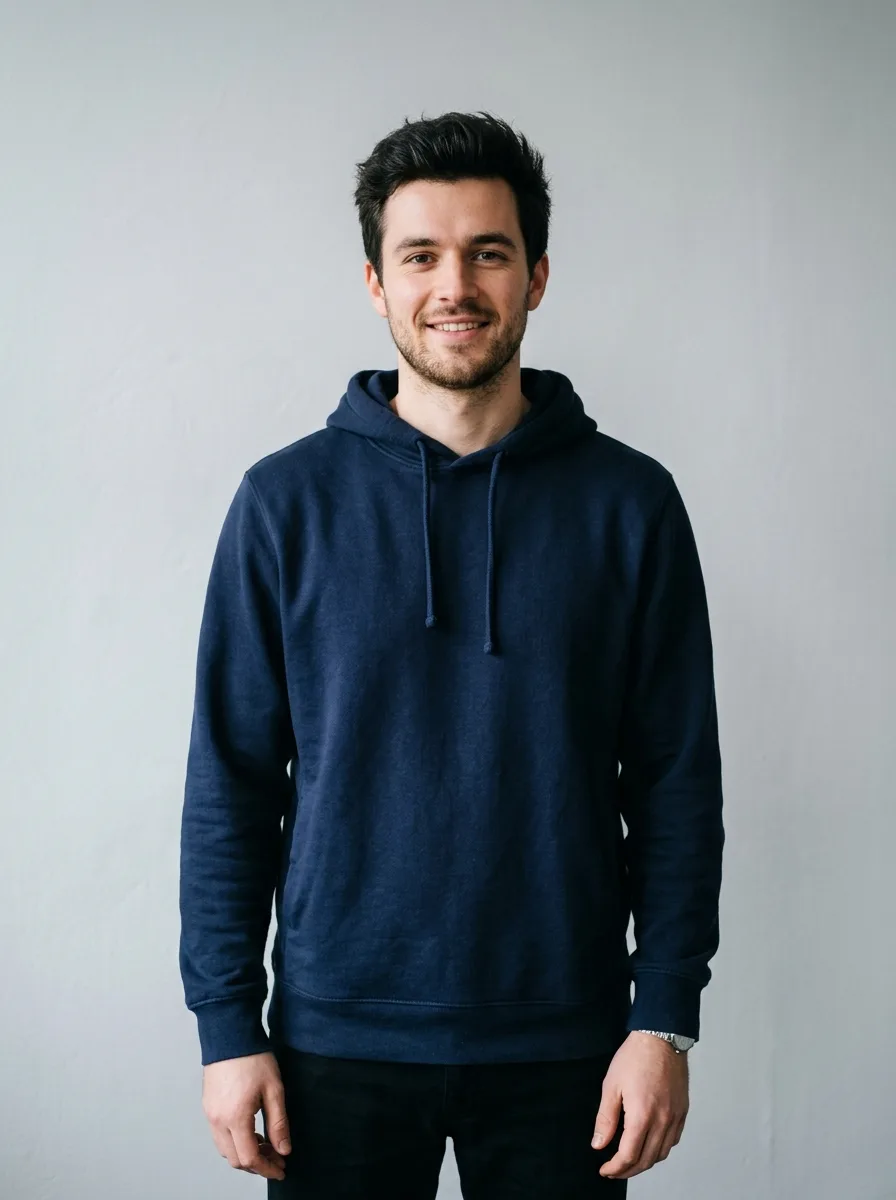
We changed one thing along the way. On our first run, we passed the brushed area to GPT Image 2.5 through the mask setting of the API we use (fal.ai), and it redrew that area without regard to what was there: it turned the steel bottle black, swapped the hoodie for a sweatshirt and returned a black box over the wrinkled shirt. Since October 14, YepShot sends the brushed area to GPT Image 2.5 the way it does to Nano Banana 2.1, as a guide image with an instruction to edit only inside it. We re-ran the 8 brushed prompts that way, and those are the results shown.
In the living room scene, GPT Image 2.5 printed the title of a real, published book on the sideboard, in the first run and again in the re-run. We blurred the title. It is the only image on this page we altered.
The clearest differences
Most pairs are close. These five show the differences we could see without zooming in.
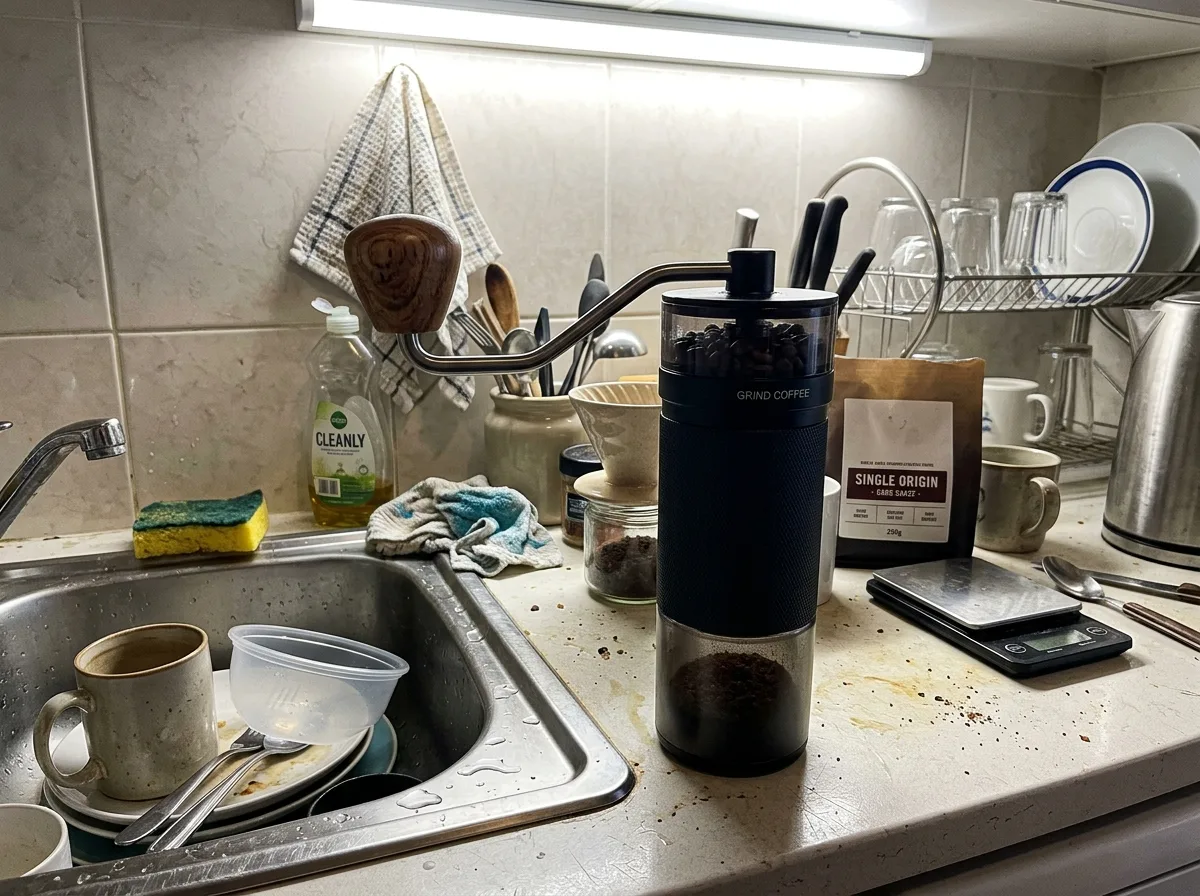
Original
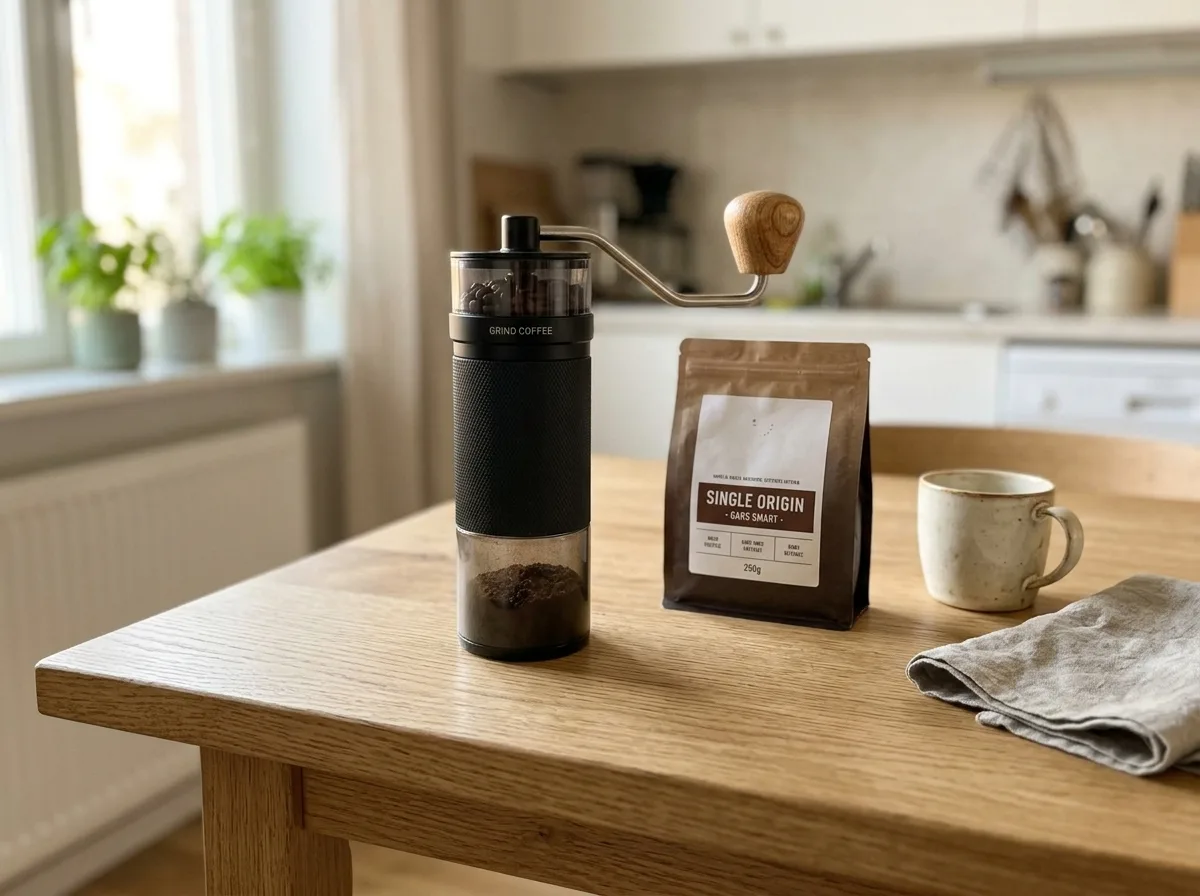
Nano Banana 2.1
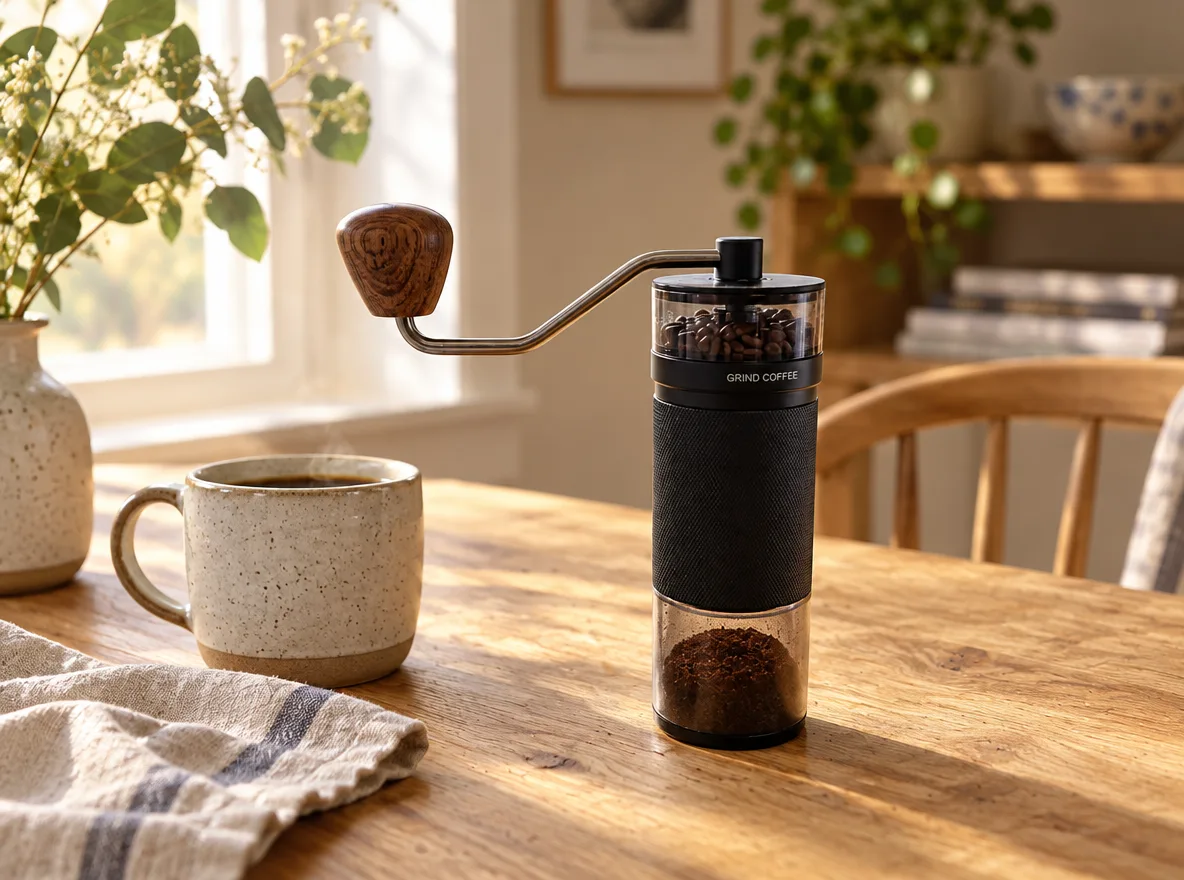
GPT Image 2.5
GPT Image 2.5 kept the grinder as it was
The prompt says to keep the product unchanged. Nano Banana 2.1 moved the crank handle from the left side to the right and lightened the dark wooden knob. GPT Image 2.5 kept both.
Prompt: Oak Table with Kitchen Props
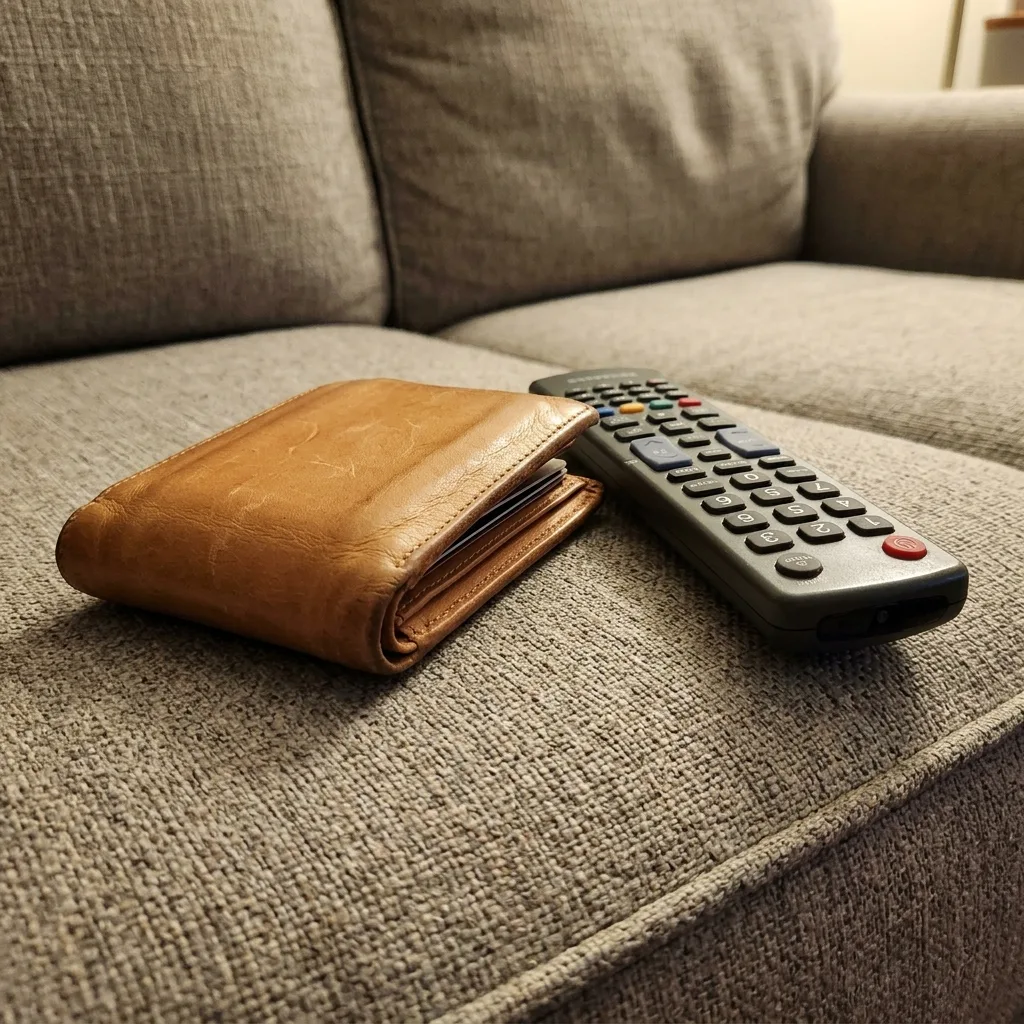
Original
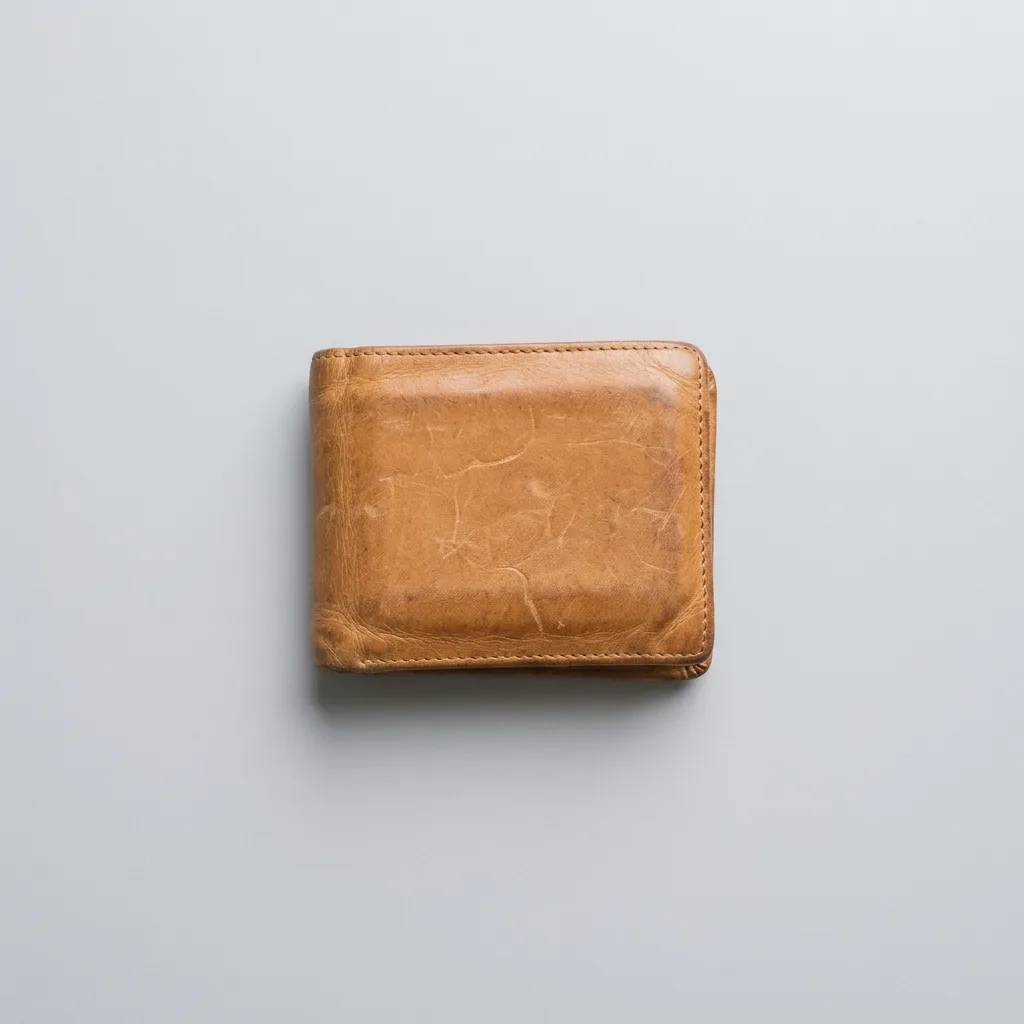
Nano Banana 2.1
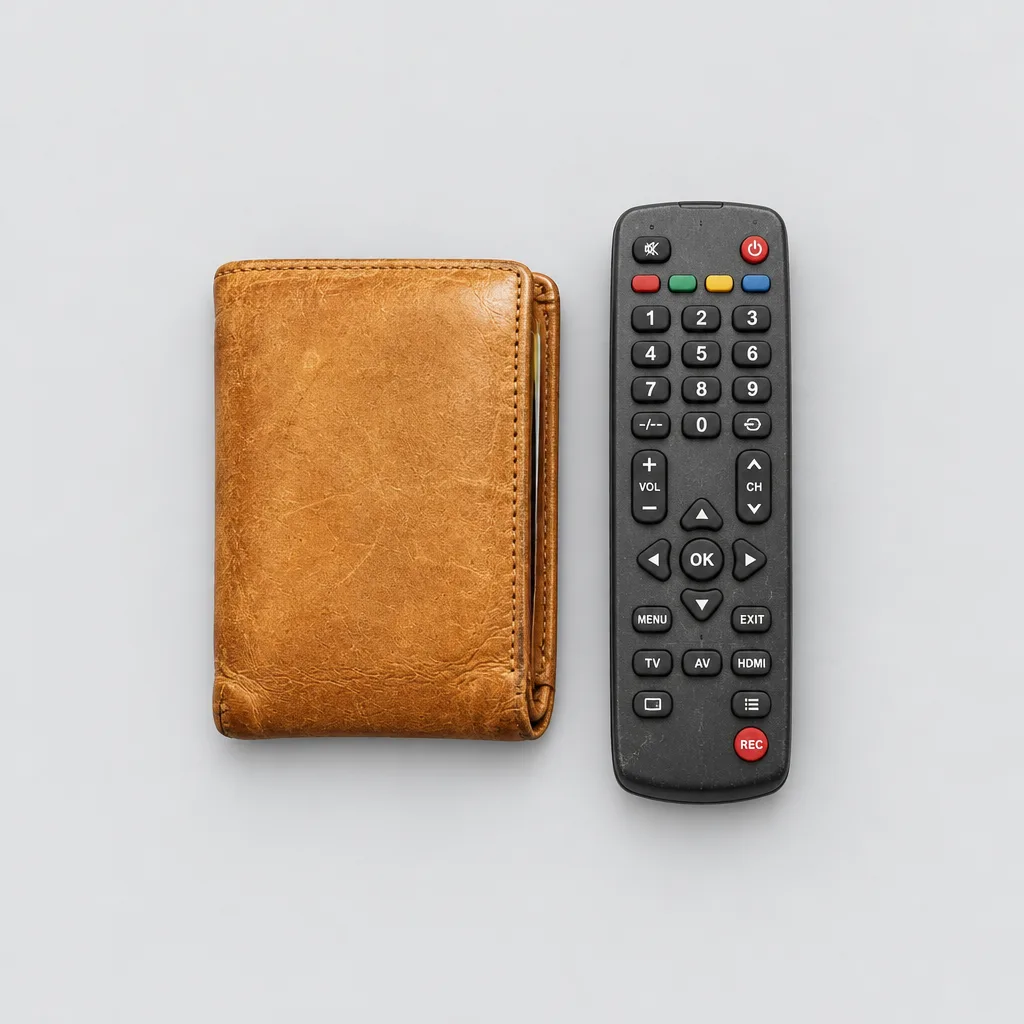
GPT Image 2.5
Nano Banana 2.1 left out what wasn't the product
The original shows a wallet next to a TV remote on a couch. Asked for a flat lay of the product, Nano Banana 2.1 showed the wallet alone. GPT Image 2.5 laid the remote out next to it.
Prompt: Overhead Flat Lay on Light Gray
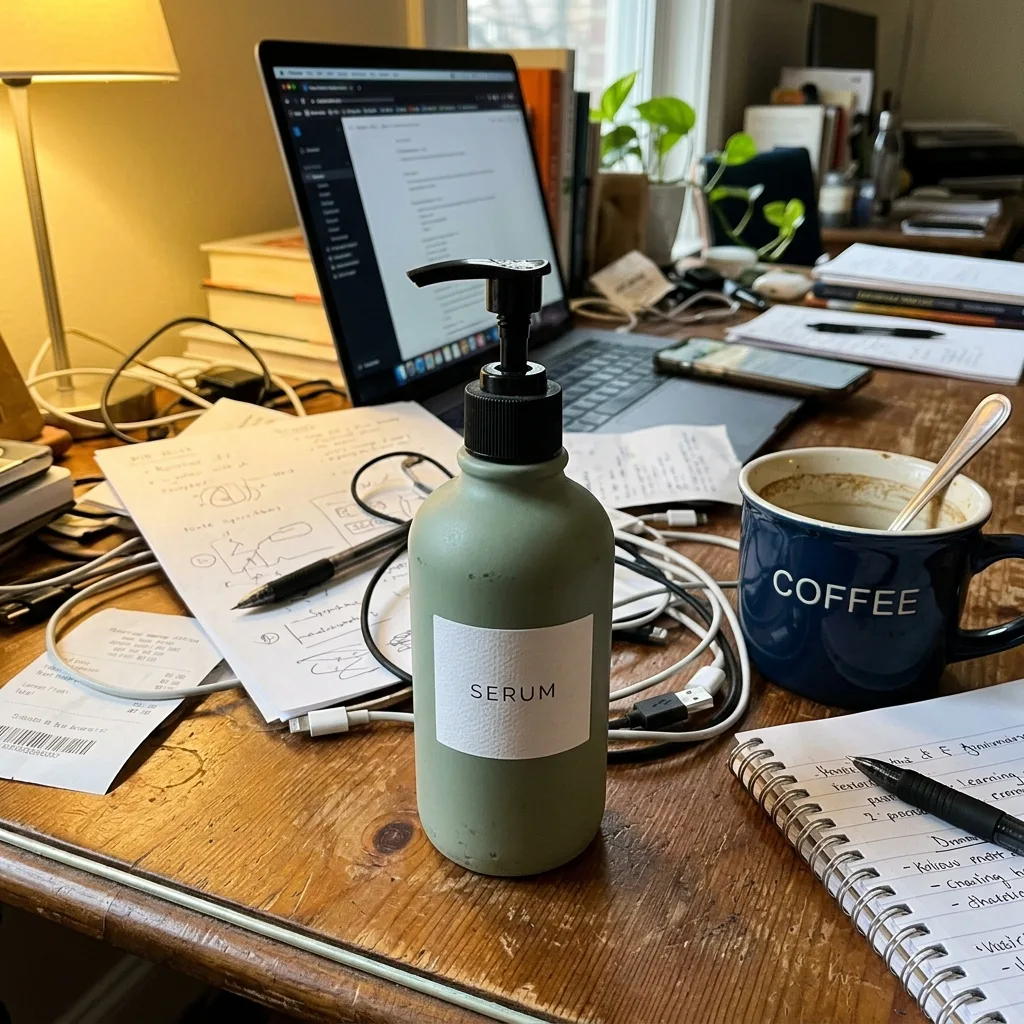
Original
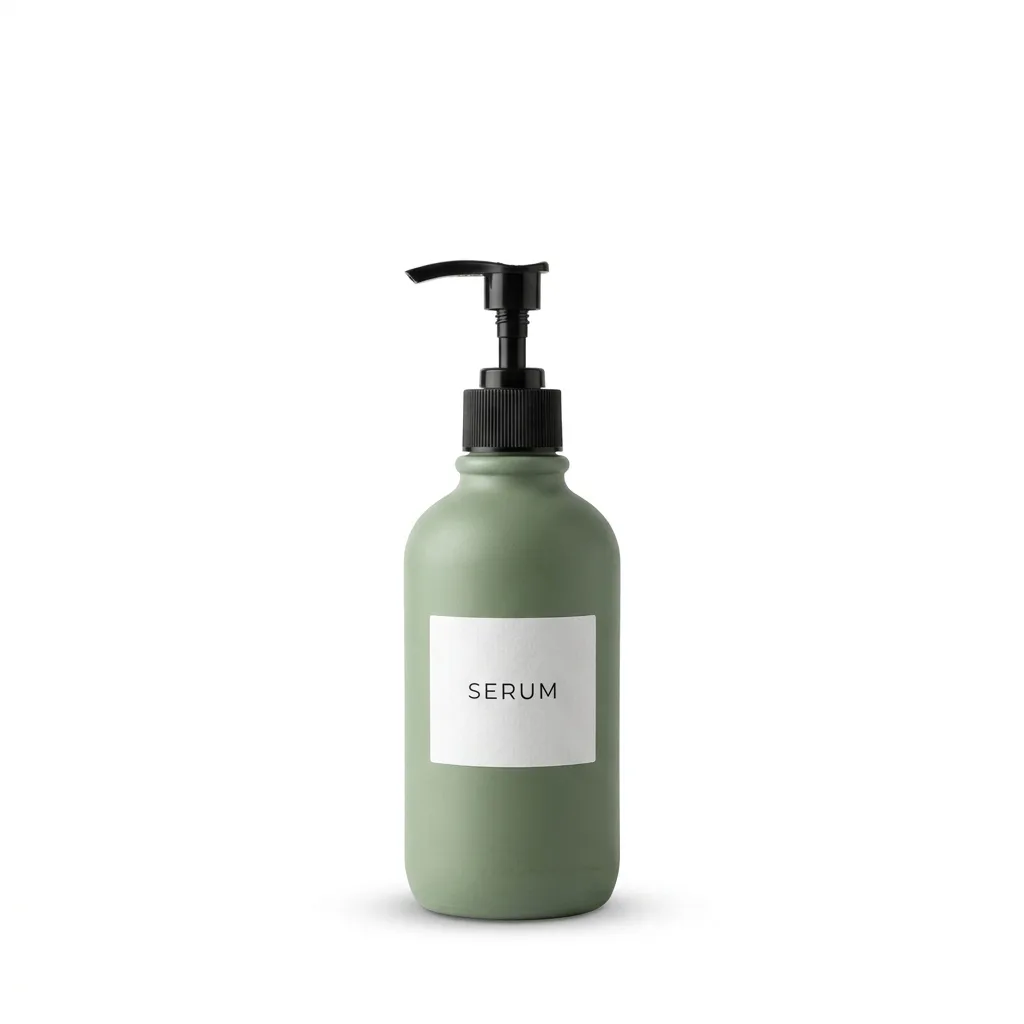
Nano Banana 2.1
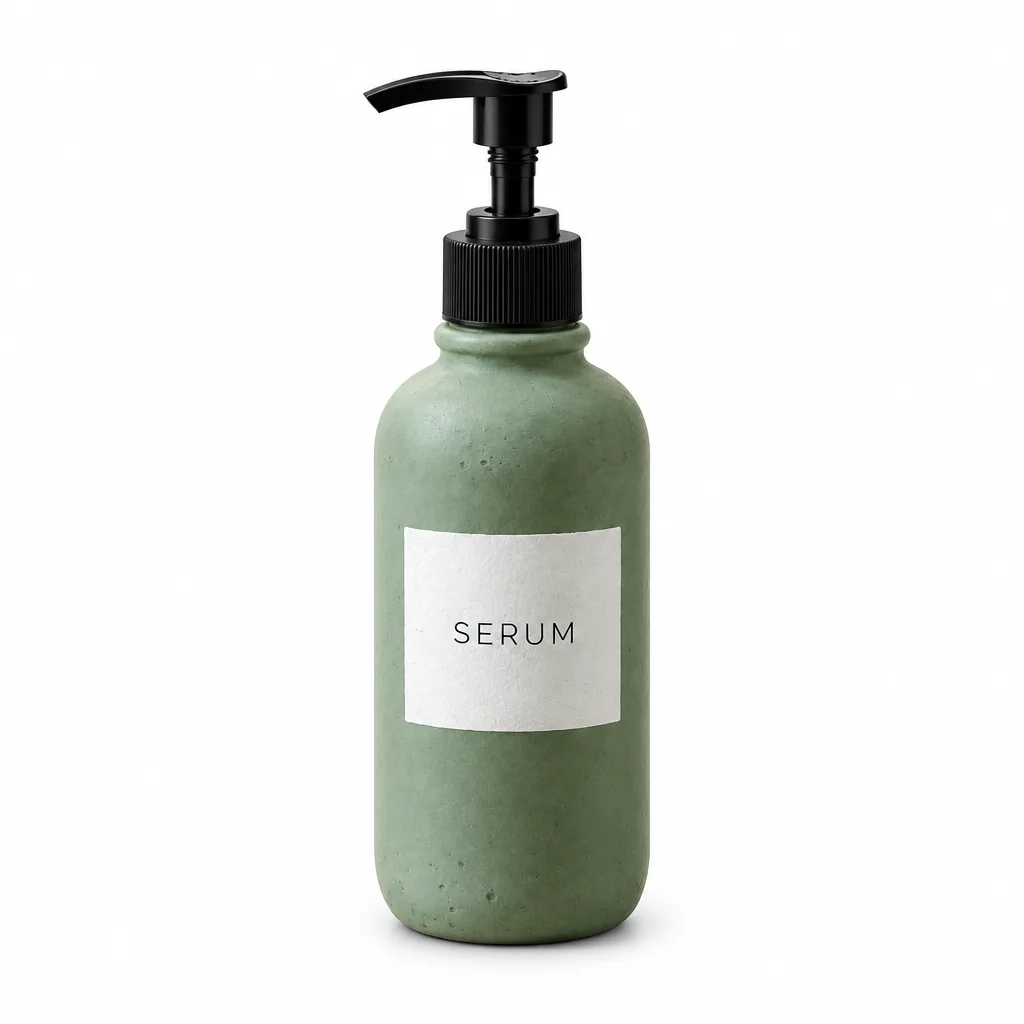
GPT Image 2.5
Tighter framing, slightly grayer white
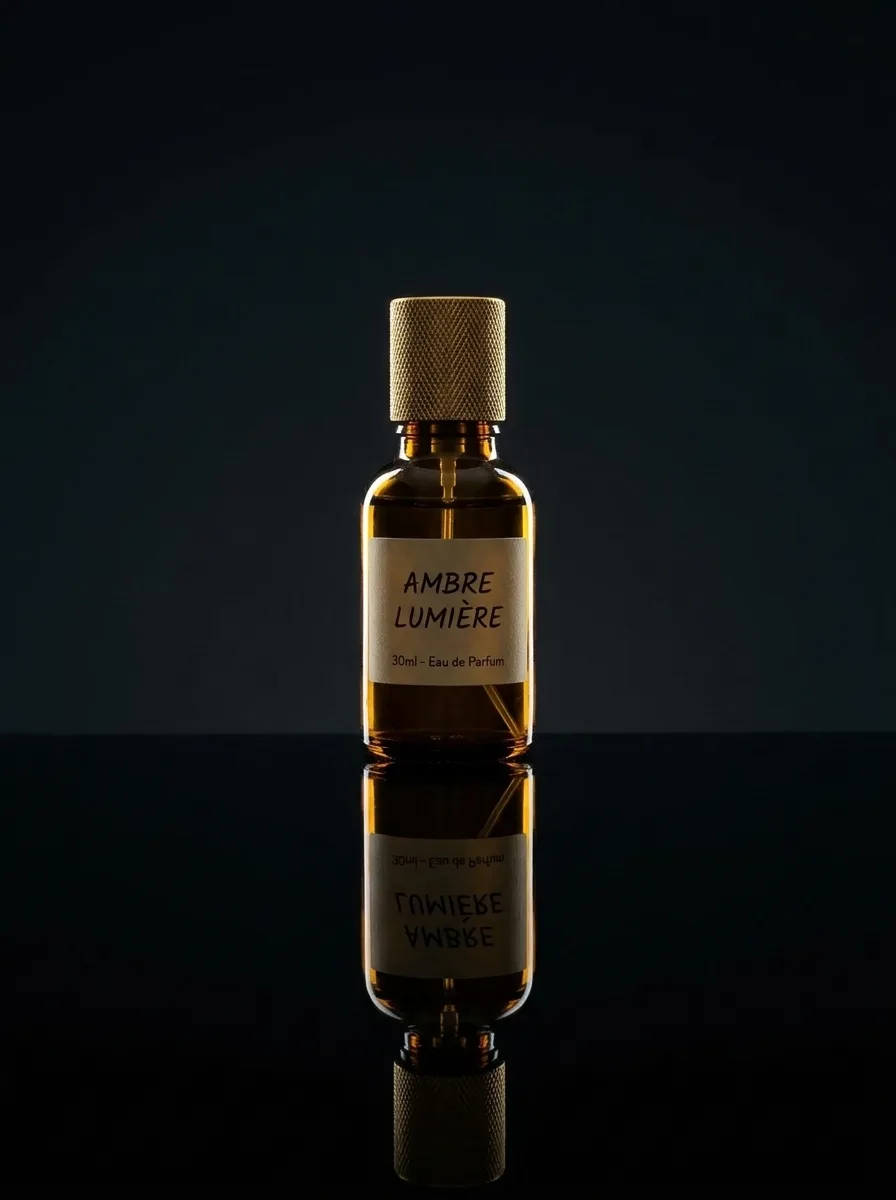
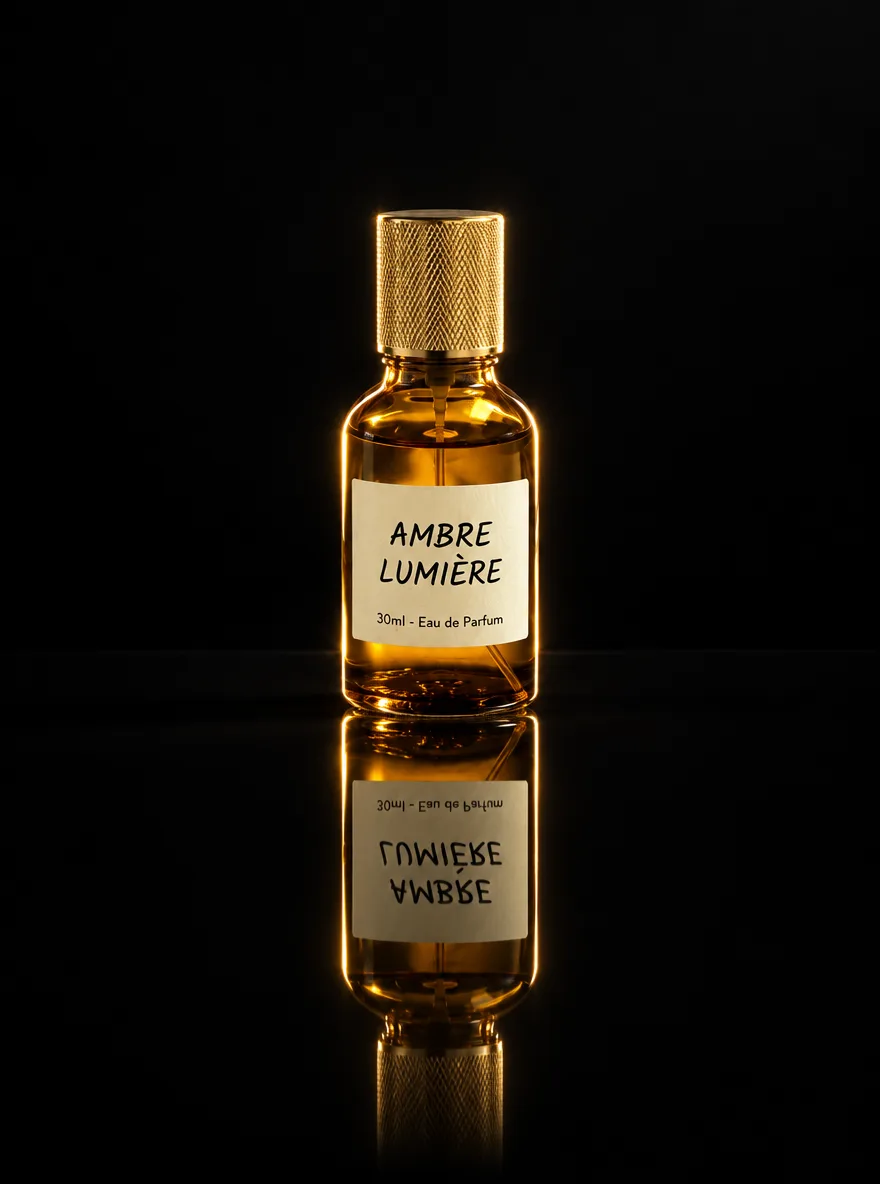
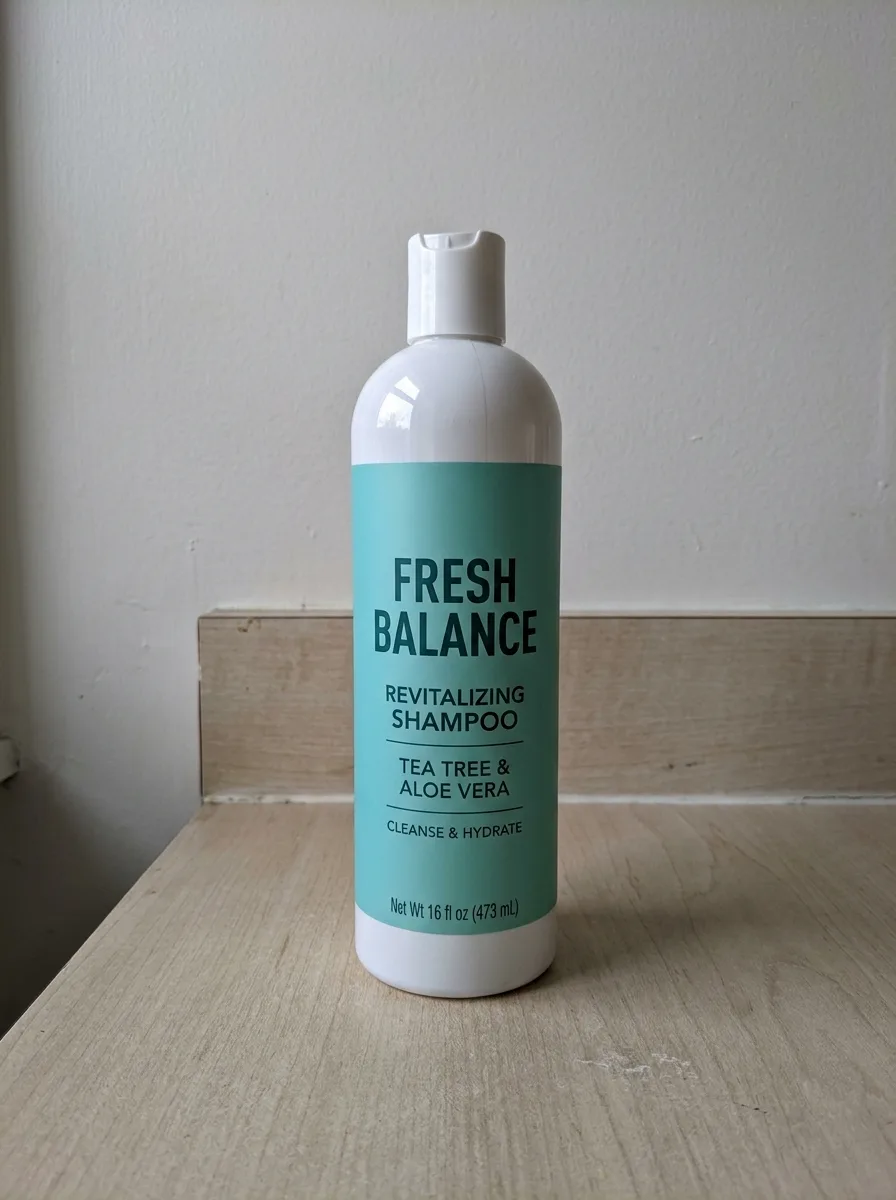
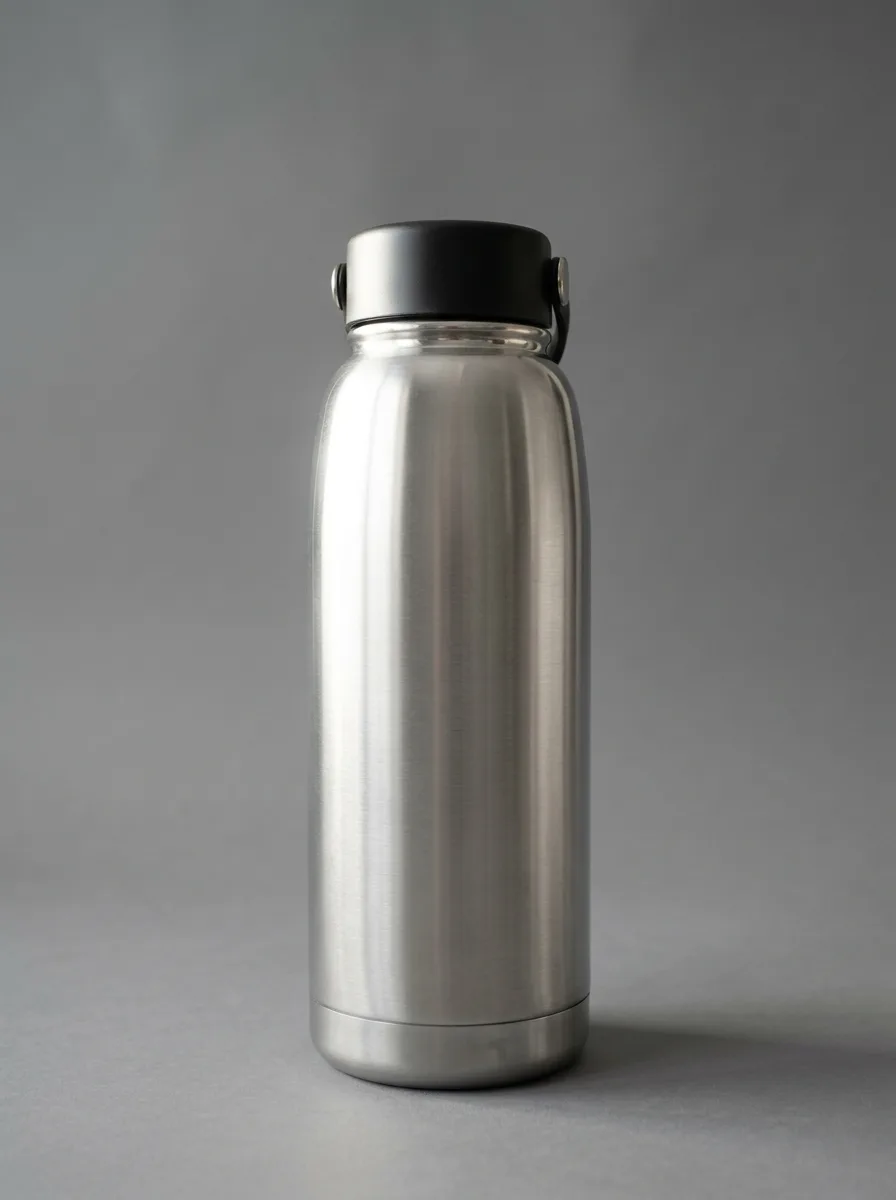
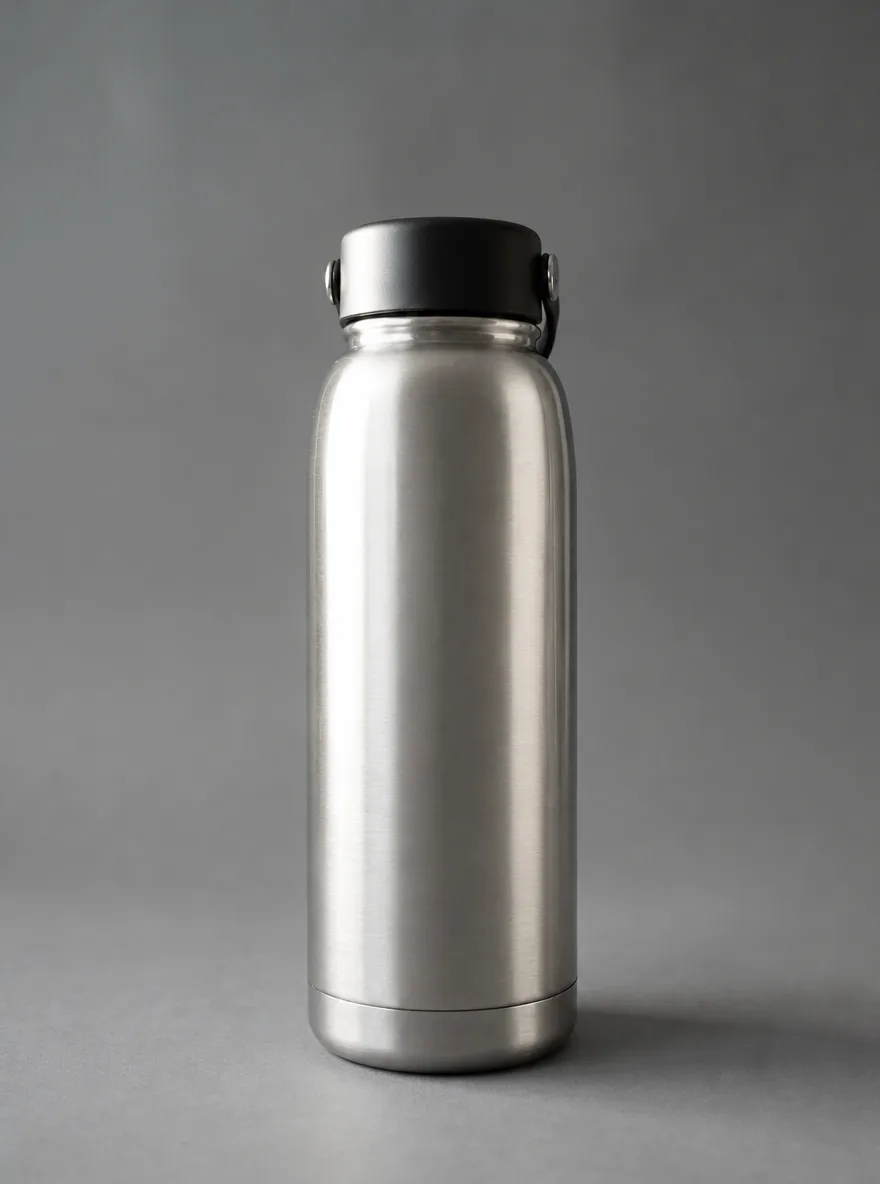
GPT Image 2.5's bottle fills 86% of the frame height against 77% for Nano Banana 2.1, closer to the tight framing marketplace main images use. But its background measured 254 in the corners rather than 255: white to the eye, not to a strict color check.
Prompt: Pure White Marketplace Packshot
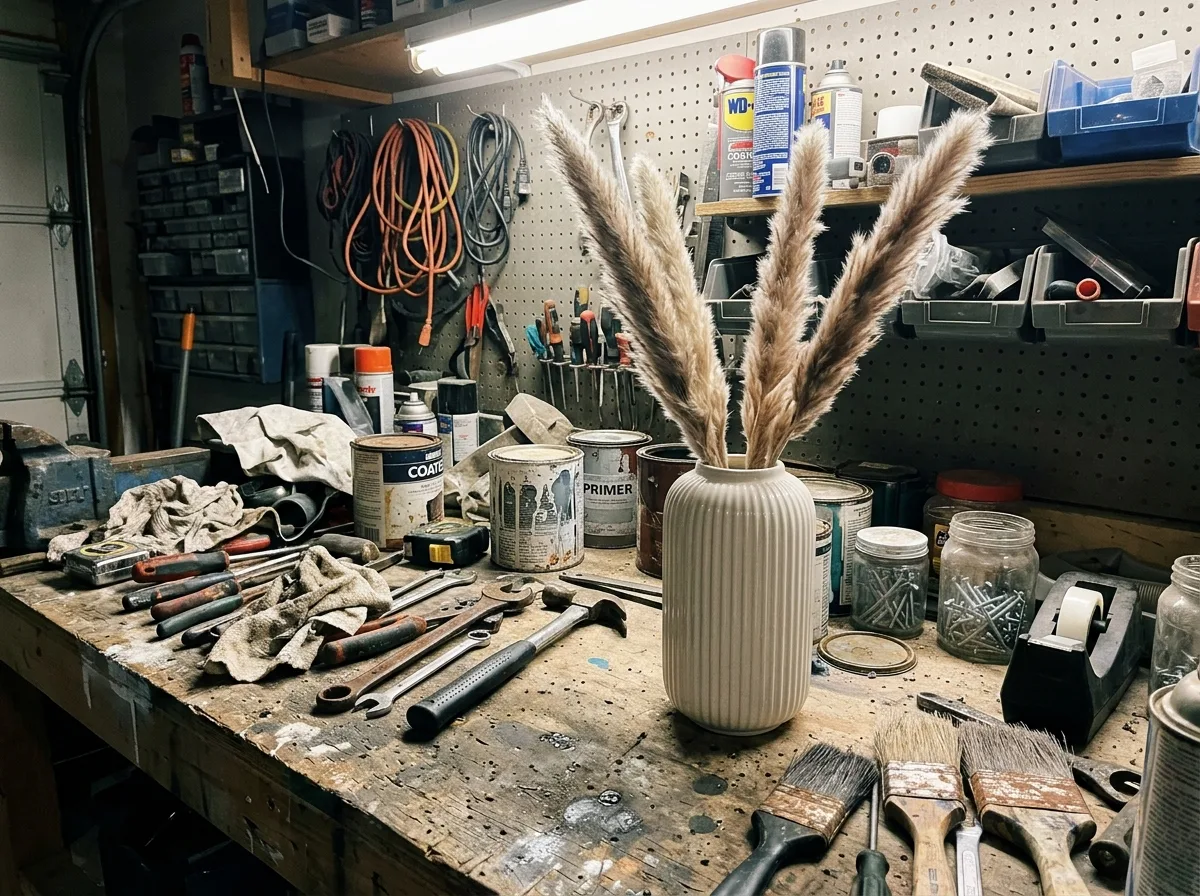
Original
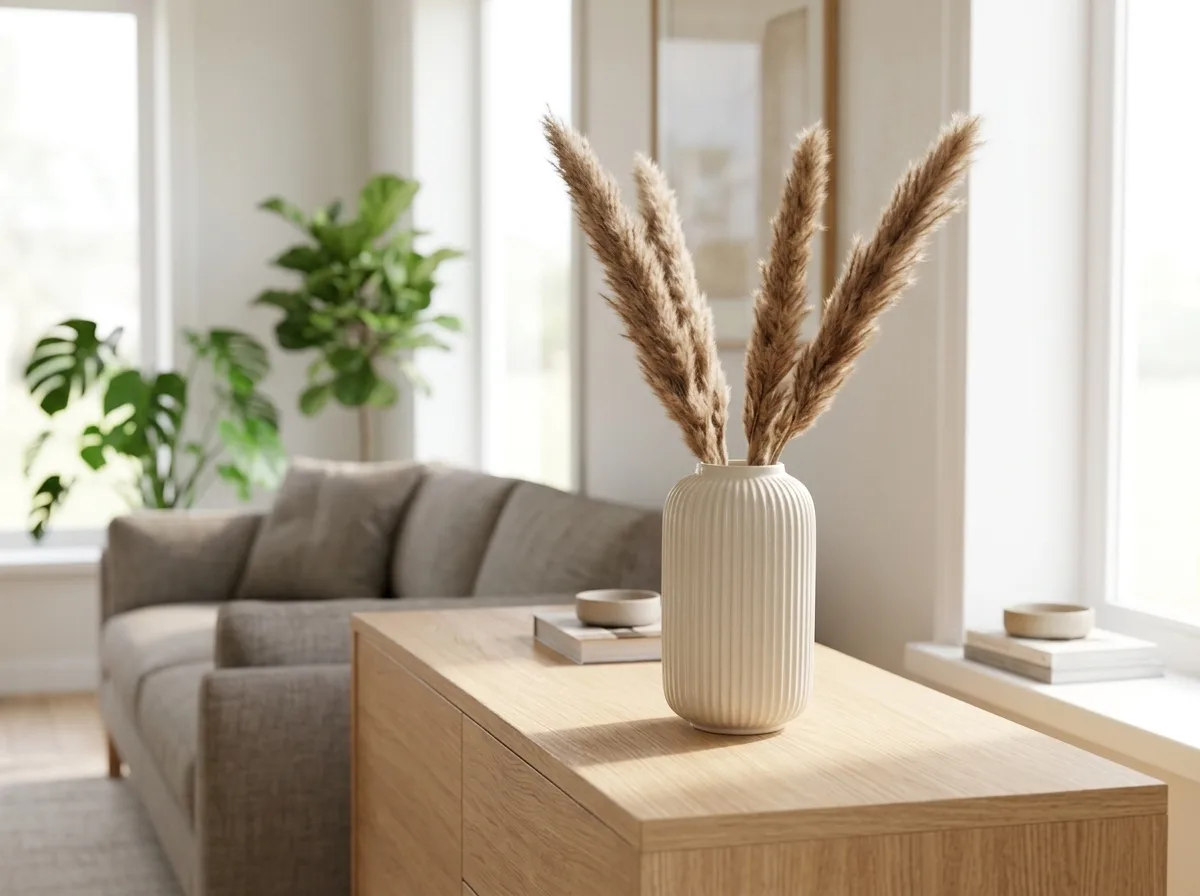
Nano Banana 2.1
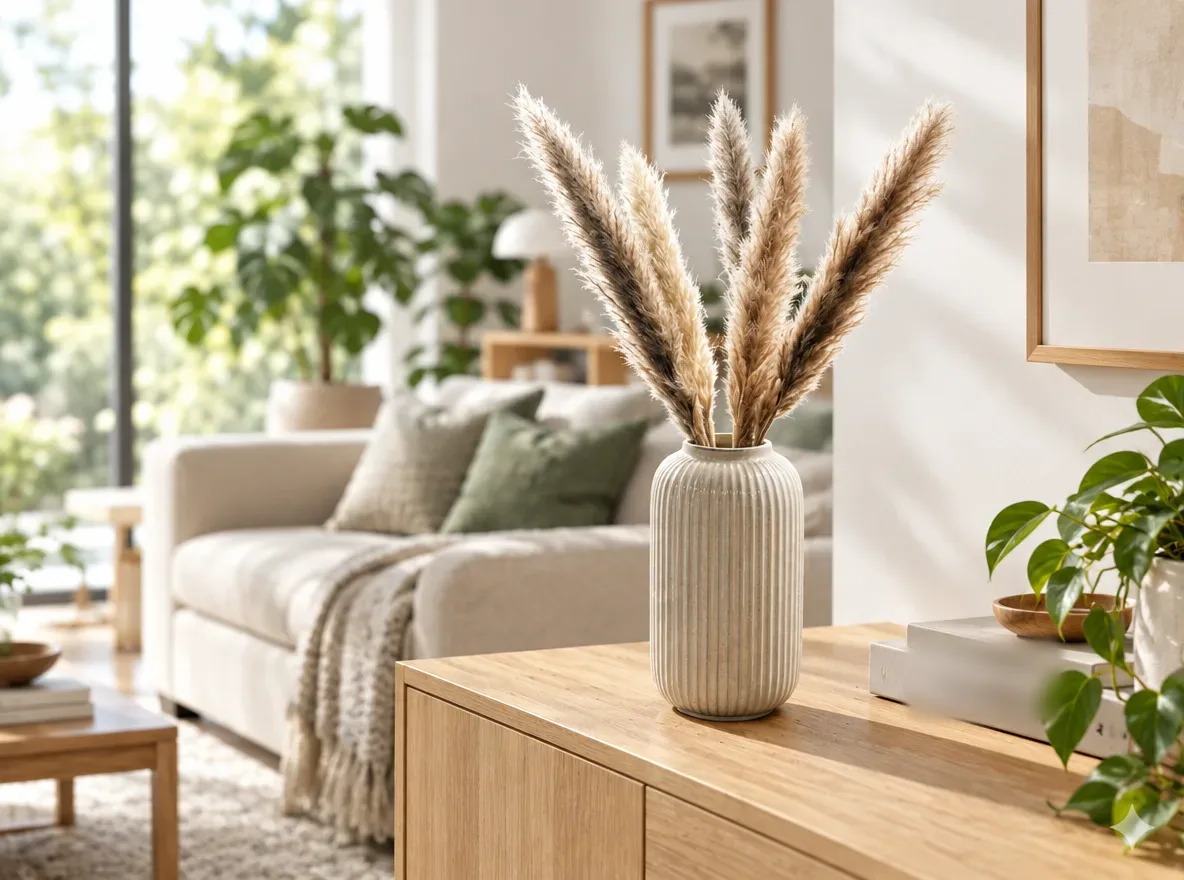
GPT Image 2.5
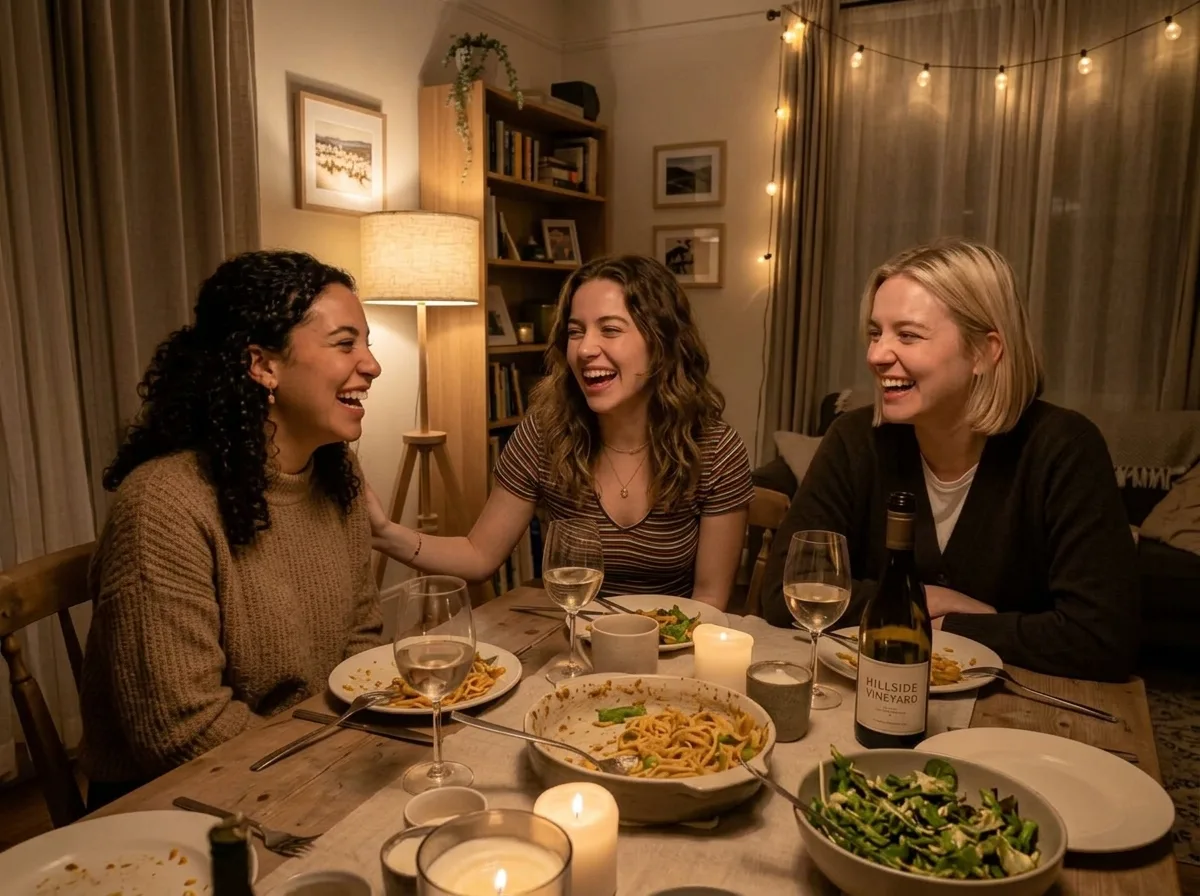
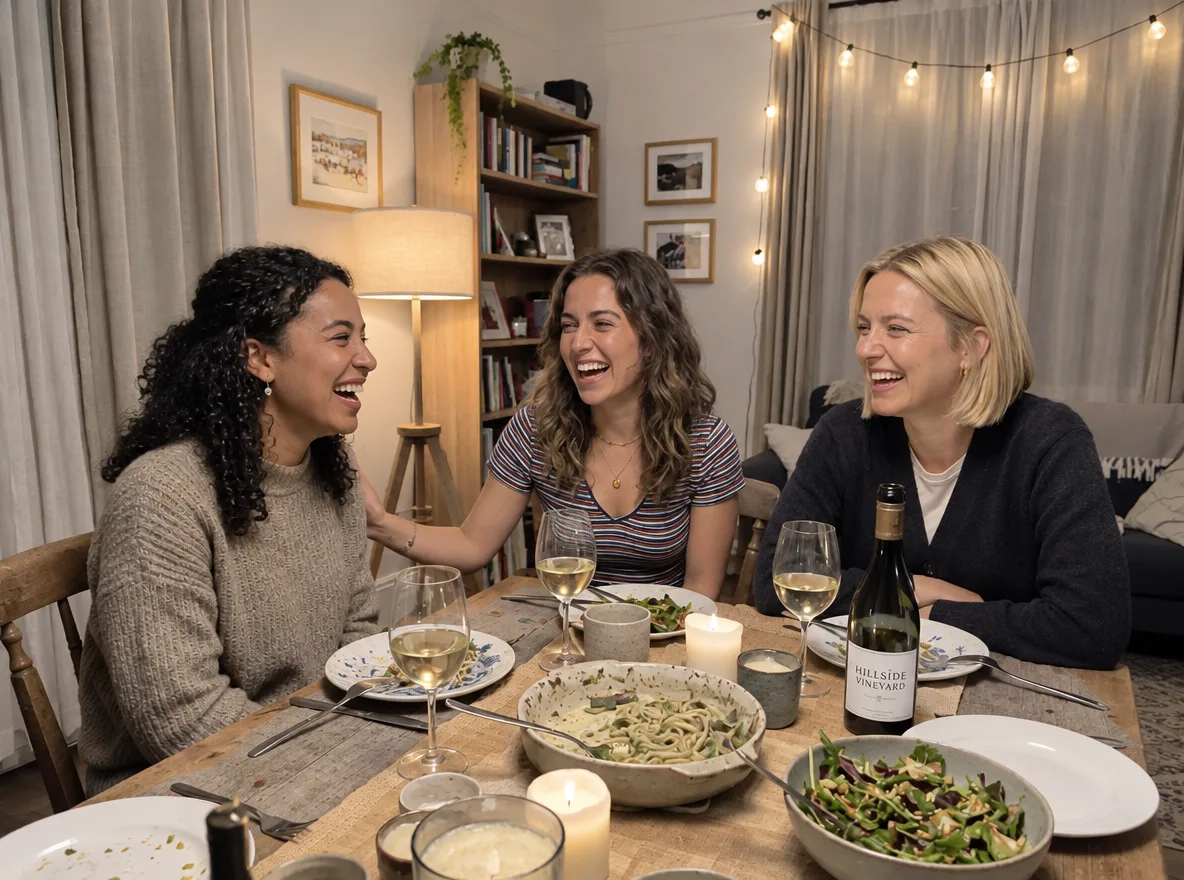
GPT Image 2.5 added a real book title
In both of its runs, GPT Image 2.5 dressed the sideboard with books, one of them carrying the title of a real, published book (blurred here). Check scene photos for real brand names before you use them in a listing.
Prompt: Bright Modern Living Room
Original
Nano Banana 2.1
GPT Image 2.5
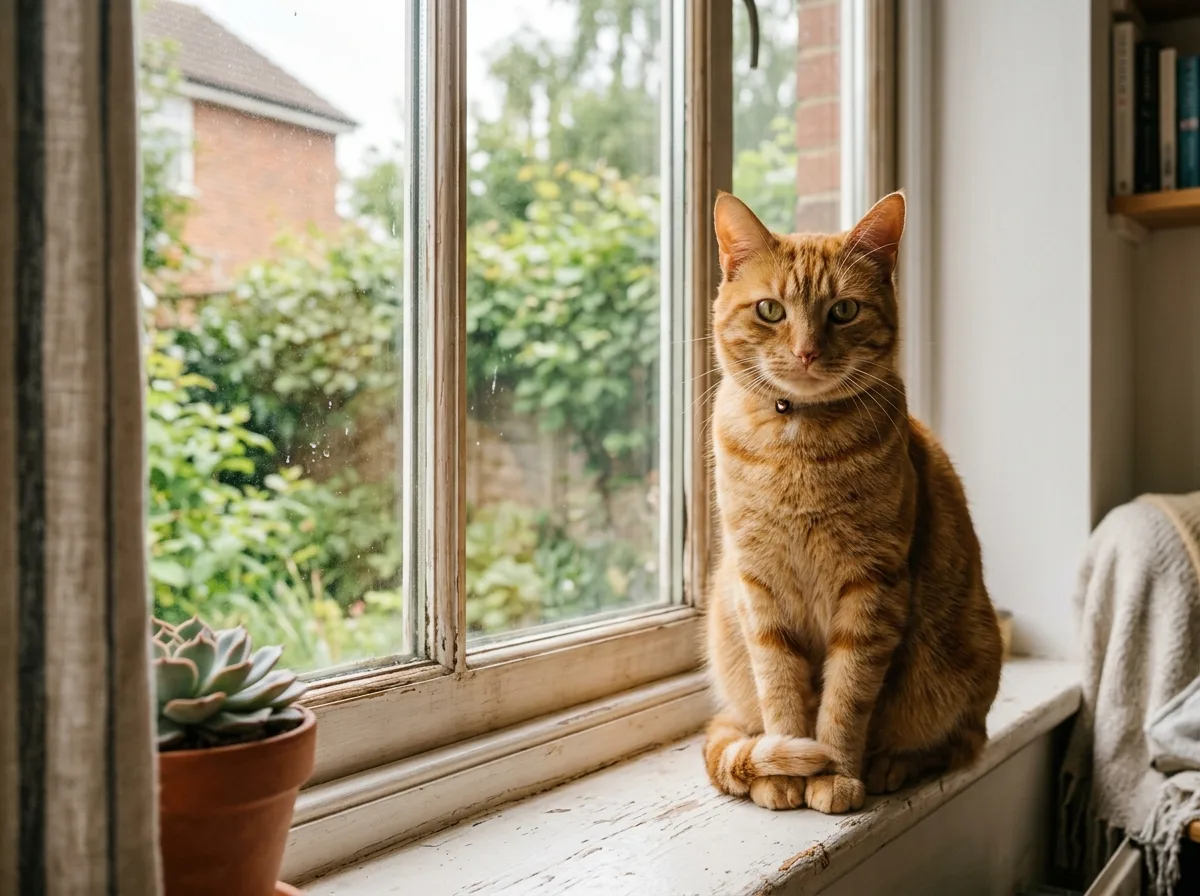
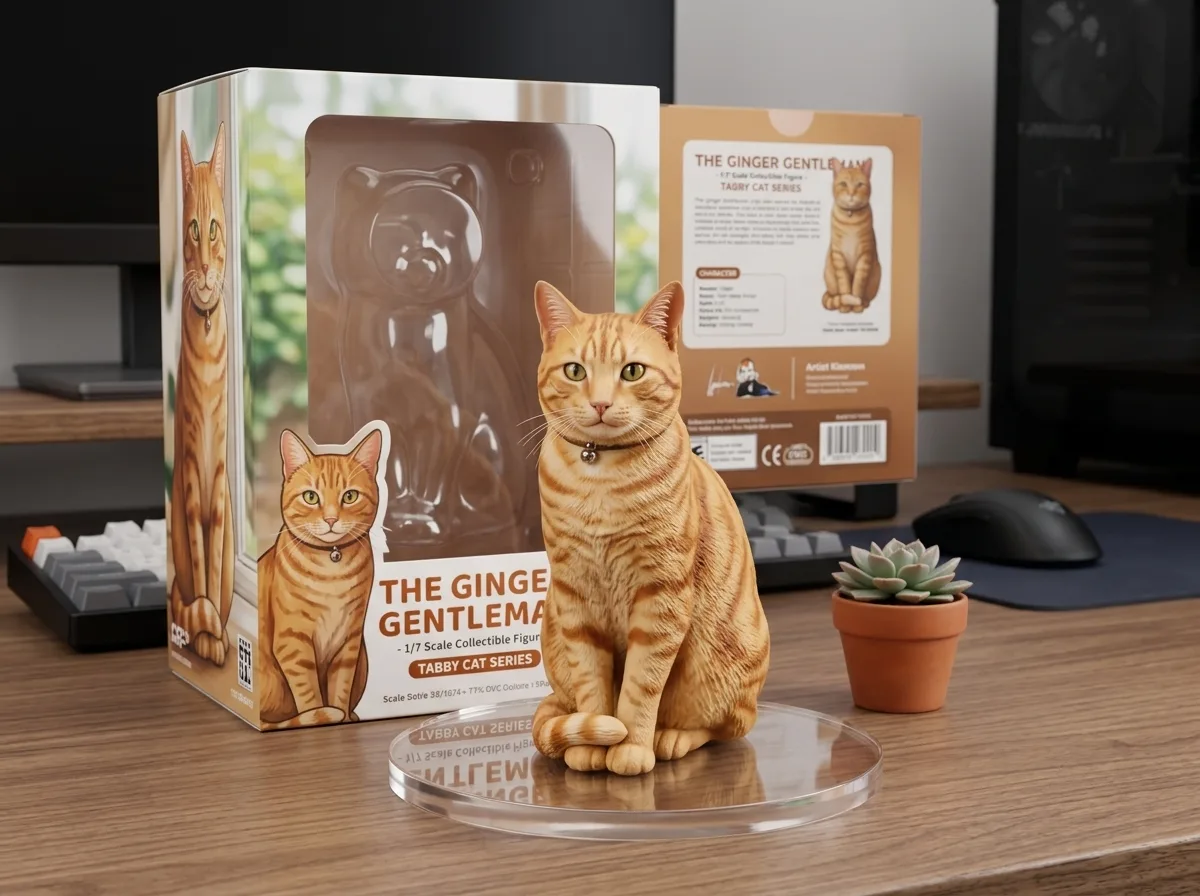
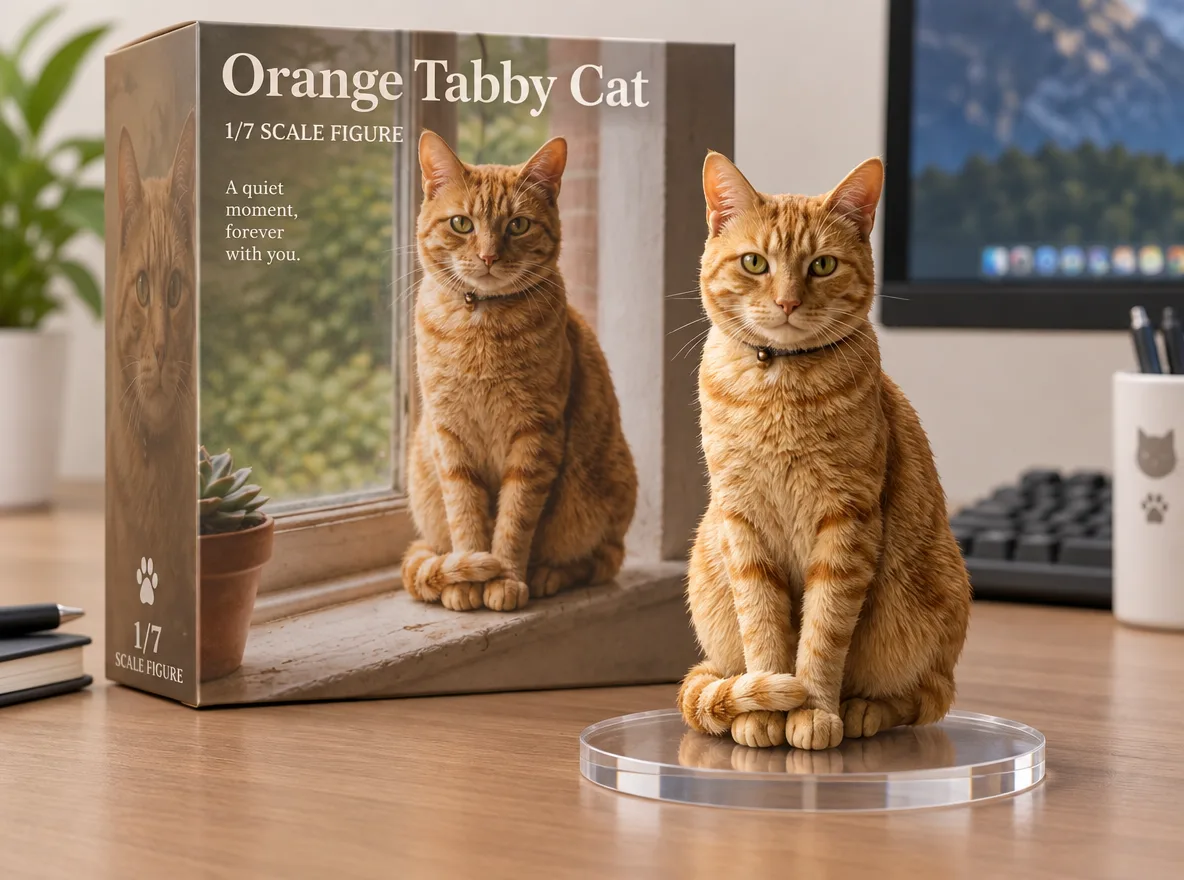
GPT Image 2.5 wrote cleaner box text
Both put a 1/7 scale figure in front of a printed box. GPT Image 2.5's box reads "Orange Tabby Cat" and "1/7 Scale Figure" in clean type, plus a tagline nobody asked for. Nano Banana 2.1's small print is readable, but the logo on the side of its box is a jumble of letters.
All 48 results
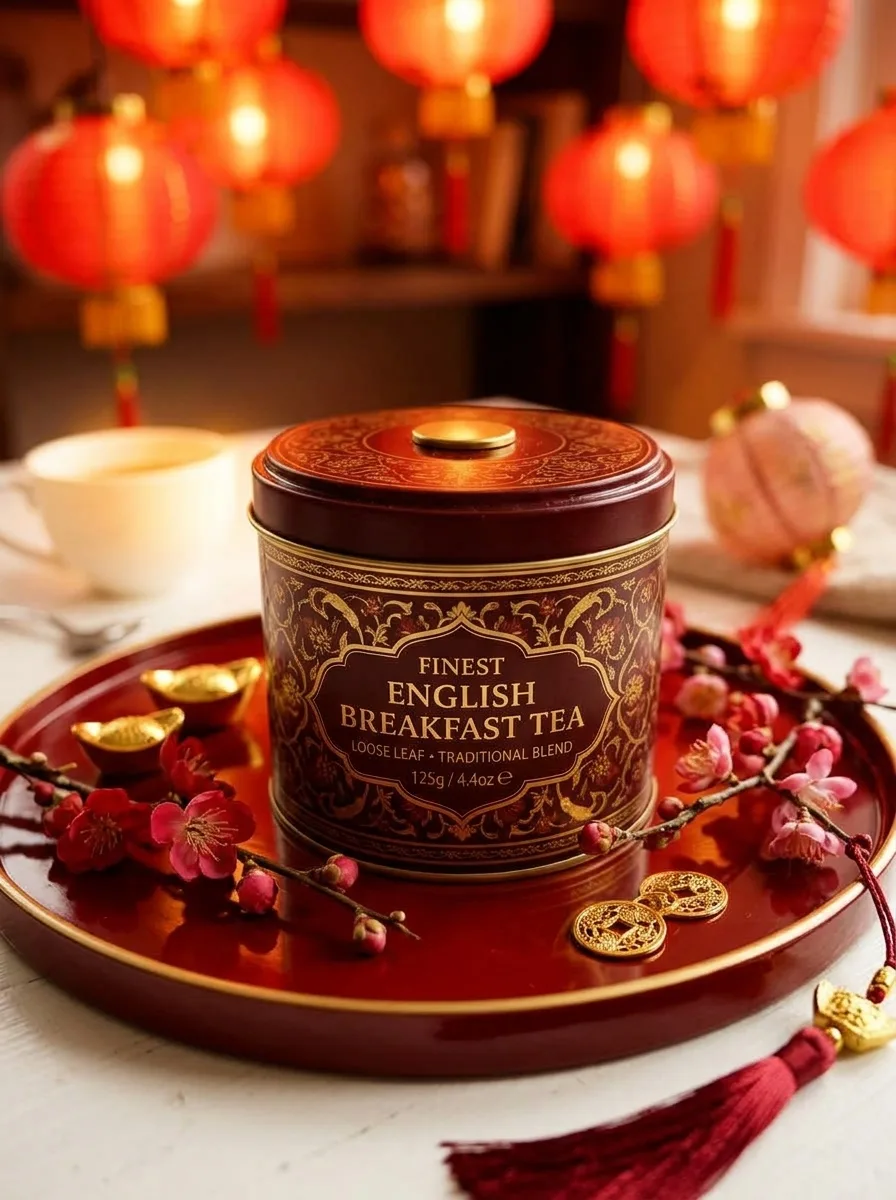
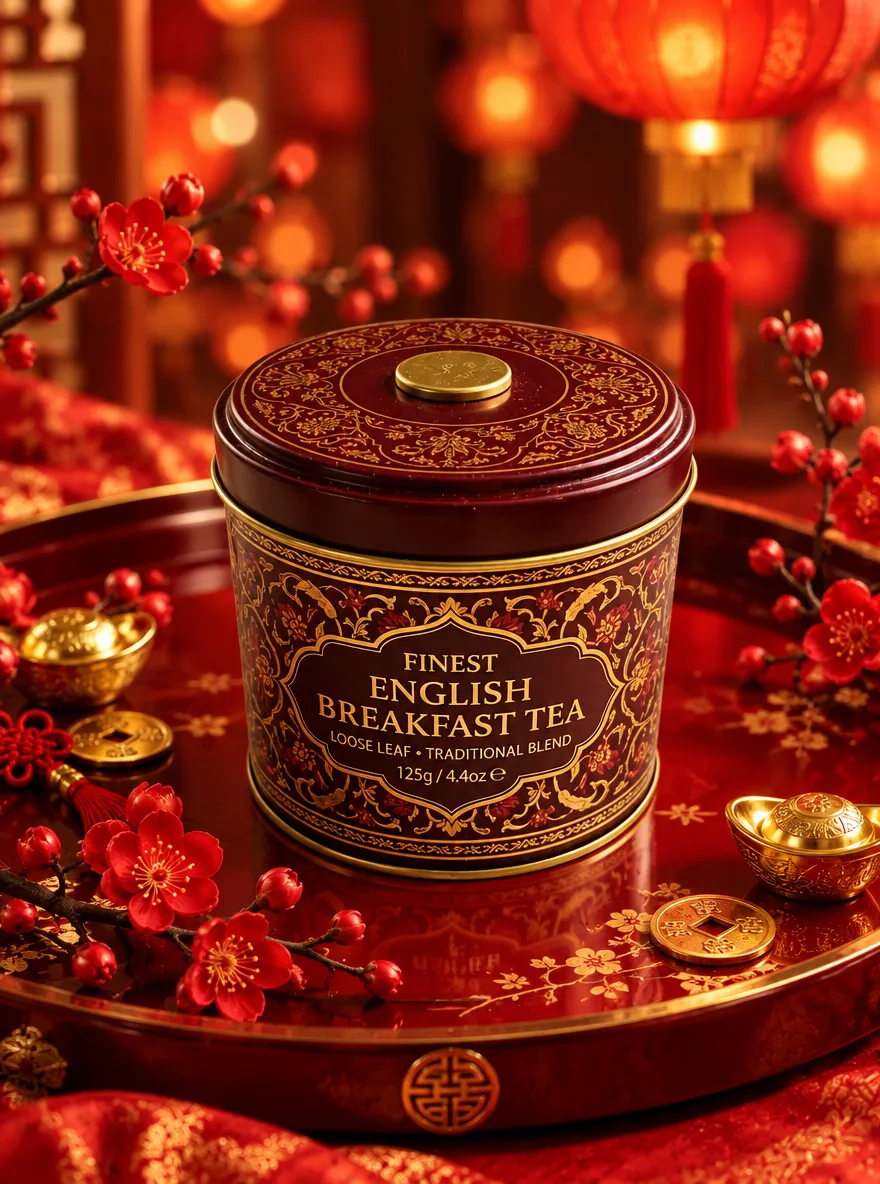
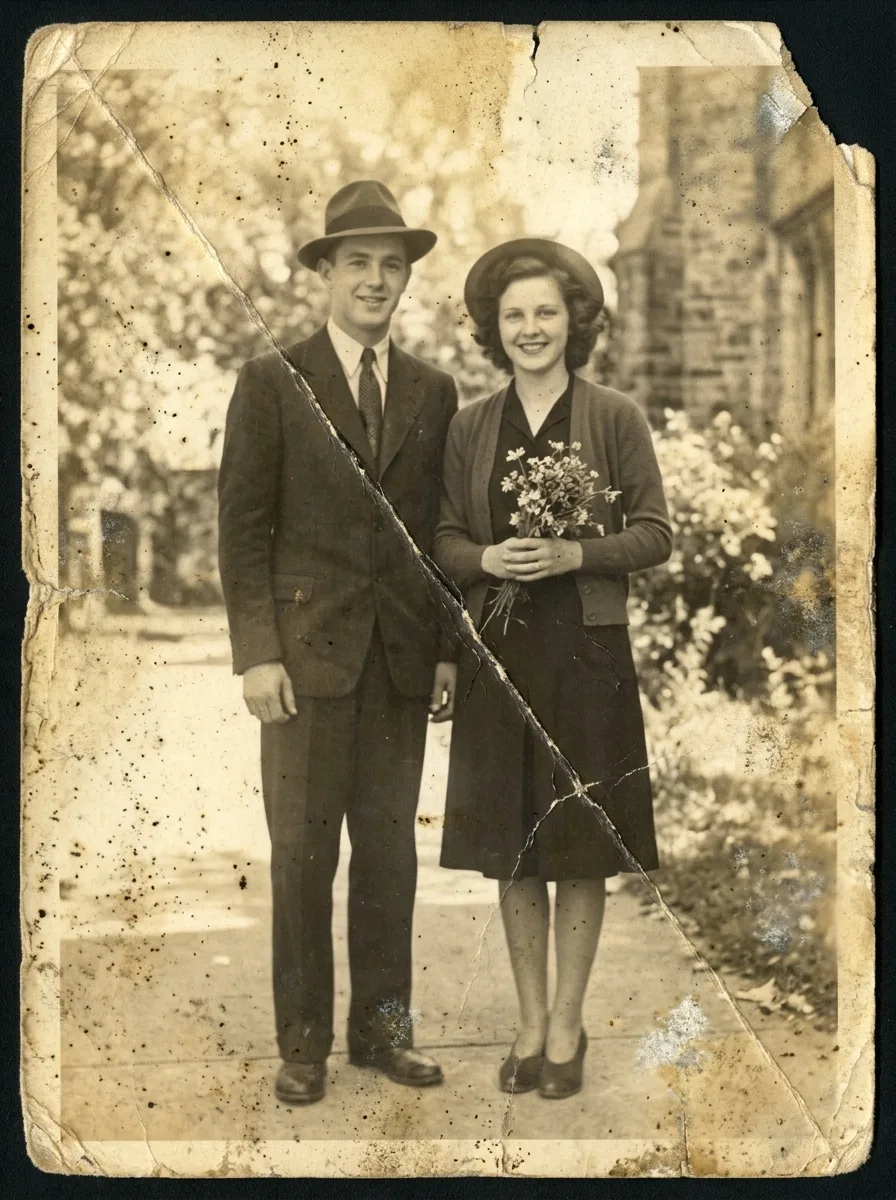
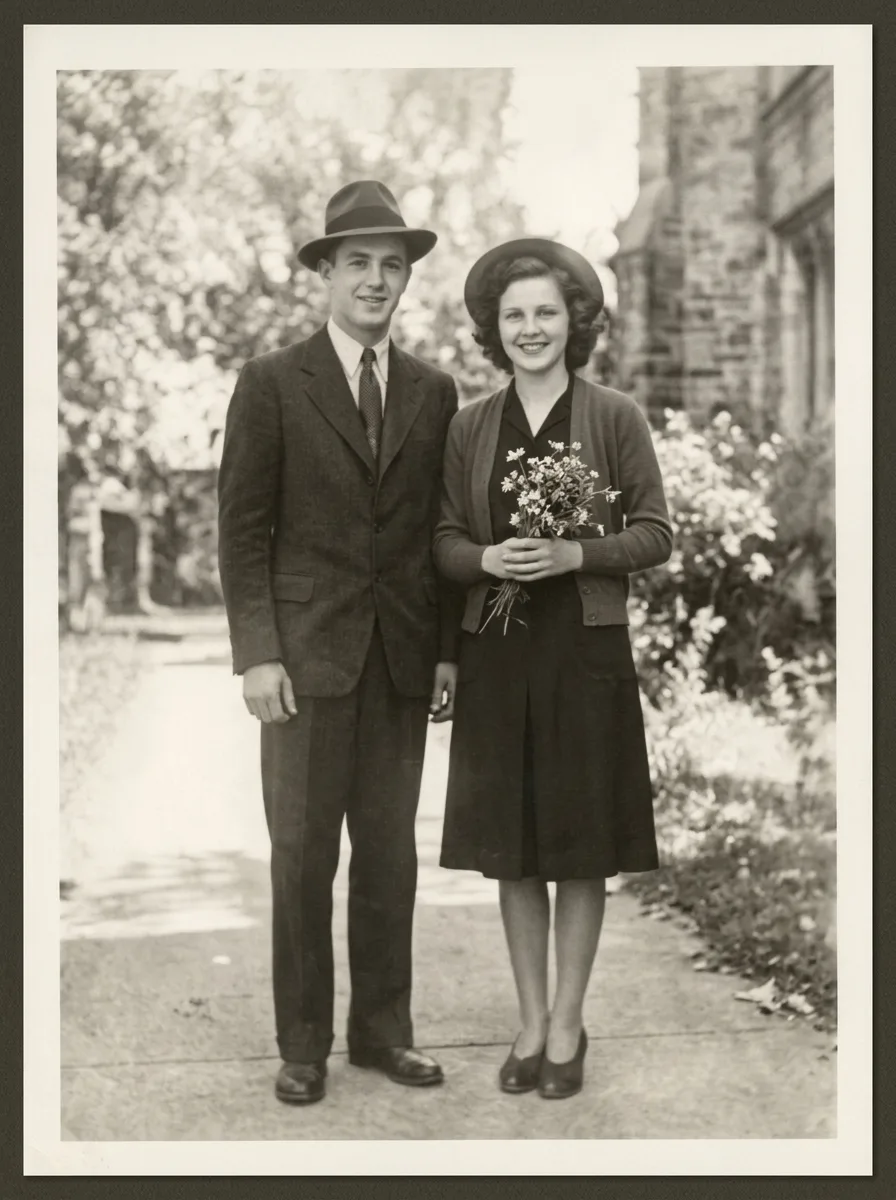
Original, Nano Banana 2.1 and GPT Image 2.5 for every prompt. Click an image for the full 1K file, or a title for the prompt.
Pure White Marketplace Packshot
Black Acrylic Mirror Reflection
Floating Hero Shot
Overhead Flat Lay on Light Gray
Three-Quarter Catalog Angle
Material Close-Up for Detail Images
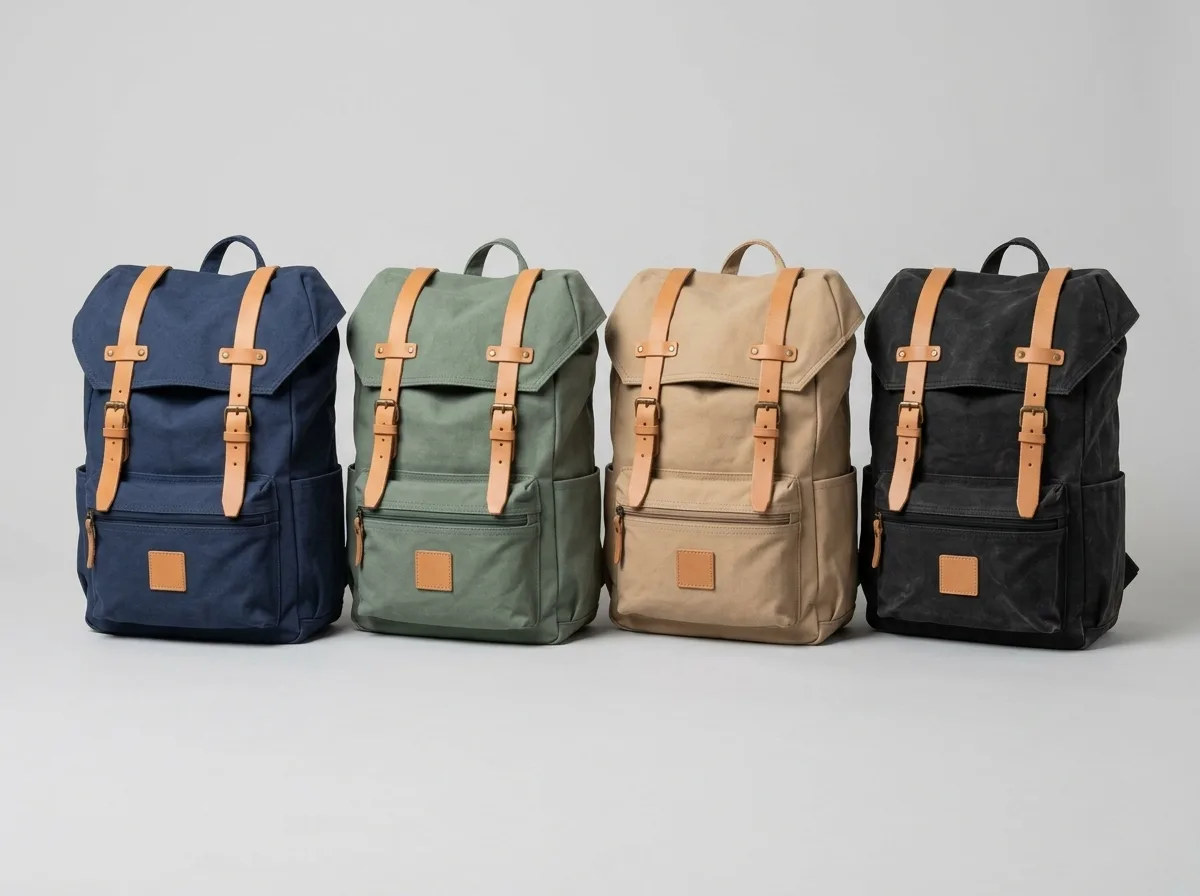
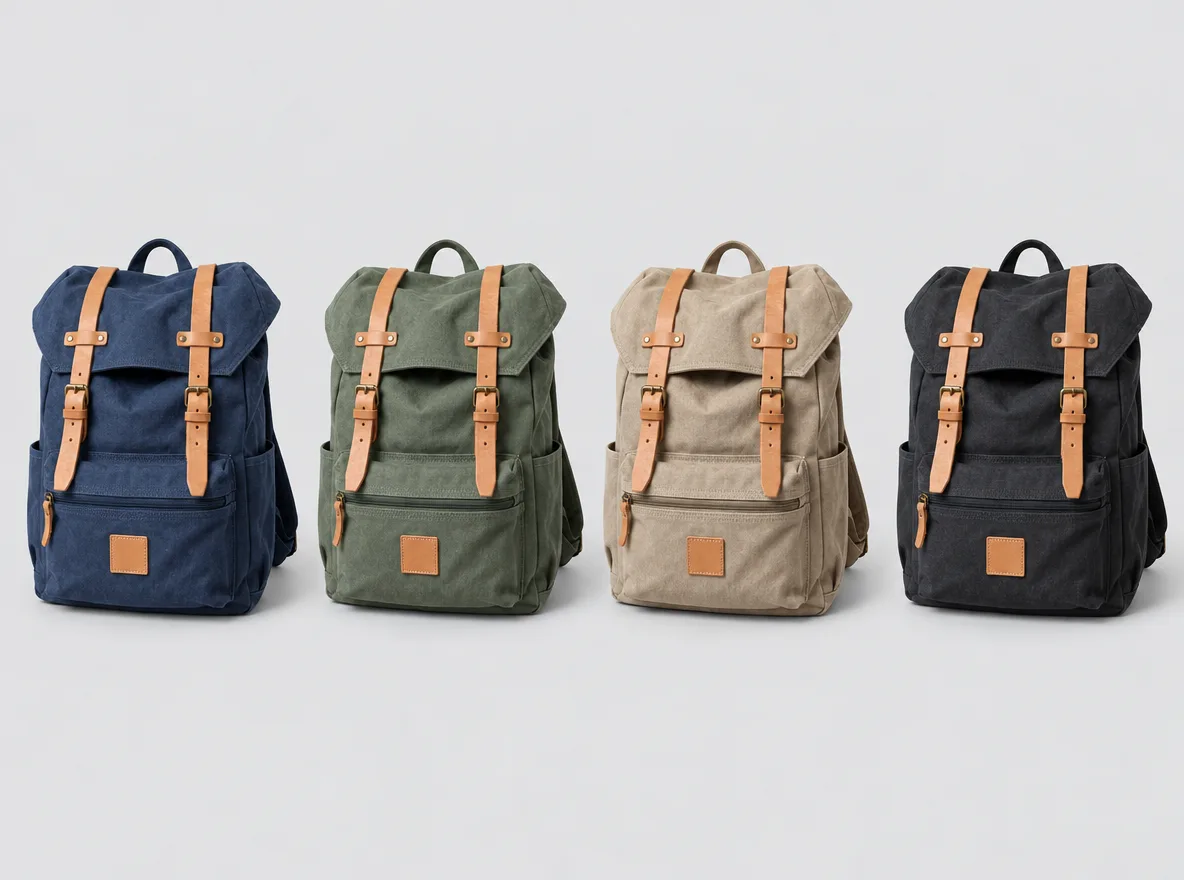
Preview Colorways Side by Side
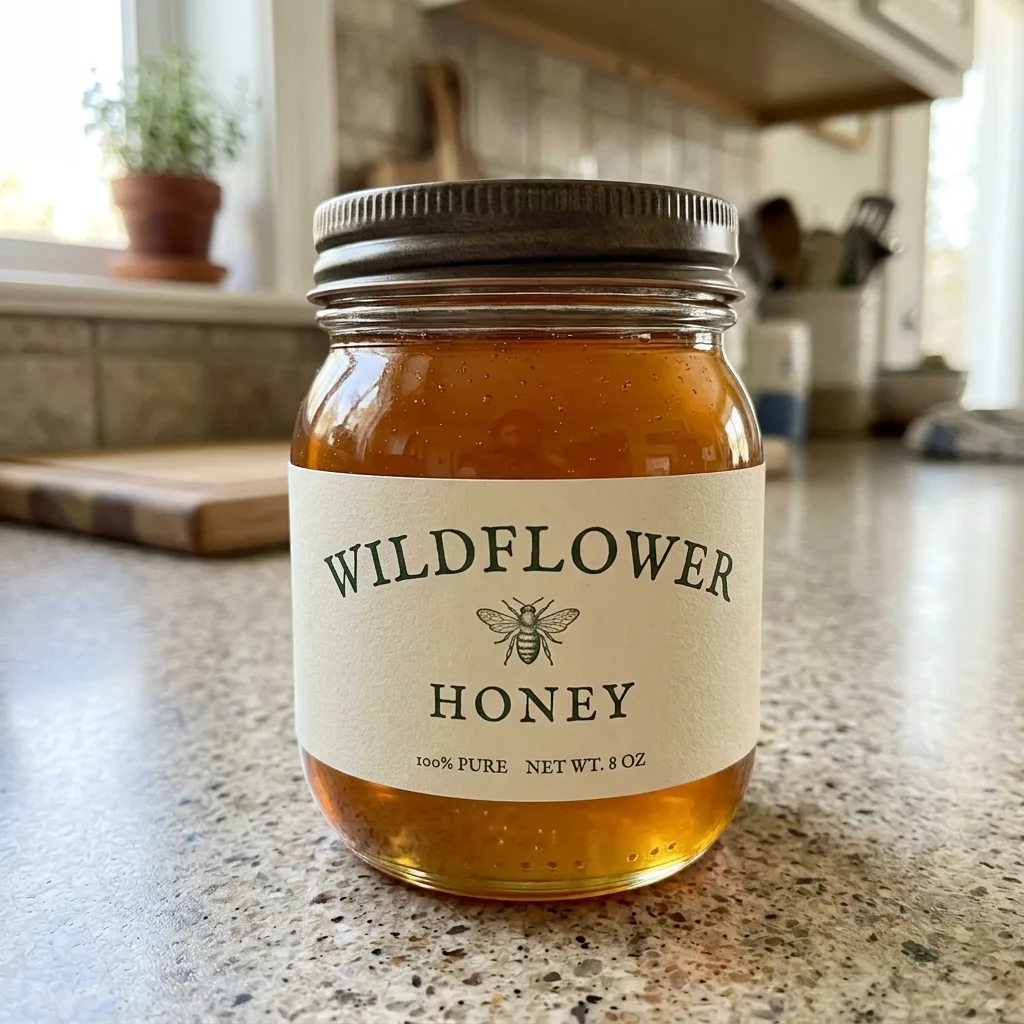
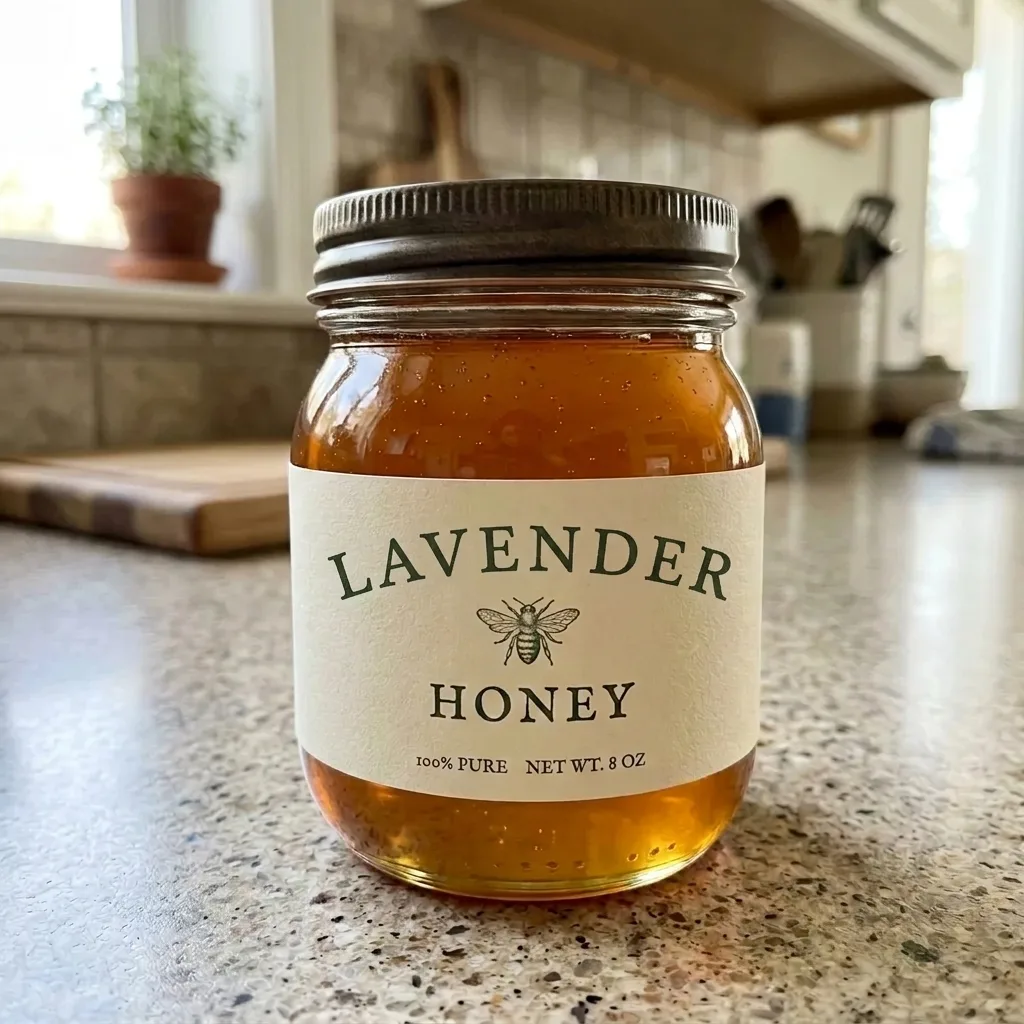
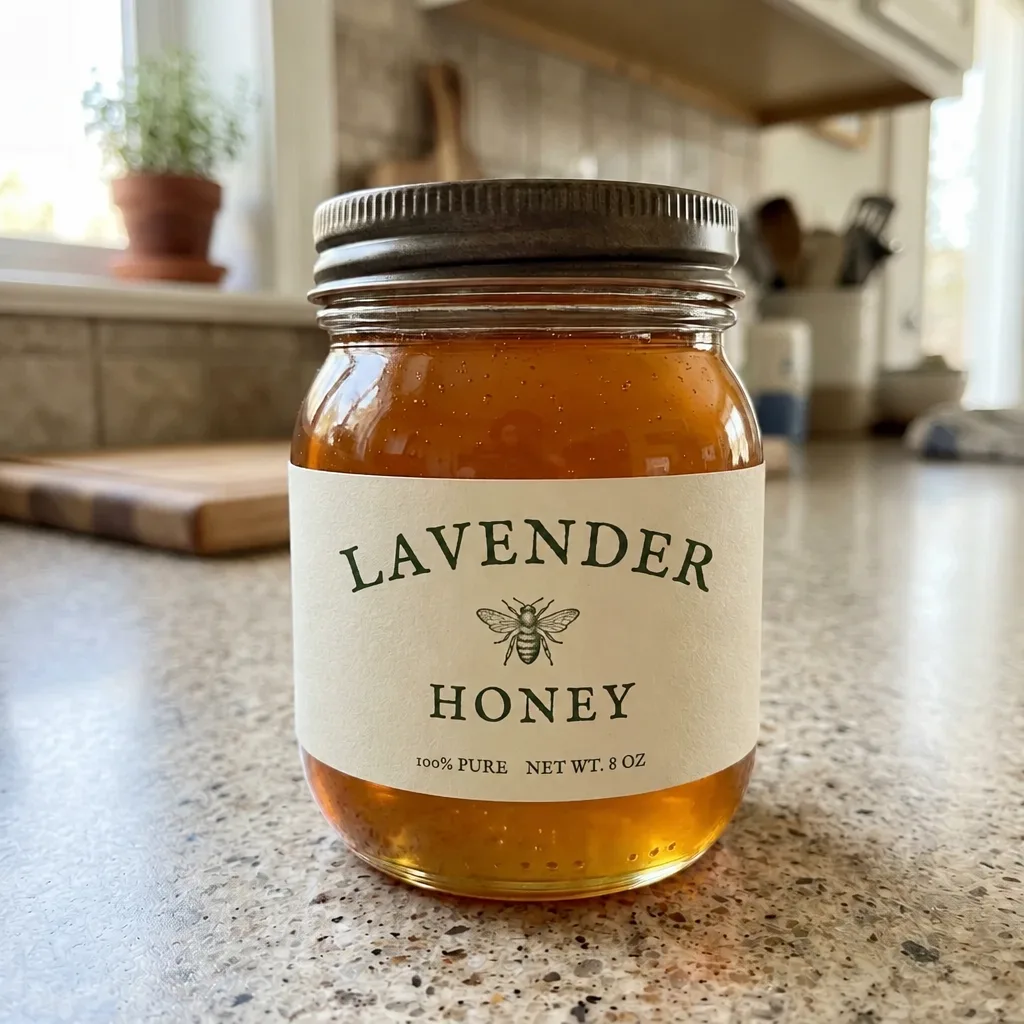
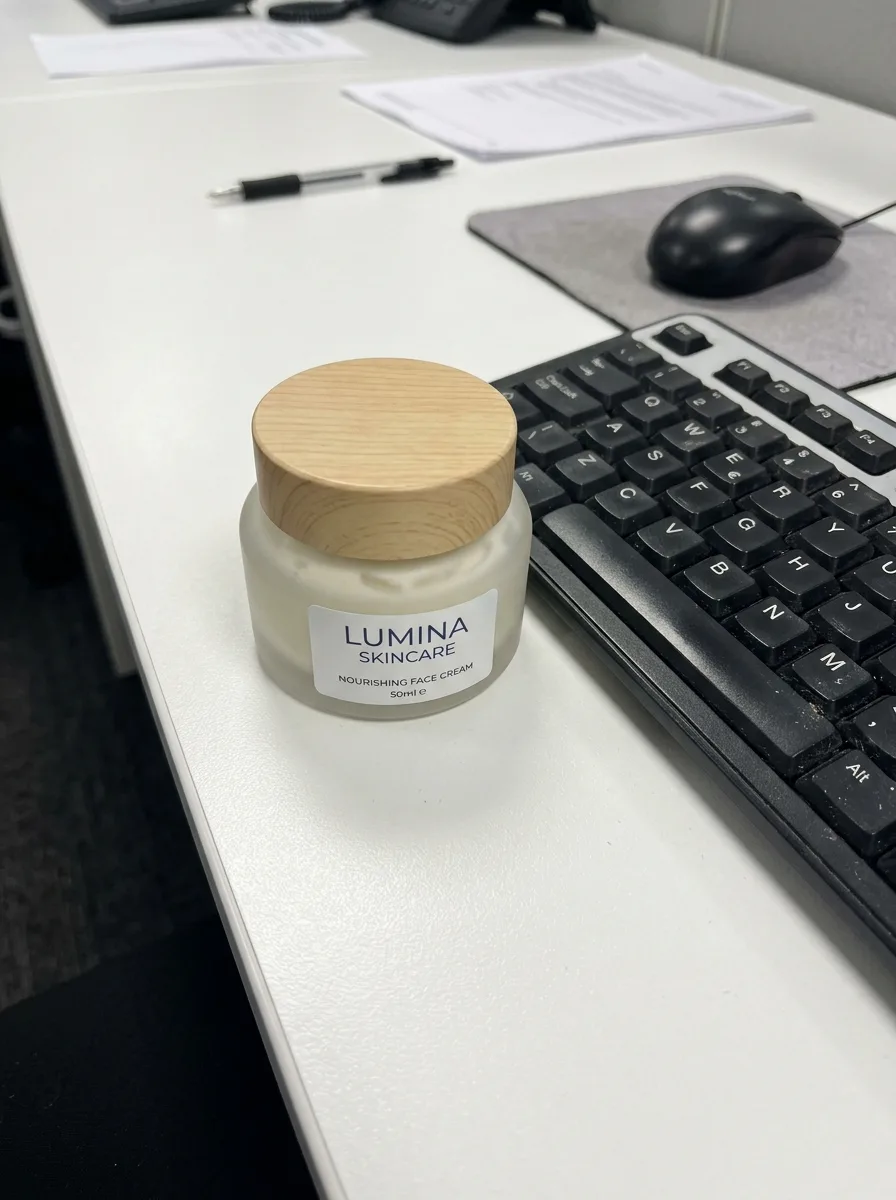
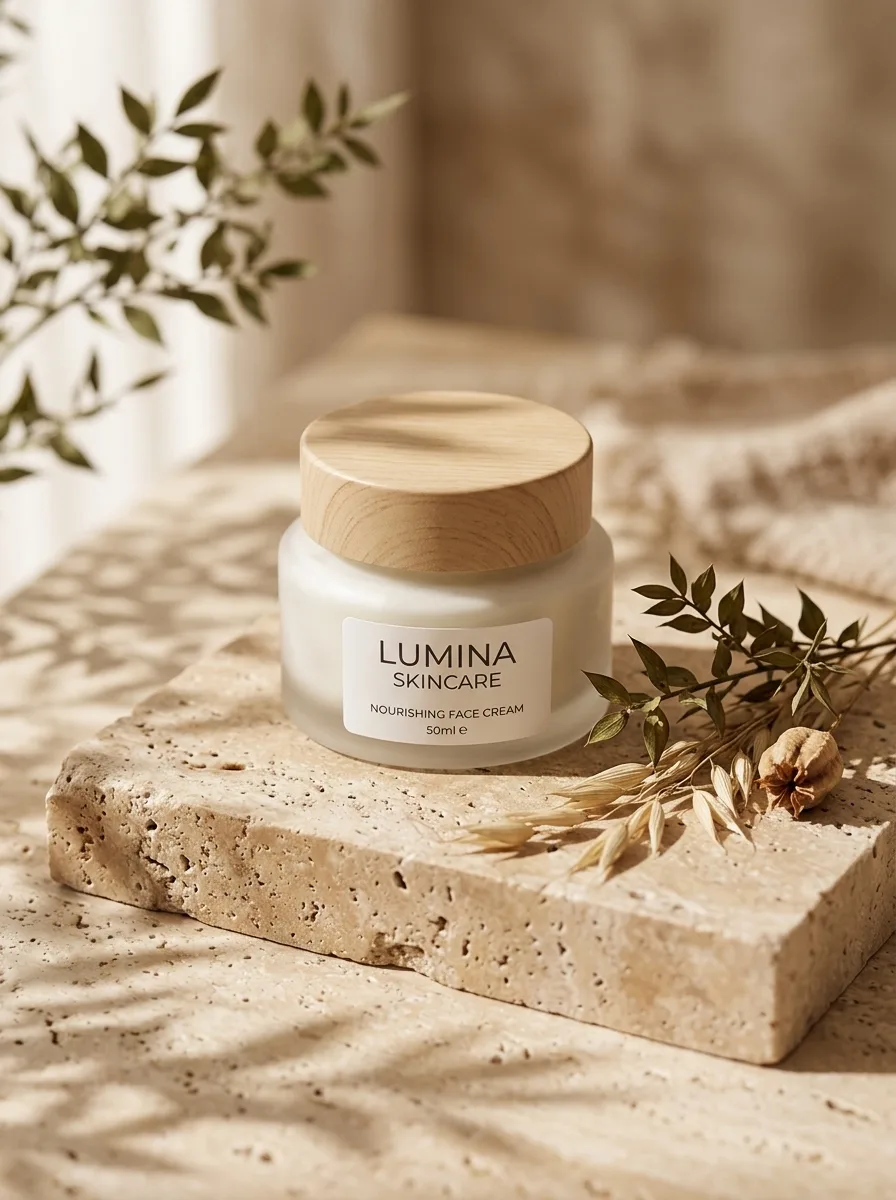
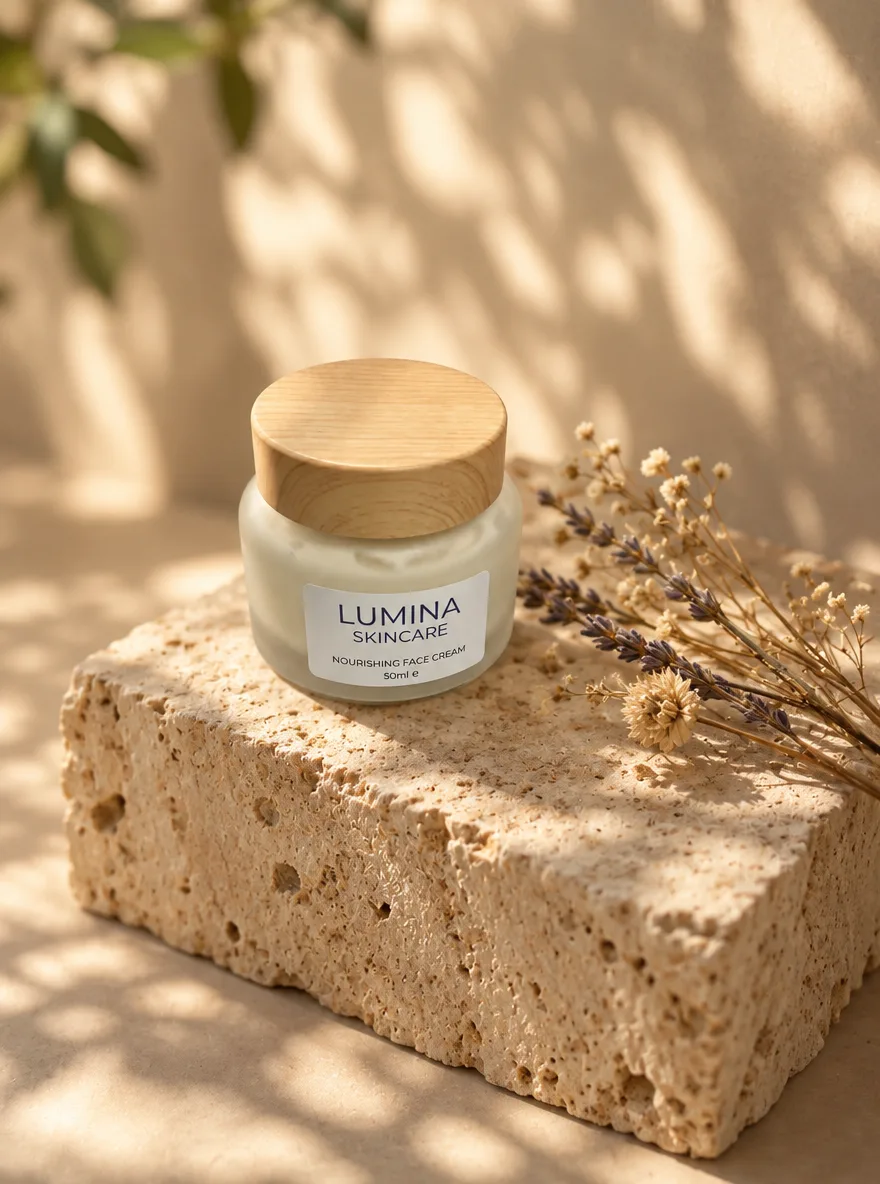
Change the Name on a Product Label
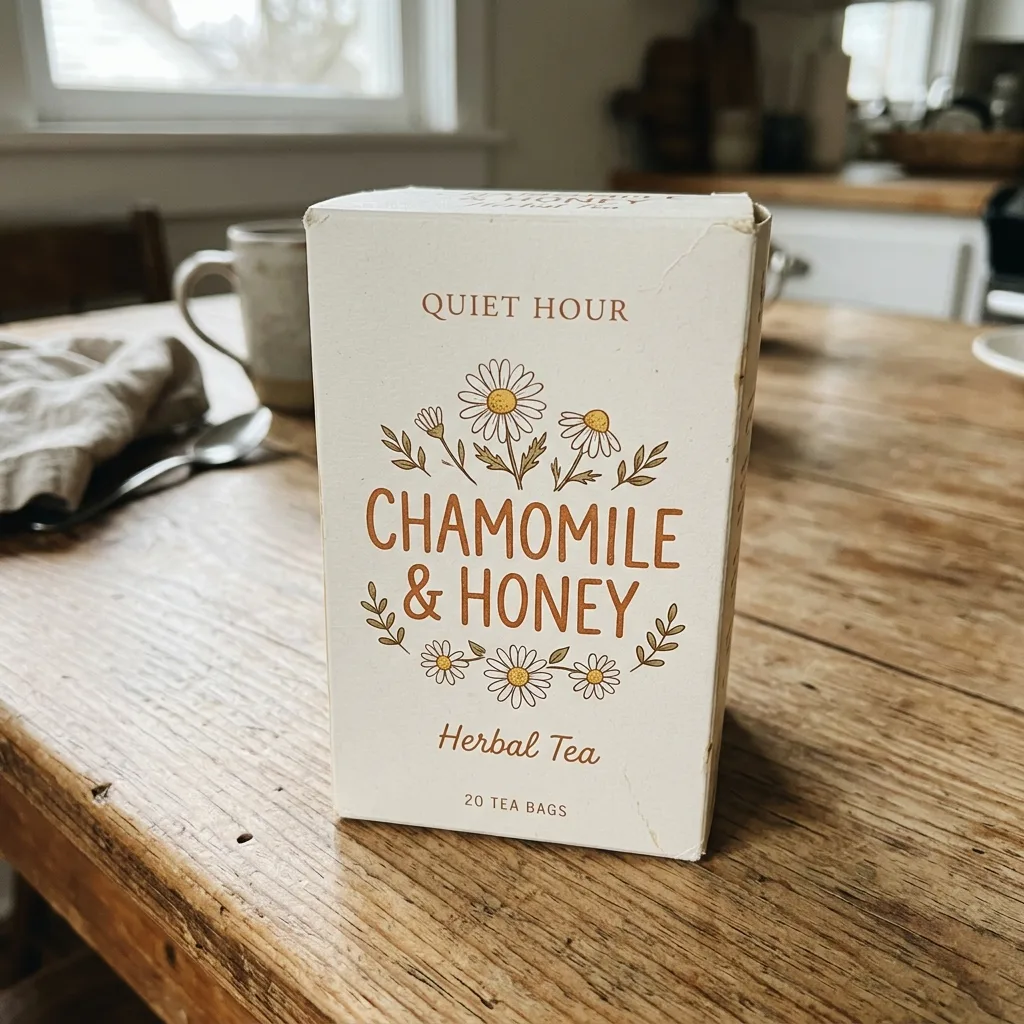
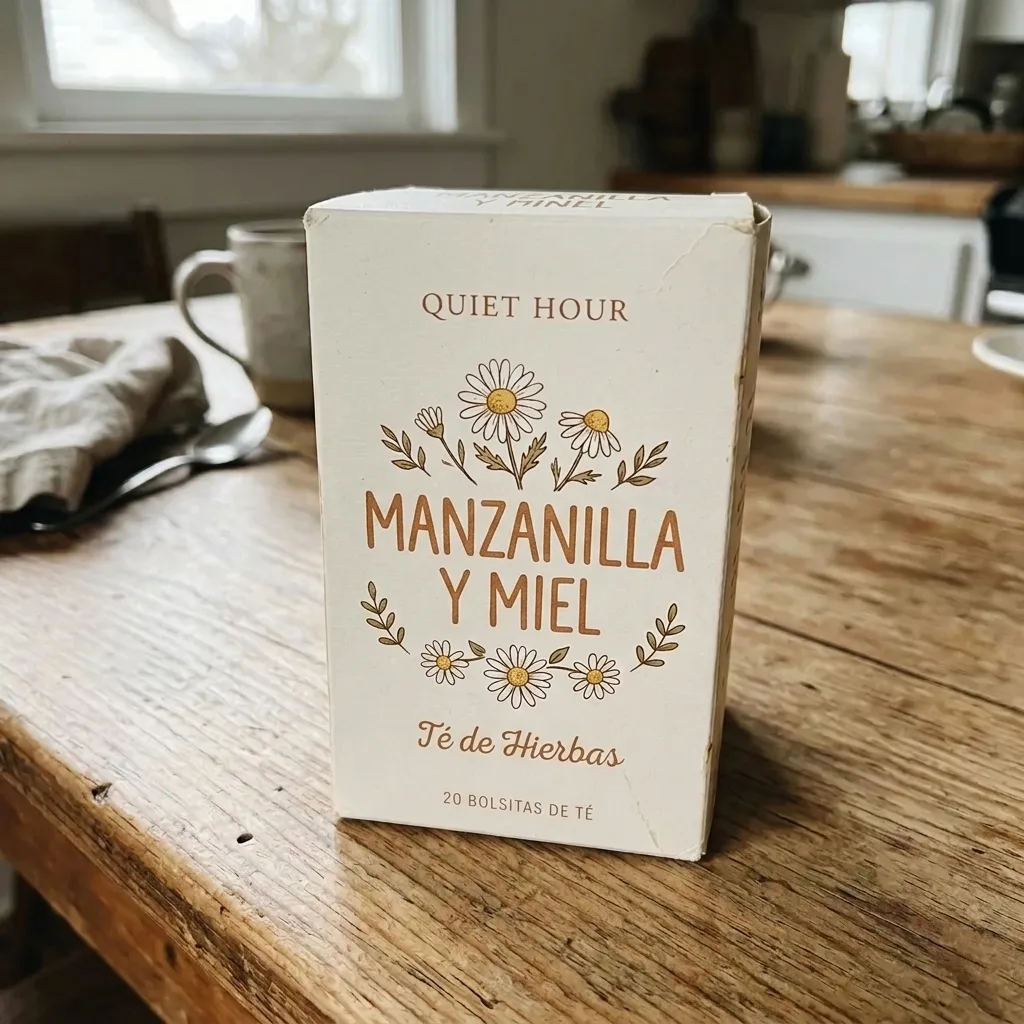
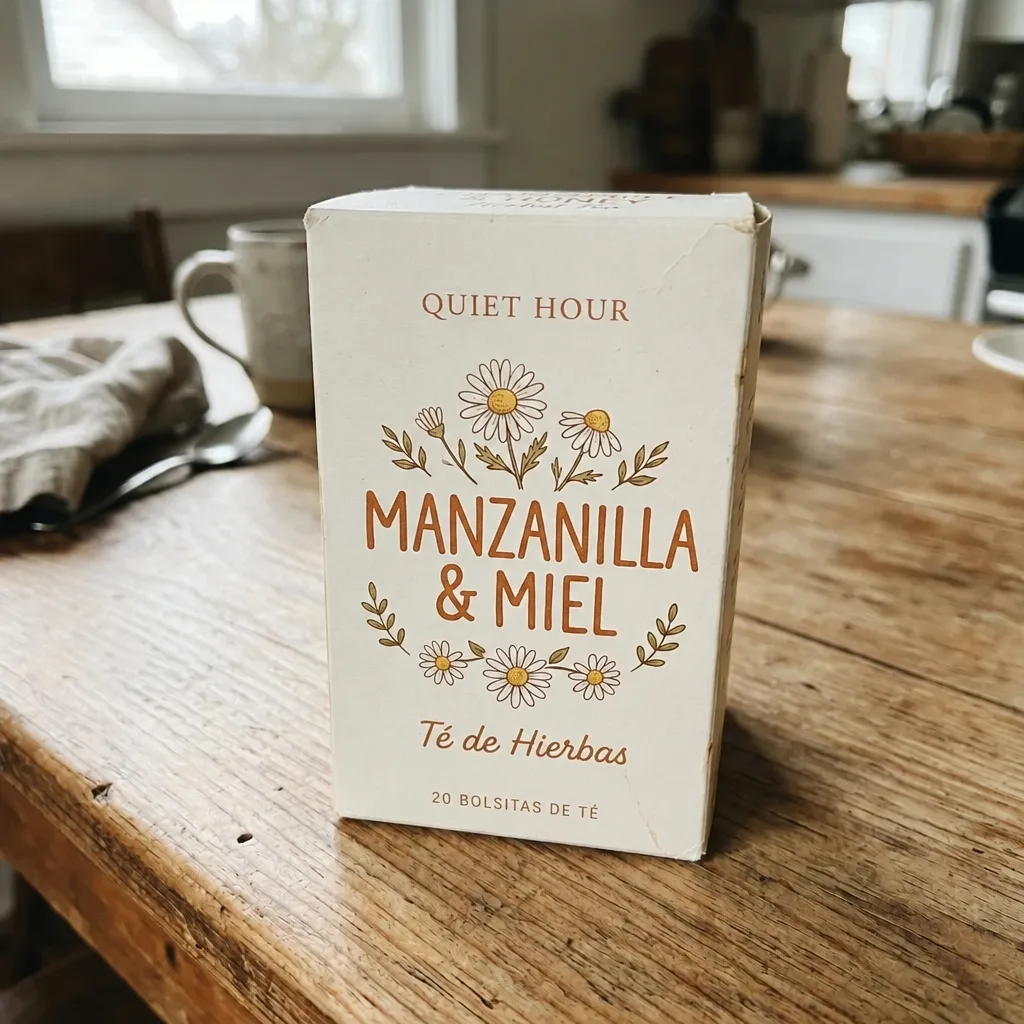
Translate the Text on Packaging
Travertine Block in Morning Light
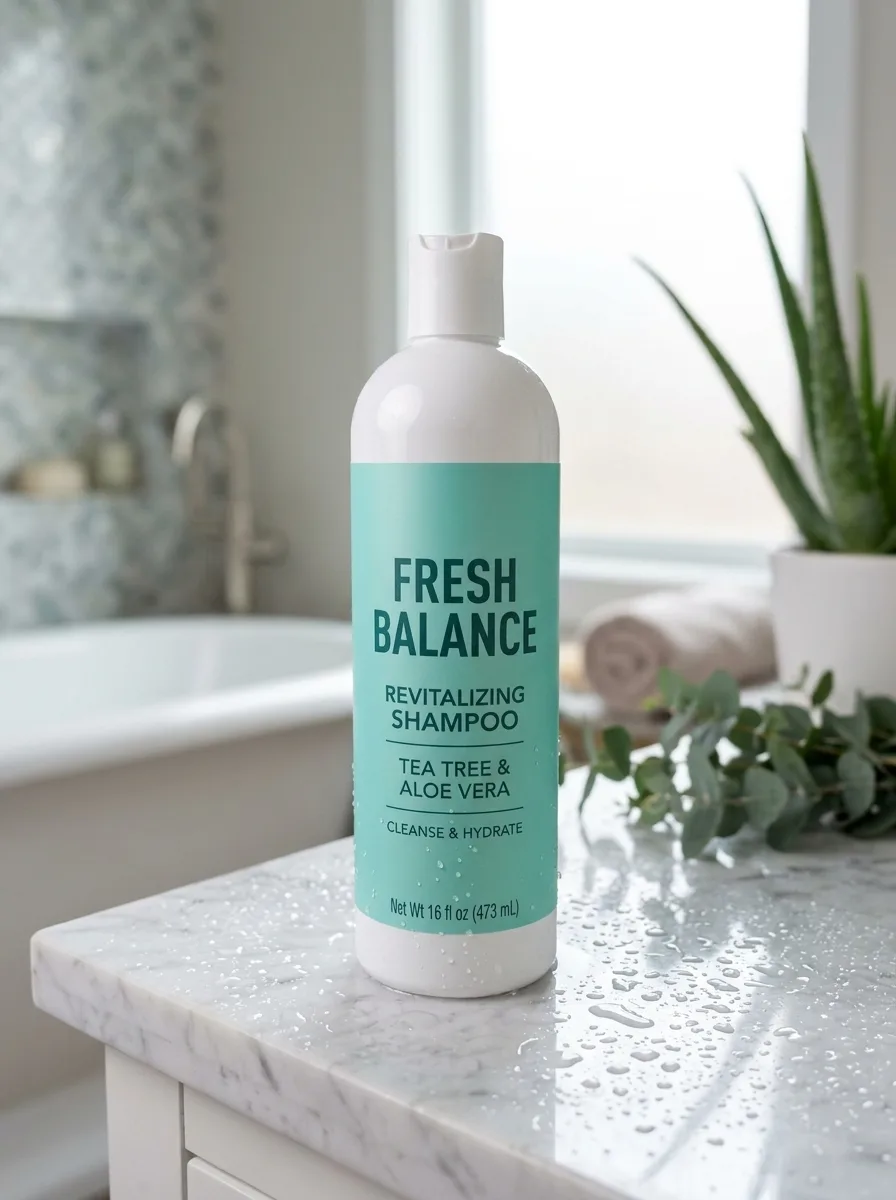
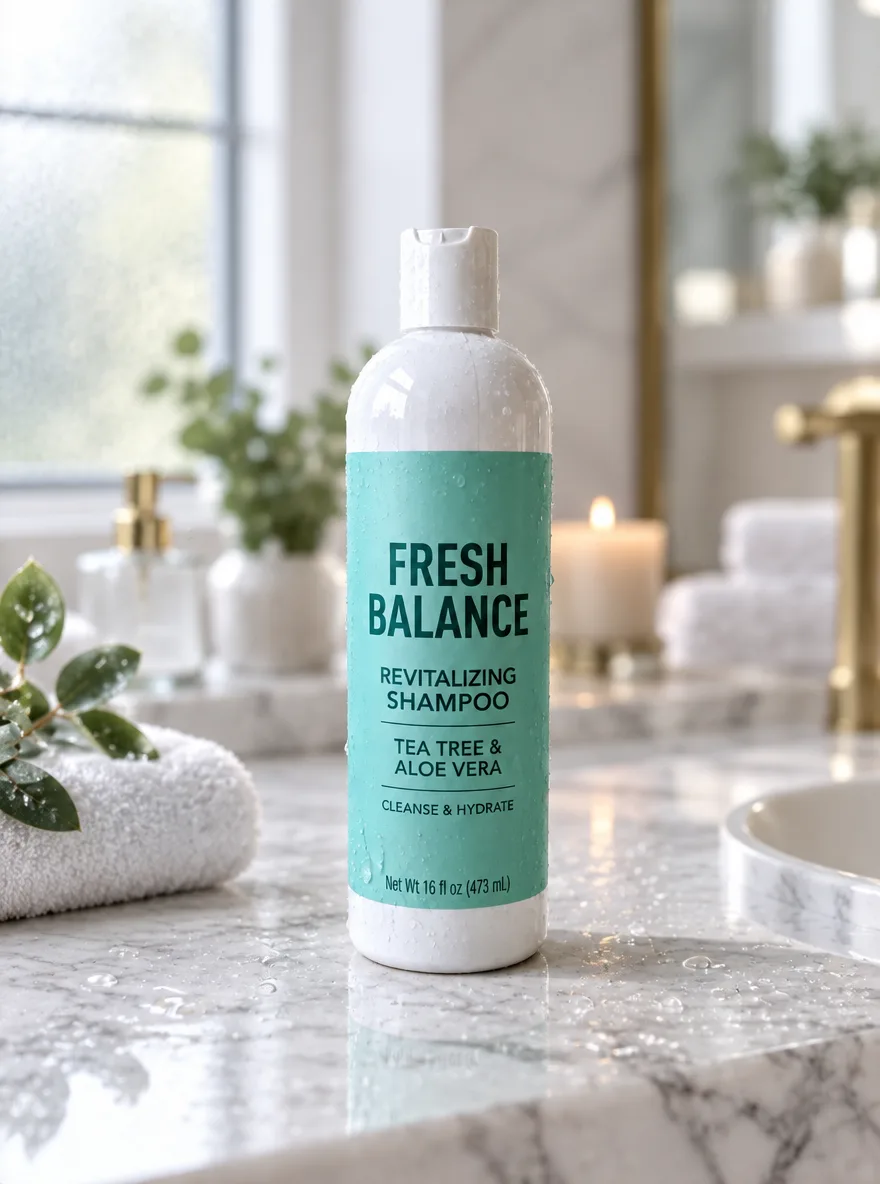
Marble Vanity with Water Droplets
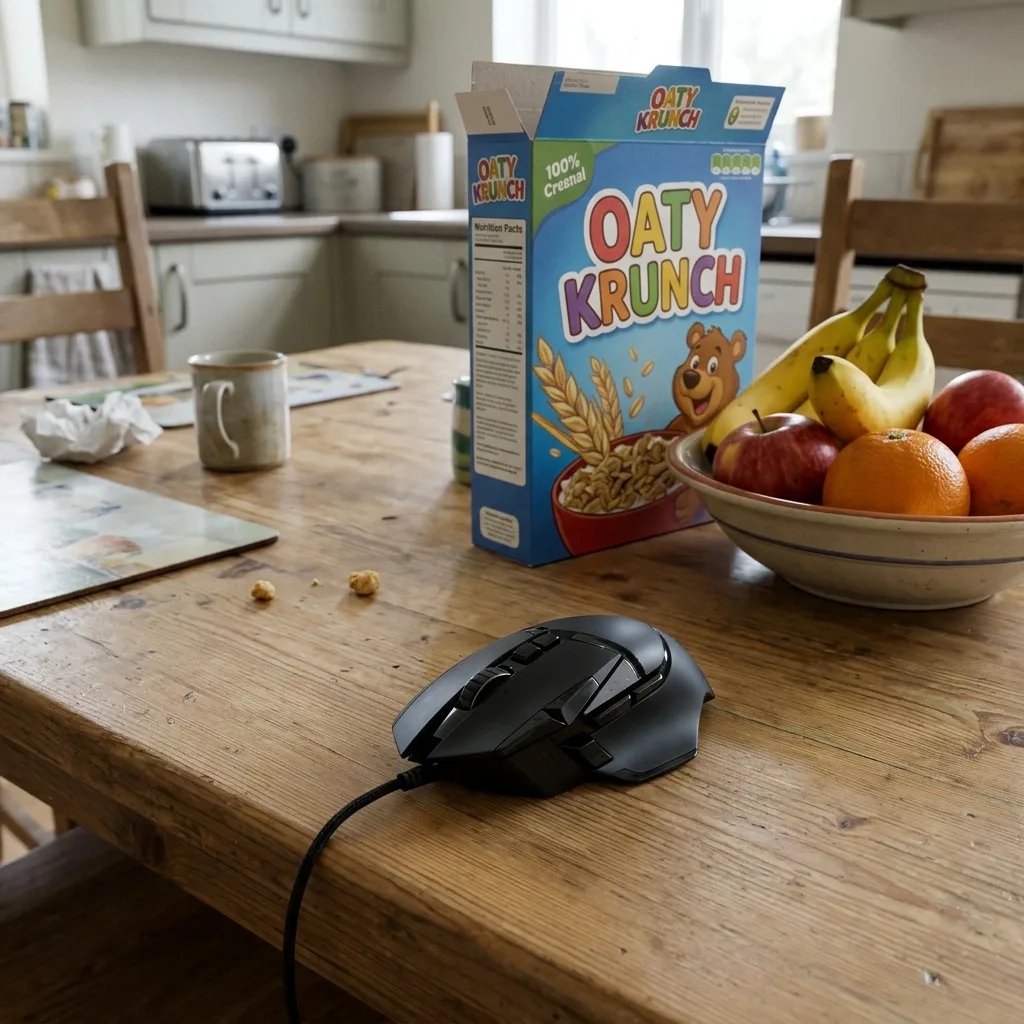
Oak Table with Kitchen Props
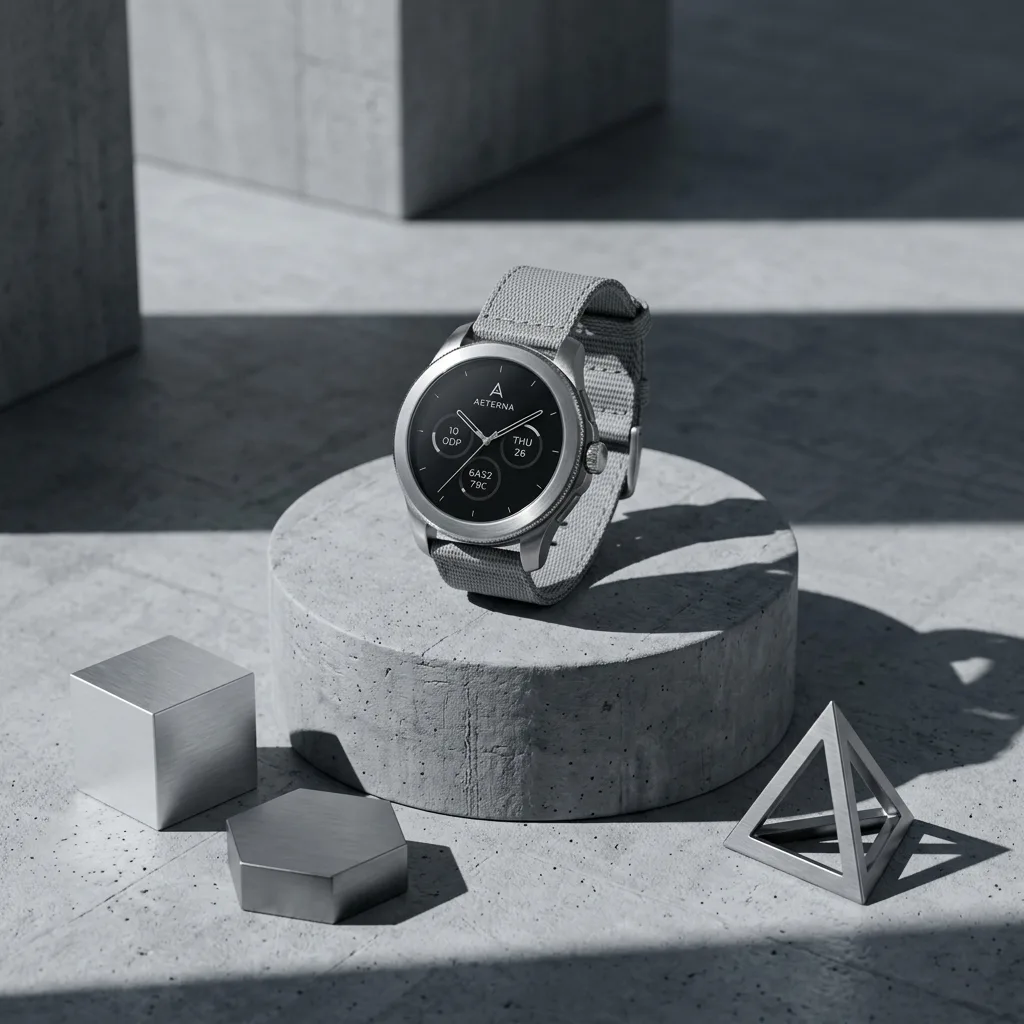
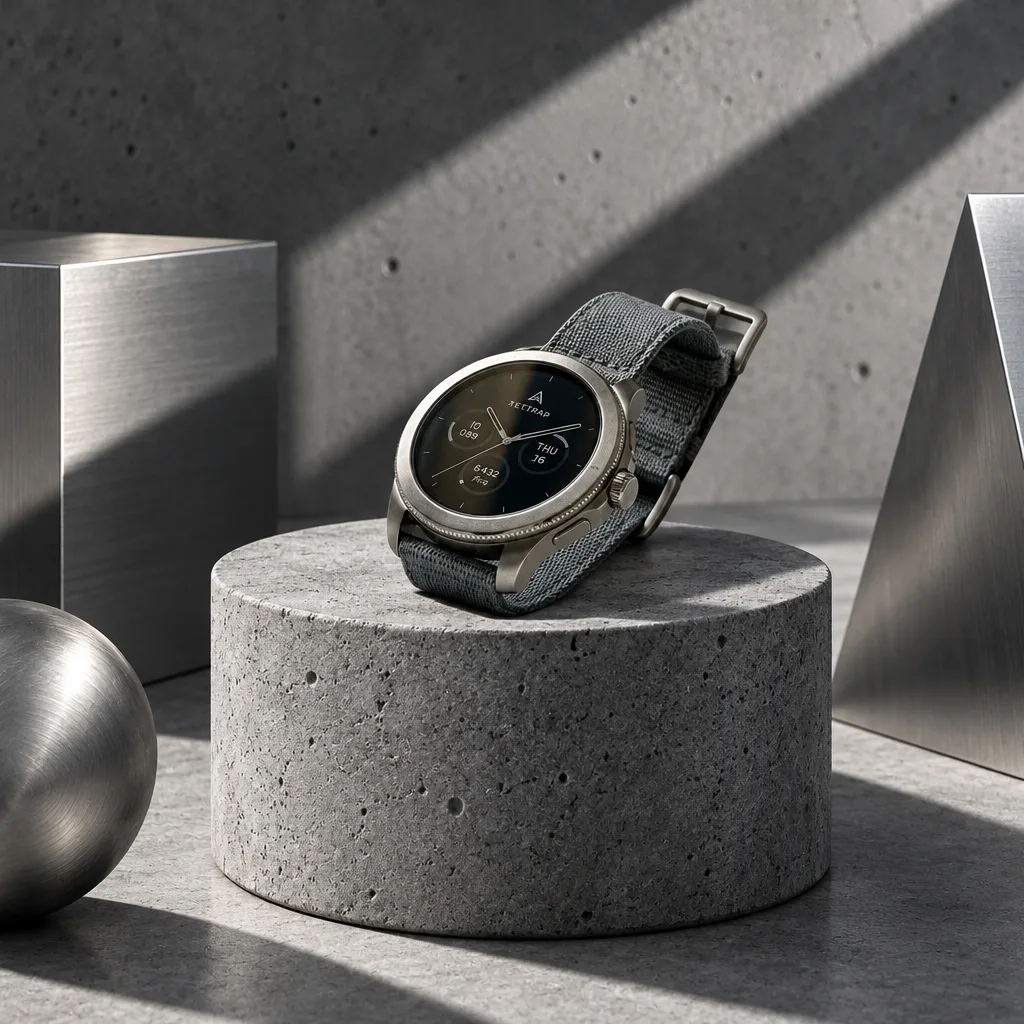
Concrete Podium, Tech Style
Bright Modern Living Room
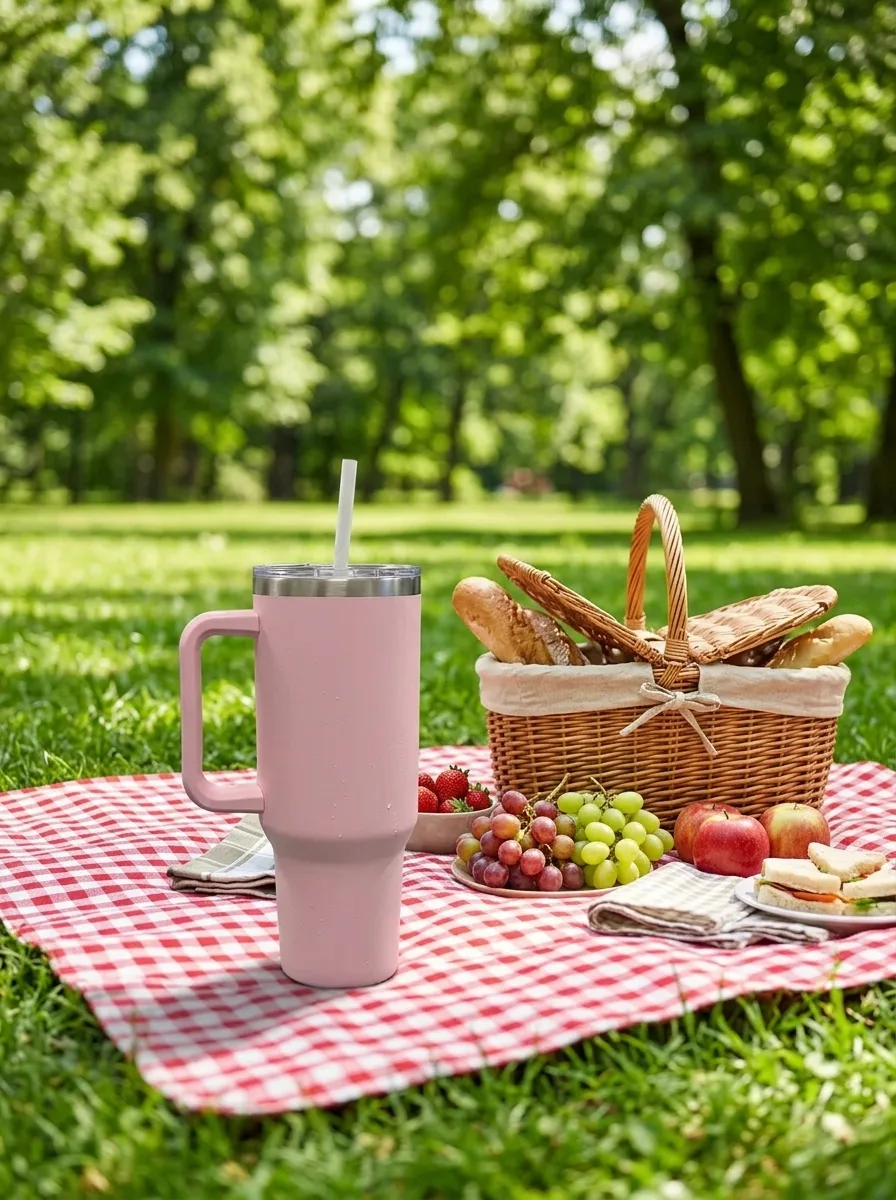
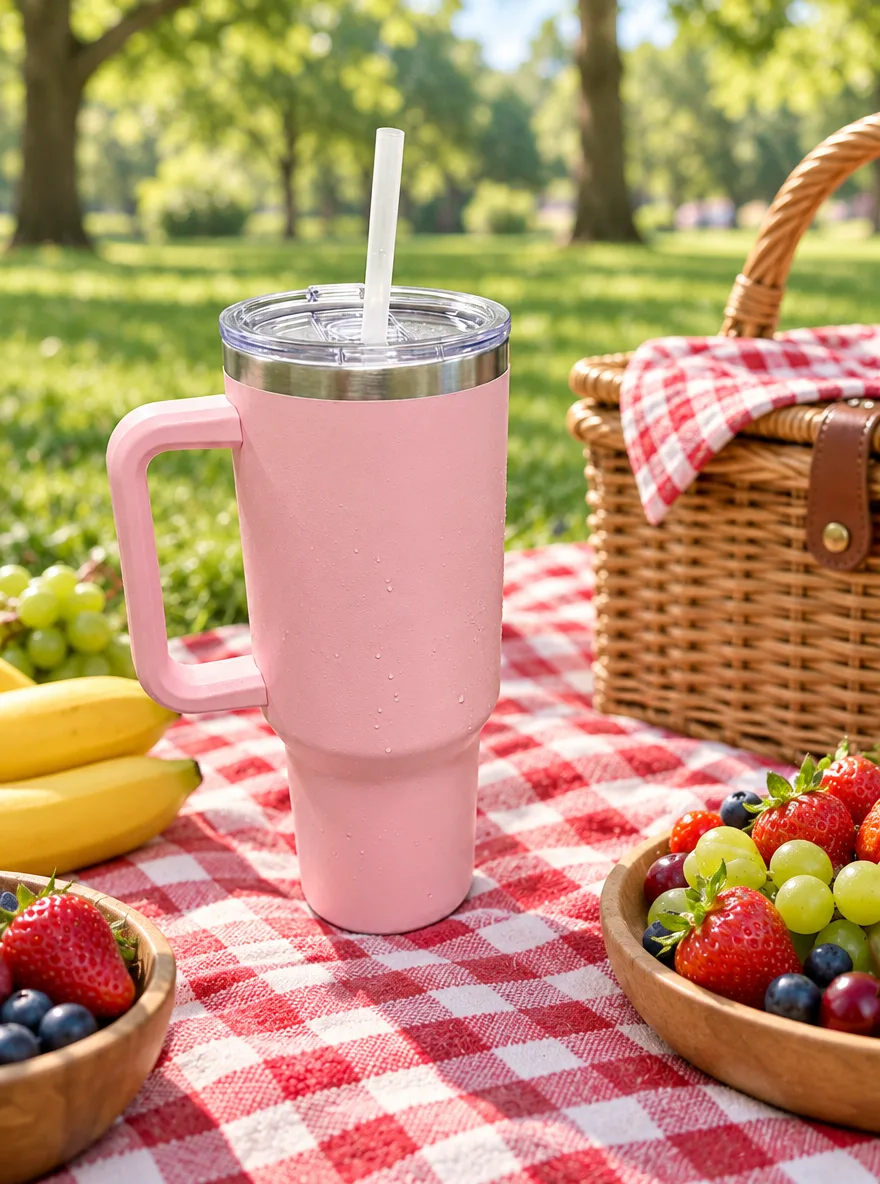
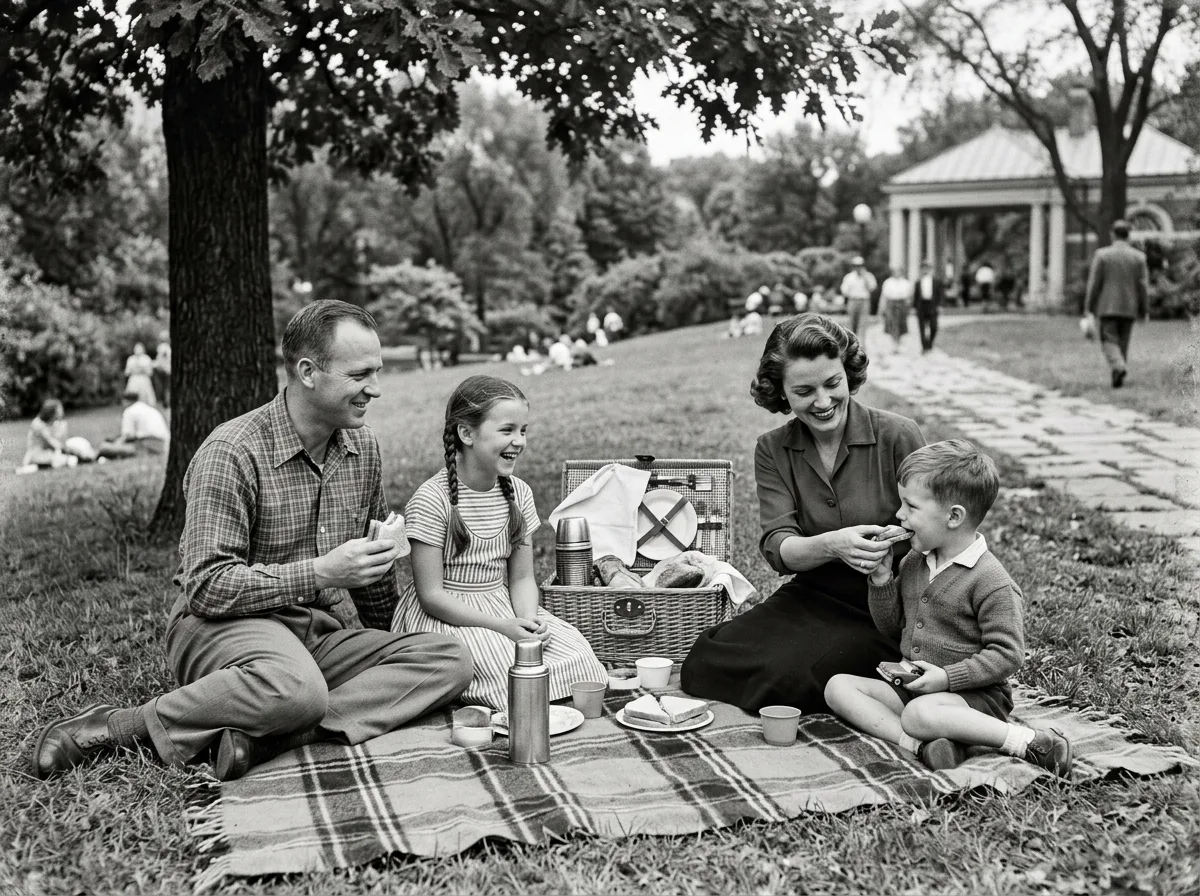
Sunny Picnic Blanket
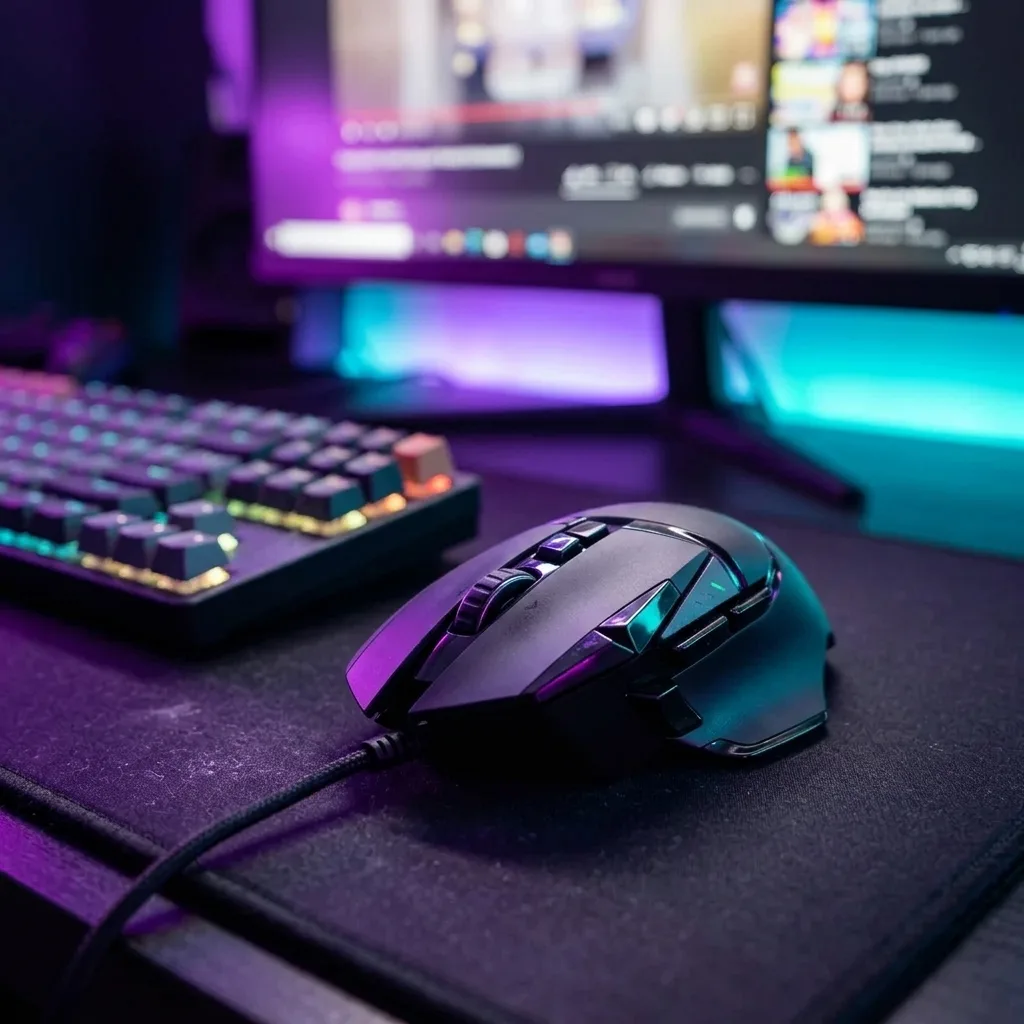
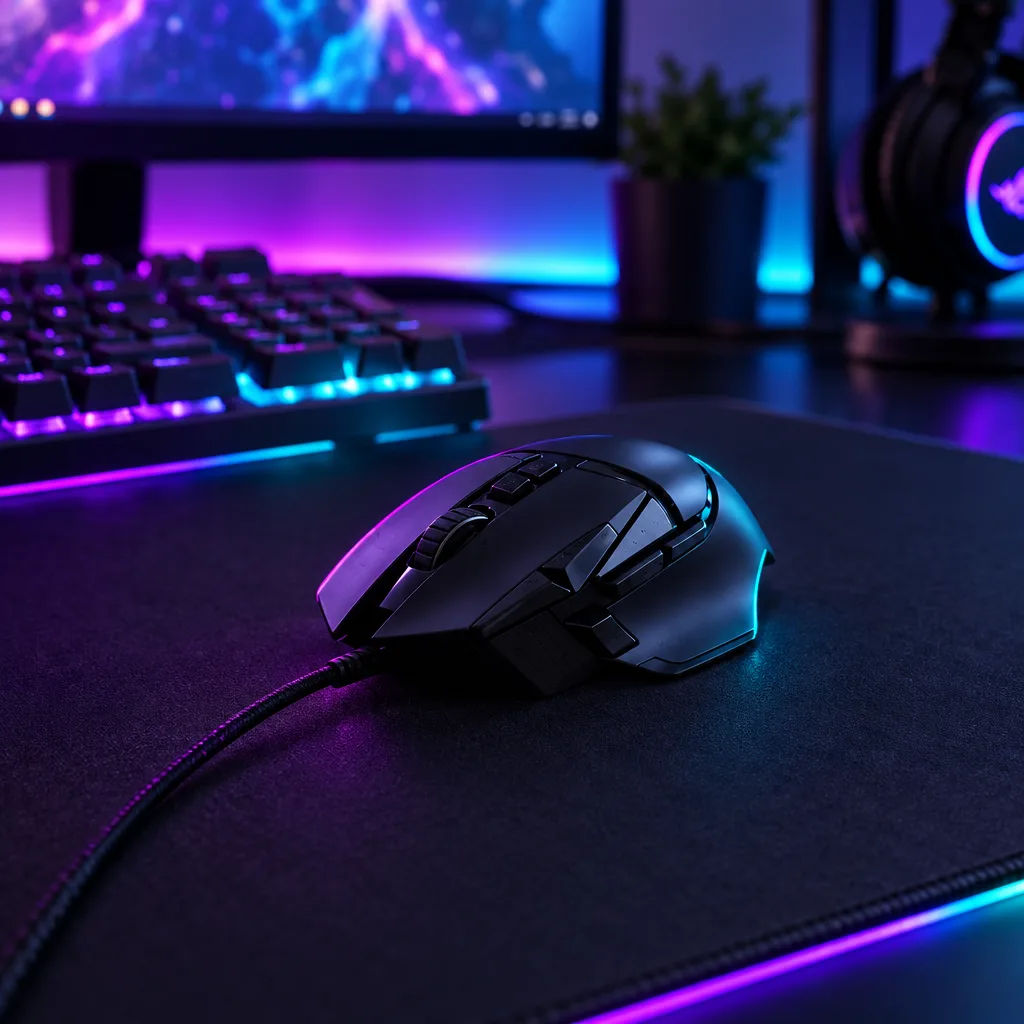
Neon Gaming Desk
Remove Glare on Shiny Surfaces
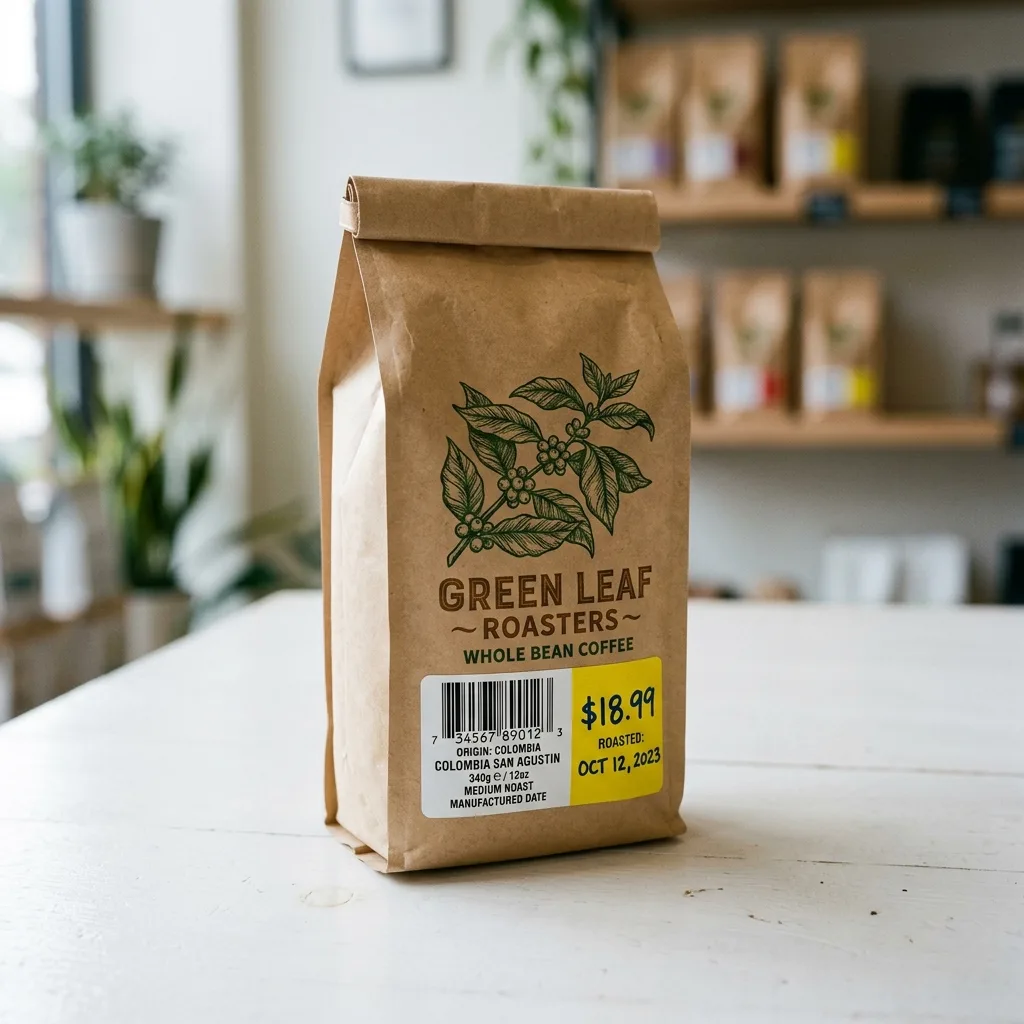
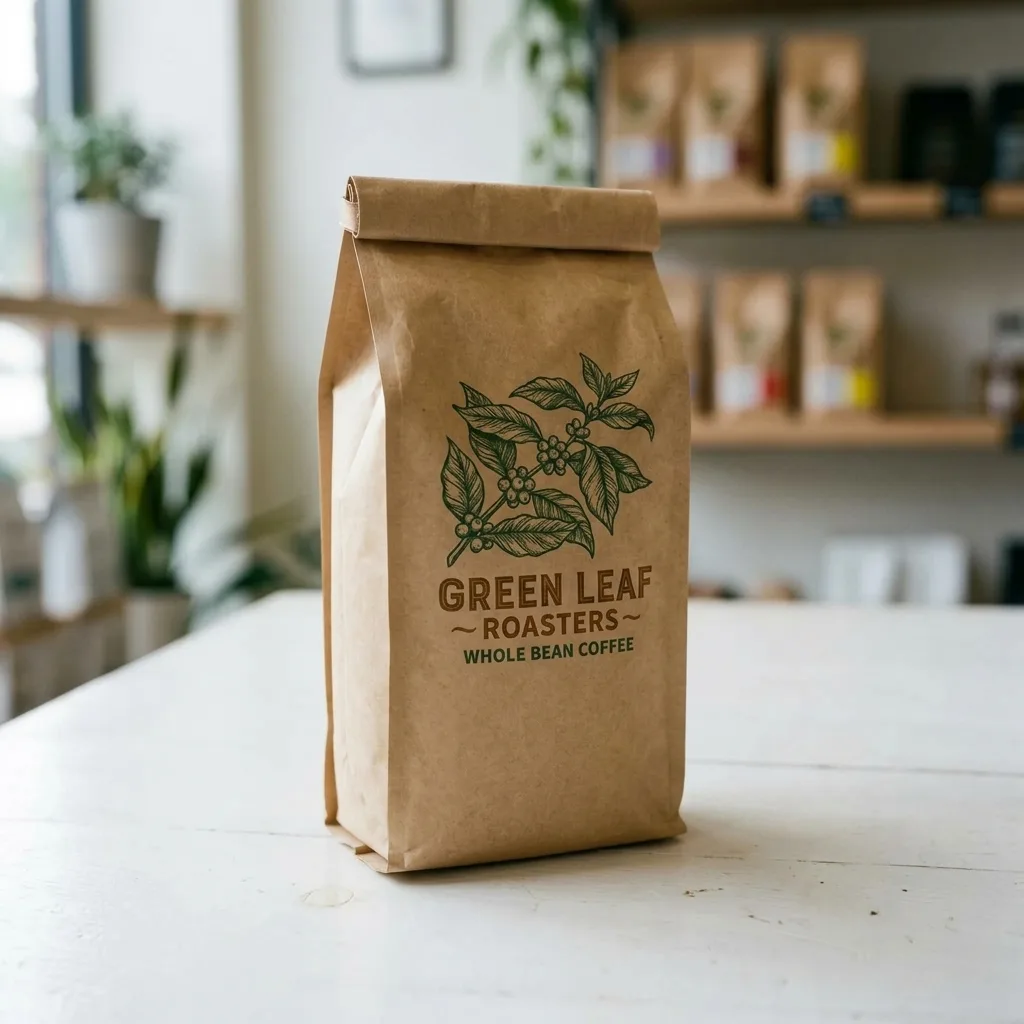
Erase Barcode and Price Sticker
Remove Dust and Fingerprints
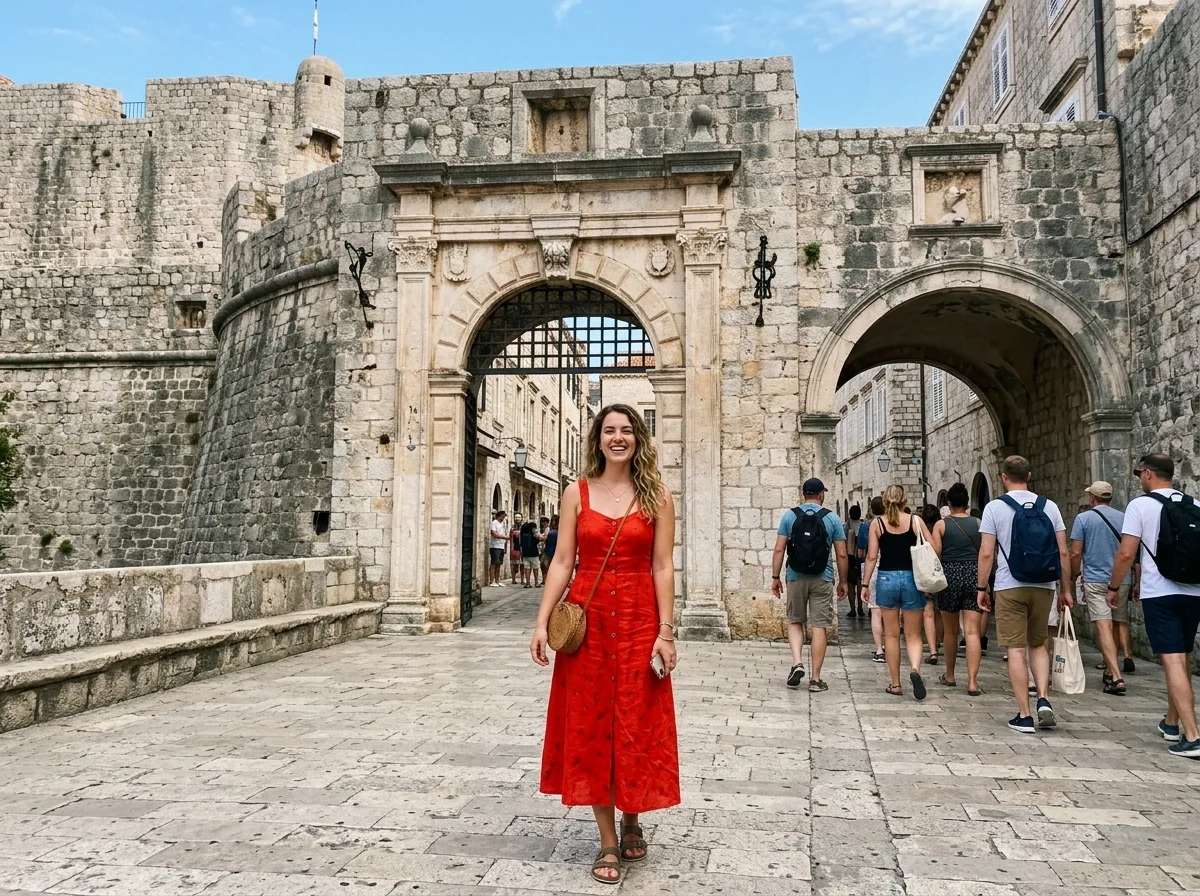
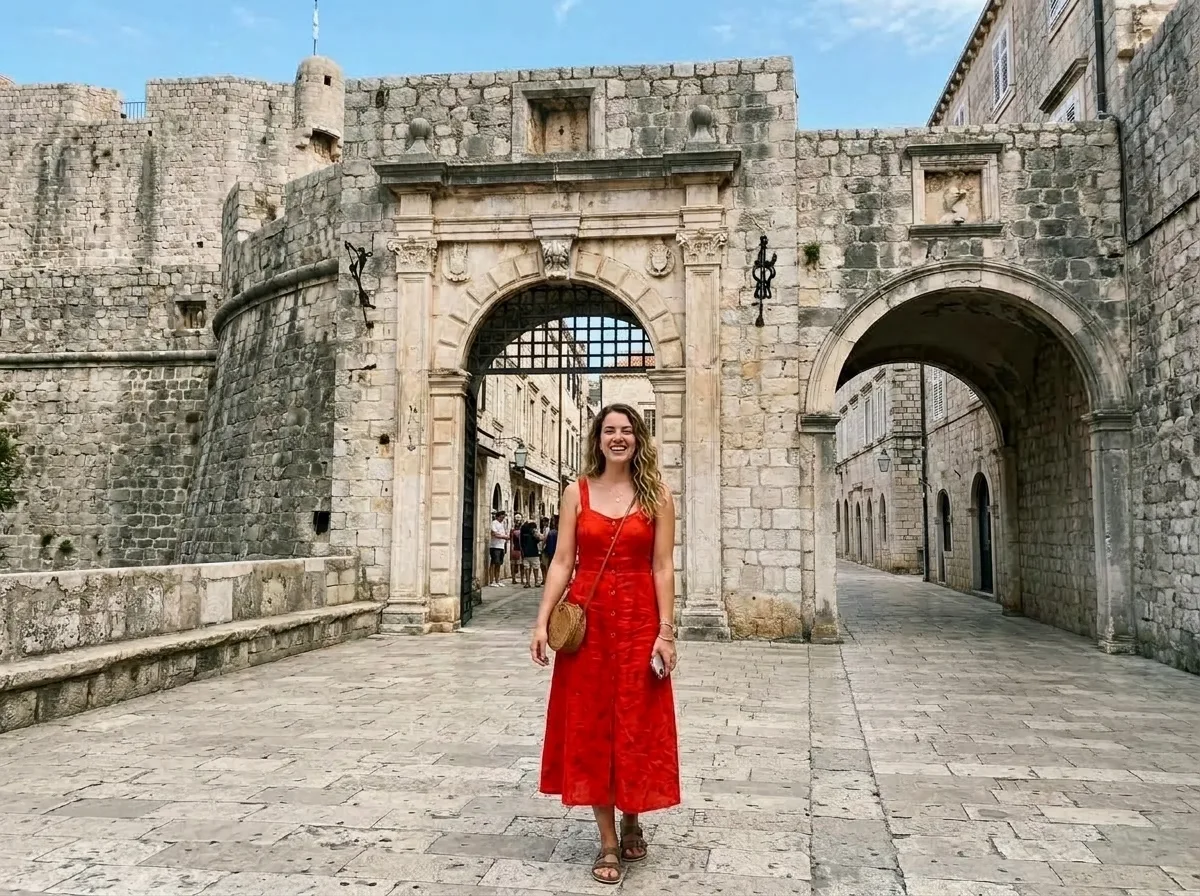
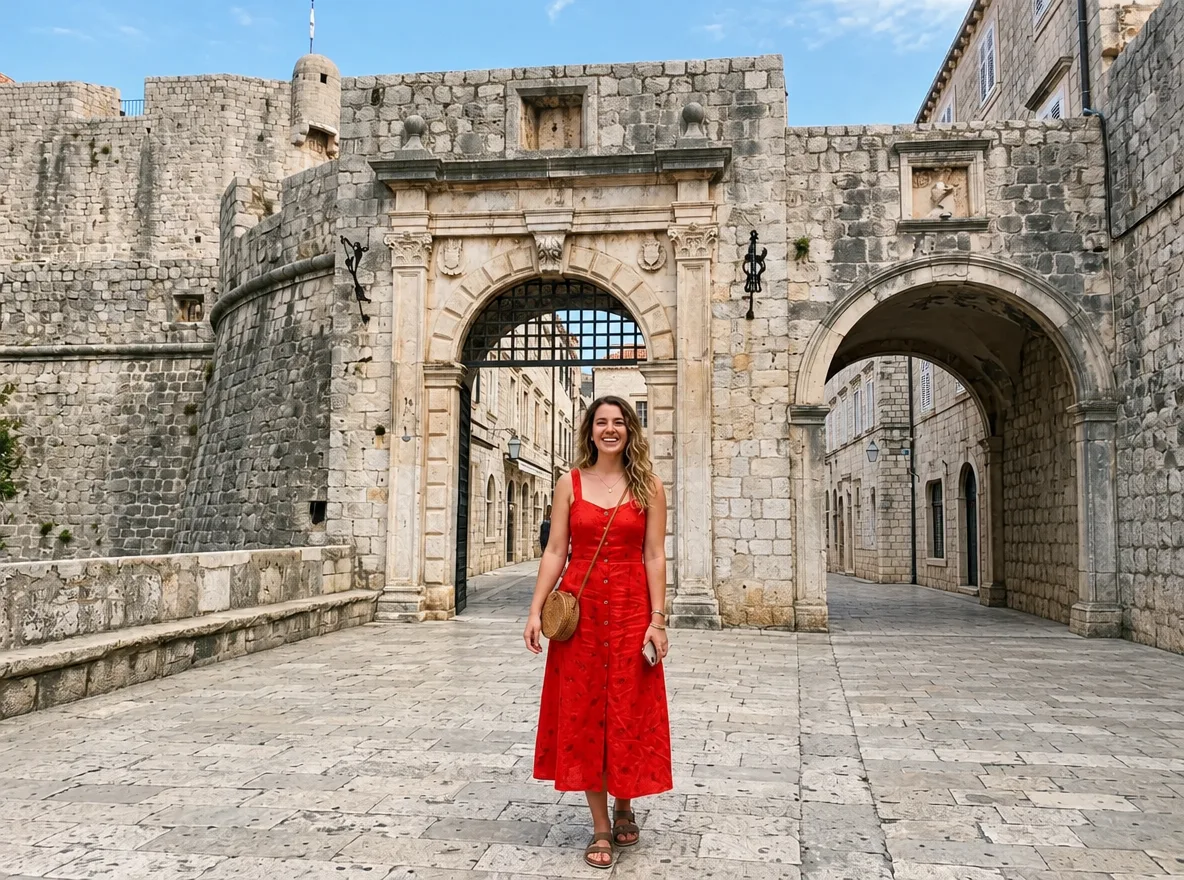
Place a Product into Your Scene
Bundle Two Products into One Shot
Match Your Existing Catalog Look
Ghost Mannequin to Street Model
Virtual Try-On
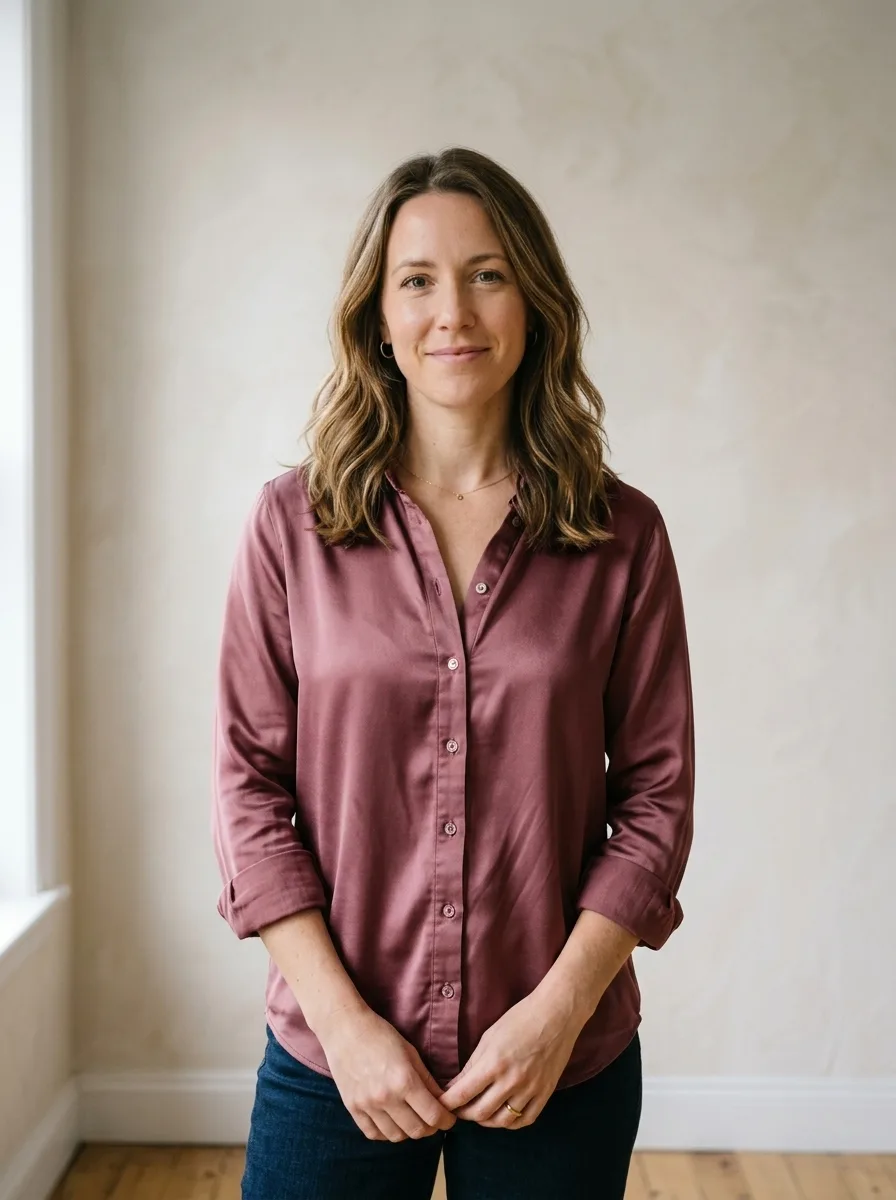
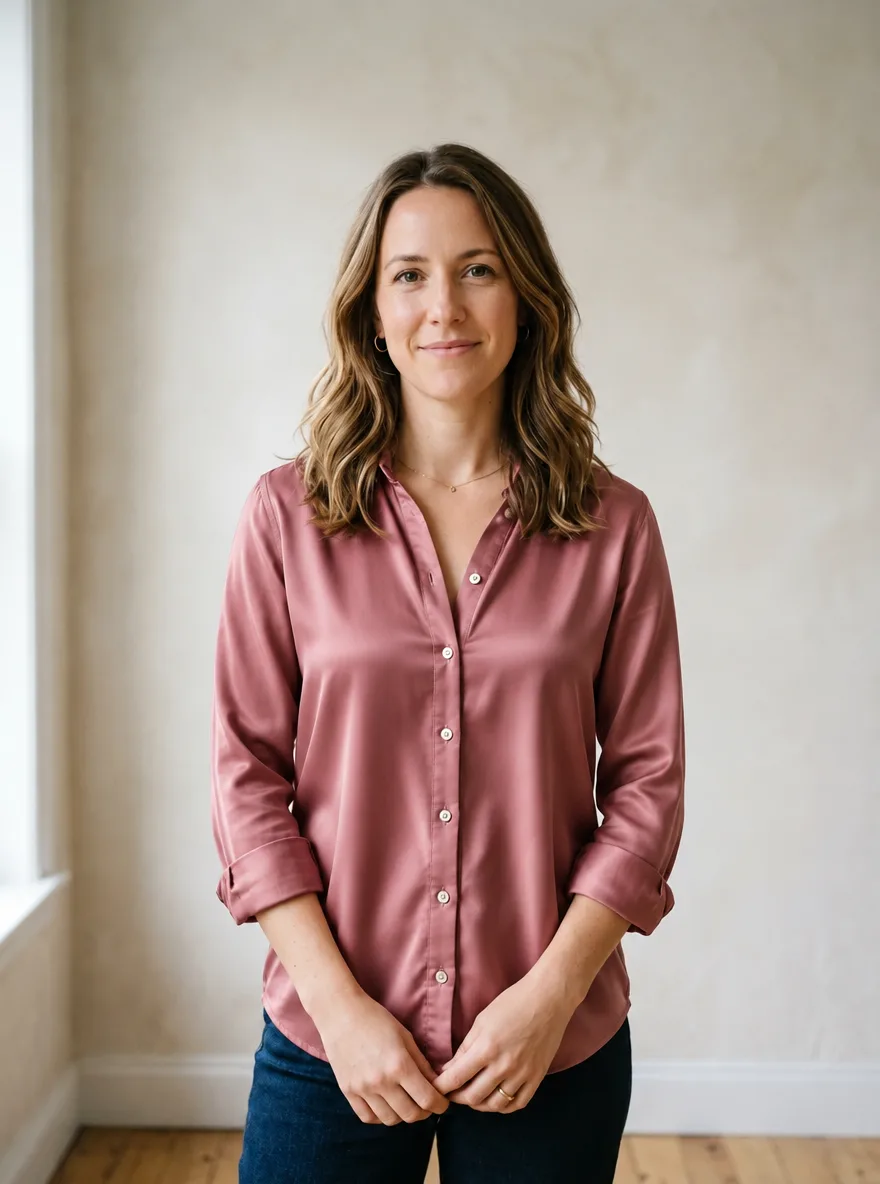
Upgrade Fabric to Silk
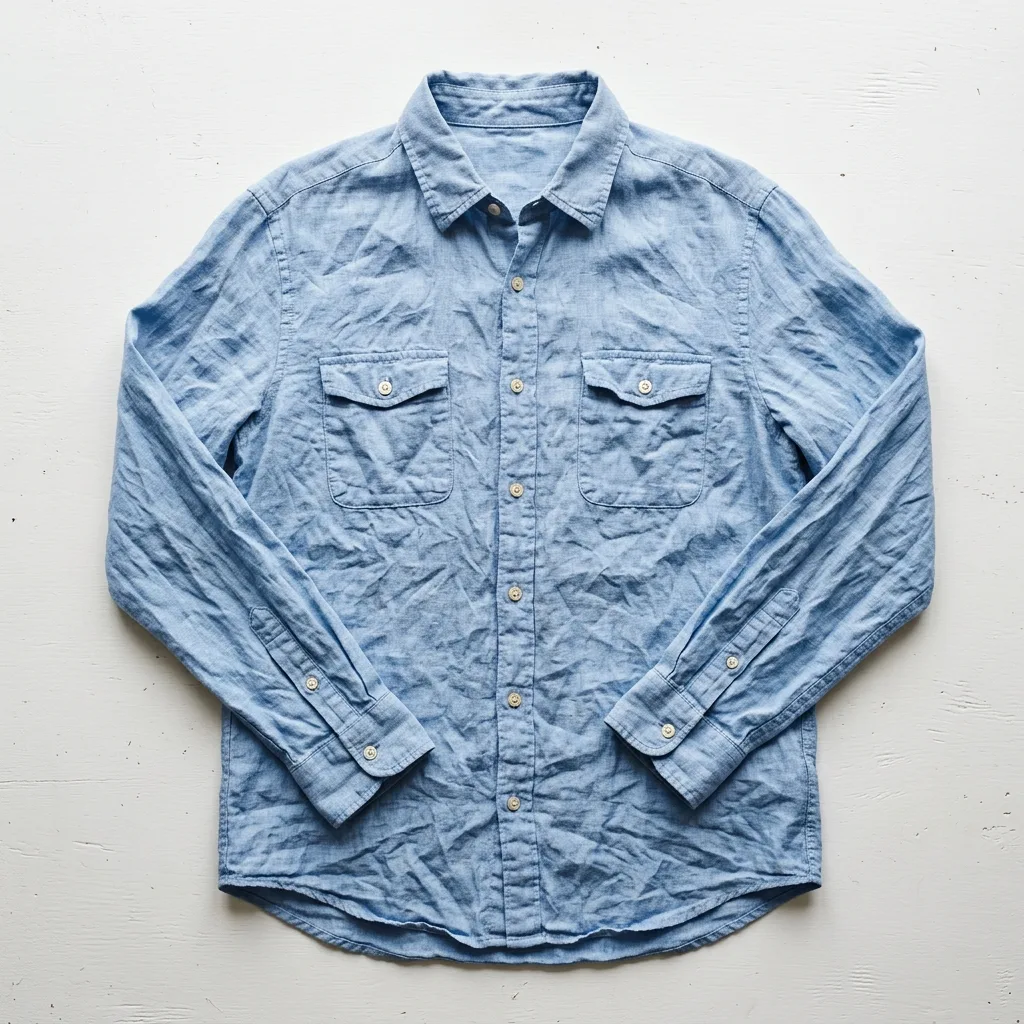
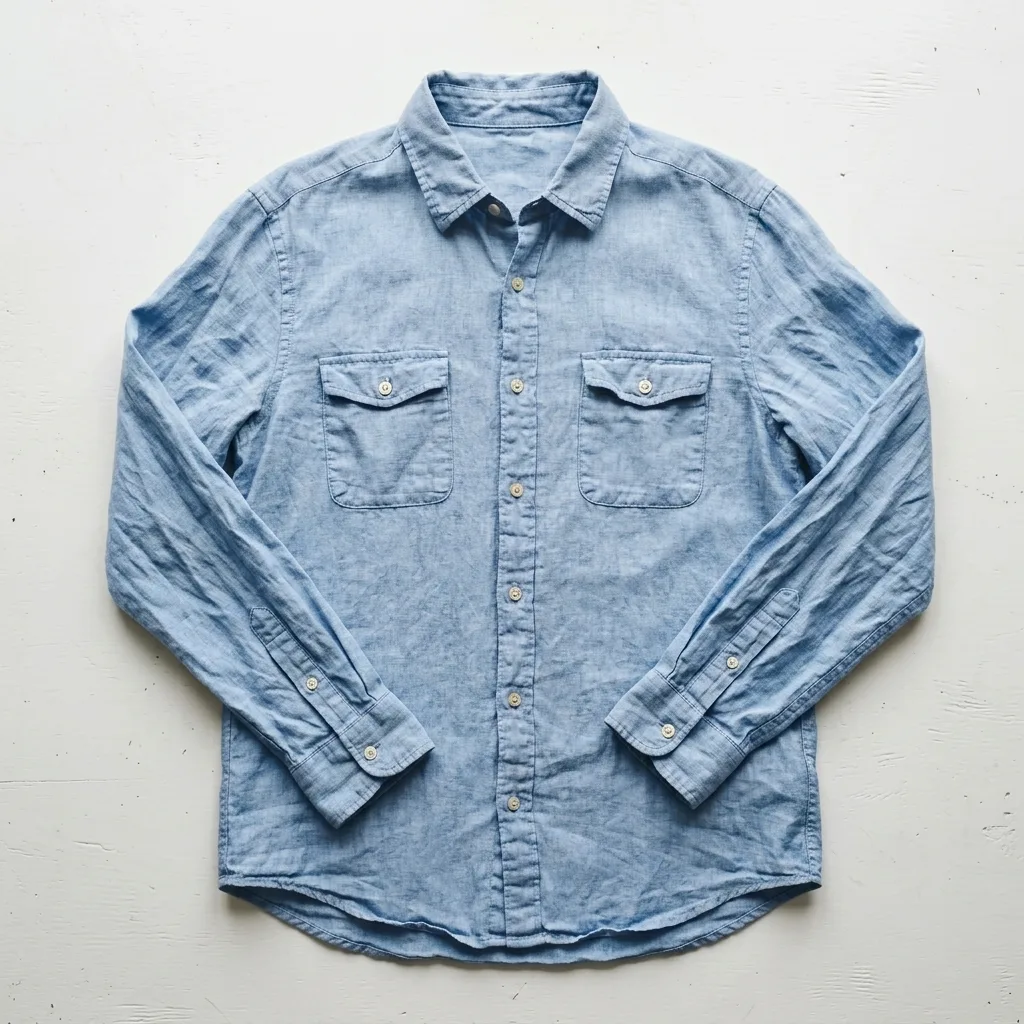
Smooth Out Fabric Wrinkles
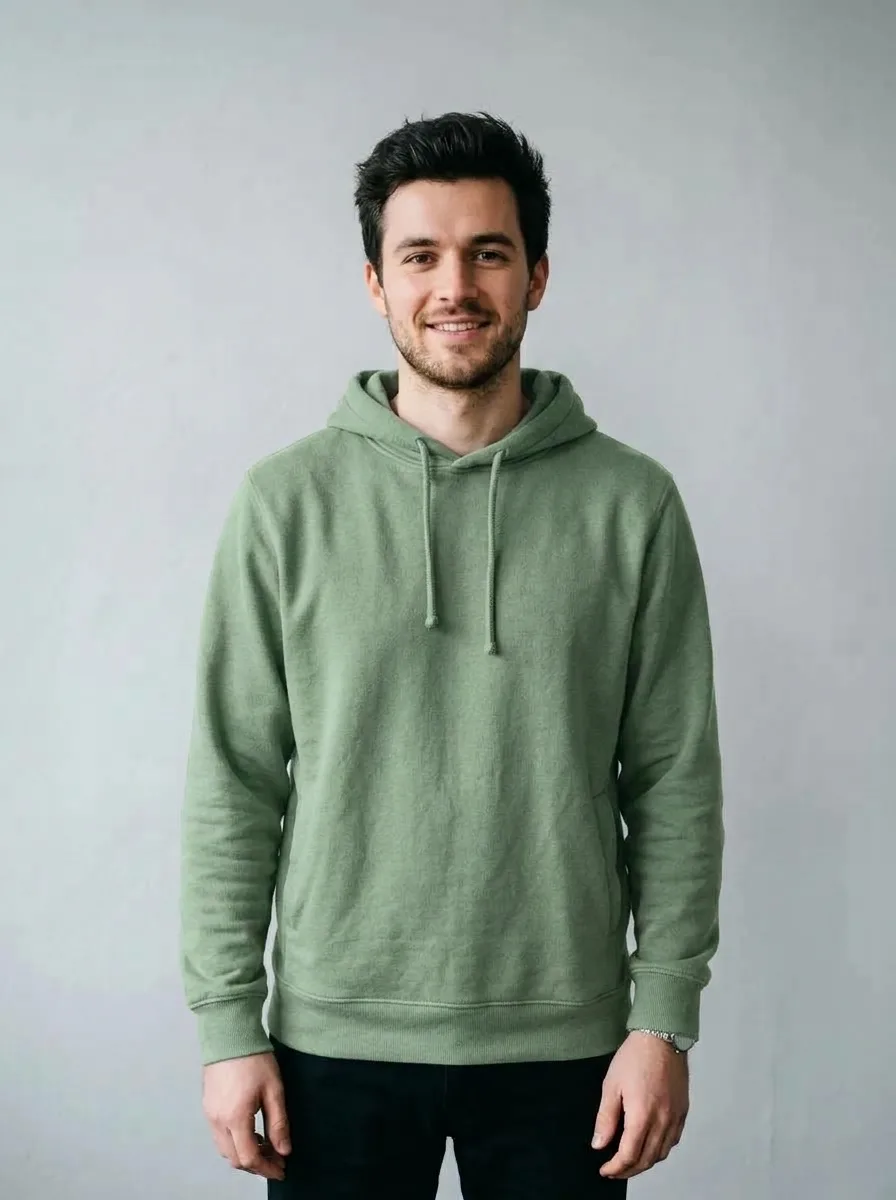
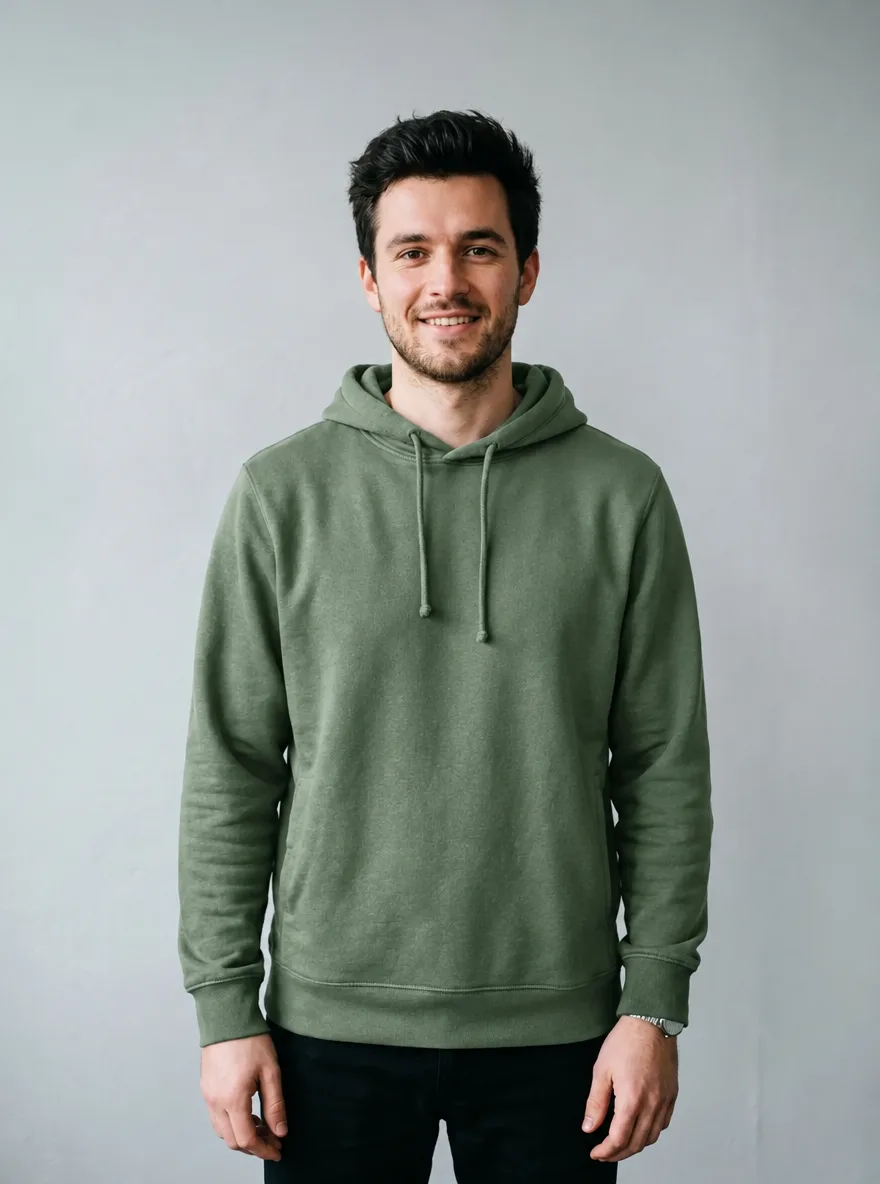
Recolor a Garment
Clean Studio Backdrop for Model Shots
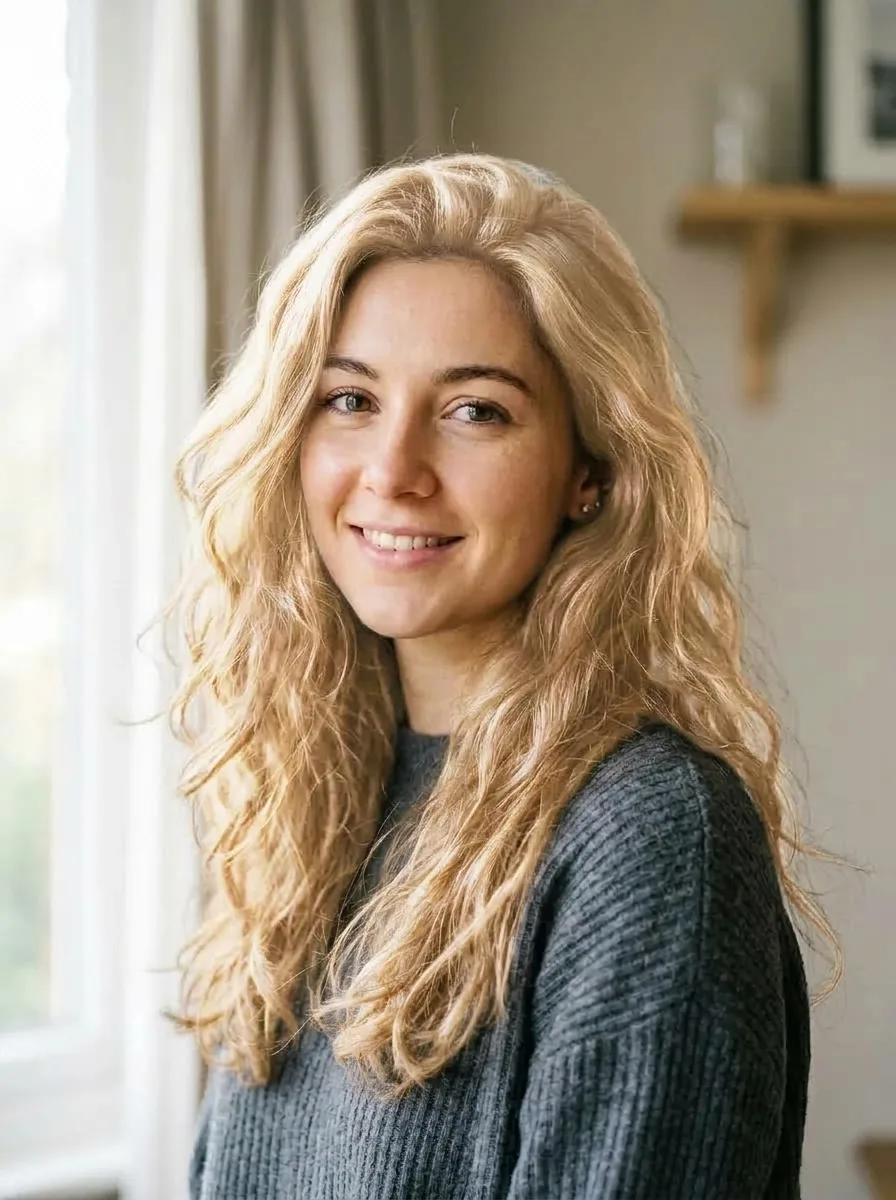
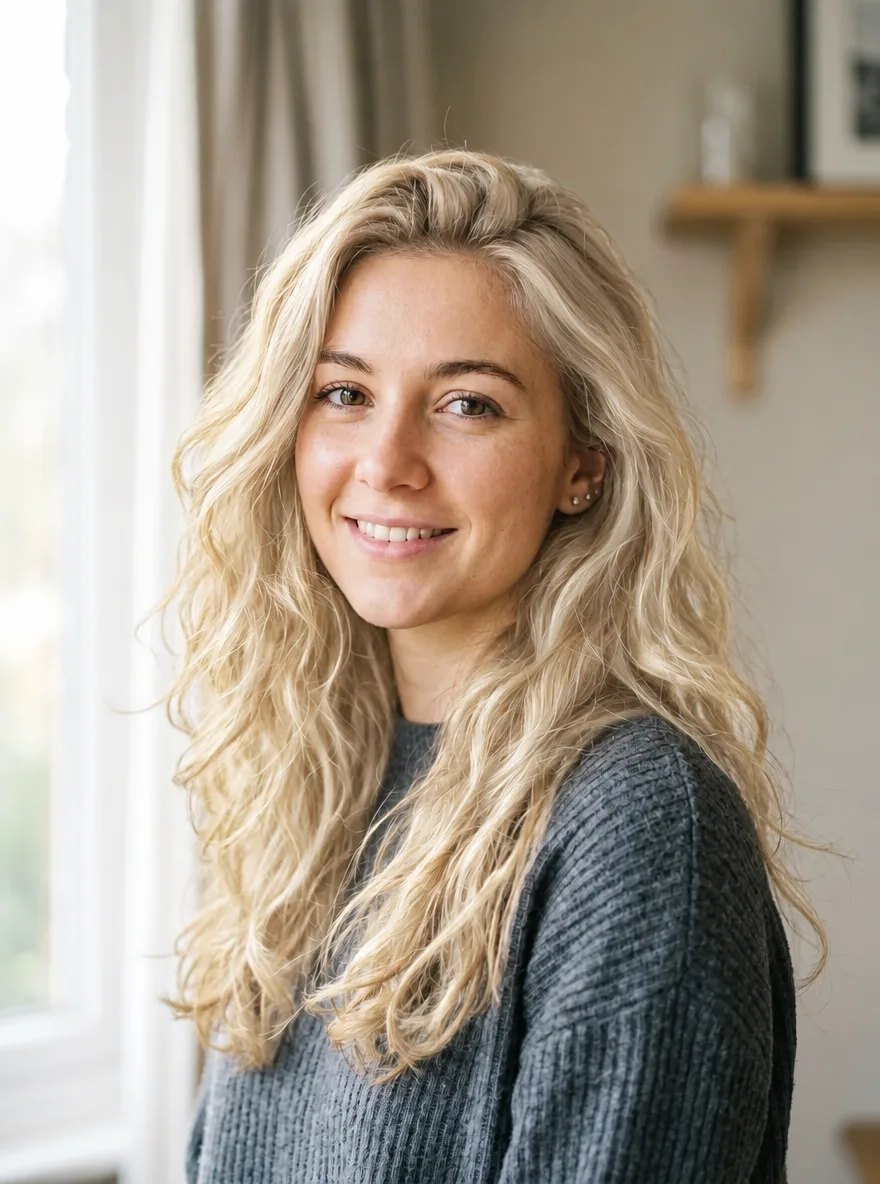
Change Hair to Platinum Blonde
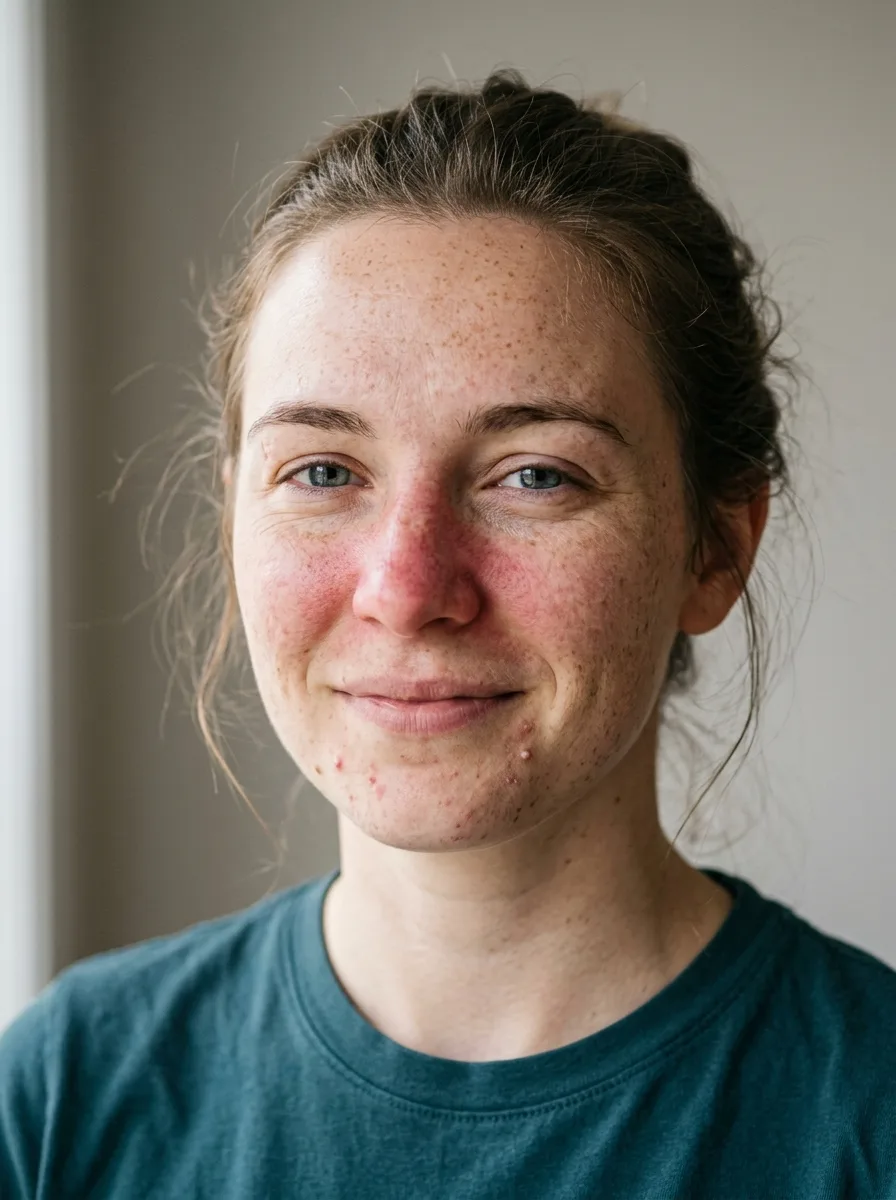
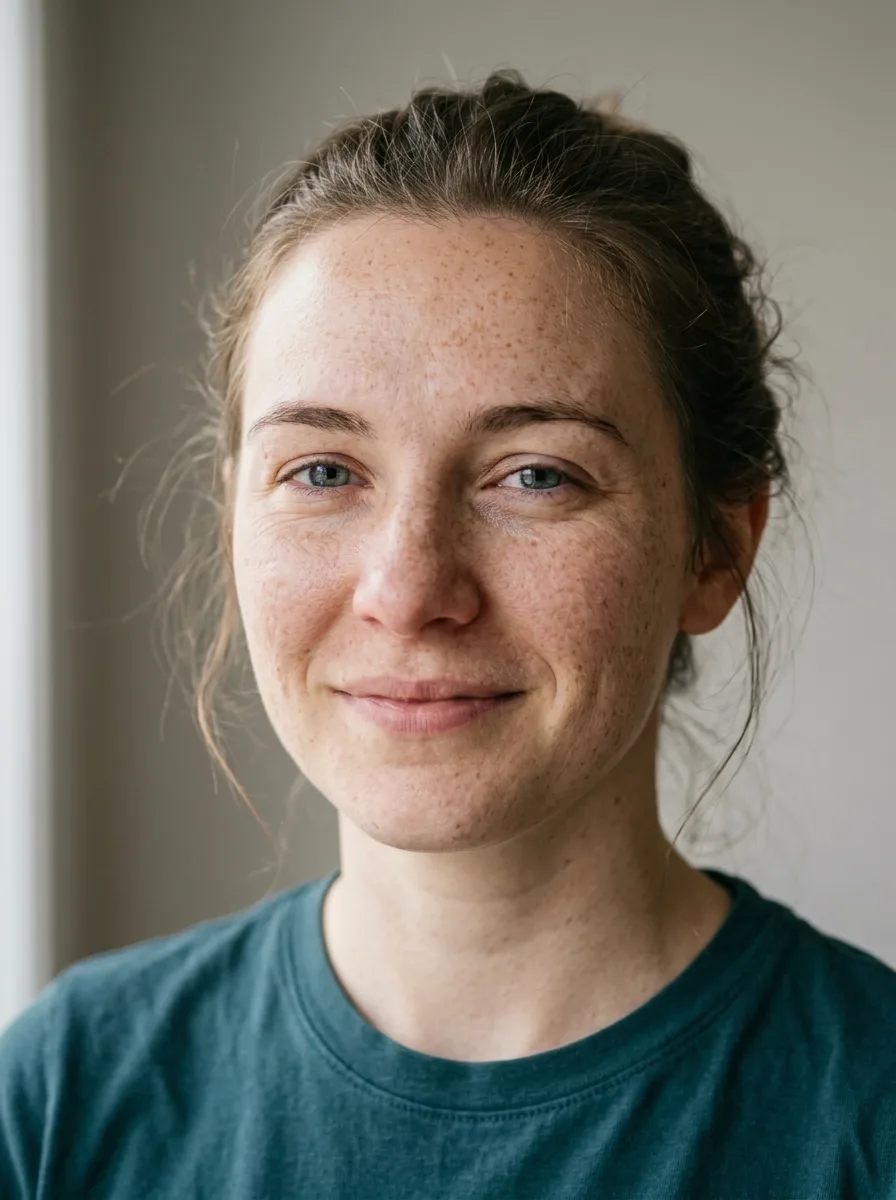
Natural Skin Retouch
Casual Photo to Business Headshot
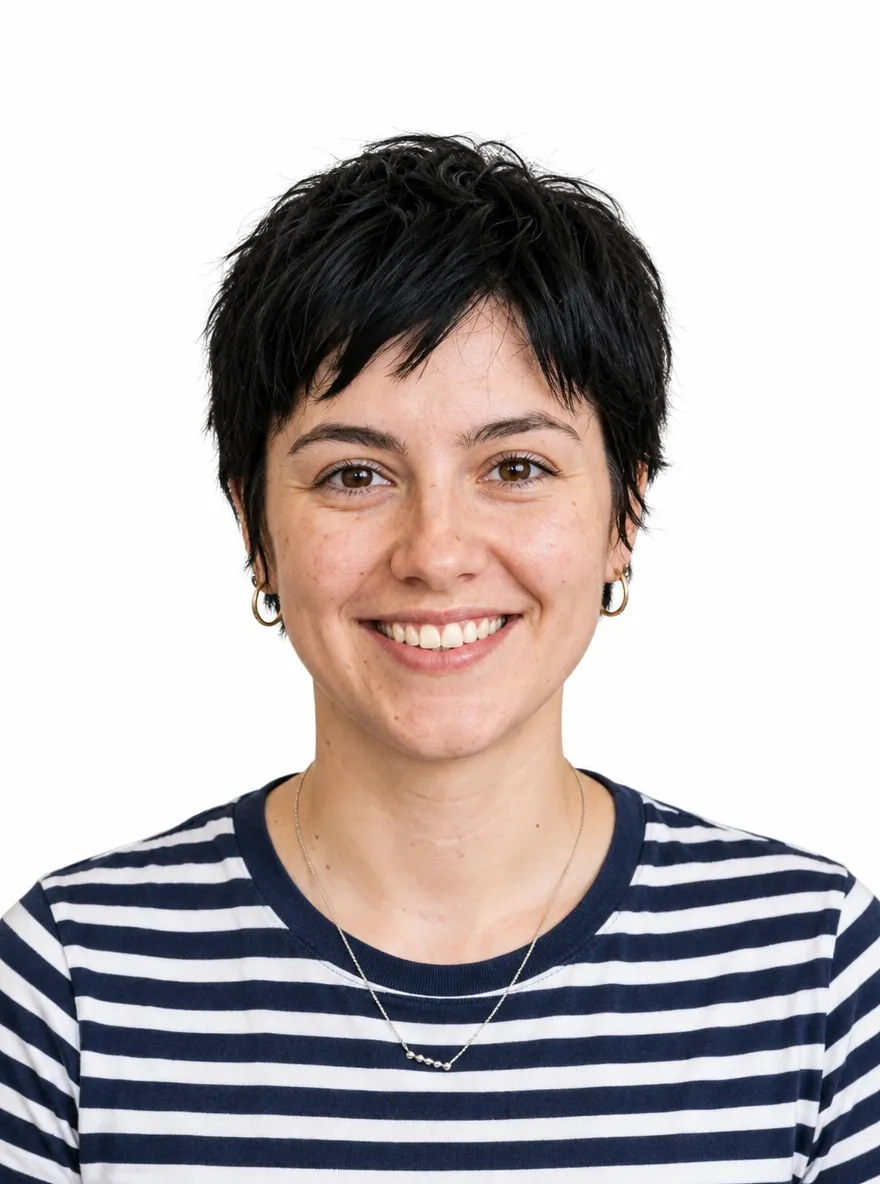
ID Photo with White Background
Remove People from the Background
Christmas Pine and Warm Bokeh
Summer Pool Water and Caustics
Black Friday Black-and-Gold Pedestal
Turn a Product Photo into a Sale Poster
Update the Discount on a Promo Graphic
Lunar New Year Red and Gold
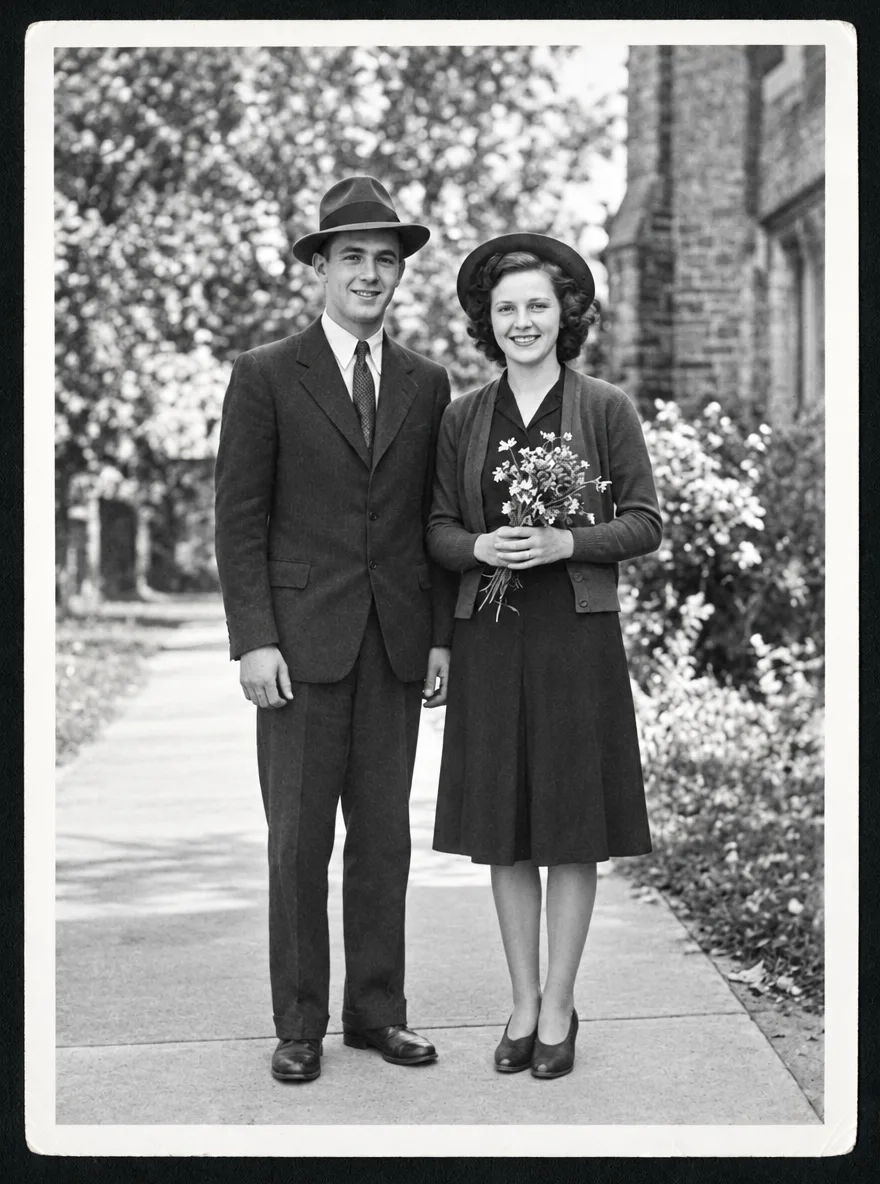
Restore a Faded Old Photo
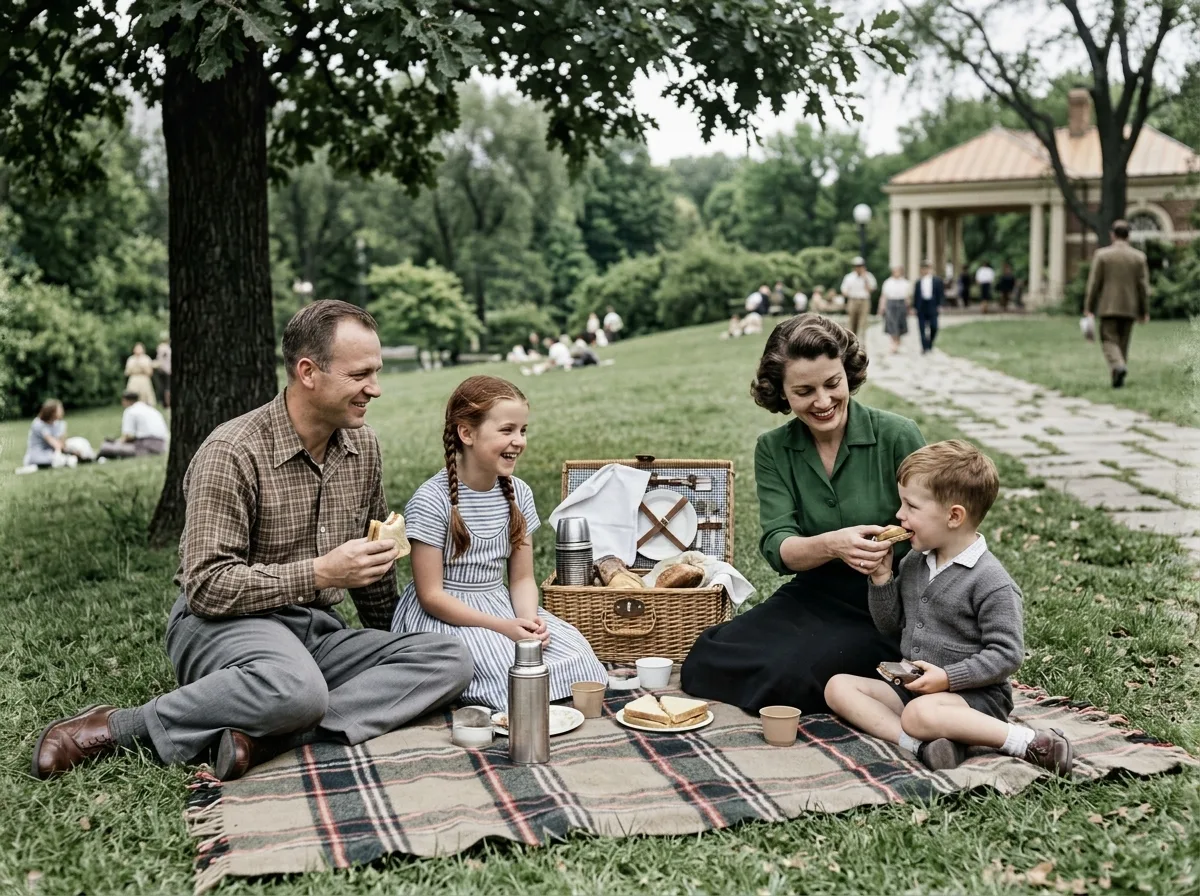
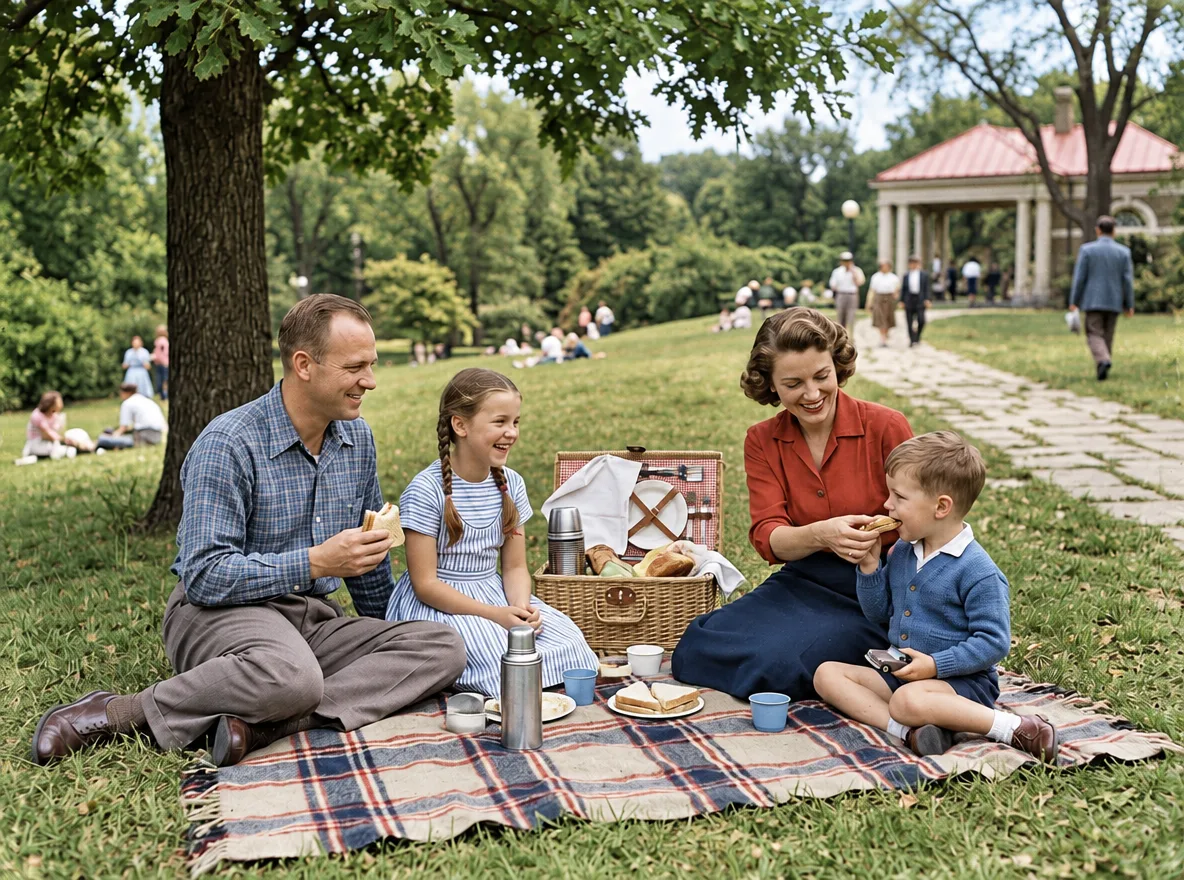
Colorize a Black-and-White Photo
Fix Blur and Noise
Brighten an Underexposed Photo
Turn Your Pet into a Collectible Figure
Photo to Watercolor Illustration
Photo to 3D Clay Character
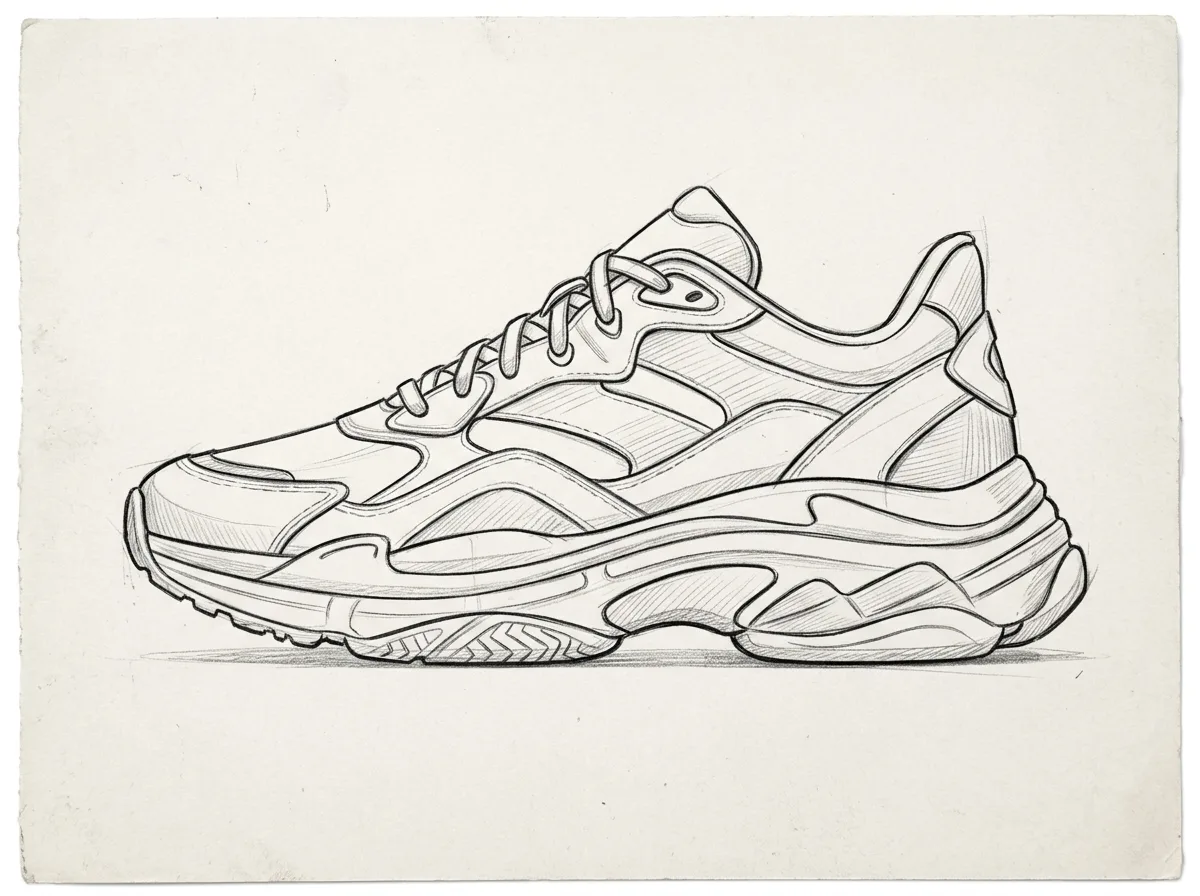
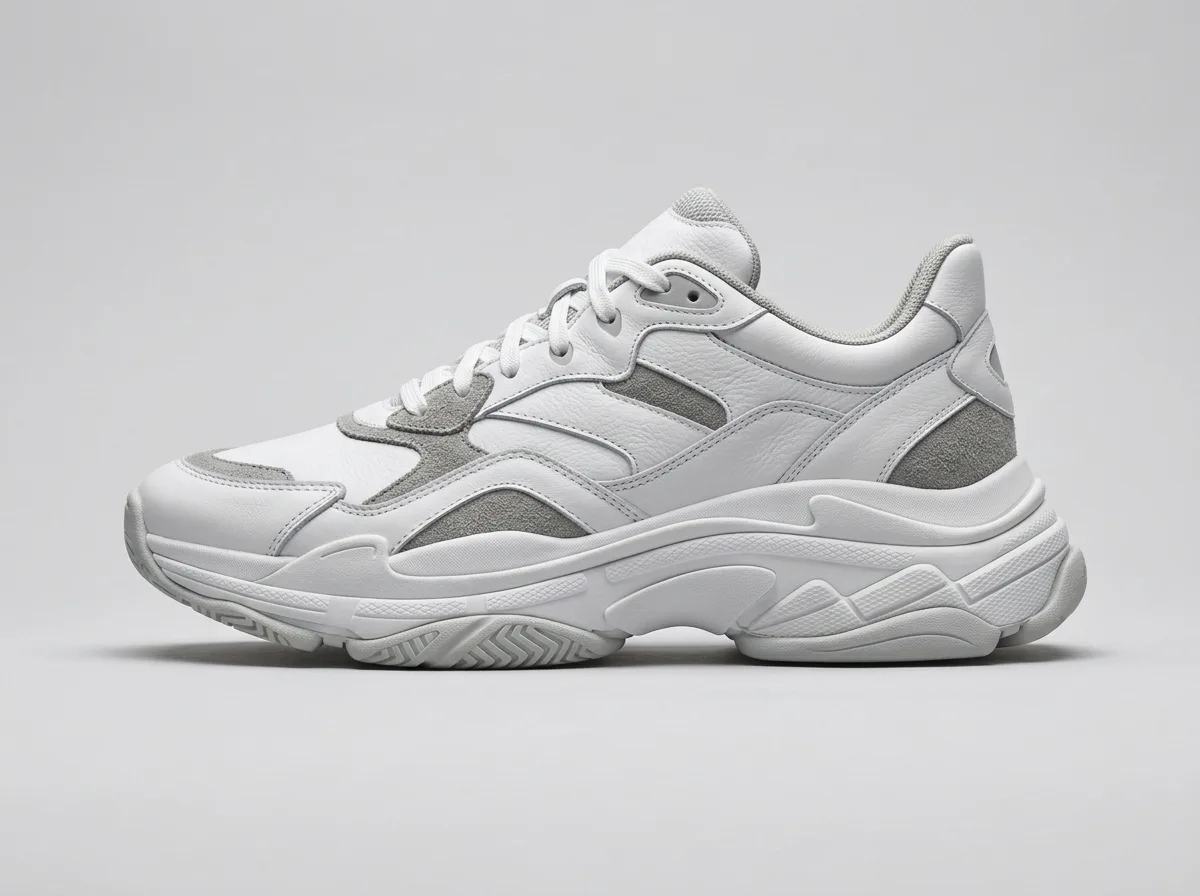
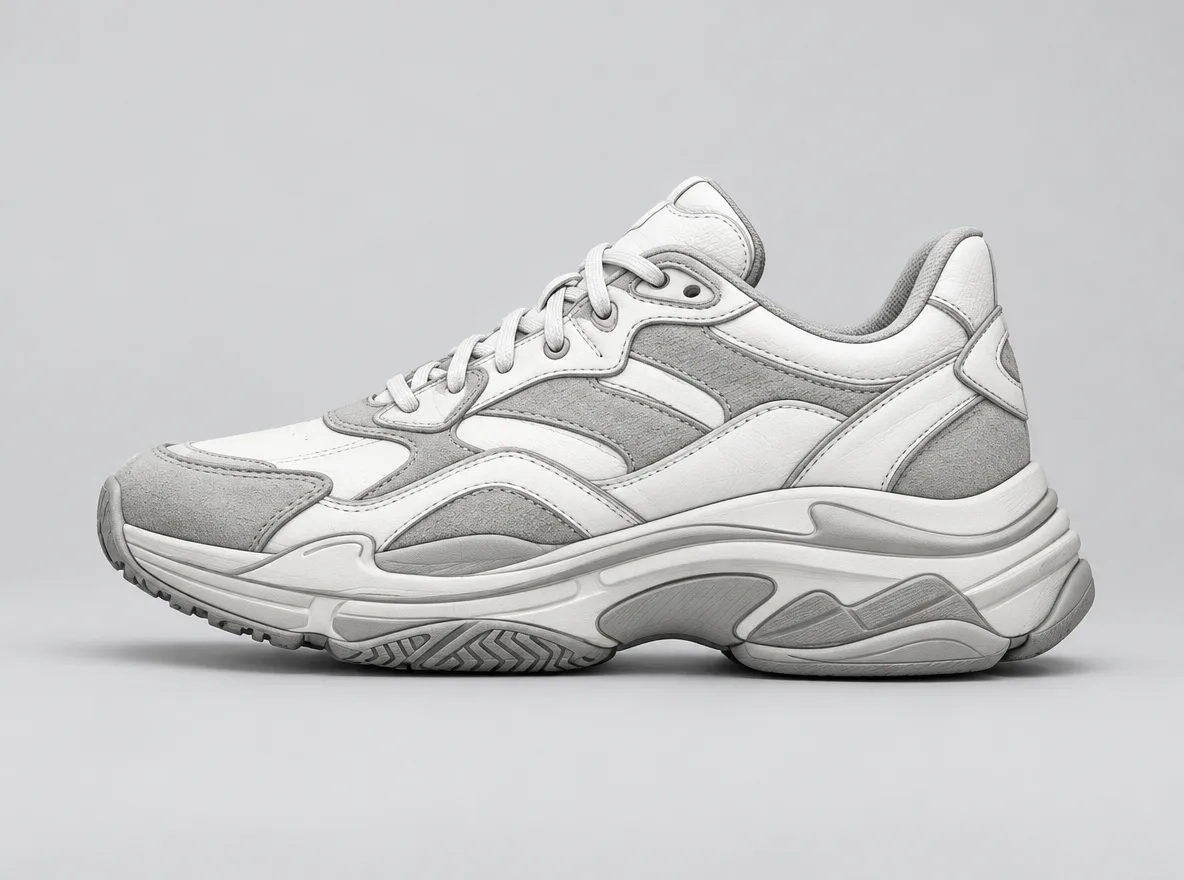
Sketch to Product Render
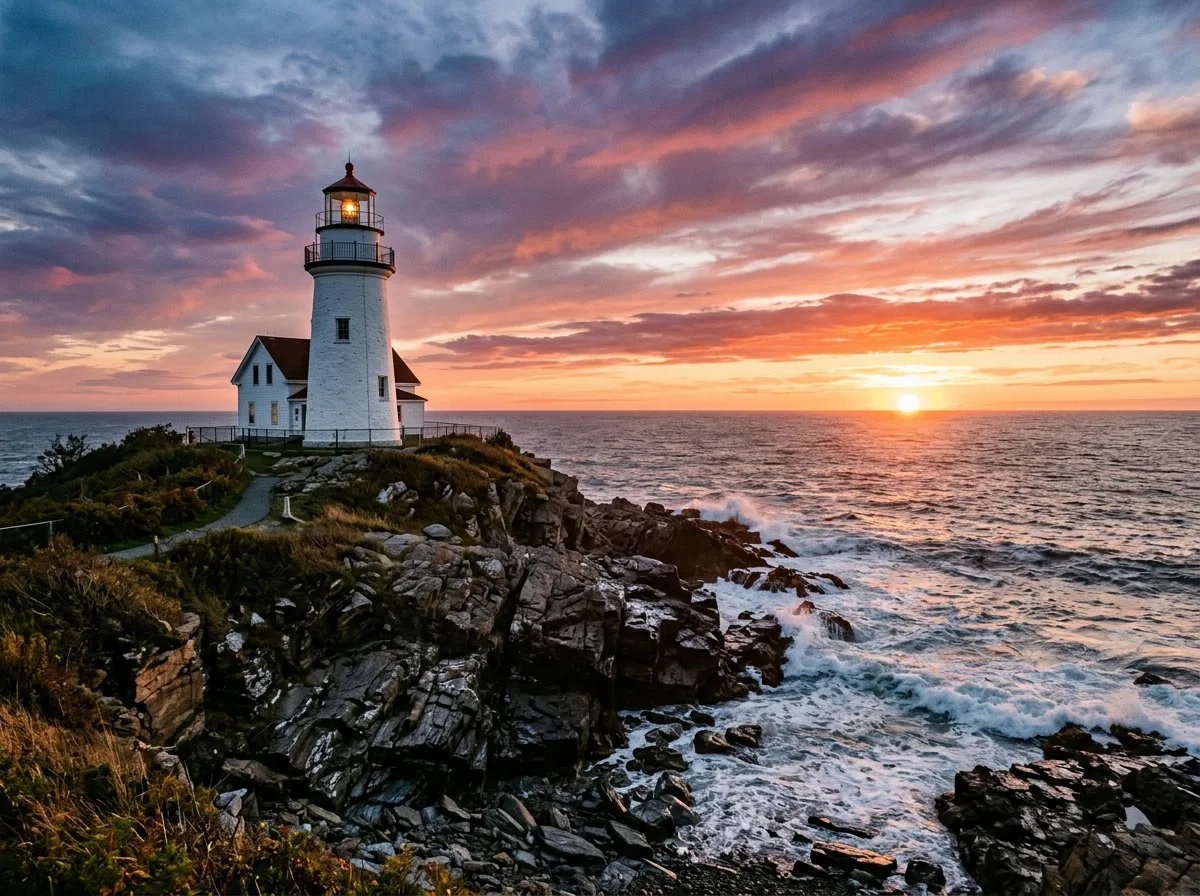
Borrow the Style of a Reference Image
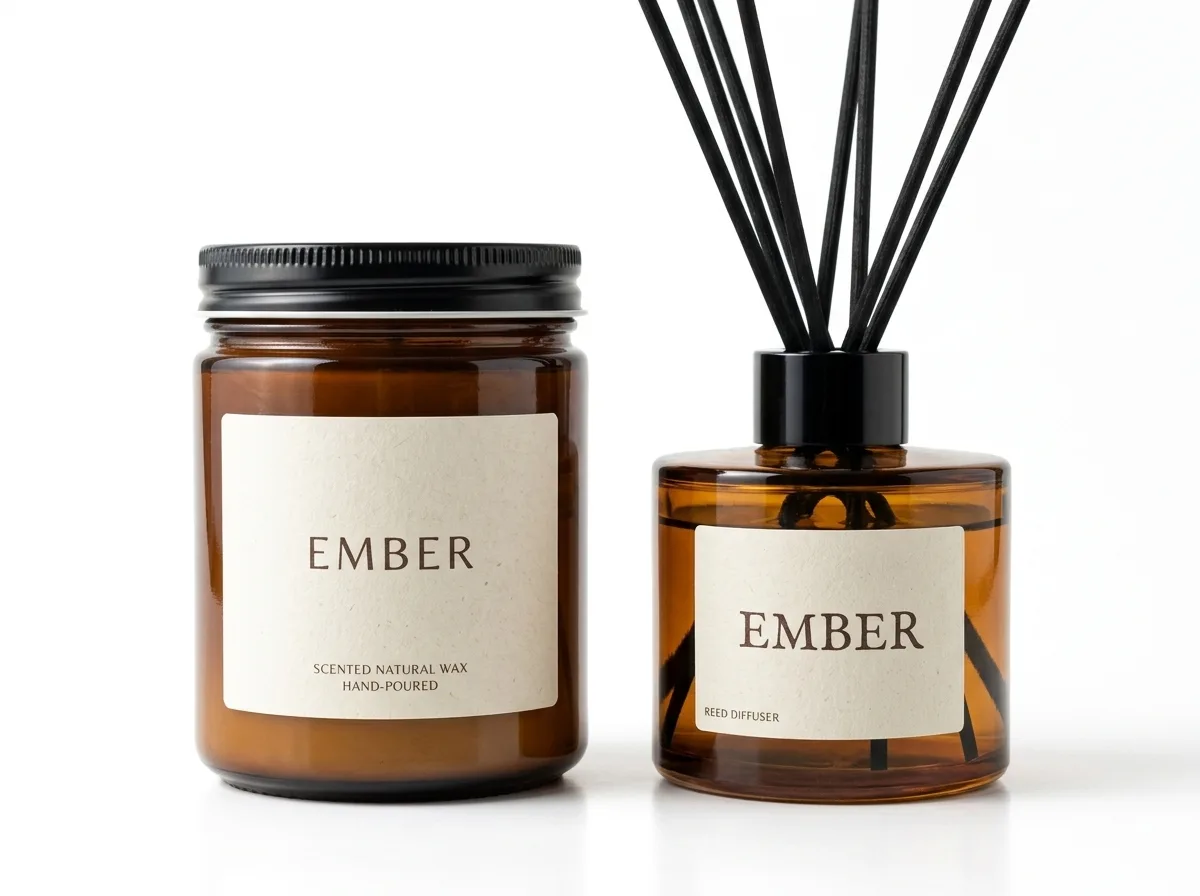
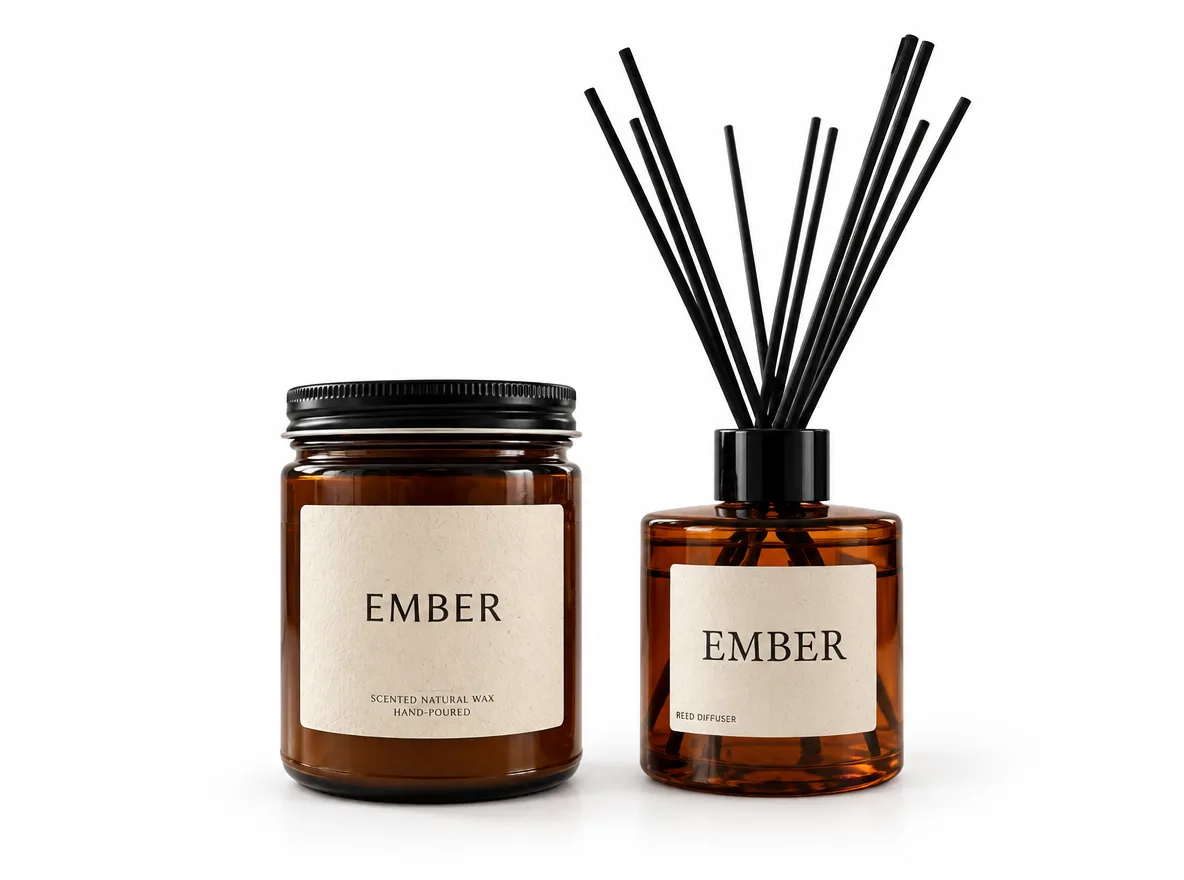
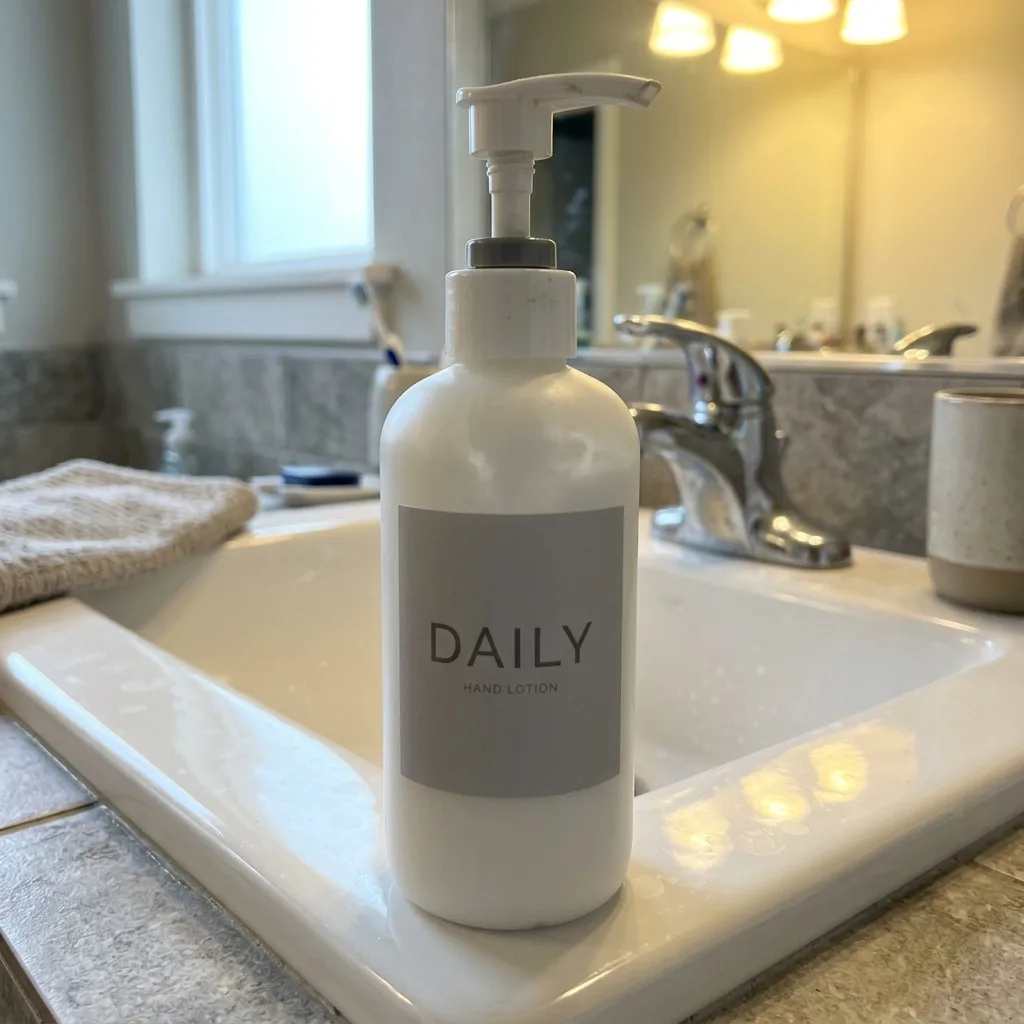
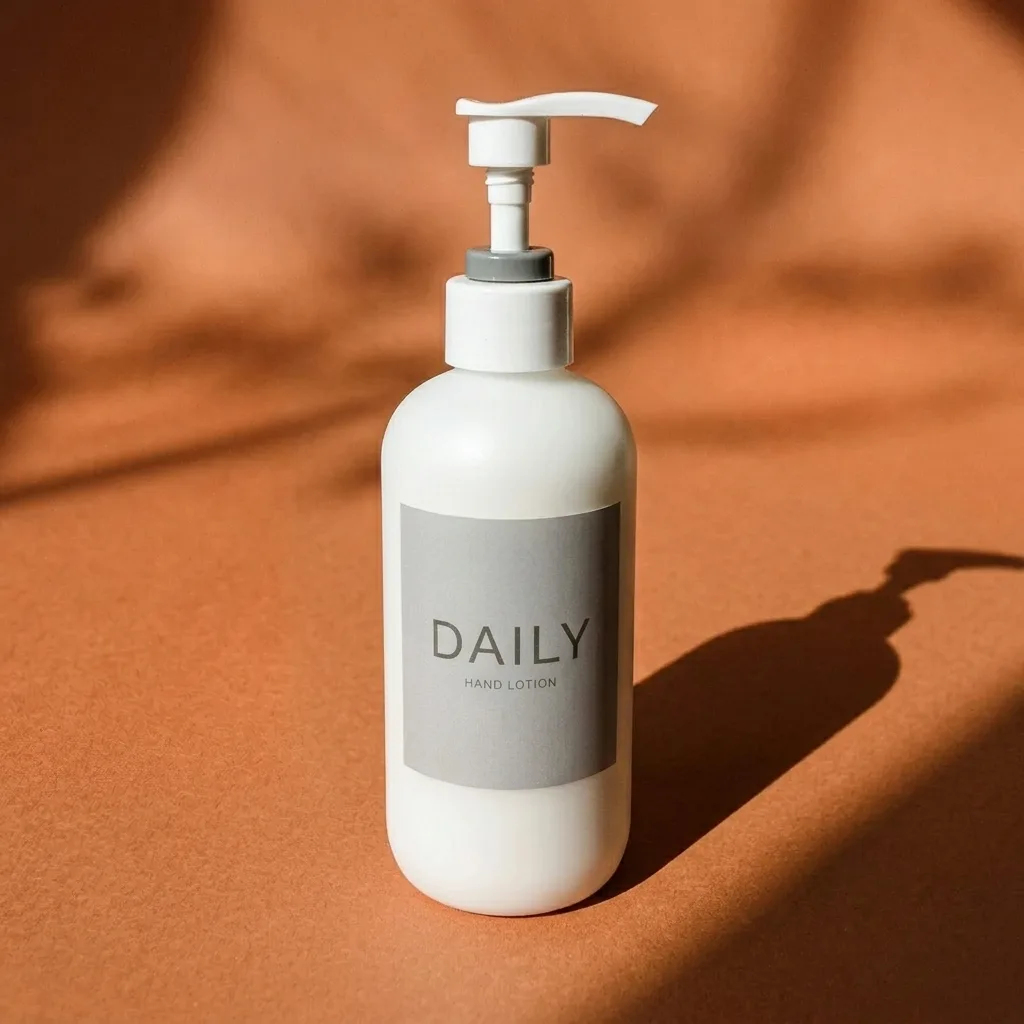
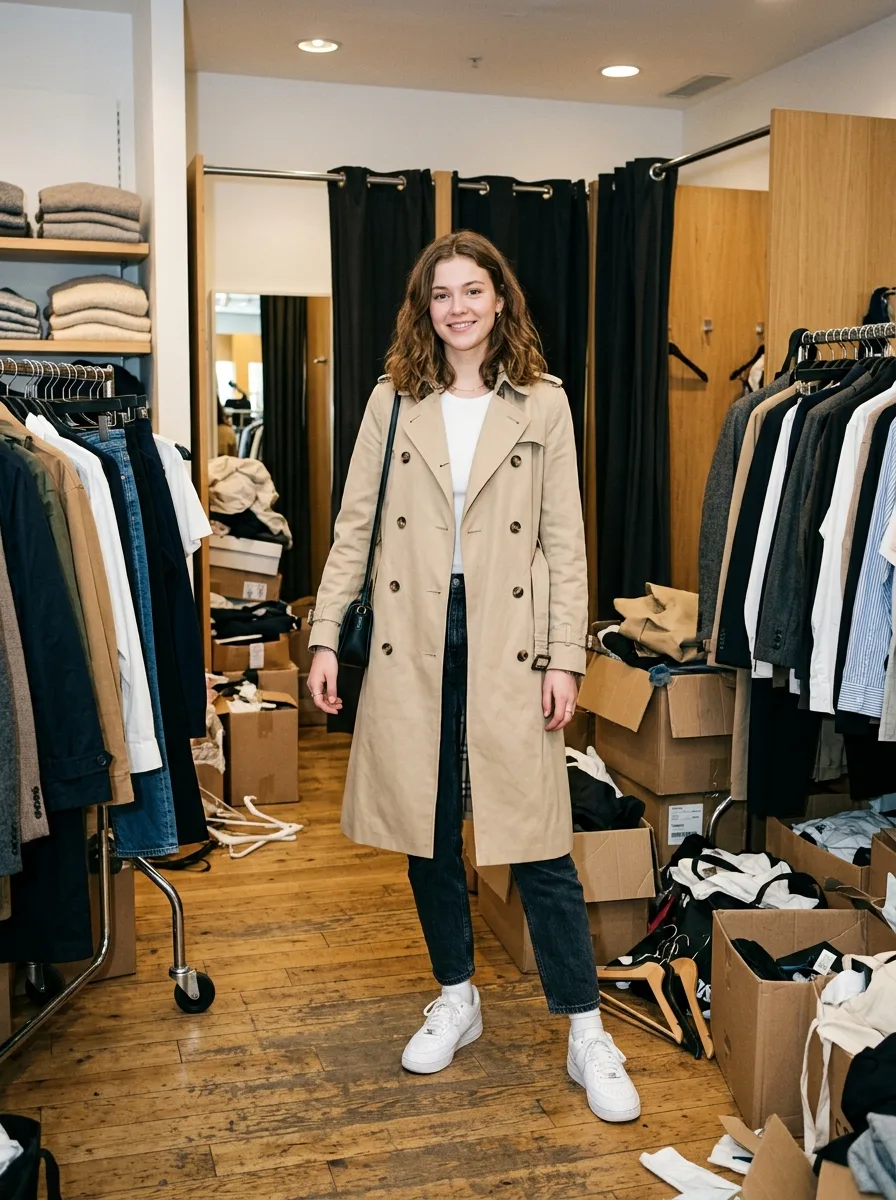
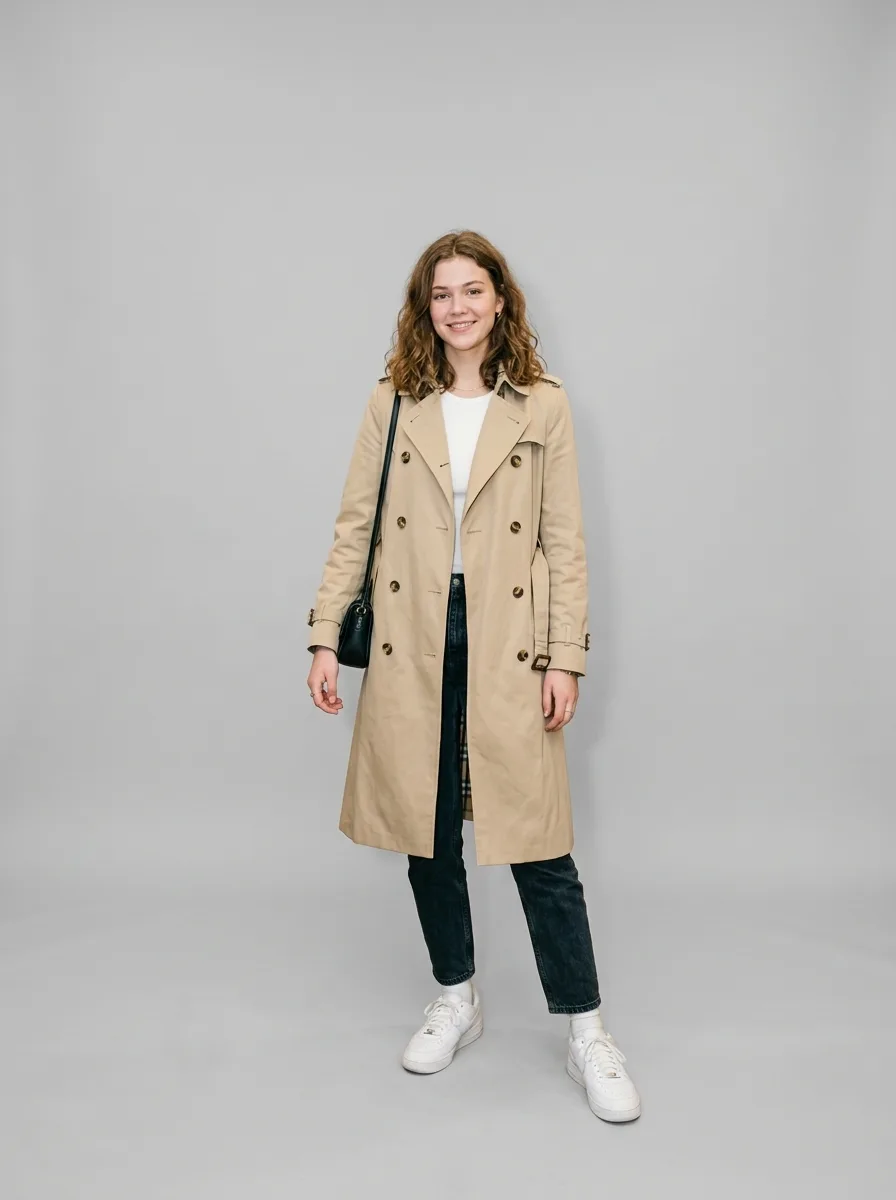
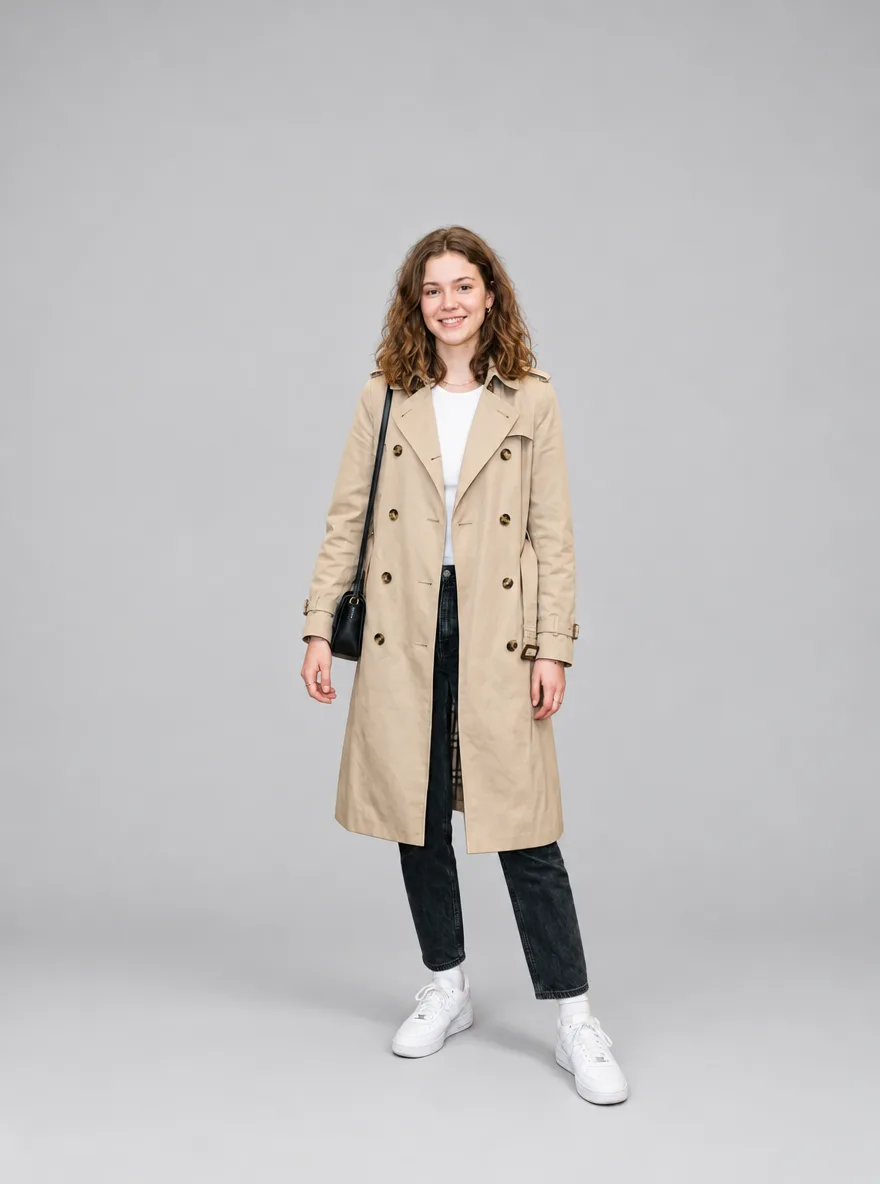
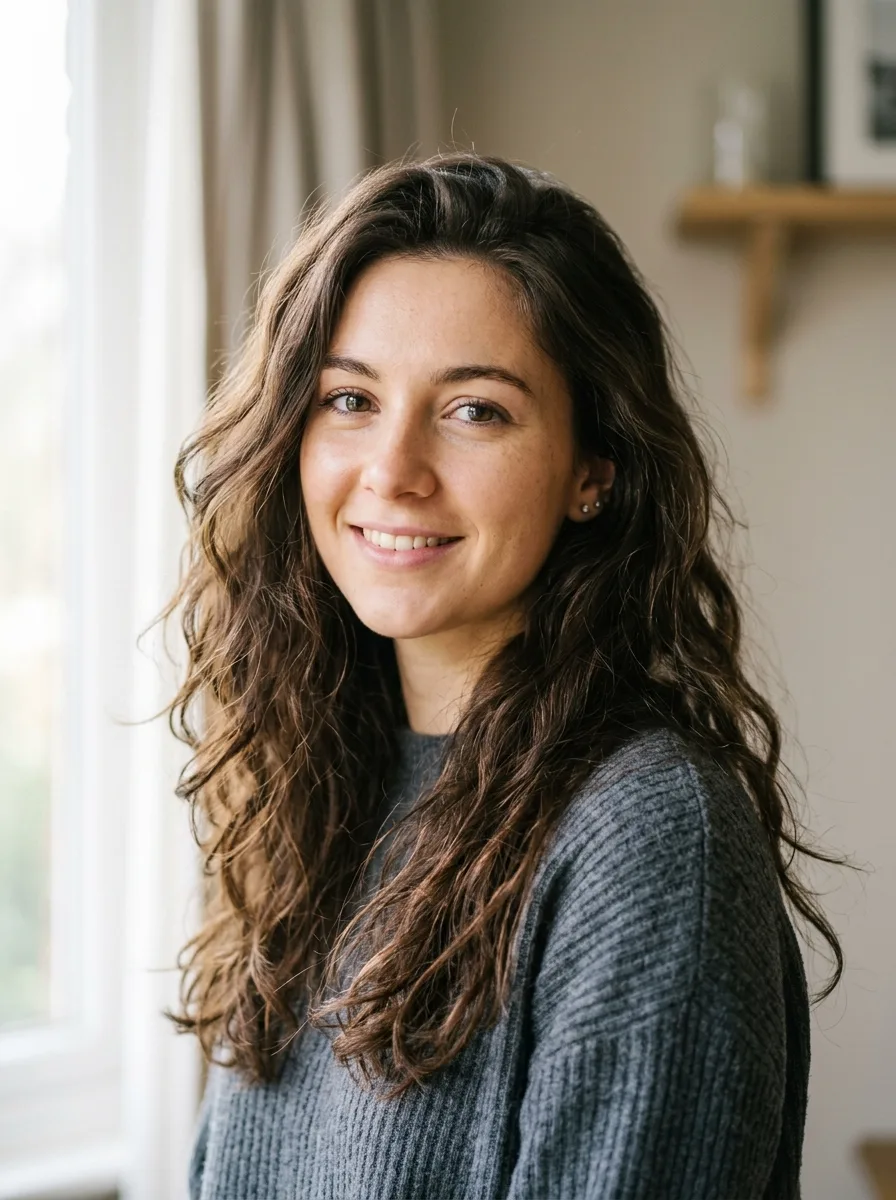






Frequently asked questions
Which is better, Nano Banana 2.1 or GPT Image 2.5?
Neither won across the board in our 48 tests, and most results were close. Nano Banana 2.1 followed a couple of prompts more literally; GPT Image 2.5 kept one product's details more exactly and rendered packaging text more cleanly. For a photo that matters, run the edit on both and keep the better result.
Which one is cheaper?
On YepShot, GPT Image 2.5 at standard quality: 3 credits per 1K edit against 6 for Nano Banana 2.1. Its high and max quality levels cost 6 and 21 credits at 1K.
Which one is faster?
About the same in our tests: roughly 25 seconds per 1K edit for both.
Can I brush an area with GPT Image 2.5?
Yes. YepShot sends the brushed area to both models as a guide image with an instruction to edit only inside it. In Multi Fusion with GPT Image 2.5, the brushed area counts as one of the 4 images, so you can add up to 3 photos.
Do both keep text readable?
In our text tests, yes. Both changed the jar label to LAVENDER in matching lettering and both translated the tea box into Spanish correctly. GPT Image 2.5 kept the ampersand in "Manzanilla & Miel", where Nano Banana 2.1 wrote "Manzanilla y Miel".
Did you test GPT Image 2.5 at high quality?
No. This page uses standard, the editor's default, which costs half as much as Nano Banana 2.1. High costs the same 6 credits at 1K as Nano Banana 2.1 and may close some of the gaps; we haven't run it on these photos.