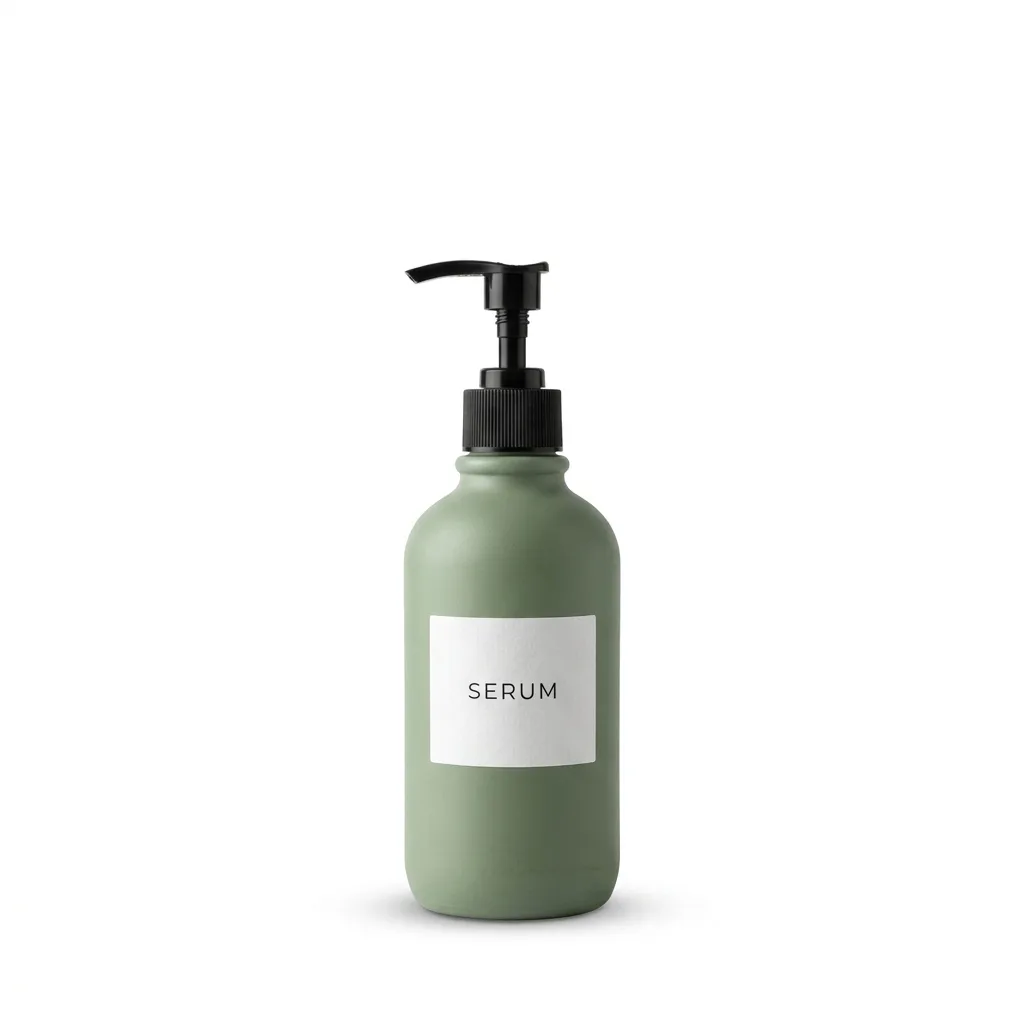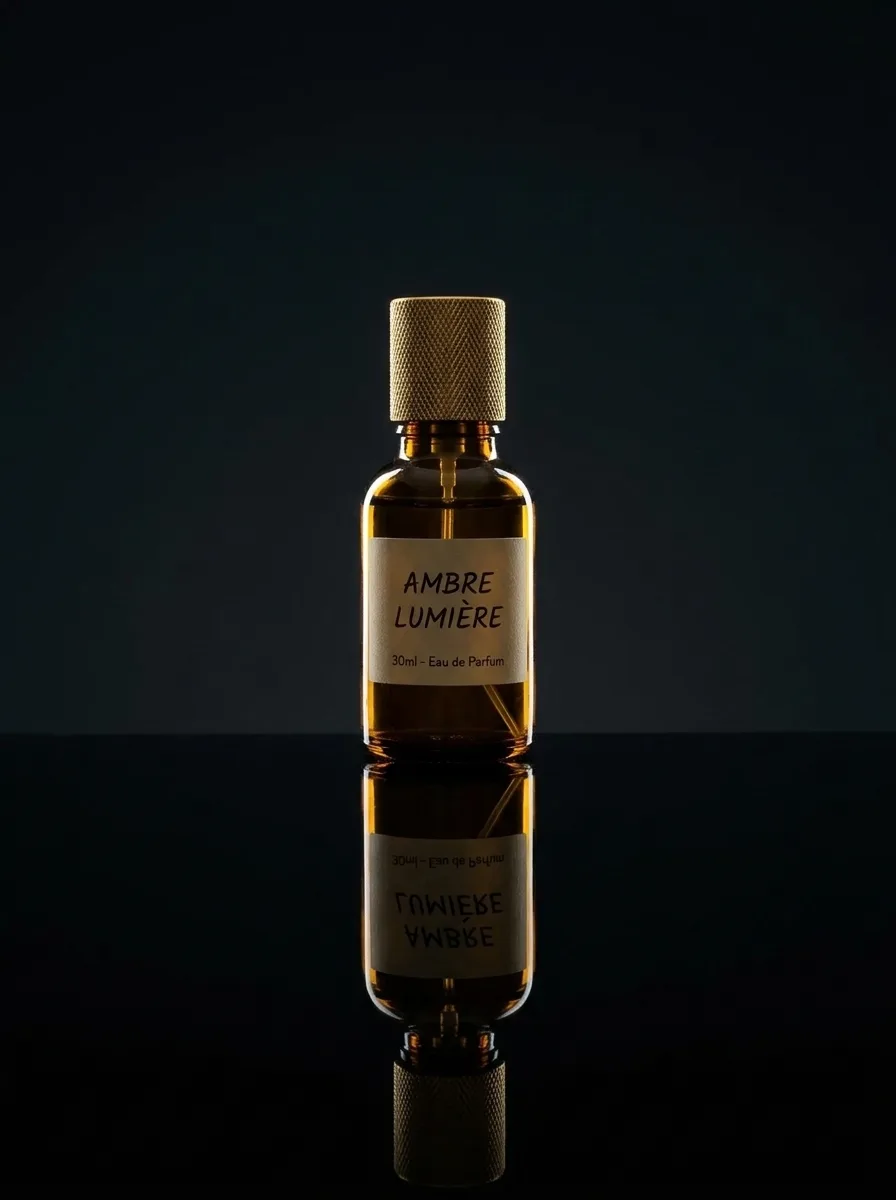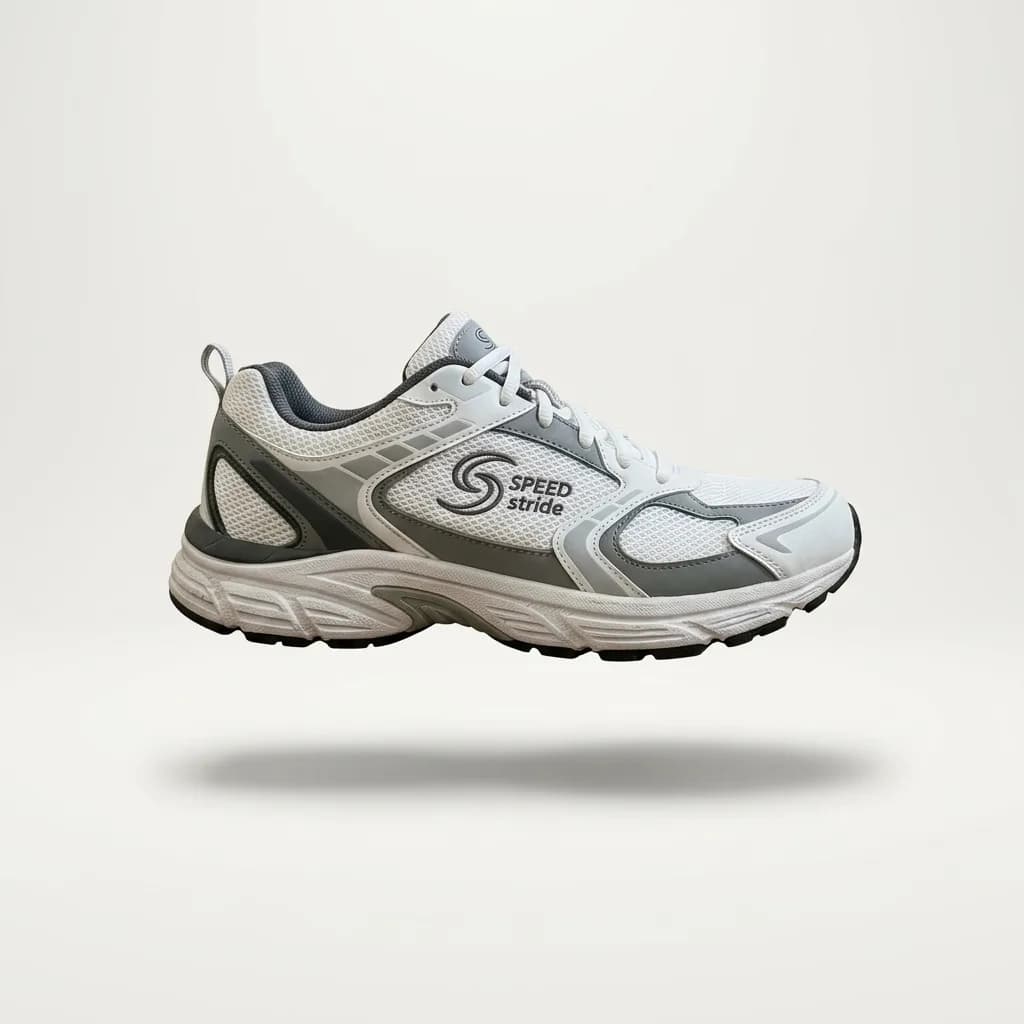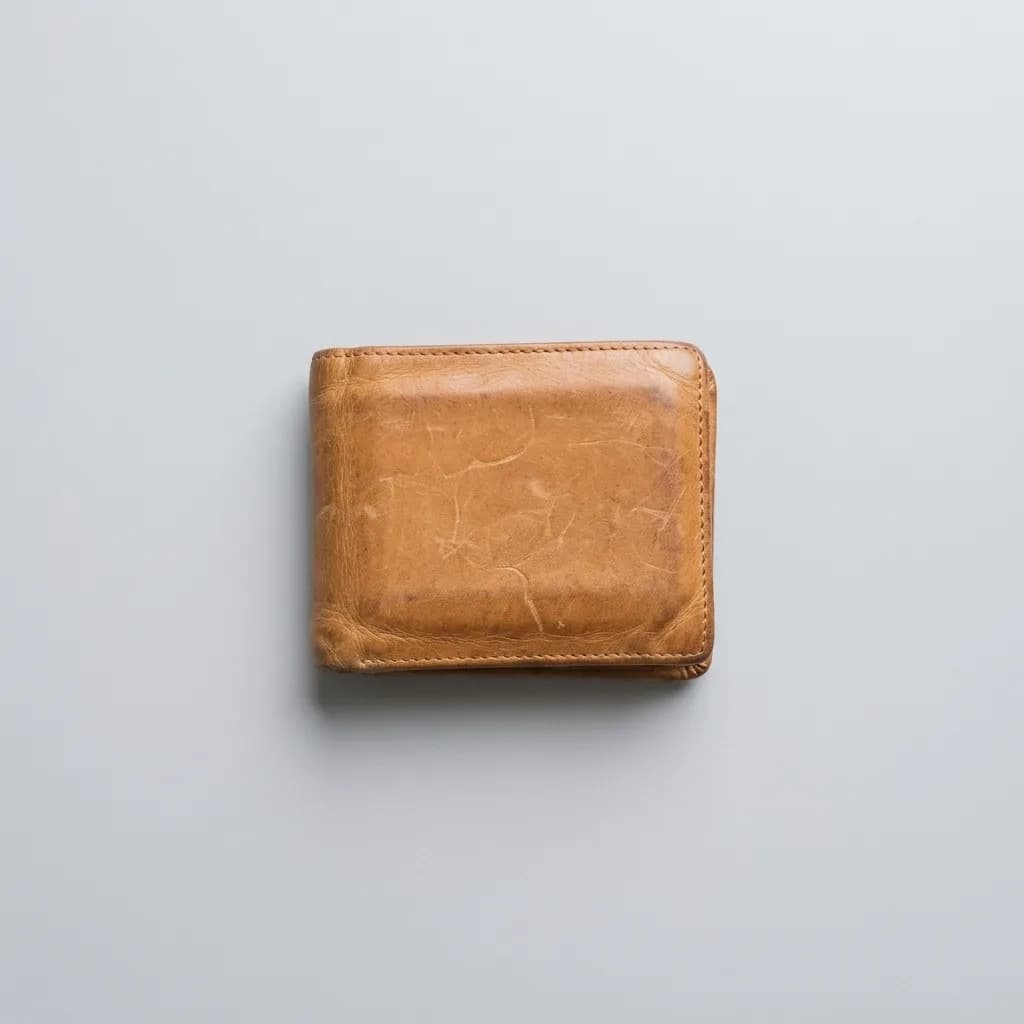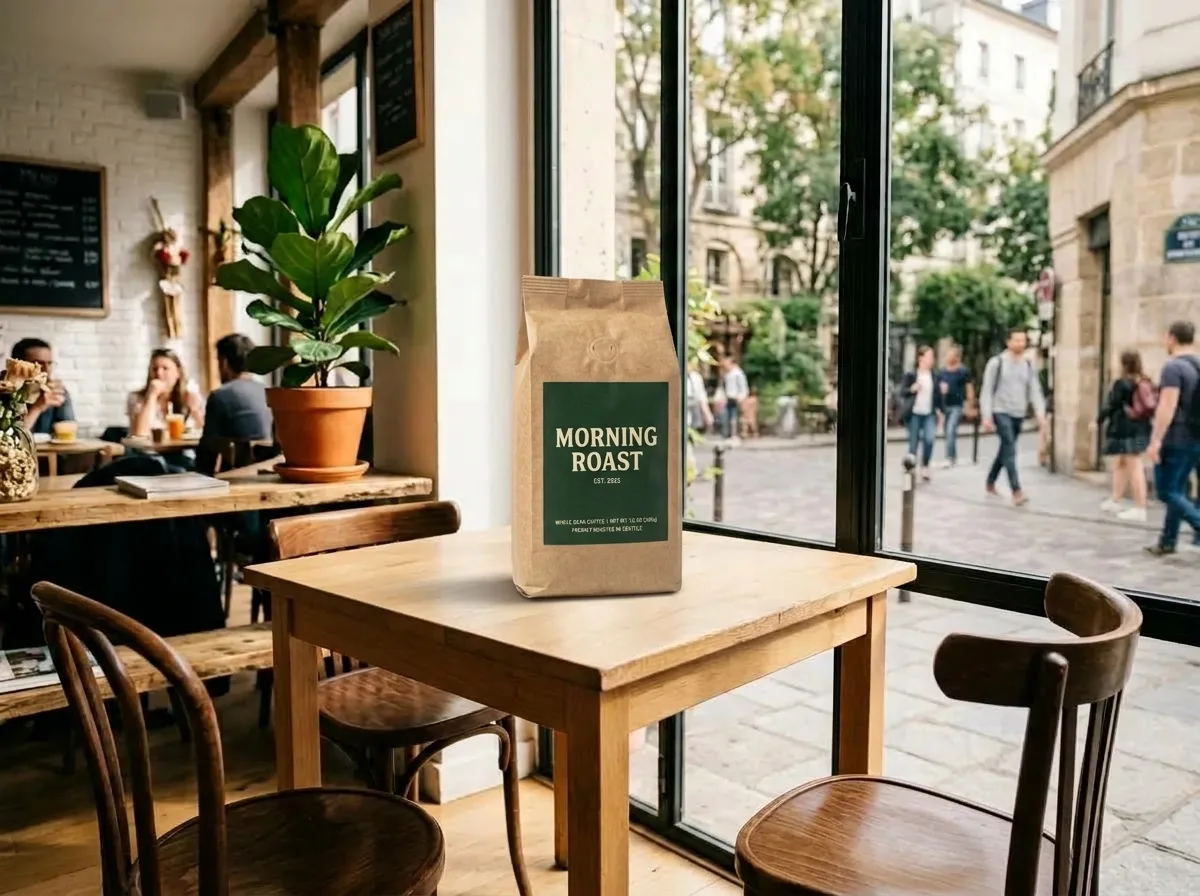
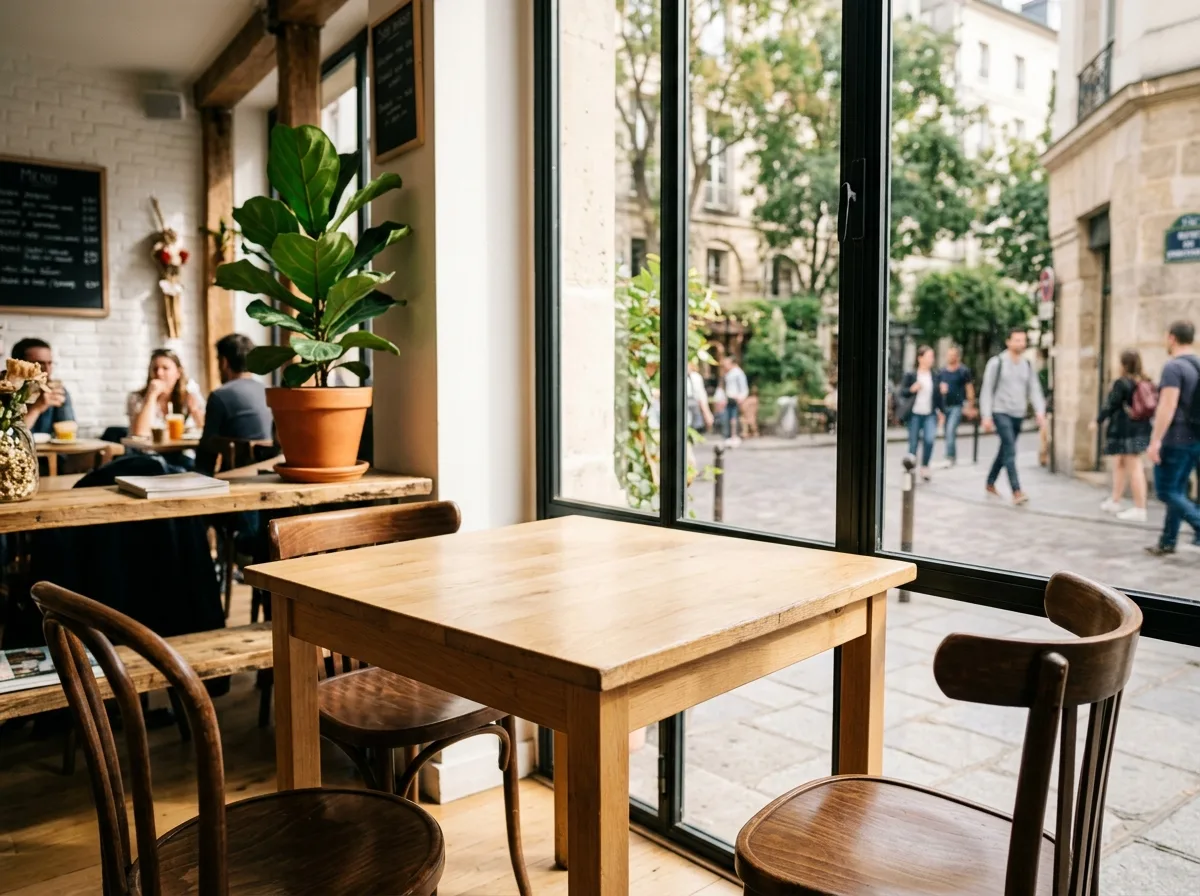
IMG_1 · 原图Nano Banana 2.1
产品多图合成
把商品放进实拍场景
Nano Banana 2.1 实测2026-09-23 加入6 积分起
需要两张图:IMG_1 是场景,IMG_2 是商品。模型会把商品放到 IMG_1 的桌面上,透视、光线方向和色温都和场景对齐,并补上接触阴影。不用搭景就能出生活场景图。场景里没有桌子的话,把提示词里的“on the table”改成实际的台面。
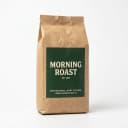
IMG_2 · 参考图
IMG_1 是原图,IMG_2 是参考图
提示词
Place the product from IMG_2 on the table in IMG_1. Keep the product's shape, label and colors exactly as in IMG_2. Match IMG_1's perspective, lighting direction and color temperature, and add a natural contact shadow so the product looks photographed in place. Keep the rest of IMG_1 unchanged.
中文释义:把 IMG_2 里的商品放到 IMG_1 的桌面上。商品的形状、标签和颜色与 IMG_2 完全一致。匹配 IMG_1 的透视、光线方向和色温,并加上自然的接触阴影,让它看起来像是现场拍的。IMG_1 其余部分保持不变。