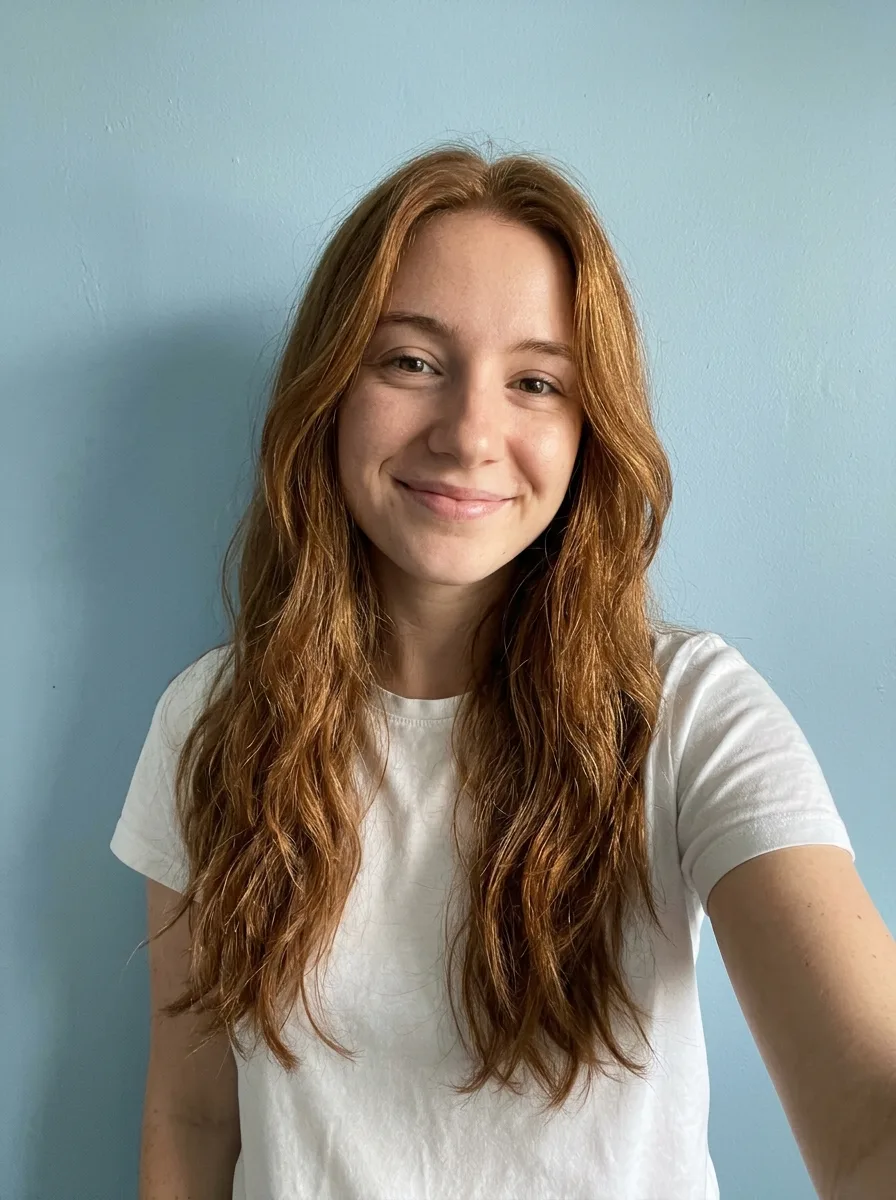
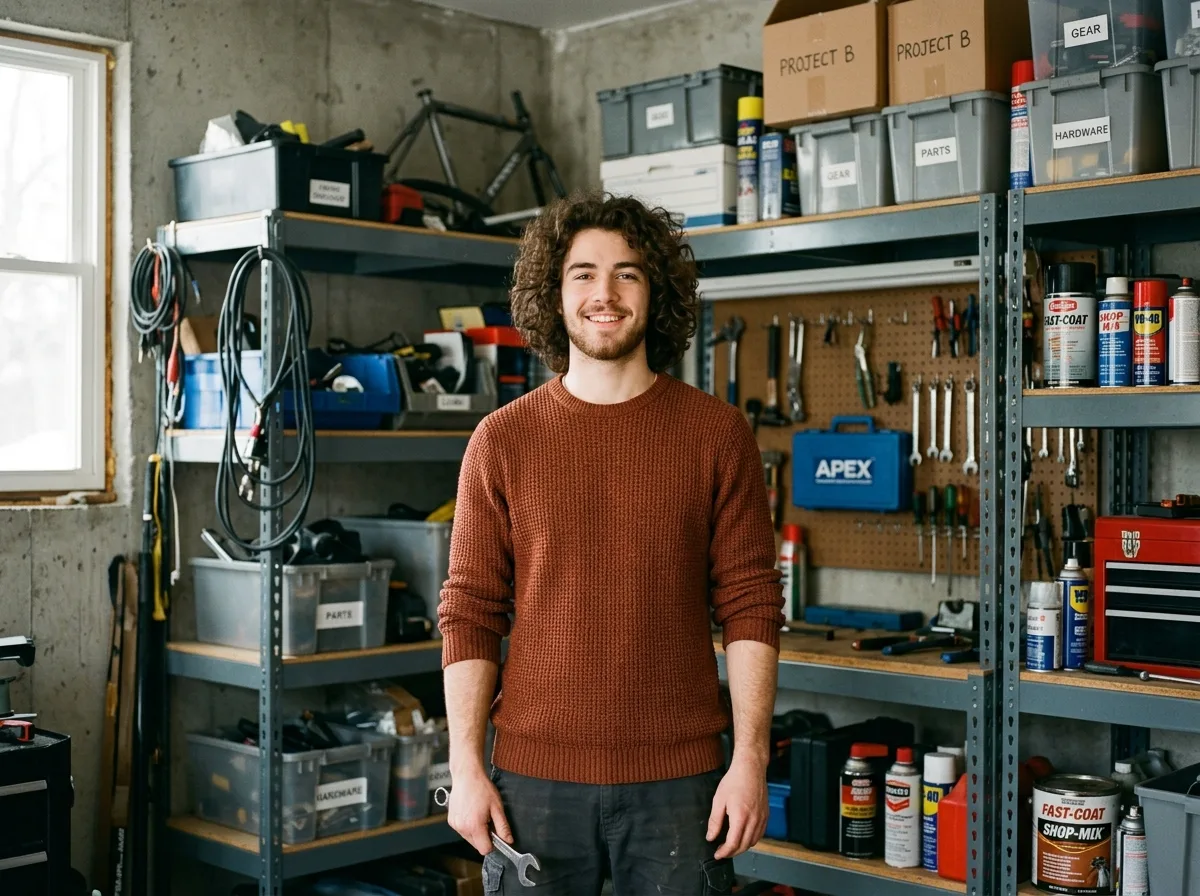
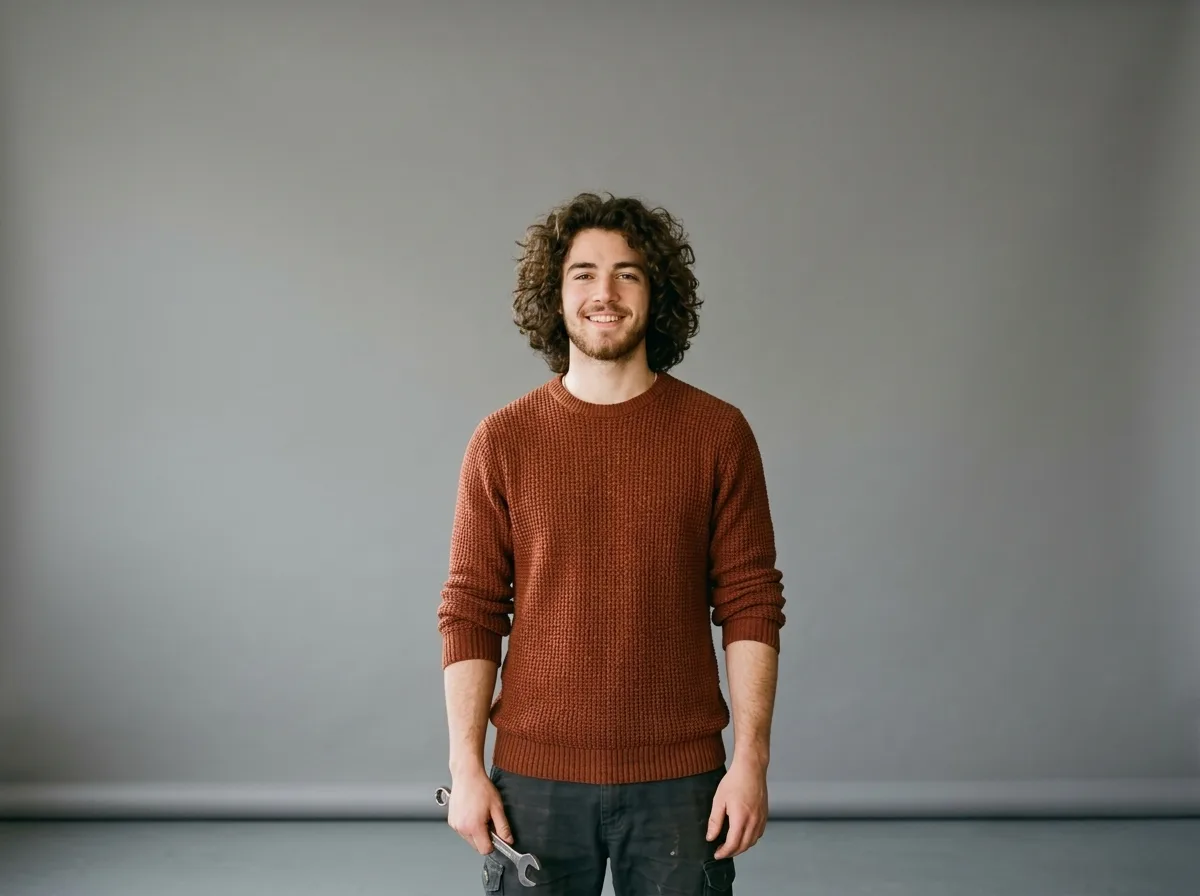
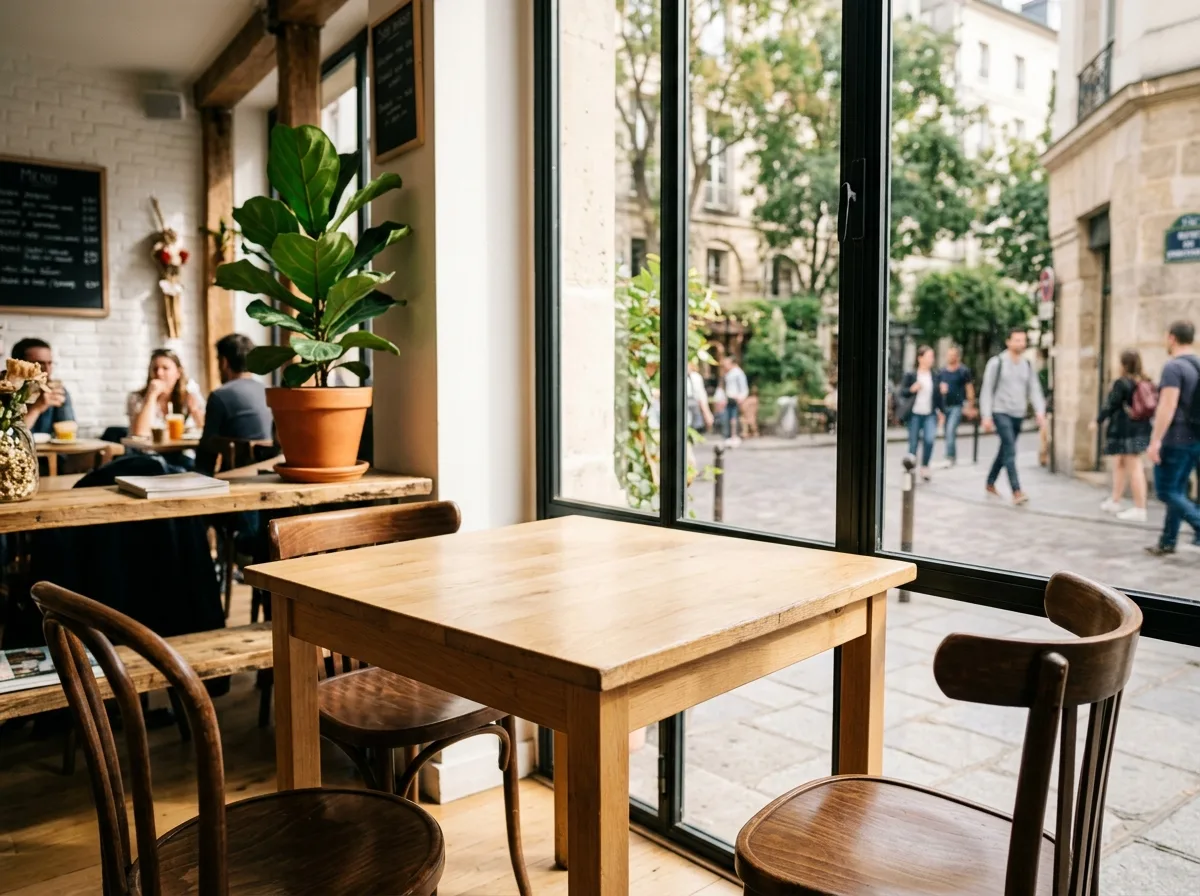
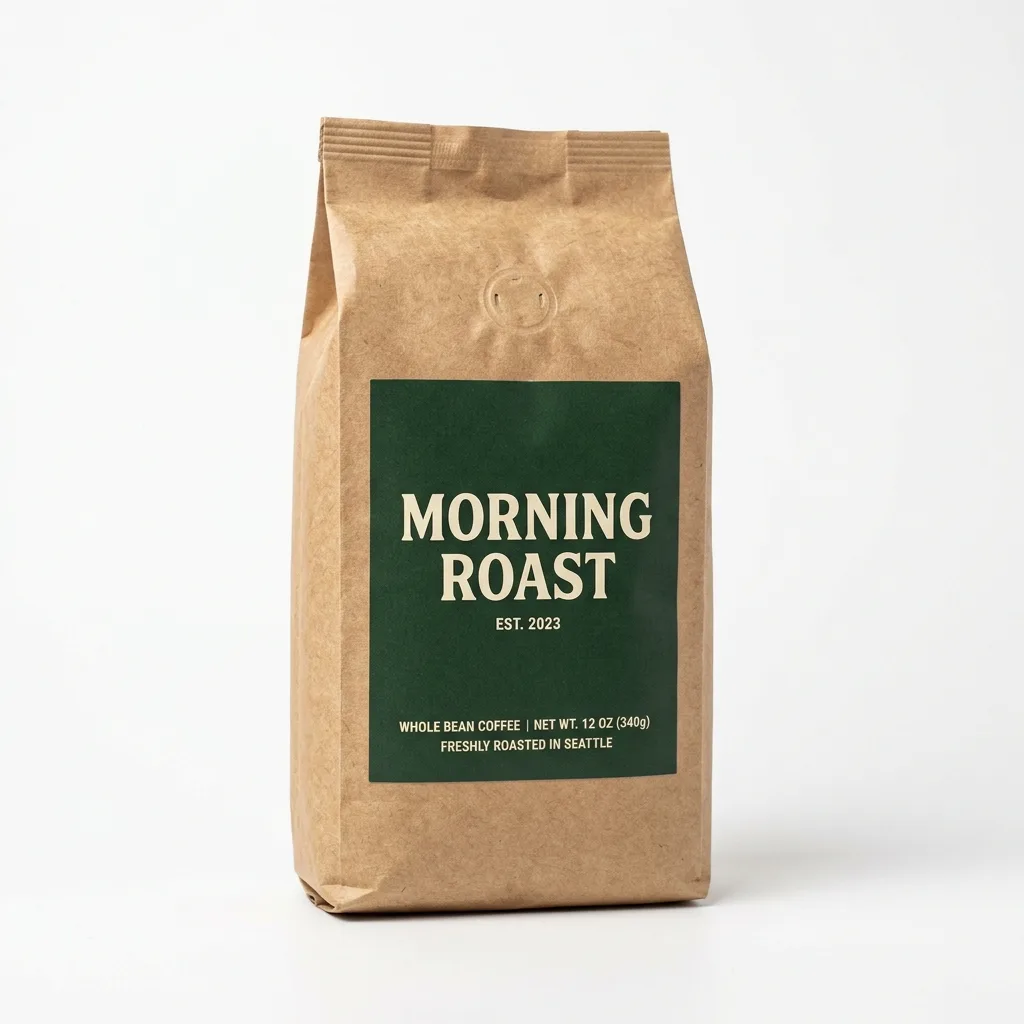
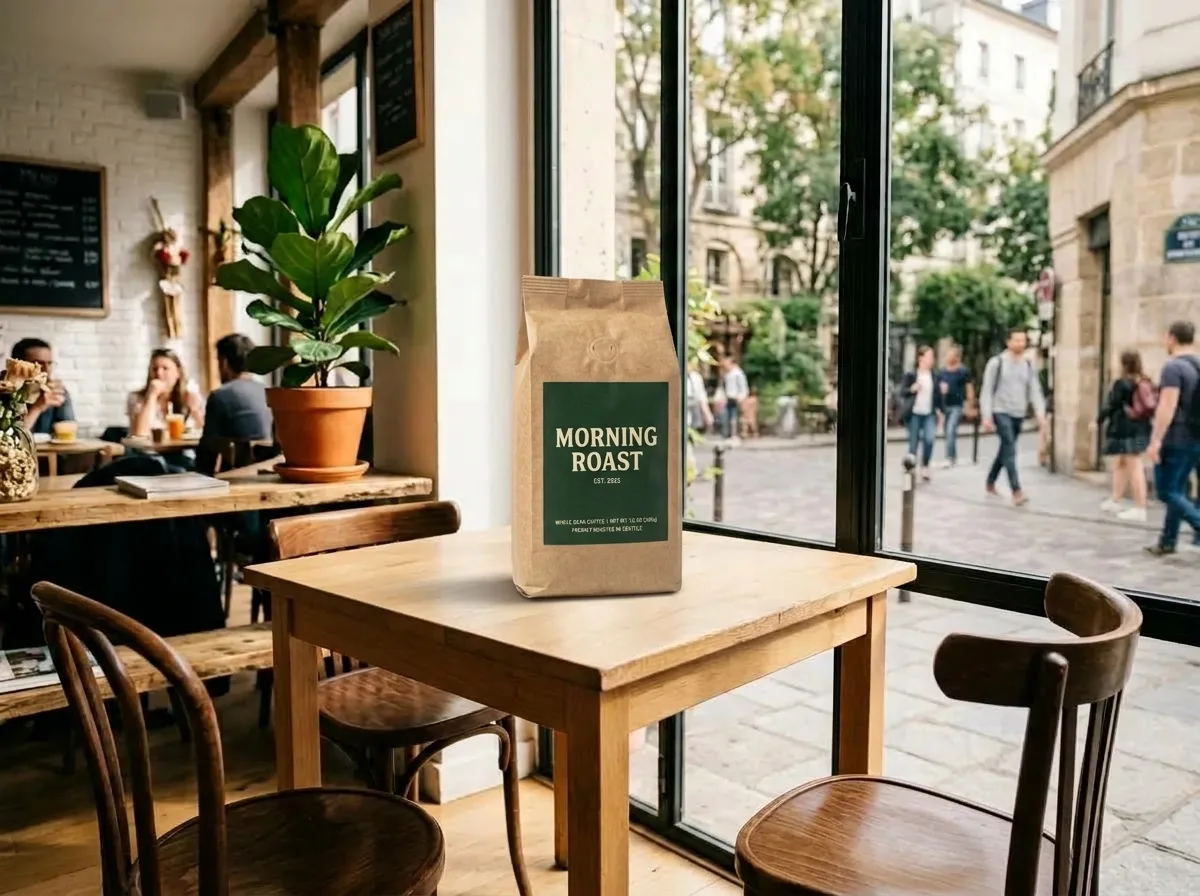
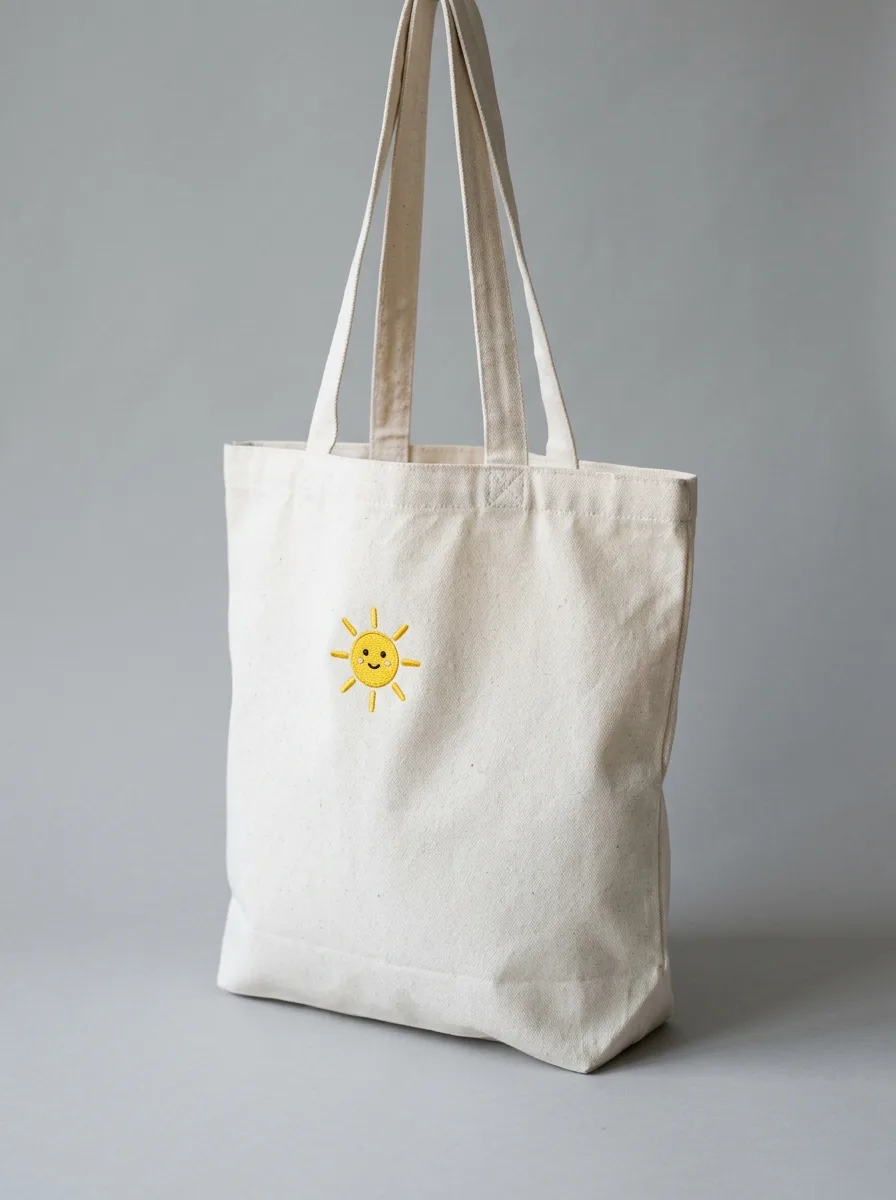
Change one thing in your photo. Nothing else moves.
Upload a photo and say what to change. To keep the edit to one spot, brush over it; the rest of the picture stays as it was.
Original
Edited
Turn this photo into a looping reaction GIF: the person puts on a pair of black sunglasses, nods once with a confident smirk, then takes them off again. Keep the face, hair, clothes and background exactly as in the photo, and keep the camera still.
Edit photos by describing the change, not by learning a tool
YepShot is an AI photo editor that changes one thing in a photo from a written instruction, using Nano Banana 2.1, GPT Image 2.5 and GPT Image 2.6. It also turns a photo into an animated GIF with GPT Image 2.6 or Gemini Omni 1.2 Flash, the video model behind the GIFs in the Gemini app. Results have no watermark. Upload an image, write what should be different, and download the result. No layers, no selections, no software to install. When an edit has to stay in one spot, brush over that area and the model keeps the rest untouched.
Upload your image
JPG, PNG or WebP up to 10 MB. Multi Fusion mode takes several reference images at once, up to the limit of the model you picked.
Describe the edit
Up to 500 characters, or start from a template and adjust it. Brush over an area when the change belongs in one place only.
Generate and download
Choose the output resolution, run it, and download the file. No watermark, and the result is yours to use commercially.
Last updated 2026-11-07
What this editor does well
Built around one idea: say what you want, get it back.
Turn a photo into a GIF
Say what should move and get a looping GIF from the same photo: 9 frames with GPT Image 2.6, or a smoother 3-second clip with Gemini Omni. Reaction memes, animated stickers, pets, products. Every example in our library comes with the GIF it produced.
Write the change the way you would say it to a person. Add a brush stroke when you need the edit confined to one region, and leave it out when you don't.
Replace the background with a clean studio backdrop, keeping the subject's edges and original lighting.
Keeps what should not change
Faces, product shapes, logos and surrounding texture stay as they were. The edit lands where you asked and stops there.
Blend several images
Pull an object out of one photo and place it into another. Lighting, perspective and shadow direction are matched to the destination image.
Text that comes out readable
Replace copy on a poster, label or sign and keep the original font weight, colour and perspective. That is the part most image models get wrong.
Up to 4K output
Pick 1K, 2K or 4K per run. You only pay the higher credit cost when you actually need the larger file.
1K
6 credits
2K
7 credits
4K
15 credits
Who this is for
Same editor, different jobs.
Product shots without a second shoot
Put one product photo on a dozen backgrounds, clean up reflections, and fix packaging text, without booking a studio again.
What is a prompt-based image editor, and how do I use it?
It edits photos from a written instruction instead of manual tools. Upload an image, describe what should change, pick a model, and generate. If the change belongs in one specific spot, brush over that area first.
Is it free, and do results carry a watermark?
New accounts get 18 free credits: enough for three Nano Banana 2.1 edits at 1K, or six GPT Image 2.5 edits at Standard quality. Nothing we produce carries a watermark, on any plan.
Which file formats can I upload?
JPG, PNG and WebP, up to 10 MB per image. Results come back as PNG or JPEG, depending on the model.
Can I use more than one image at a time?
Yes. Multi Fusion mode takes several reference images in one run. The exact limit depends on the model, and the uploader shows it. Refer to them as IMG_1 and IMG_2 in your prompt.
How do you keep the rest of the picture unchanged?
Name what must stay in the prompt, and brush over the region you want changed. The mask tells the model where the edit belongs, which is far more reliable than describing a location in words.
What kinds of edits work?
Removing and inserting objects, background replacement, text changes inside an image, colour and material changes, photo restoration, style transfer, and blending several photos into one scene.
Which model should I pick?
Start with the cheapest one for small fixes. Step up when you need higher resolution or stronger consistency across a complex edit. Each model lists its credit cost per resolution before you run it.
Who is it for?
Anyone who needs an image changed and does not want to open a full editor: online sellers, creators, marketers and designers, and people fixing their own photos.
What happens to the images I upload?
They are stored privately and served only through short-lived private links. They are used to run your edit, not to train models.
Can I use the results commercially?
Yes. You own what you generate and can use it in commercial work. You are responsible for holding the rights to whatever you upload.